

 DownloadInventory Interactions Mod
Get the files on 9Minecraft
Guides
Step-by-step, in-game.
Craft Items by Right-Clicking Ingredients TogetherCombine Ingredients Without Opening a Crafting Menu Create items by right-clicking compatible ingredients together in…Merge Two Tools Into OneCombine Durability From Two Damaged Tools When you have two partially damaged tools of the same type, merge them to…Rename an Item Stack Using a Name TagGive Custom Names to Your Items Use name tags to instantly rename item stacks in your inventory without visiting an…Repair a Damaged Tool in Your InventoryQuick Repair Without a Crafting Table Repair damaged tools instantly by using materials directly from your…
Frequently asked questions
How do I repair a tool in my inventory?
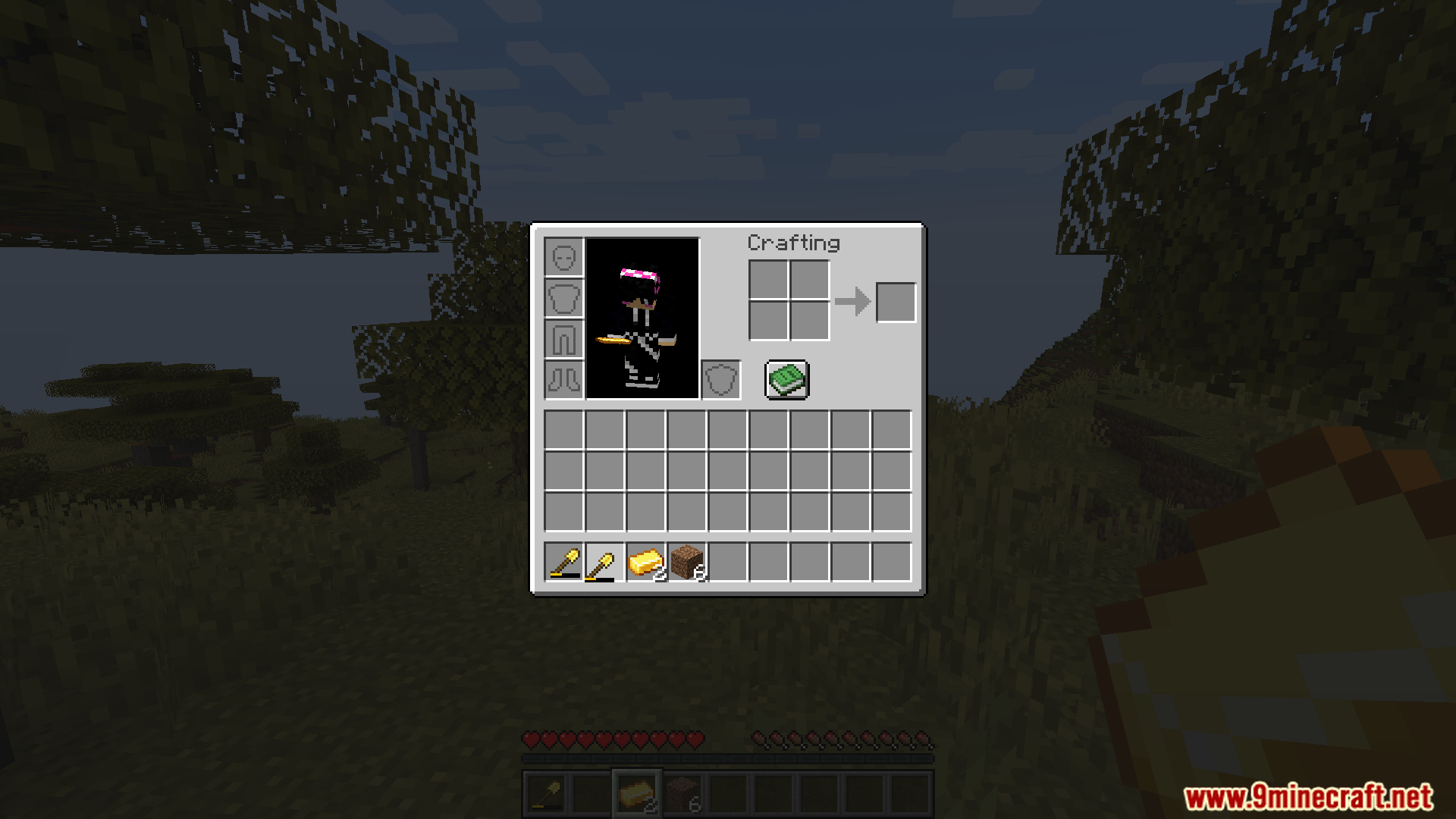
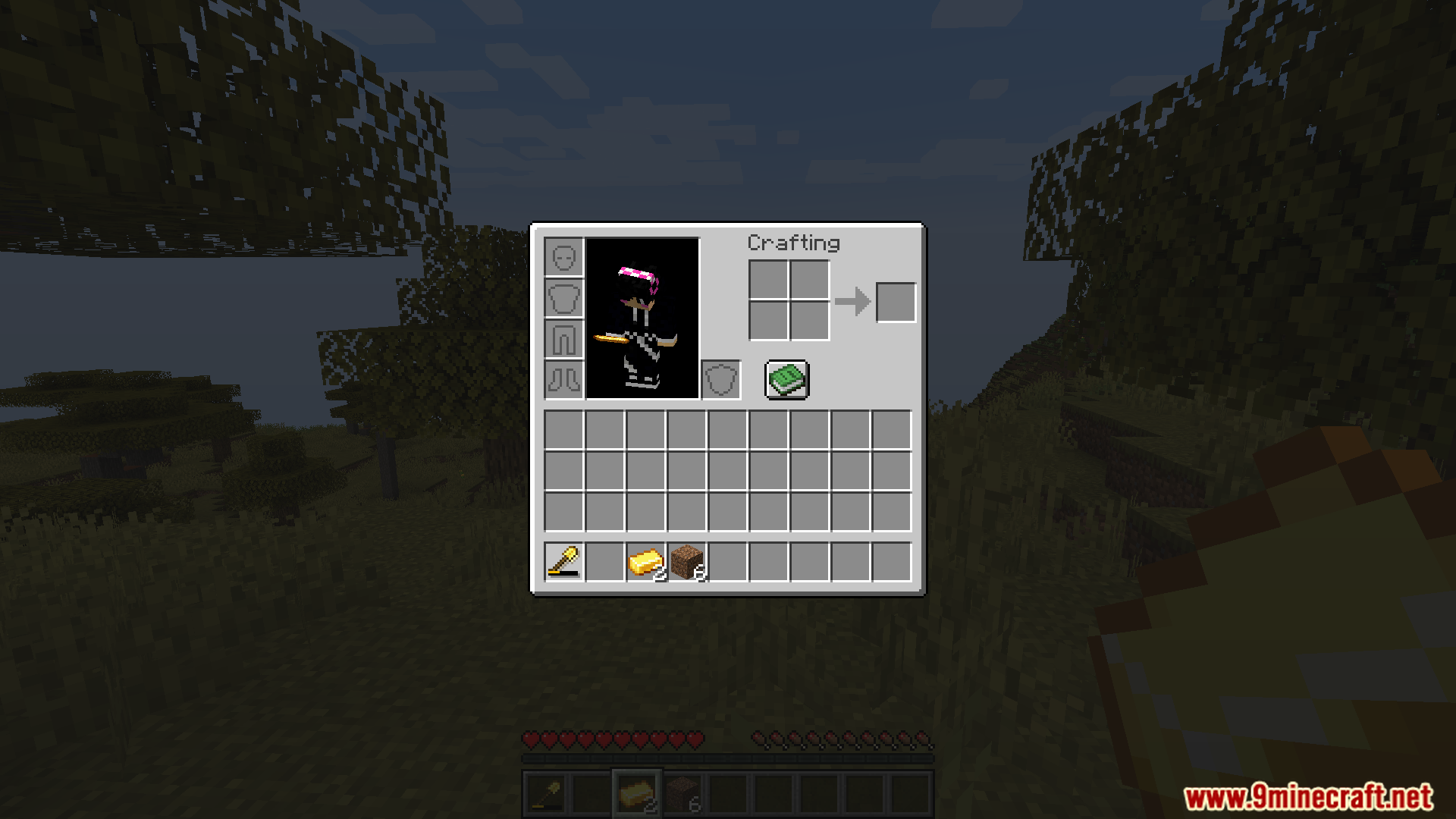
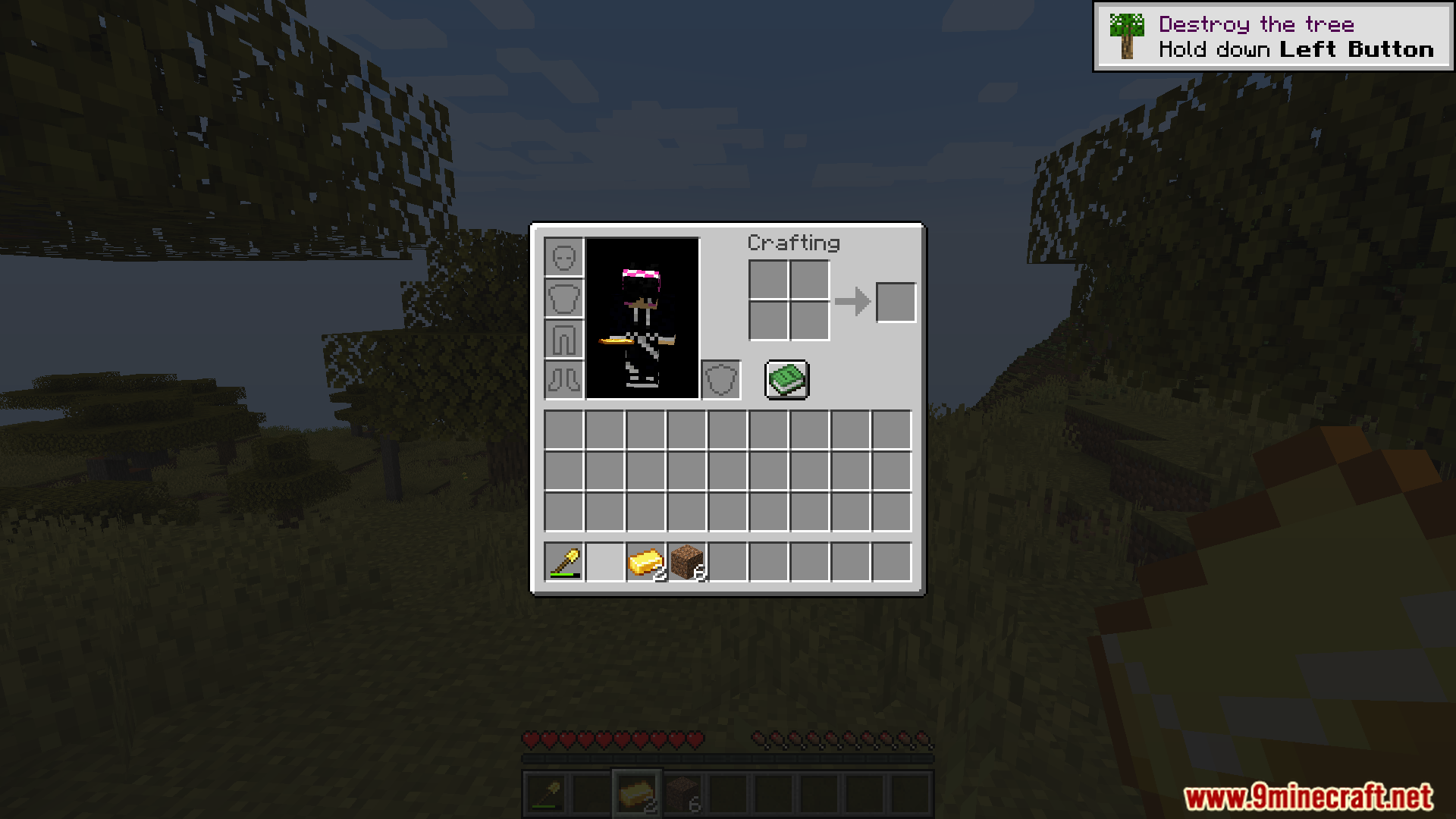
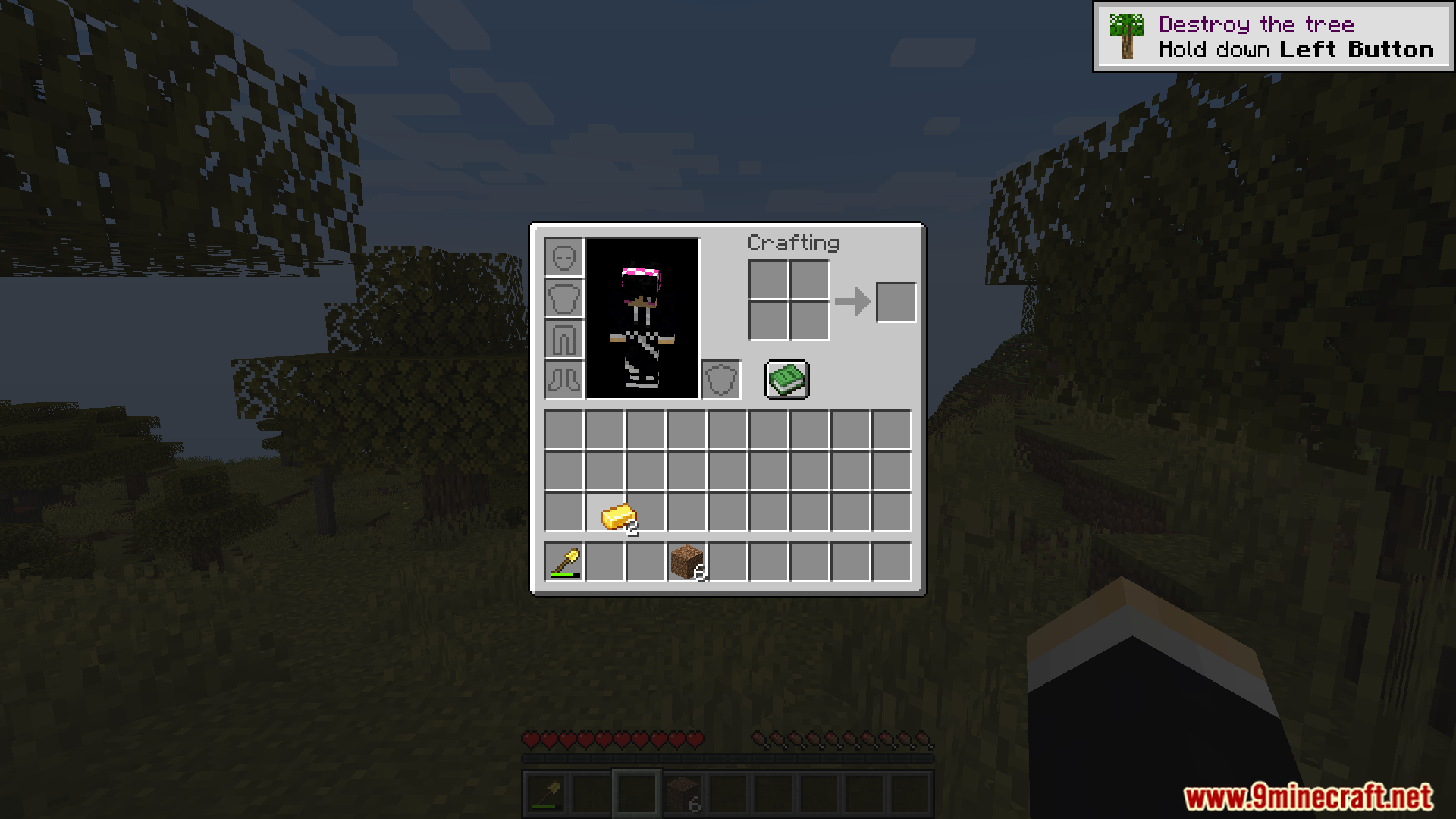
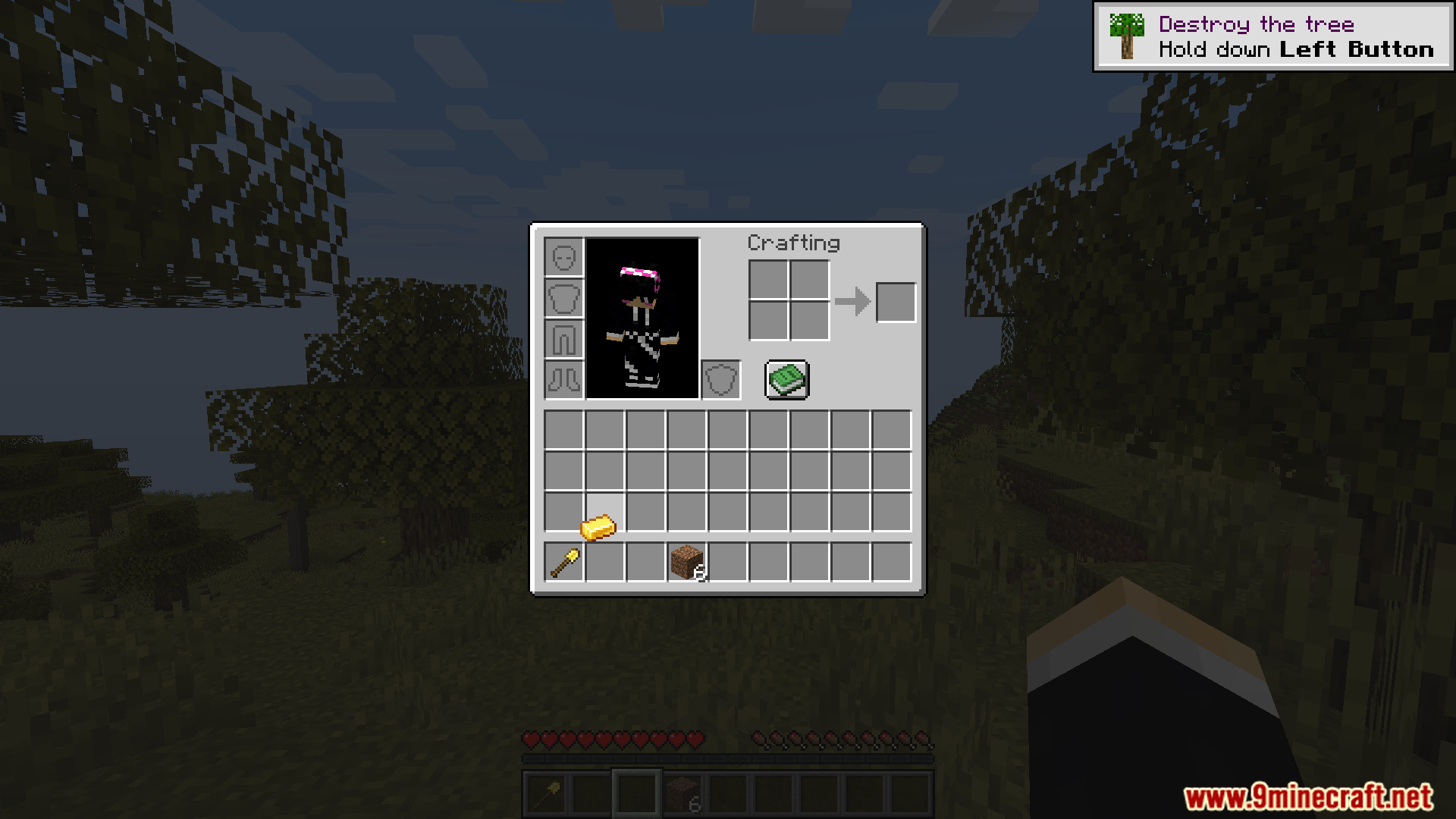
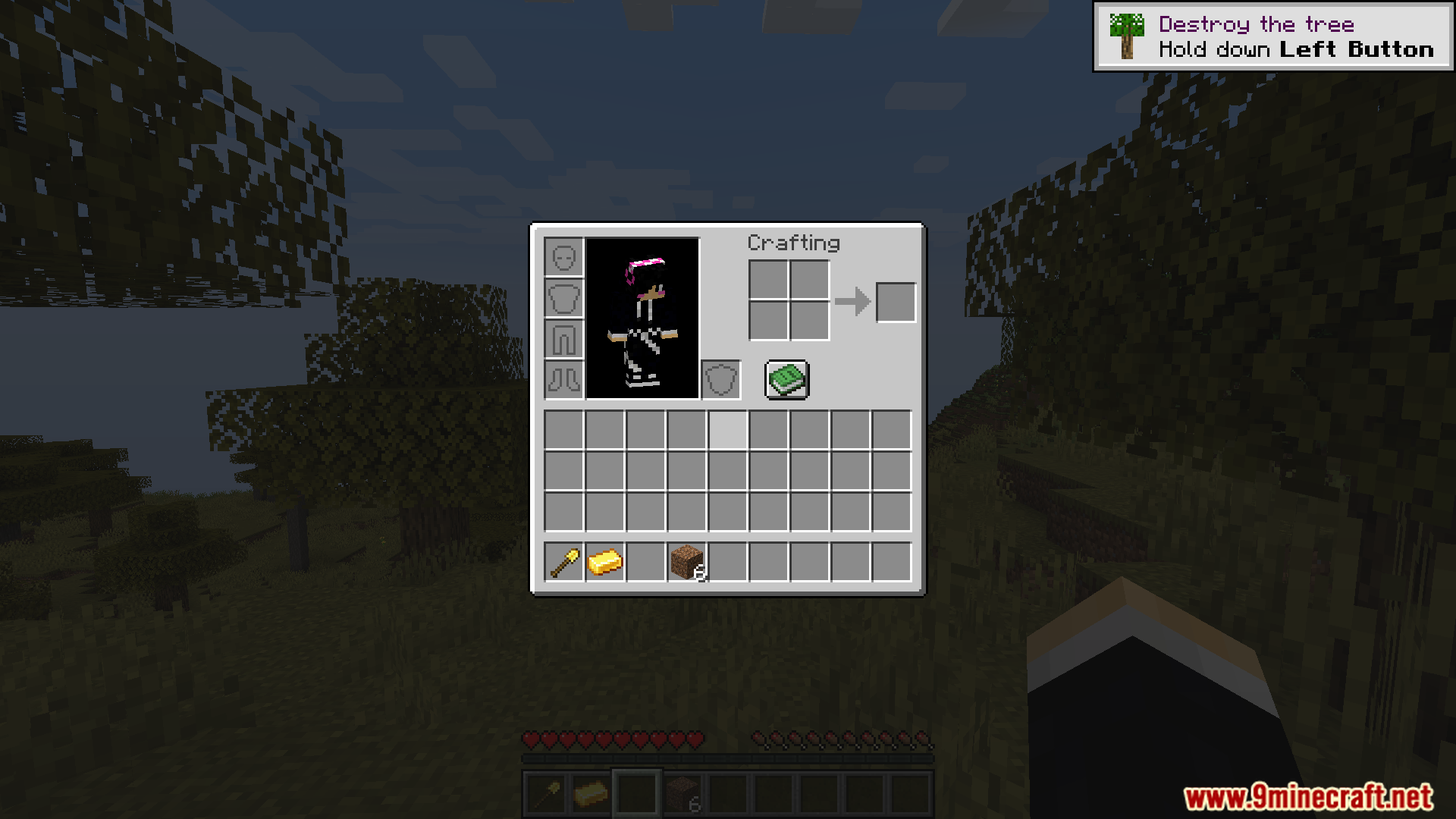
Hold the repair material (like iron ingots for iron tools) in one hand, then right-click the damaged tool in your inventory. The tool will repair by one durability point per interaction.
Can I merge two partially broken tools together?
Yes, hold one damaged tool and right-click it onto another damaged tool of the same type in your inventory. The durability combines, and one tool is consumed in the process.
What happens if I right-click with the wrong repair material?
Nothing will happen—the mod only accepts the correct repair material for each tool type. Make sure you're using the material the tool is made from.
Do I need to use a name tag to rename items?
Yes, hold a name tag in one hand and right-click the item stack you want to rename. The item will be renamed to whatever the name tag is set to.
See all 10 Inventory Interactions questions ›
Gallery
11 images from the Inventory Interactions Mod page.
You May Also Like
Wikis that share the most with this one
More mod wikis on the site
The most downloaded mods that have a wiki here
A few wikis from each of the other kinds