

 DownloadInventory HUD+
Get the files on 9Minecraft
Guides
Step-by-step, in-game.
Configuring Which Items Appear in the Inventory HUD+ PanelBy default the panel shows a set of key inventory items, but you can decide exactly which slots and stacks are…Fixing an Inventory HUD+ Overlay That Won't Show or UpdateIf the panel is missing, stuck, or showing stale information, work through these checks before assuming the mod is…How to Move and Reposition the Inventory HUD+ OverlayThe overlay appears in a default corner as soon as you load a world, but most players want it somewhere that doesn't…Reading Armor and Tool Durability at a Glance During CombatThe whole point of Inventory HUD+ is instant gear awareness, but the panel is only useful if you know what each…
Configuration
Every setting in the mod config file, with what it changes.
| Option | What it does |
|---|---|
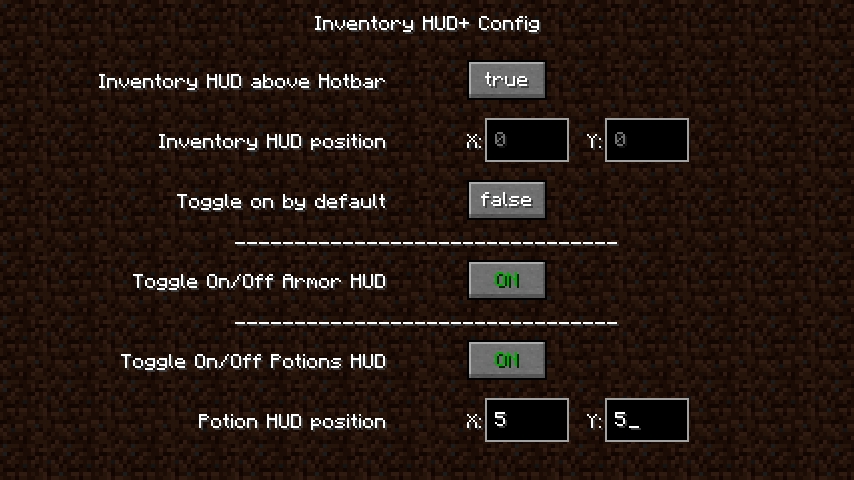
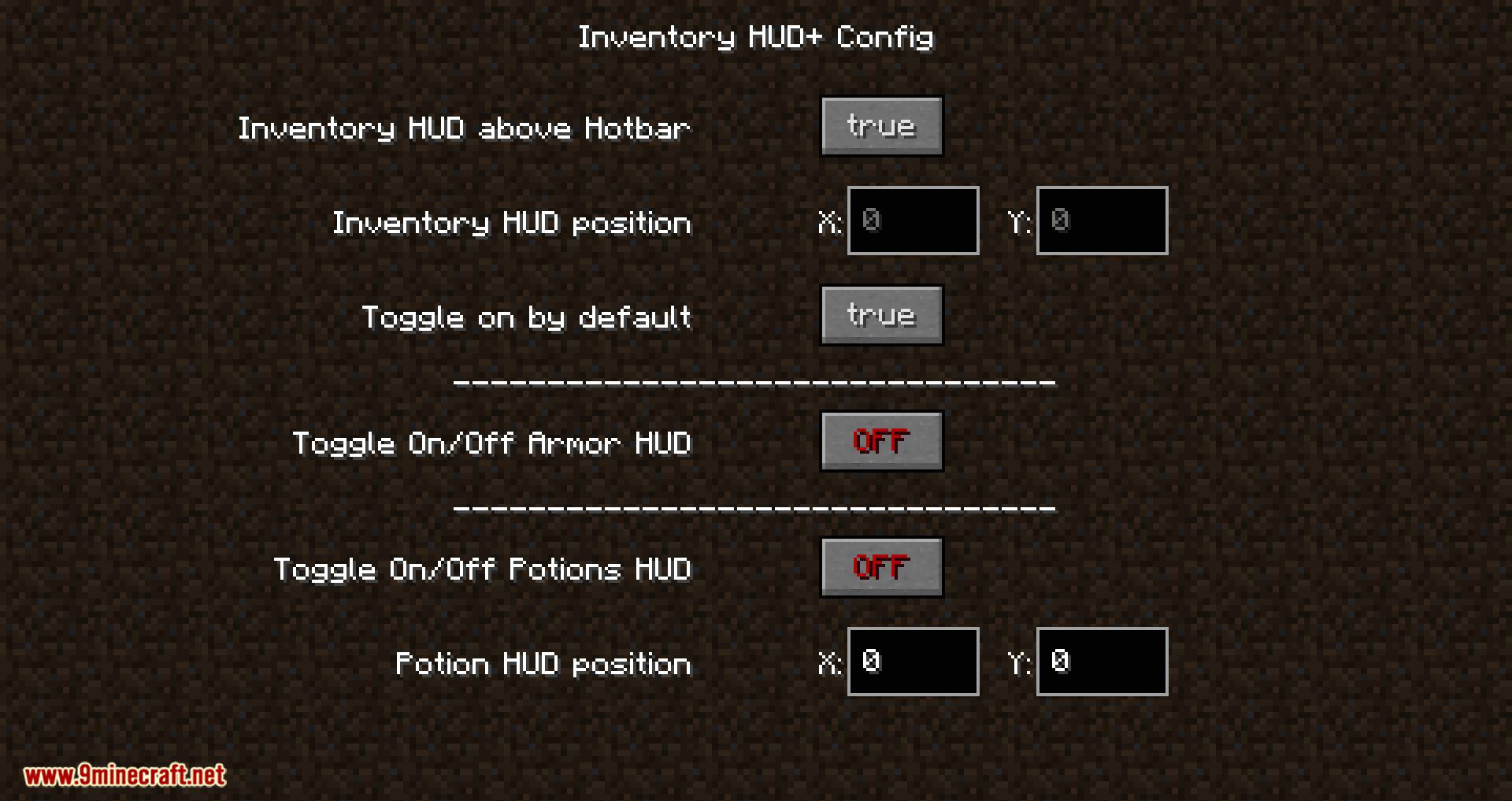
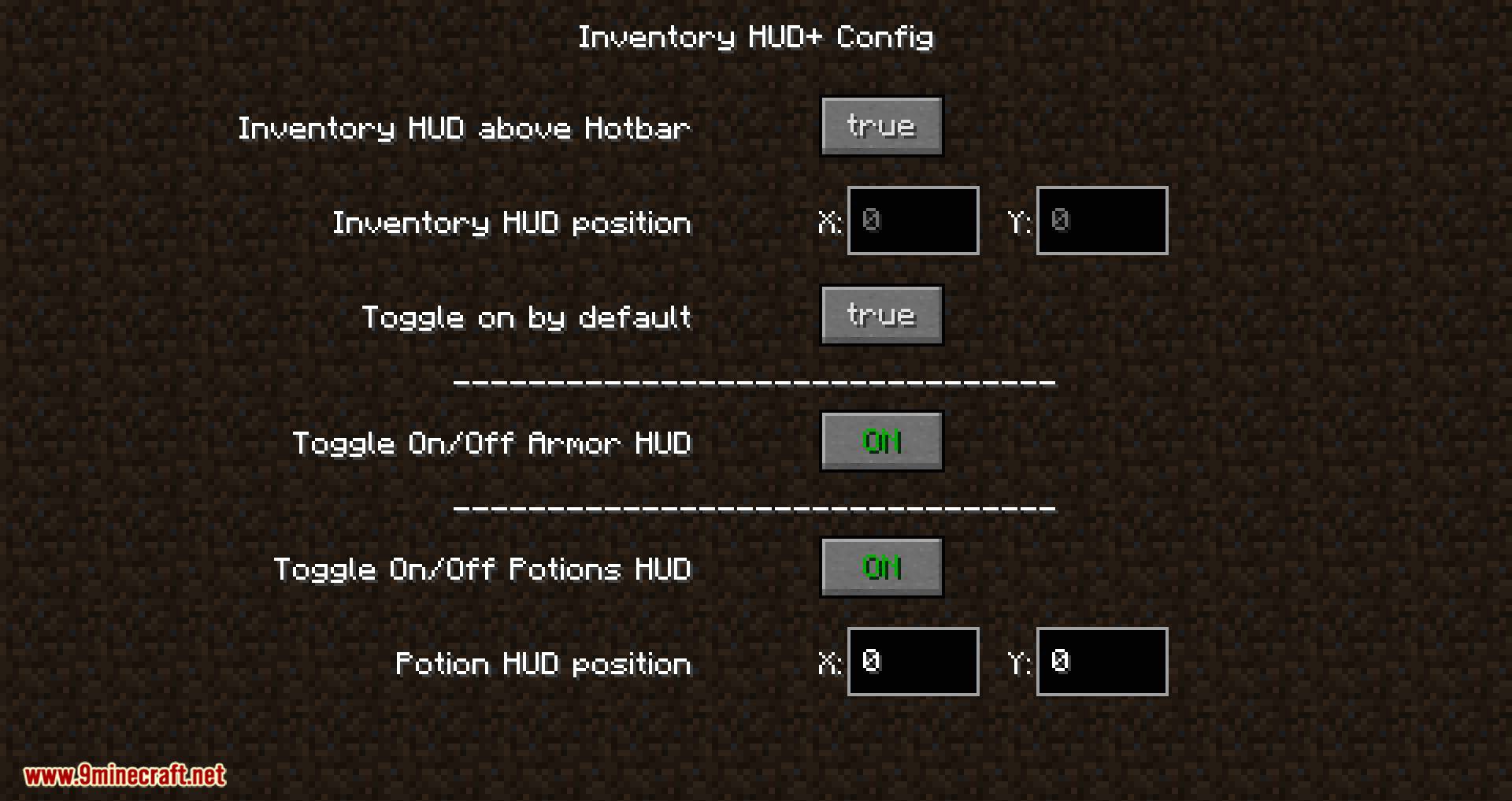
armorhudArmorStatus HUD | Toggles the armor status HUD display on or off |
inventoryhud | Toggles the inventory HUD overlay on or off |
potionshud | Toggles the potion effects HUD overlay on or off |
addAdd Effect | Adds a new potion effect entry to the HUD list |
invalphaAlpha: | Sets the transparency of the inventory HUD background |
potalphaAlpha: | Sets the transparency of the potion HUD background |
invanimatedAnimated: | Toggles smooth animation when the inventory HUD opens |
armArmor | Toggles the armor display element in the HUD |
ttArmor HUD options | Adjusts the scale size of the armor HUD |
armtoggleArmor HUD: | Toggles the armor HUD on or off |
arrowswithoutweapon | Shows arrow count even when no bow is held |
bardurBar duration: | Sets how long the durability bar stays visible |
armbarsBars: | Toggles durability bars on armor icons |
blacklist | Manages items excluded from the HUD display |
updateclickClick to get | Sets what clicking the HUD does to update it |
2DAMAGE - How much damage was done to the item. | Toggles horizontal layout mode |
3DAMAGE_LEFT - How much damage item can get. | Shows remaining durability the item has left |
delete | Removes the selected entry from the list |
armviewDurability type: | Chooses how armor durability is displayed, such as numbers or percentage |
blacklistbtnEdit | Opens the editor for the blacklist |
Frequently asked questions
How to use inventory hud+?
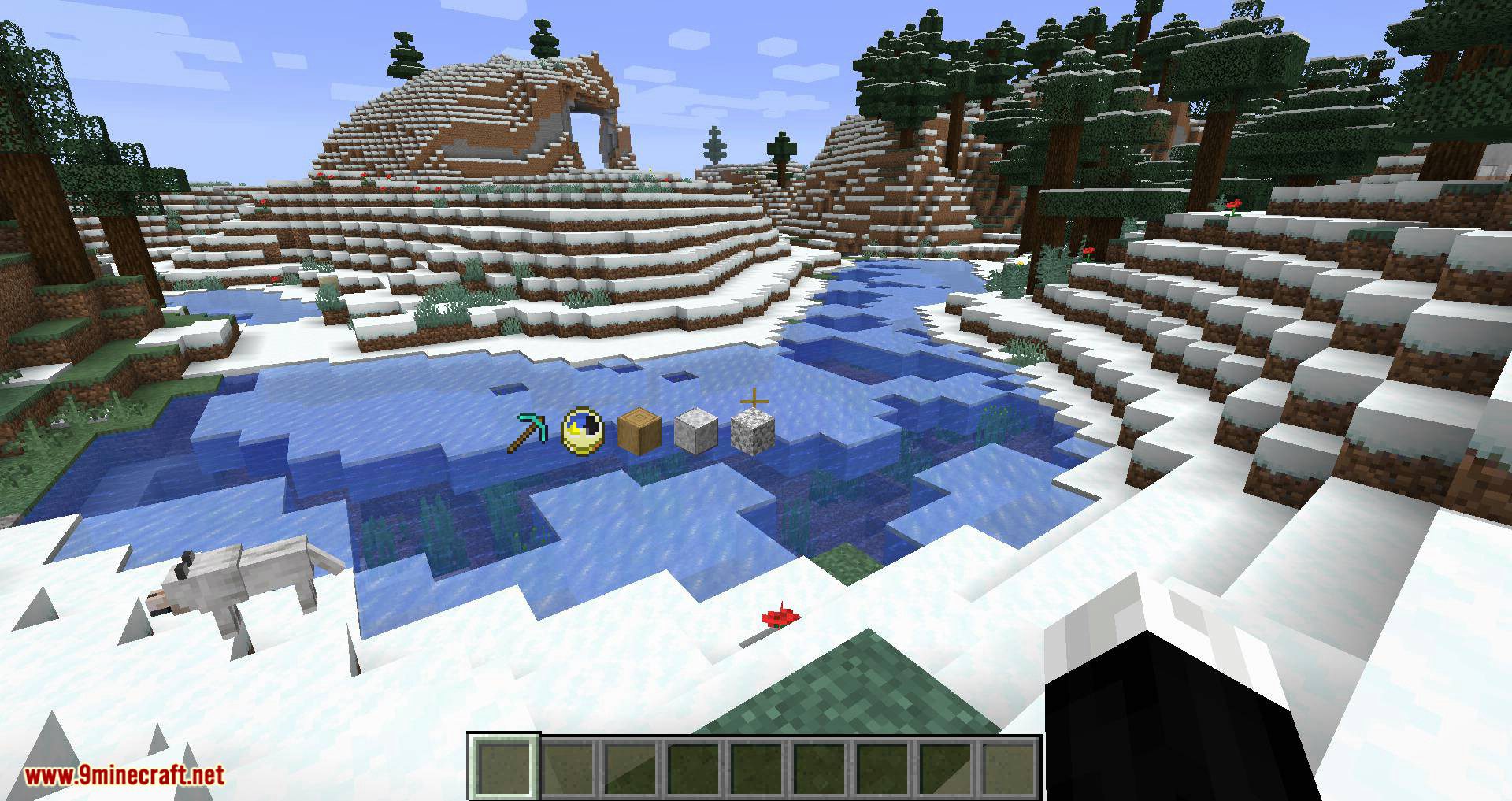
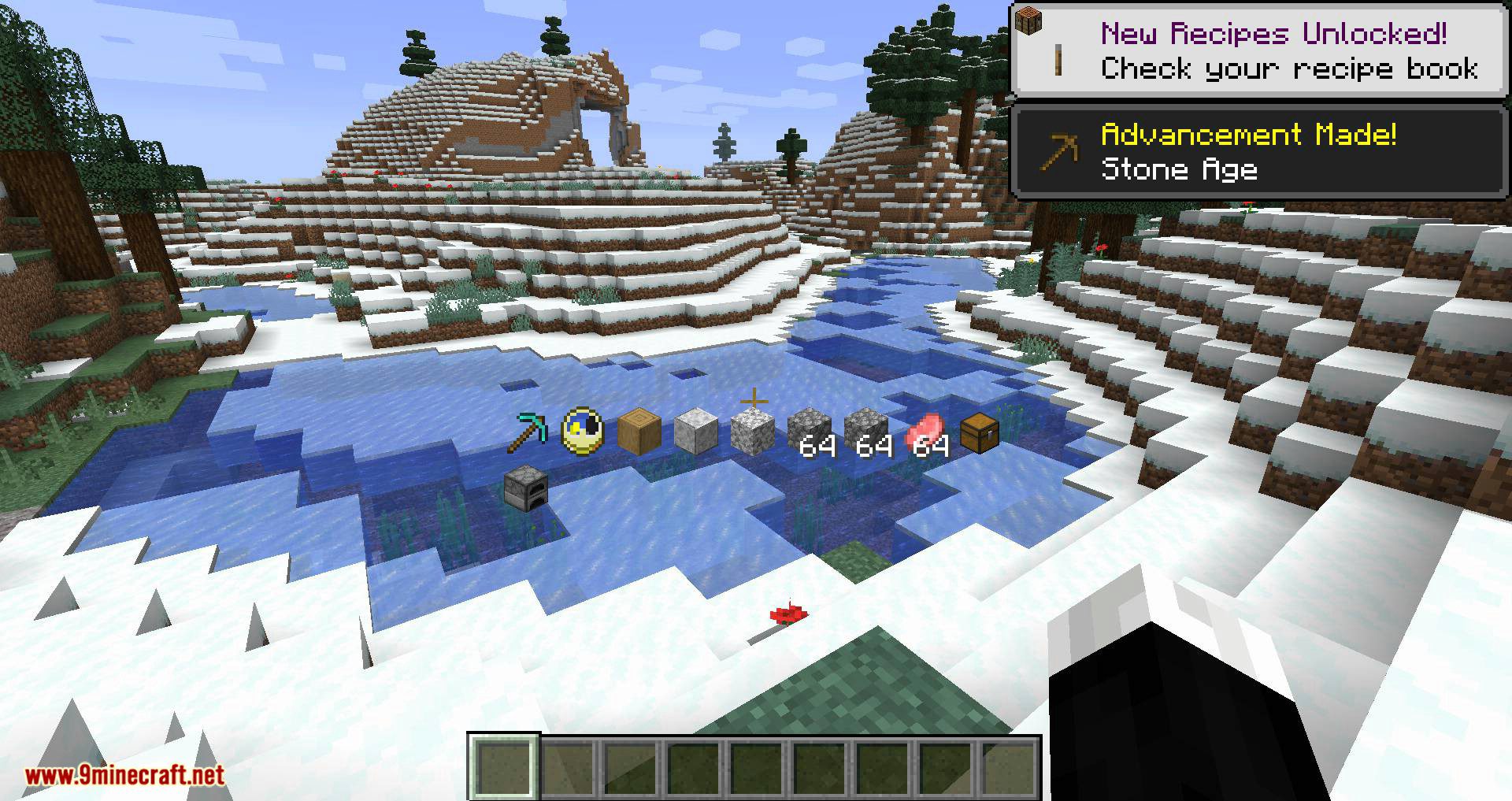
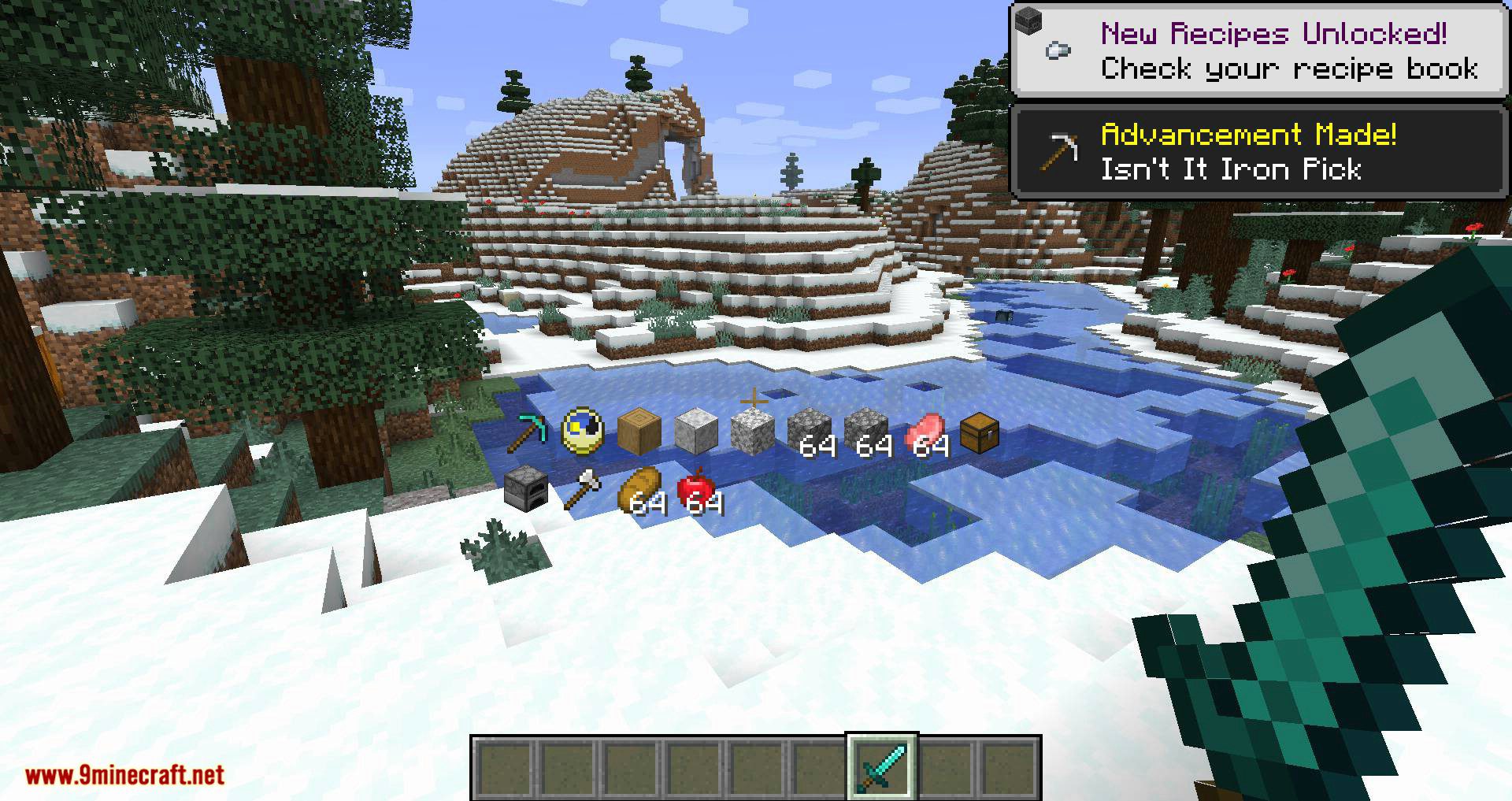
Once installed, the HUD appears automatically in-game with no setup needed. Open the mod's config screen from the mod list or its keybind to choose which items, armor, and durability info show on screen.
How do I open the inventory hud+ settings?
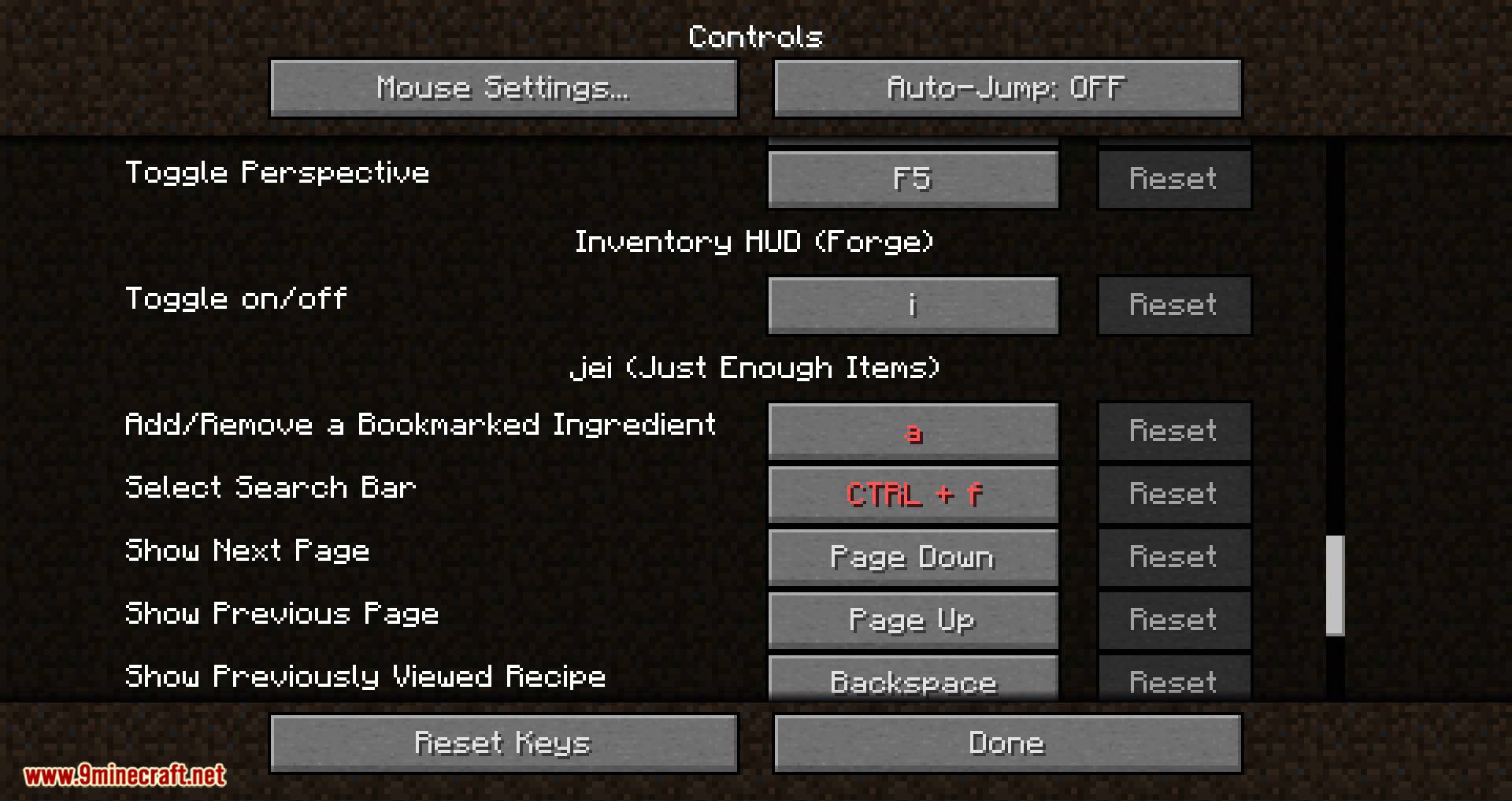
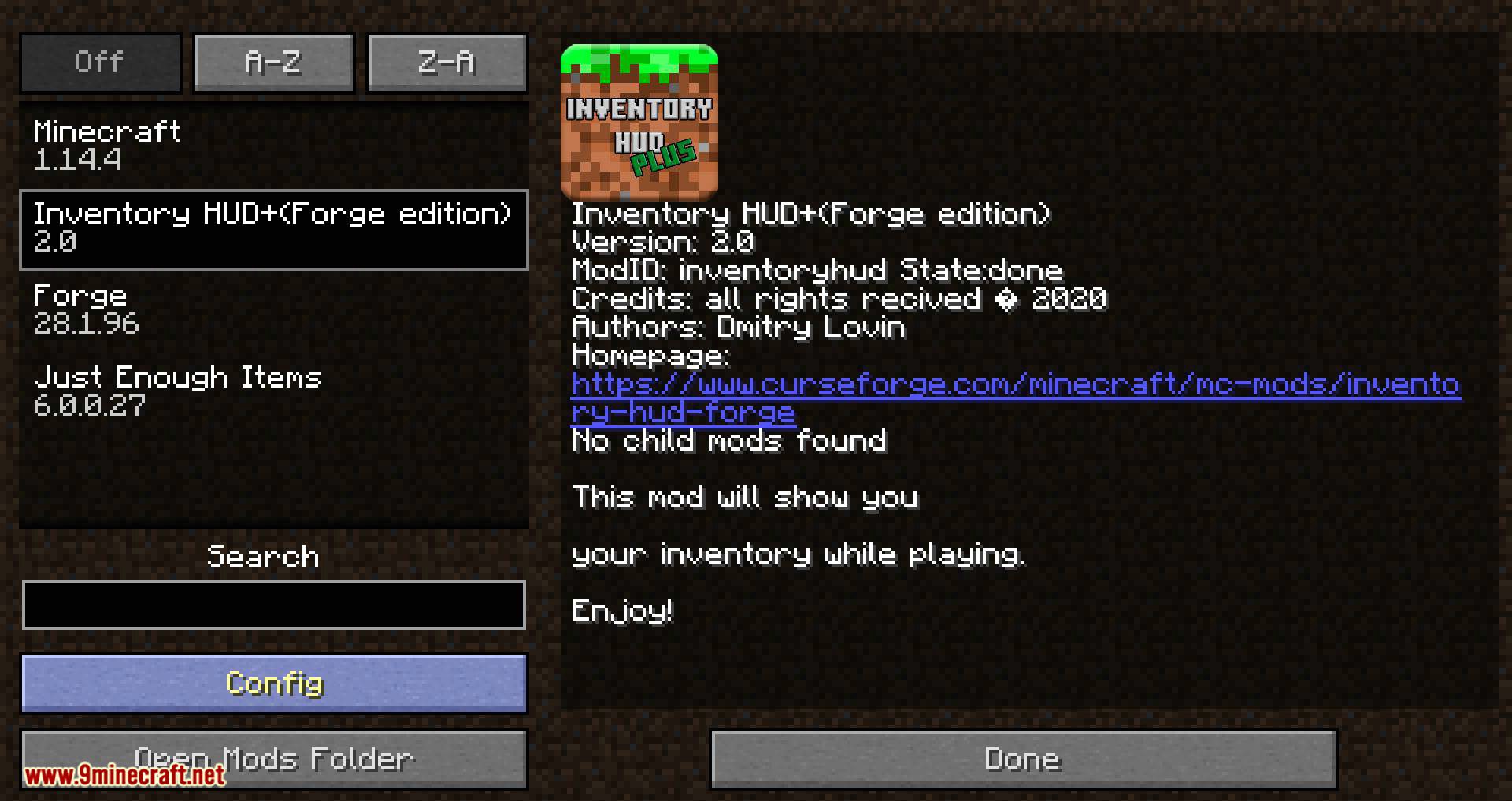
Open your mod list, find Inventory HUD+, and click its config button to reach the settings screen. You can also assign a keybind in Controls so you can toggle or open the config without leaving the game.
How do I move the inventory hud+ overlay?
Enter the config screen and drag the panel to reposition it, or use the position/offset options there. Changes apply live so you can see exactly where the HUD will sit.
Why isn't my inventory hud+ showing up?
Check that the HUD isn't toggled off via its keybind, and that the config has the panel enabled. If it still won't appear, another HUD mod may be conflicting, so try disabling other overlays.
See all 10 Inventory HUD+ questions ›
Gallery
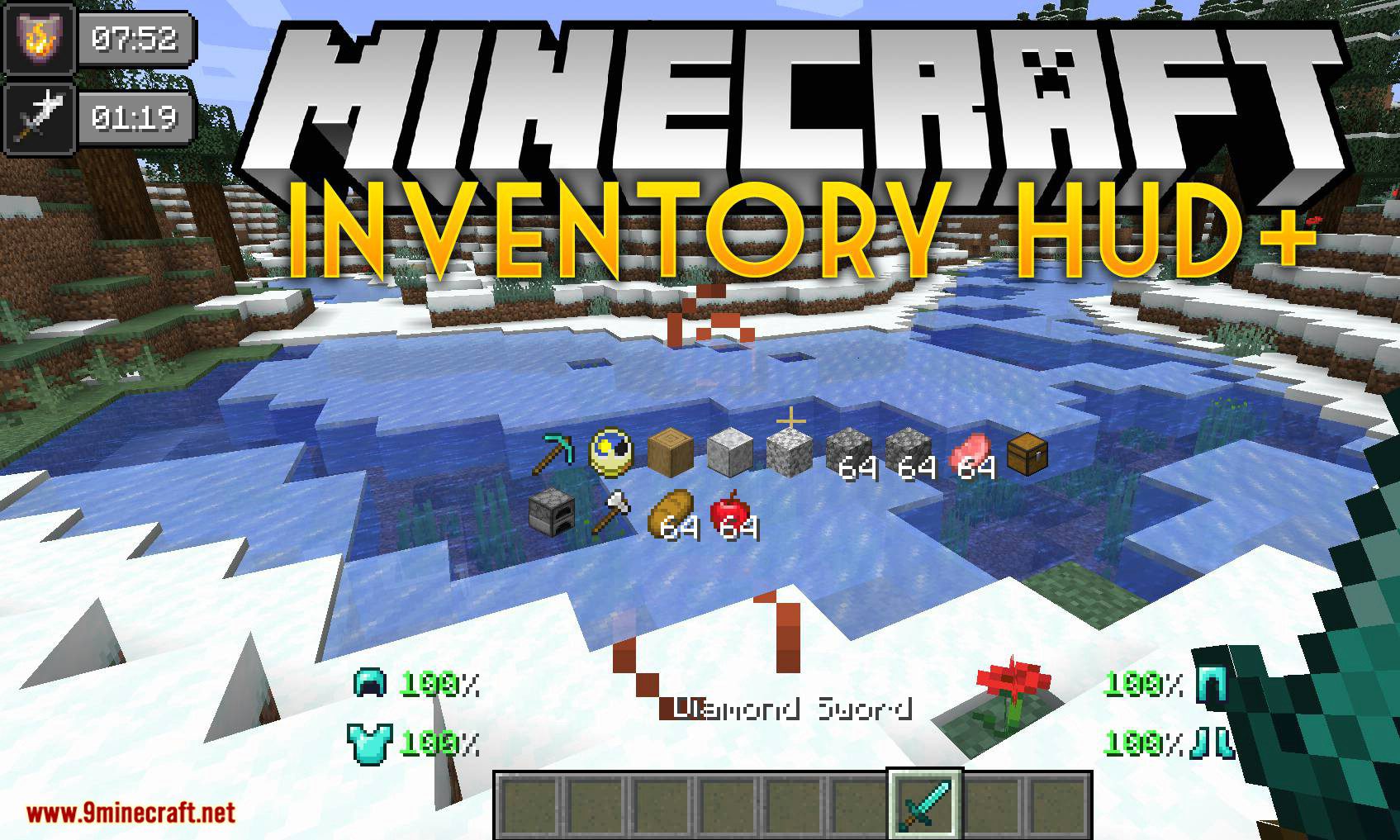
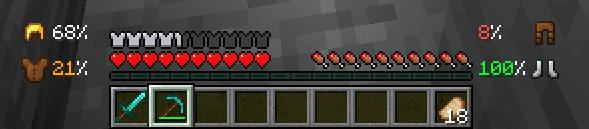
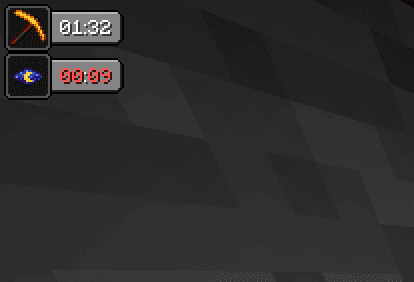
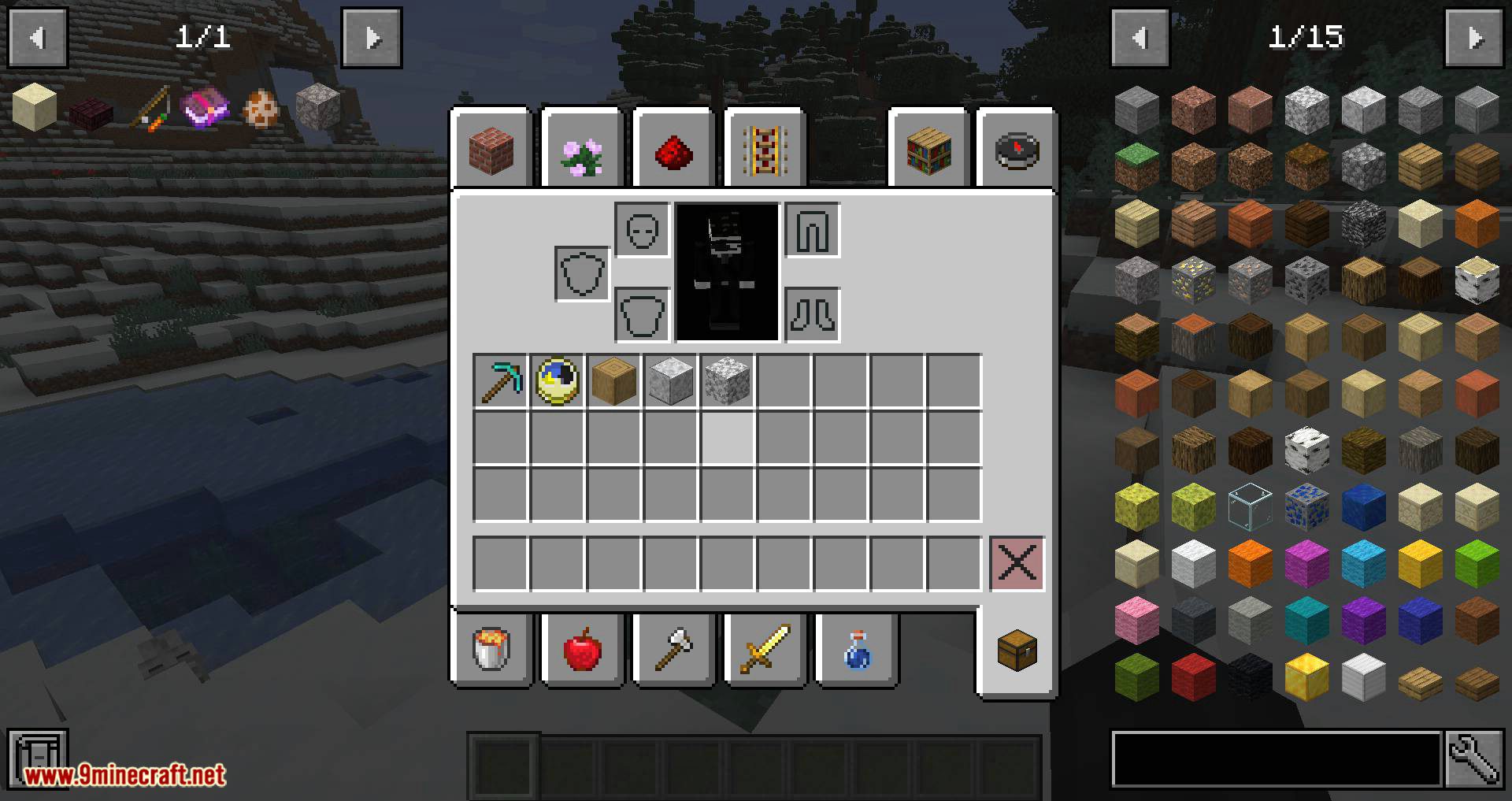
12 images from the Inventory Hud Mod page.
You May Also Like
Wikis that share the most with this one
Wikis on the same theme: armor
More mod wikis on the site
The most downloaded mods that have a wiki here
A few wikis from each of the other kinds