

 DownloadHitBox Plus Mod
Get the files on 9Minecraft
Guides
Step-by-step, in-game.
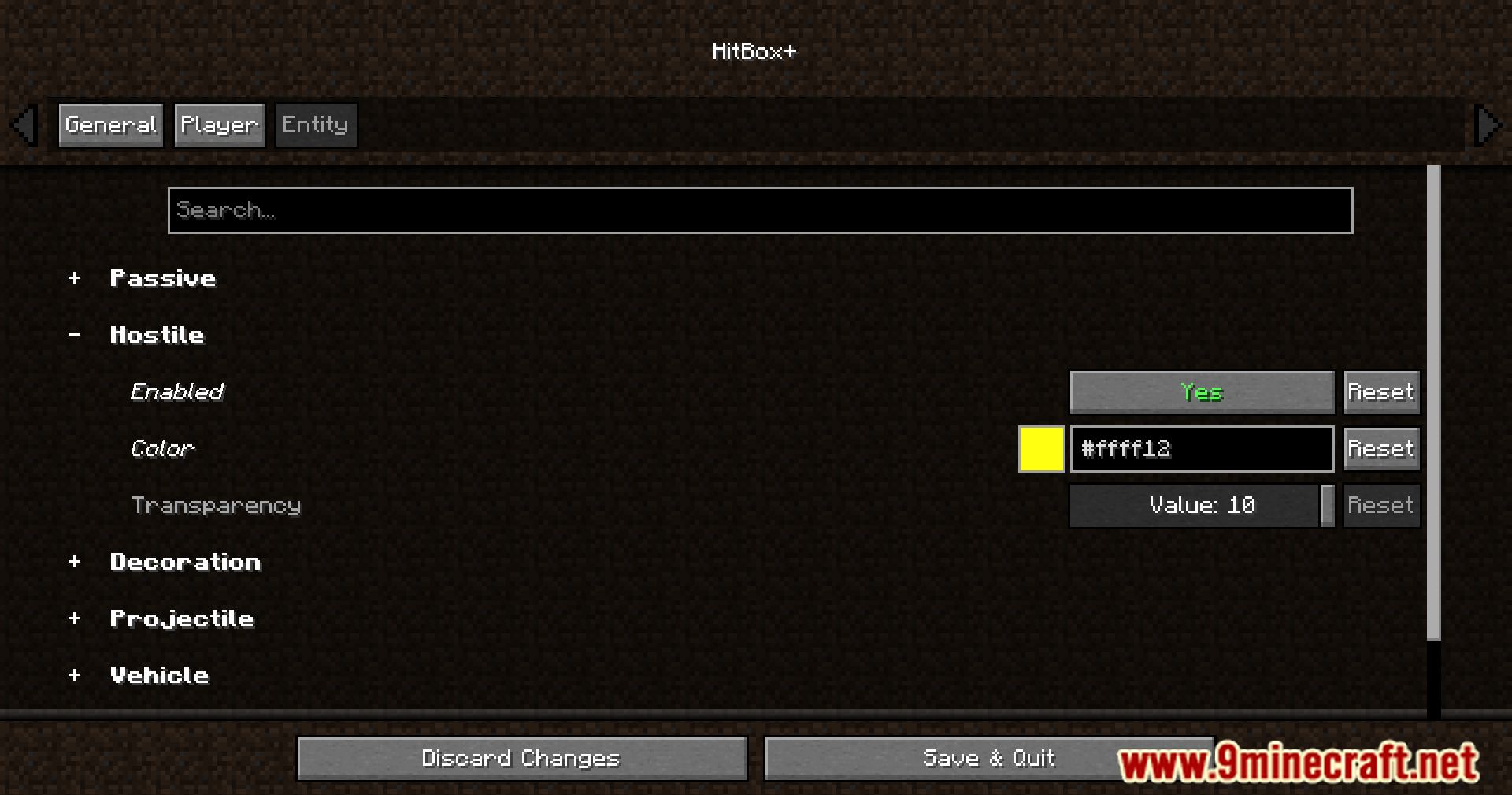
Change Hitbox Colors for Different Entity TypesAccess the Configuration Menu Open Mod Menu (usually by pressing a configurable key on the main menu or in-game).…Debug Mob Farms and Spawning Areas Using HitboxesVisualize Spawn Spaces Enable hitbox rendering in your mob farm to see exactly where entities are positioned and how…Distinguish Between Friendly and Hostile Mobs at a GlanceSet Up Contrasting Colors In the HitBox Plus configuration menu, assign distinctly different colors to friendly and…Enable and Disable Hitbox RenderingToggle Hitboxes On and Off HitBox Plus Mod typically includes a keybind to quickly toggle hitbox visibility without…
Frequently asked questions
How do I turn on hitboxes after installing the mod?
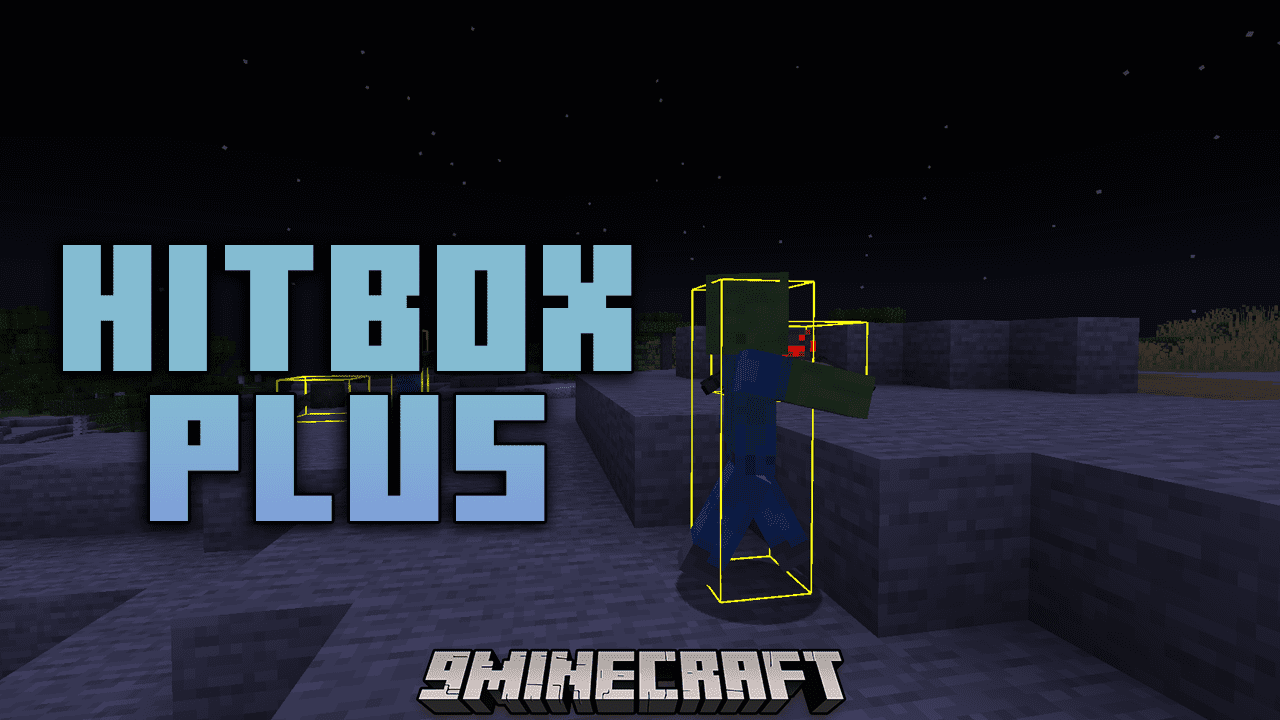
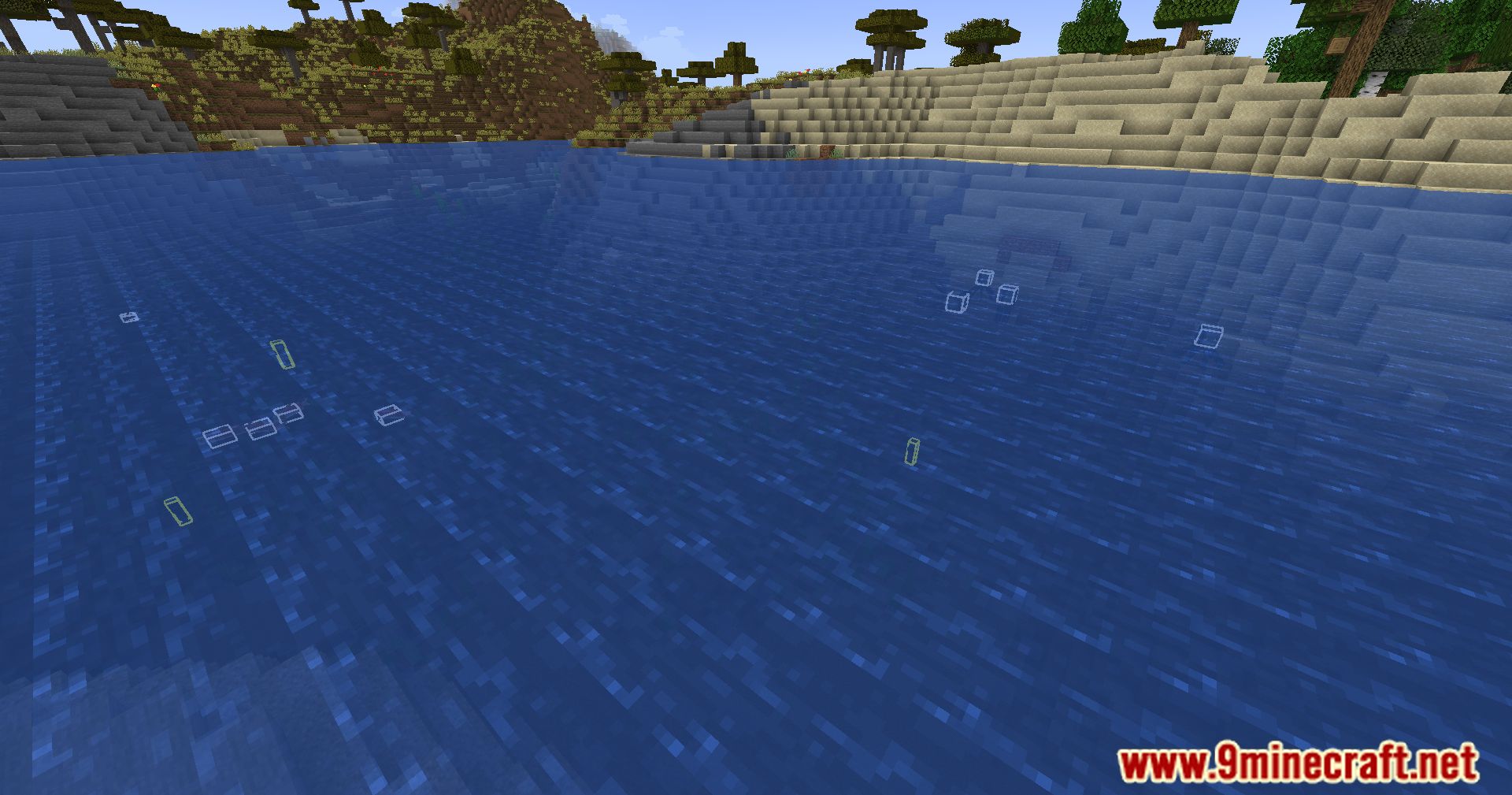
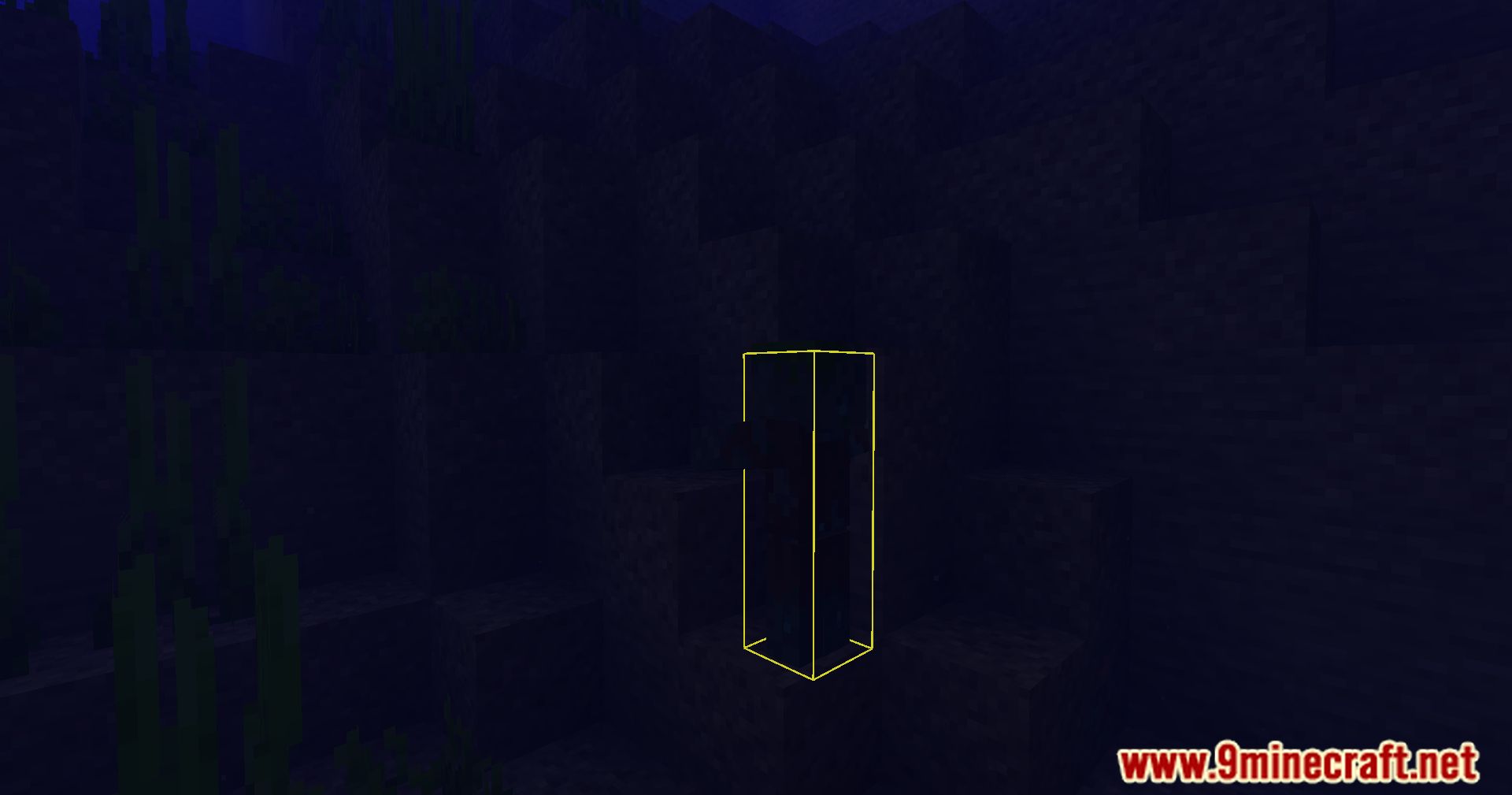
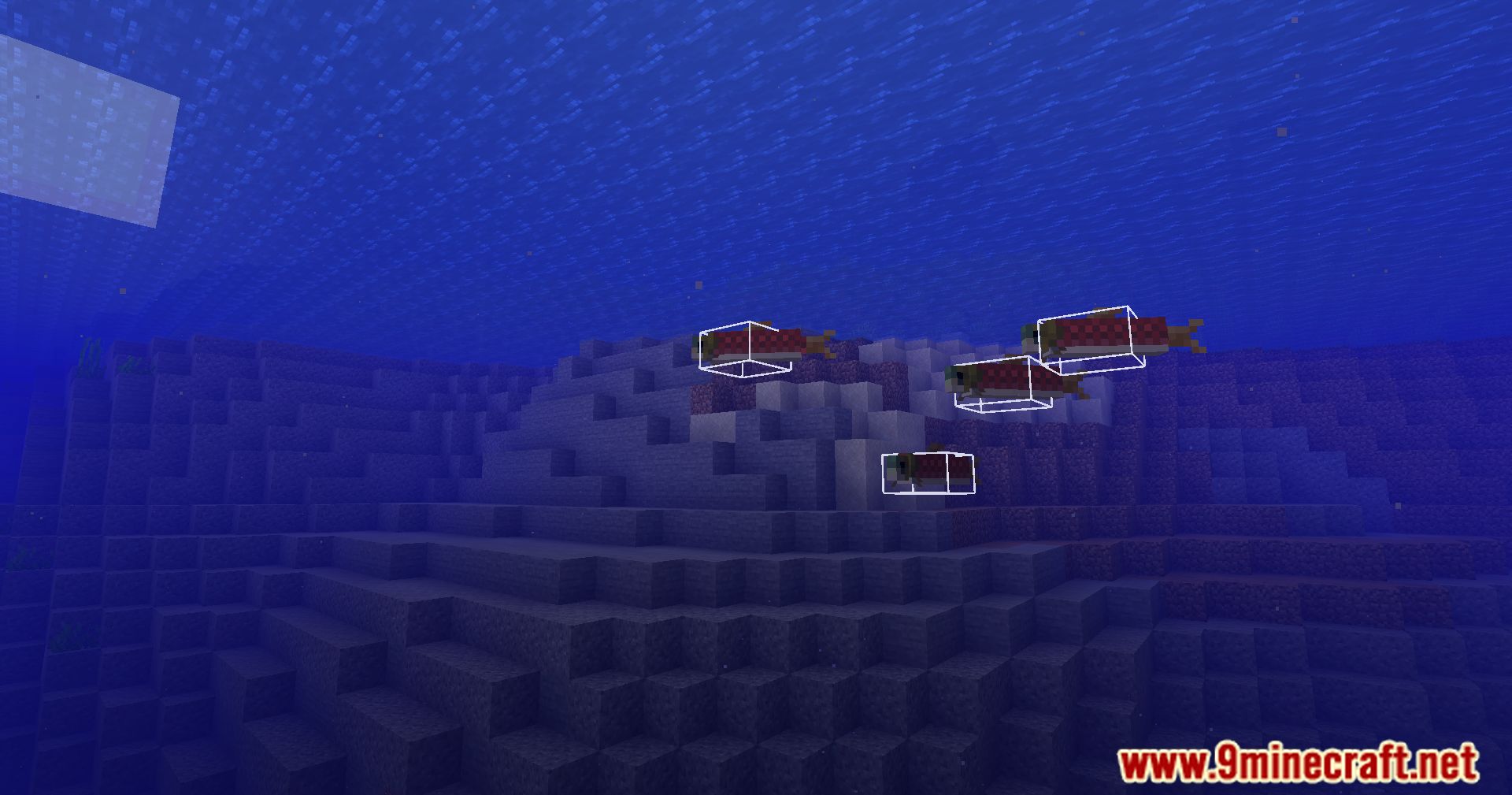
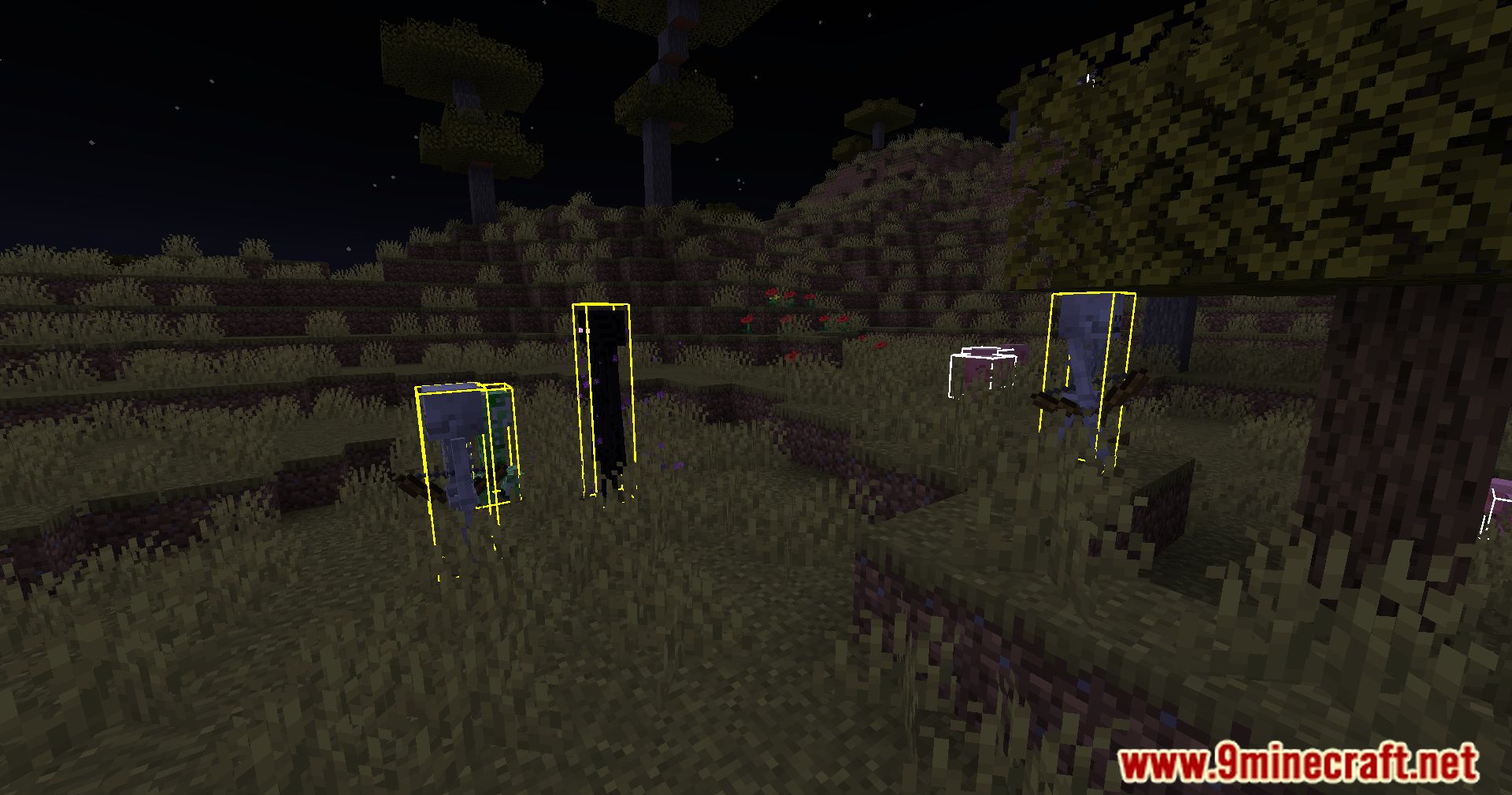
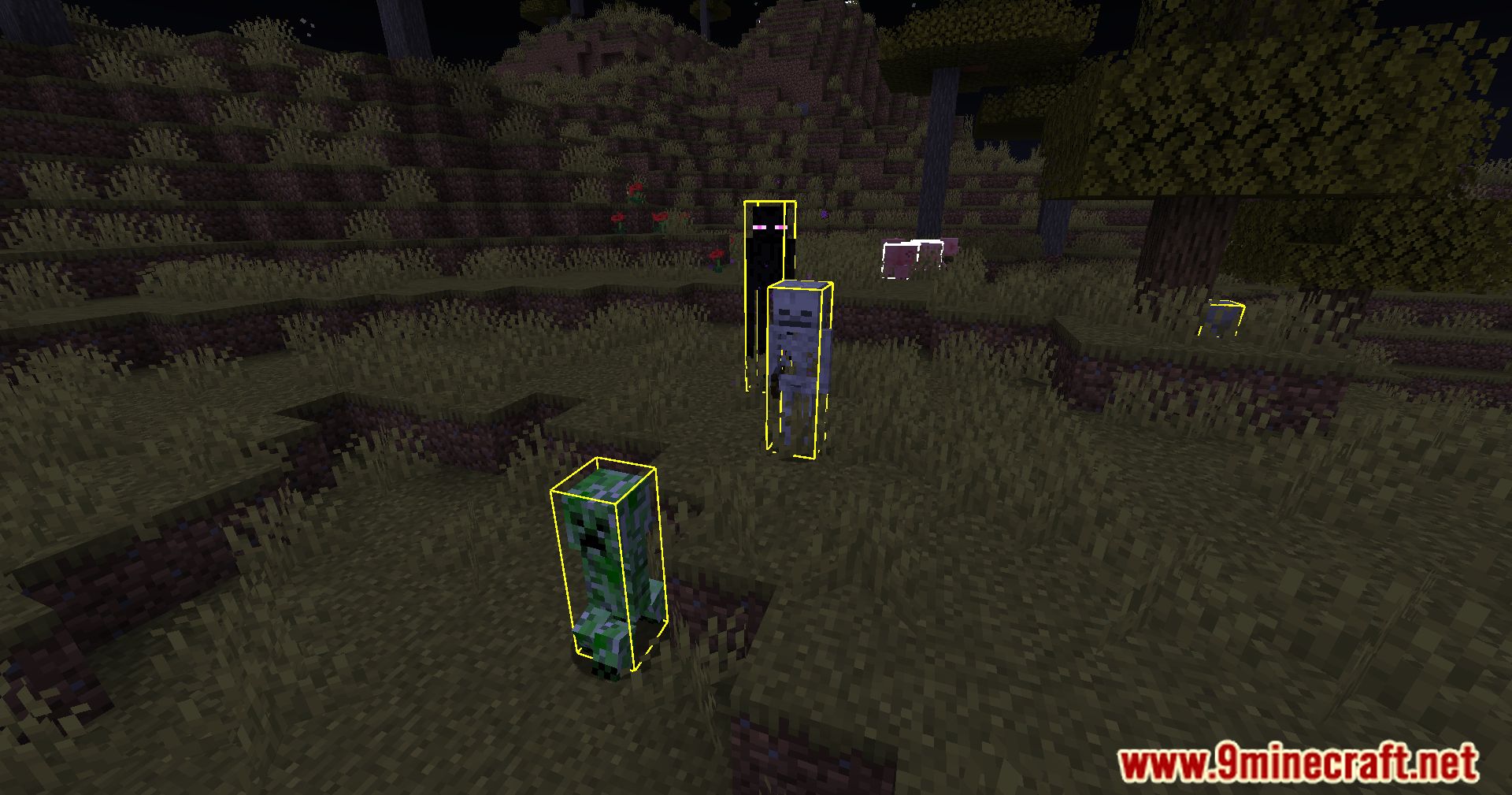
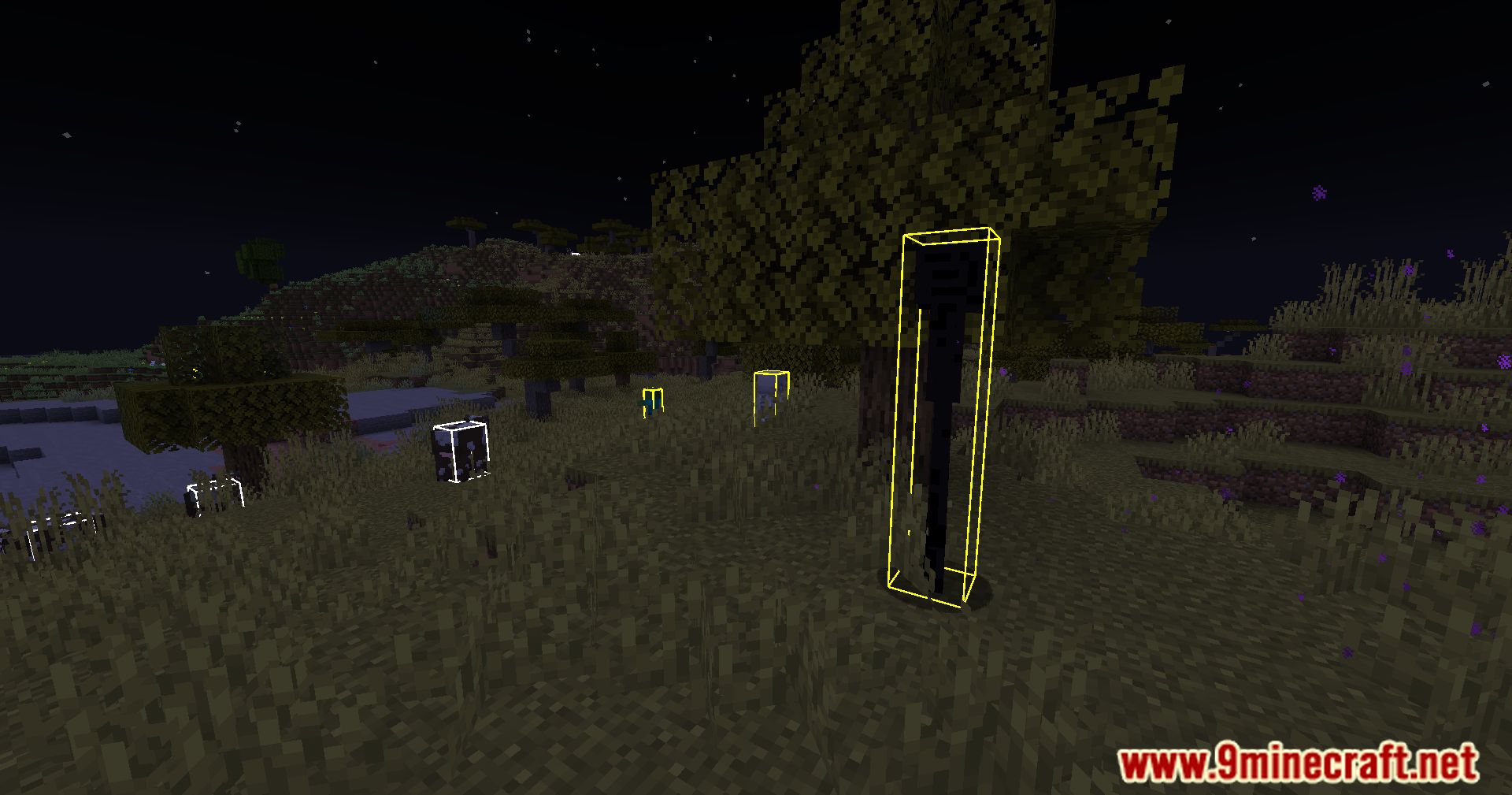
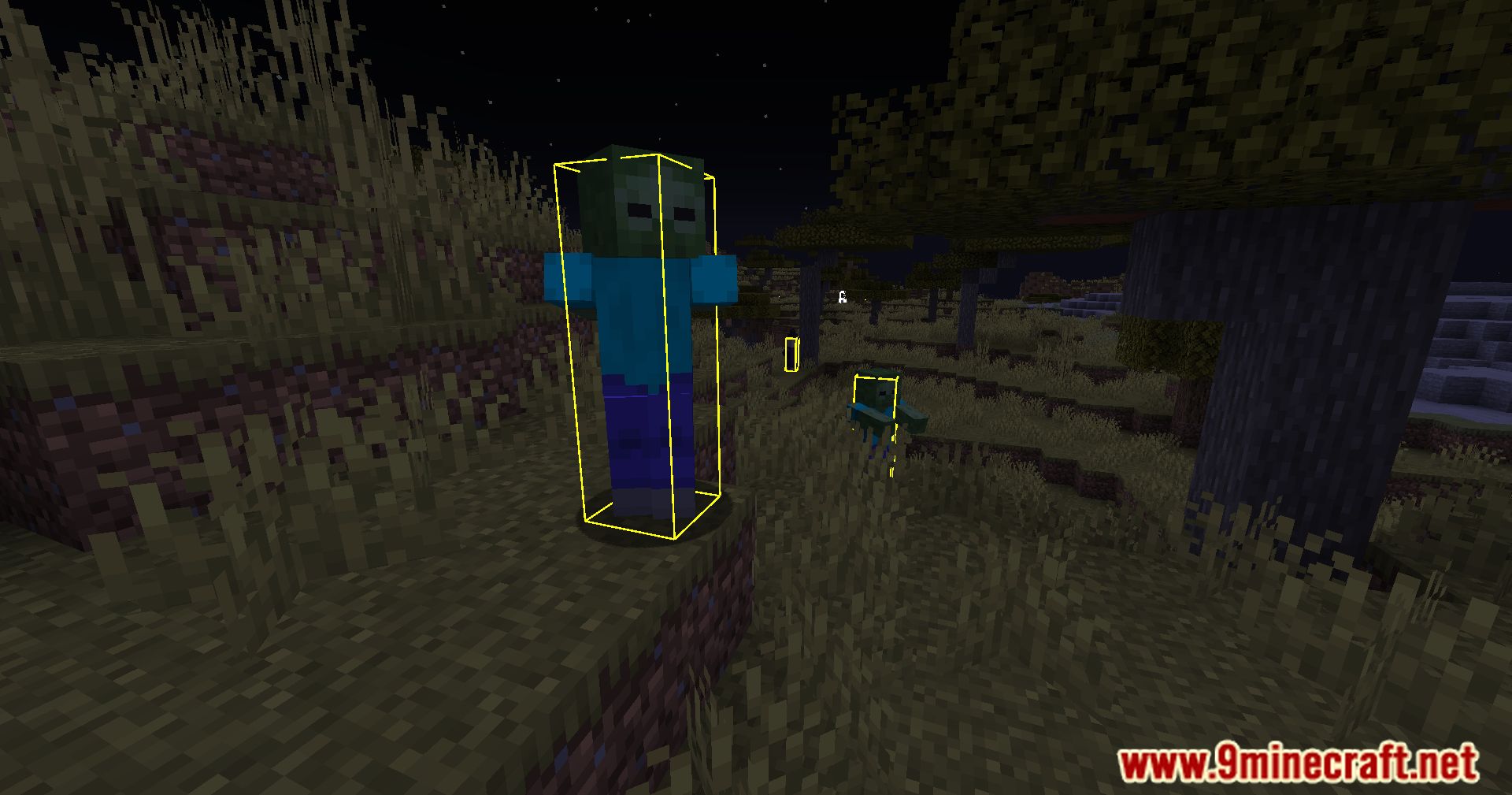
Open the mod menu (usually by pressing a configurable key), find HitBox Plus, and toggle hitbox rendering on. You should immediately see colored boxes around all entities in your world.
Can I make friendly mobs show a different color than hostile ones?
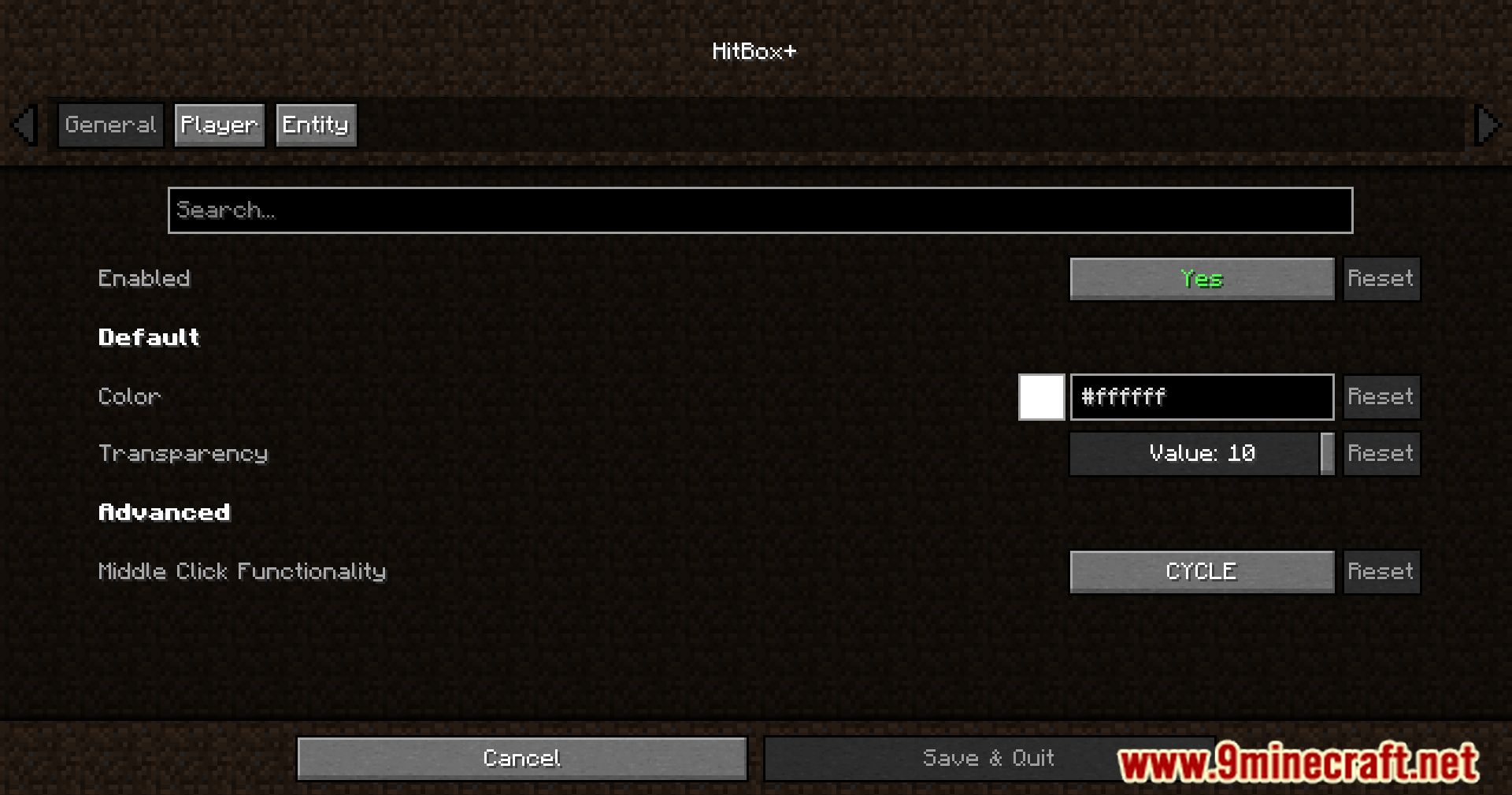
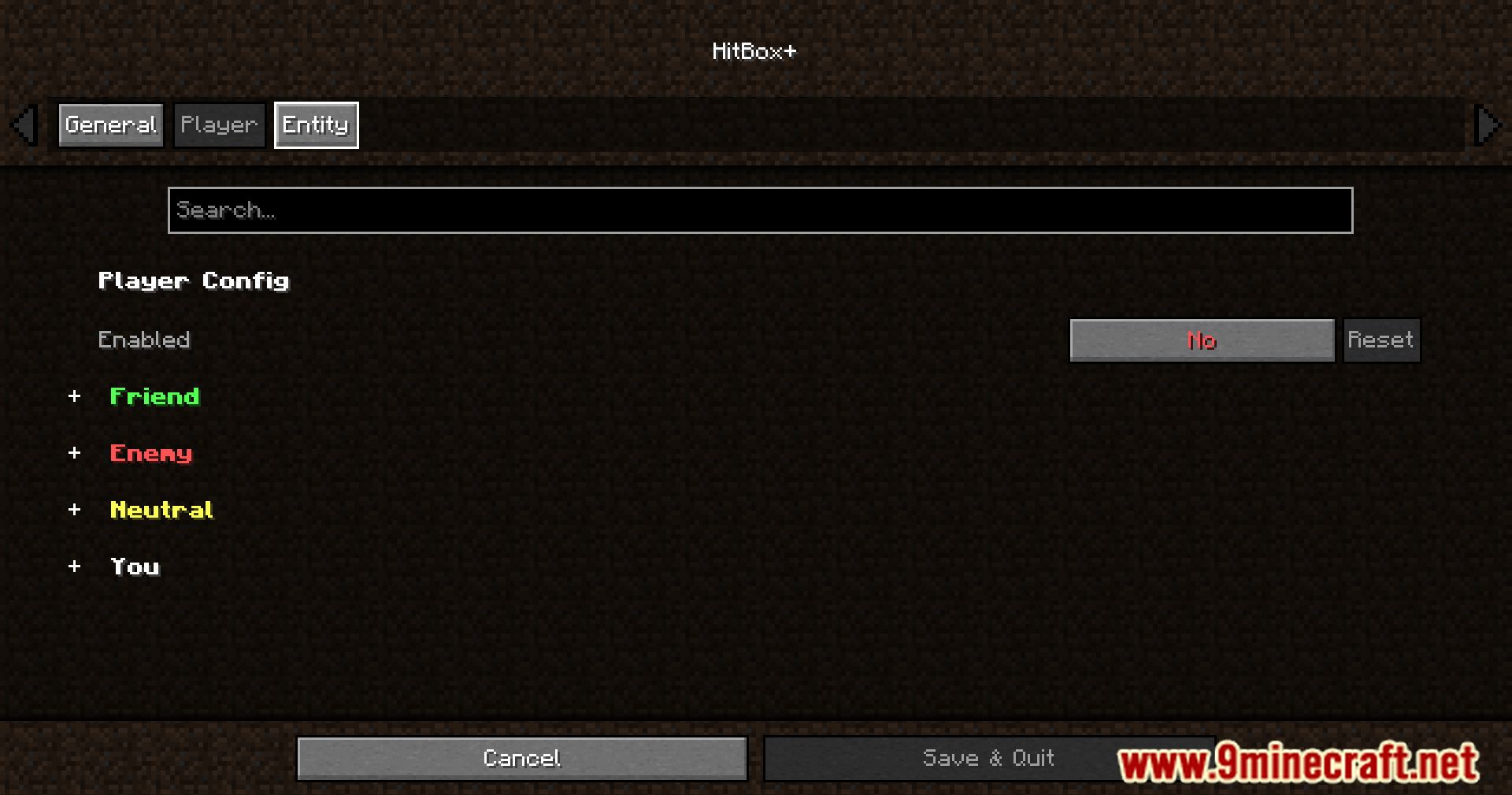
Yes, open the mod's configuration through Mod Menu and set separate colors for friendly and hostile entity categories. This lets you instantly tell the difference between passive animals and dangerous mobs.
Why aren't hitboxes showing up even though I enabled them?
Make sure Cloth Config is installed, as HitBox Plus depends on it for the config menu. Also check that you're not in a dimension or situation where rendering is disabled, and verify the color isn't set to invisible or fully transparent.
Can I customize hitbox colors for specific mob types?
See all 10 HitBox Plus questions ›
Gallery
12 images from the Hitbox Plus Mod page.
You May Also Like
Wikis that share the most with this one
More mod wikis on the site
The most downloaded mods that have a wiki here
A few wikis from each of the other kinds