

 DownloadHoarders Questline Mod
Get the files on 9Minecraft
Guides
Step-by-step, in-game.
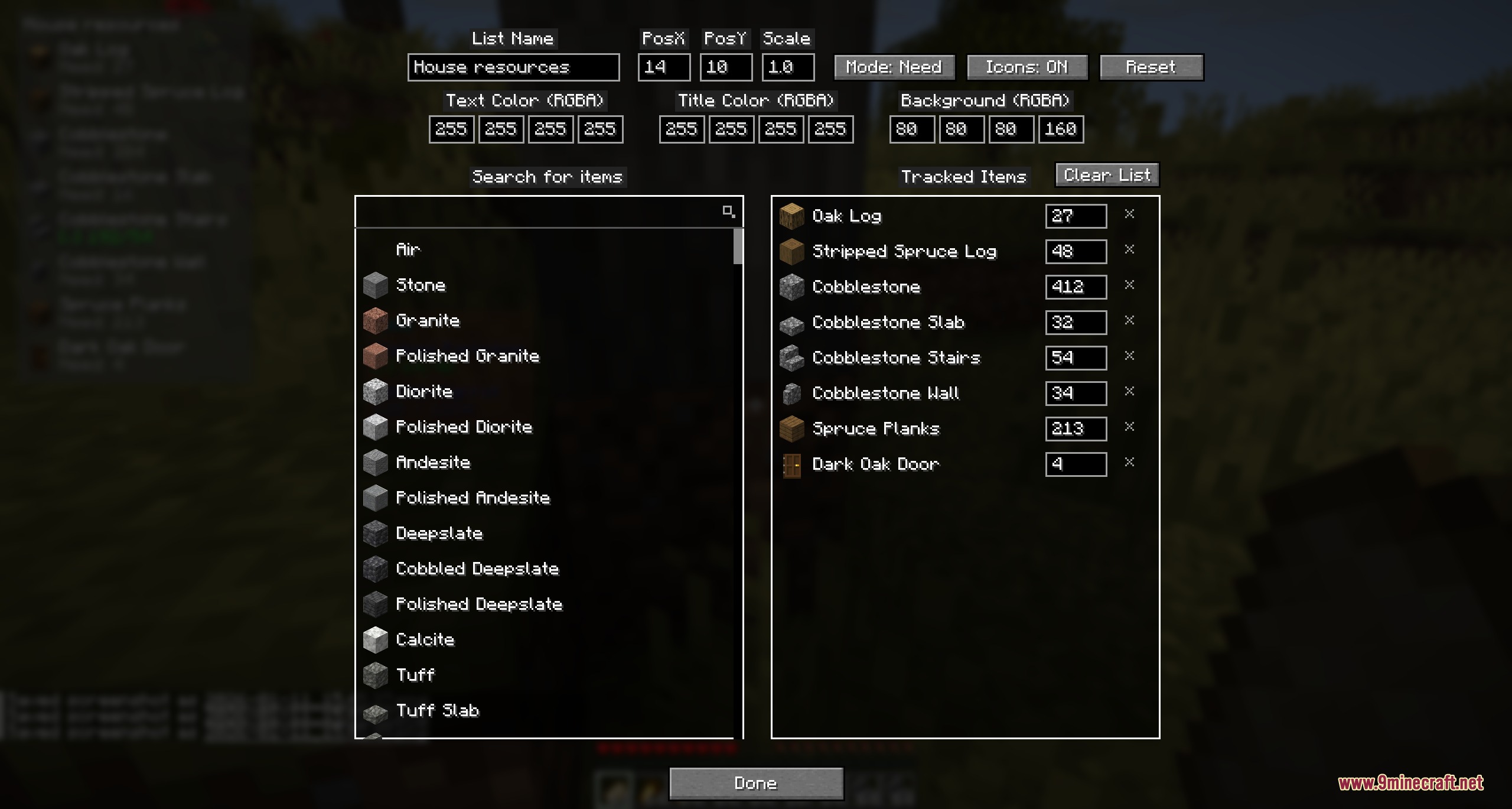
Create and Name a New Item Collection ListOpening the List Manager Access the mod's main interface by opening your inventory or using the designated hotkey…Customize Your Tracker's Appearance and PositionAccessing Display Settings Right-click or access the settings menu for any active list. You'll find customization…Search for Items by Name or ID and Manage Your ListUsing the Search Bar Locate the search field in your list interface. Type an item name (like "stone" or "copper") or…Track Items Across Containers and BundlesUnderstanding What Gets Counted The mod automatically scans your inventory, any open chests or containers you're…
Frequently asked questions
How do I create my first item list?
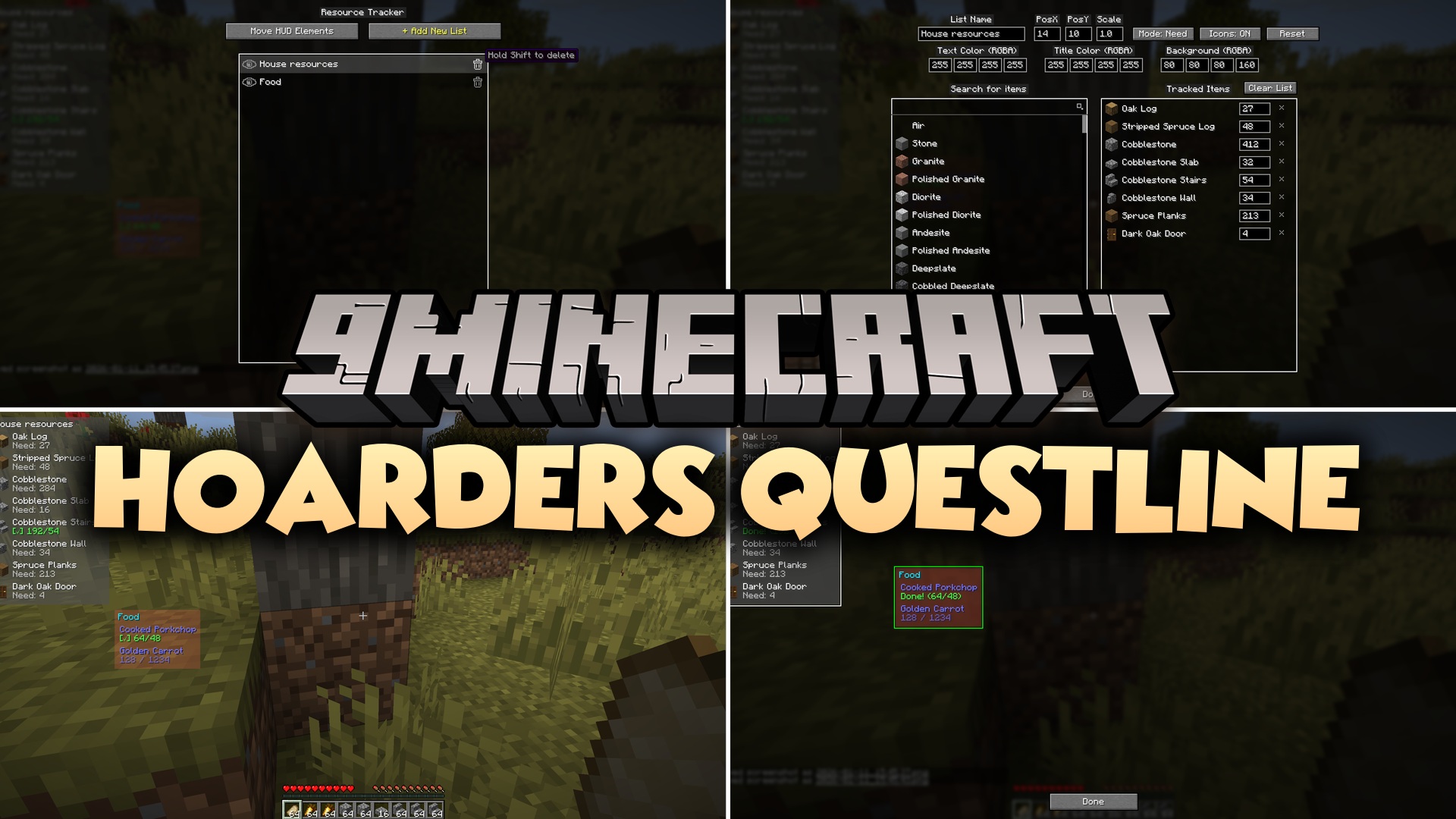
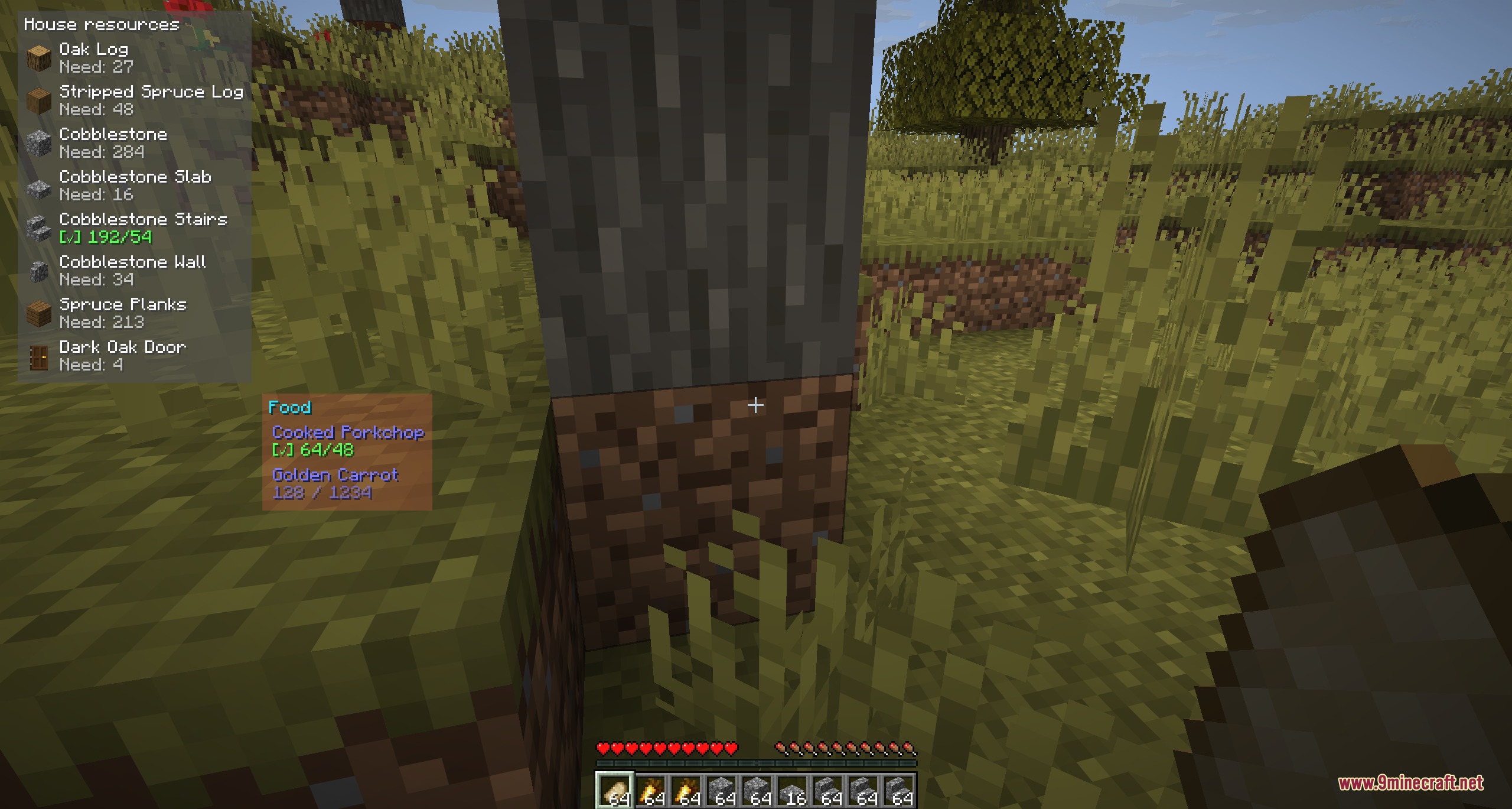
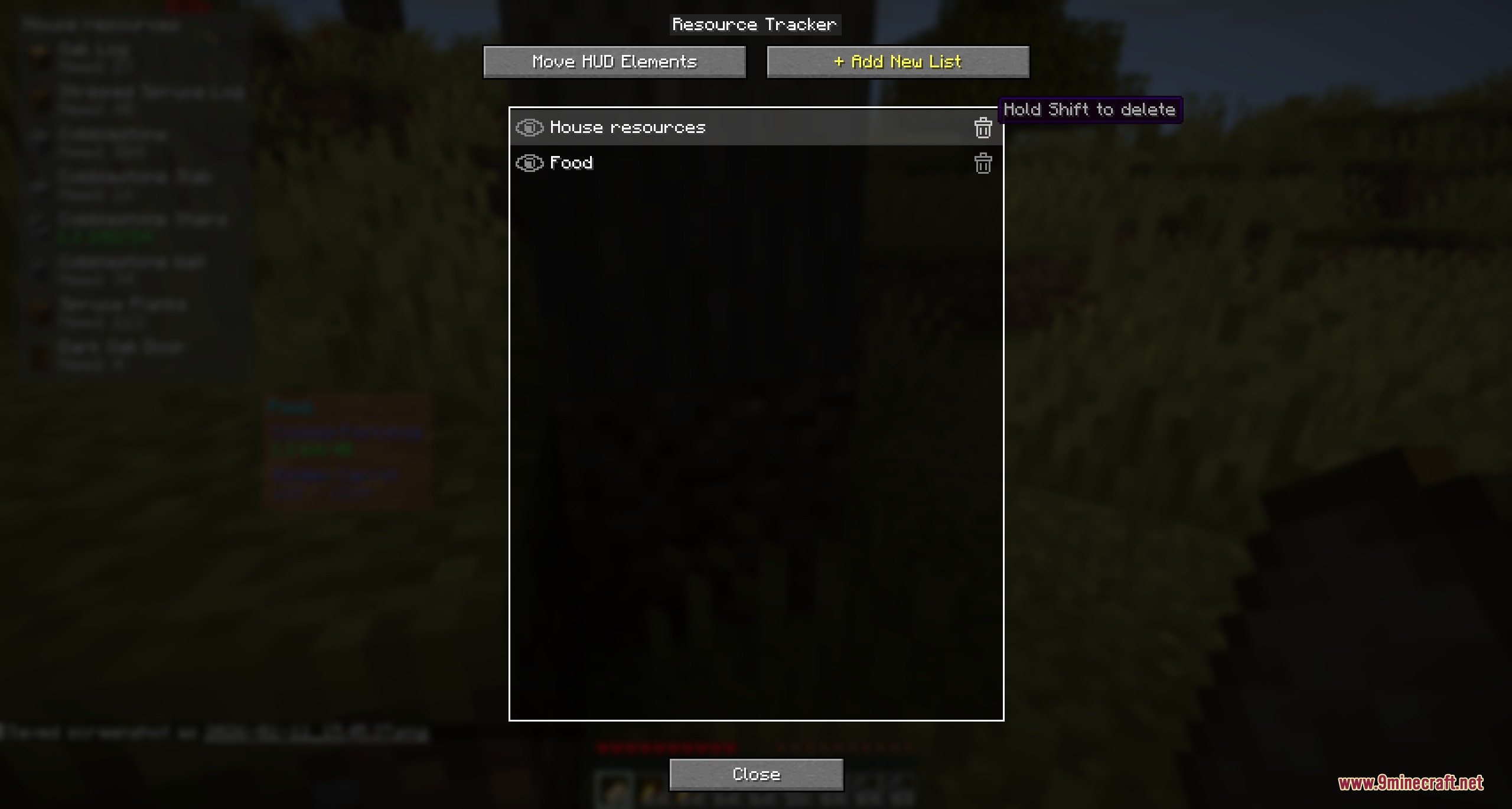
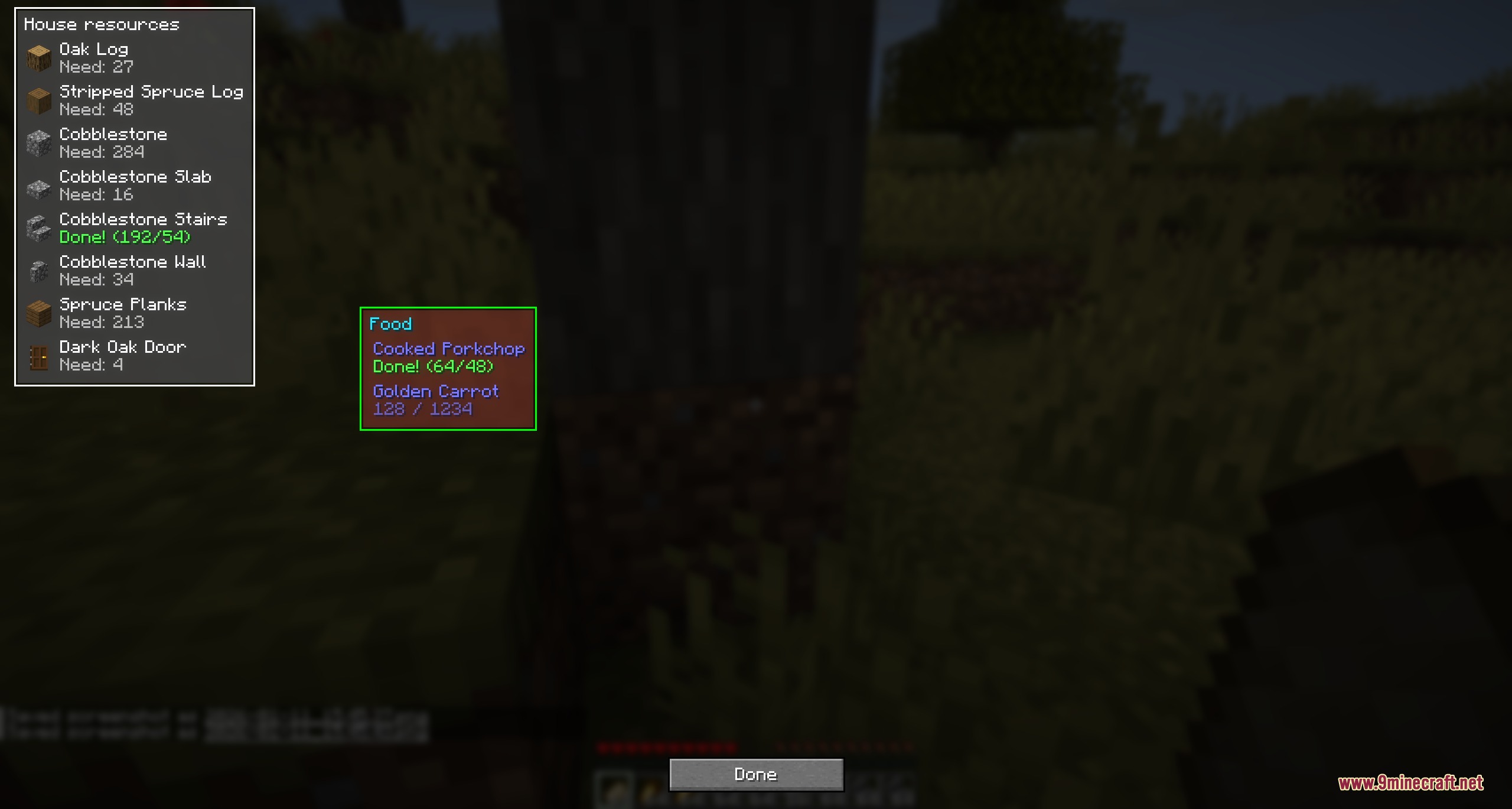
Open the mod's interface (default keybind varies by installation) and select 'New List'. Give your list a name like 'Survival Base' or 'Farm Materials', then start adding items by searching for them by name or ID in the search bar.
Does the tracker count items in my ender chest?
No, the tracker only counts items in your inventory, open containers you can see on screen, shulker boxes, and bundles. Ender chests and other closed storage are not tracked.
Can I track the same item in multiple lists at once?
Yes, you can add the same item to different lists for different projects, and each list will show its own progress independently.
Why isn't my list saving between game sessions?
Lists are saved per world by default. Make sure you're loading the same world and singleplayer save file where you created the list—lists don't carry over between different worlds.
See all 10 Hoarders Questline questions ›
Gallery
5 images from the Hoarders Questline Mod page.
You May Also Like
Wikis that share the most with this one
Wikis on the same theme: quest
More mod wikis on the site
The most downloaded mods that have a wiki here
A few wikis from each of the other kinds