DownloadHistory Stages
Get the files on 9Minecraft
Guides
Step-by-step, in-game.
Block Mobs and Control Mob Drops by Game StagePreventing Mob Spawning You can restrict which mobs appear in your world based on the current game stage. In the…Create Time-Based or Action-Based Stage UnlocksUnderstanding Unlock Methods History Stages Mod offers multiple ways for players to progress. Research mode requires…Lock Items and Recipes Behind Specific Game StagesAccessing the Stage Editor Open your pause menu and locate the stage editor button. This interface lets you manage…Set Up a Research Pedestal and Give Players Research ScrollsPlacing the Research Pedestal The Research Pedestal is the core block for unlocking stages in research mode. Place it…
Items
 Creative Scroll
 Open Research Scroll
 Research Scroll
Blocks
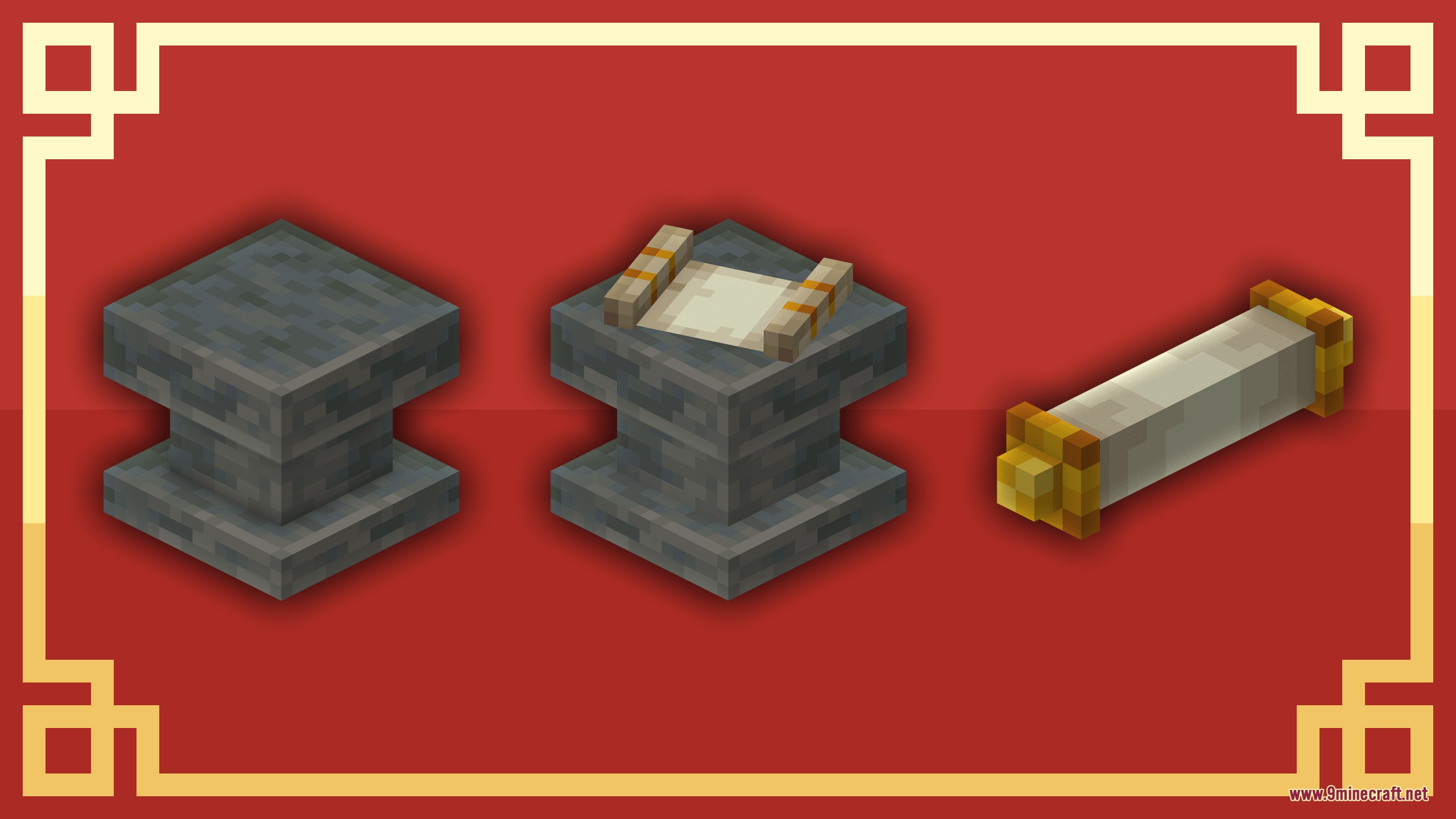
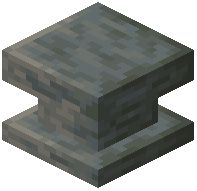 Research Pedestal
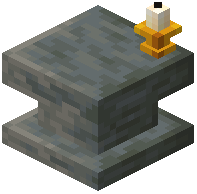 Research Pedestal Tier II
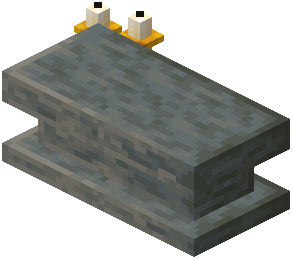 Research Pedestal Tier III
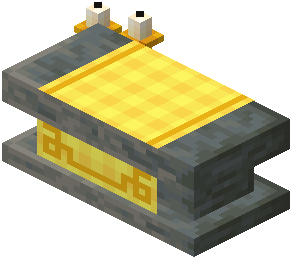 Research Pedestal Tier IV
Configuration
Every setting in the mod config file, with what it changes.
| Option | What it does |
|---|---|
locked_block | Locked Block Info |
locked_entity_item | Locked Entity Item Info |
pedestal_booster | Pedestal Booster Info |
Frequently asked questions
How do I start using History Stages Mod?
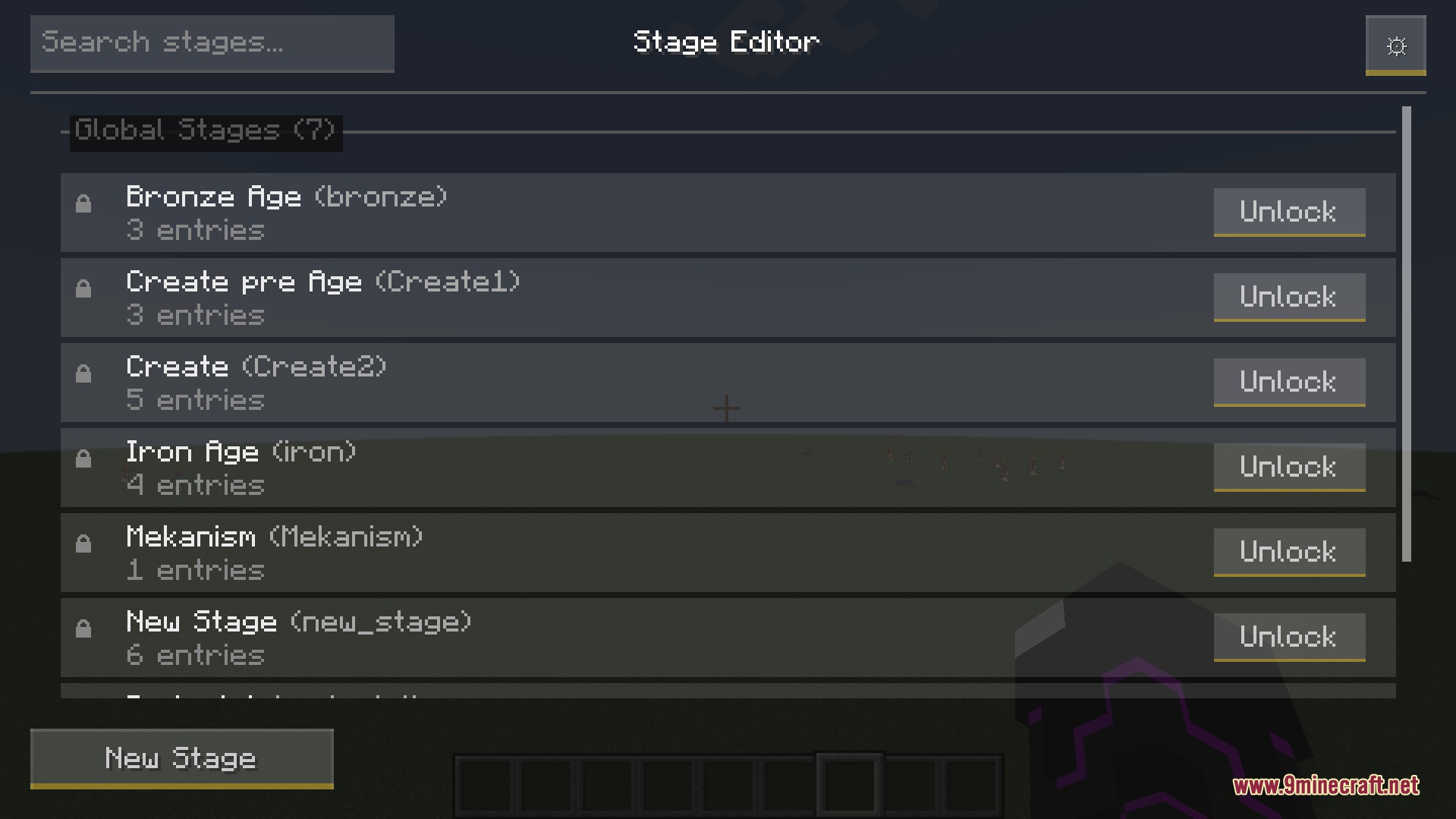
You need operator permissions on your world or server. Open the pause menu and look for the stage editor button, then create your first stage and decide what items or content to lock behind it. Set up an unlock method (Research, Auto, or Temporary) so players can progress.
What's the difference between Research, Auto, and Temporary unlock modes?
Research mode requires players to bring a research scroll to a Research Pedestal and wait for it to complete. Auto mode unlocks stages instantly when players pick up an item, enter a biome, or meet a time condition. Temporary mode unlocks a stage for a limited time before locking it again.
How do I give players research scrolls?
Use the command `/give @s historystages:research_scroll{StageResearch:"YOUR_STAGE_NAME"}` to give a research scroll for a specific stage. Replace YOUR_STAGE_NAME with the exact name of the stage you want to unlock.
Can I lock entire dimensions or mods?
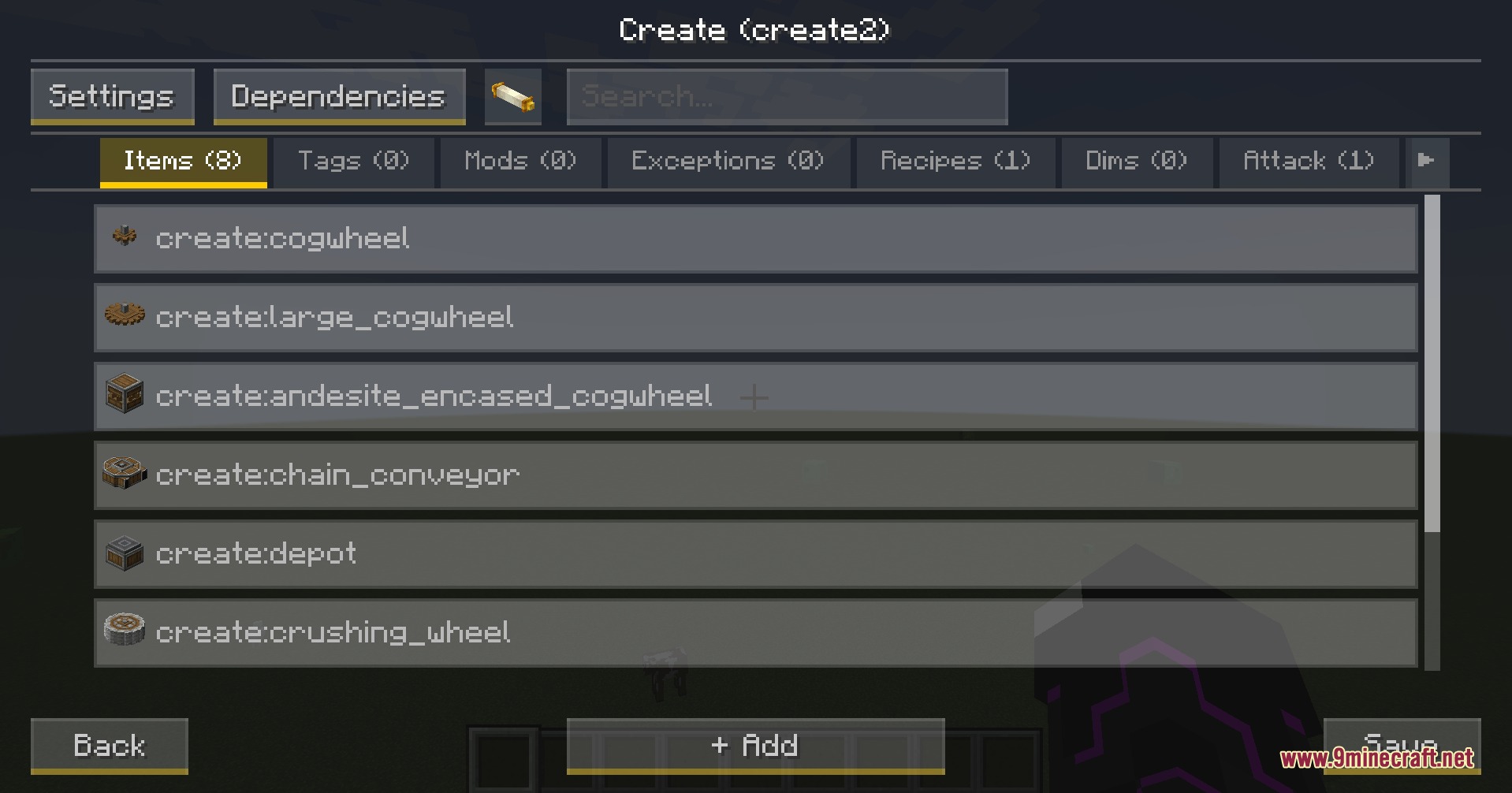
Yes, you can lock specific dimensions and all items from entire mods behind stages. Use the in-game stage editor to select which dimensions or mod items you want to restrict.
How do I set up a Research Pedestal?
Place the Research Pedestal block in your world, then give players research scrolls for the stages you want them to unlock. Players right-click the pedestal with a scroll and wait for the research timer to complete before the stage unlocks.
Can I lock blocks from being broken or chests from being opened?
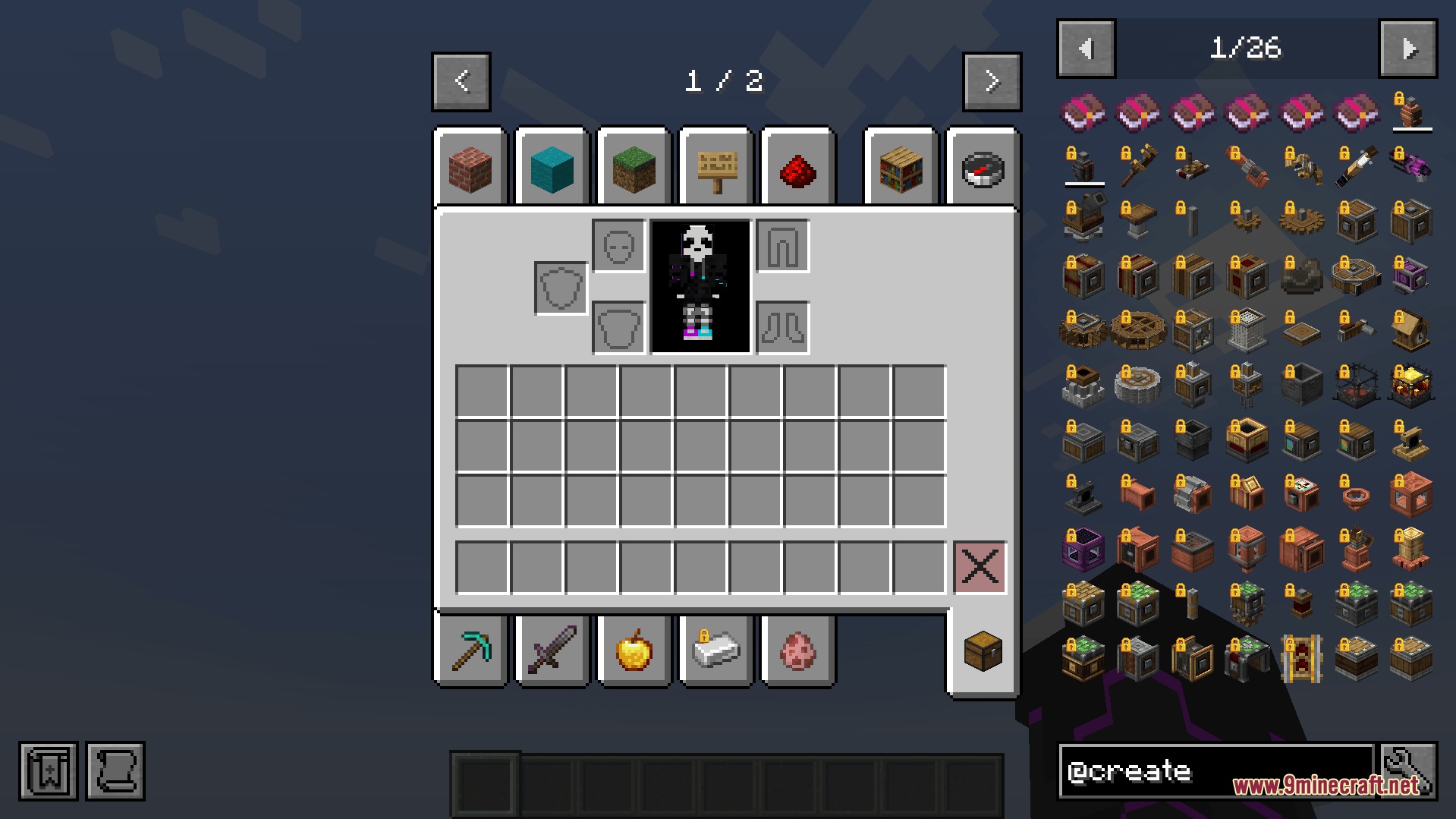
Yes, the mod can prevent players from breaking specific blocks, opening chests, or using enchanting tables until they reach the required stage. When they try, they'll see a lock icon and message explaining what stage they need.
Do stages apply to all players or just one player?
You can set up stages to apply globally to everyone on the server at once, or configure them to track progress per individual player. This is set when you create the stage in the editor.
Can I change what loot appears in chests based on the current stage?
Yes, the mod lets you hide or modify chest loot and mob drops based on which stage players have unlocked. This lets you control what rewards are available at different eras of progression.
What happens if a player tries to use a locked item?
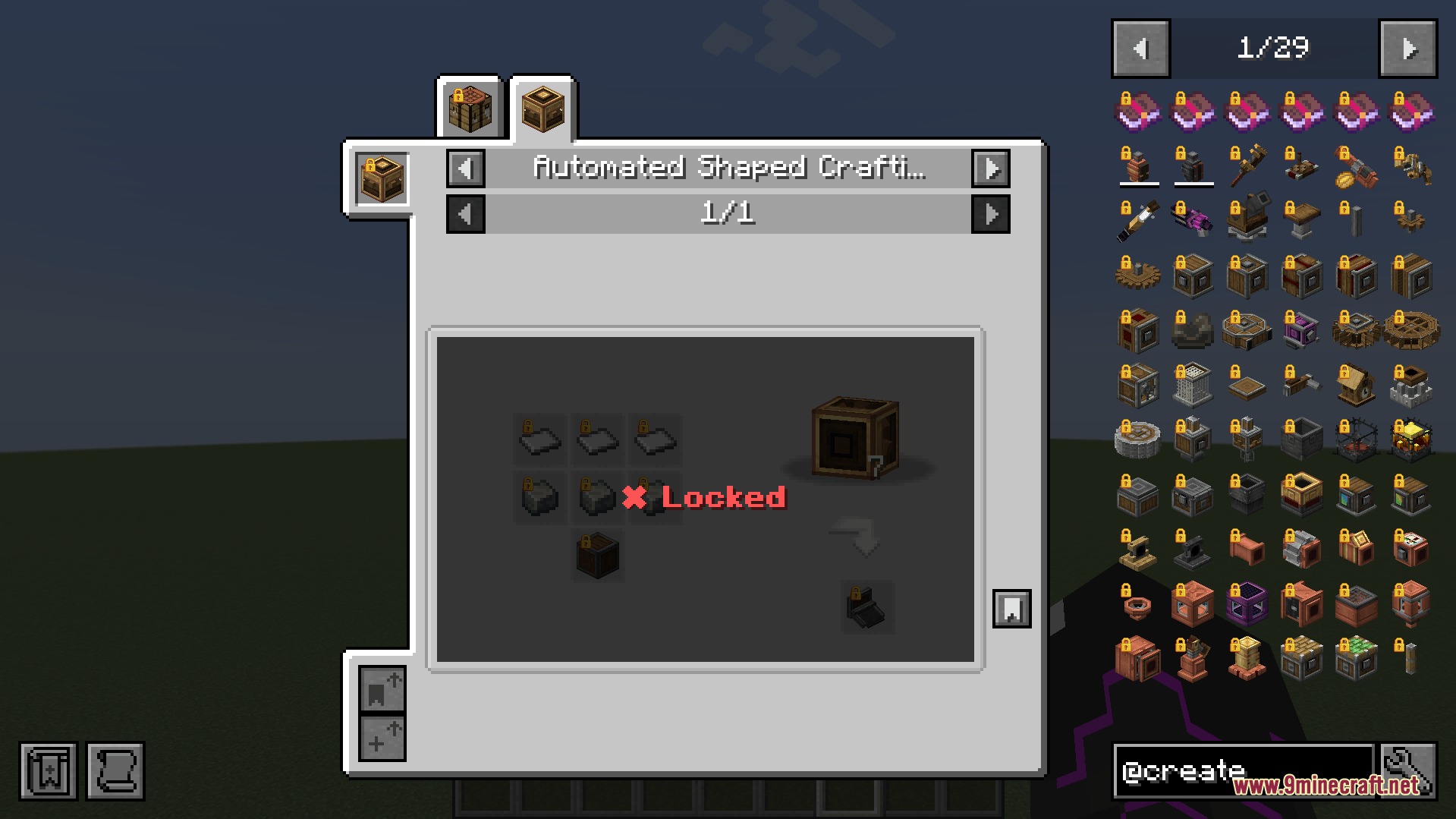
They'll see a clear lock icon and on-screen message telling them which stage they need to unlock it. The item won't function or craft until they reach that stage.
Can I unlock stages by having players visit a specific biome or kill a certain mob?
Yes, you can set up Auto mode unlocks that trigger when players enter a new biome, kill specific mobs, or meet other action-based conditions. This gives you flexible progression options beyond just research.
You May Also Like
Wikis that share the most with this one
More mod wikis on the site
The most downloaded mods that have a wiki here
A few wikis from each of the other kinds
Gallery
6 images from the History Stages Mod page.