

 DownloadHD Skins Mod
Get the files on 9Minecraft
Guides
Step-by-step, in-game.
Load a Custom Skin from an Alternative ServerAccess the Skin Customization Screen Open your inventory and look for the HD Skins Mod customization button, or use…Switch Between Multiple Skin ServersOpen the Skin Menu Access the HD Skins Mod customization interface through your inventory or keybind. The menu…Troubleshoot Skins Not Loading or DisplayingVerify Server Connectivity Check that the skin server you're trying to access is online and reachable. If a server is…Use High-Resolution Skins Beyond Standard LimitsUnderstand Resolution Limits Vanilla Minecraft restricts skins to standard resolutions. HD Skins Mod removes this…
Frequently asked questions
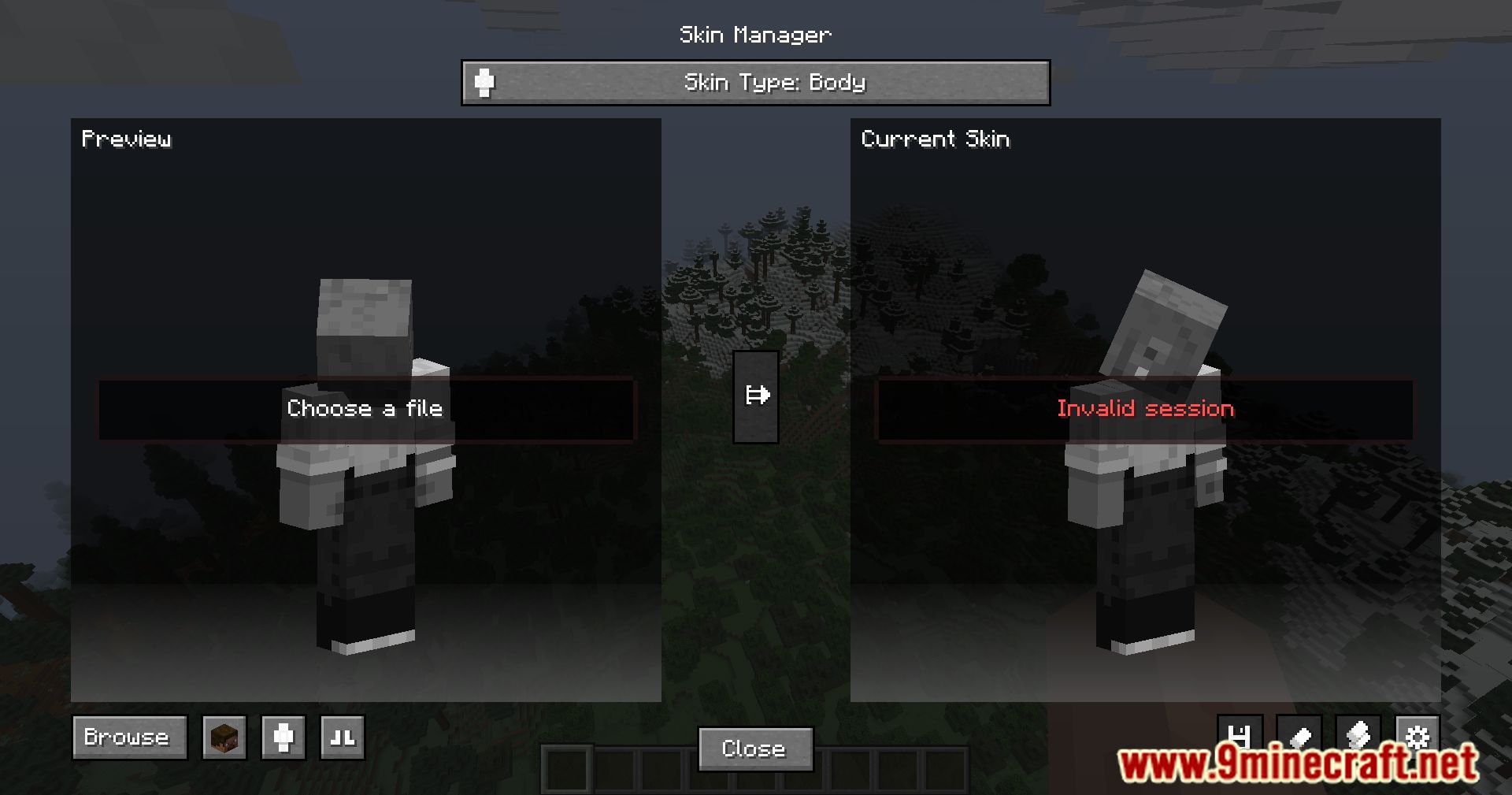
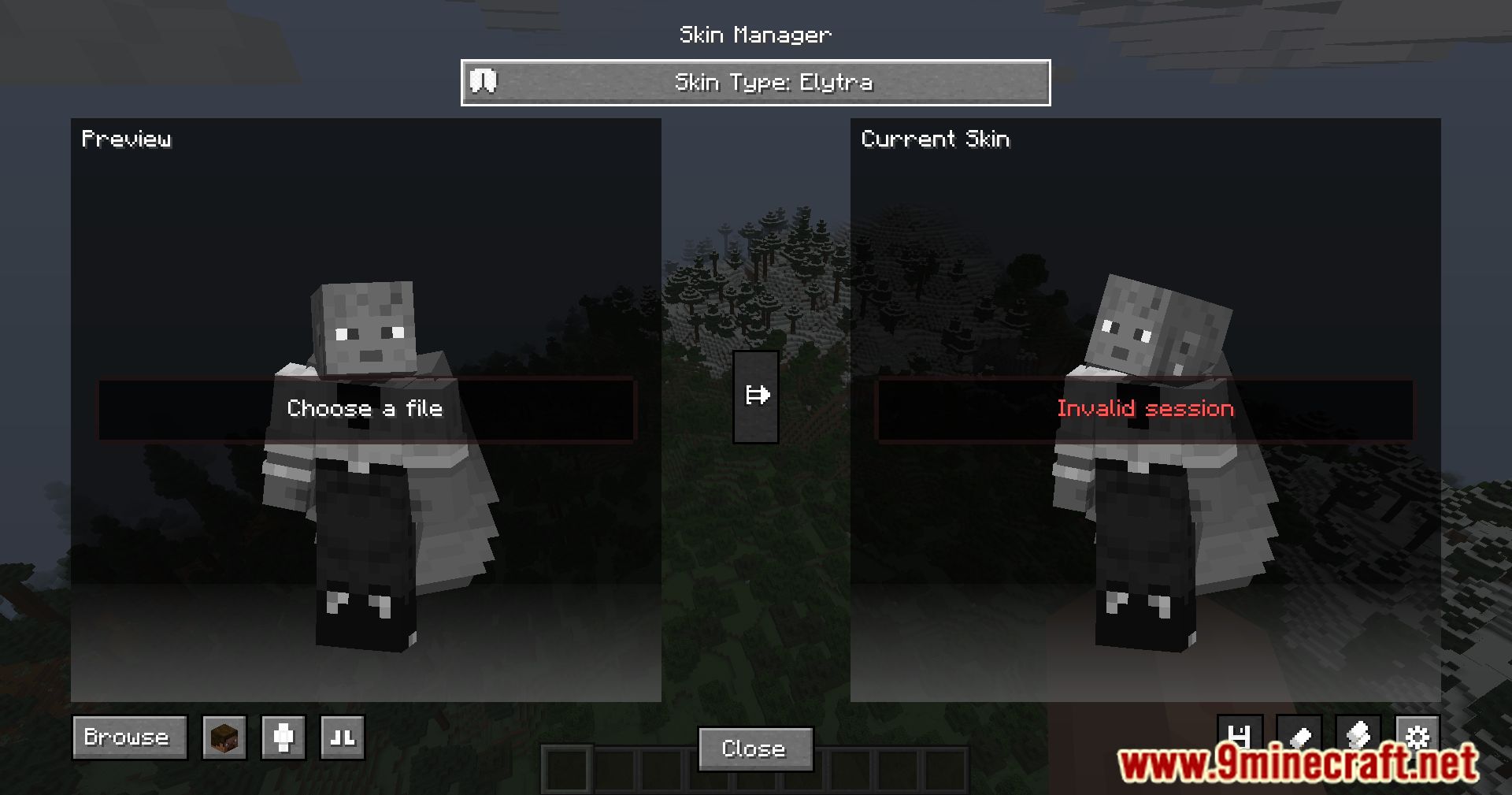
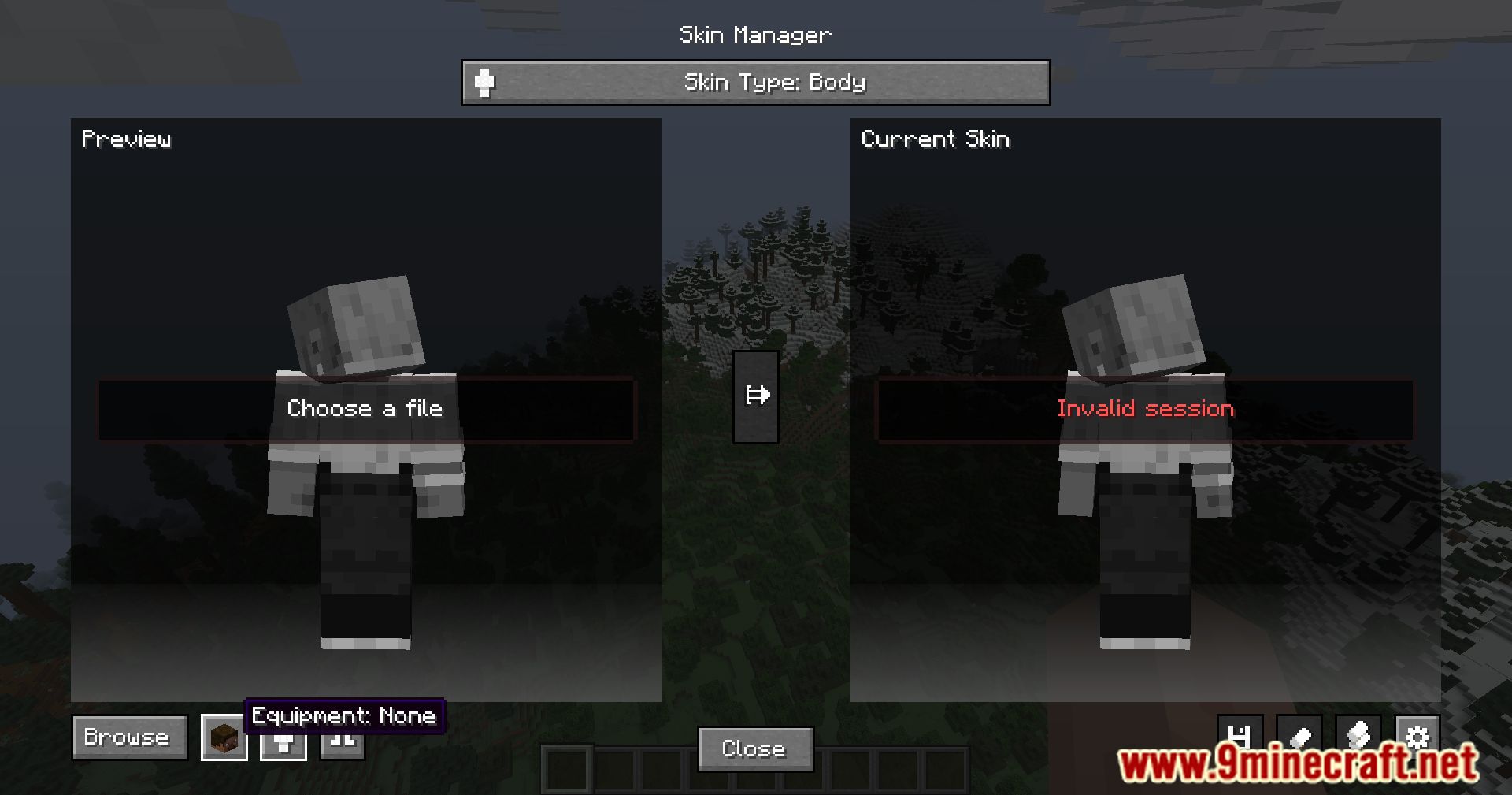
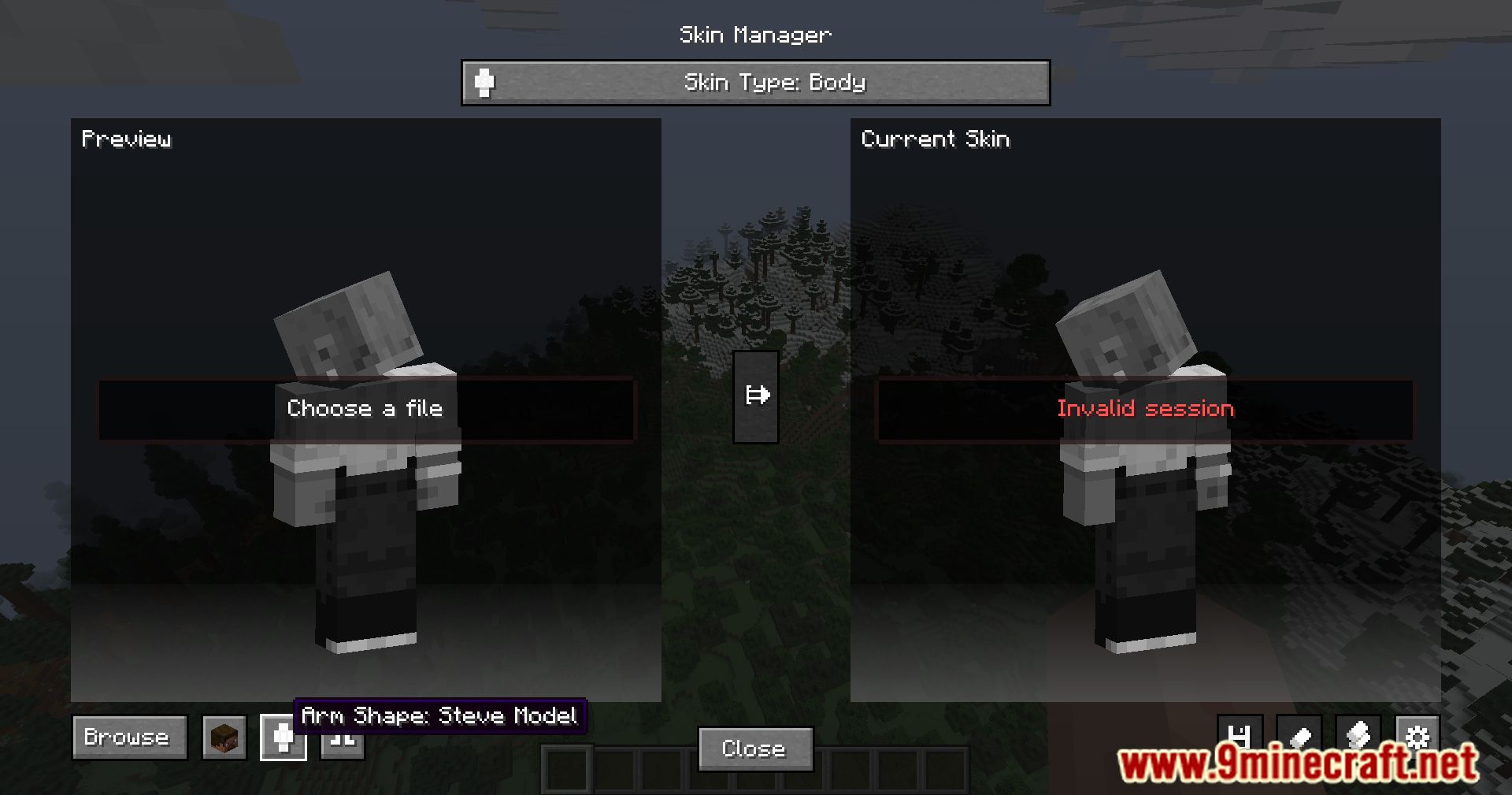
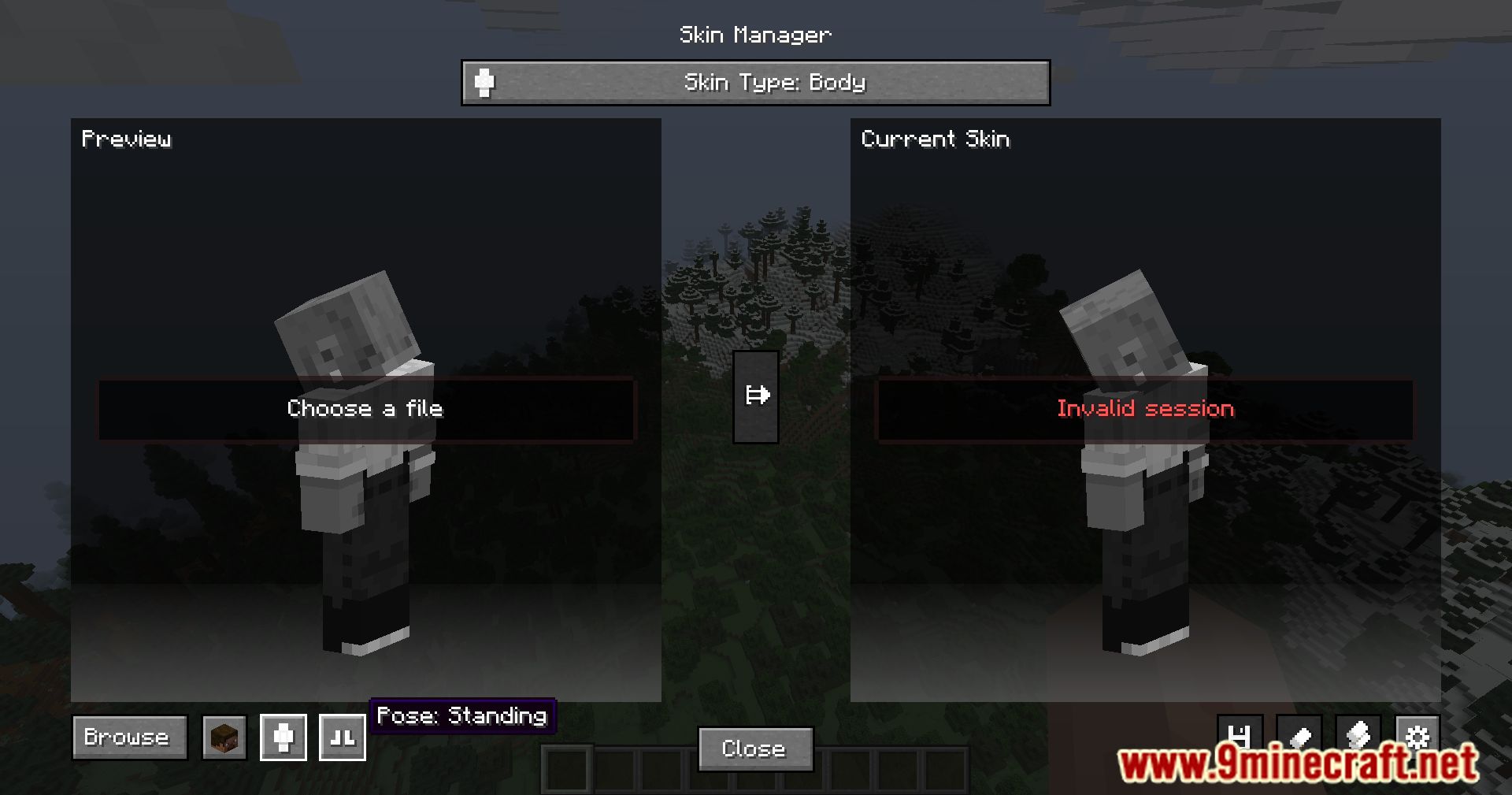
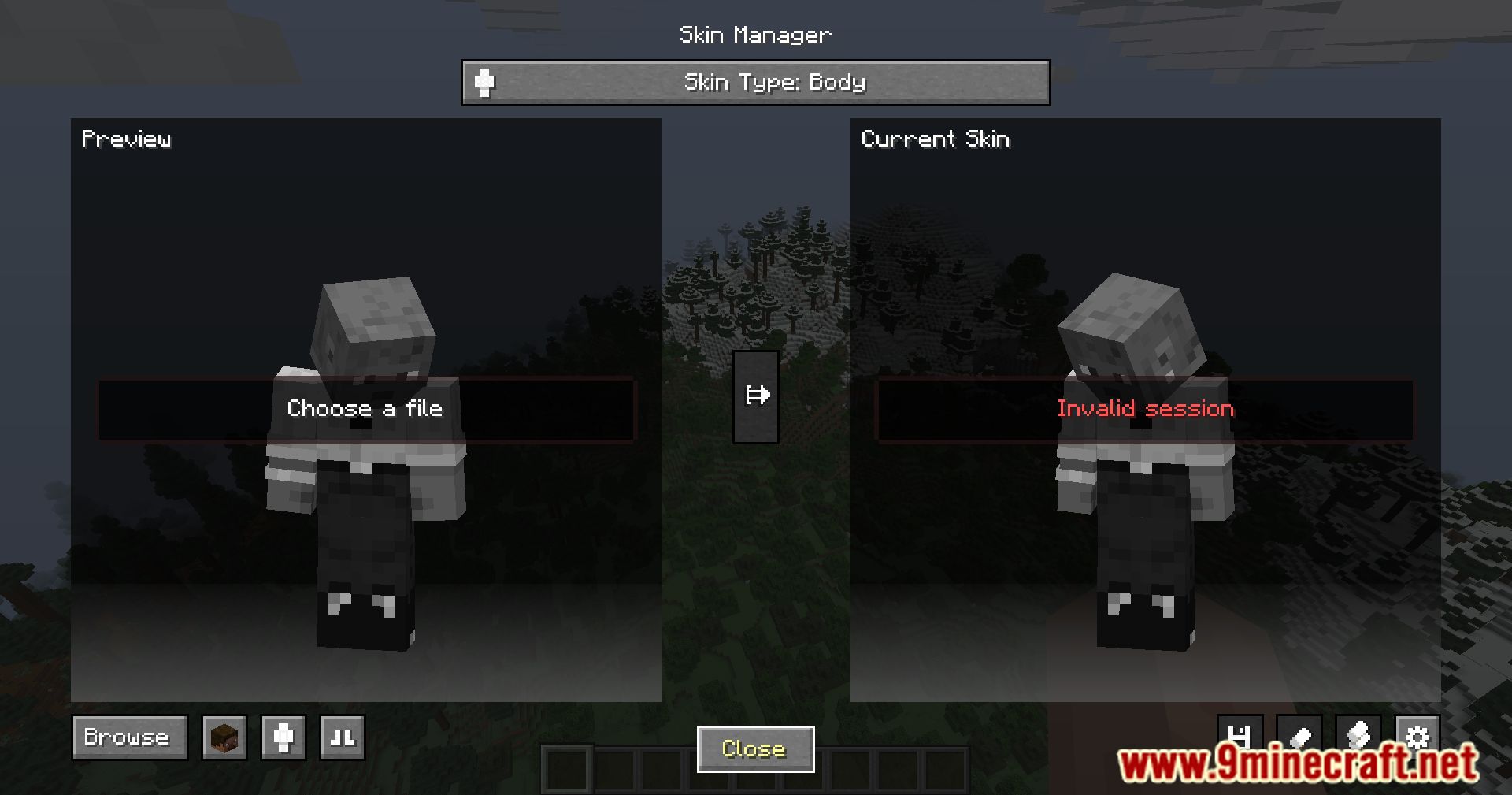
How do I open the skin customization screen?
Press the designated keybind (configurable in your mod settings) to open the HD Skins menu from in-game. You can also access it through the main menu or pause screen depending on your mod version.
What skin servers can I use with this mod?
The mod supports multiple skin servers including Mojang's official server, MinecraftSkins, and other third-party alternatives. You can switch between them in the customization screen to find skins that suit your needs.
Why is my skin not showing up in-game after I load it?
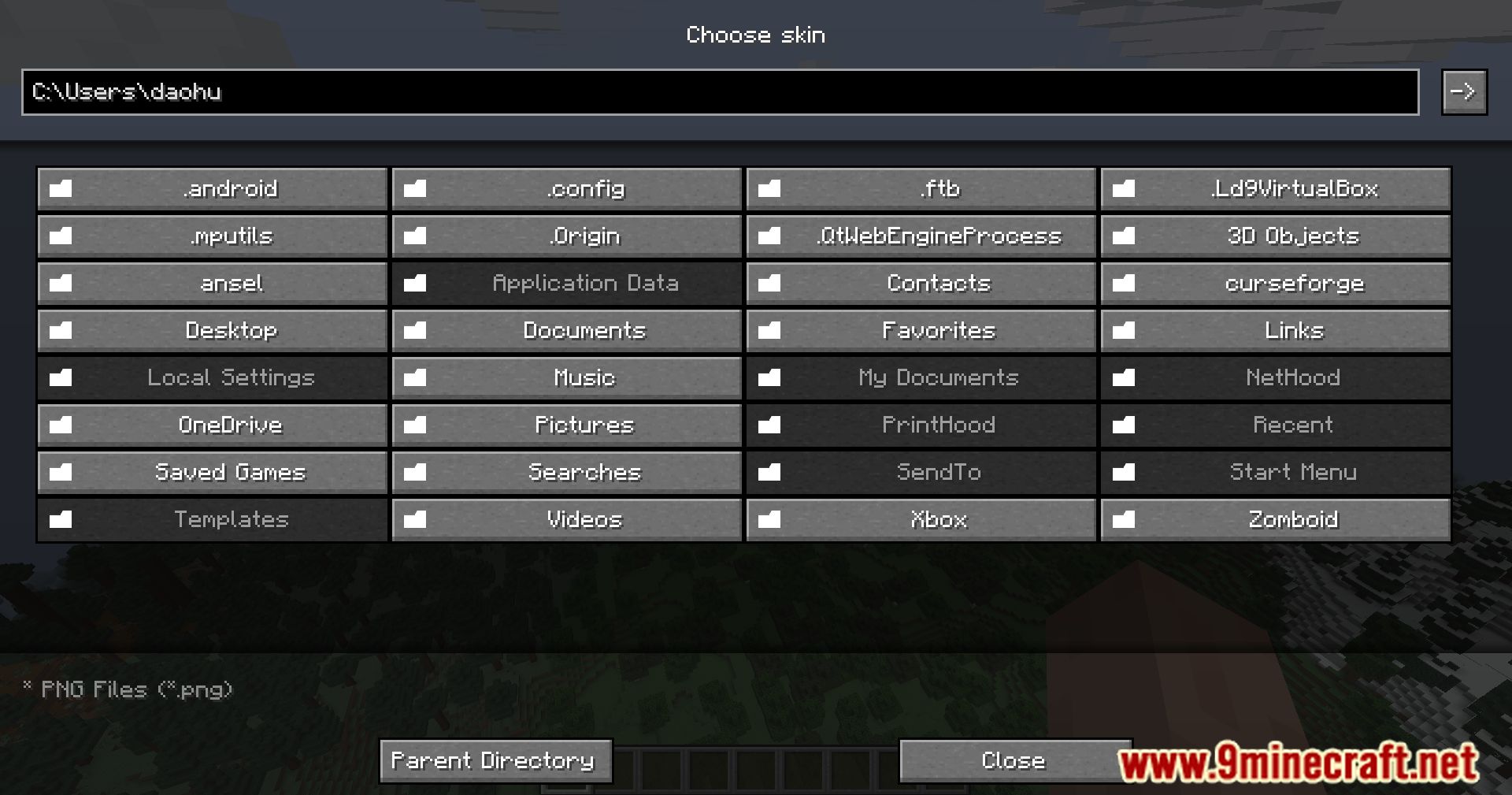
Check that you've applied the skin and that the server you're using is responding correctly. If the skin still doesn't appear, try relogging or restarting the game, and verify the skin file format is supported (usually PNG).
See all 10 HD Skins questions ›
Gallery
11 images from the Hd Skins Mod page.
You May Also Like
Wikis that share the most with this one
More mod wikis on the site
The most downloaded mods that have a wiki here
A few wikis from each of the other kinds