

 DownloadHealth Bars by Fuzs Mod
Get the files on 9Minecraft
Guides
Step-by-step, in-game.
Customize Health Bar Colors for Different Mob TypesAccess the Configuration Menu Open your mod configuration settings (usually through a mod menu or config folder).…Position the HUD Health Display on Your ScreenLocate HUD Position Settings In your mod configuration, find the HUD display options. This controls where the main…Reduce Performance Impact from Floating Health BarsDisable Floating Bars in Crowded Areas If you experience lag during large mob fights, consider disabling floating…Toggle Health Bars On and Off for Specific Mob TypesOpen Mod Settings Access your mod configuration menu. Navigate to the Health Bars section where you'll find a list of…
Frequently asked questions
How do I turn on health bars for mobs?
Health bars are enabled by default when you install the mod. Open your mod settings (usually in the pause menu under Options > Mod Settings or similar) and look for Health Bars by Fuzs to confirm floating bars and HUD display are both toggled on.
Can I hide health bars for certain mob types?
Yes, in the mod's configuration settings you can toggle health bars on or off for specific mob categories like animals, hostile mobs, bosses, or players. This lets you see only the health information you care about.
Why are health bars making my game lag?
Floating health bars for every mob can impact performance, especially with many entities nearby. Try disabling floating bars for passive mobs or reducing the render distance for health bars in the settings, or disable damage numbers if they're causing stuttering.
How do I move the HUD health display to a different corner?
In the mod settings, find the HUD positioning option and choose your preferred screen location (top-left, top-right, bottom-left, or bottom-right). Some versions also let you fine-tune the exact pixel position.
See all 10 Health Bars by Fuzs questions ›
Gallery
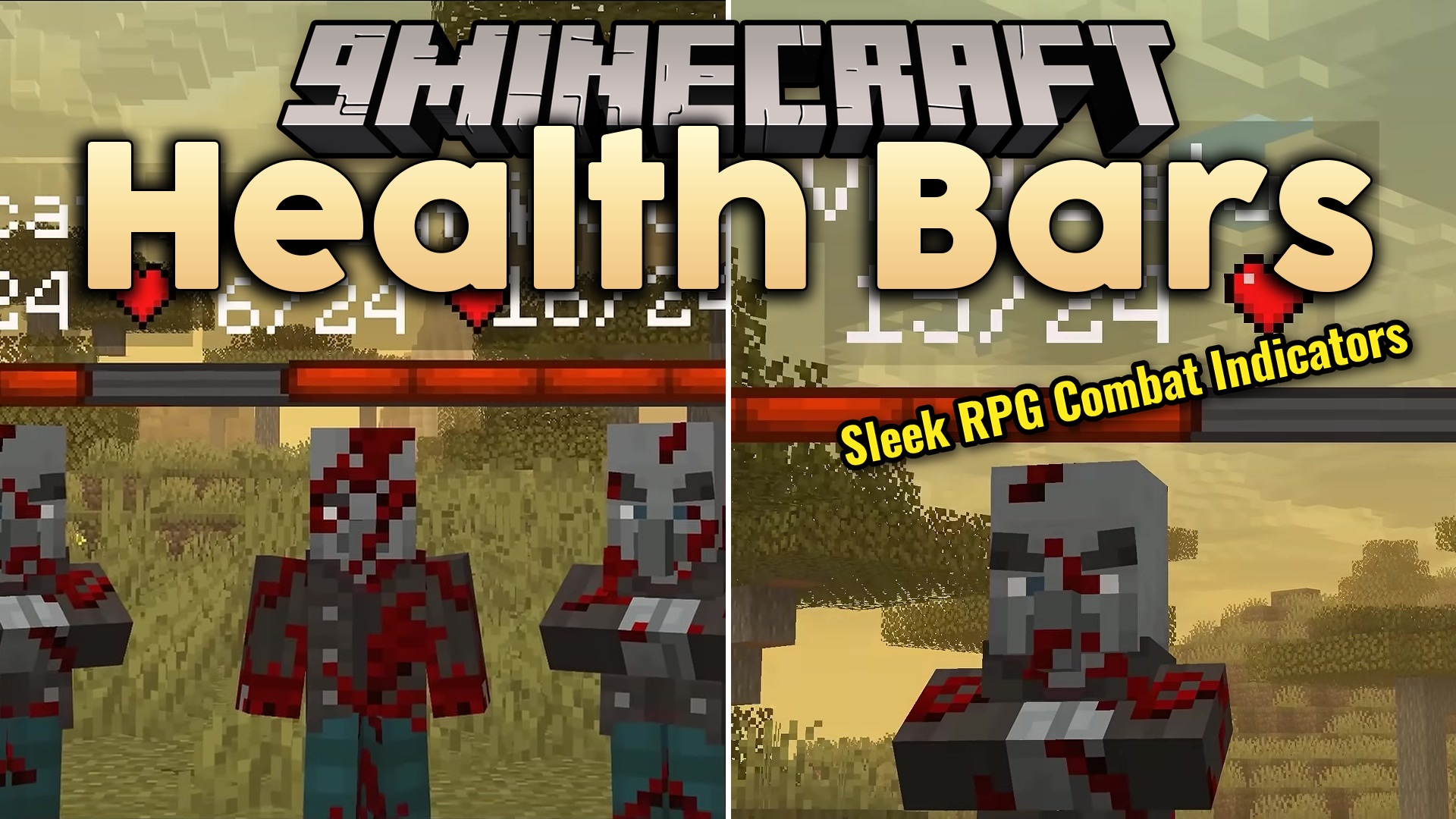
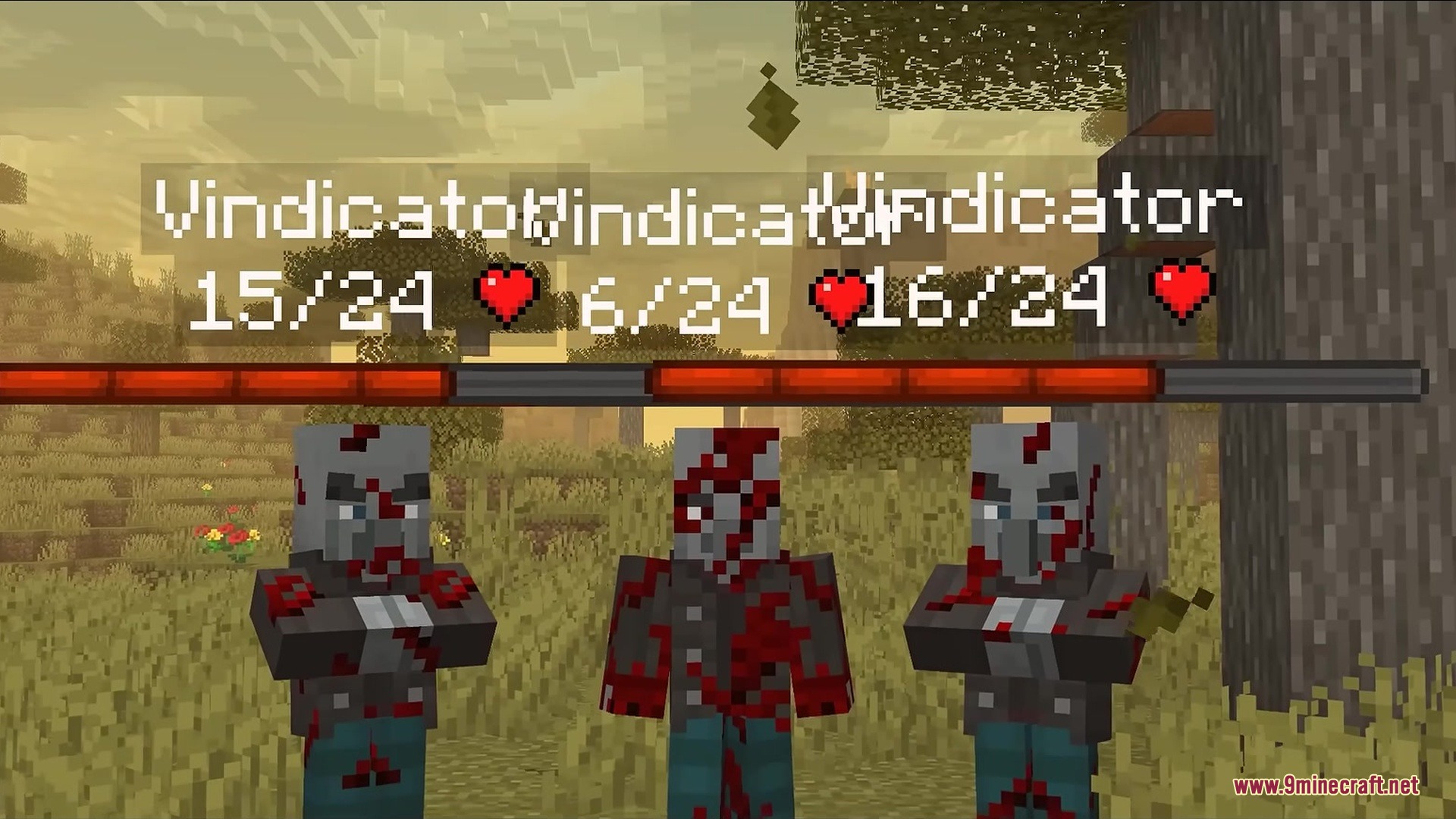
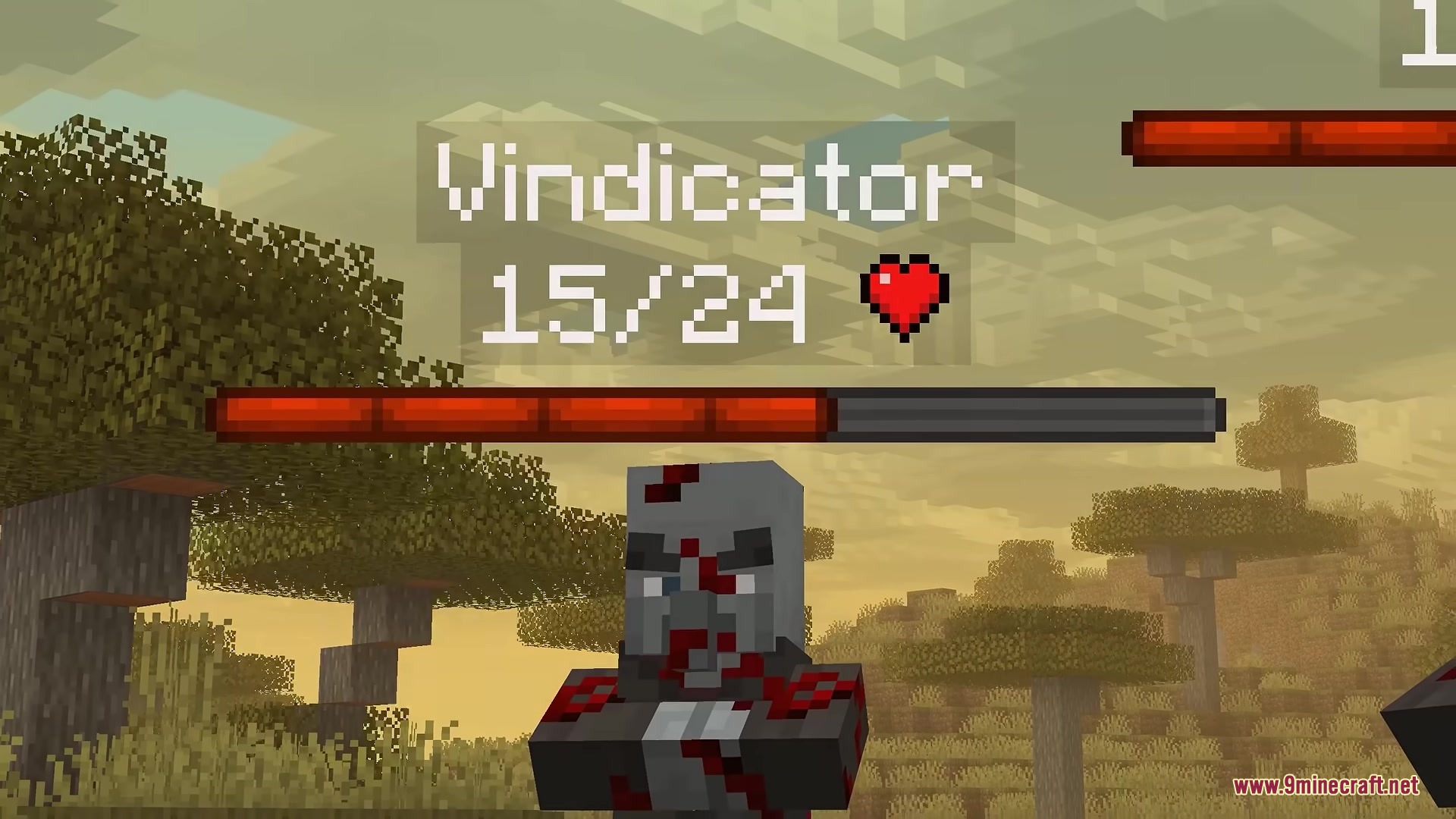
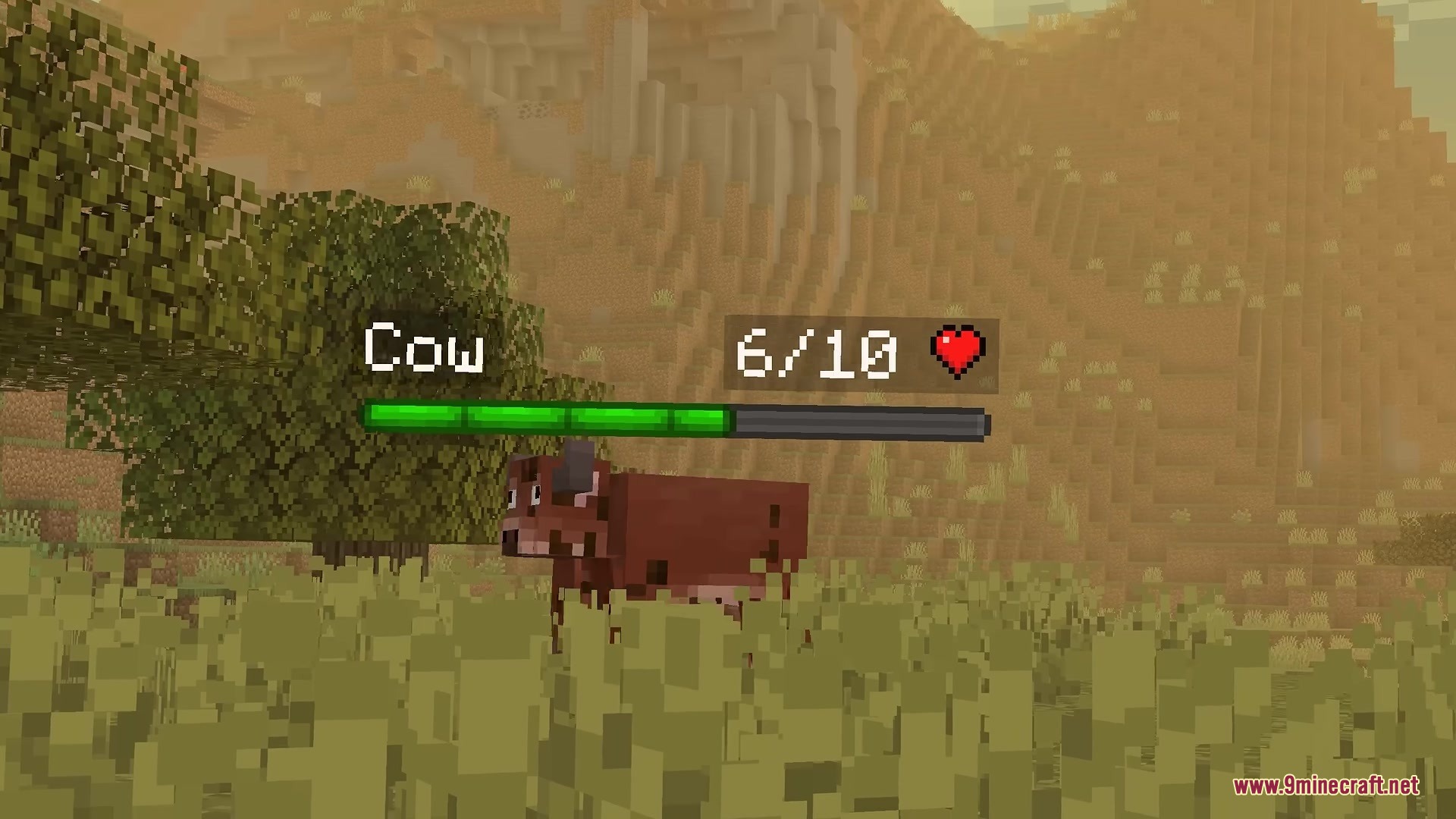
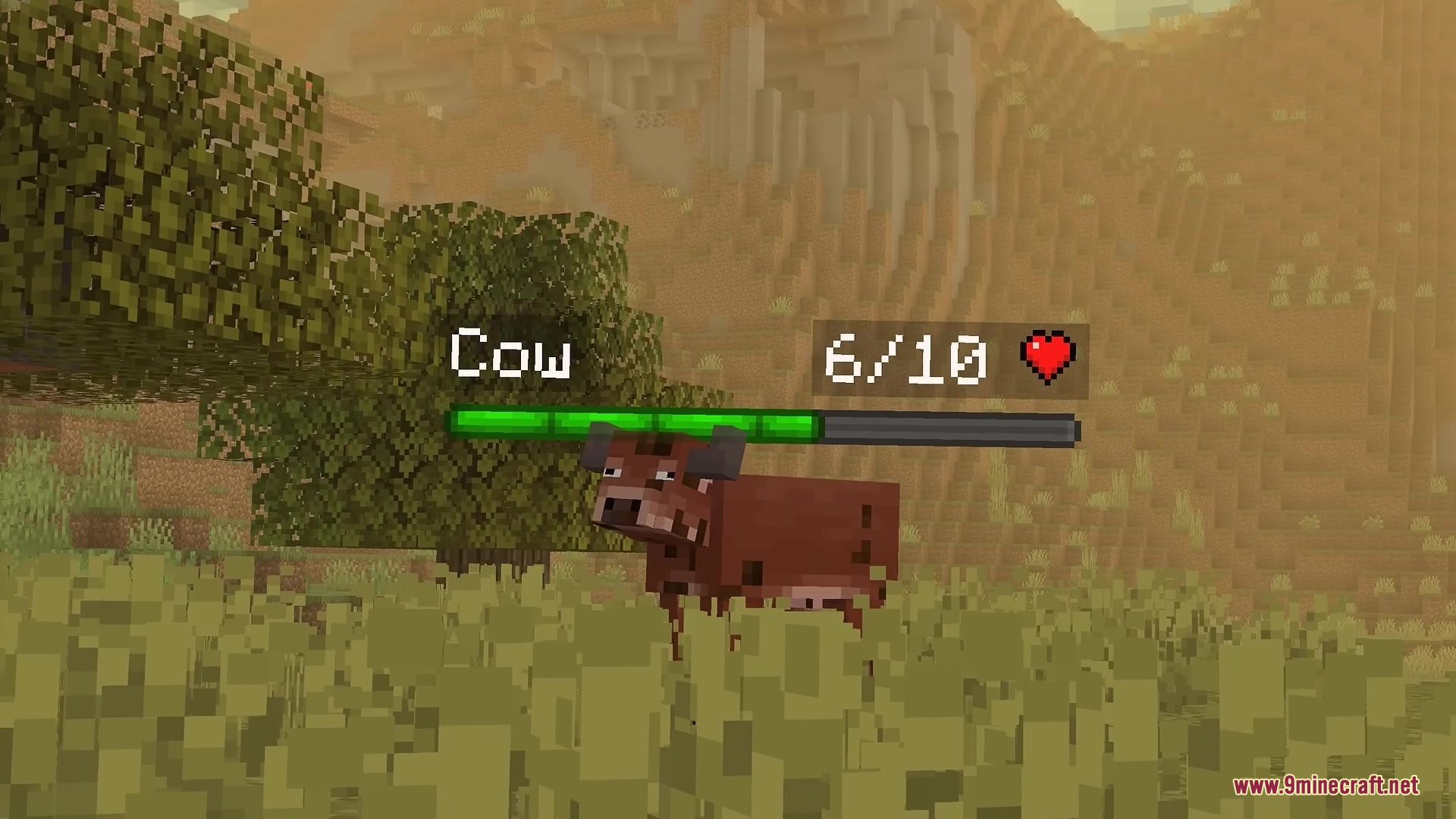
5 images from the Health Bars By Fuzs Mod page.
You May Also Like
Wikis that share the most with this one
More mod wikis on the site
The most downloaded mods that have a wiki here
A few wikis from each of the other kinds