

 DownloadFabrishot Mod
Get the files on 9Minecraft
Guides
Step-by-step, in-game.
How to Change Fabrishot's Screenshot ResolutionOpen the Config Fabrishot's resolution is controlled through Mod Menu with Cloth Config . Open Mod Menu from the main…How to Find and Use Your Fabrishot ScreenshotsLocate the Folder Fabrishot writes its images to the screenshots folder inside your Minecraft game directory, the…How to Reduce Lag When Taking High-Resolution ScreenshotsWhy It Stutters Fabrishot renders a single frame at a much higher resolution than your screen. That means the game…How to Take a 4K Screenshot with FabrishotThe Basic Capture Fabrishot replaces the vanilla screenshot key with its own high-resolution capture. Once the mod is…
Configuration
Every setting in the mod config file, with what it changes.
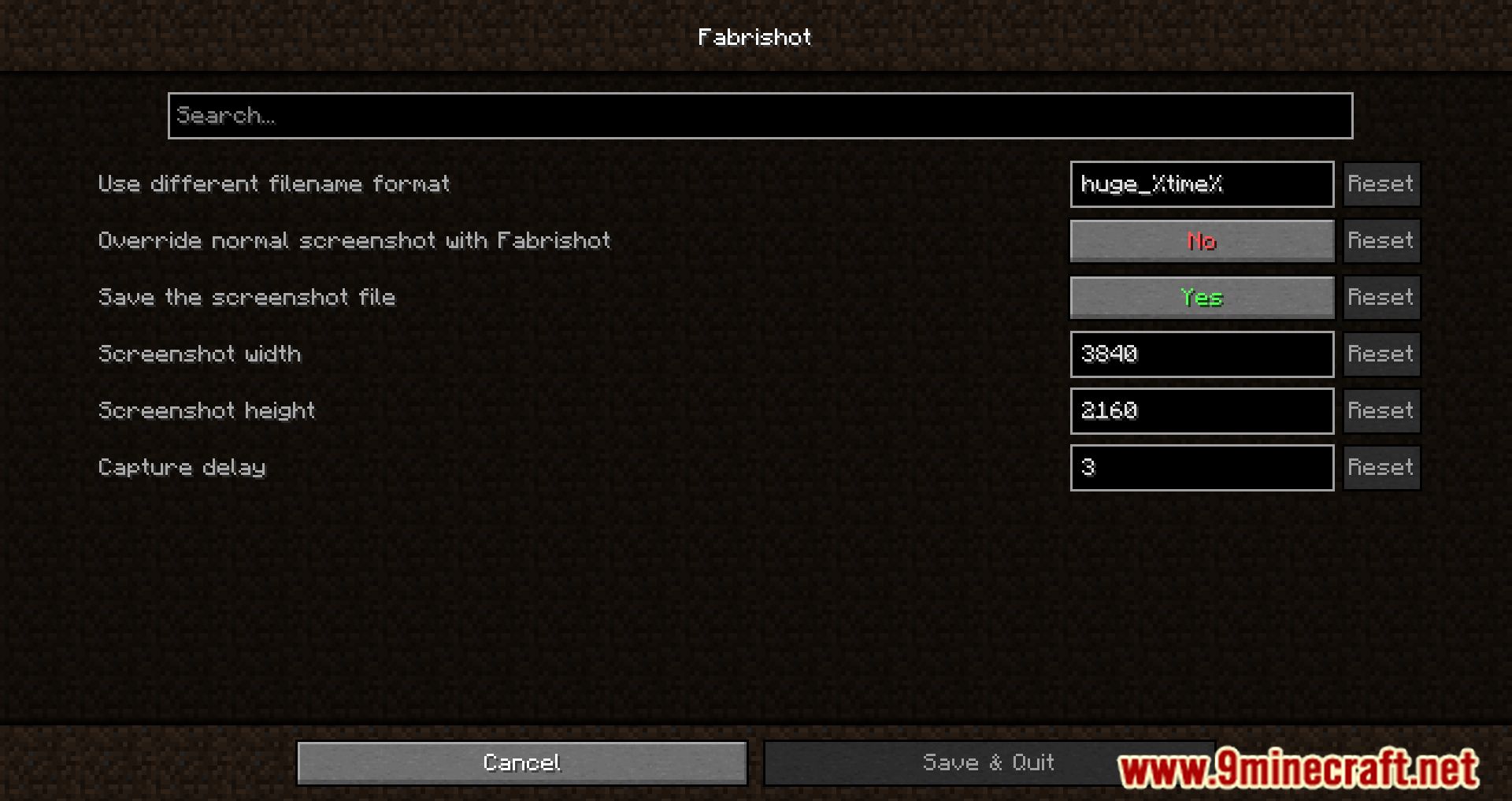
| Option | What it does |
|---|---|
hide_hud | Automatically hide the HUD |
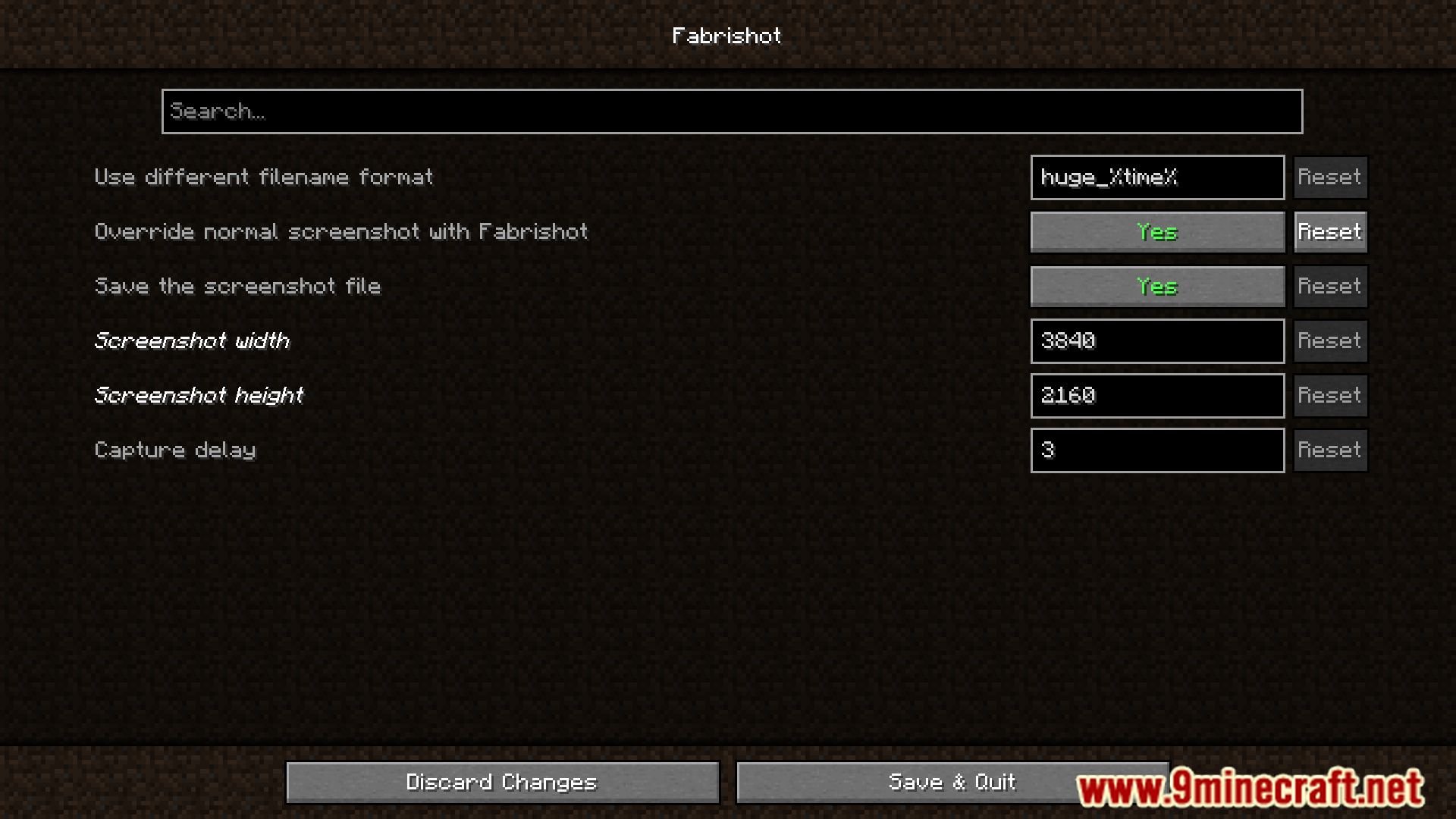
delayCapture delay | Frames to wait after resizing. Tweak for better exposure with shaders |
file_format | File format |
override_screenshot_key | Override normal screenshot with Fabrishot |
save_file | Save the screenshot file |
height | Screenshot height |
width | Screenshot width |
custom_file_nameUse different filename format | Use %time% for the time, %world% for world or server name |
Frequently asked questions
What key do I press to take a Fabrishot screenshot?
Press F9 to capture a high-resolution screenshot. This is separate from Minecraft's normal screenshot key, so your vanilla screenshots still work as usual.
Where do my Fabrishot screenshots get saved?
They are saved to the same screenshots folder as your regular Minecraft screenshots. You can open that folder from the game or find it in your Minecraft installation directory.
How do I change the resolution Fabrishot captures at?
Open the Fabrishot settings through  Mod Menu, which uses Cloth Config for its options screen. There you can set the capture width and height to whatever resolution you want.
Why is my Fabrishot screenshot taking so long or freezing the game?
Very high resolutions take longer to render and can stall the game briefly while capturing. Lower the resolution in the config, or reduce your render distance and other heavy settings before capturing.
See all 10 Fabrishot questions ›
Gallery
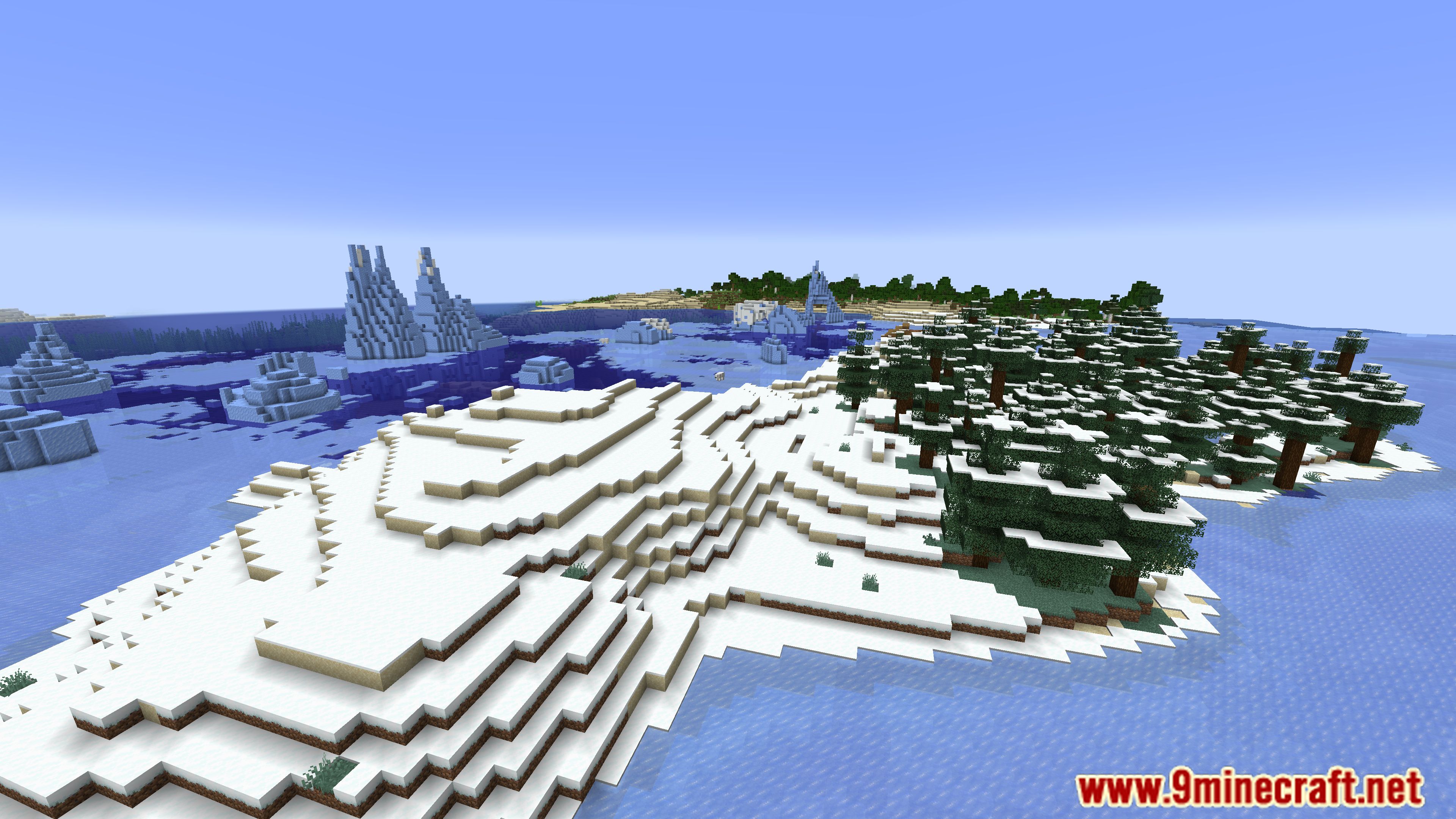
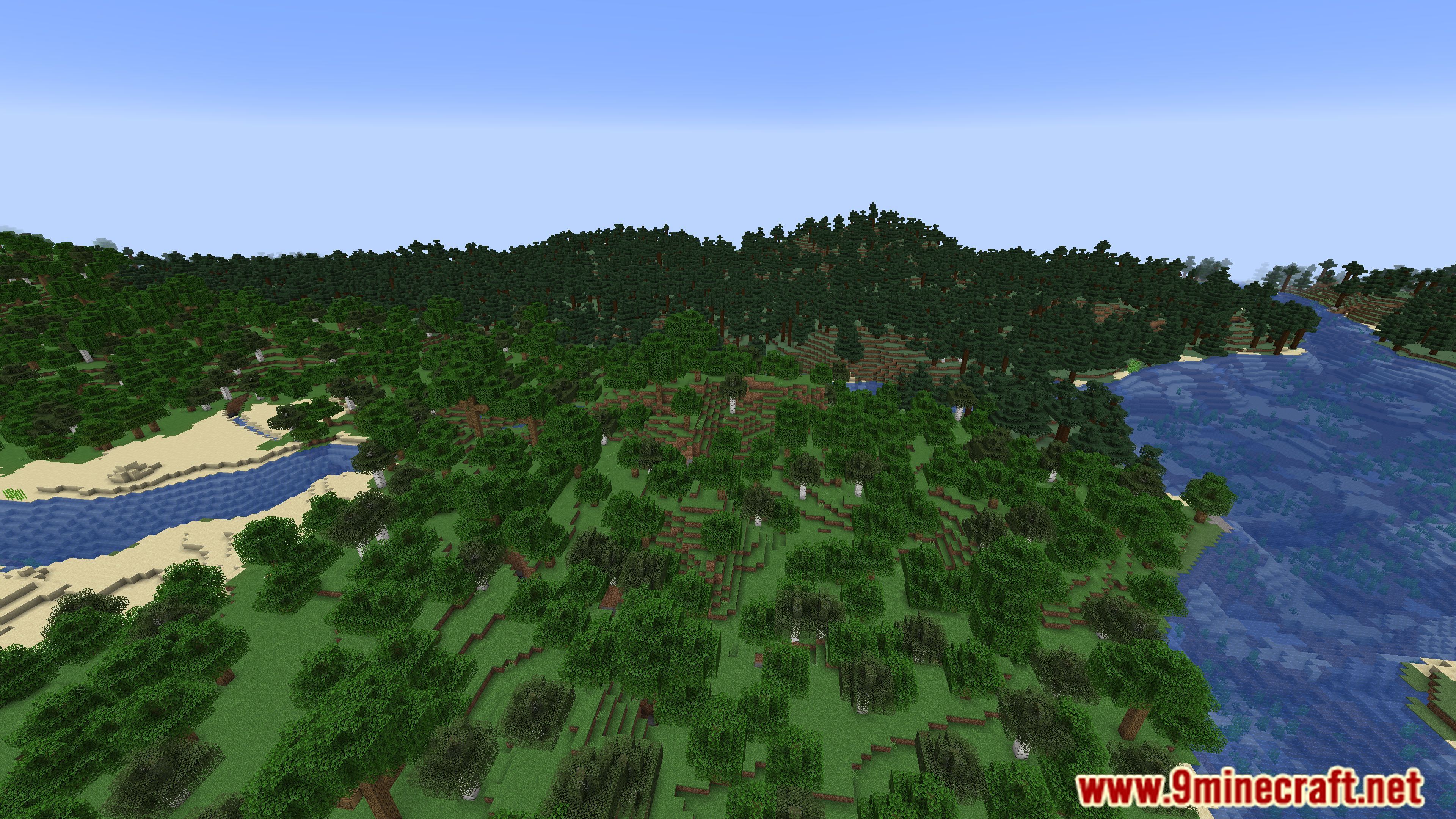
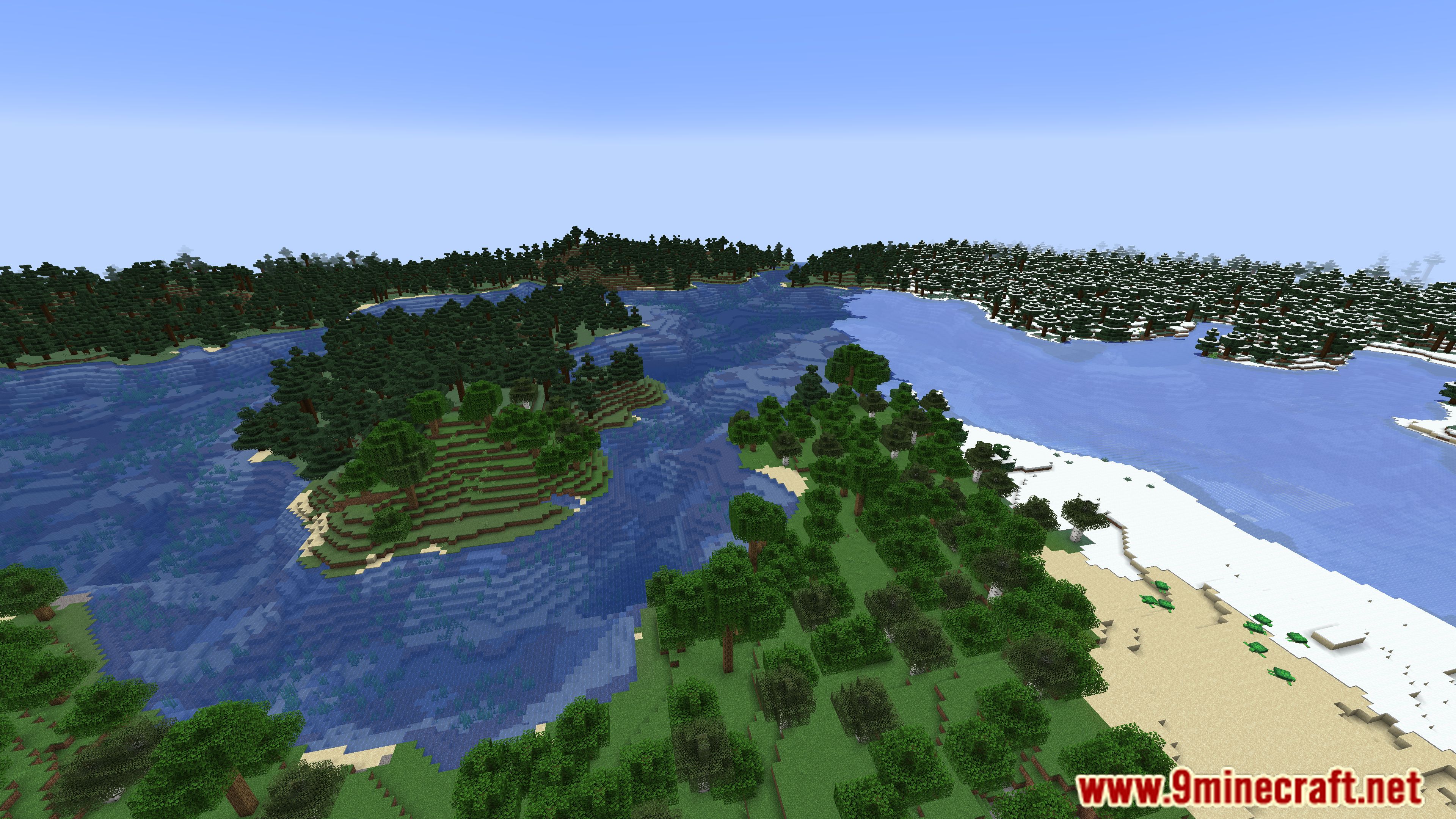
11 images from the Fabrishot Mod page.
You May Also Like
Wikis that share the most with this one
Wikis on the same theme: world
More mod wikis on the site
FabricProxy Lite ModFabric Tailor ModFabric Seasons Terralith Compat ModFabric Seasons Terraformers Compat ModFabric Seasons Delight Compat ModFabric Seasons Croptopia Compat ModFabric LoaderFabric Language Kotlin ModFabric Kotlin Extensions ModFabric Exporter ModFabric Essentials ModFabric Custom Names Mod
The most downloaded mods that have a wiki here
A few wikis from each of the other kinds