

 DownloadFabric Custom Names Mod
Get the files on 9Minecraft
Guides
Step-by-step, in-game.
Add Lore and Descriptions to ItemsCreating Item Lore with /itemlore Item lore adds descriptive text that appears when you hover over an item, perfect…Add Prefixes and Suffixes to Player NamesCustomizing Names with Prefixes and Suffixes Prefixes and suffixes appear before or after a player's name, perfect…Give a Player a Custom NicknameUsing the /name Command Custom nicknames let you personalize how a player appears to everyone on your server. This is…Rename Items with Custom NamesCustomizing Item Display Names The /itemname command lets you rename any item in a player's inventory, useful for…
Frequently asked questions
How do I give a player a nickname?
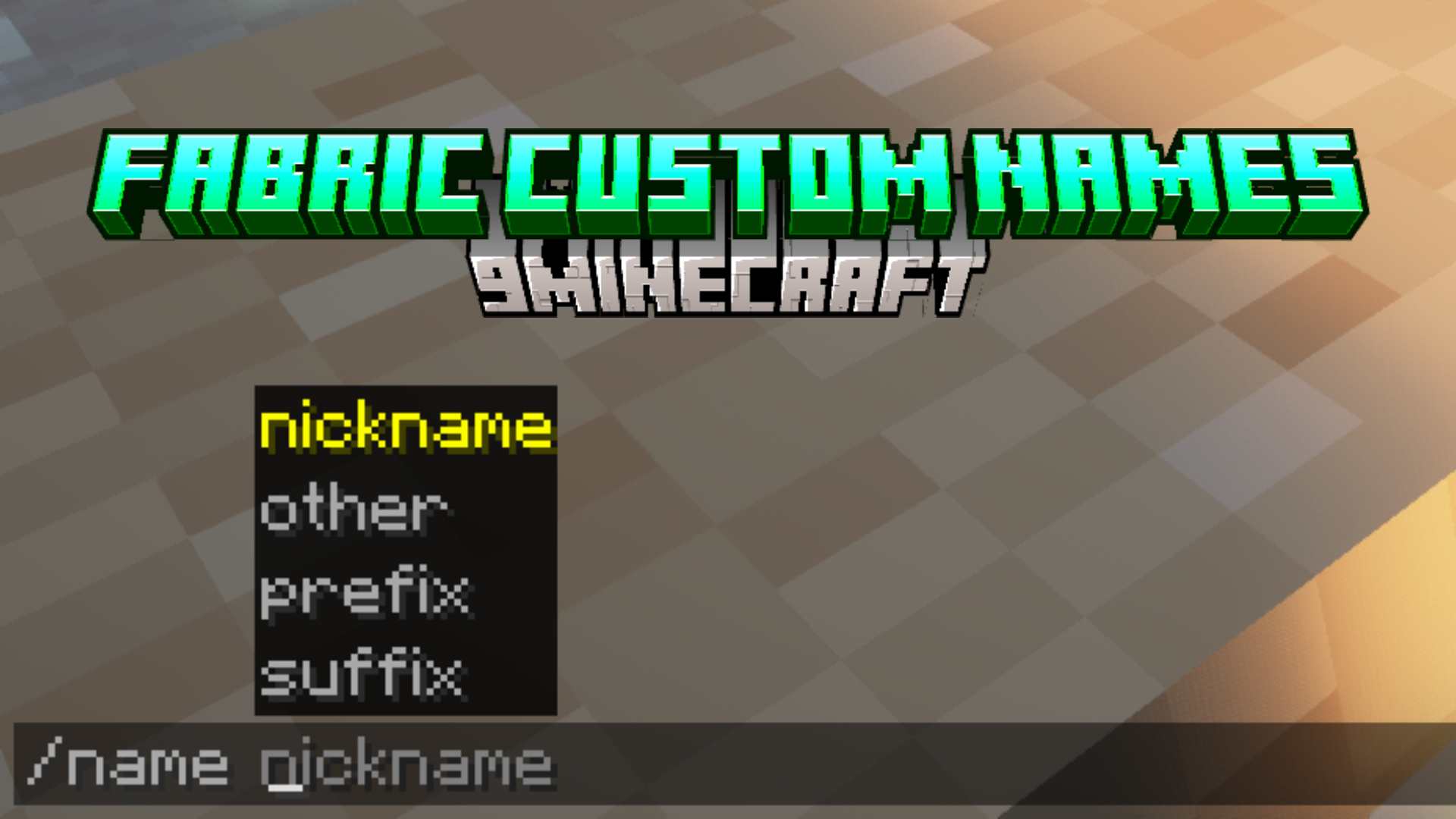
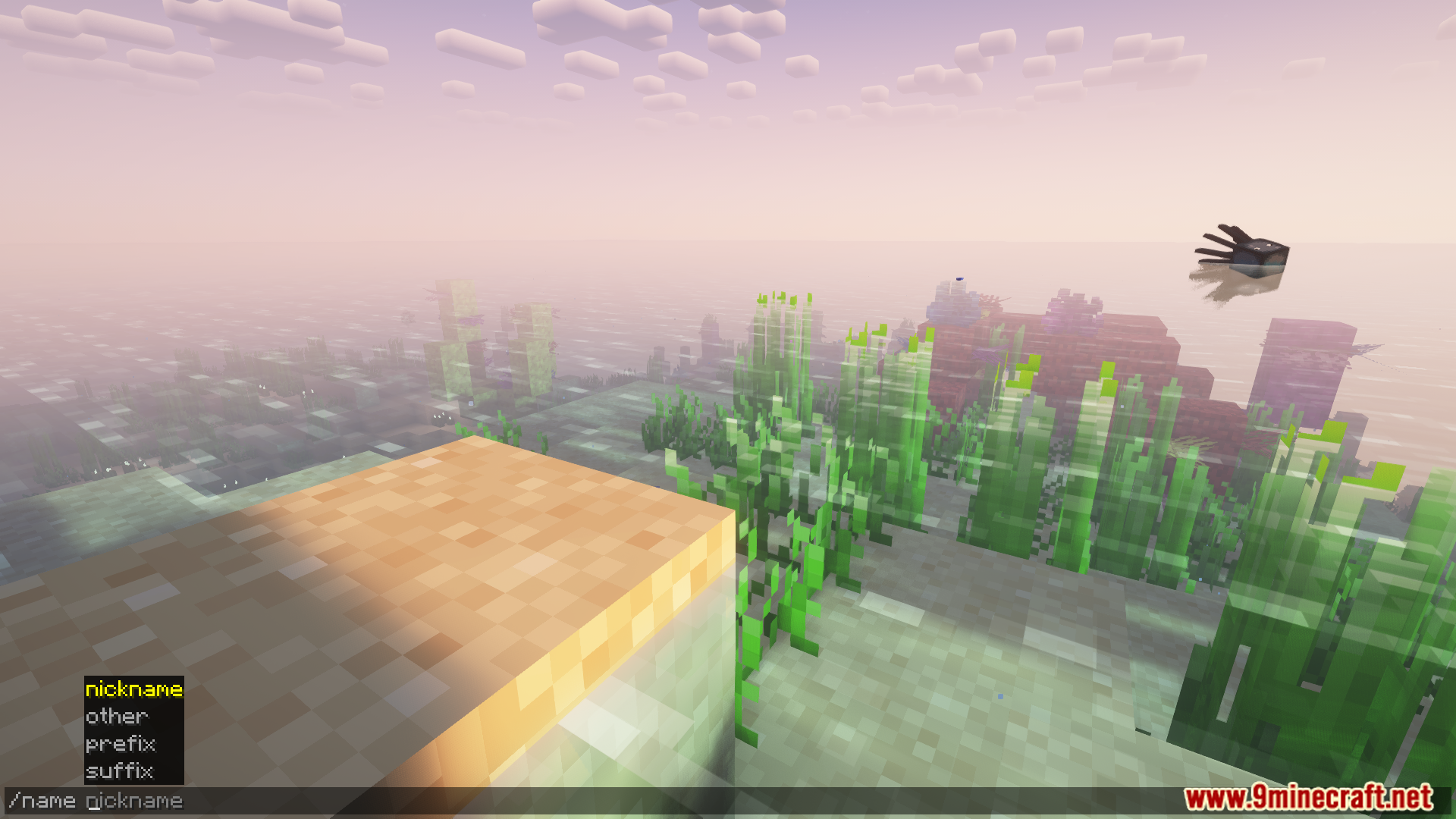
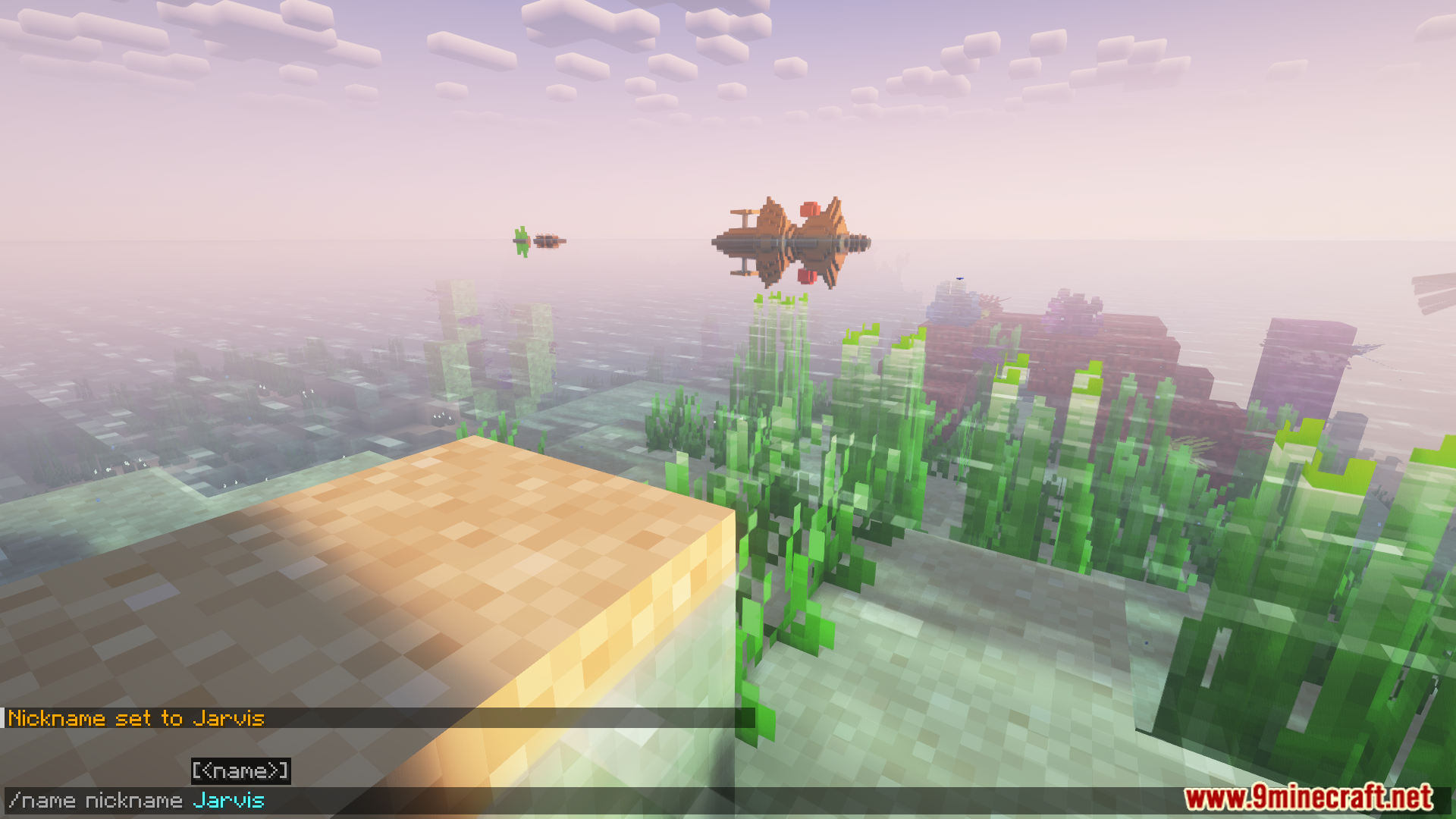
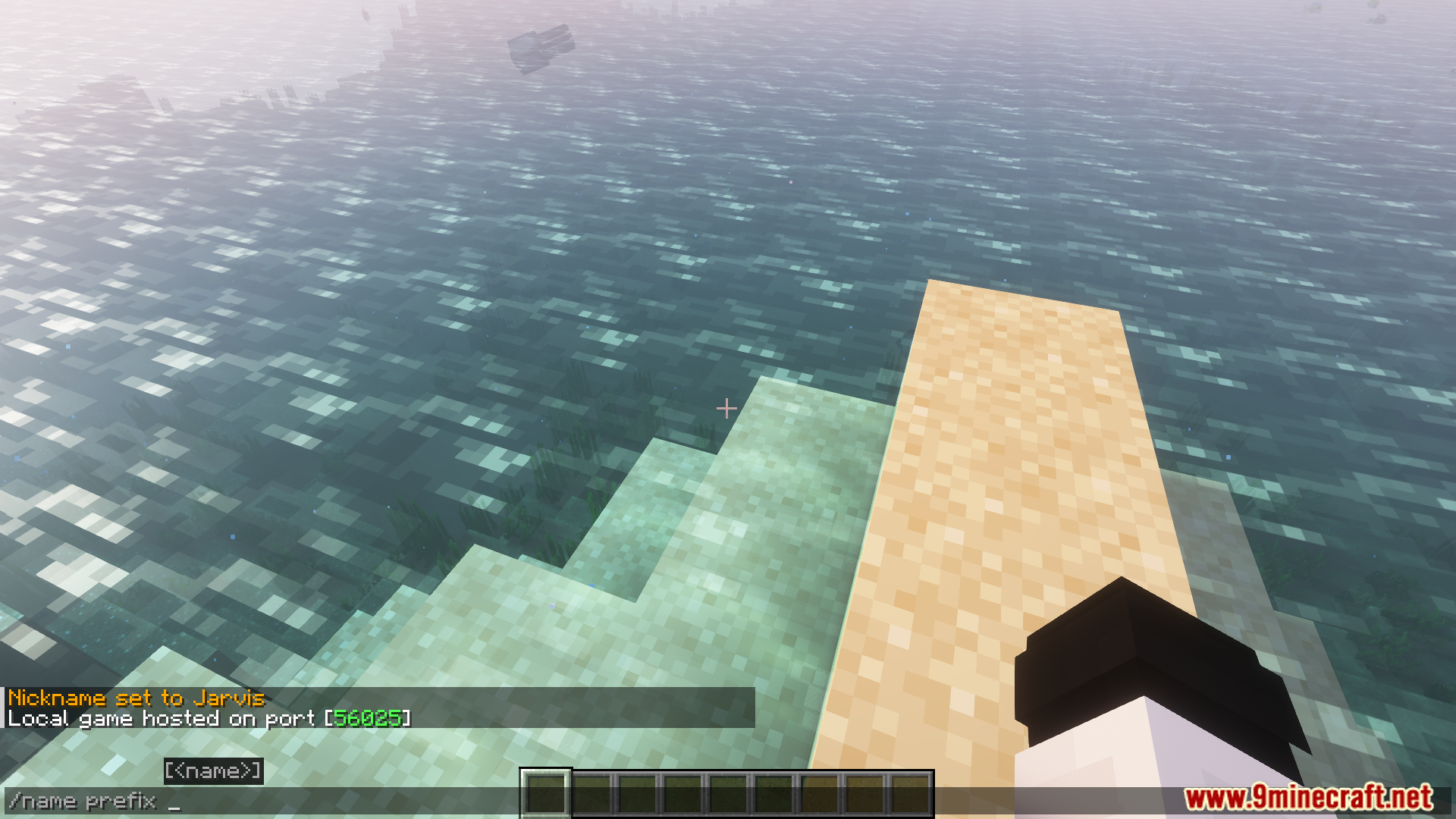
Use the command `/name nickname ` to set a custom nickname. The player will see this name displayed instead of their username in chat and above their head.
Can I use color codes in nicknames and prefixes?
Yes, the mod supports Minecraft color codes using the `&` symbol (like `&c` for red, `&6` for gold). You can also use formatting codes like `&l` for bold and `&o` for italic in any name customization.
What's the difference between a prefix, suffix, and nickname?
A prefix appears before the player's name, a suffix appears after it, and a nickname replaces the player's name entirely. Use `/name prefix` and `/name suffix` for the first two, and `/name nickname` for the last.
How do I rename an item in my inventory?
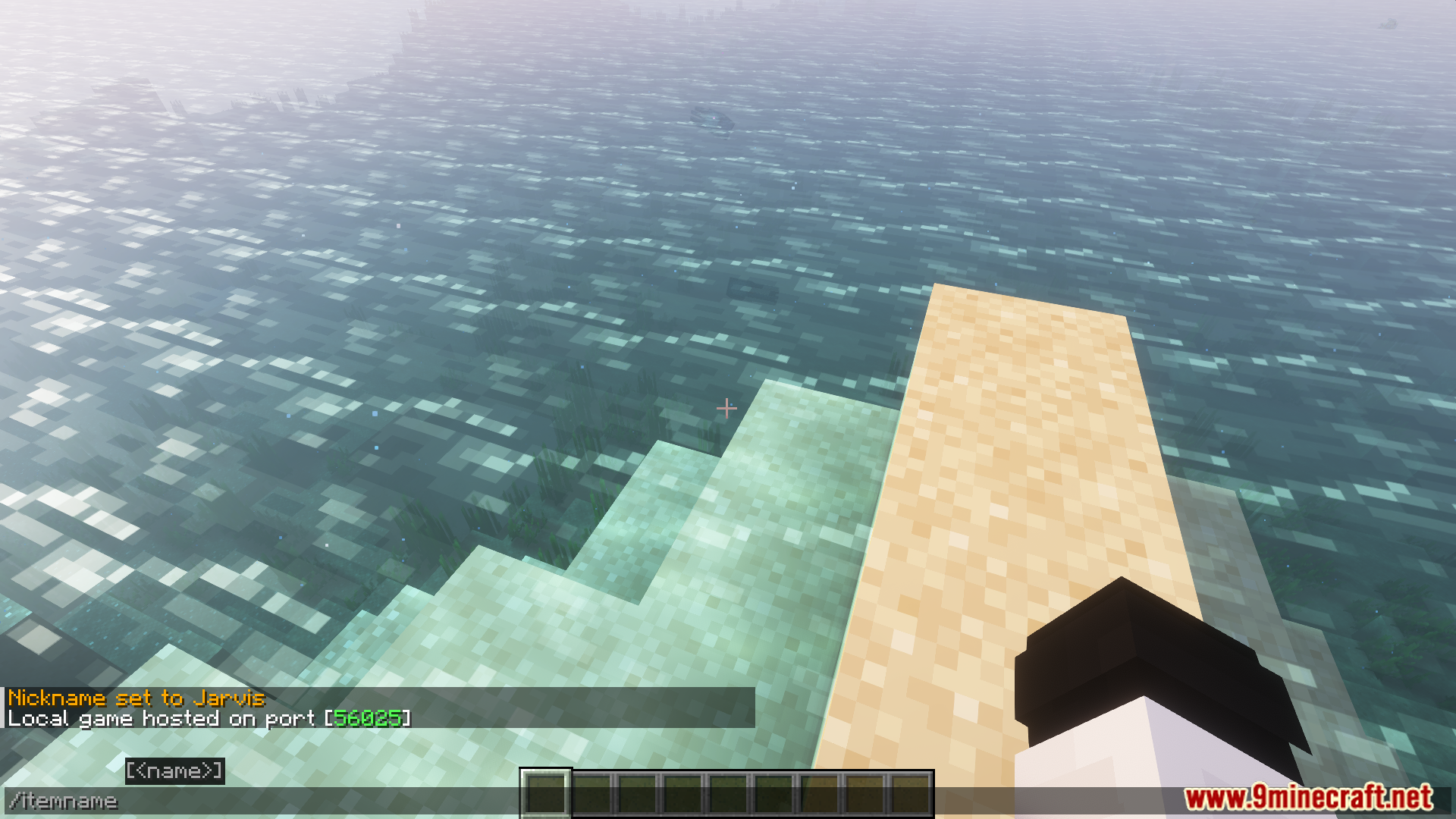
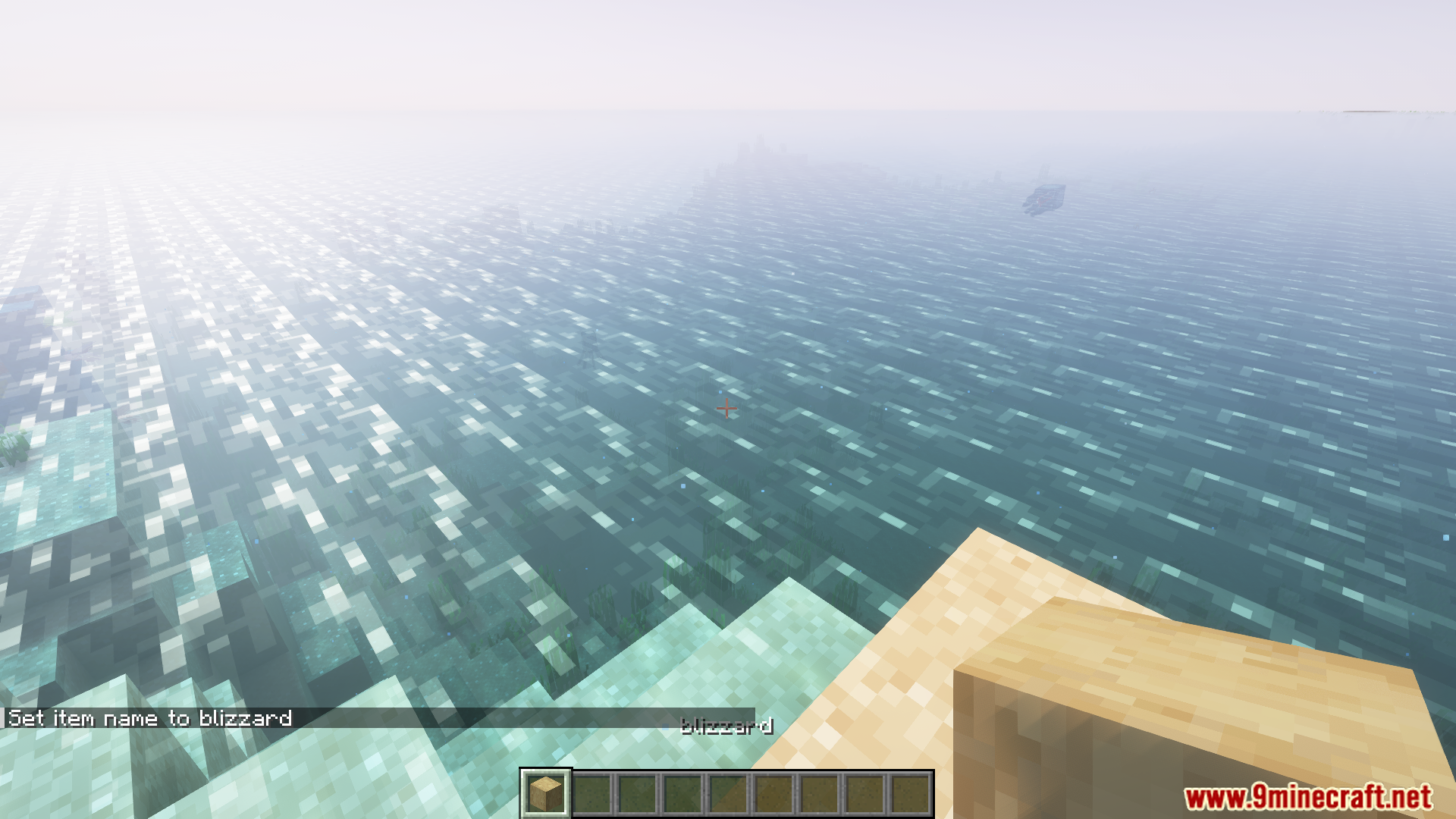
Hold the item you want to rename and use `/itemname `. The item's display name will change immediately and persist when you drop or move it.
See all 10 Fabric Custom Names questions ›
Gallery
7 images from the Fabric Custom Names Mod page.
You May Also Like
Wikis that share the most with this one
More mod wikis on the site
The most downloaded mods that have a wiki here
A few wikis from each of the other kinds