

 DownloadCreate Sound Of Steam Tuning Wrench
Get the files on 9Minecraft
Guides
Step-by-step, in-game.
Configure Pipes for MIDI PlaybackWhat Pitch Match Mode Does Pitch Match Mode reads the exact frequency of each pipe and automatically sets the…Set Up a Keyboard Relay Pipe OrganUnderstanding Traditional Mode Traditional Mode configures your pipes to respond to keyboard input, just like a real…Switch Between Tuning Modes QuicklyUnderstanding All Tuning Modes The tuning wrench has six modes total: three Traditional modes (for keyboard relays)…Troubleshoot Failed Wrench PlacementsWhy the Wrench Won't Place a Link The tuning wrench has built-in safety features. It refuses to place a redstone link…
Recipes
Every recipe the mod adds, grouped by how it is made.
Items
Frequently asked questions
How do I get the  tuning wrench?
The tuning wrench is crafted using materials from the Create mod. Once you have it in your inventory, you can start tuning Sound of Steam pipes immediately—no special setup required.
tuning wrench is crafted using materials from the Create mod. Once you have it in your inventory, you can start tuning Sound of Steam pipes immediately—no special setup required.What do I need in my inventory to use the wrench?
You need redstone links in your inventory. The wrench pulls them automatically when you right-click a pipe, so make sure you have enough links before starting a large organ build.
How do I switch between tuning modes?
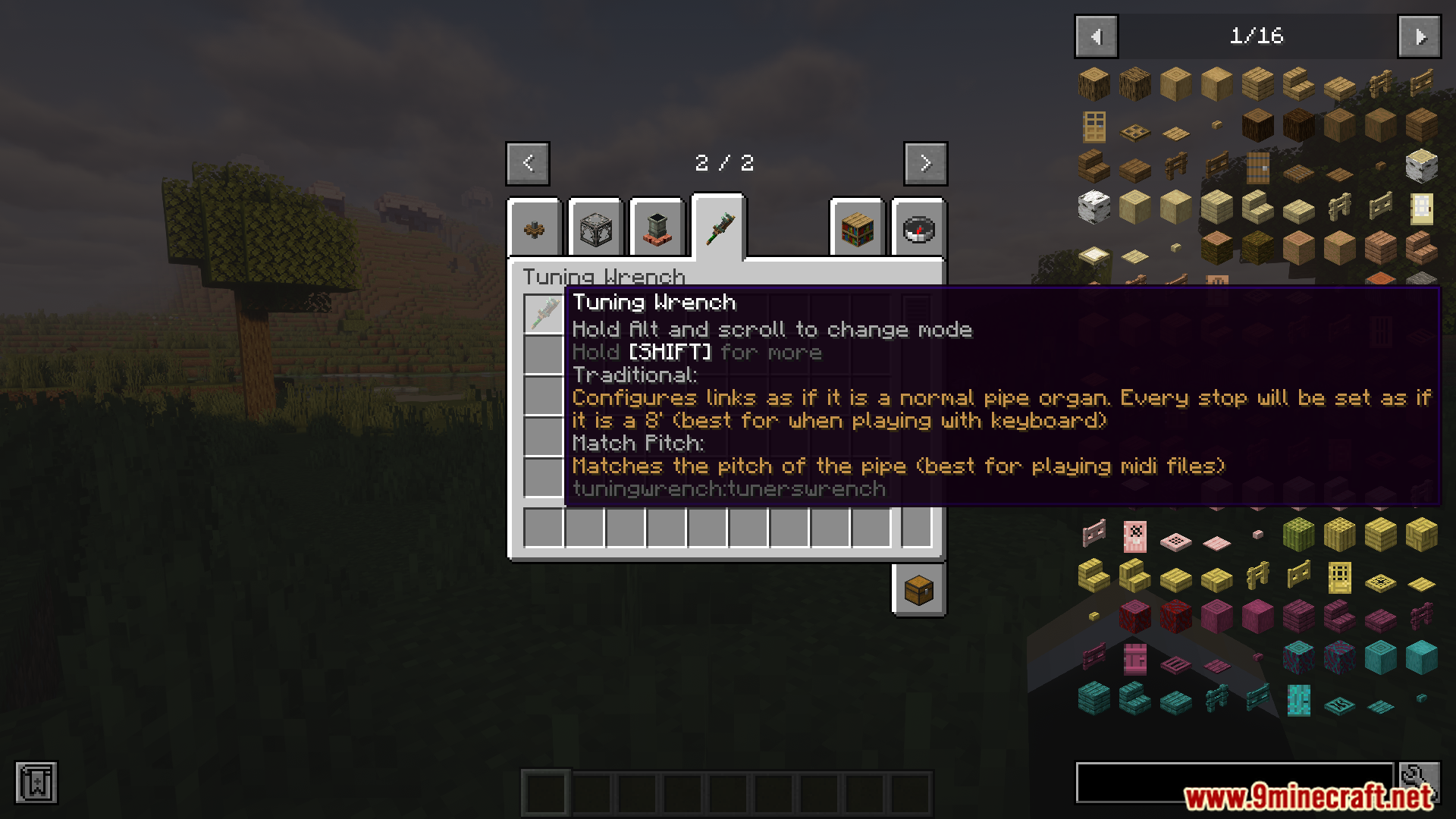
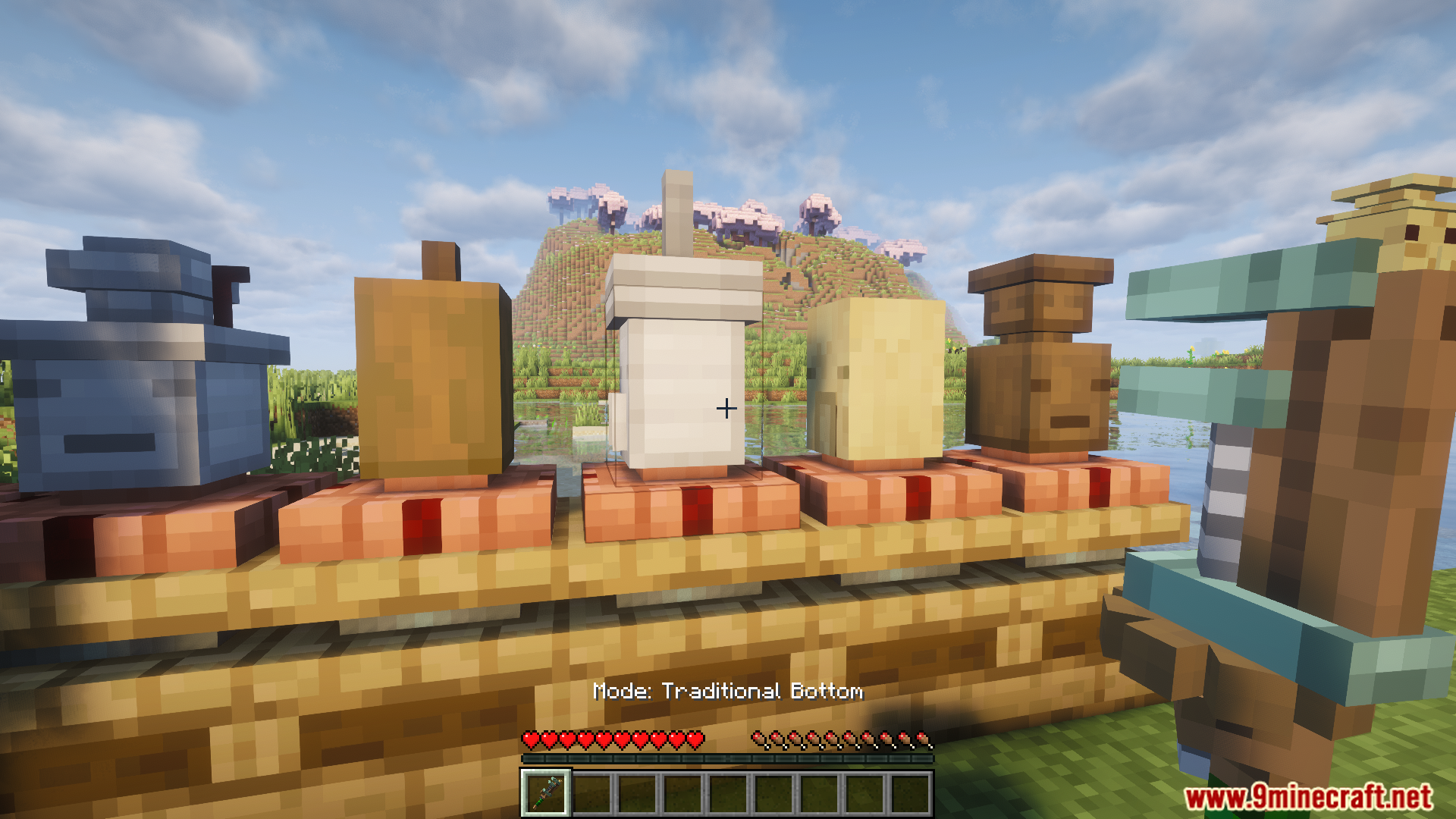
Hold Alt and scroll your mouse wheel while holding the wrench to cycle through the available modes. The wrench tooltip will show you which mode is currently active.
What's the difference between Traditional Mode and Pitch Match Mode?
Traditional Mode sets up keyboard relay frequencies, which works like real pipe organs and is best for manual playing. Pitch Match Mode matches the exact frequency of each pipe, which is optimized for MIDI playback.
See all 10 Create Sound Of Steam Tuning Wrench questions ›
Gallery
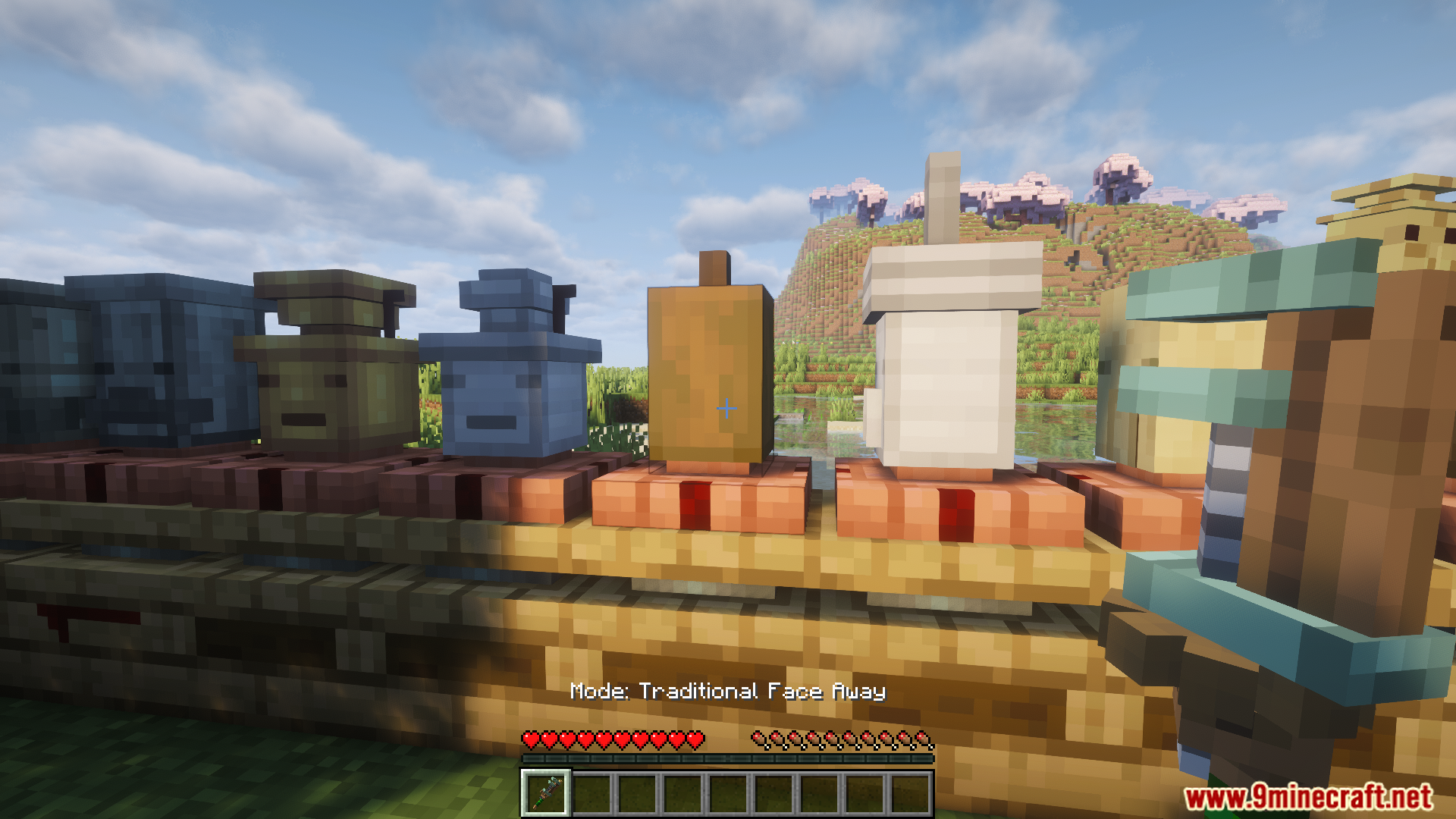
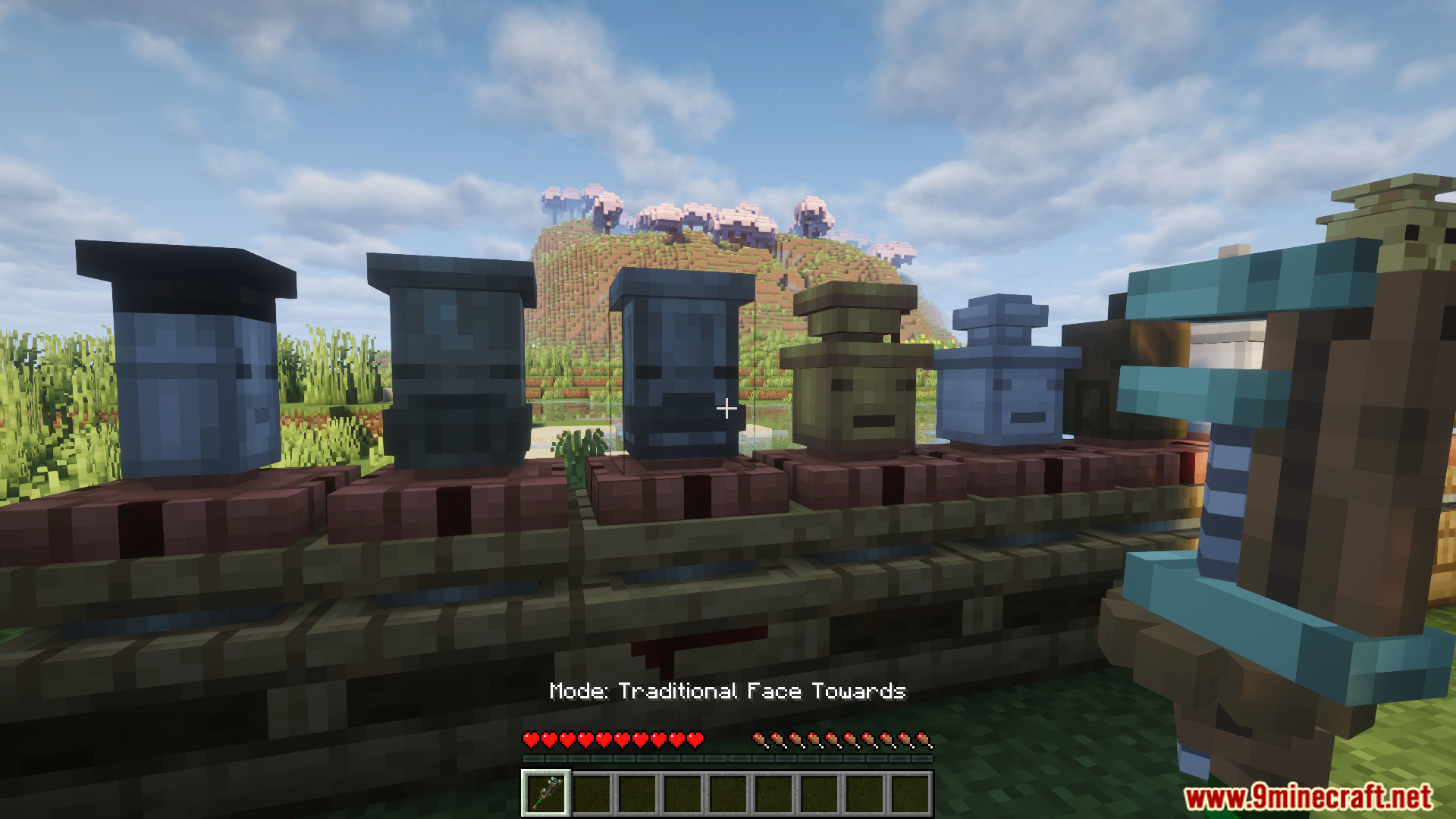
11 images from the Create Sound Of Steam Tuning Wrench Mod page.





You May Also Like
Wikis that share the most with this one
Wikis on the same theme: steam
More mod wikis on the site
The most downloaded mods that have a wiki here
A few wikis from each of the other kinds