DownloadCreate Over Pressure
Get the files on 9Minecraft
Guides
Step-by-step, in-game.
Build and Use Glide Rails for Fast TravelPlacing Glide Rails Glide rails are overhead tracks that let you travel quickly between distant parts of your base.…Configure Tube Junctions to Split and Merge Item StreamsOpening Junction Settings Tube junctions are special blocks that split a single item stream into multiple outputs or…Set Up Your First Pneumatic Transport LineBasic Tube Connection Pneumatic tubes form the backbone of item transport. Start by placing pneumatic tubes between…Speed Up Item Transport with Kinetic PumpsUnderstanding Item Pumps Item pumps consume rotational stress from your Create power network to accelerate items…
Recipes
Every recipe the mod adds, grouped by how it is made.
Blocks
 Creative Item Pump
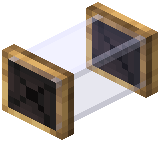 Curvature Pneumatic Tube
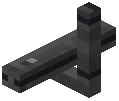 Grind Rail Support
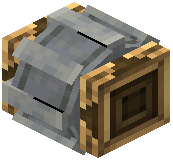 Item Pump
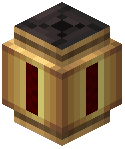 Pneumatic Clog Sensor
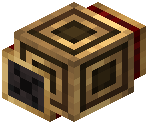 Pneumatic Connector
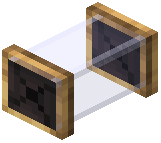 Pneumatic Tube
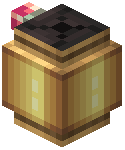 Pneumatic Valve
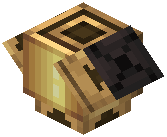 Tube Junction
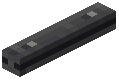 Wrench Grind Rail
Frequently asked questions
How do I start building pneumatic tubes?
Place pneumatic tubes between two inventories (like chests or machines) and attach a pneumatic extractor to one side to pull items into the network. The extractor will automatically begin moving items through connected tubes toward any available destination inventory.
Why aren't items moving through my tubes?
Check that you have a pneumatic extractor pulling items into the network, and that your destination inventory has space. If tubes appear inactive, verify there's a valid path between source and destination, and that no valves are blocking the route with redstone power.
How do kinetic pumps work?
Connect a kinetic pump to your Create rotational power network, then place it in your pneumatic tube line to speed up item travel based on how fast the pump is spinning. Higher rotational speed pushes items faster through the connected tubes.
Can I split items to go different directions?
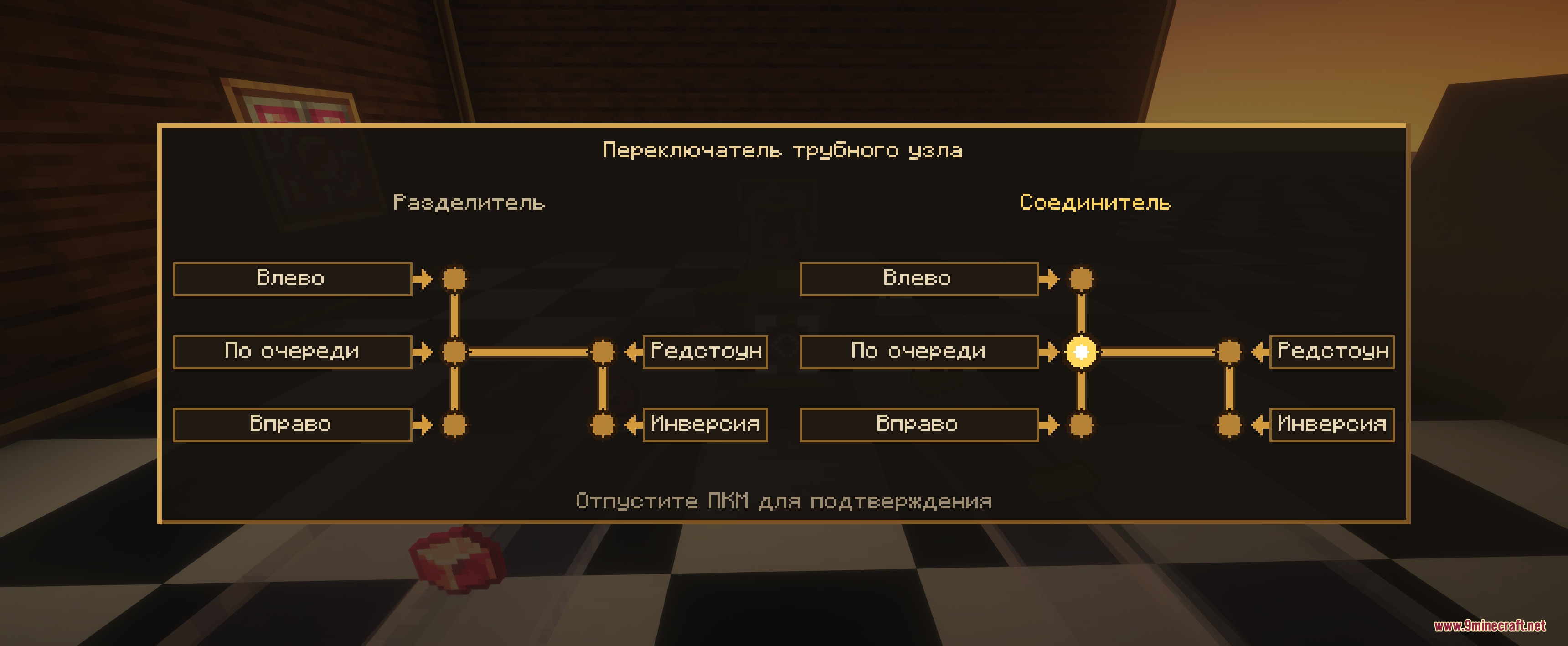
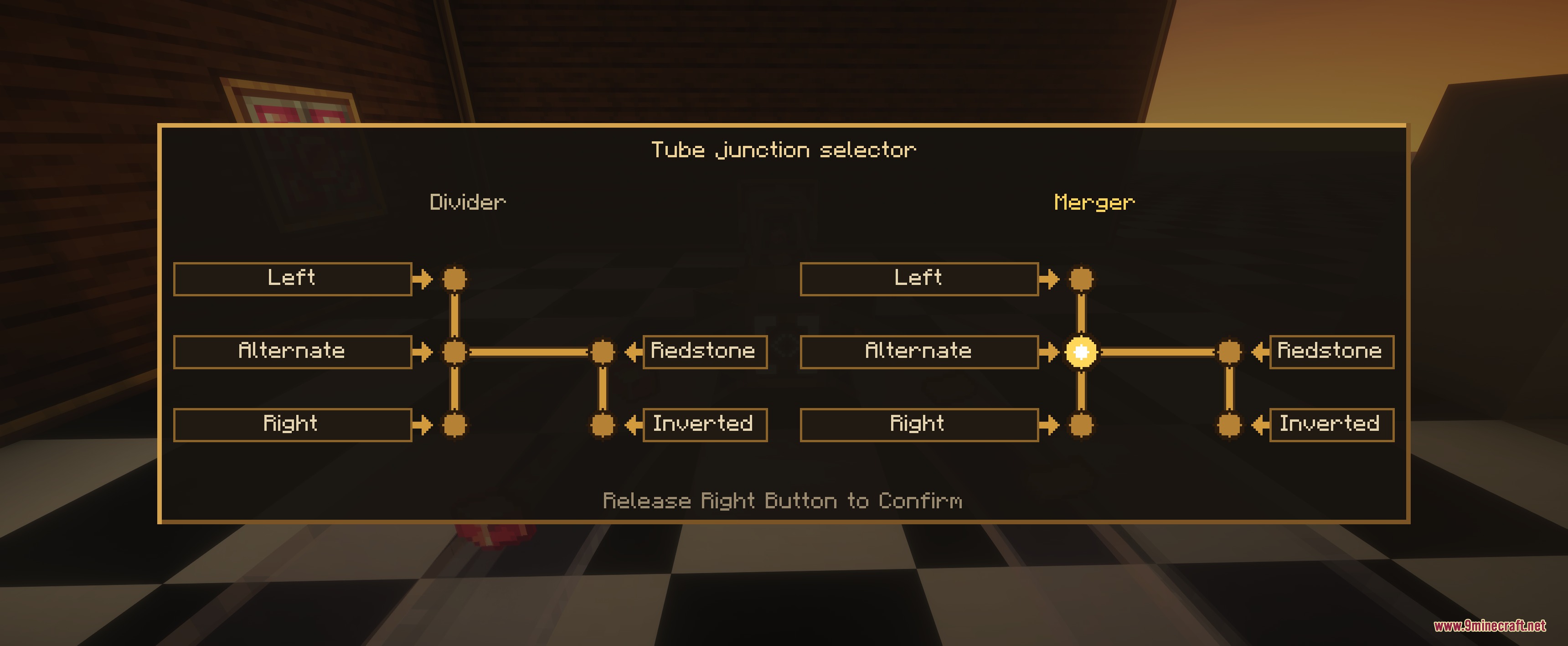
Yes, use a tube junction and open its port menu to configure which connections accept or output items, or set redstone switching modes to route items conditionally based on redstone signals.
Do pneumatic tubes work with Create filters?
Yes, pneumatic extractors support Create item filters, so you can filter which items get pulled from a container and sent through your network.
What are glide rails and how do I use them?
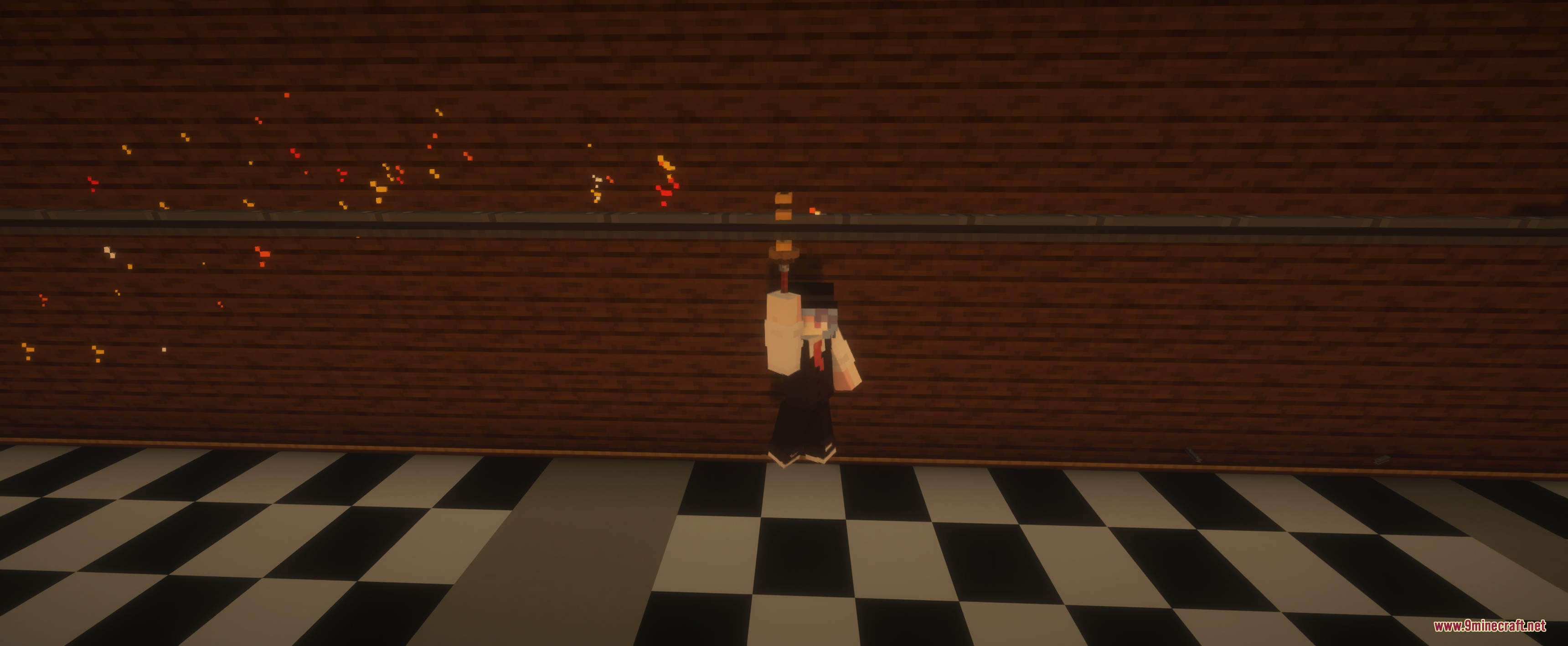
Glide rails are overhead tracks you can place to create fast travel routes across your base; right-click a glide rail while holding a Wrench to slide along it quickly.
Can I use pneumatic tubes with Create packagers?
Yes, packagers can box items into sealed pneumatic capsules that travel through your tube network, allowing you to transport multiple stacked items at once.
How do flow sensors help prevent backups?
Flow sensors detect when pipes become clogged and emit redstone signals before your network backs up completely, letting you trigger alarms or reroute items automatically.
What casing types work with pneumatic tubes?
Pneumatic tubes accept all Create casing types and decorative brackets, so you can match your factory's aesthetic while building transport lines.
Do valves stop items from moving?
Yes, place a valve on a pipe section and power it with redstone to block item movement along that segment; remove the redstone signal to let items flow again.
You May Also Like
Wikis that share the most with this one
More mod wikis on the site
The most downloaded mods that have a wiki here
A few wikis from each of the other kinds
Gallery
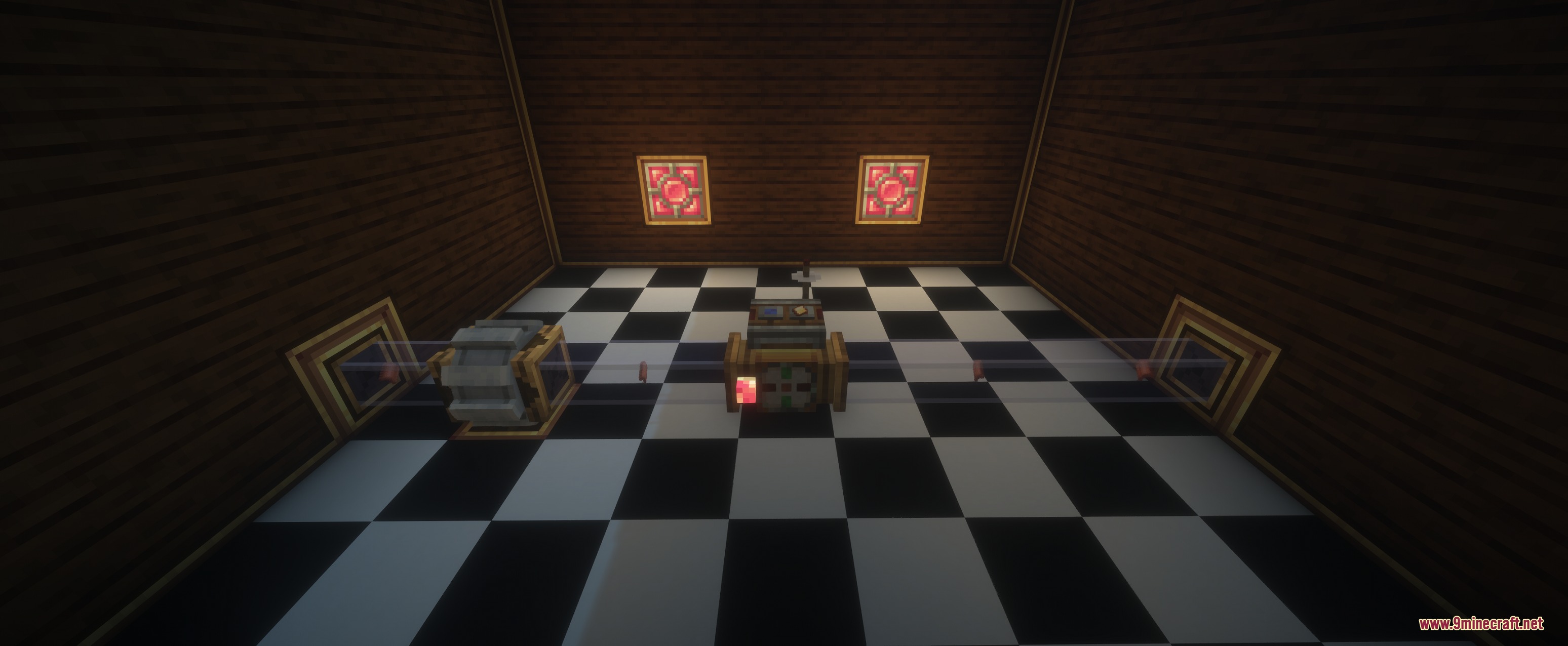
9 images from the Create Over Pressure Mod page.