DownloadConstruction Sticks
Get the files on 9Minecraft
Guides
Step-by-step, in-game.
Build Floating Structures in Mid-AirUpgrade to an Angel Stick By default, Construction Sticks only place blocks adjacent to existing blocks. The Angel…Build Walls Quickly Without Running Out of BlocksUse Container Integration Construction Sticks automatically pull blocks from containers in your inventory, so you can…Clear Large Areas of Blocks EfficientlyApply the Destruction Template The Destruction Template transforms your Construction Stick into a block-removal tool,…Make Your Construction Stick Last ForeverChoose Your Durability Solution Construction Sticks lose durability with each use. You have two options to eliminate…
Recipes
Every recipe the mod adds, grouped by how it is made.
Items
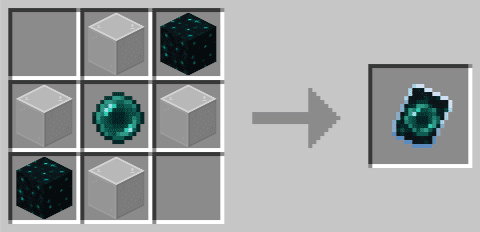
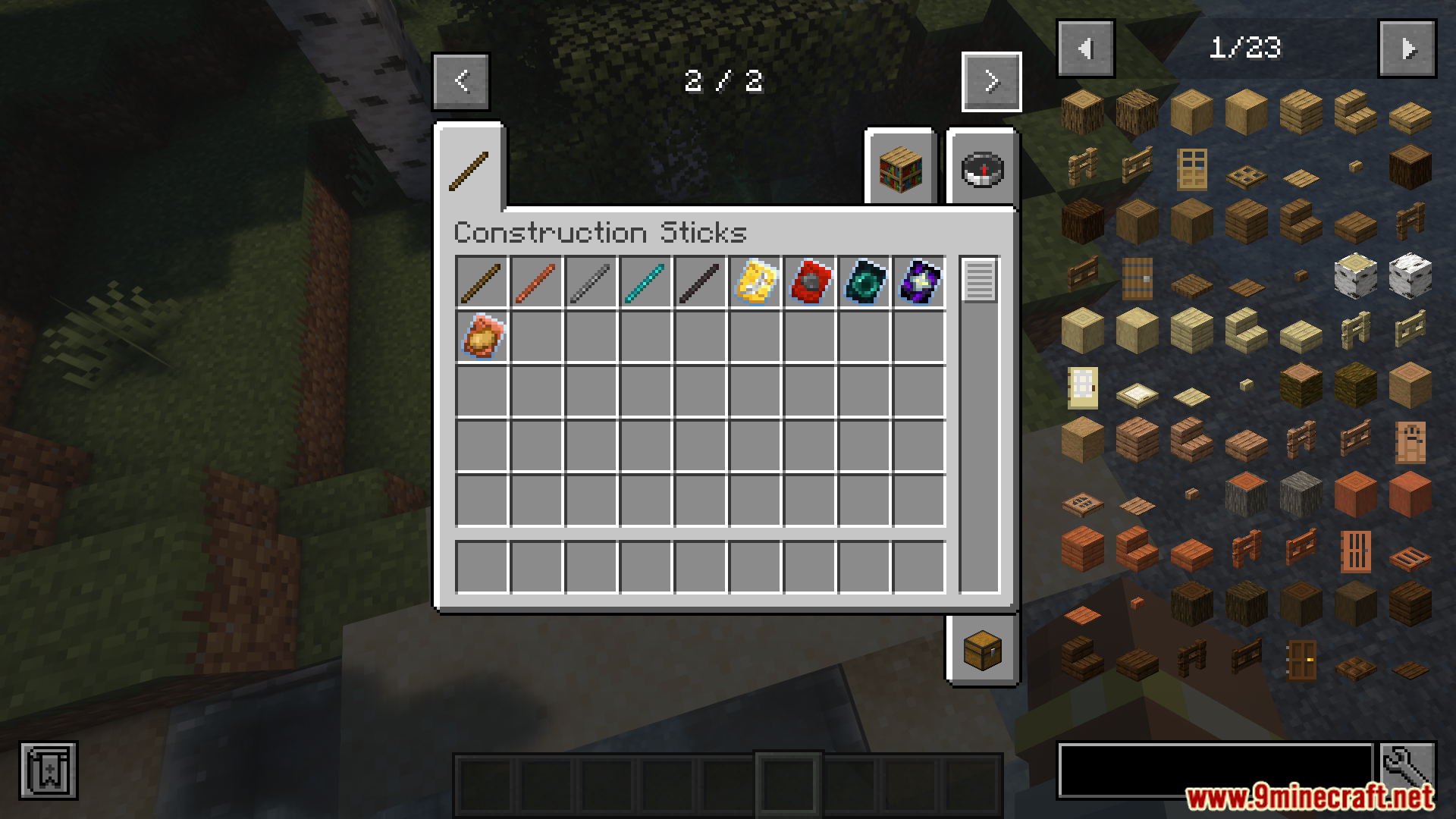
 Angel Stick Template
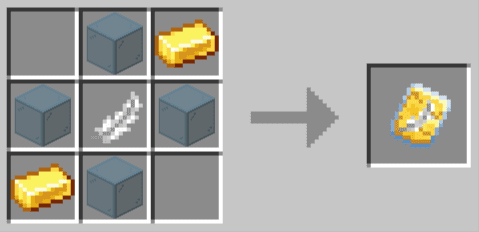
 Battery Template
 Copper Stick
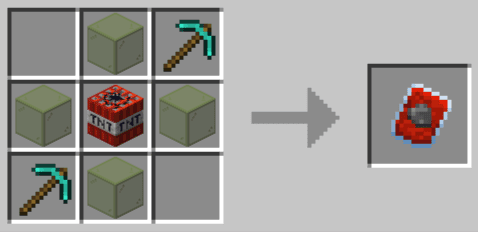
 Destruction Stick Template
 Diamond Stick
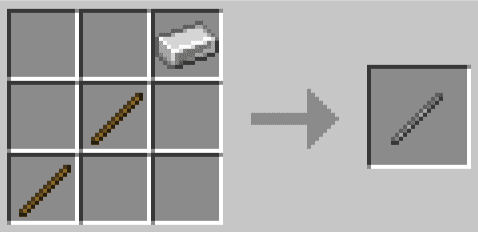
 Iron Stick
 Netherite Stick
 Replacement Stick Template
 Stick Template
 Stickiest Stick
 Unbreakable Template
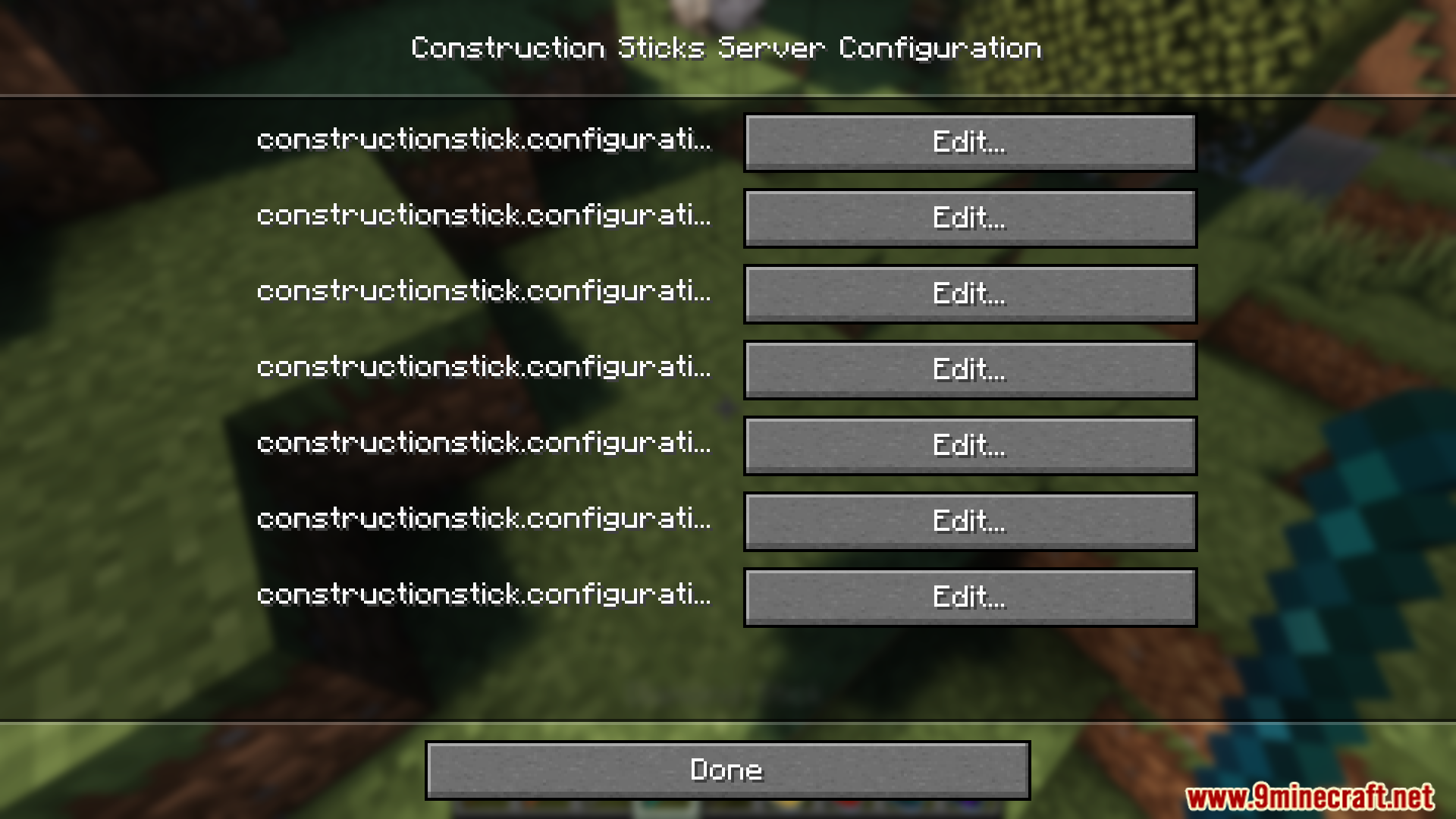
Configuration
Every setting in the mod config file, with what it changes.
| Option | What it does |
|---|---|
AngelFallingAngel Falling | Place blocks below you while falling > 10 blocks with angel upgrade (Can be used to save you from drops/the void) |
angelAngel Upgrade | Stick destruction block limit (0 to disable destruction upgrade) |
batteryStorageBattery Storage | Battery power storage |
batteryUsageBattery Usage | Battery power usage per block |
blockentityBlock entity | Block Entity Settings |
BEListBlock Entity List | White/Blacklist for Block Entities. Allow/Prevent blocks with BEs from being placed by stick. You can either add block ids like minecraft:chest or mod ids like minecraft |
BEWhitelistBlock Entity Whitelist | If set to TRUE, treat BEList as a whitelist, otherwise blacklist |
copper_stickCopper Stick | Copper Stick Settings |
destructionDestruction Upgrade | Stick destruction block limit (0 to disable destruction upgrade) |
diamond_stickDiamond Stick | Diamond Stick Settings |
durabilityDurability | Stick durability |
iron_stickIron Stick | Iron Stick Settings |
MaxRangeMax Range | Maximum placement range (0: unlimited). Affects all sticks and is meant for lag prevention, not game balancing. |
miscMisc | Miscellaneous Settings |
netherite_stickNetherite Stick | Netherite Stick Settings |
limitPlacement Limit | Max placement distance with angel upgrade (0 to disable angel upgrade) |
SimilarBlocksSimilar Blocks | Blocks to treat equally when in Similar mode. Enter block IDs seperated by ; |
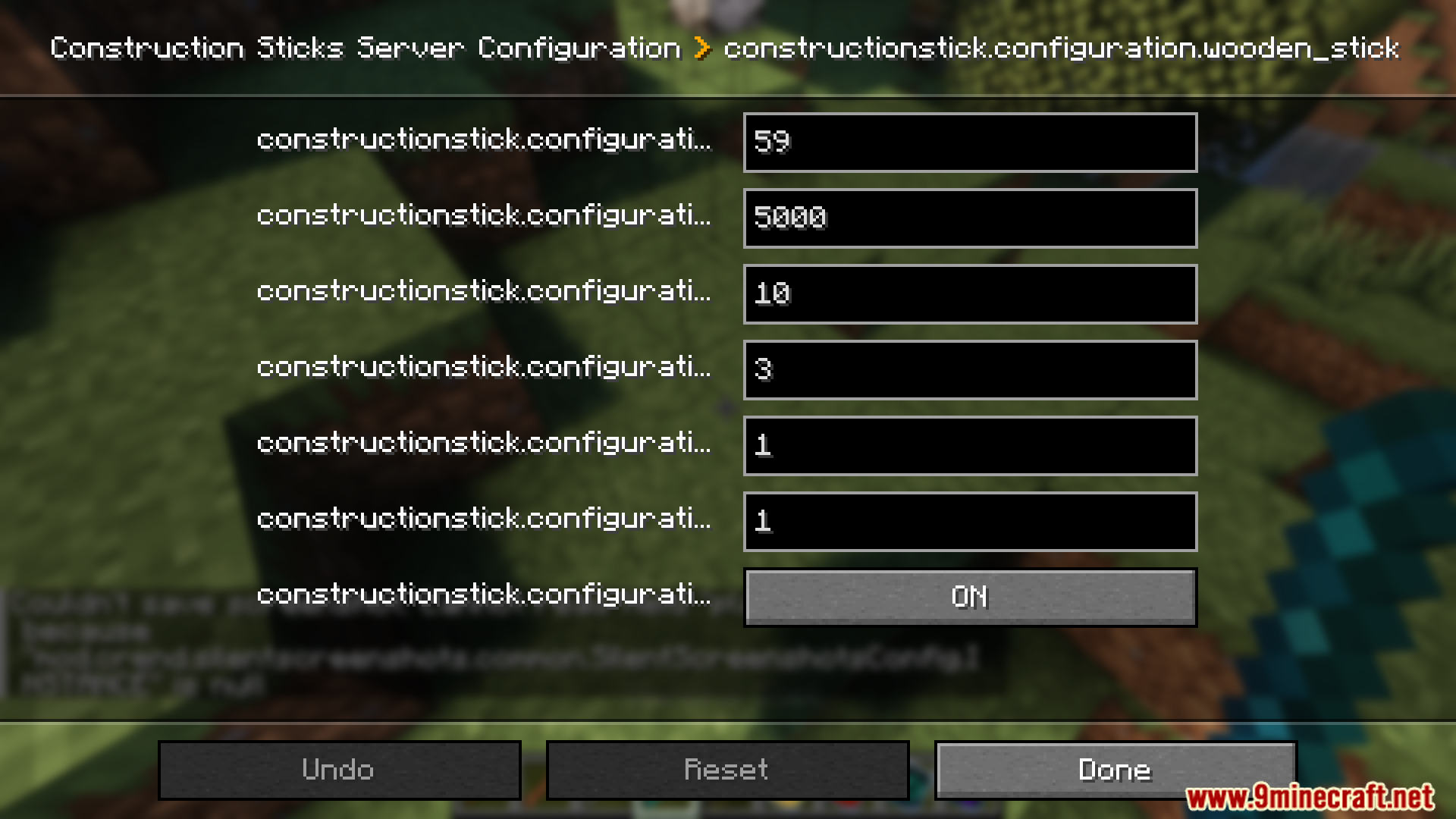
wooden_stickStickiest Stick | Stickiest Stick Settings |
UndoHistoryUndo History | Number of operations that can be undone |
upgradeableUpgradeable | Allow stick upgrading by putting the stick together with a stick upgrade in a smithing table. |
Frequently asked questions
How do I make my first construction stick?
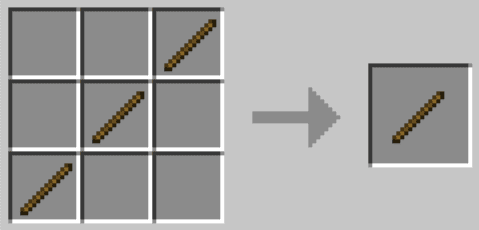
Craft a Wood Construction Stick using sticks and wood planks at a crafting table. This is your starting tool—it places blocks in the direction you're facing, though it has limited durability and can only place a smaller number of blocks per use compared to higher tiers.
Do I need to hold the blocks I want to place in my inventory?
No, the stick will automatically pull blocks from containers in your inventory like Shulker Boxes and Bundles, so you can carry far more building materials without filling your hotbar. You can also hold blocks in your offhand for additional options.
What's the difference between the different stick tiers?
Higher tiers (Copper, Iron, Diamond, Netherite) have more durability and can place more blocks in a single use. Netherite sticks are the most powerful and longest-lasting, while Wood sticks are the weakest but easiest to craft.
How do I upgrade my stick with templates?
Take your Construction Stick to a Smithing Table and place the stick, a template (like Angel or Destruction), and the required additional item into the Smithing Table slots. The upgraded stick will combine the abilities of both items.
Can I place blocks in mid-air without them falling?
Yes, use the Angel Template to upgrade your stick. This lets you place blocks floating in mid-air or even behind the block you're looking at, perfect for building floating structures.
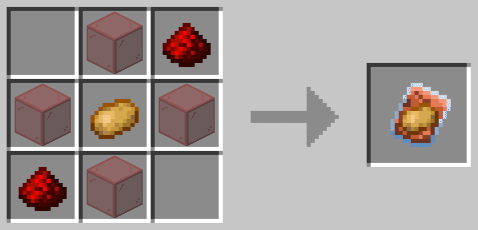
What does the Battery Template do and how does it work?
The Battery Template makes your stick use RF energy instead of durability, so it never wears out as long as you have power available. You'll need to charge it using mods that generate or transmit RF energy.
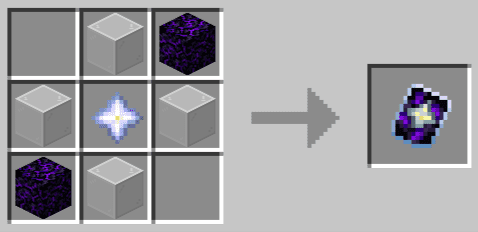
Can I make a stick that never breaks?
Yes, apply the Unbreakable Template at a Smithing Table to make your stick lose zero durability with every use. This is the most powerful upgrade for long-term building projects.
What's the maximum number of blocks I can place at once?
The highest-tier sticks can place up to 1,024 blocks with a single click, though this depends on the stick's tier and any templates applied to it.
Does the Destruction Template work like a mining tool?
The Destruction Template quickly removes a large area of blocks instead of placing them, making it useful for clearing terrain or mining operations. The blocks are destroyed rather than collected.
Can I see a preview before I place all the blocks?
Yes, when you aim your Construction Stick at a location, you'll see a wireframe preview showing exactly where the blocks will be placed before you click, so you can adjust your aim.
You May Also Like
Wikis that share the most with this one
More mod wikis on the site
The most downloaded mods that have a wiki here
A few wikis from each of the other kinds
Gallery
12 images from the Construction Sticks Mod page.