

 DownloadChat Highlighter Mod
Get the files on 9Minecraft
Guides
Step-by-step, in-game.
Add Words to Your Highlight ListOpening the Configuration Menu Open ModMenu while in-game by pressing the designated ModMenu key (usually C). Find…Change the Highlight ColorAccessing Color Settings Open ModMenu and navigate to Chat Highlighter Mod's configuration. Look for the highlight…Stop Highlighting Specific WordsRemoving Words from the List Open ModMenu and go to Chat Highlighter Mod settings. Find the word list section…Troubleshoot Words Not HighlightingCheck Your Word List Open ModMenu and verify that the word you expect to highlight is actually in your configuration…
Frequently asked questions
How do I open the mod settings?
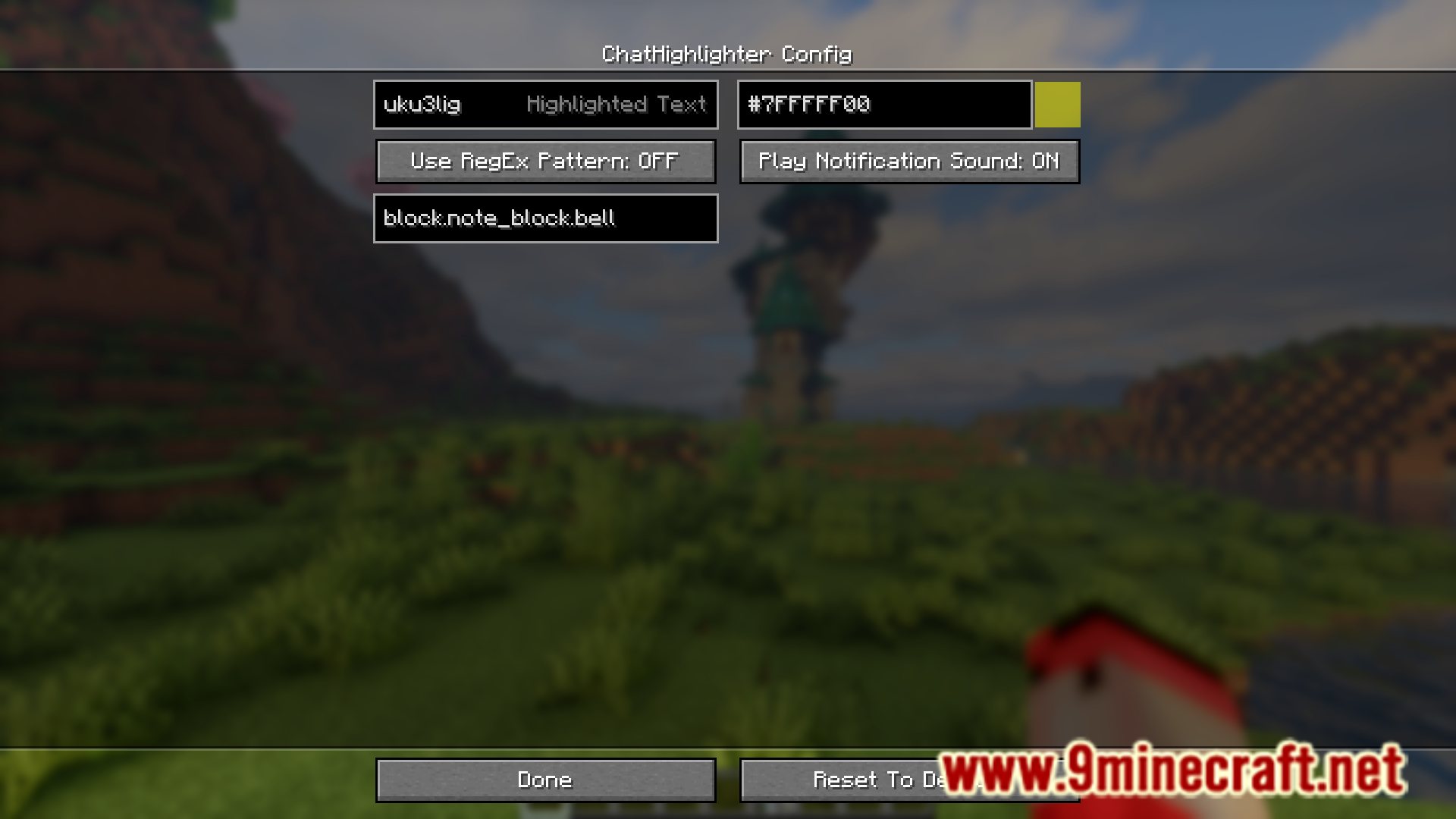
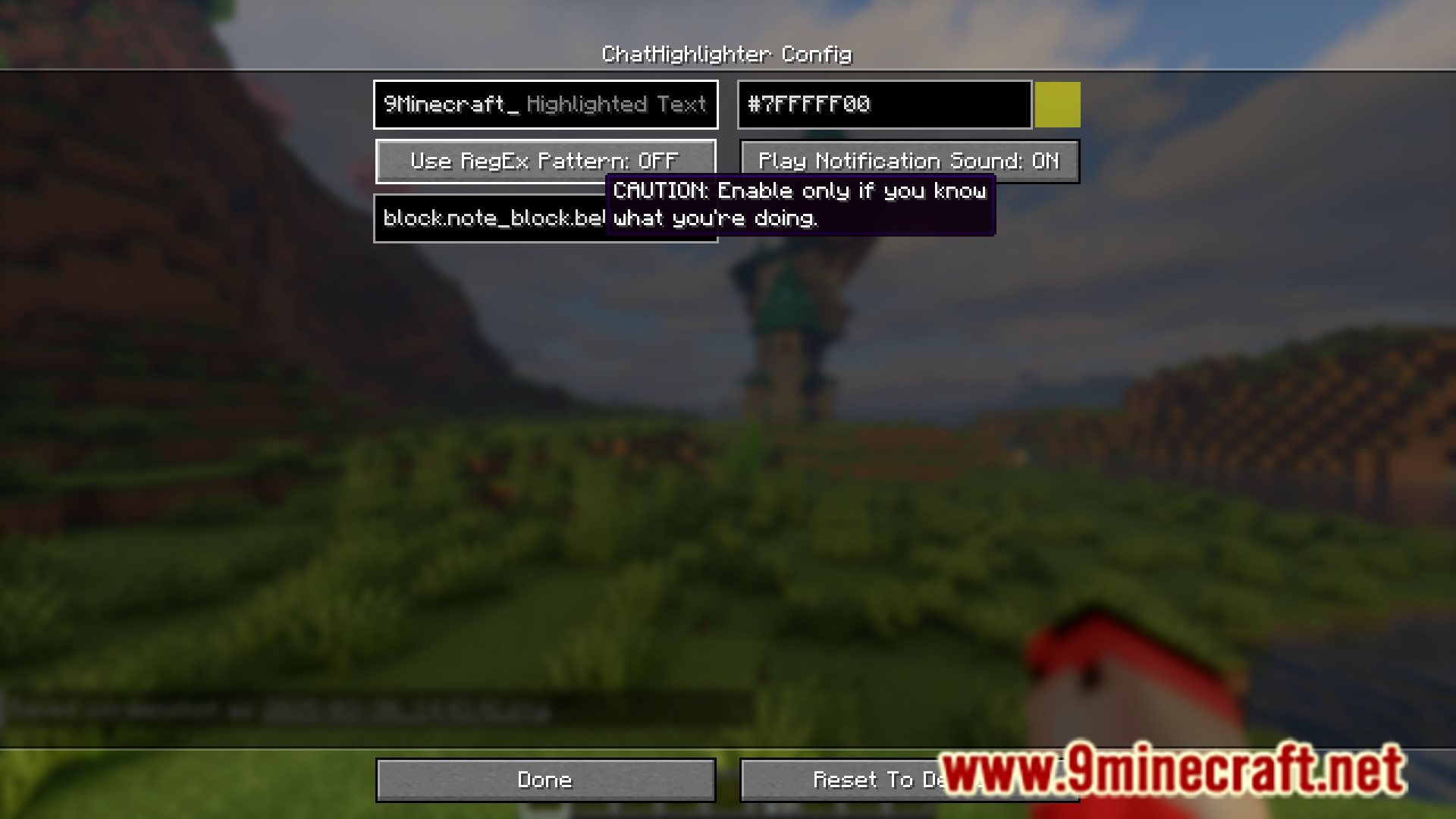
Open ModMenu (usually by pressing a key like M, depending on your setup), find Chat Highlighter Mod in the list, and click on it to access the configuration screen where you can manage your highlight words and colors.
Can I highlight multiple words at once?
Yes, you can add as many words as you want to your highlight list through the ModMenu settings, and each word will be highlighted whenever it appears in chat.
Do I need to restart the game after adding a word to highlight?
No, changes to your highlight list take effect immediately in the chat without requiring a game restart.
What happens if I highlight a word that's part of a longer word?
The mod will highlight that word fragment wherever it appears, even as part of longer words, so be specific with your entries if you only want exact matches.
See all 10 Chat Highlighter questions ›
Gallery
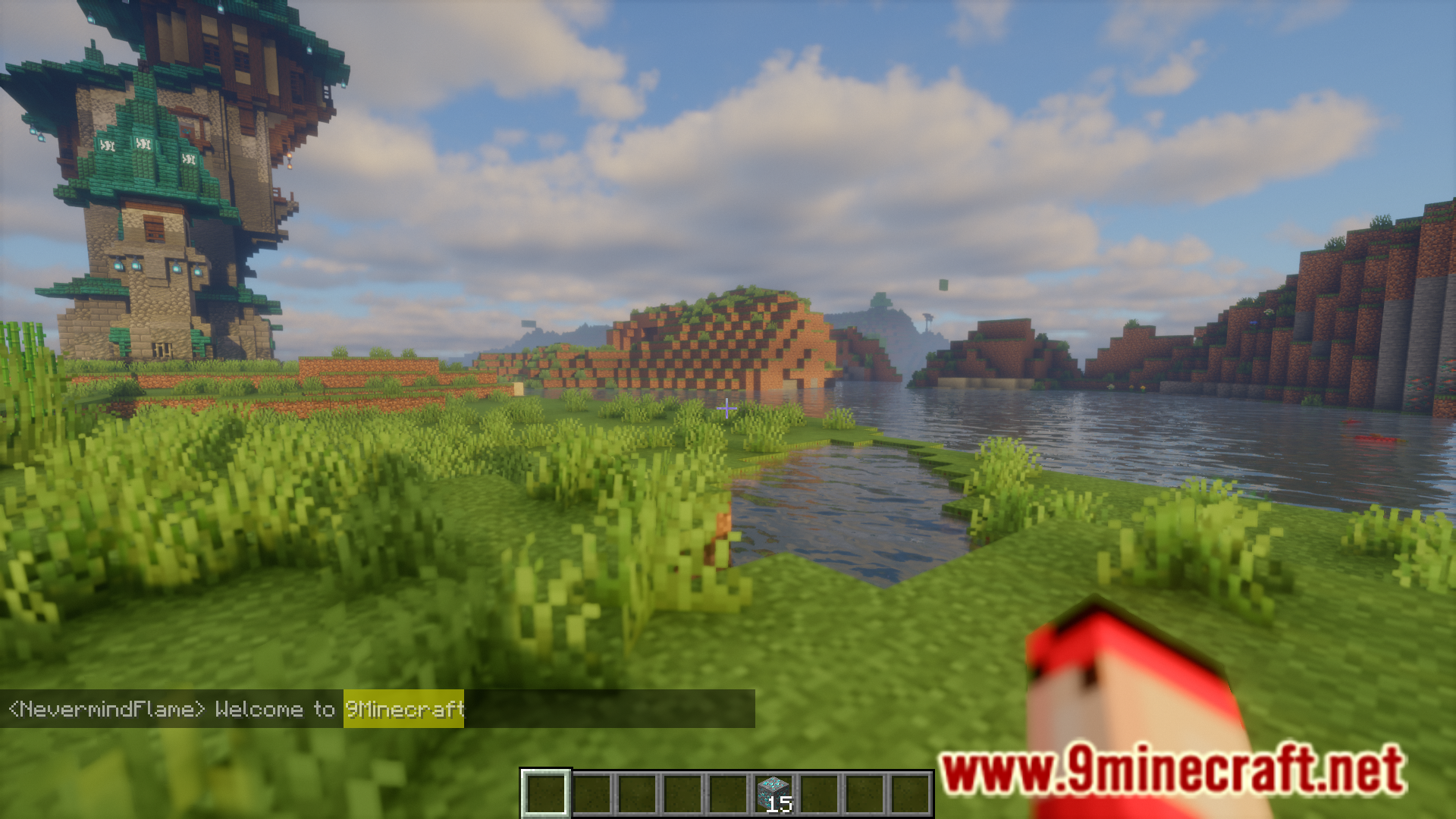
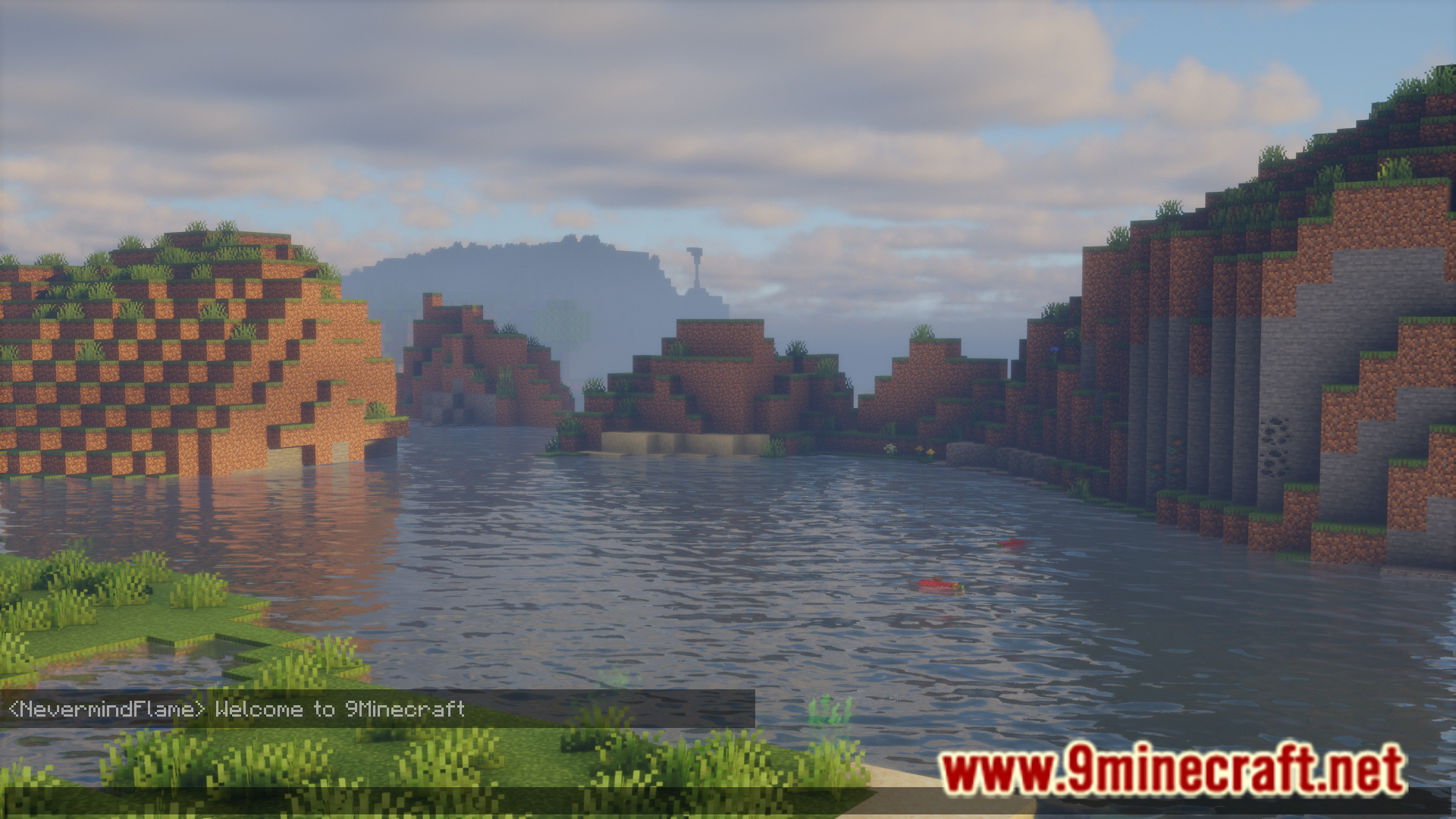
6 images from the Chat Highlighter Mod page.
You May Also Like
Wikis that share the most with this one
Wikis on the same theme: light
More mod wikis on the site
The most downloaded mods that have a wiki here
A few wikis from each of the other kinds