

 DownloadChat Upgrade Mod
Get the files on 9Minecraft
Guides
Step-by-step, in-game.
Control What Media You Receive and DisplayLimiting File Sizes To prevent lag or unwanted large downloads: 1. Open chat and type /chatupgrade config…Set Up Custom Chat EmojisUnderstanding Emoji Tokens Chat Upgrade Mod displays custom emojis using a simple token format. Emojis are square…Share a Video from the Web into ChatUsing a Direct Video Link To send a playable video directly into chat from a web URL: 1. Copy the full URL of your…Upload Images from Your Clipboard or File SystemPasting an Image from Clipboard The fastest way to share a screenshot or copied image: 1. Copy an image to your…
Frequently asked questions
How do I send a video link into chat?
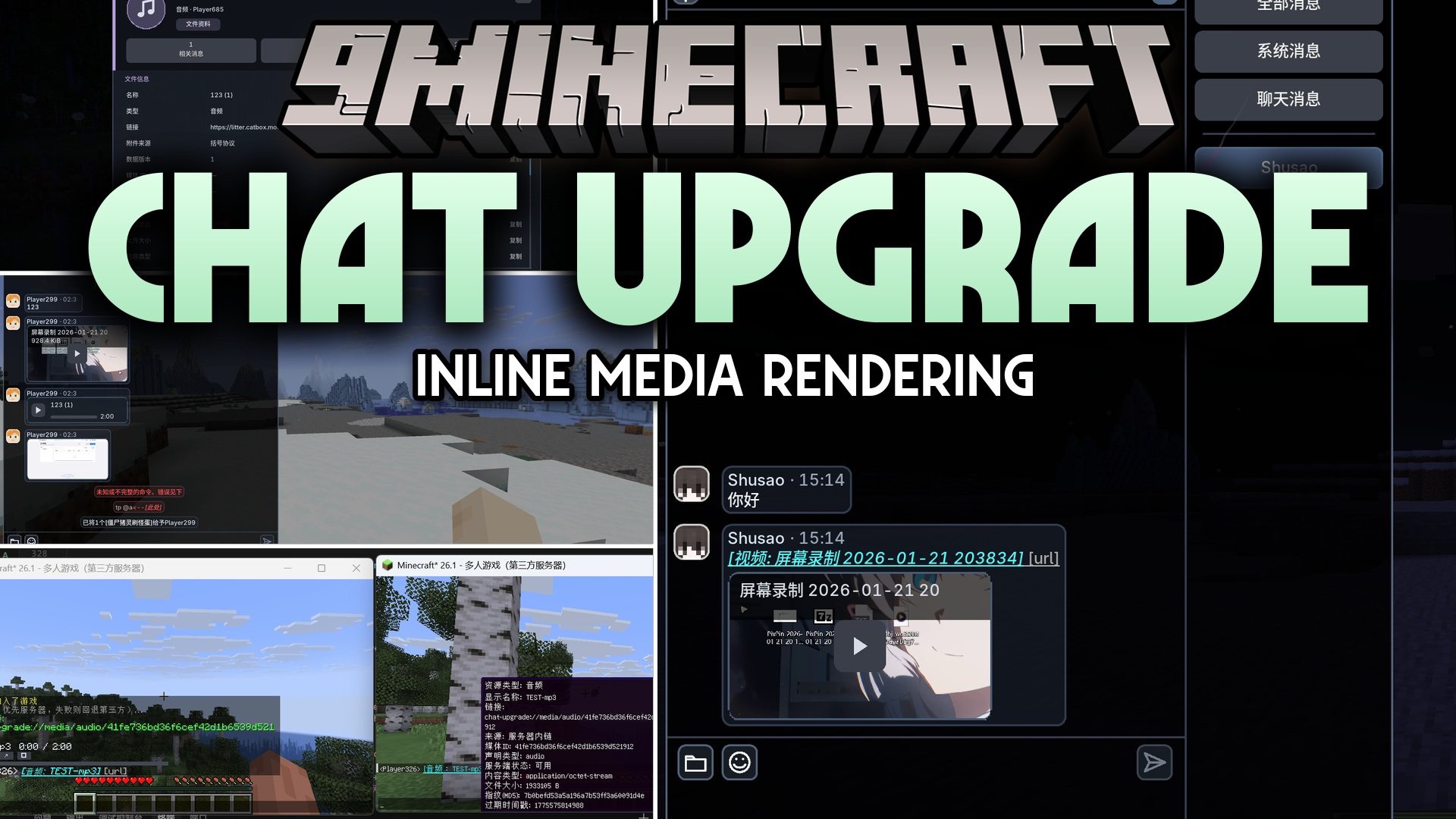
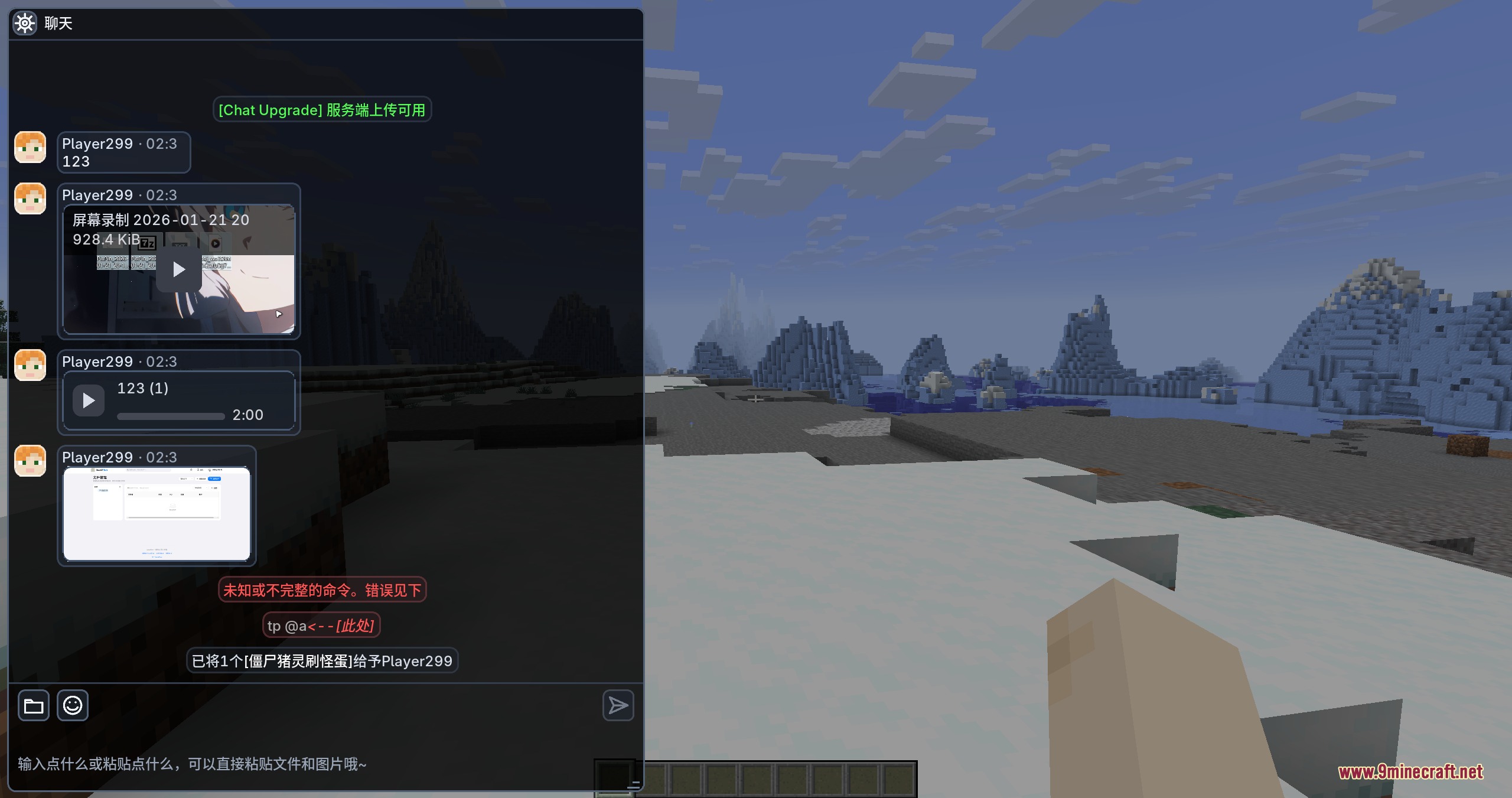
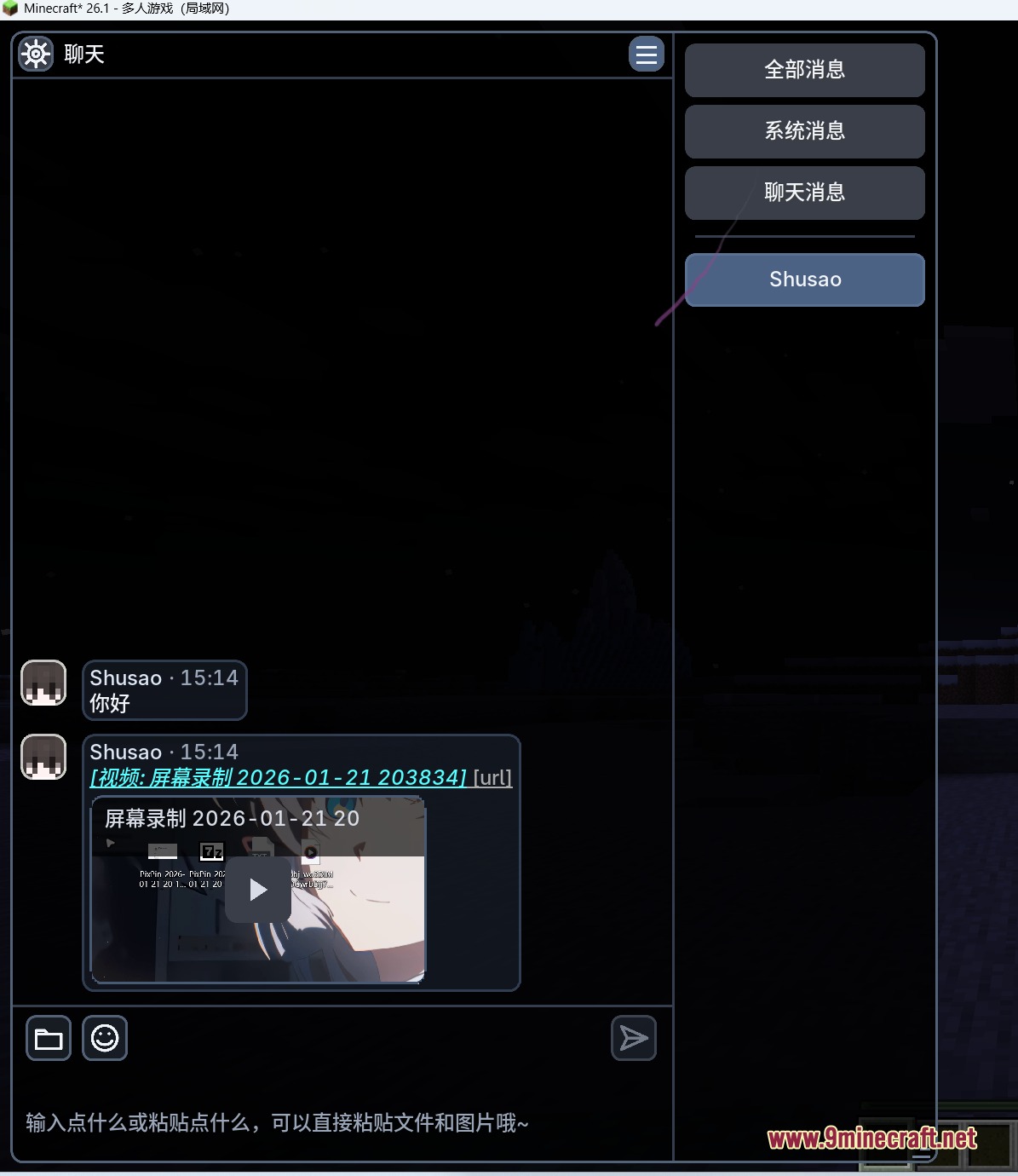
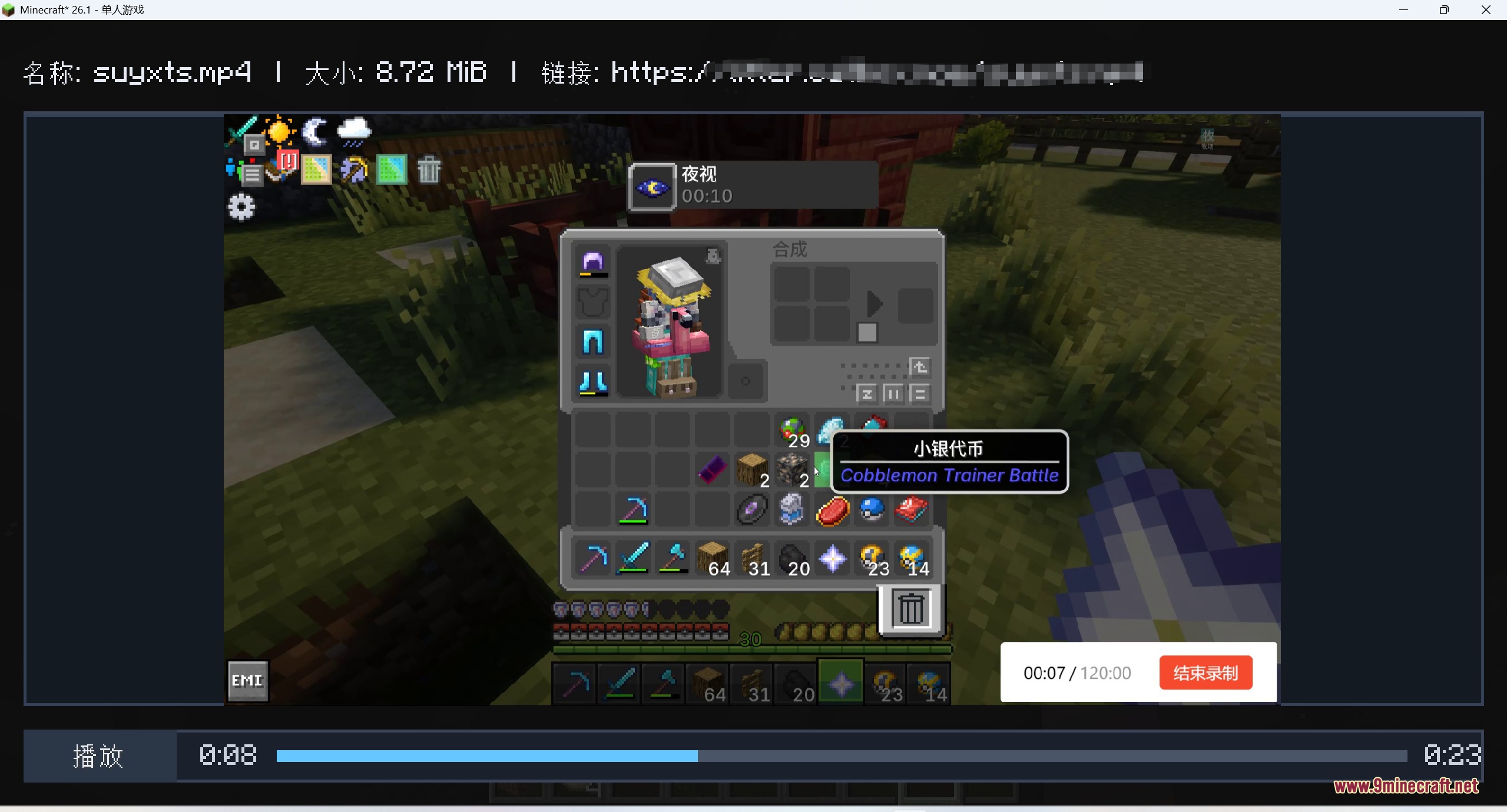
Use the command `/chatupgrade sendvideo ` with a direct link to a video file (mp4, webm, mov, mkv, m4v, or avi). The video will render as a playable player inline in the chat message for all players to see.
What do I do if videos won't play?
Run `/chatupgrade plugin status` to check if FFmpeg is loaded. If it's missing, use `/chatupgrade plugin download` to install the required helper library for video playback.
Can I upload a video from my computer instead of a link?
Yes, use `/chatupgrade uploadvideo pick` to open a file picker, `/chatupgrade uploadvideo folder` to browse a local folder, or `/chatupgrade uploadvideo paste` if you have a video file copied to your clipboard.
How do I set up custom emojis in chat?
Follow the custom chat emojis guide to map emoji tokens in your data files, then use the token format in chat messages to display them as square emoji images.
See all 10 Chat Upgrade questions ›
Gallery
7 images from the Chat Upgrade Mod page.
You May Also Like
Wikis that share the most with this one
More mod wikis on the site
The most downloaded mods that have a wiki here
A few wikis from each of the other kinds