

 DownloadChat Plus Mod
Get the files on 9Minecraft
Guides
Step-by-step, in-game.
Bookmarking, Searching, and Jumping to Old Chat MessagesFinding a message Chat Plus stores far more chat history than vanilla, so you can scroll back much further. Use the…How to Resize and Move the Chat Box in Chat PlusUnlocking the chat box Open the chat with your normal chat key and look for the small drag handle or resize grip that…Setting Up Multiple Chat Tabs and Windows with Chat PlusCreating tabs Chat Plus can split your chat into separate tabs so different message types do not drown each other…Taking Chat Screenshots and Copying Messages in BulkSelecting multiple messages Chat Plus supports group selection in the chat window. Click a message, then shift-click…
Frequently asked questions
How do I open the Chat Plus settings?
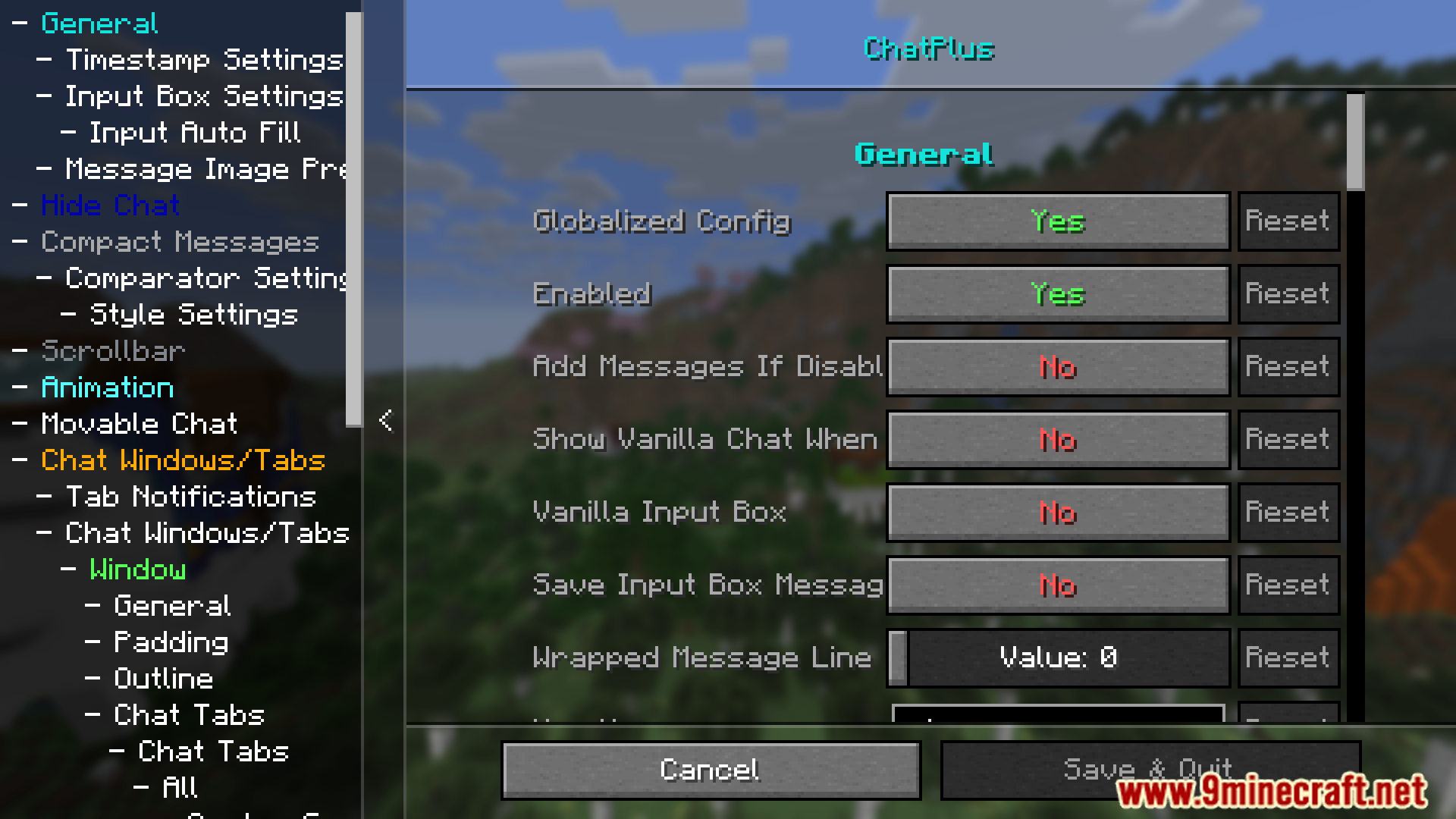
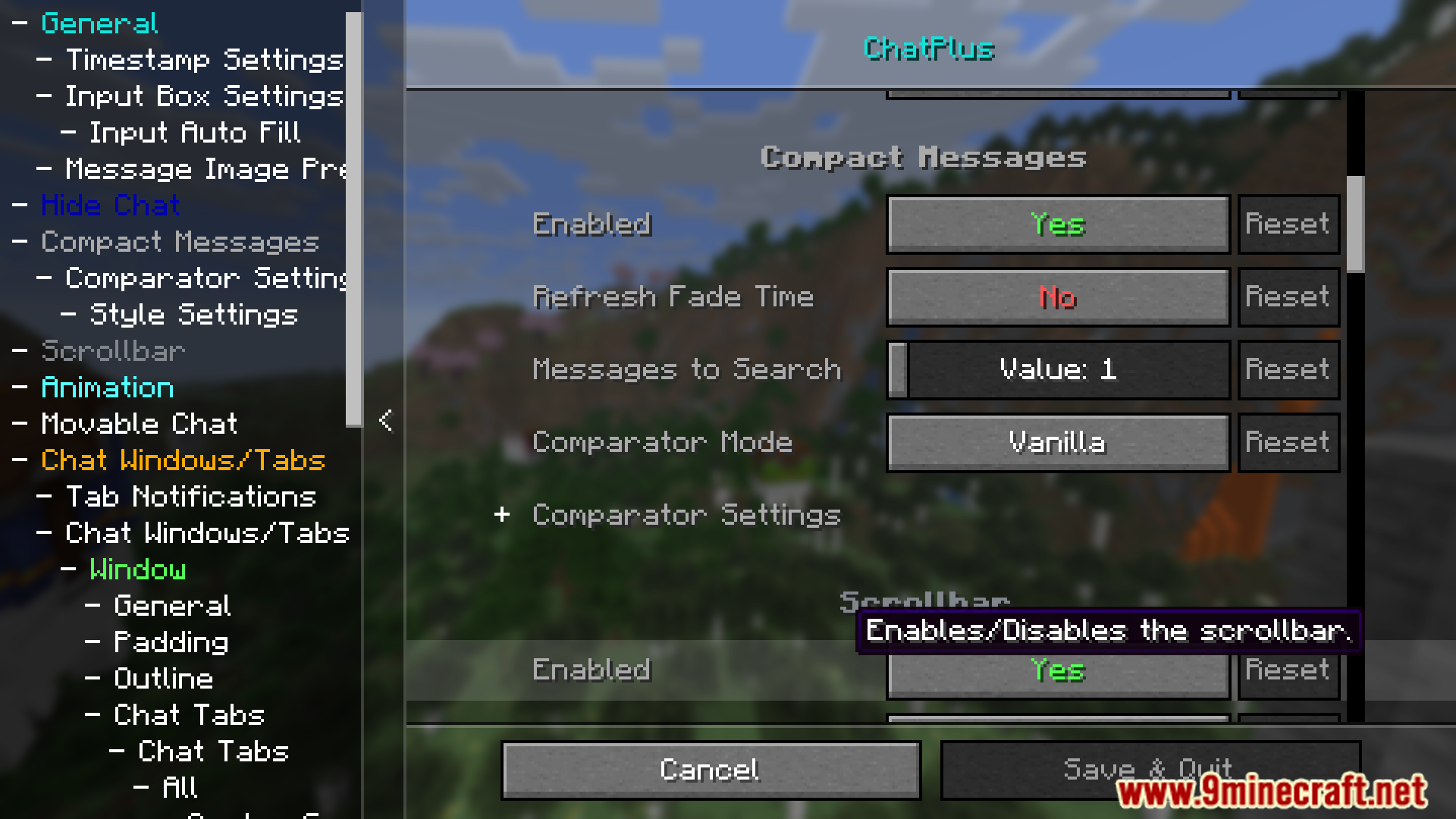
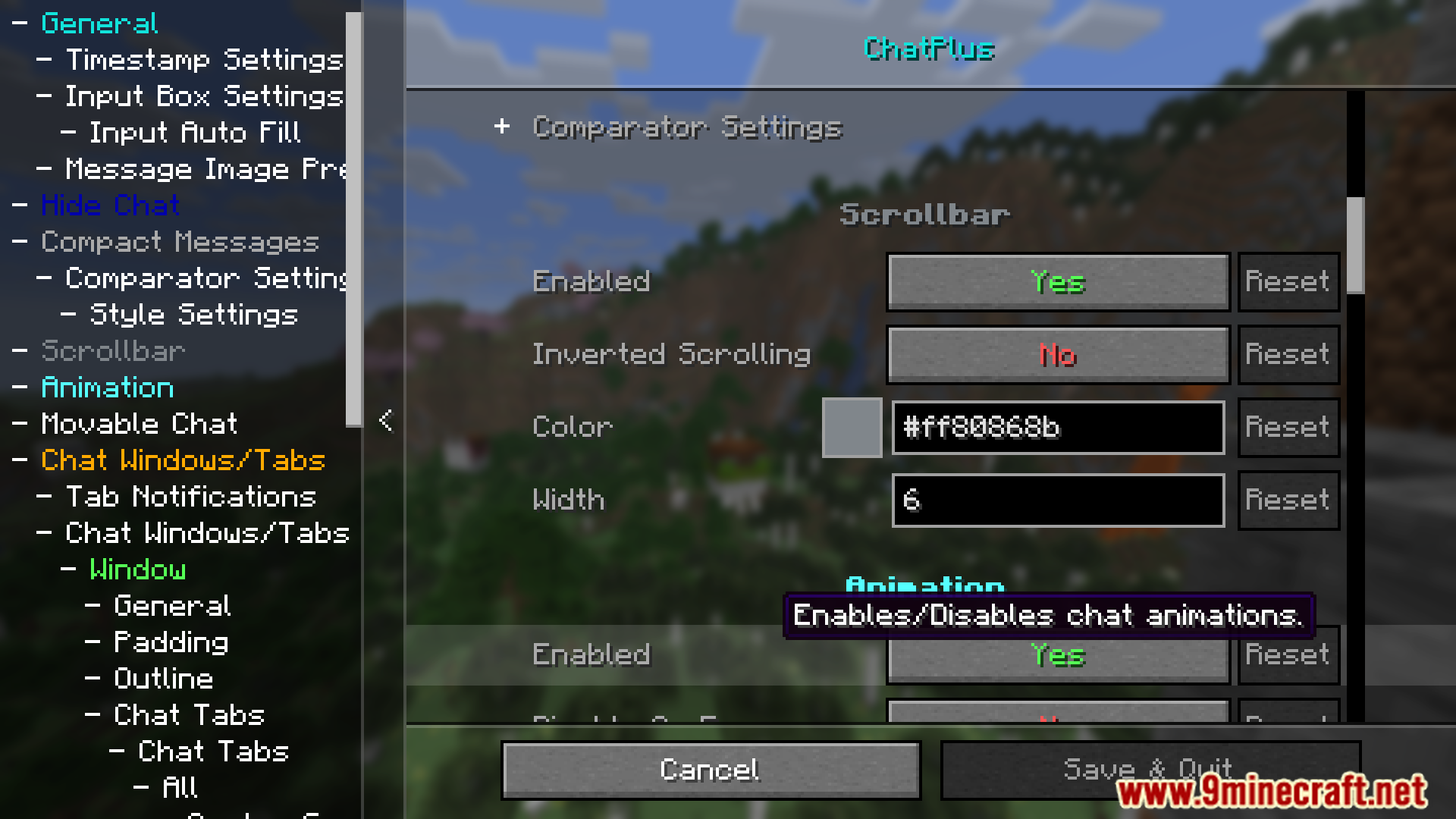
Open your chat and look for the Chat Plus config button, or bind the settings key in your controls menu. From there you can access every customization option, including tabs, appearance, and message handling.
How do I make multiple chat tabs?
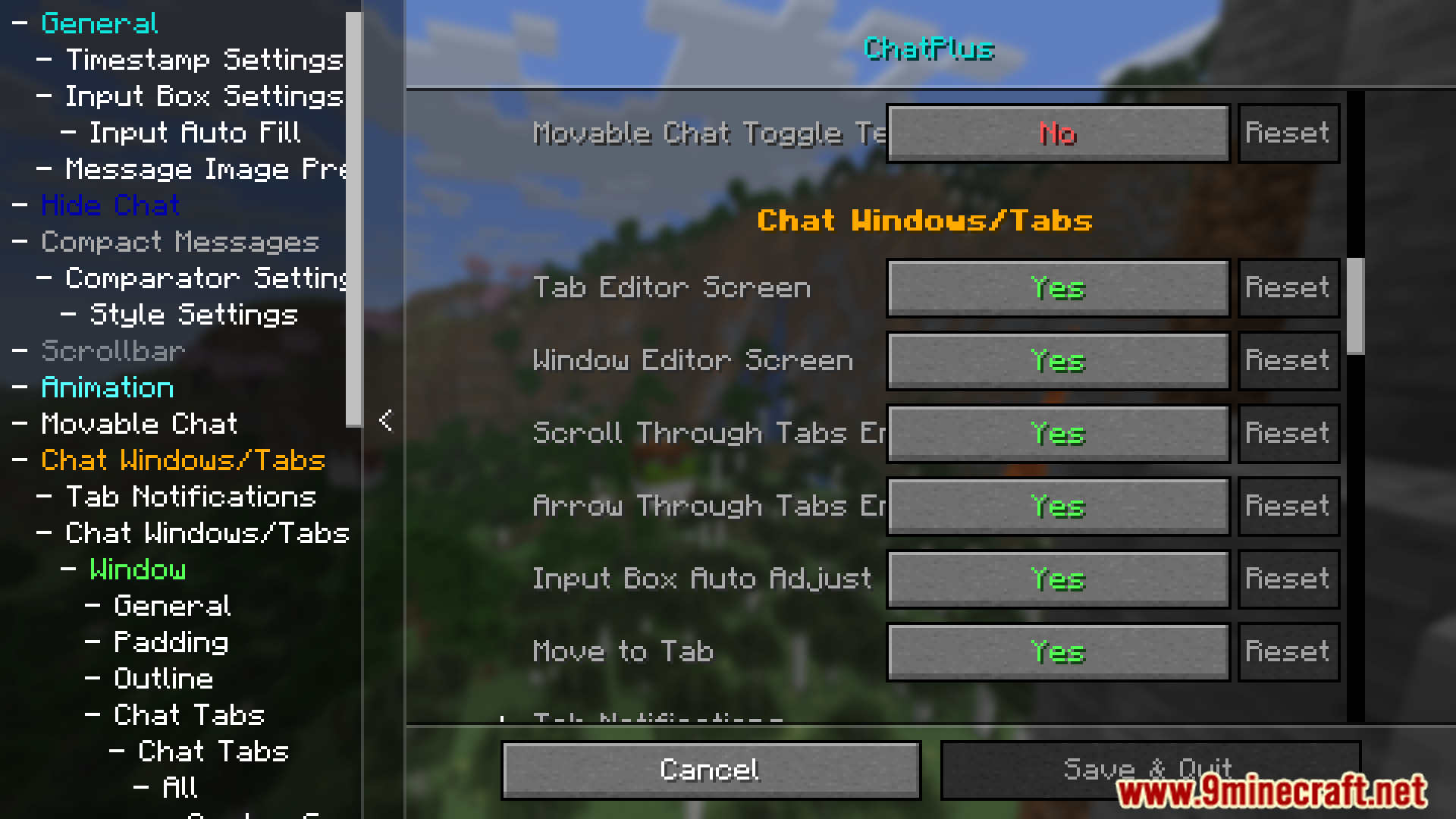
Chat Plus can create tabs automatically based on chat type, or you can make them manually in the tab settings. Once tabs exist, you can rename them, assign filters, and switch between them with clicks or hotkeys.
How do I resize the chat box?
Enter chat editing mode from the Chat Plus settings, then drag the edges or corners of the chat box to resize it. You can also move it by dragging the box itself while in that mode.
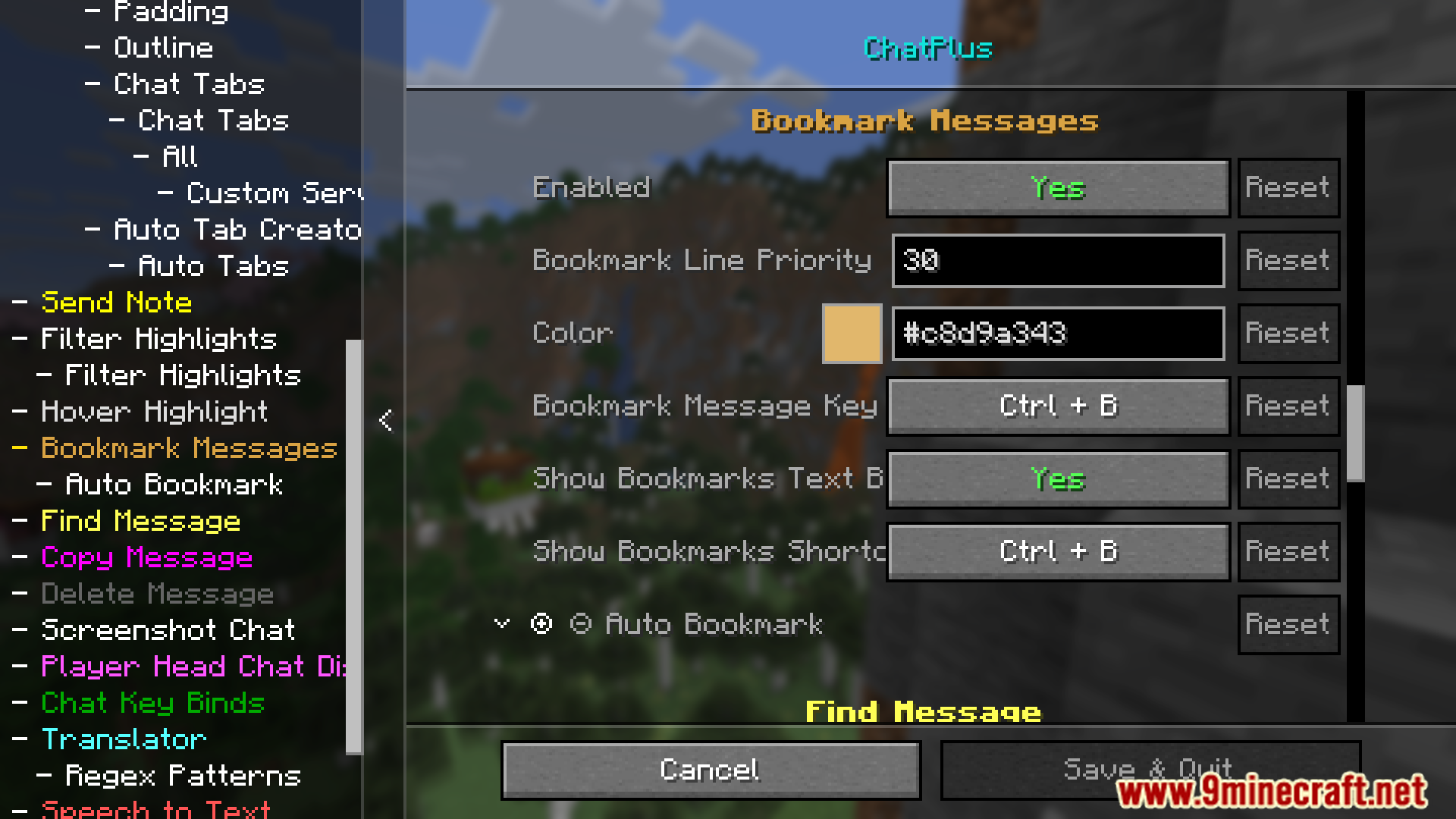
How do I bookmark a chat message?
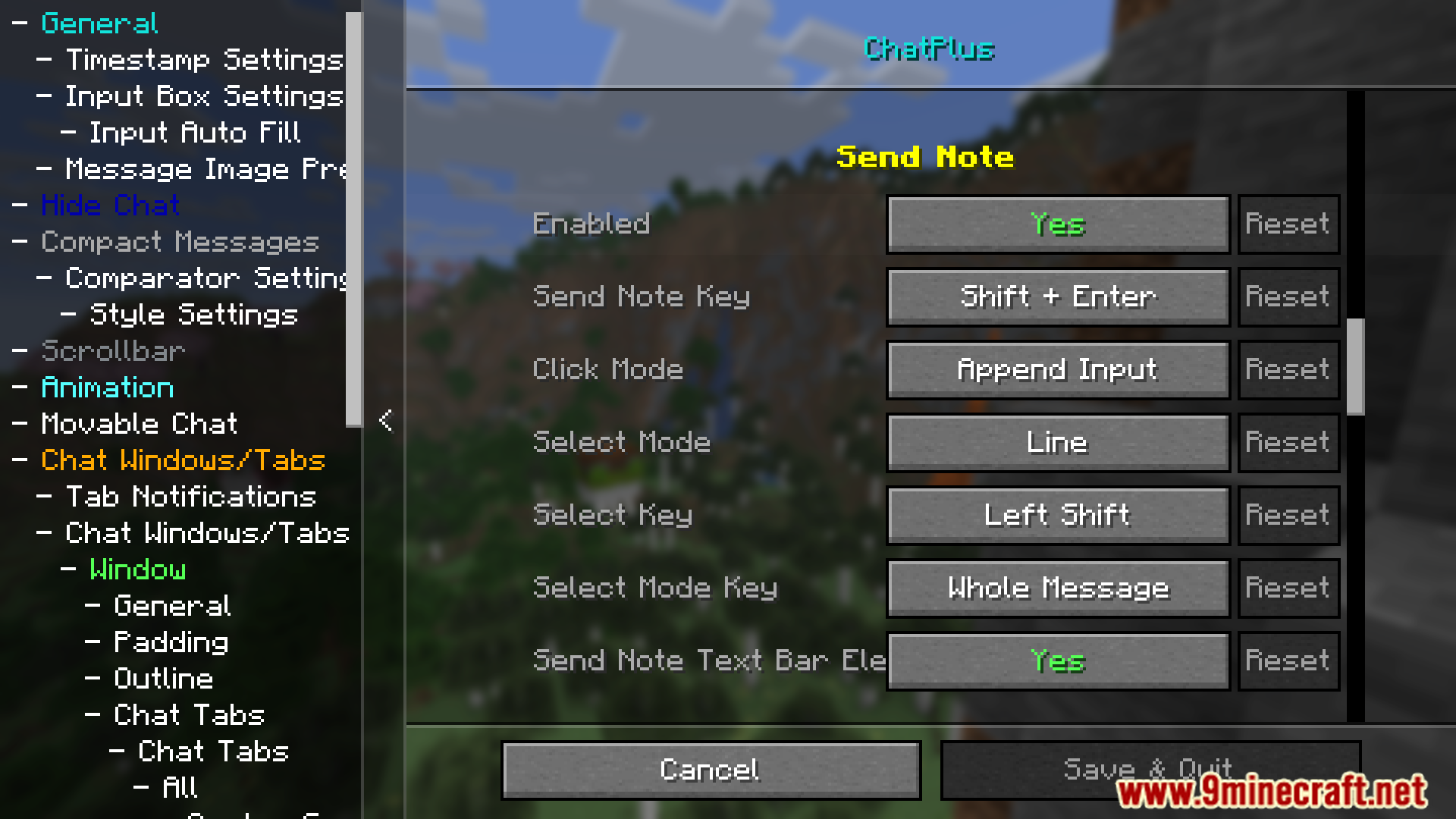
Hover over a message and use the bookmark action, or select multiple messages and bookmark them in bulk. Bookmarks are saved with jump support so you can return to the exact message later.
See all 10 Chat Plus questions ›
Gallery
12 images from the Chat Plus Mod page.
You May Also Like
Wikis that share the most with this one
More mod wikis on the site
The most downloaded mods that have a wiki here
A few wikis from each of the other kinds