

 DownloadBrightness Plus Mod
Get the files on 9Minecraft
Guides
Step-by-step, in-game.
Adjust Brightness Level During GameplayOpen the Brightness Menu While in-game, press the keybind you assigned to Brightness Plus. This opens the mod's…Mine Efficiently Without Placing TorchesEnable Brightness Plus Before Mining Press your assigned keybind to activate the mod and set brightness to a level…Toggle Brightness On and Off QuicklyAssign Your Keybind Open your game controls menu and locate the Brightness Plus keybind option. Assign a key you can…Use Brightness Plus With Graphics ModsVerify Mod Compatibility Brightness Plus is designed to work alongside popular graphics enhancement tools like…
Frequently asked questions
How do I turn on Brightness Plus for the first time?
Open your Controls menu in game settings, search for the Brightness Plus keybind, and assign it to any key you prefer. Press that key while in-game to toggle the brightness boost on or off.
Can I change the brightness level or is it fixed?
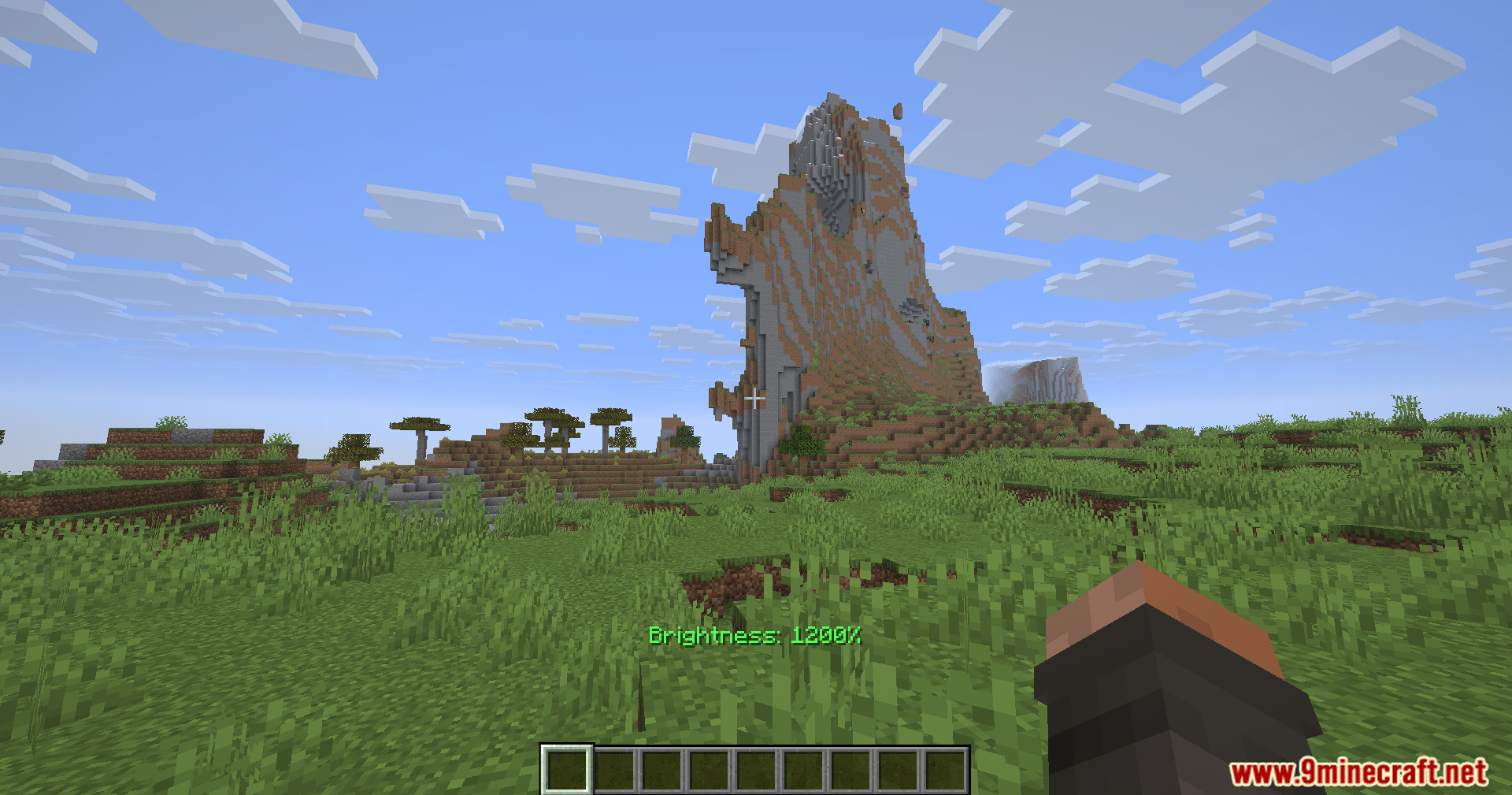
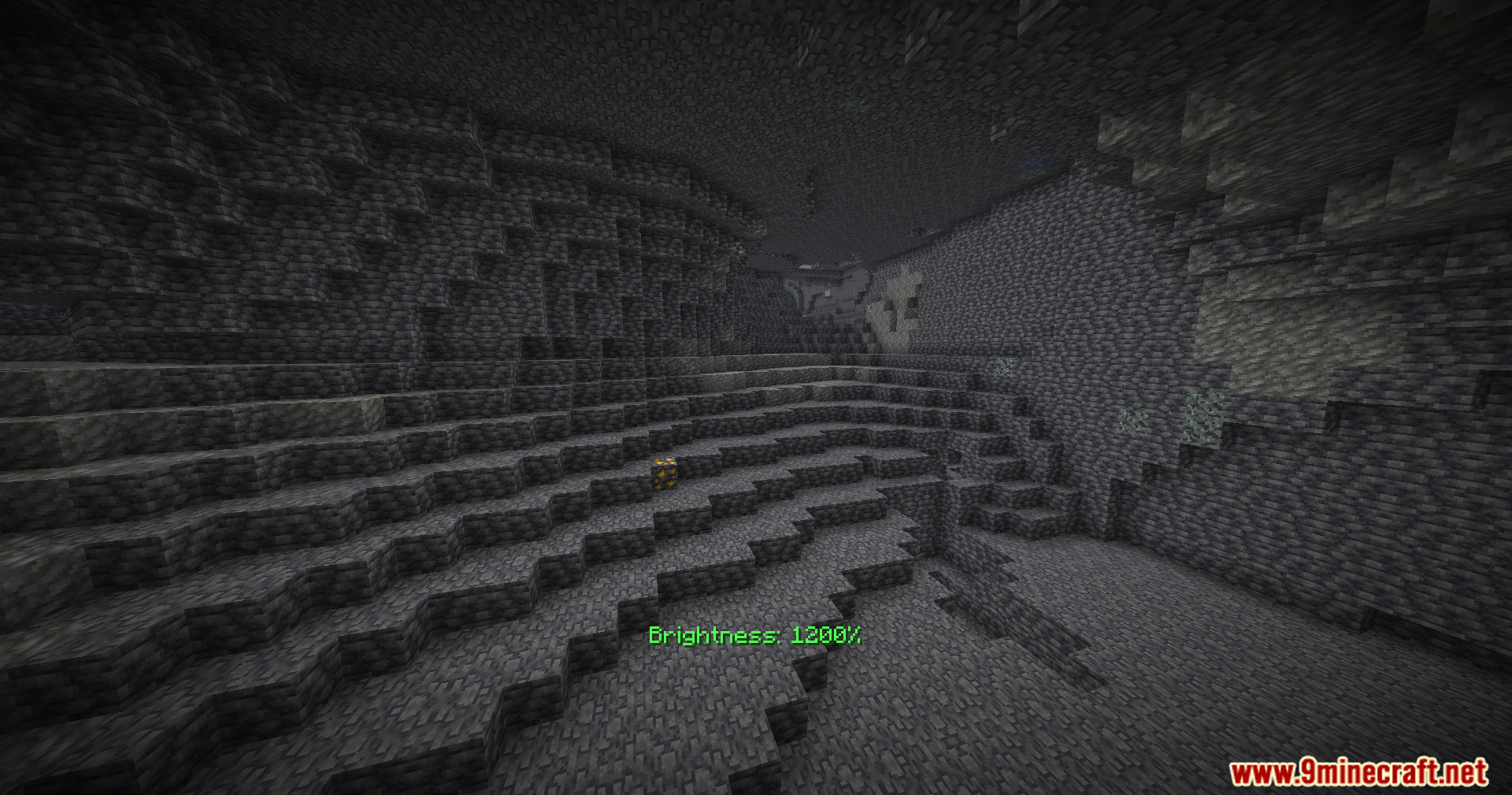
You can adjust the brightness anywhere from 0 to 1200 percent through the mod's settings menu. Higher values make your screen brighter; lower values dim it down.
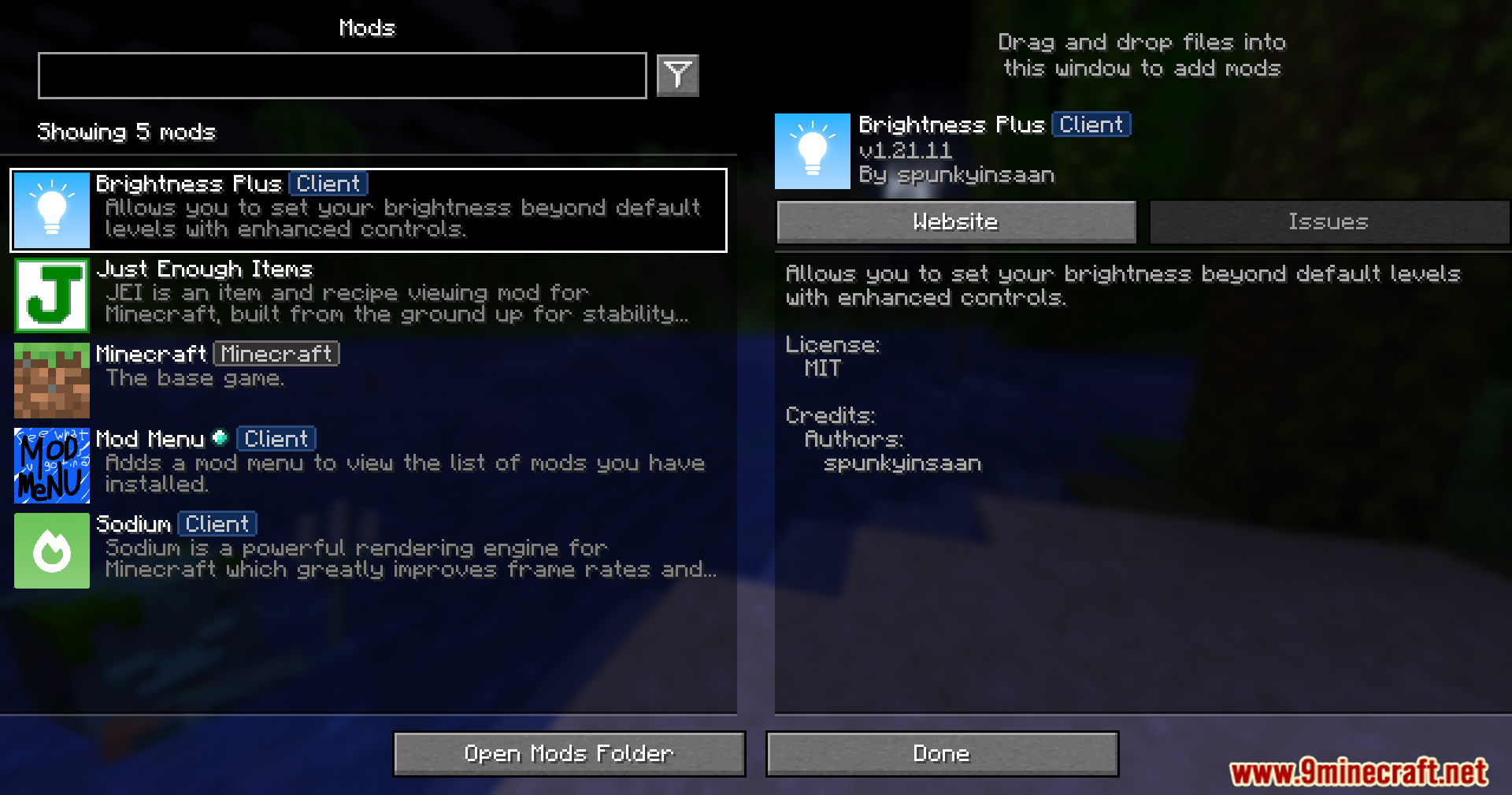
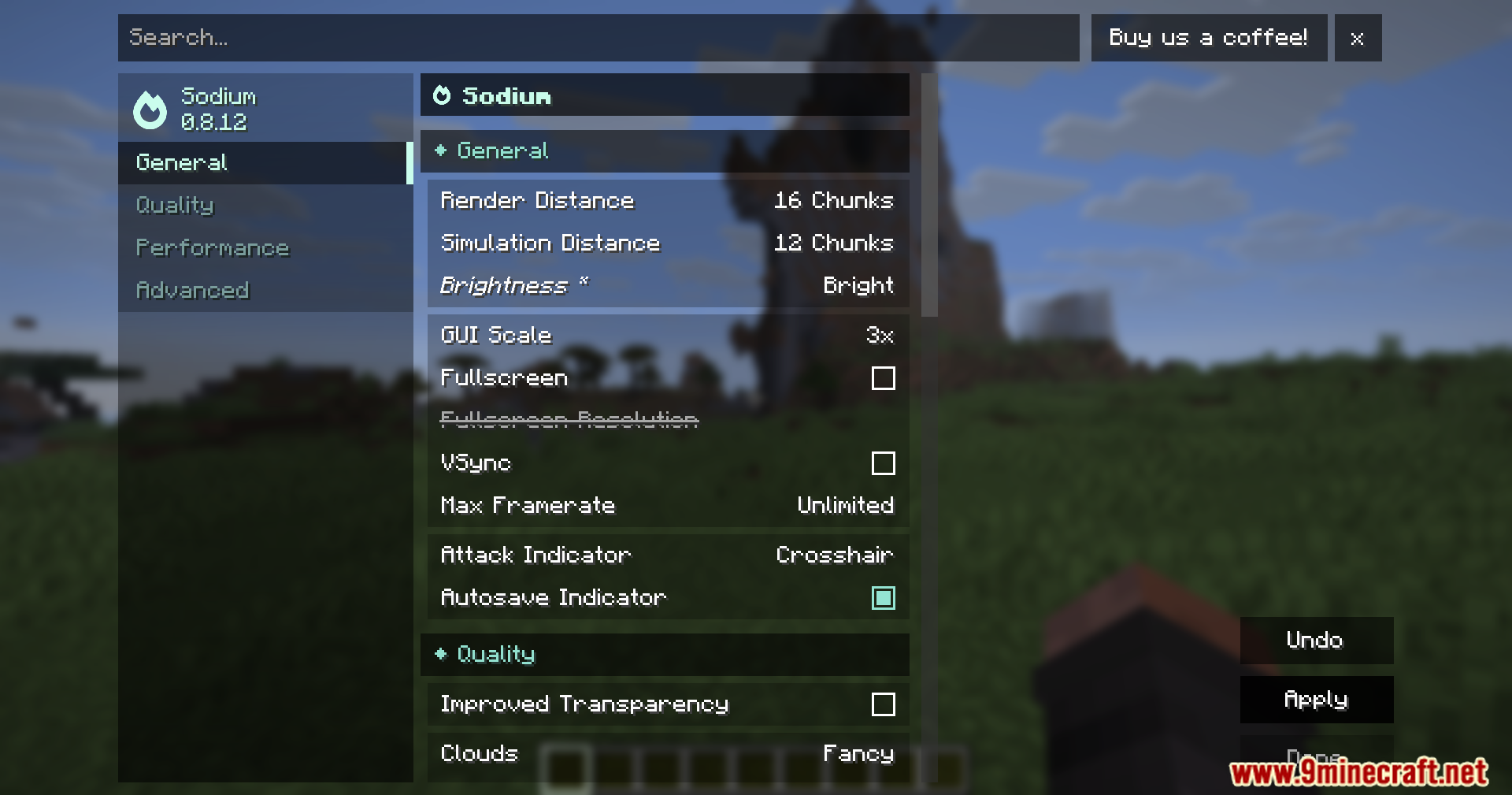
Does Brightness Plus work with Optifine or Sodium?
Yes, Brightness Plus is compatible with popular graphics mods like Optifine, Sodium, and Vulkan. You can use them together without conflicts.
Will using max brightness hurt my FPS or cause lag?
Brightness Plus is a lightweight mod that adjusts your display settings without heavy processing. It should not noticeably impact your frame rate, though very high brightness levels on older computers may have minor effects.
See all 10 Brightness Plus questions ›
Gallery
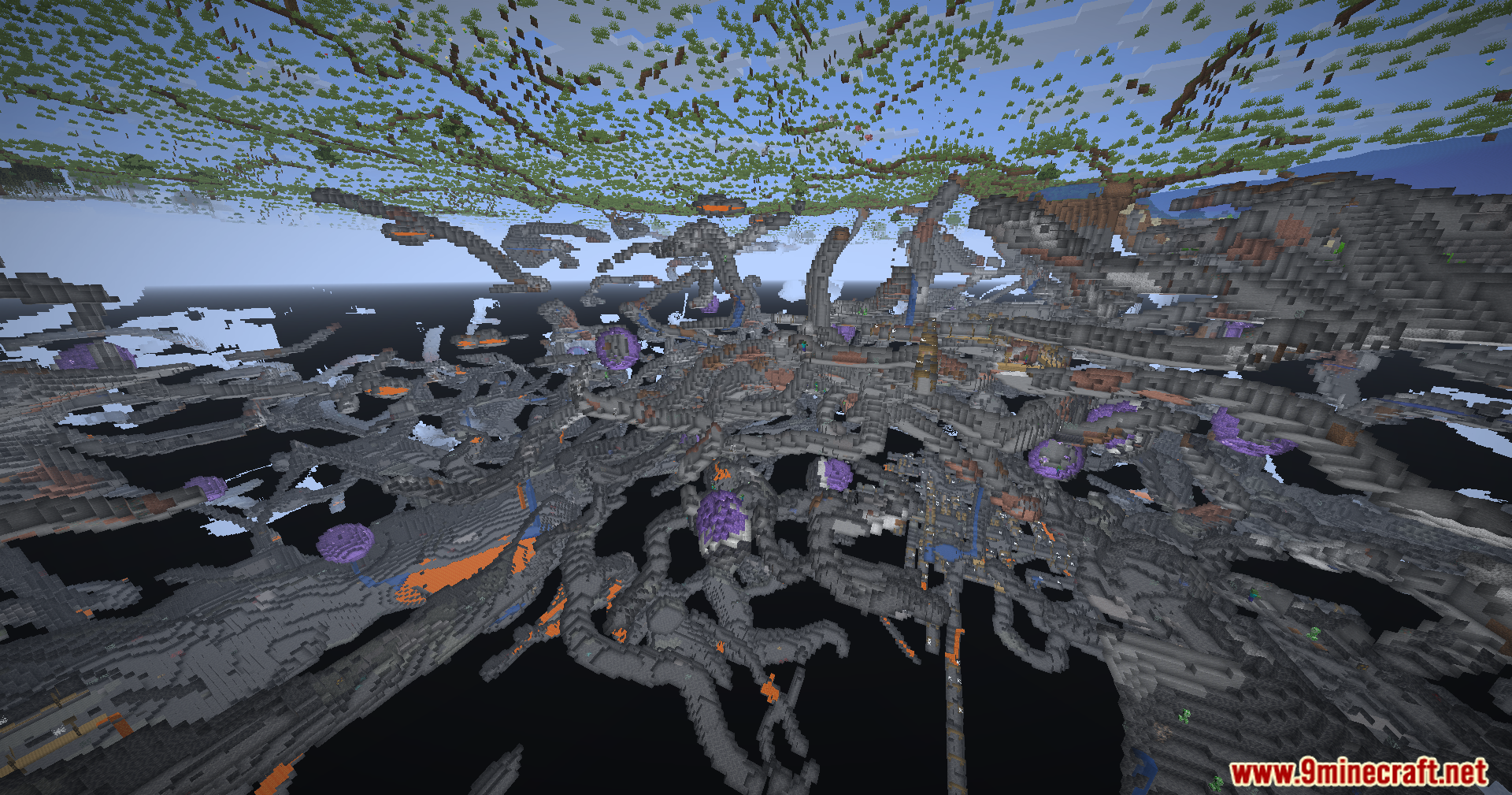
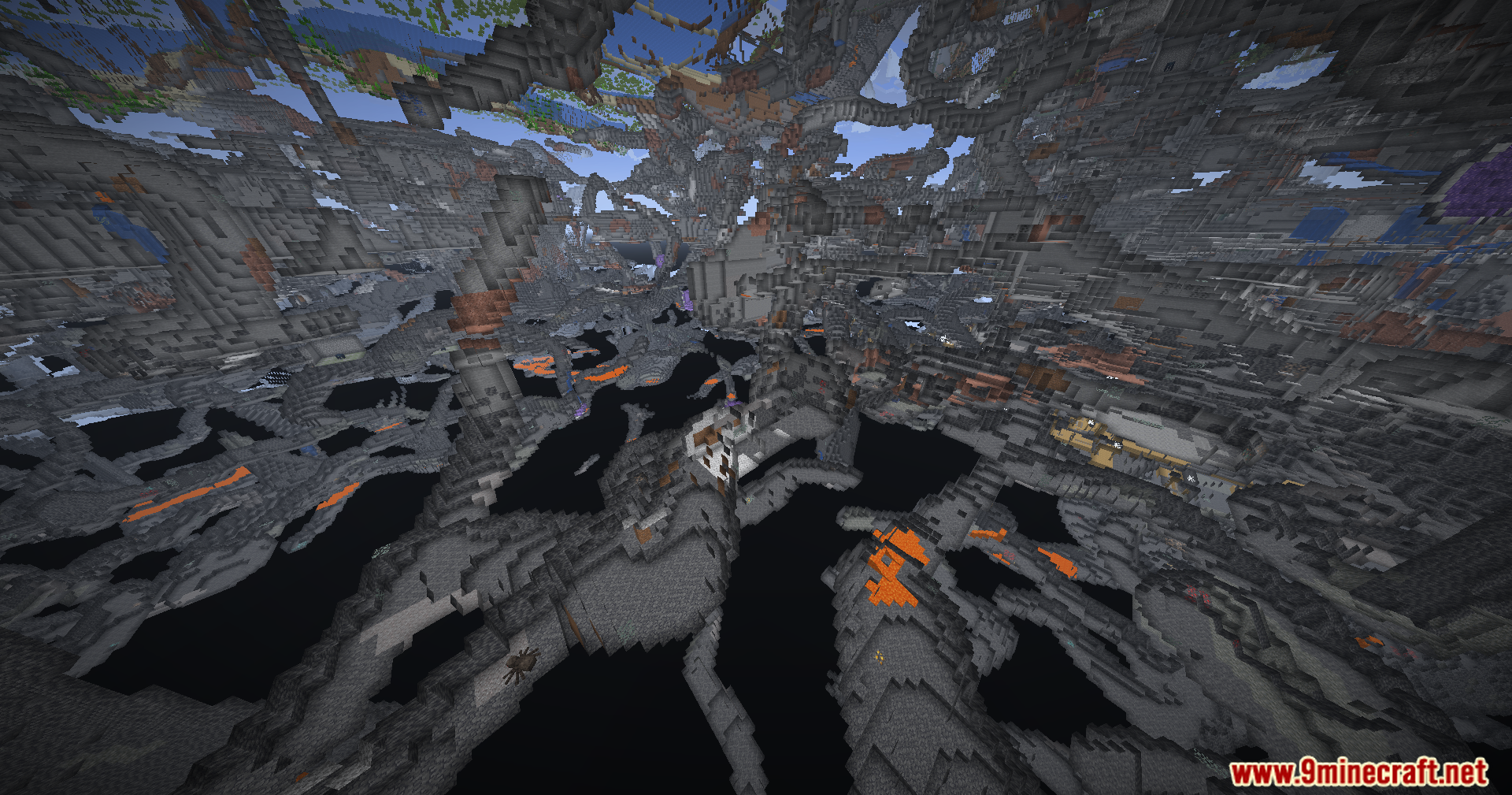
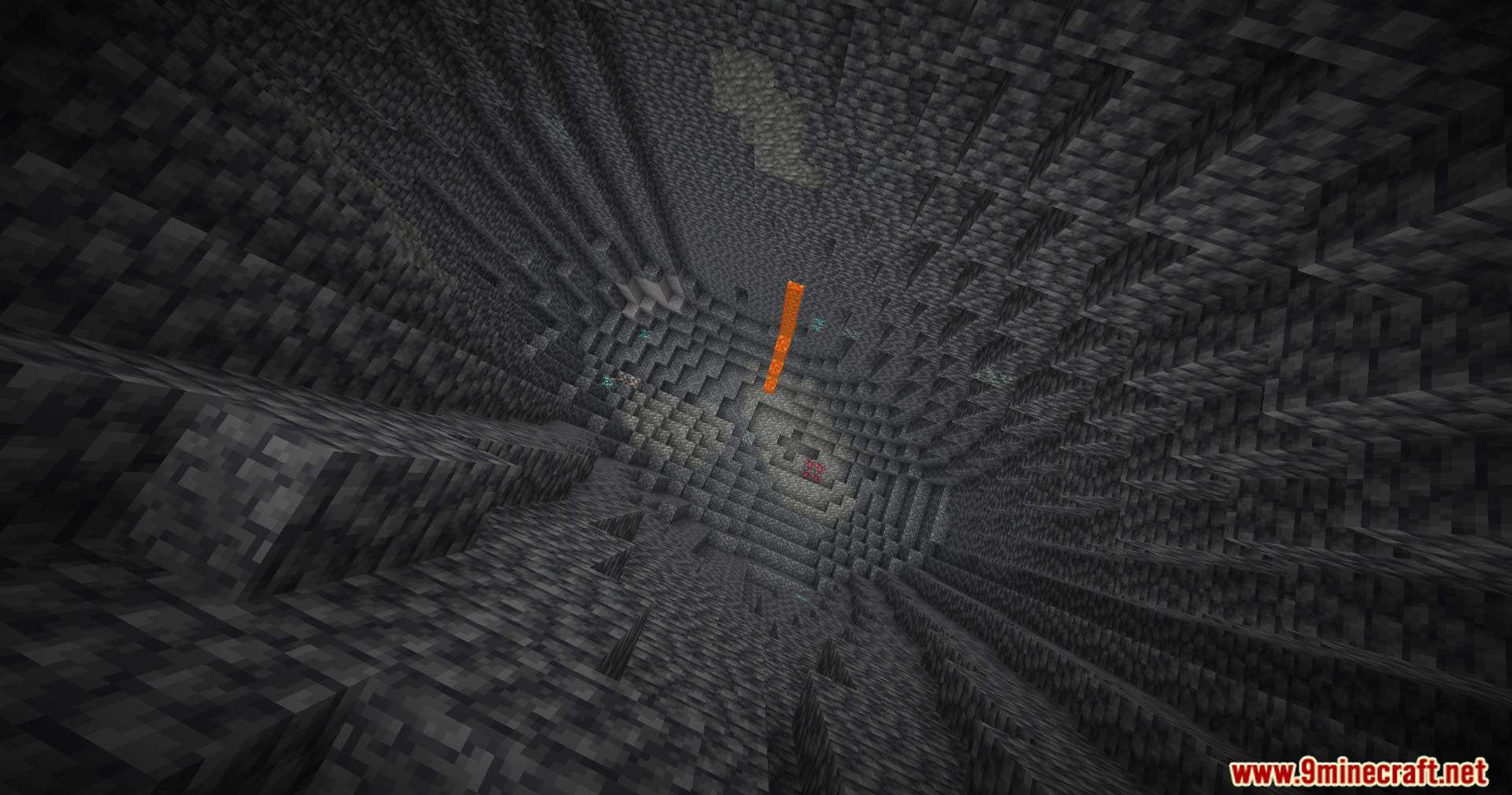
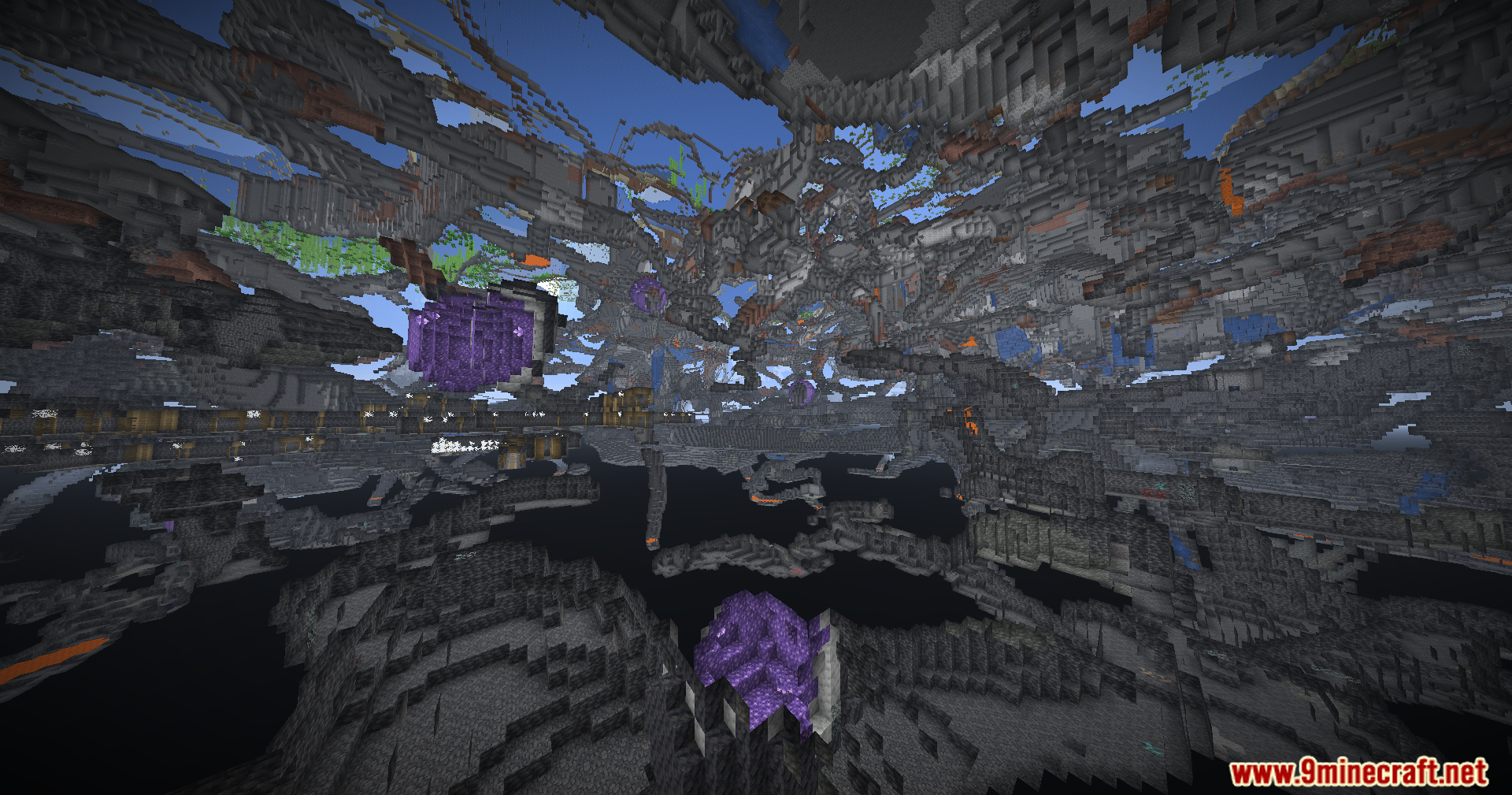
11 images from the Brightness Plus Mod page.

You May Also Like
Wikis that share the most with this one
 Simple Brightness Shaders
 No More Brightness Shaders
Wikis on the same theme: light
More mod wikis on the site
The most downloaded mods that have a wiki here
A few wikis from each of the other kinds