

 DownloadBoosted Brightness Resource Pack
Get the files on 9Minecraft
Guides
Step-by-step, in-game.
Adjust Brightness to Your PreferenceAccess the Brightness Slider The Boosted Brightness Resource Pack works seamlessly with Minecraft's built-in…Create Better Content with Improved LightingOptimize for Recording and Streaming Content creators benefit from the Boosted Brightness Resource Pack's ability to…Improve Visibility While Mining in CavesMaximize Cave Exploration The Boosted Brightness Resource Pack is designed specifically to enhance visibility in dark…Use the Pack Without Changing Your PlaystyleSeamless Integration The Boosted Brightness Resource Pack requires no configuration files, commands, or mod…
Frequently asked questions
How do I enable the Boosted Brightness Resource Pack?
Open your Resource Packs menu in Settings, find Boosted Brightness in the Available list, and click the arrow to move it to Active. Make sure it's positioned above any conflicting packs in your active list.
Does this pack work with shaders?
This pack uses the lightmap shader system and may conflict with some third-party shader packs. Test compatibility by enabling both and checking if lighting appears correct; if not, you may need to choose one or the other.
Can I adjust how bright it gets?
Yes—use your in-game brightness slider under Video Settings to fine-tune the effect to your preference. The pack enhances the slider's range rather than locking brightness to a single level.
Will this pack affect my FPS?
No, this is a lightweight resource pack that doesn't require external mods or heavy processing, so it should have minimal to no impact on performance.
See all 10 Boosted Brightness questions ›
Gallery
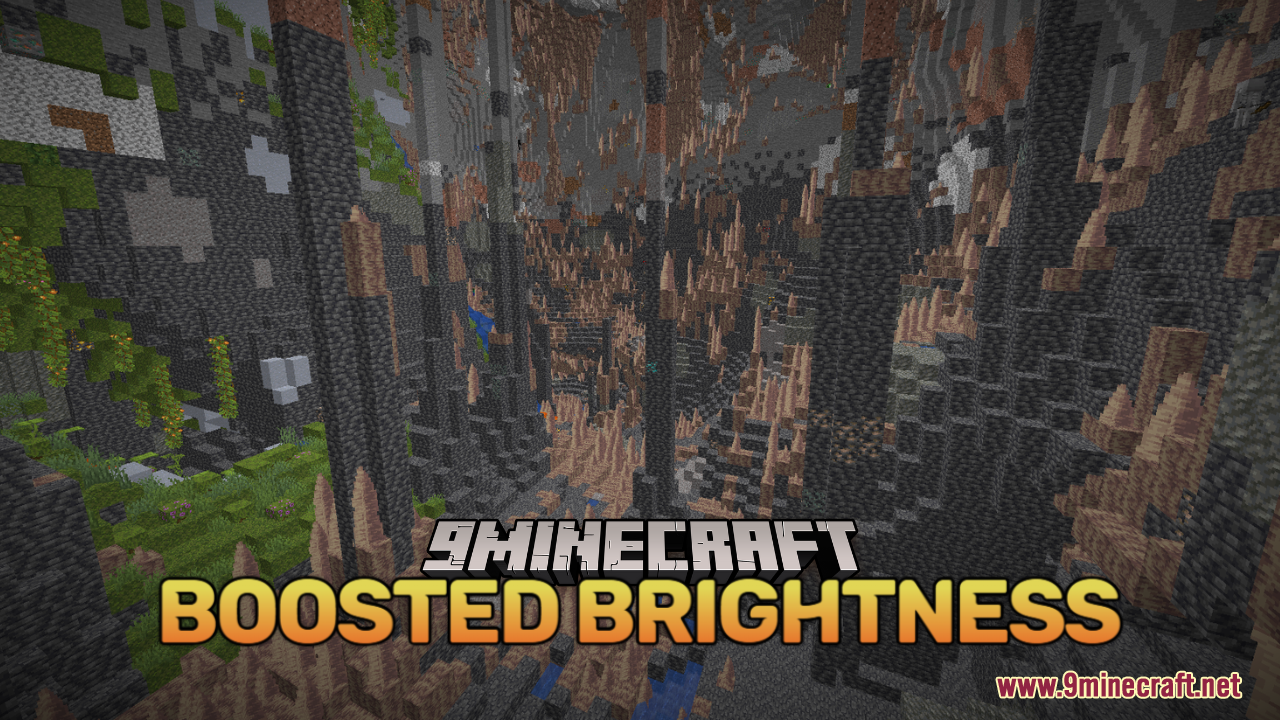
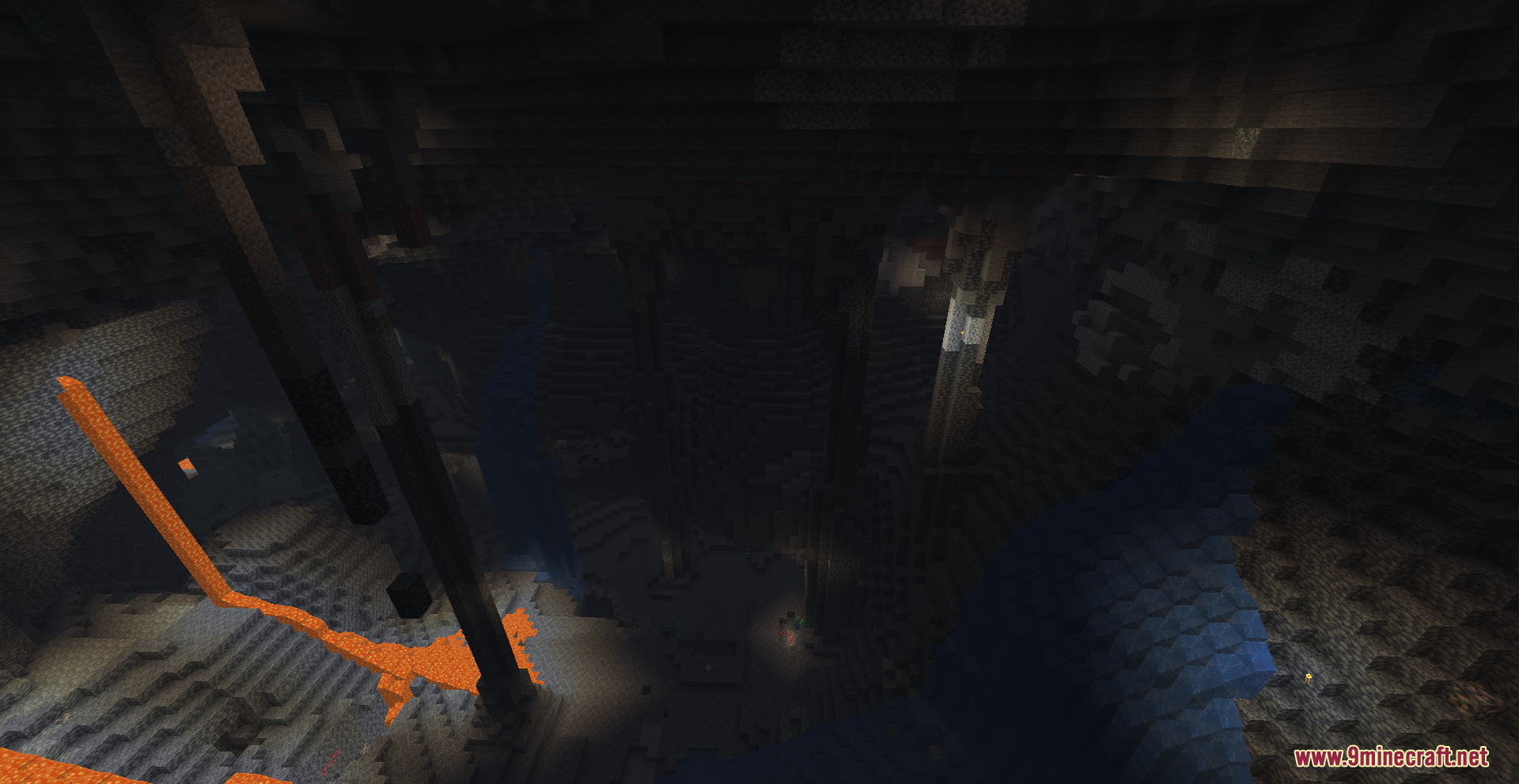
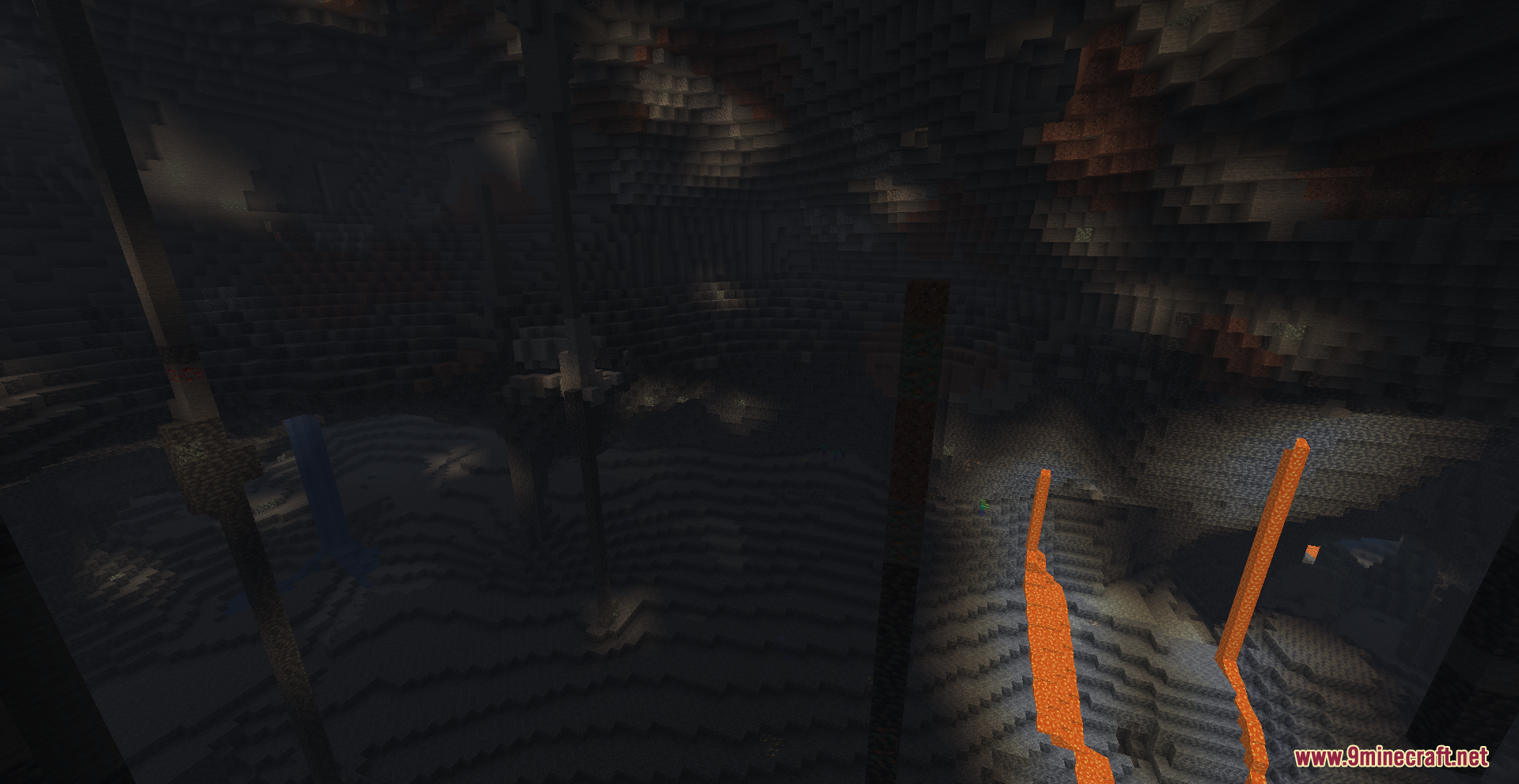
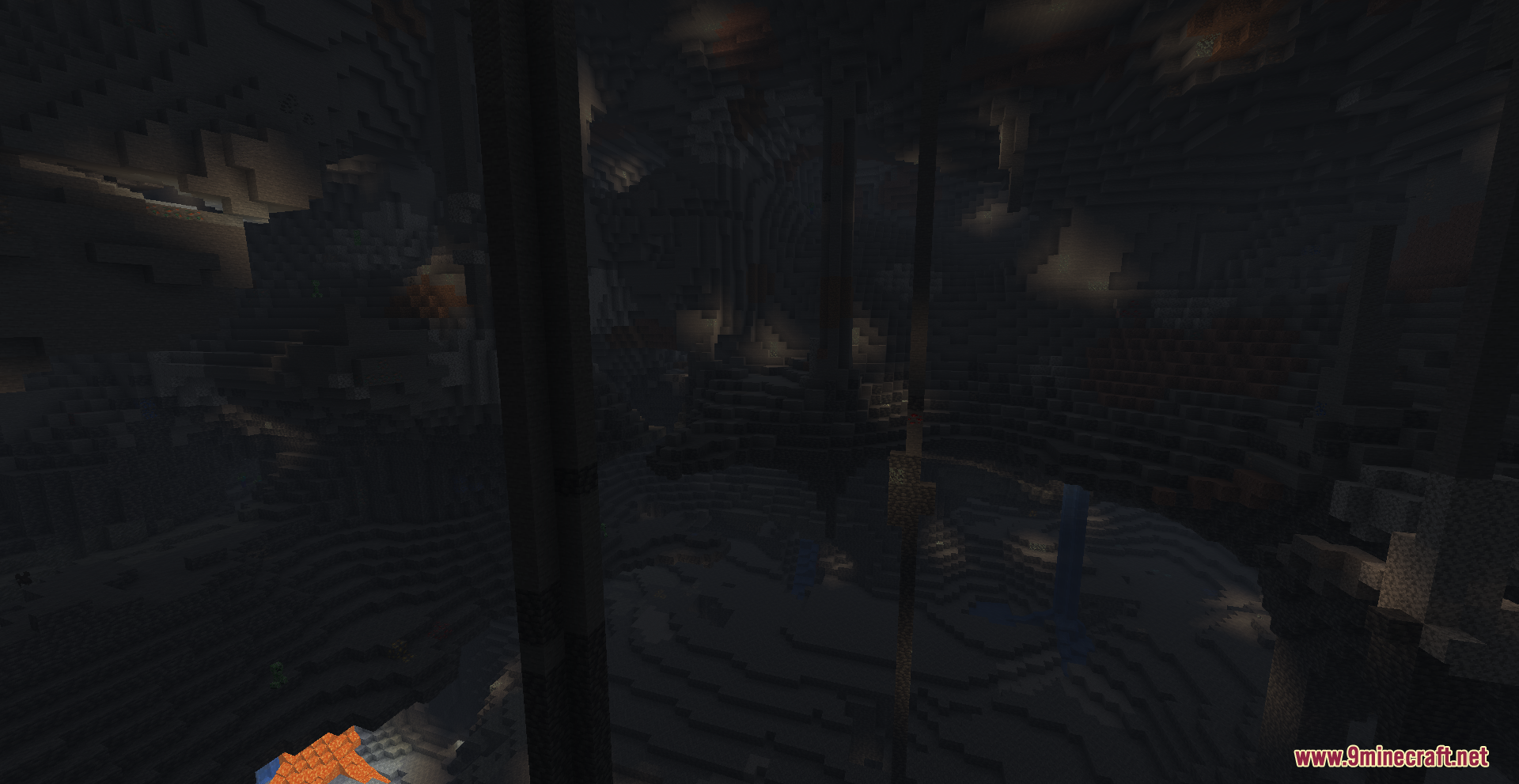
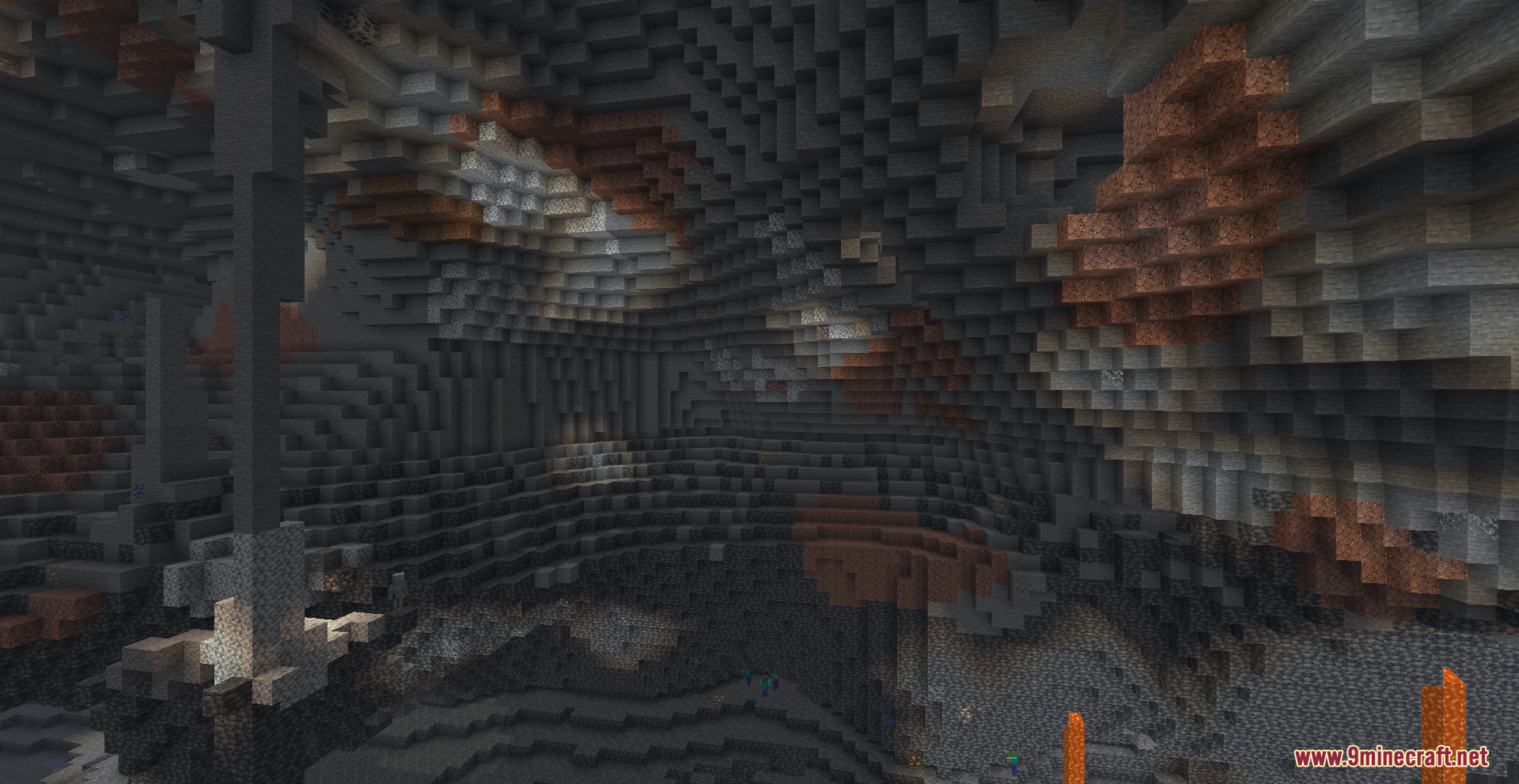
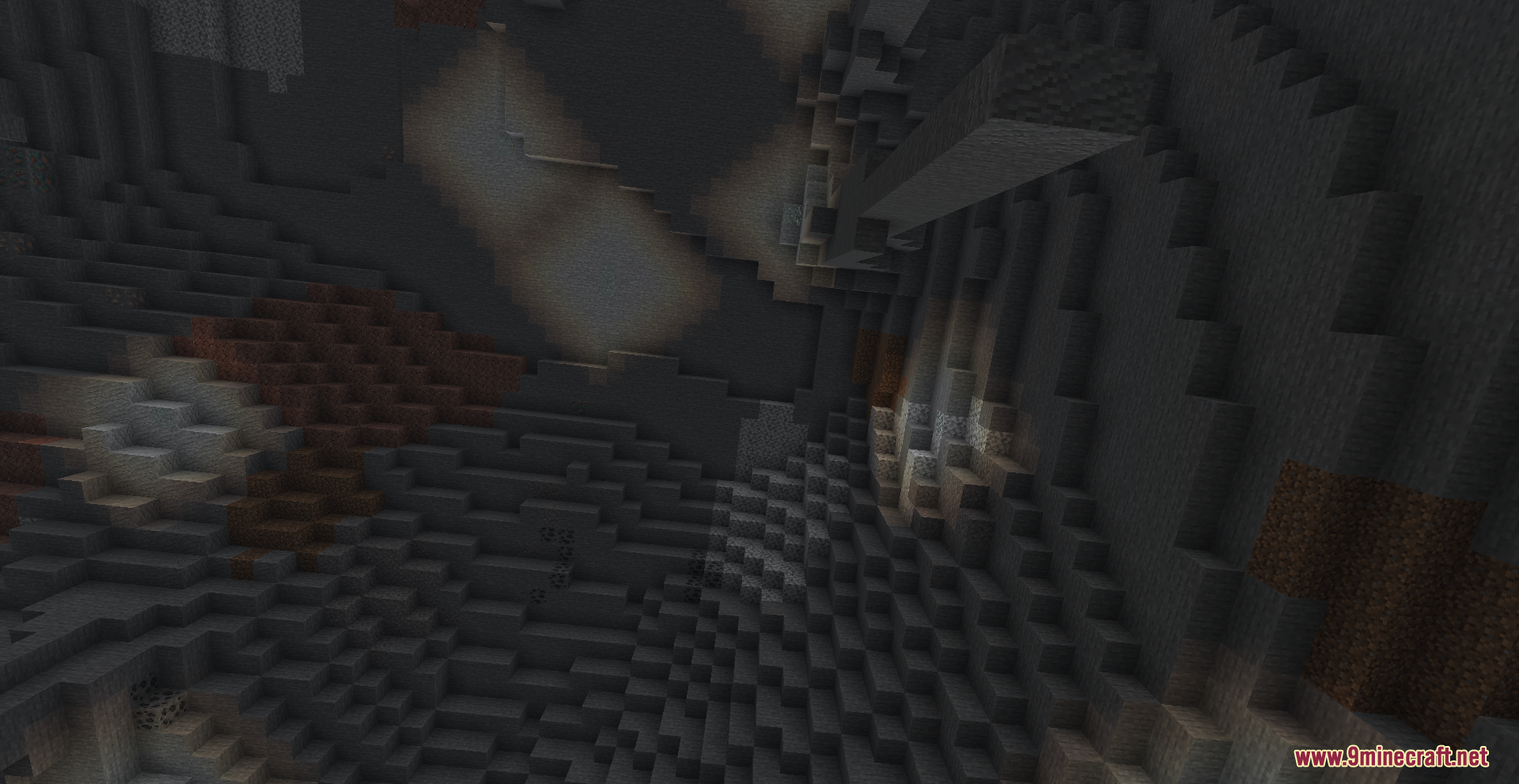
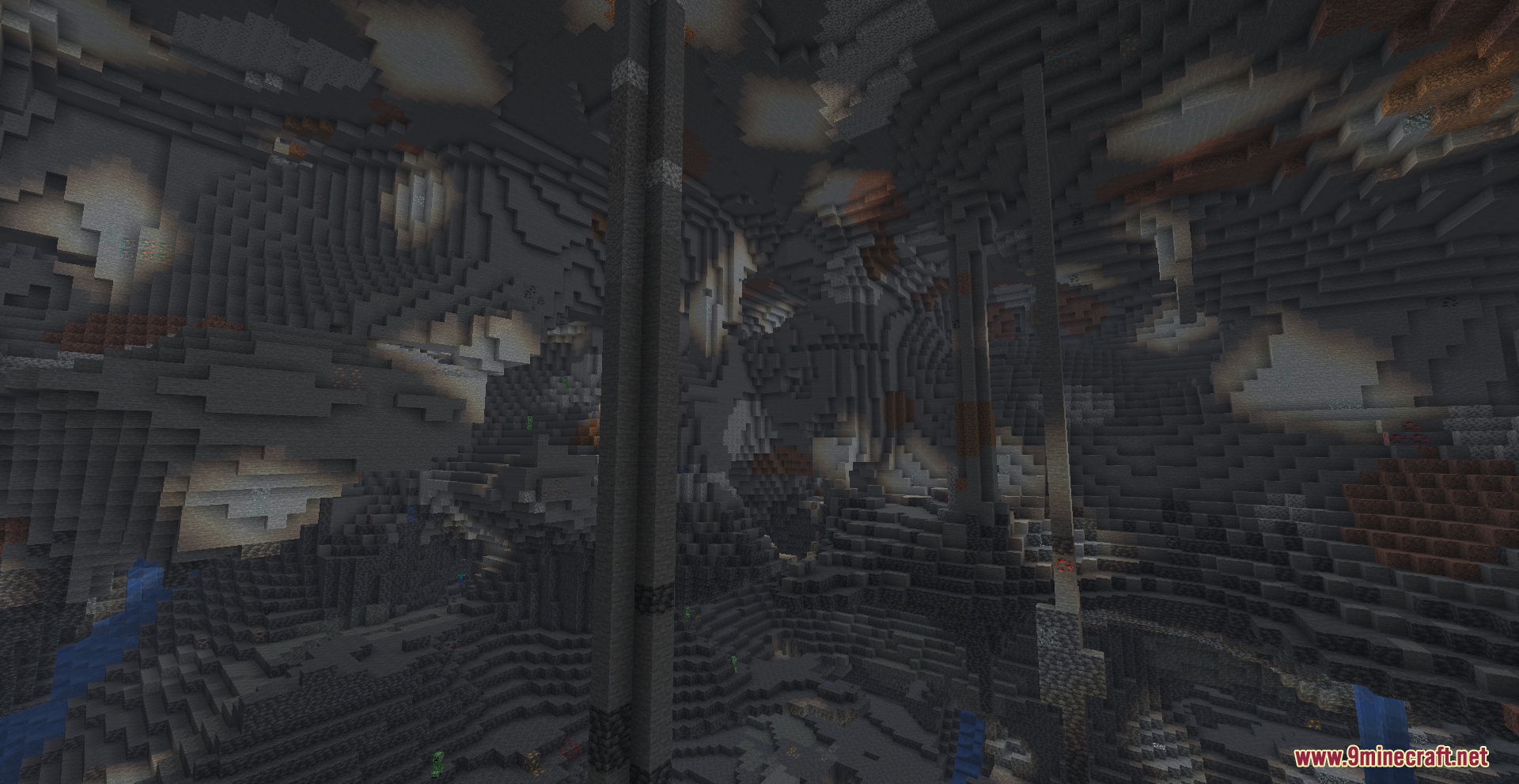
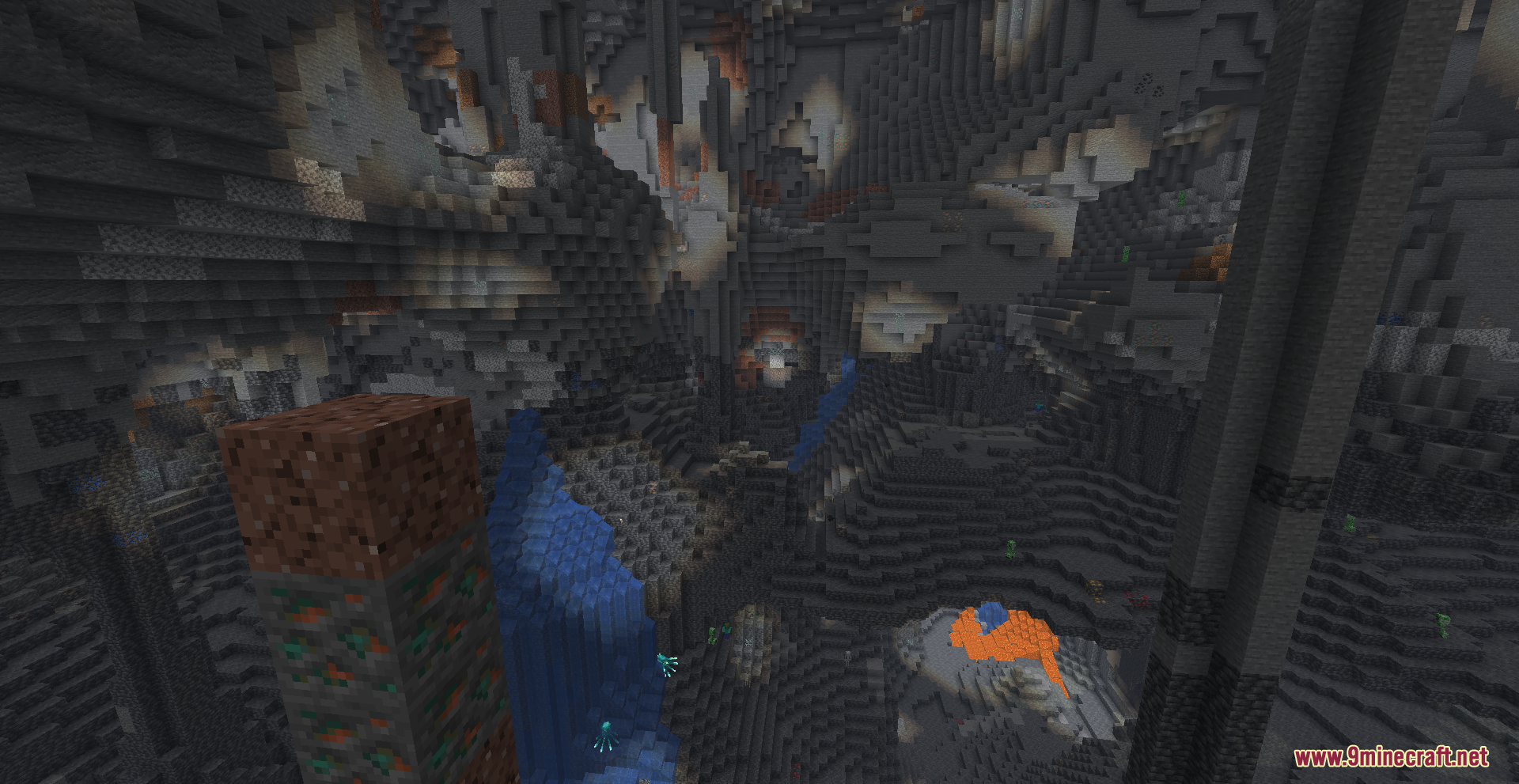
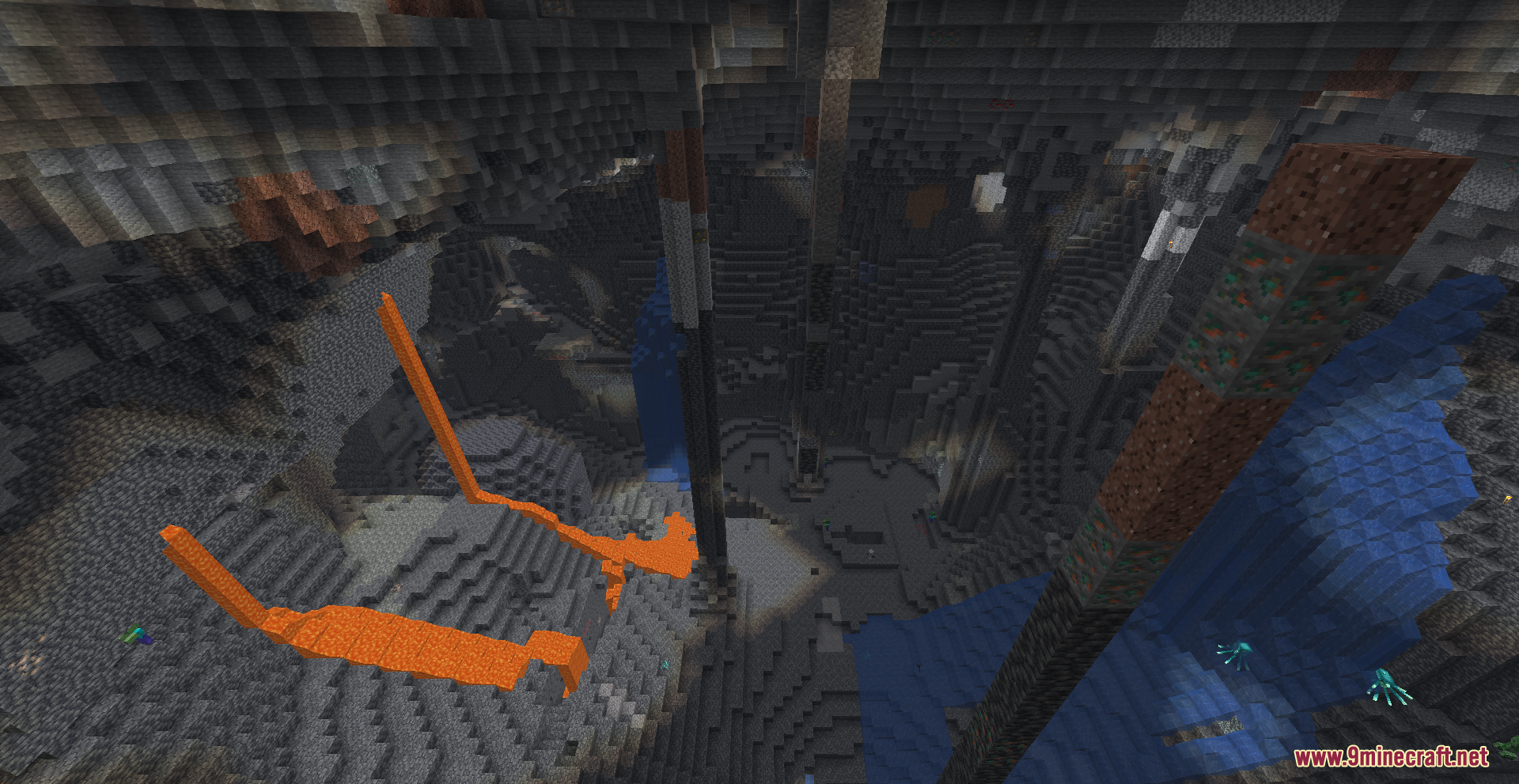
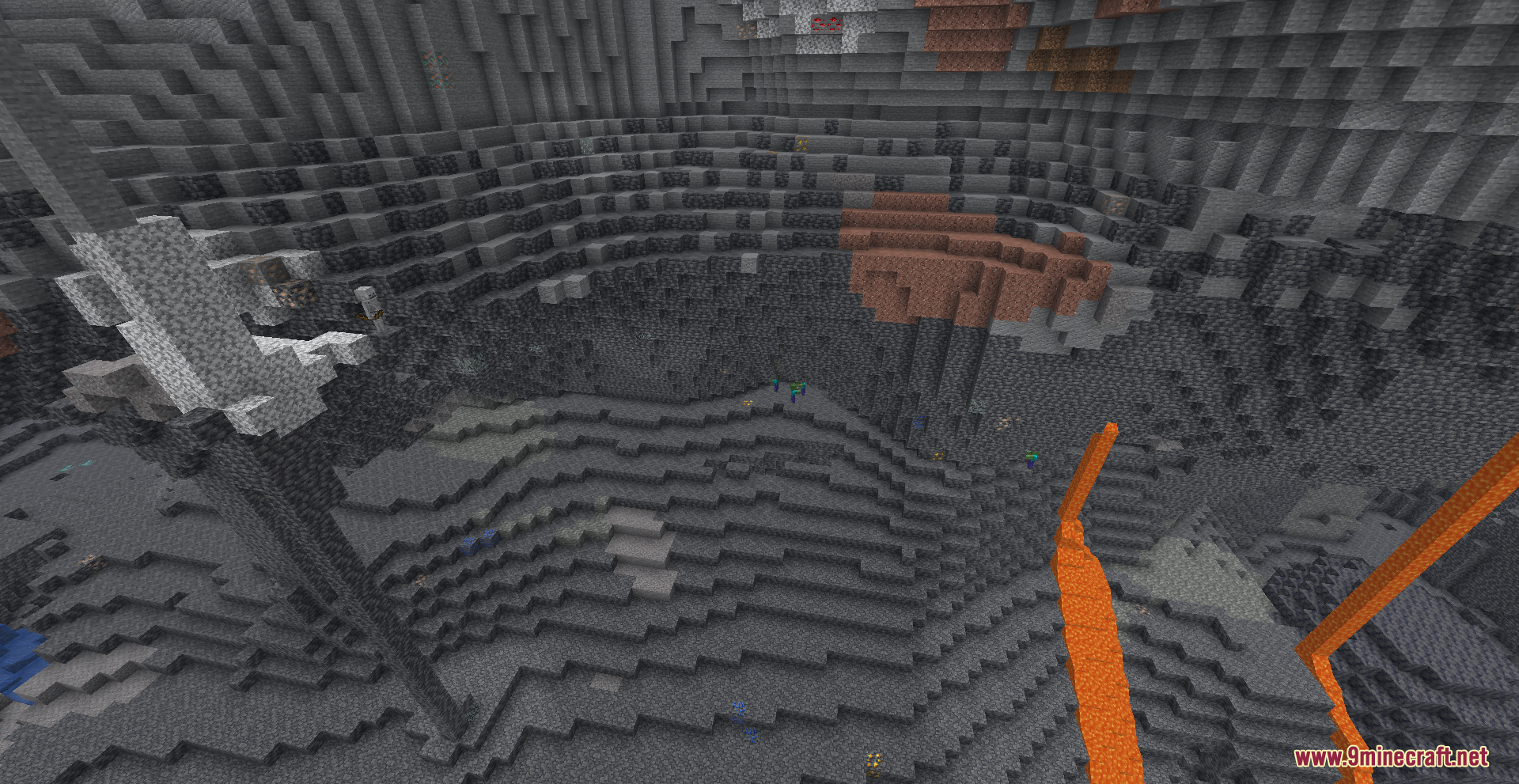
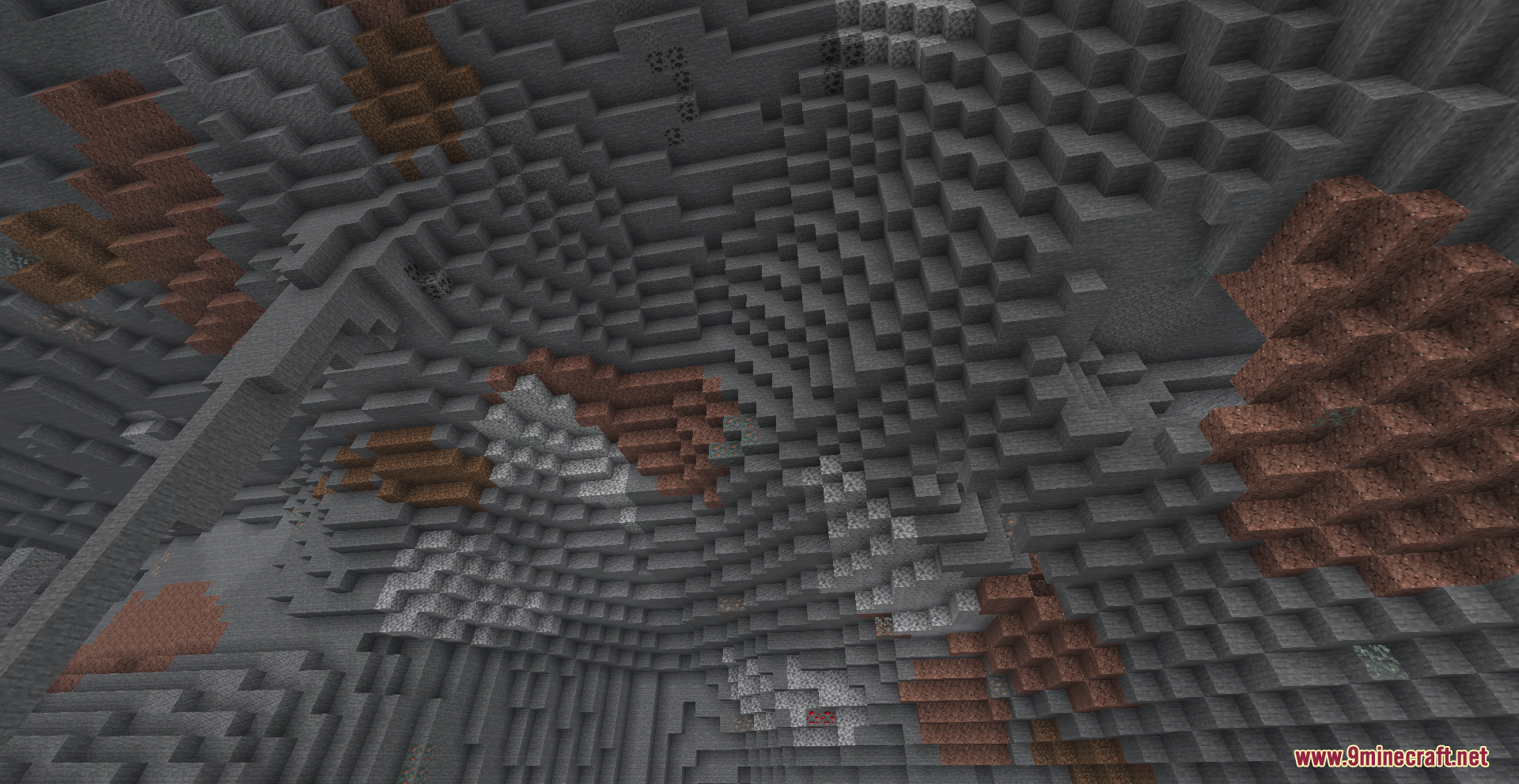
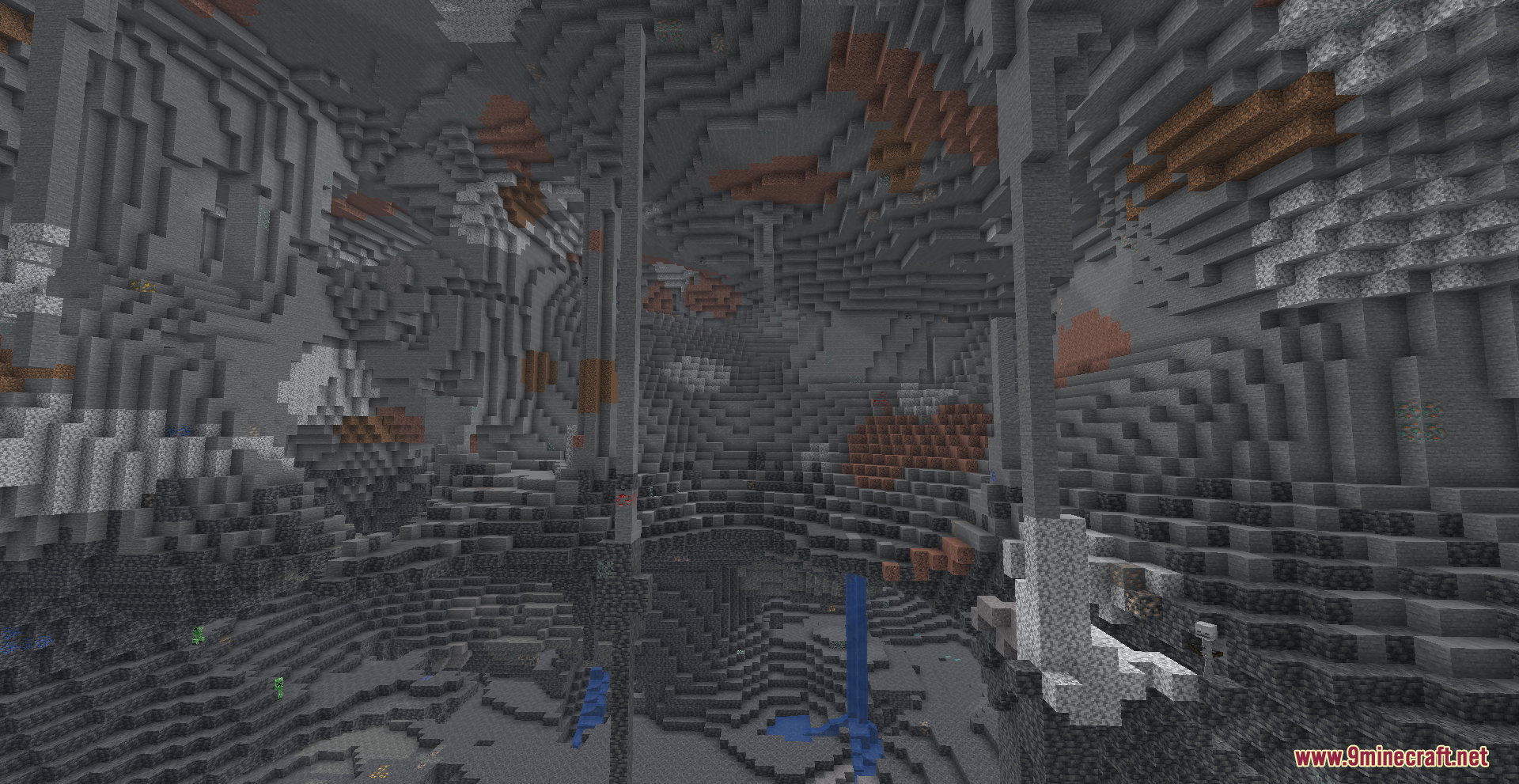
12 images from the Boosted Brightness Resource Pack page.
You May Also Like
Wikis that share the most with this one
Boosted FPS ModpackBrightness Plus Mod Simple Brightness ShadersFull Brightness Toggle Mod
 No More Brightness ShadersFull Brightness Resource PackBrightness Aura Classic ShadersBlue Netherite Resource PackBlue Paradise Resource PackBlue’s Better Monsters Resource PackBlue’s Better Skeletons Resource PackBlue’s Better Witches Resource Pack
Simple Brightness ShadersFull Brightness Toggle ModNo More Brightness ShadersFull Brightness Resource PackBrightness Aura Classic ShadersBlue Netherite Resource PackBlue Paradise Resource PackBlue’s Better Monsters Resource PackBlue’s Better Skeletons Resource PackBlue’s Better Witches Resource PackMore resource pack wikis on the site
Bluxy Crystal Resource PackBlush Resource PackBlue’s Better Zombies Resource PackBlue Depths Resource PackBloom and Serenity UIBlockception Full Resource PackBlock PixelBlob’s Enchant Icons Resource PackBlinking Ender Eyes Resource PackBlak Suit’s Bushy Grass Resource PackBlades Of Majestica Resource PackBlackium Resource Pack
The most downloaded mods that have a wiki here
A few wikis from each of the other kinds