

 DownloadBreak Me Mod
Get the files on 9Minecraft
Guides
Step-by-step, in-game.
How to avoid losing progress when dying crashes your gameWith Break Me Mod, every player death crashes the game instead of showing the respawn screen. Anything that hadn't…How to back up your world before playing with Break Me ModA death crash can interrupt the game mid-session, so a manual backup is the best protection for a world you care…How to survive longer when death means a crashDying closes your game and can cost you unsaved progress, so staying alive matters more than usual. These habits…What to do after a death crash: recovering and finding the crash reportWhen you die with Break Me Mod installed, the game closes with a crash. This is intentional, and it doesn't mean your…
Frequently asked questions
What does Break Me Mod actually do?
It crashes your game whenever your player dies. Nothing else is added, so there are no new items, blocks, or recipes. The only change is that death closes Minecraft instead of showing the respawn screen.
How do I start using Break Me Mod?
You don't need to set anything up. Once the mod is loaded, it is active in every world you open. Dying is what triggers the crash.
Is the crash when I die a bug?
No, it's the intended feature. The mod is built to make dying inconvenient by crashing the game, so reporting it as a bug won't get you anywhere.
Will I lose my progress when I die and the game crashes?
Possibly. Anything that wasn't saved to disk before the crash can be lost, such as recent building, exploring, or inventory changes. Minecraft autosaves periodically, but you can't count on a save having just happened. Back up your world and avoid risky situations when you haven't saved in a while.
See all 10 Break Me questions ›
Gallery
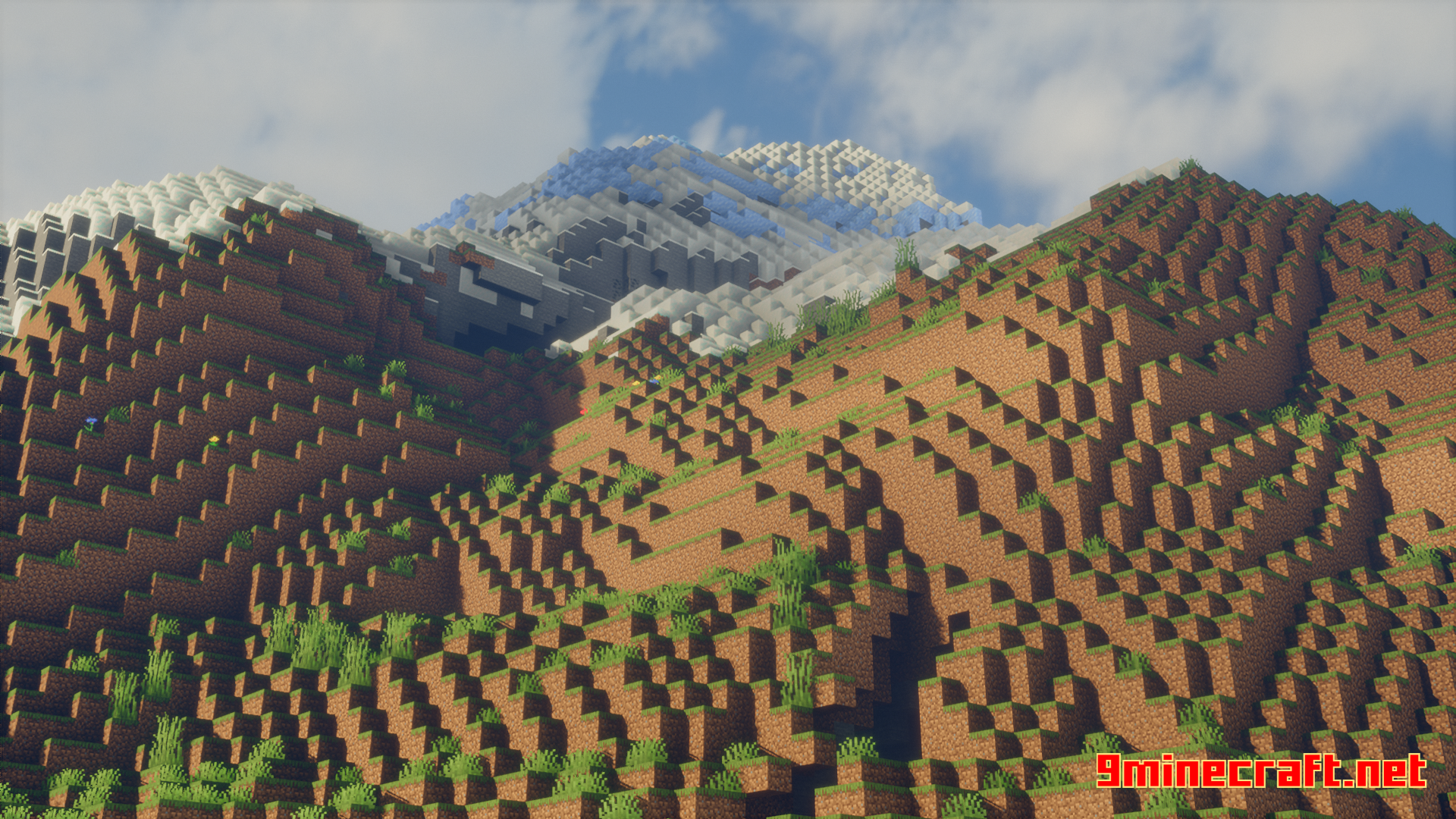
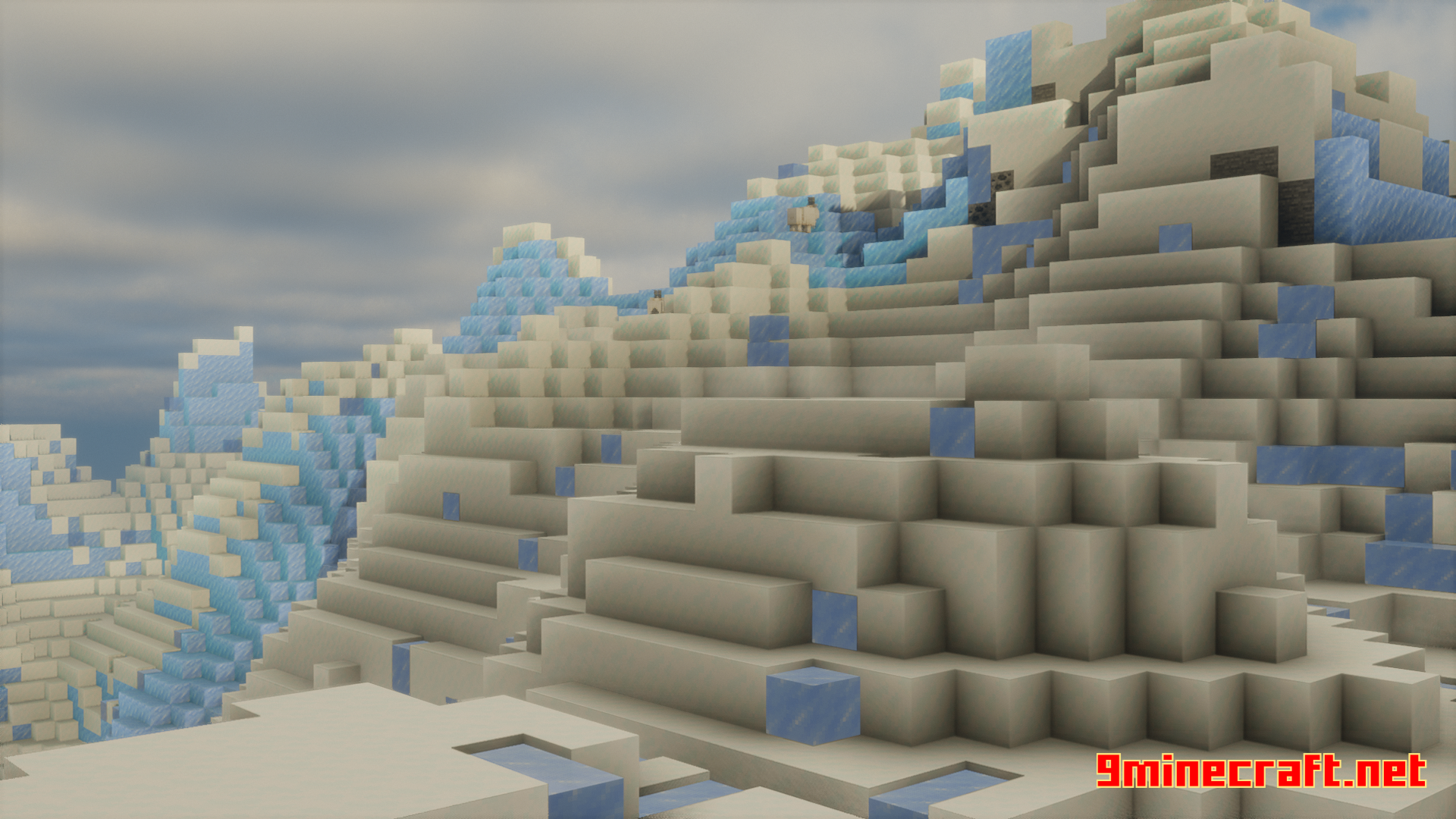
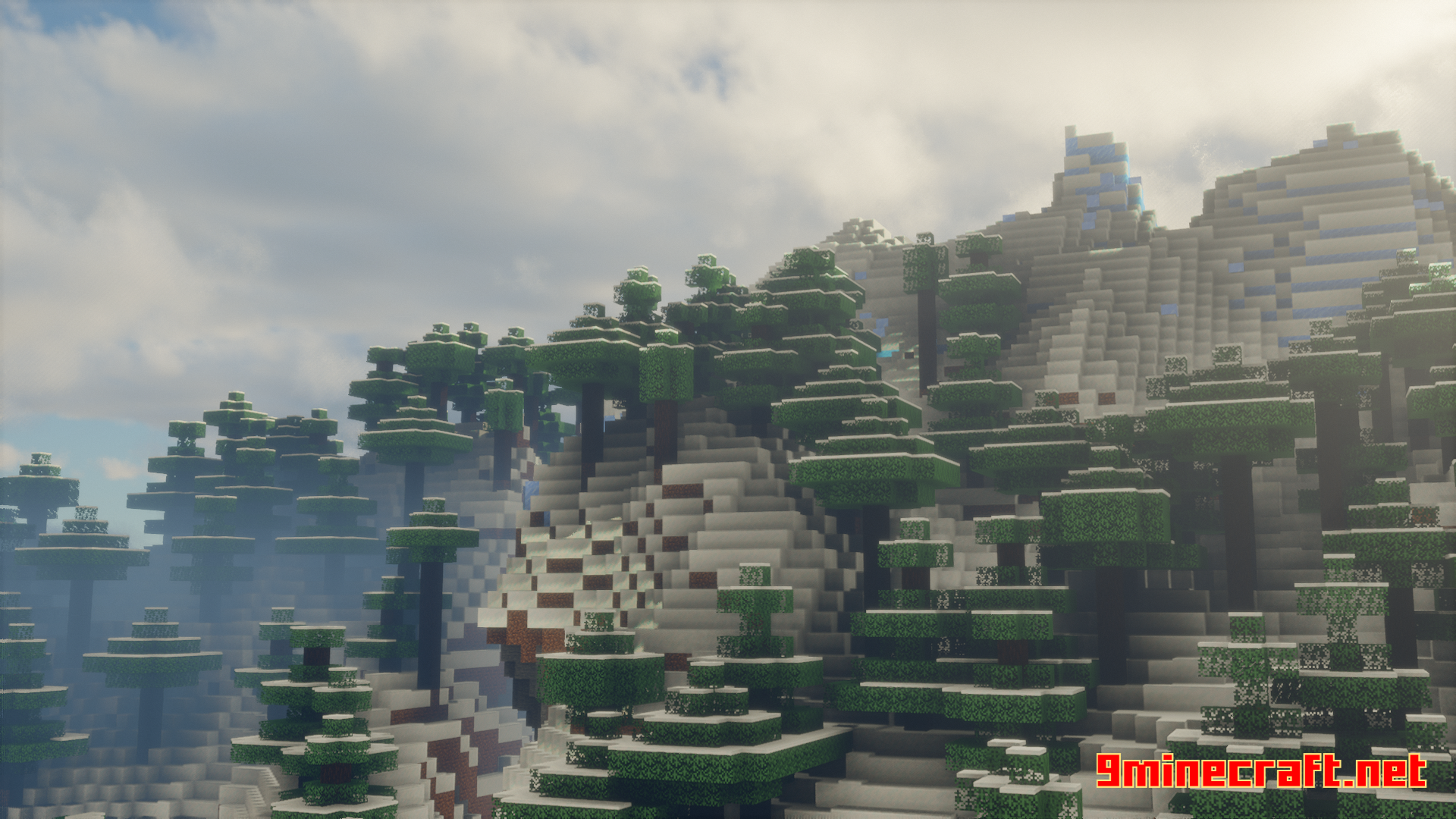
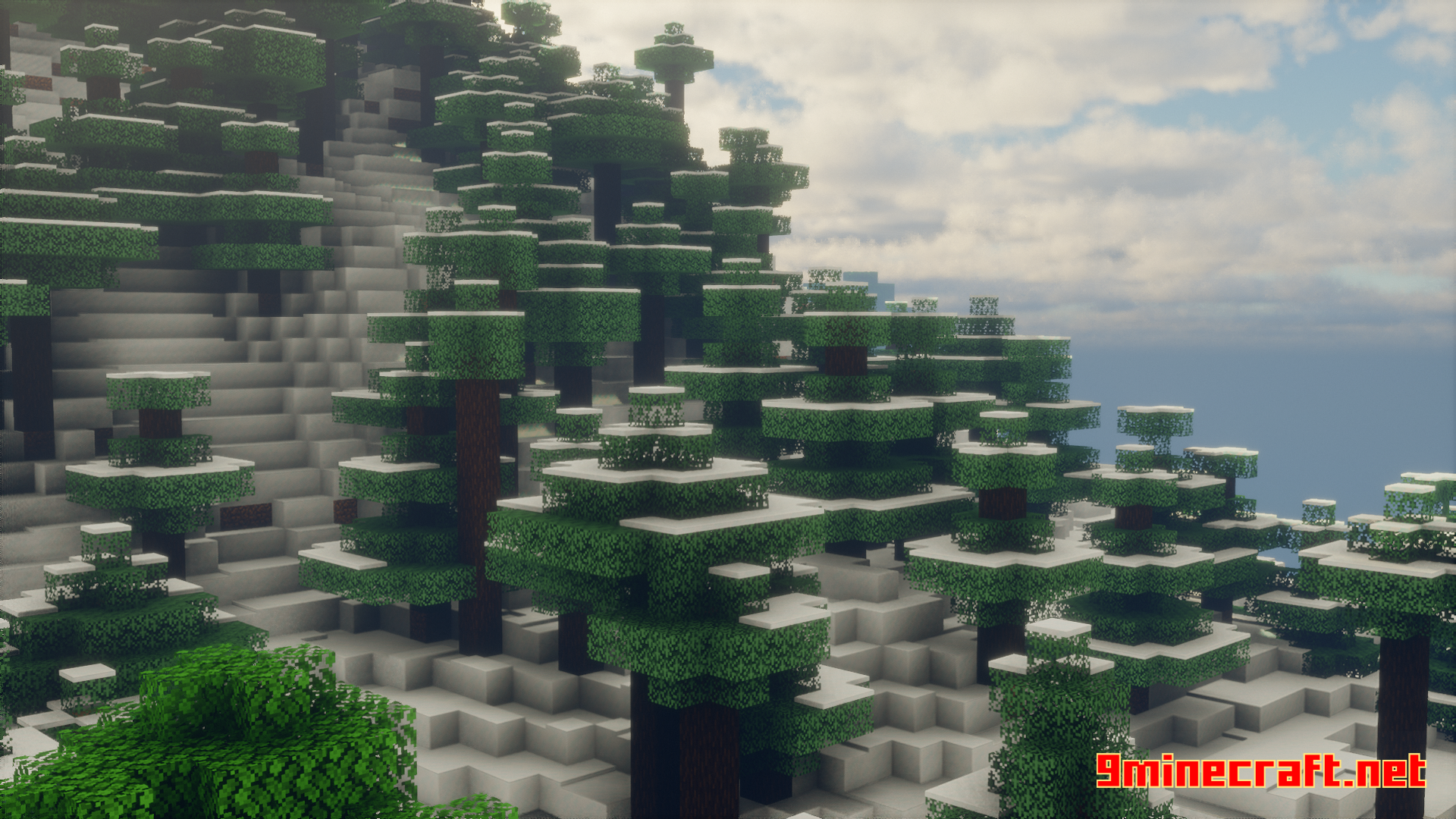
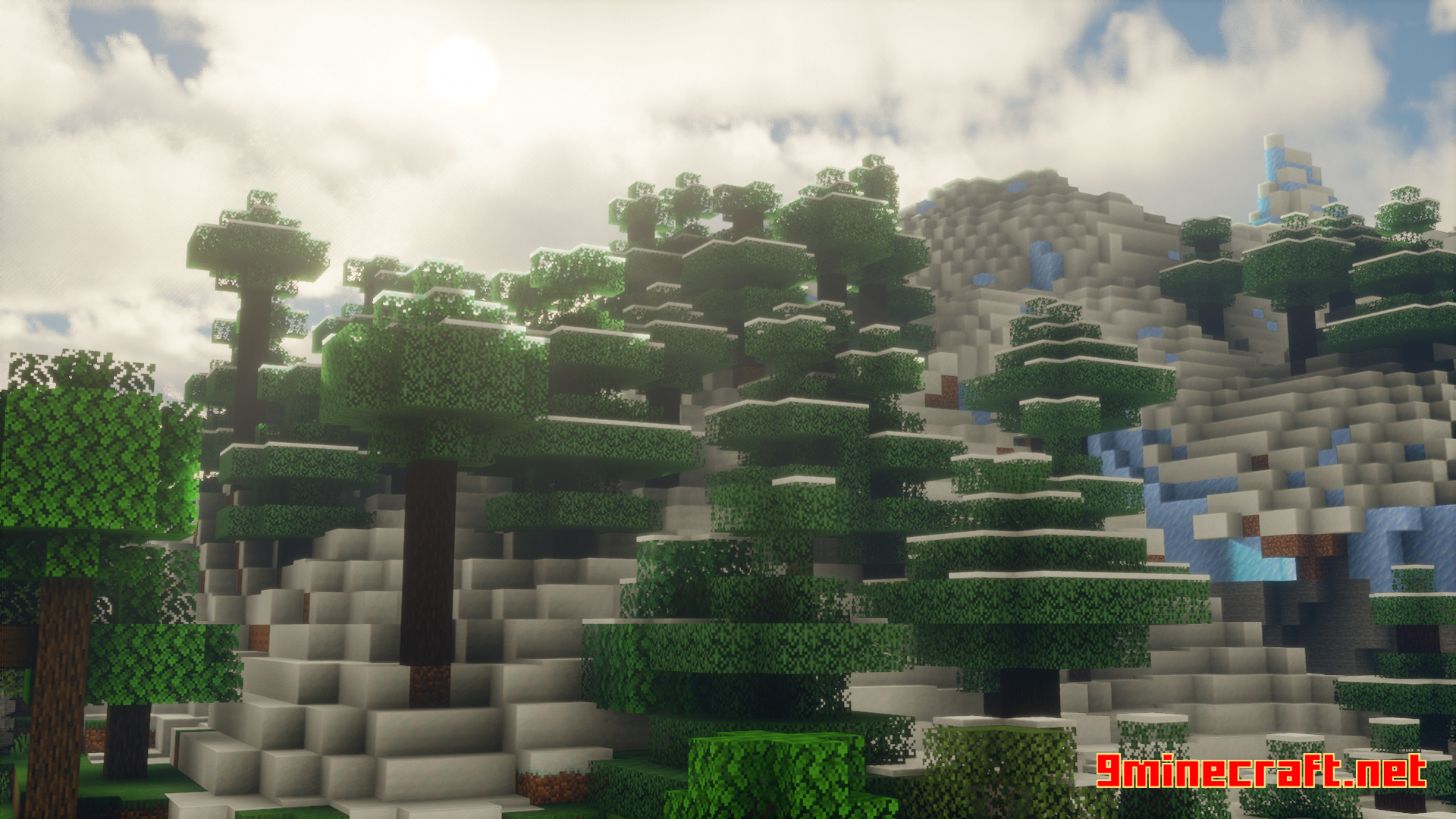
6 images from the Break Me Mod page.
You May Also Like
Wikis that share the most with this one
More mod wikis on the site
The most downloaded mods that have a wiki here
A few wikis from each of the other kinds