

 MiniHUD
 DownloadBoccHUD Mod
Get the files on 9Minecraft
Guides
Step-by-step, in-game.
How to Choose Which Data Lines Appear on the BoccHUD OverlayWhy Trim the Overlay The whole point of BoccHUD is replacing the cluttered F3 screen with only the numbers you…How to Move and Style the BoccHUD Overlay So It Stops Blocking Your ViewRepositioning the Overlay The overlay defaults to one corner, but that corner may collide with your hotbar, chat, or…How to Open and Use the BoccHUD Configuration ScreenFinding the Config Key BoccHUD ships with an in-game configuration screen so you never have to hand-edit files. By…How to Use BoccHUD as a Replacement for the F3 Debug ScreenWhat You Gain Vanilla's F3 screen dumps a wall of text across the whole display. BoccHUD condenses the useful parts —…
Frequently asked questions
How do I open the BoccHUD config screen?
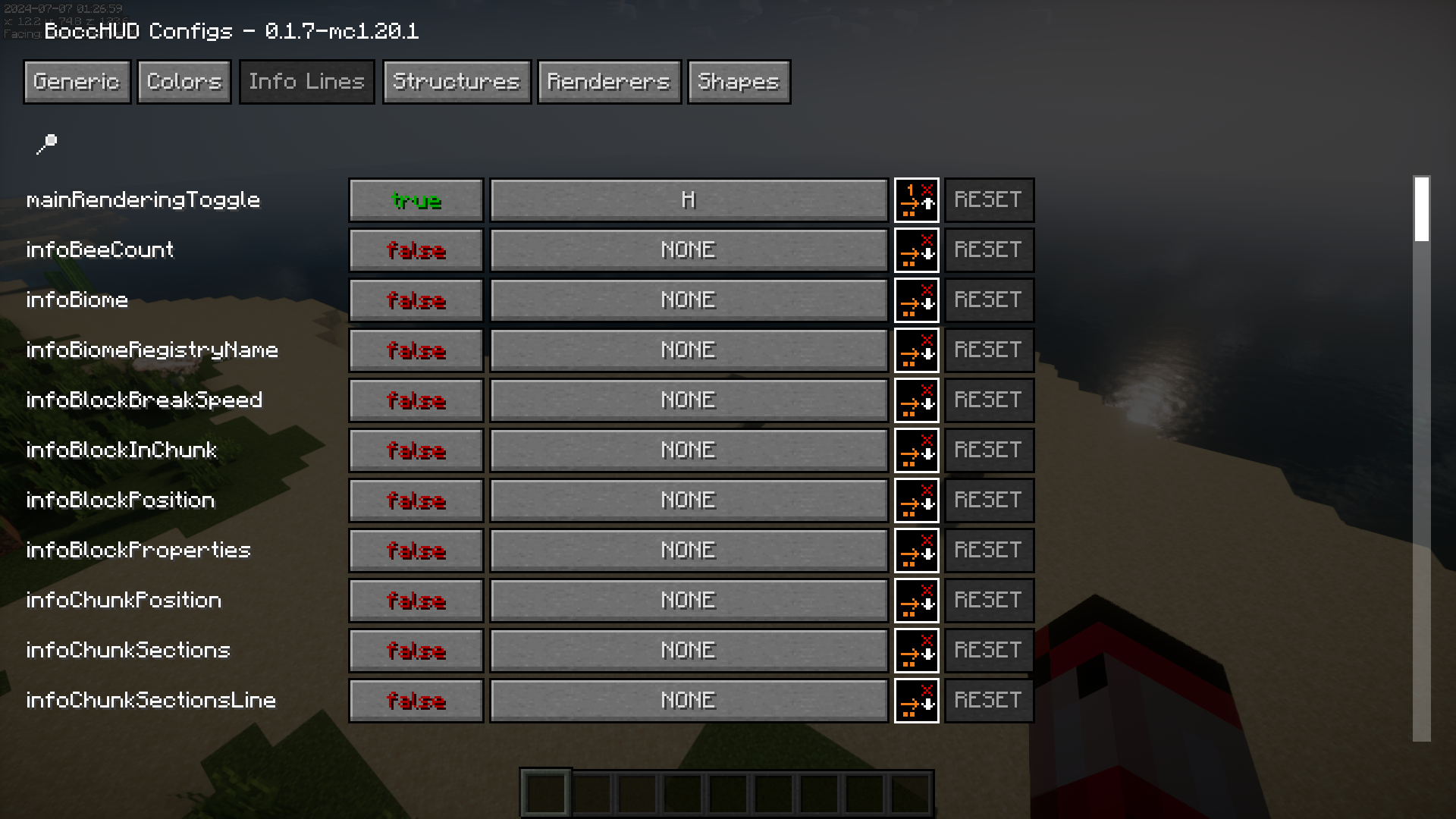
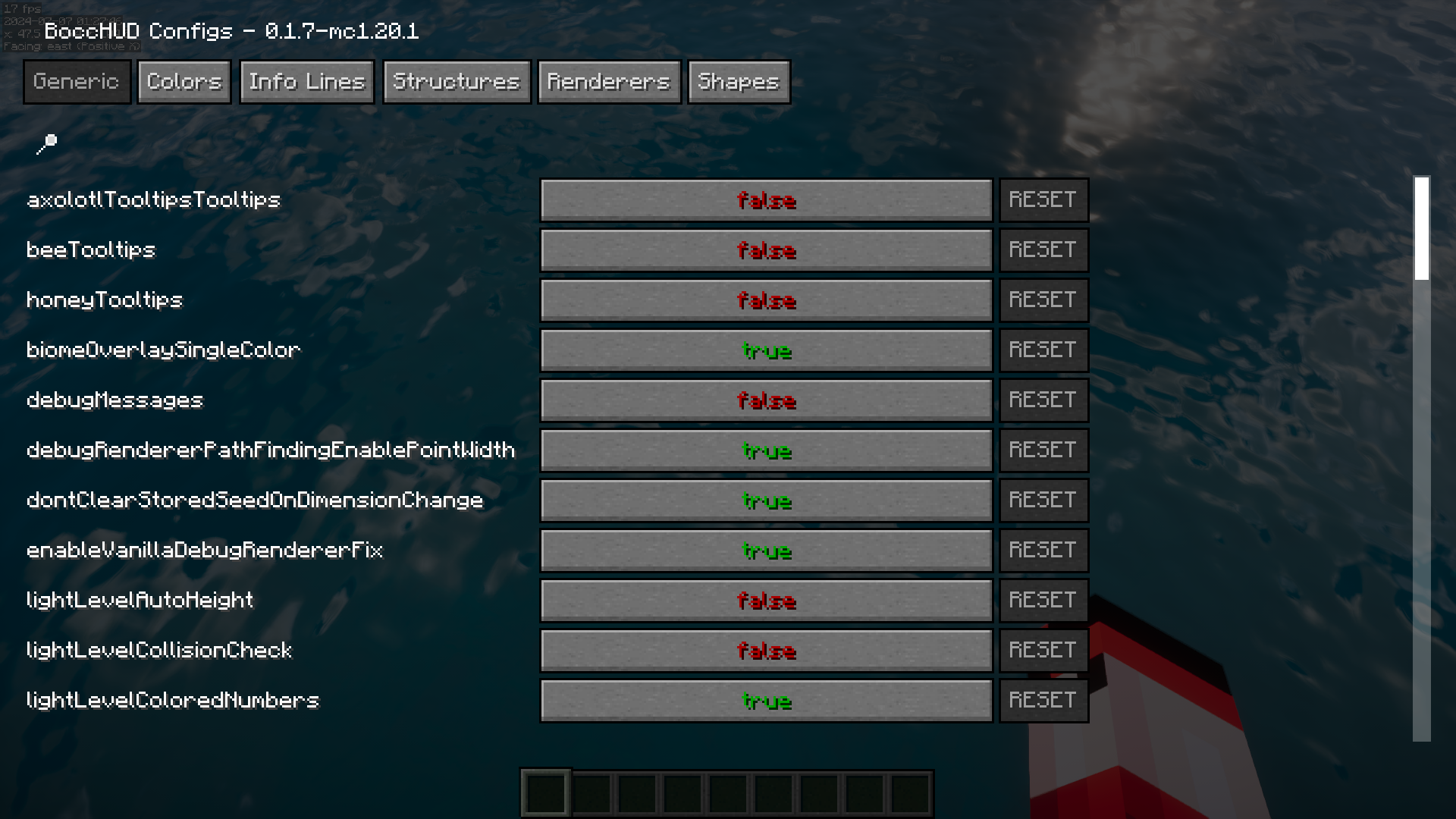
Press the mod's config hotkey while in-game to bring up the settings overlay, or bind it through your controls menu if the default key conflicts with something else. From there you can toggle data lines, change alignment, and adjust colors and font size.
How do I turn on the BoccHUD overlay?
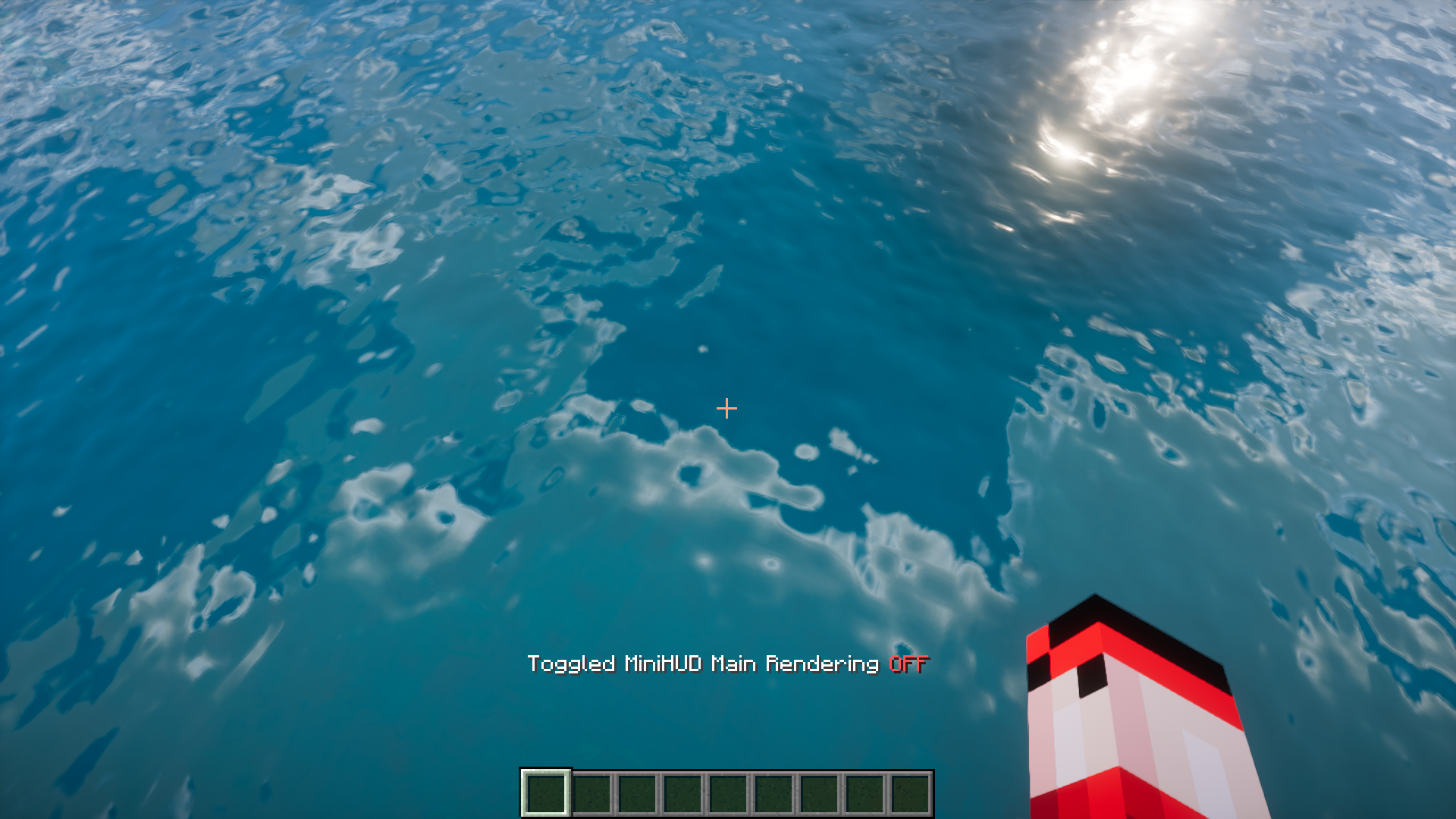
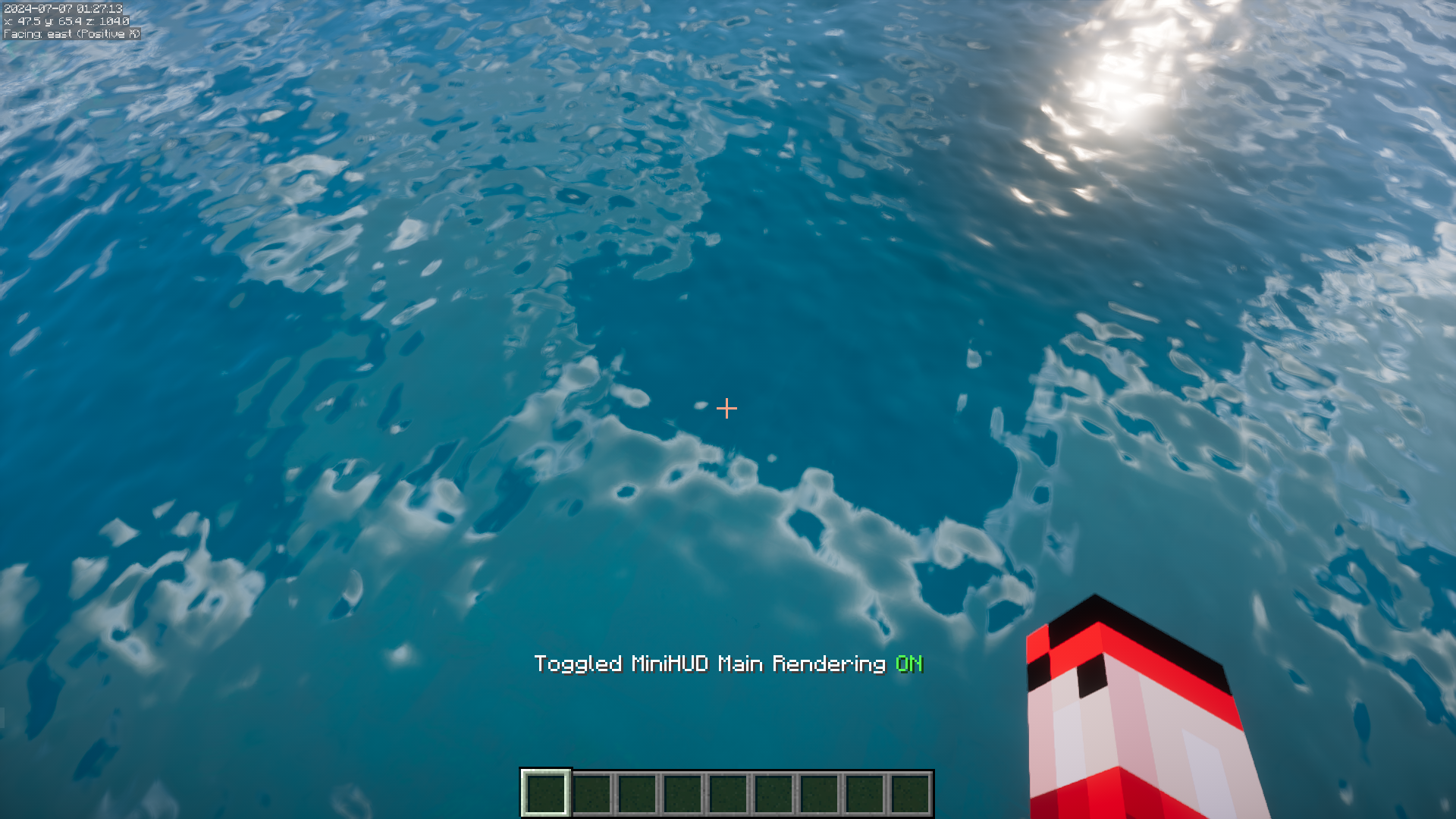
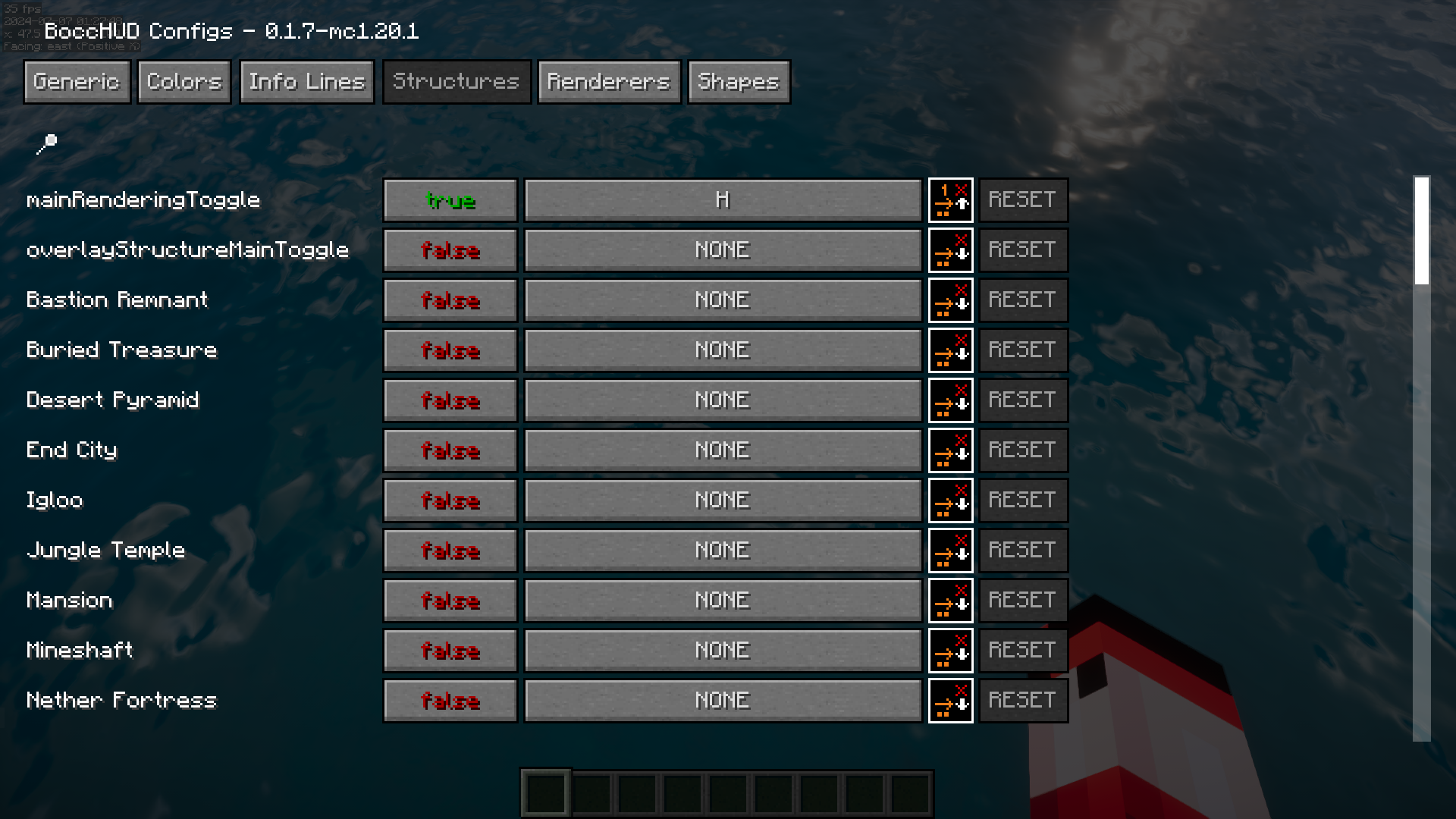
The overlay is toggled with its own hotkey, separate from the config screen, so you can hide and show it without opening settings. Check your key bindings for the BoccHUD entries and assign keys that don't clash with your other mods.
How do I move the overlay to a different corner of the screen?
Open the config screen and change the alignment setting, which lets you pick which screen corner the overlay anchors to. The overlay repositions itself relative to that corner, so you don't drag it around manually.
How do I choose which data lines show on the overlay?
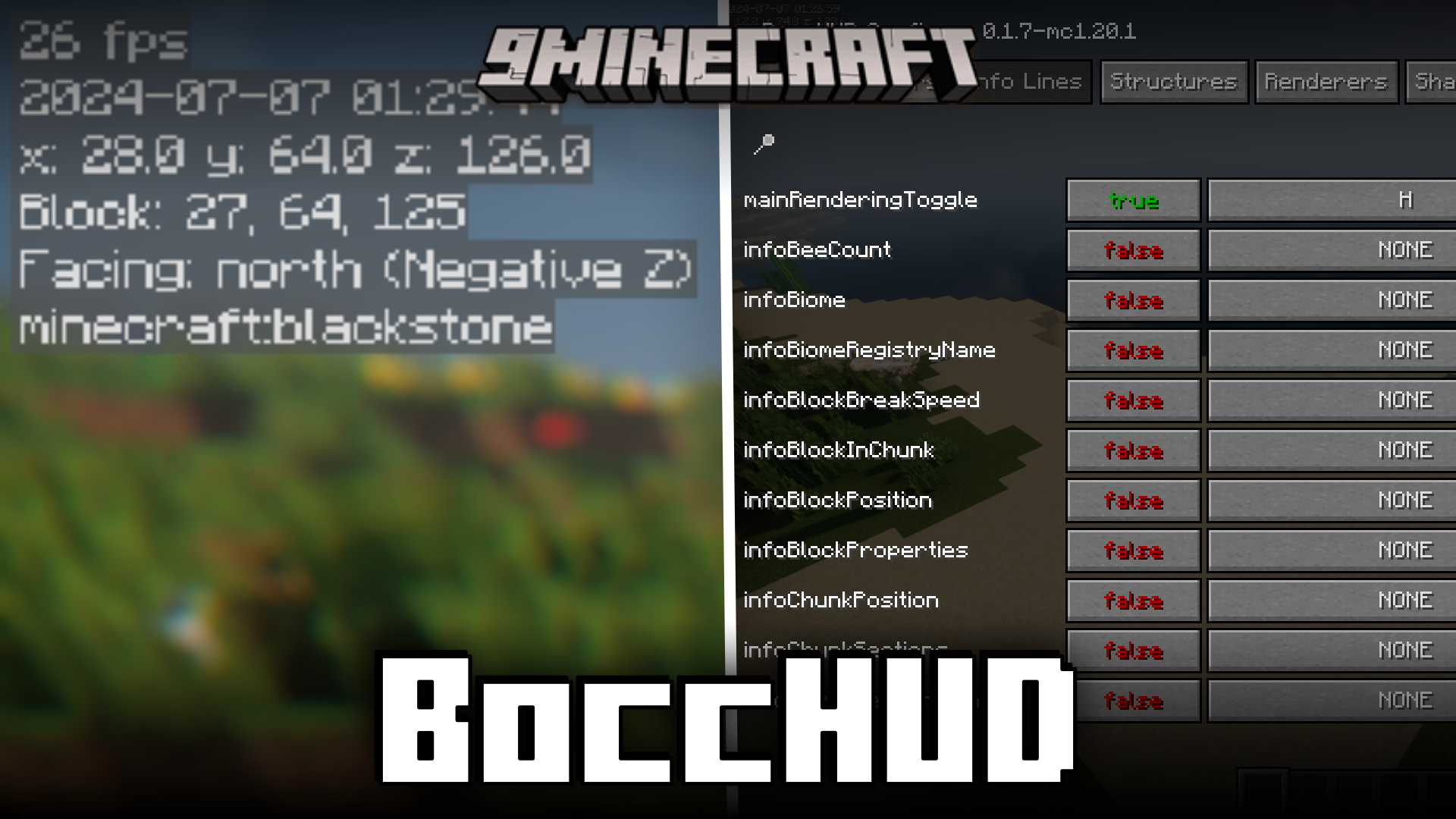
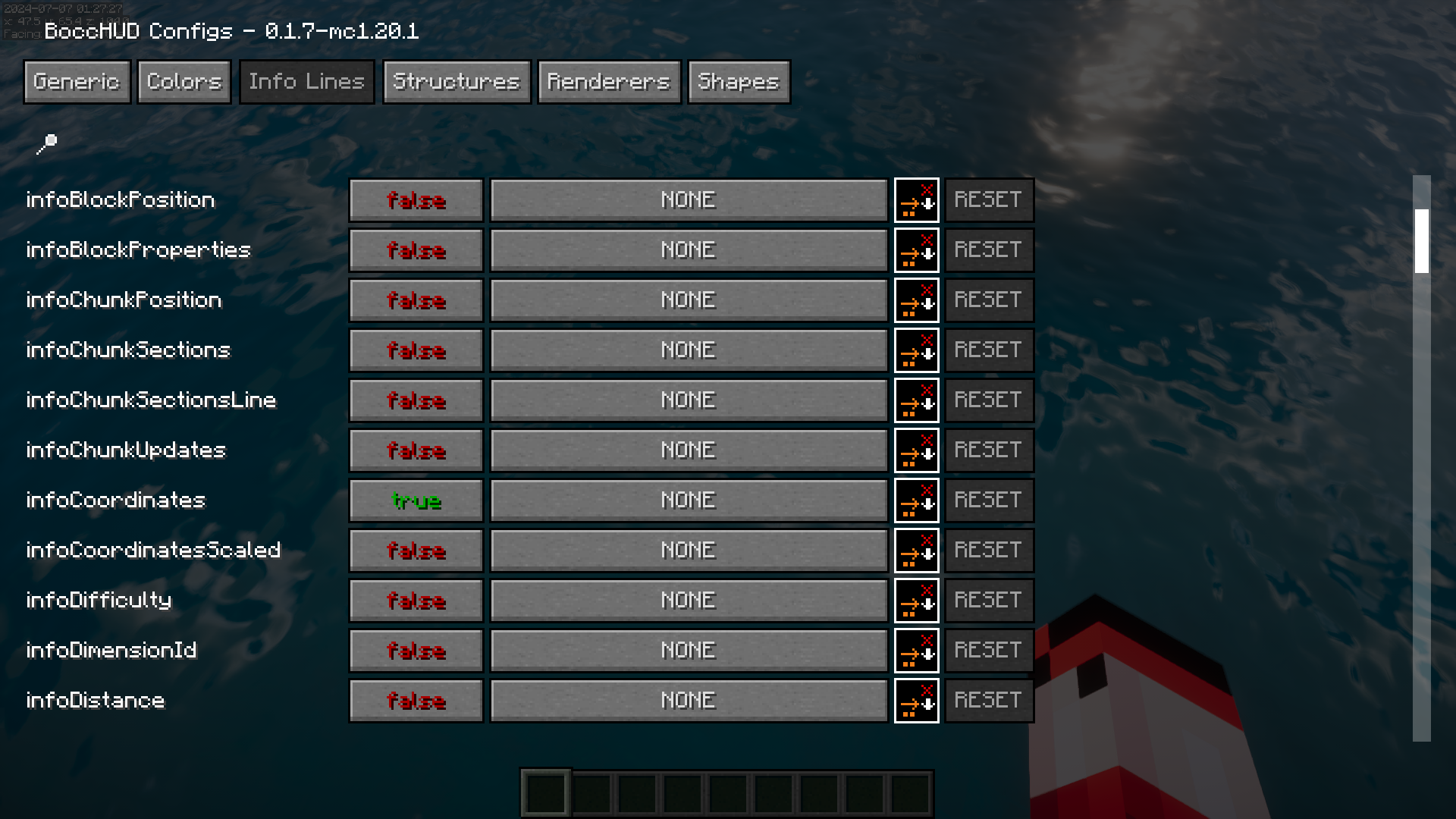
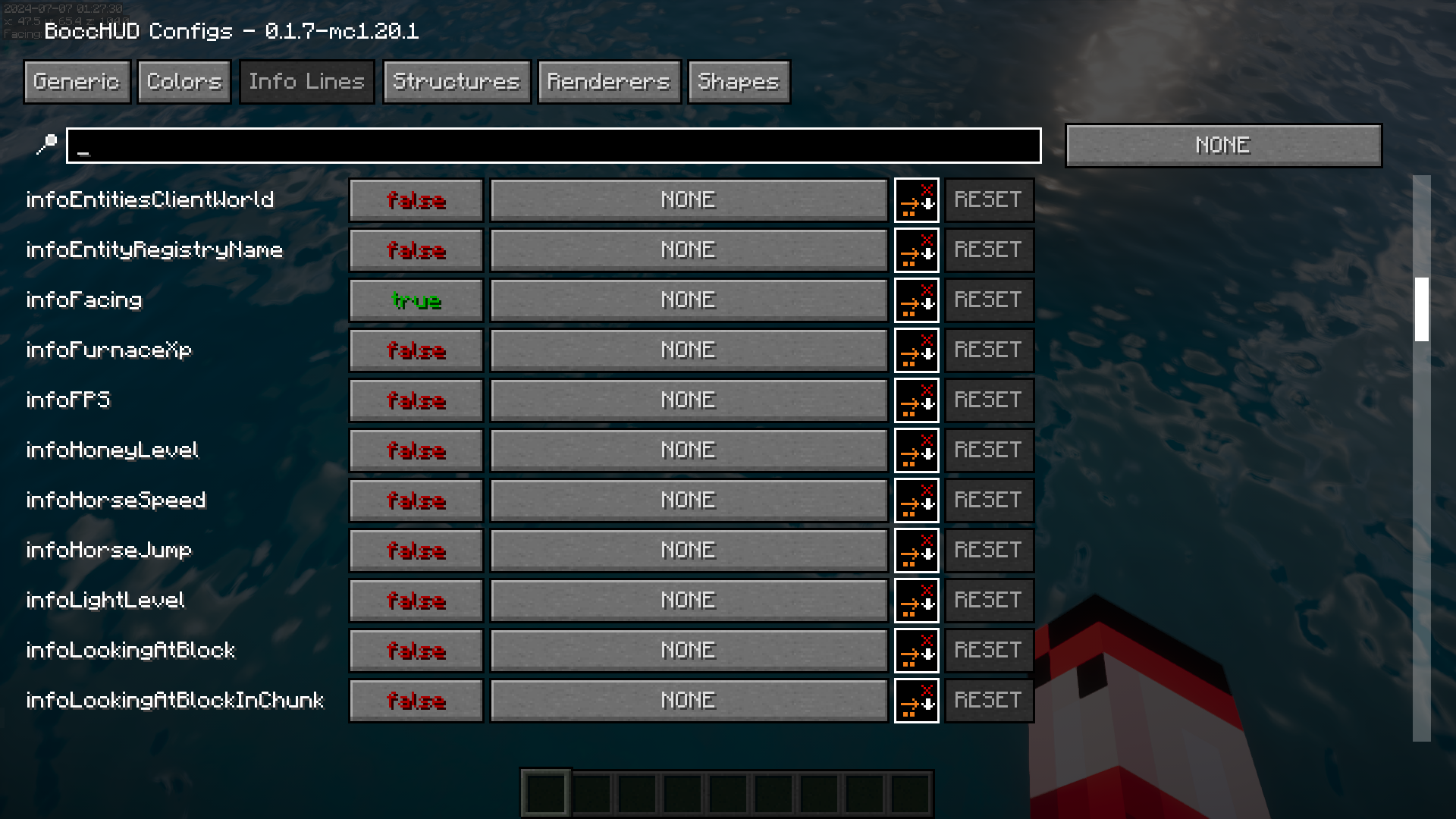
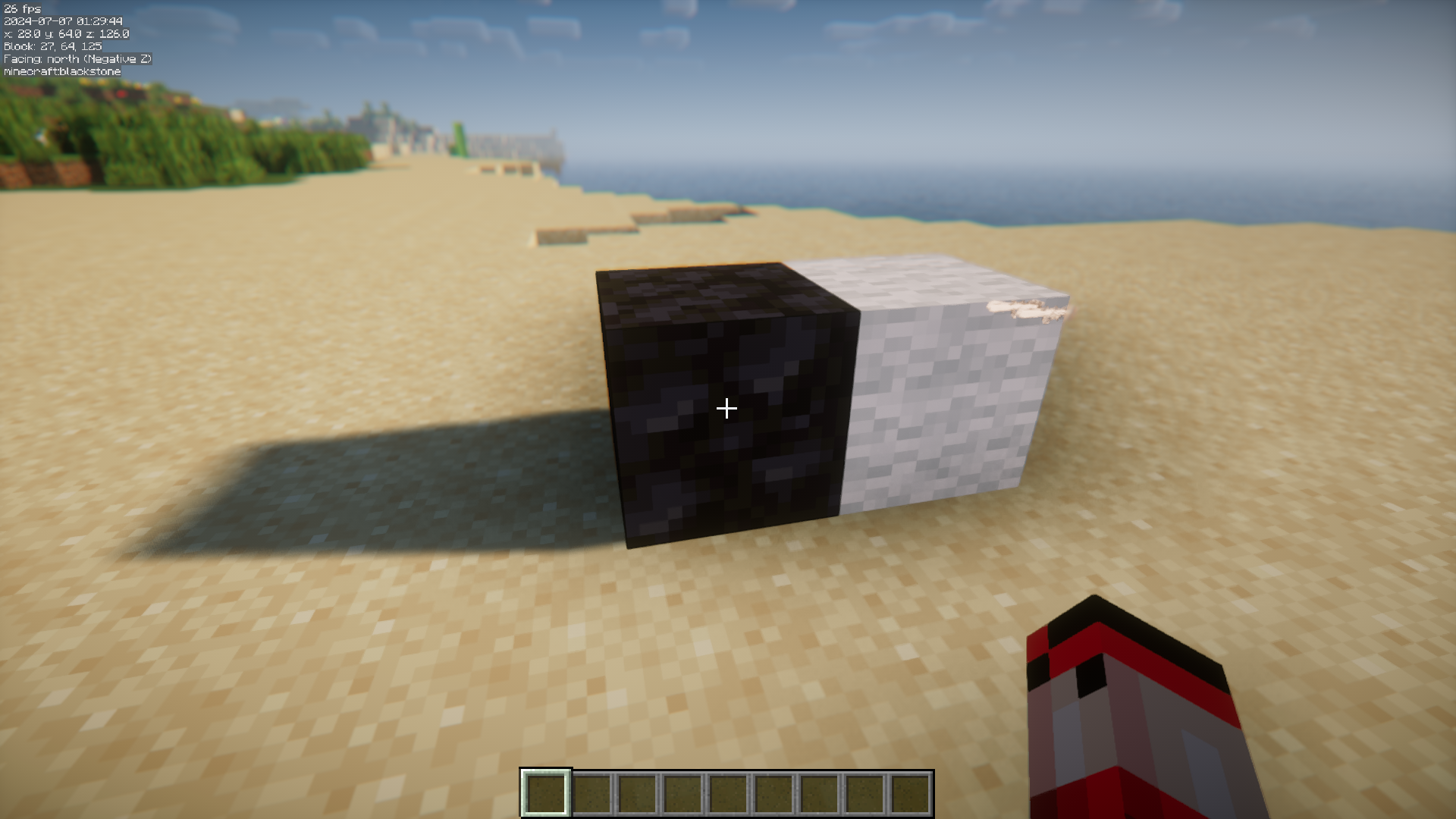
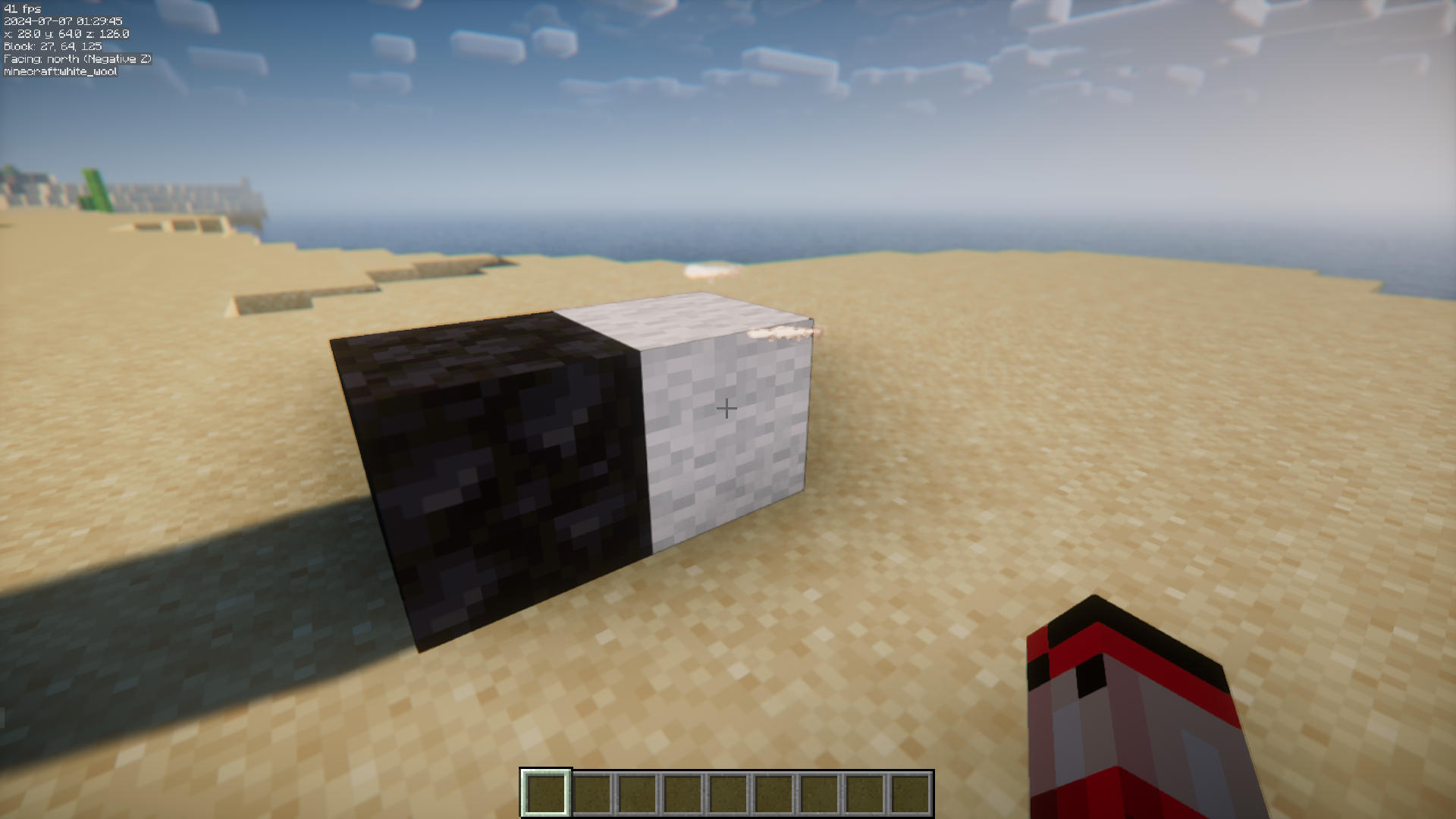
In the config screen each data line has its own toggle, so you enable only the ones you care about, like coordinates, facing direction, or the block you're looking at. Turn off anything you don't need to keep the overlay small.
See all 10 BoccHUD questions ›
Gallery
10 images from the Bocchud Mod page.
You May Also Like
Wikis that share the most with this one
More mod wikis on the site
The most downloaded mods that have a wiki here
A few wikis from each of the other kinds