

 DownloadBlock Party Havoc Mod
Get the files on 9Minecraft
Guides
Step-by-step, in-game.
How to Check Your Score and Leaderboard RankingsViewing Your Score During Play While playing any minigame, your current score is displayed on the game interface…How to Open and Play a MinigameAccessing the Game Menu To start playing any minigame in Block Party Havoc, you need to open the mod's custom…How to Play Bubble ShooterGame Objective Bubble Shooter is an aiming and matching game where your goal is to clear clusters of colorful bubbles…How to Play the Dino Runner GameGame Objective The Dino minigame is an endless runner where you control a pixelated dinosaur character. Your goal is…
Frequently asked questions
How do I open a minigame?
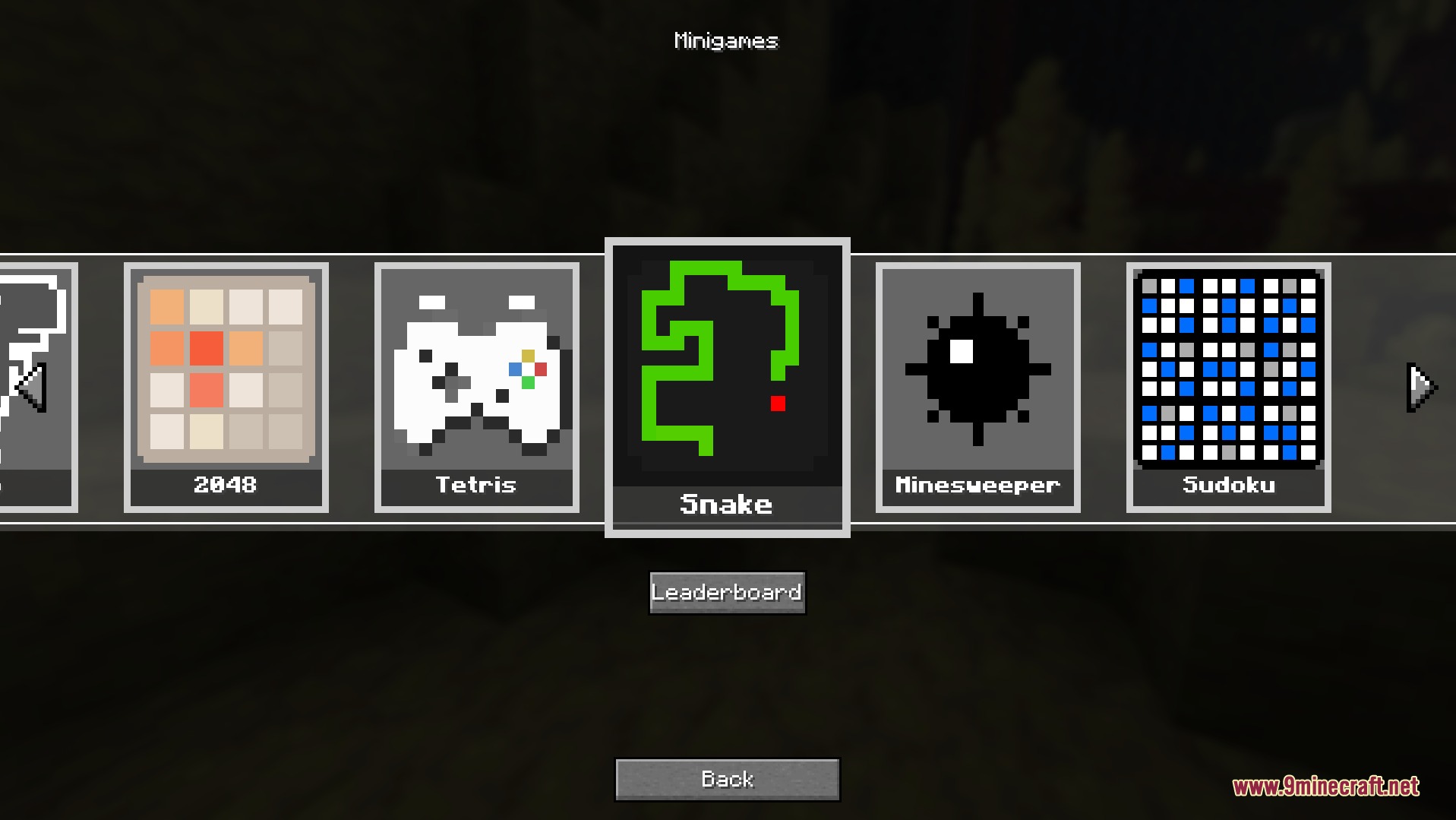
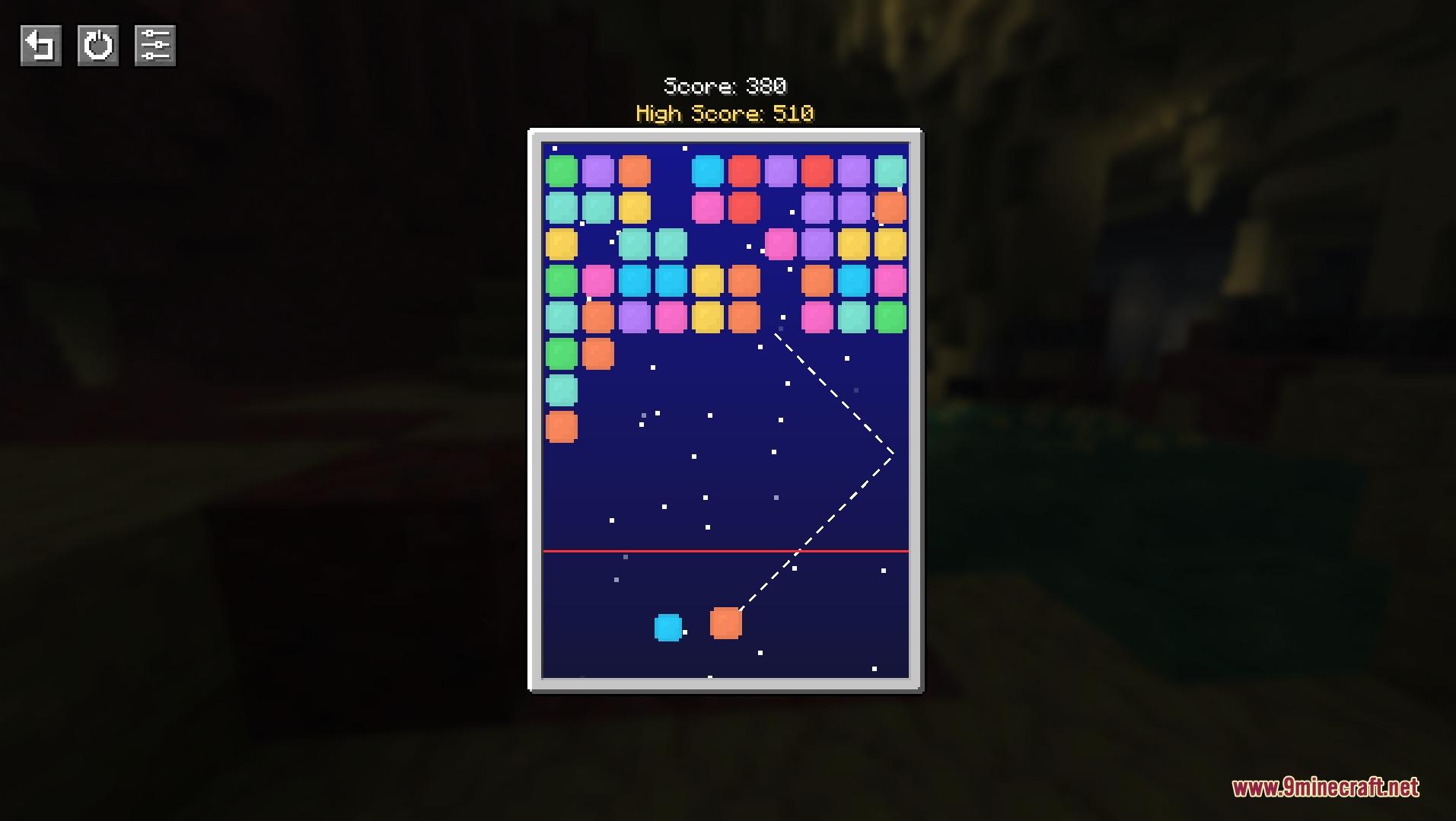
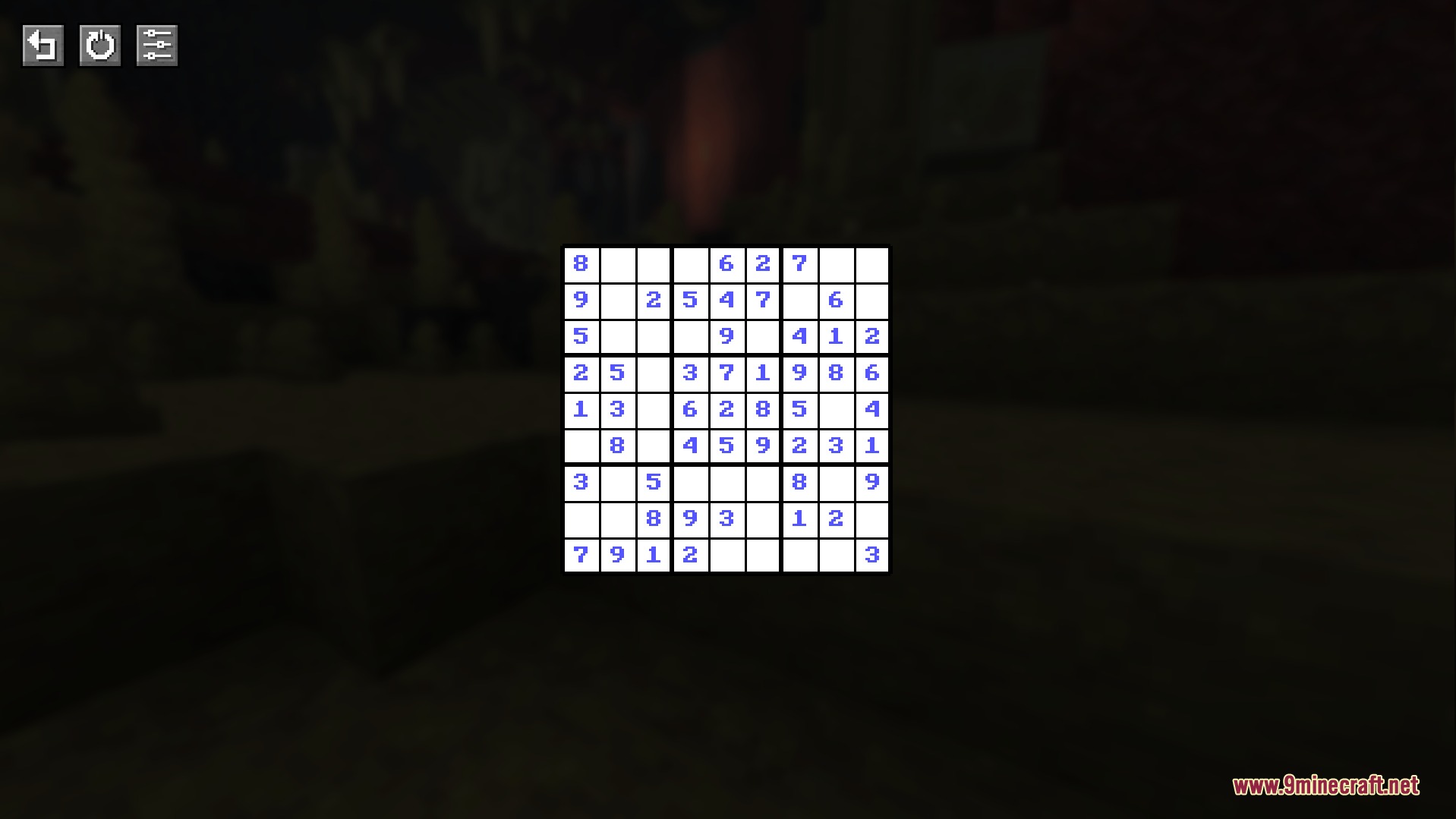
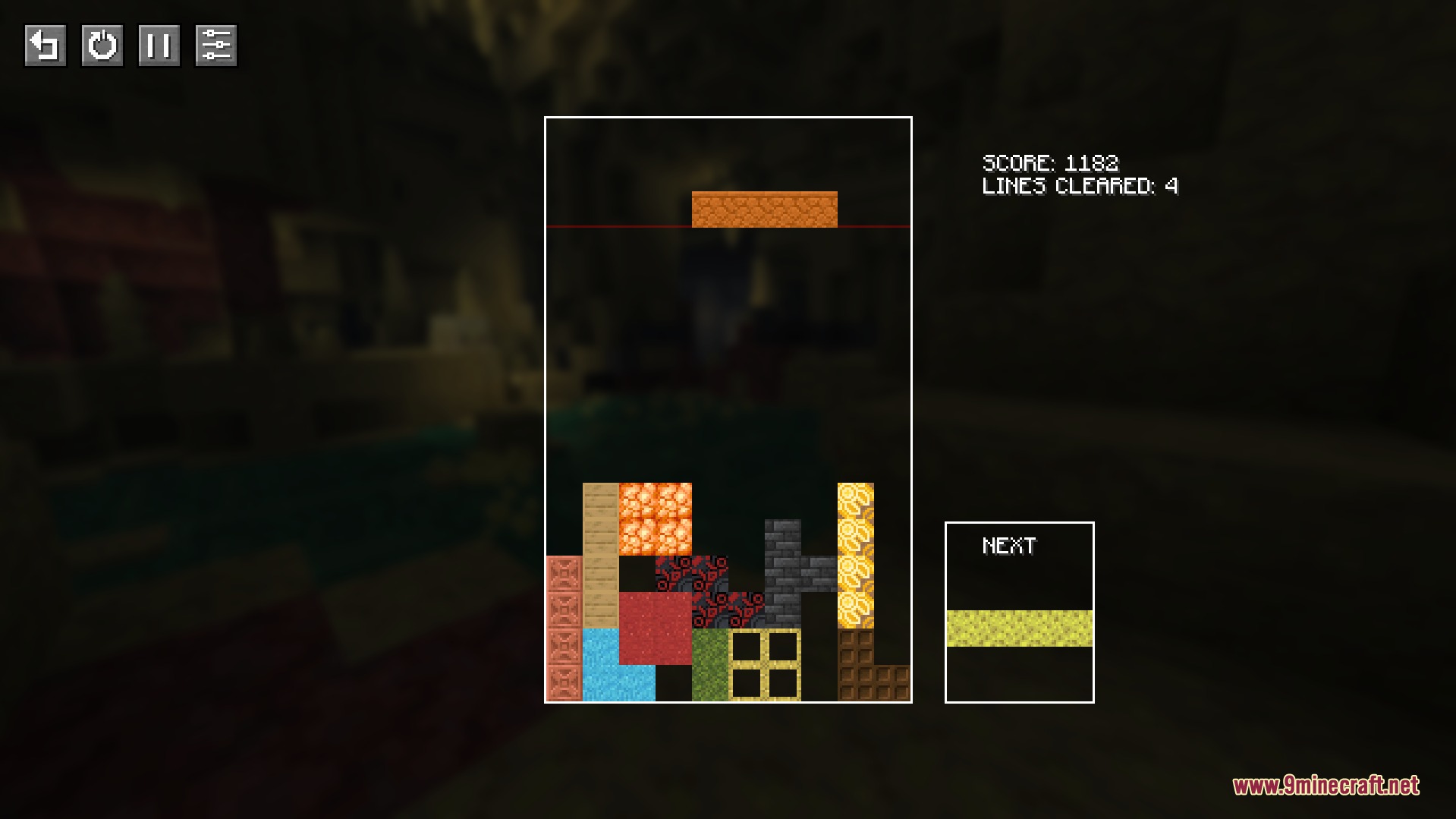
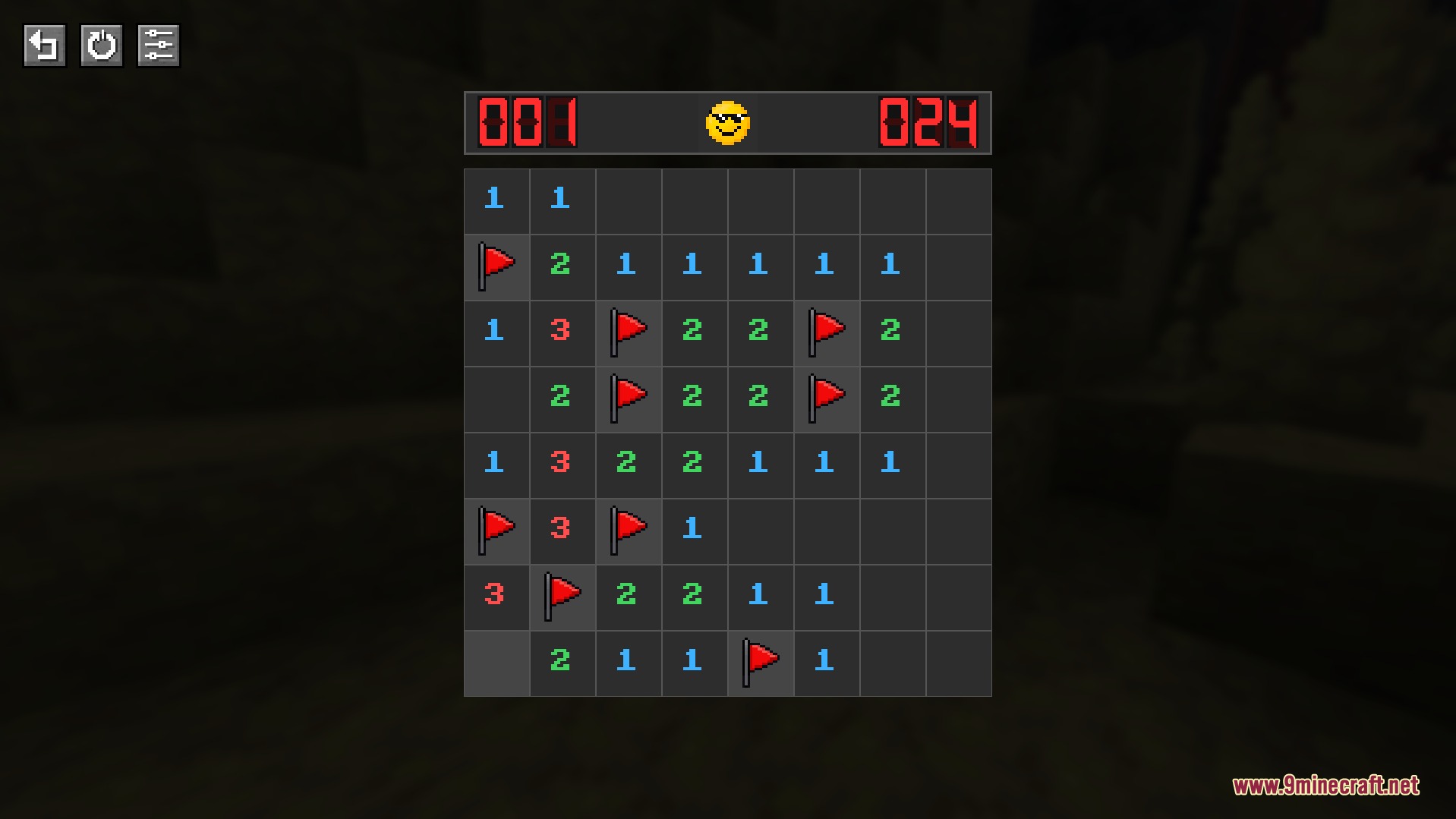
Press the designated keybind (default is a configurable key) to open the Block Party Havoc menu, then select any of the eight minigames from the interface. Each game will launch in its own screen overlay that you can close anytime to return to your world.
Can I play minigames in multiplayer or only singleplayer?
Minigames are personal to each player—your scores and leaderboards are tracked individually even on multiplayer servers. Other players won't see your game screen, and playing a minigame won't affect the shared world.
Do minigames pause my game or keep mobs spawning?
When you open a minigame, your world remains active in the background—mobs can still spawn and move, and other players can interact with your surroundings. If you want to be safe, pause your world or find a secure location before playing.
Why can't I see my high scores on the leaderboard?
Make sure you've completed at least one full game—scores only appear on leaderboards after finishing a minigame. If your score still doesn't show, try closing and reopening the leaderboard menu to refresh it.
See all 10 Block Party Havoc questions ›
Gallery
9 images from the Block Party Havoc Mod page.
You May Also Like
Wikis that share the most with this one
More mod wikis on the site
The most downloaded mods that have a wiki here
A few wikis from each of the other kinds