

 DownloadBetter F1 Reborn Mod
Get the files on 9Minecraft
Guides
Step-by-step, in-game.
How to Cycle Between the Three HUD Display ModesThe mod replaces the single on/off behavior of the vanilla F1 key with a three-state cycle, so you can pick exactly…How to Hide the HUD Without Losing Track of Your Health and HungerHiding the HUD is great for immersion, but losing sight of your health and hunger bars mid-fight or while exploring…How to Set Up the Mod for Recording or Streaming GameplayThe three-state cycle is useful for content creators who want flexible control over what viewers see without editing…How to Take Clean Screenshots While Keeping Your Held Item VisibleThe main reason to install this mod is the middle F1 state, which hides the HUD but keeps your held tool, weapon, or…
Frequently asked questions
How do I use the Better F1 Reborn Mod?
Press the F1 key as you normally would, but instead of jumping straight to a fully hidden HUD, the mod cycles through its display modes each time you press it. Keep pressing F1 to move through the modes until you reach the one you want.
What are the three HUD modes in Better F1 Reborn?
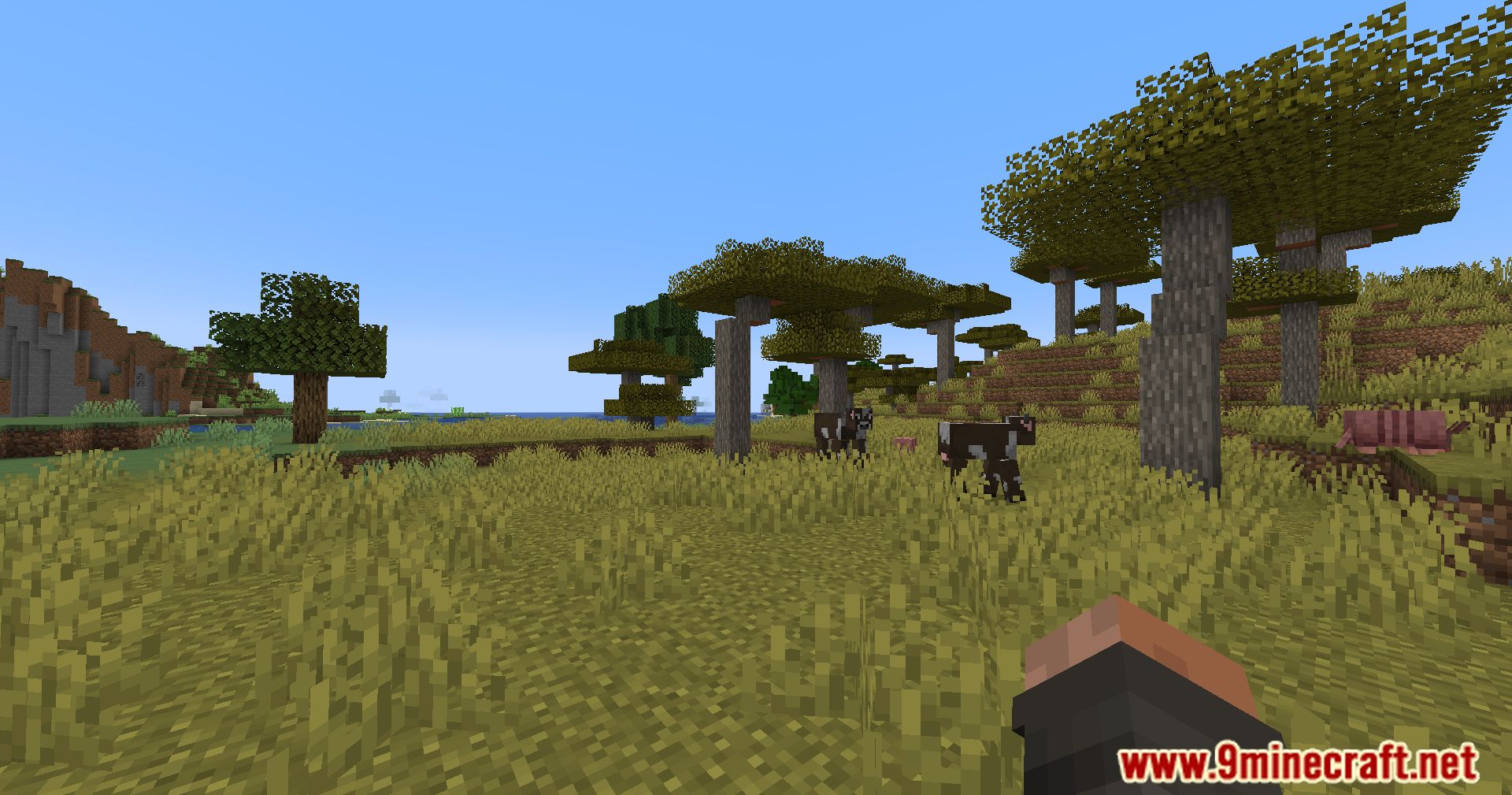
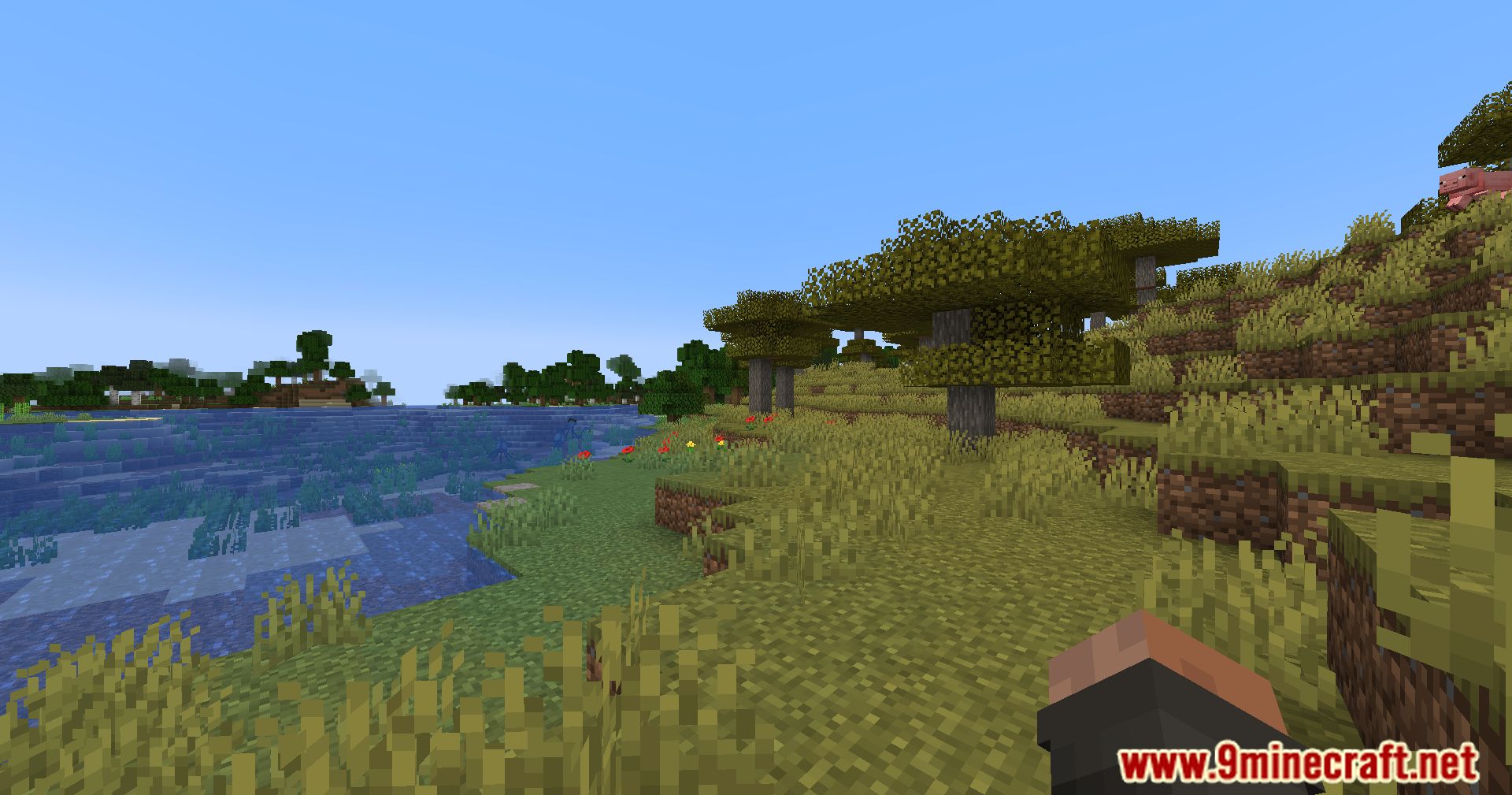
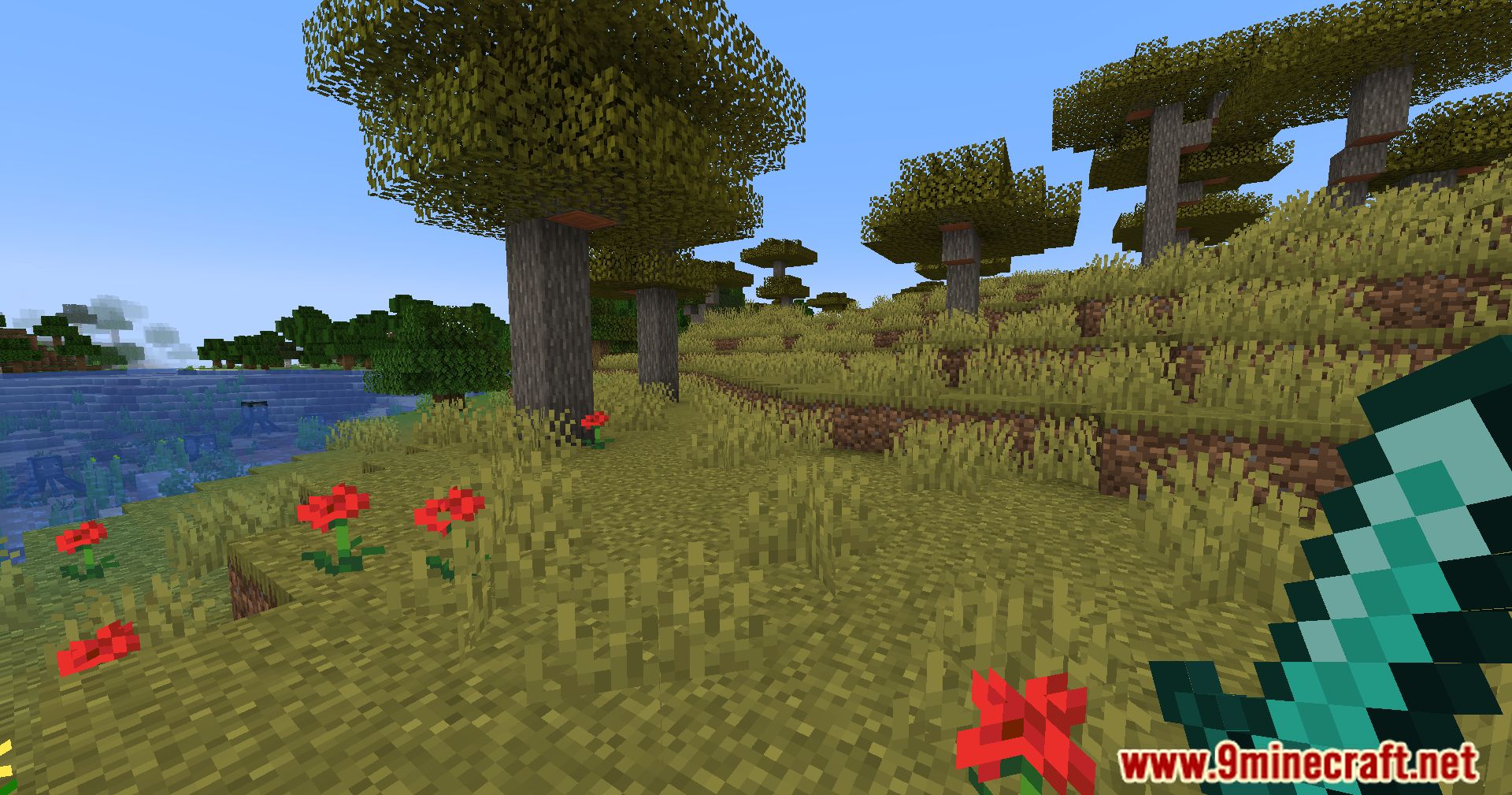
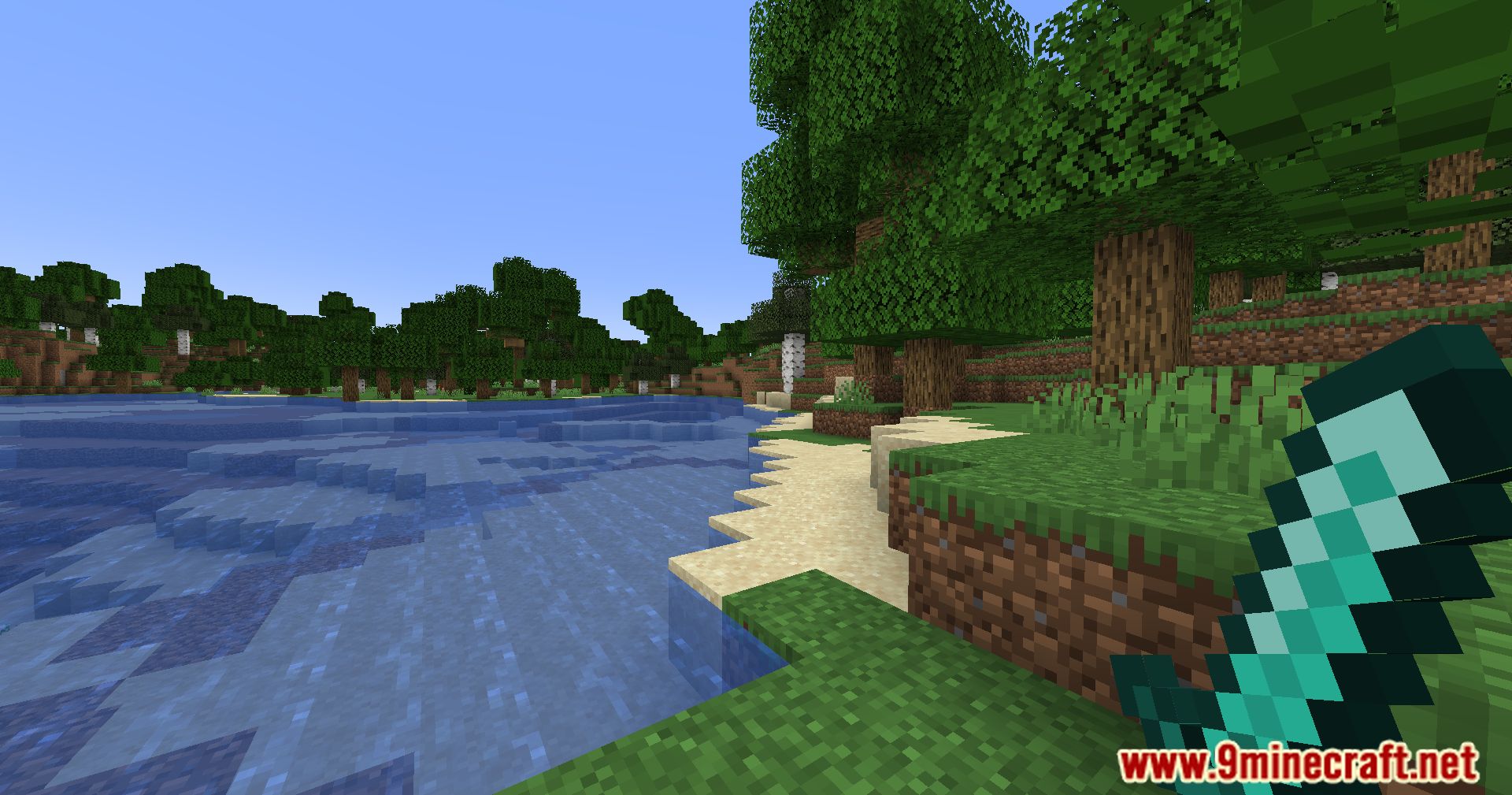
The mod cycles between no hidden UI (everything visible), only hidden UI (HUD elements hidden but your held item still shows), and all hidden UI (the standard vanilla F1 behavior). The middle state is the one this mod adds.
Why does my held item still show when I press F1?
That's the mod's intermediate state working as intended — it hides the HUD but keeps your held item visible so you retain a visual cue. Press F1 again to reach the fully hidden mode if you want the item gone too.
How do I get back to the normal HUD after hiding everything?
Keep pressing F1 to continue cycling; the modes loop, so after the fully hidden state you return to the normal, fully visible HUD. There is no separate key to reset it.
See all 10 Better F1 Reborn questions ›
Gallery
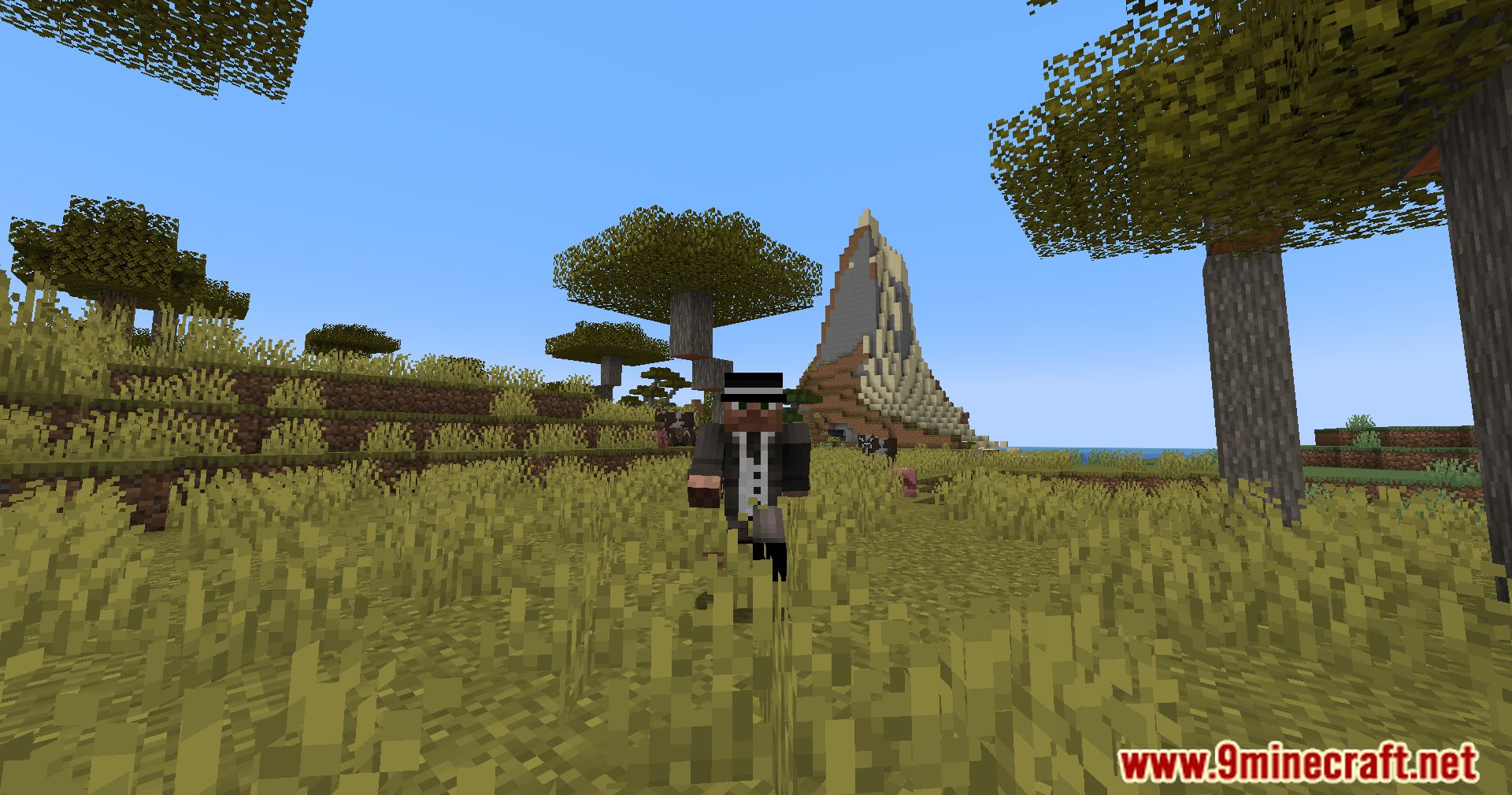
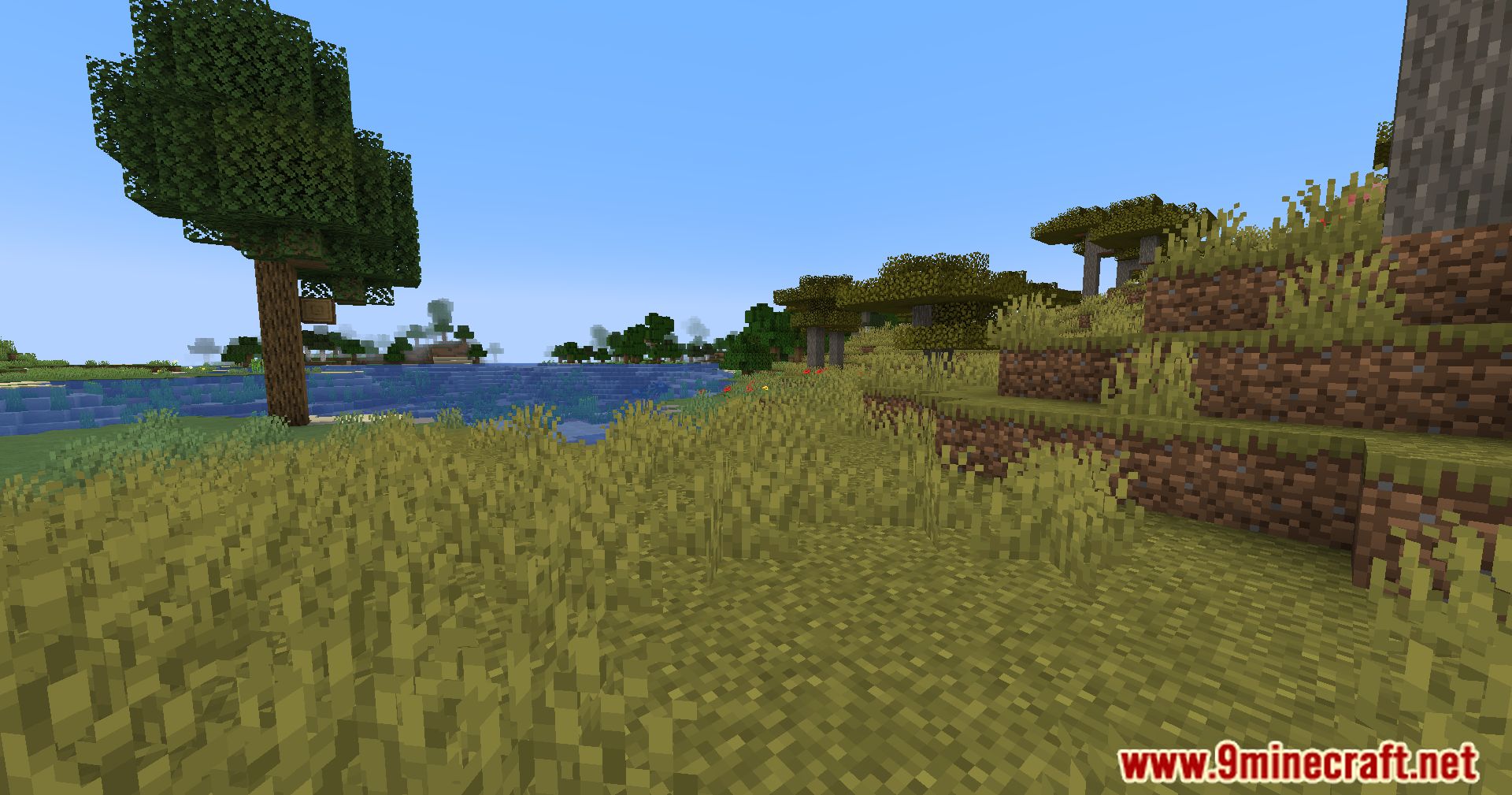
10 images from the Better F1 Reborn Mod page.
You May Also Like
Wikis that share the most with this one
More mod wikis on the site
The most downloaded mods that have a wiki here
A few wikis from each of the other kinds