

 DownloadBetter Command Block UI Mod
Get the files on 9Minecraft
Guides
Step-by-step, in-game.
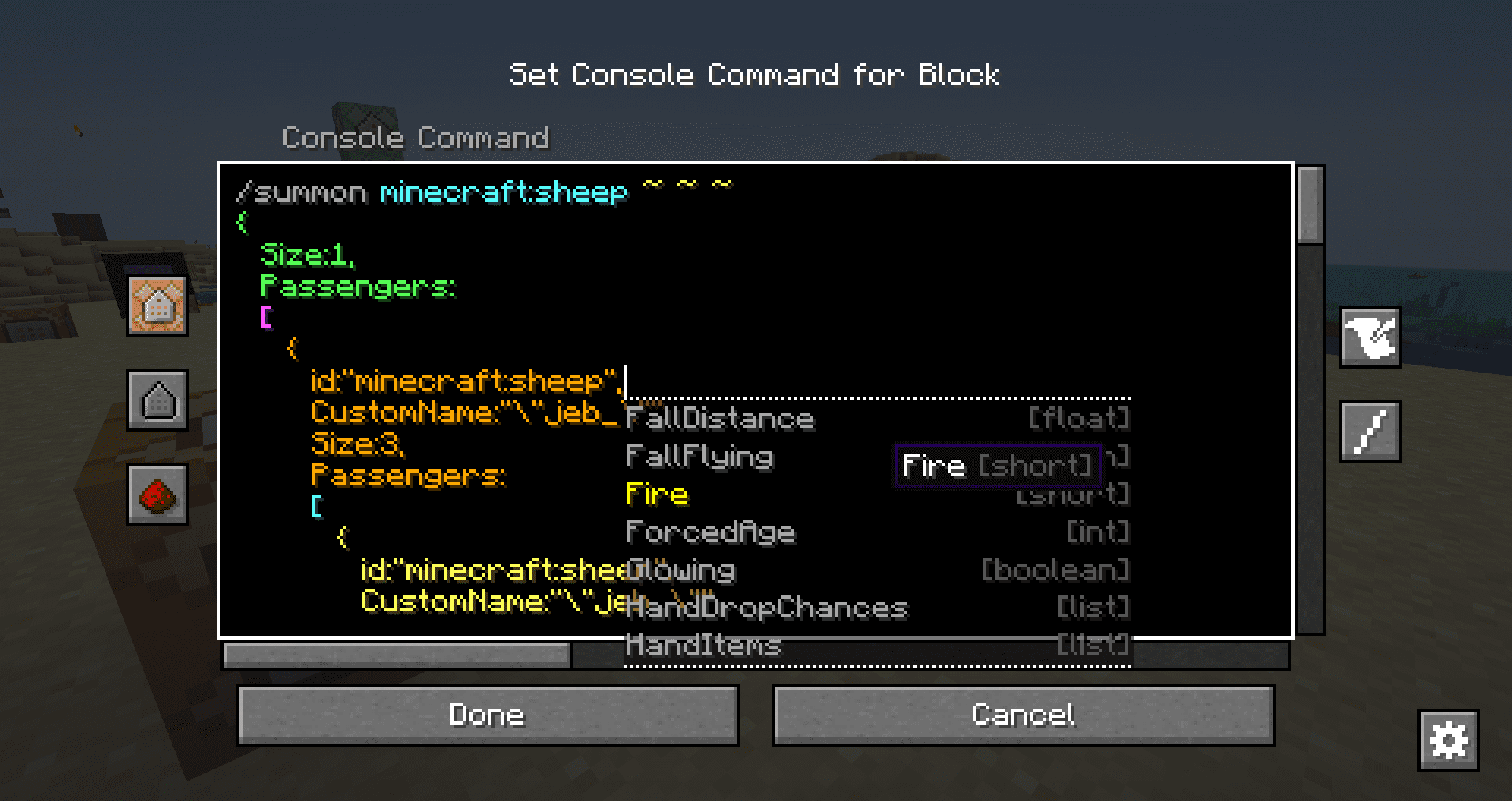
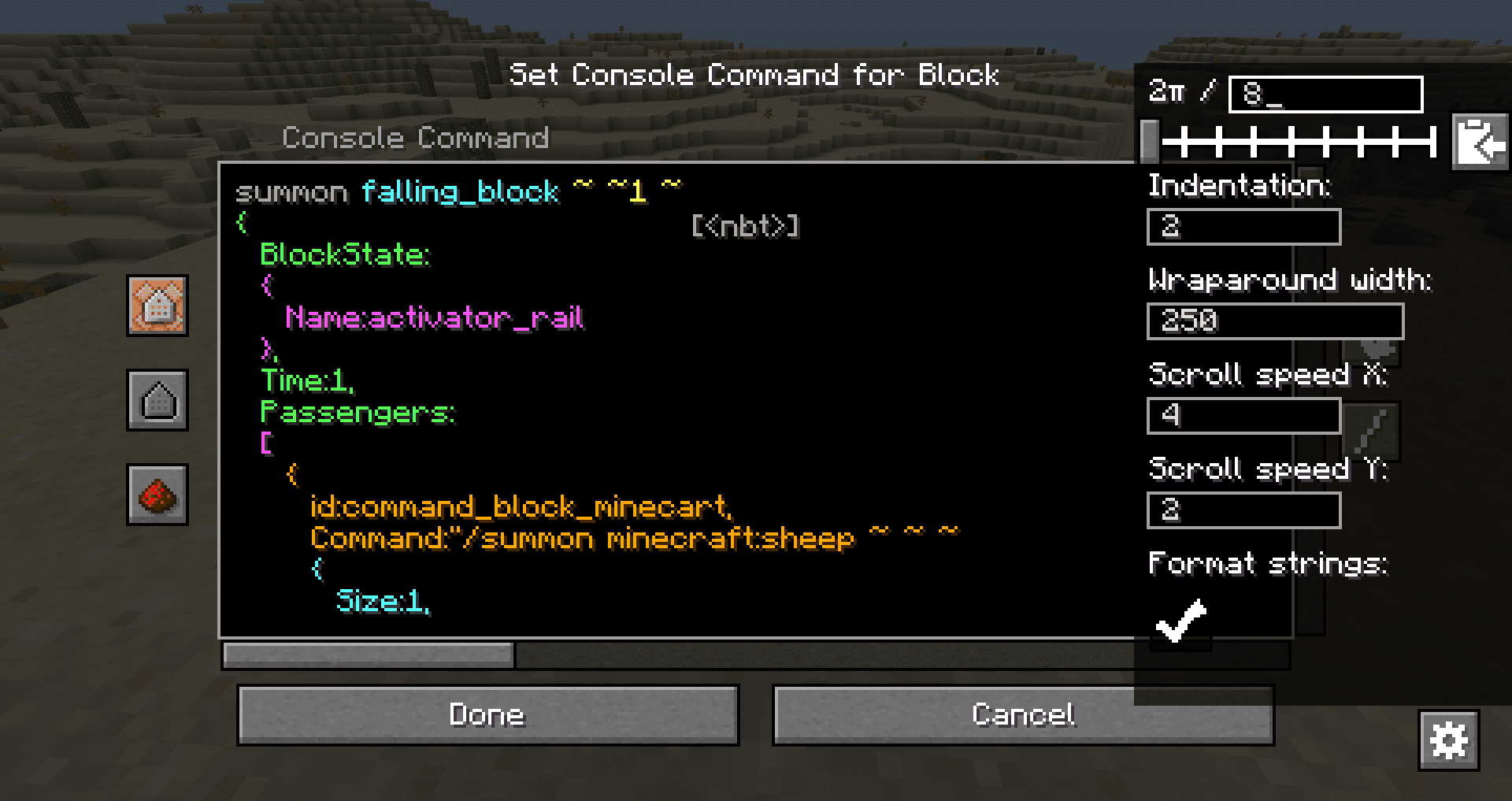
Edit NBT Data Without Accidentally Deleting StructureSmart Word Deletion with Ctrl+Backspace The mod improves how Ctrl+Backspace works in command blocks. Instead of…Navigate Long Commands Without Losing Your PlaceUsing Scrolling Instead of Arrow Keys When editing lengthy commands, the multi-line display lets you see more context…Read and Understand Complex Nested CommandsAutomatic Indentation for Structure Clarity The mod automatically indents your command based on parentheses and…Select and Modify Text EfficientlyClick-and-Drag Selection Click at the start of the text you want to select, hold down the mouse button, and drag to…
Frequently asked questions
How do I open the improved command block UI?
Place or right-click a command block as you normally would—the mod automatically replaces the default UI with the improved version. No special activation or keybind is needed.
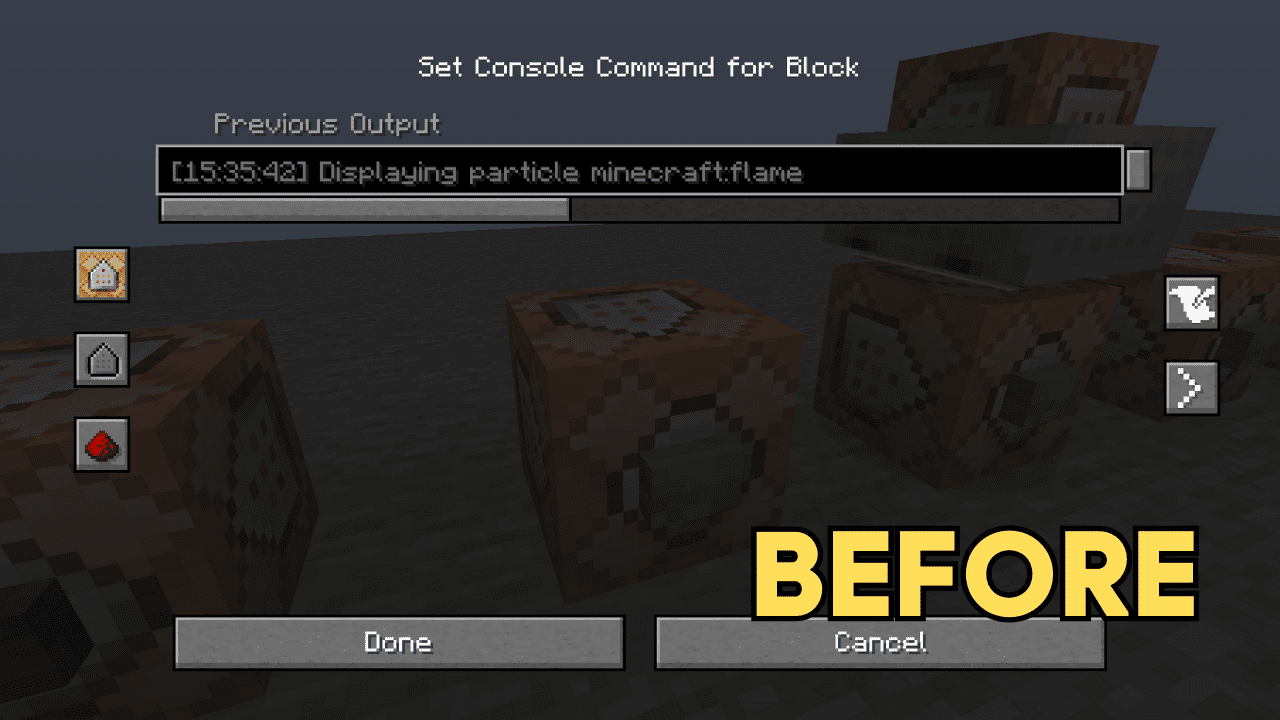
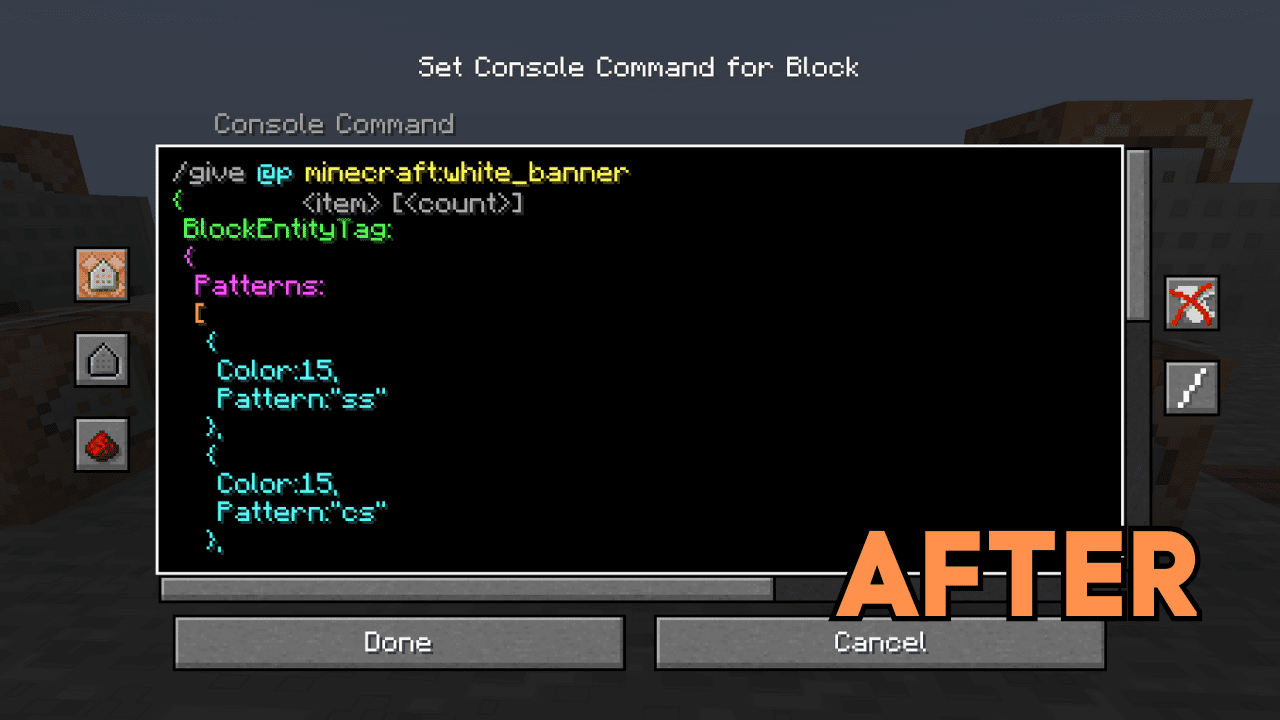
Why is my command showing on multiple lines when it didn't before?
The mod displays your command across multiple lines for readability, but the actual command data sent to the server remains unchanged as a single line. This is purely a visual improvement.
How does the automatic indentation work?
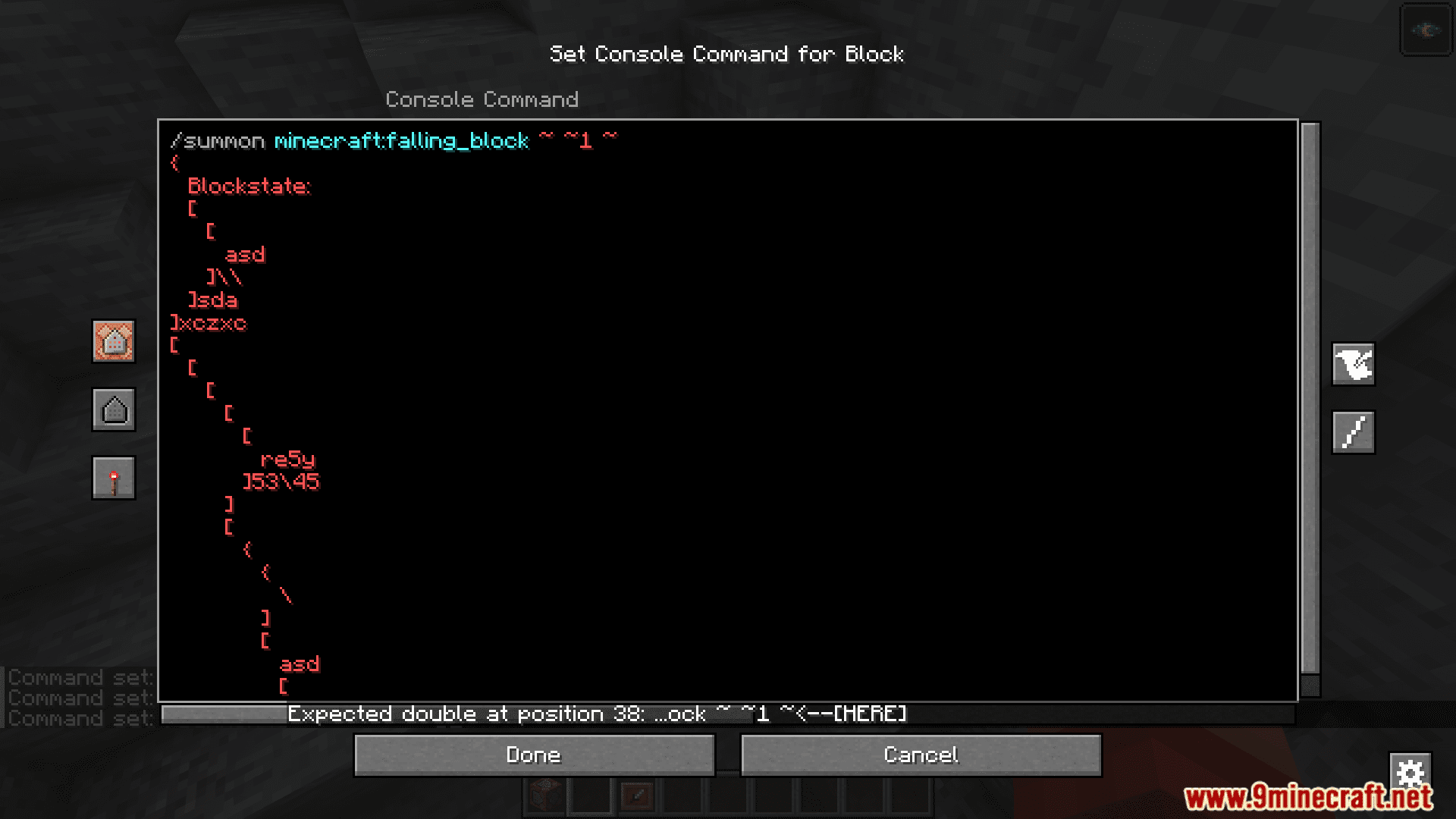
The mod indents text based on parentheses nesting depth, so nested NBT data and function arguments are visually grouped. Deeper nesting = more indentation, making complex structures easier to follow.
Can I select and copy just part of my command?
Yes—click and drag to select a specific section, double-click to select a whole word, or use standard keyboard shortcuts. The selection works the same as a normal text field.
See all 10 Better Command Block UI questions ›
Gallery
6 images from the Better Command Block Ui Mod page.
You May Also Like
Wikis that share the most with this one
Wikis on the same theme: end
More mod wikis on the site
The most downloaded mods that have a wiki here
A few wikis from each of the other kinds