

 DownloadAe Wireless Transceiver
Get the files on 9Minecraft
Guides
Step-by-step, in-game.
Recipes
Every recipe the mod adds, grouped by how it is made.
Items
 Wireless Connector
Blocks
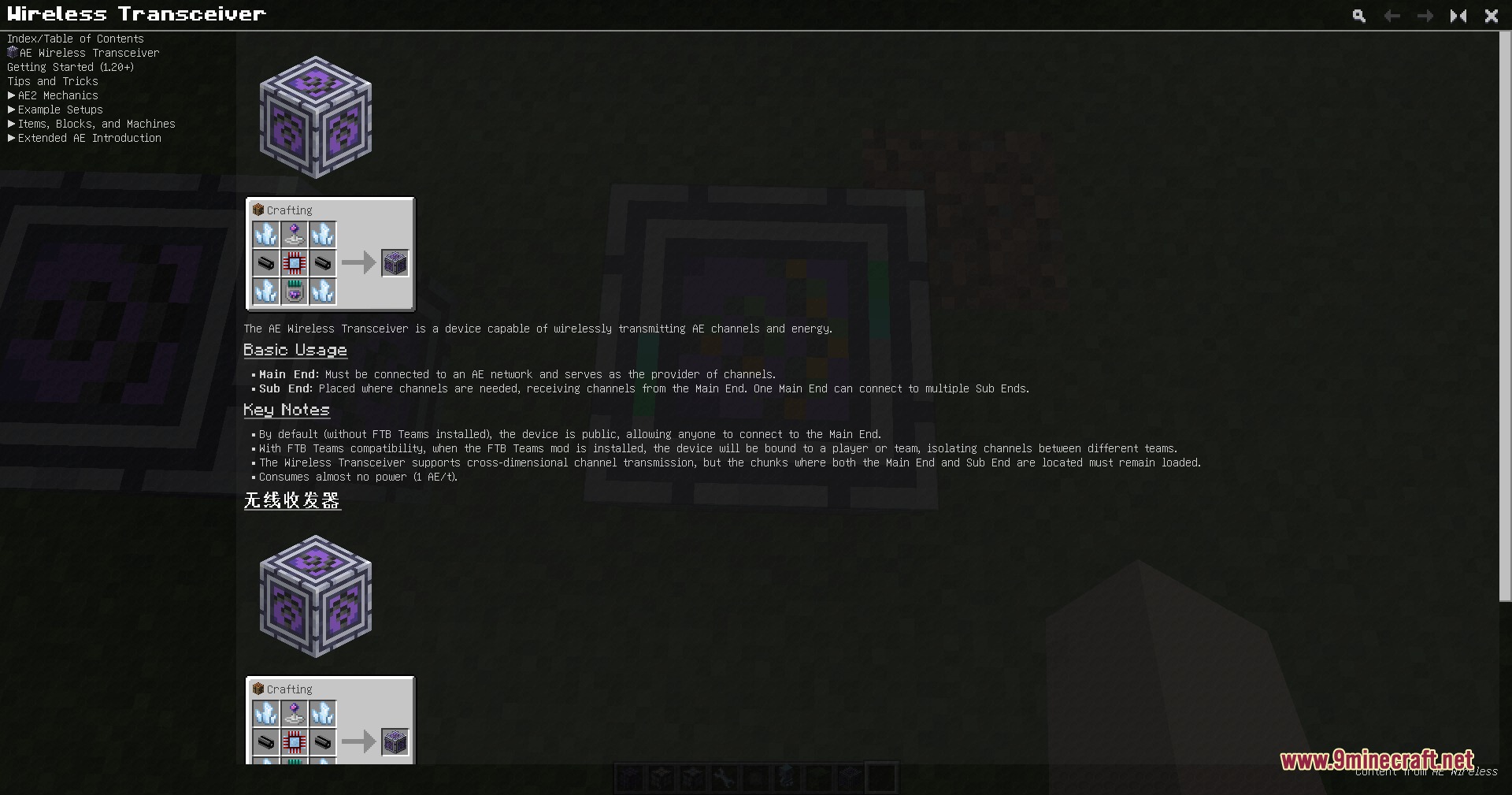
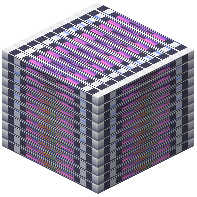 AE Wireless Transceiver
Configuration
Every setting in the mod config file, with what it changes.
| Option | What it does |
|---|---|
aewireless | AE Wireless Configuration |
wireless_tooltip | AE Wireless Transceiver Info |
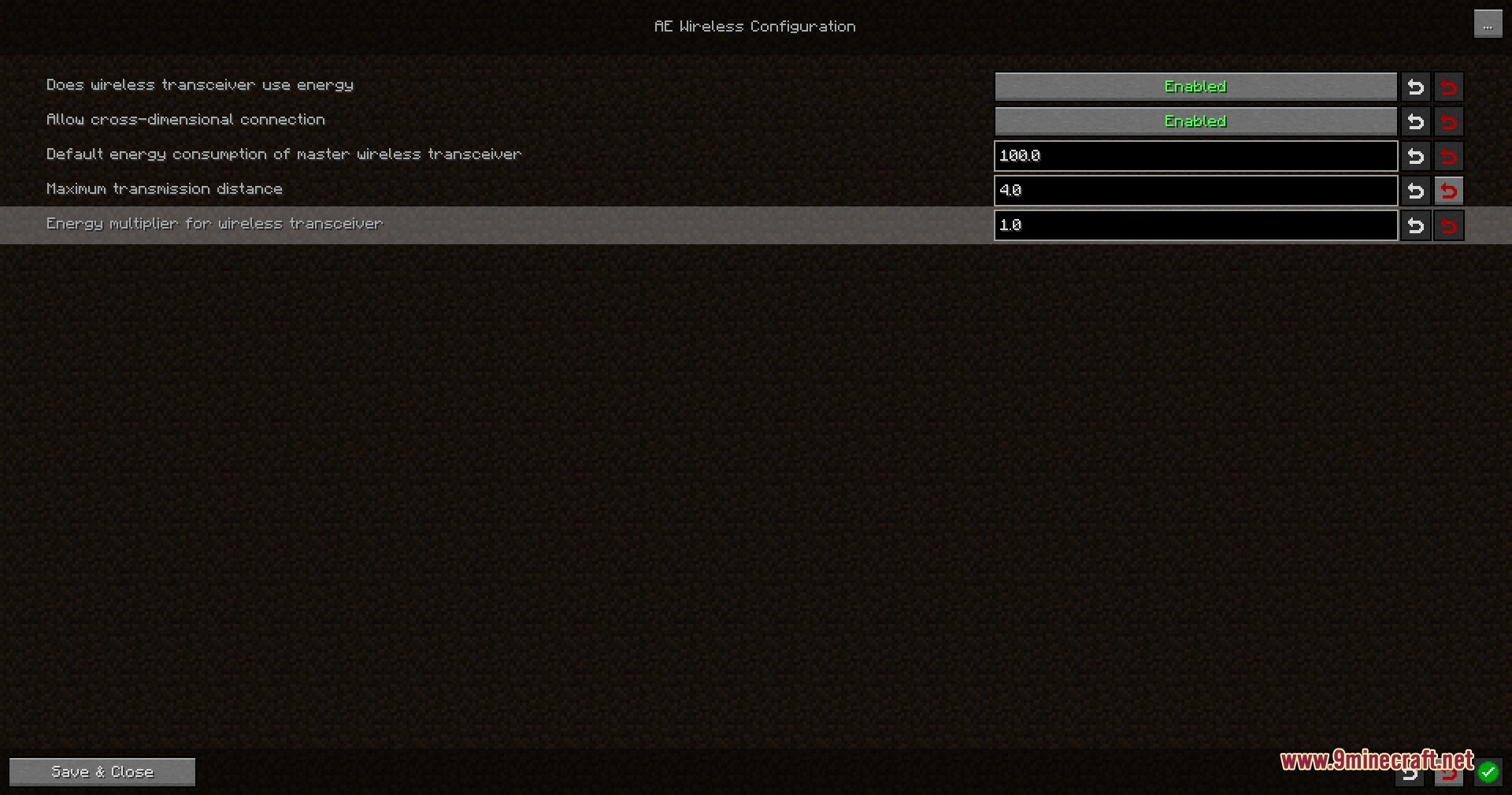
crossDimensionalAllow cross-dimensional connection | If enabled, the wireless transceiver will allow cross-dimensional connections. |
battery_multiplier | Battery Multiplier |
block_entity_tooltip | connect block inf |
baseEnergyDefault energy consumption of master wireless transceiver | Default energy consumption of master wireless transceiver. |
isEnergyDoes wireless transceiver use energy | If enabled, the wireless transceiver will consume energy for transmission. |
shiftAutoConnectEnable auto-connect when placing blocks while sneaking | If enabled, placing blocks while sneaking will attempt to auto-connect using a wireless connector in your inventory. |
isCacheLoad | Enable full cache mode for wireless direct connection? |
shiftScrollChannelSwitchEnable sneak + mouse wheel channel switching | If enabled, sneak and scroll while holding a wireless connector to switch its bound channel. |
batteryMultiplierEnergy multiplier for wireless transceiver | Sub energy consumption = Distance between Main and Sub x Energy multiplier. |
maxDistanceMaximum transmission distance | Maximum transmission distance between Sub and Main wireless transceivers (0 for unlimited). |
save | Save |
is_energy | Use Energy |
Option
| Option | What it does |
|---|---|
0 | If enabled, all block information will be cached, but the chunk needs to stay loaded; otherwise, the connection will be |
0 | If enabled, placing blocks while sneaking will attempt to auto-connect using a wireless connector in your inventory. |
0 | If enabled, sneak and scroll while holding a wireless connector to switch its bound channel. |
0 | If enabled, the wireless transceiver will allow cross-dimensional connections (ignoring distance limits). |
0 | If enabled, the wireless transceiver will consume energy for transmission. |
0 | Maximum transmission distance between Sub and Main wireless transceivers(0 for unlimited). |
0 | Sub energy consumption = Distance between Main and Sub × Energy multiplier. |
Section
| Option | What it does |
|---|---|
client | Client |
server | Server |
Frequently asked questions
What is the main purpose of the Ae Wireless Transceiver Mod?
It adds a fully wireless channel system for Applied Energistics 2, allowing you to link machines and networks across long distances or different dimensions without placing cables.
Do wireless connections created by this mod consume power?
No, the wireless connections run for free without draining any energy from your AE2 system.
What mode does a transceiver block start in when first placed?
It starts in Receiving Mode by default, and you can toggle it to Transmission Mode through the menu if needed.
How do you bind a wireless connection between two transceivers?
Hold the Wireless Connector tool, Shift + Right-click on a transmitting transceiver to bind it, then Right-click a target block to link it wirelessly to that channel.
Can other FTB Teams access your wireless channels?
No, the mod includes team protection that keeps your channels completely separated and private from other FTB Teams.
How do you remove a wireless link that you no longer need?
Take the Wireless Destroyer tool and Right-click any connected block to safely remove the link.
Gallery
5 images from the Ae Wireless Transceiver Mod page.
You May Also Like
Wikis that share the most with this one
More mod wikis on the site
The most downloaded mods that have a wiki here
A few wikis from each of the other kinds