DownloadRanged Wireless Redstone
Get the files on 9Minecraft
Guides
Step-by-step, in-game.
Build a Multi-Channel Redstone NetworkPlanning Your Channels Assign different channel numbers to different transmitter-receiver pairs. For example, use…Set Up Your First Wireless Redstone ConnectionCrafting and Placement Craft a Wireless Transmitter and Wireless Receiver. Place the transmitter near the redstone…Troubleshoot Wireless Redstone Signal FailuresCheck Channel Matching Right-click both the transmitter and receiver to verify their channel numbers are identical. A…Use Tiny Wireless Redstone for Compact BuildsWhen to Use Tiny Components Tiny Transmitters and Tiny Receivers are smaller versions that fit on panels when the…
Recipes
Every recipe the mod adds, grouped by how it is made.
Items
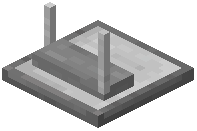 Tiny Redstone Receiver
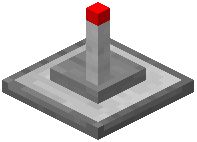 Tiny Redstone Transmitter
Blocks
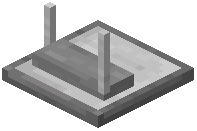 Redstone Receiver
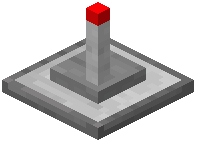 Redstone Transmitter
Configuration
Every setting in the mod config file, with what it changes.
| Option | What it does |
|---|---|
wireless_block | Wireless Redstone |
Frequently asked questions
How do I craft a wireless transmitter?
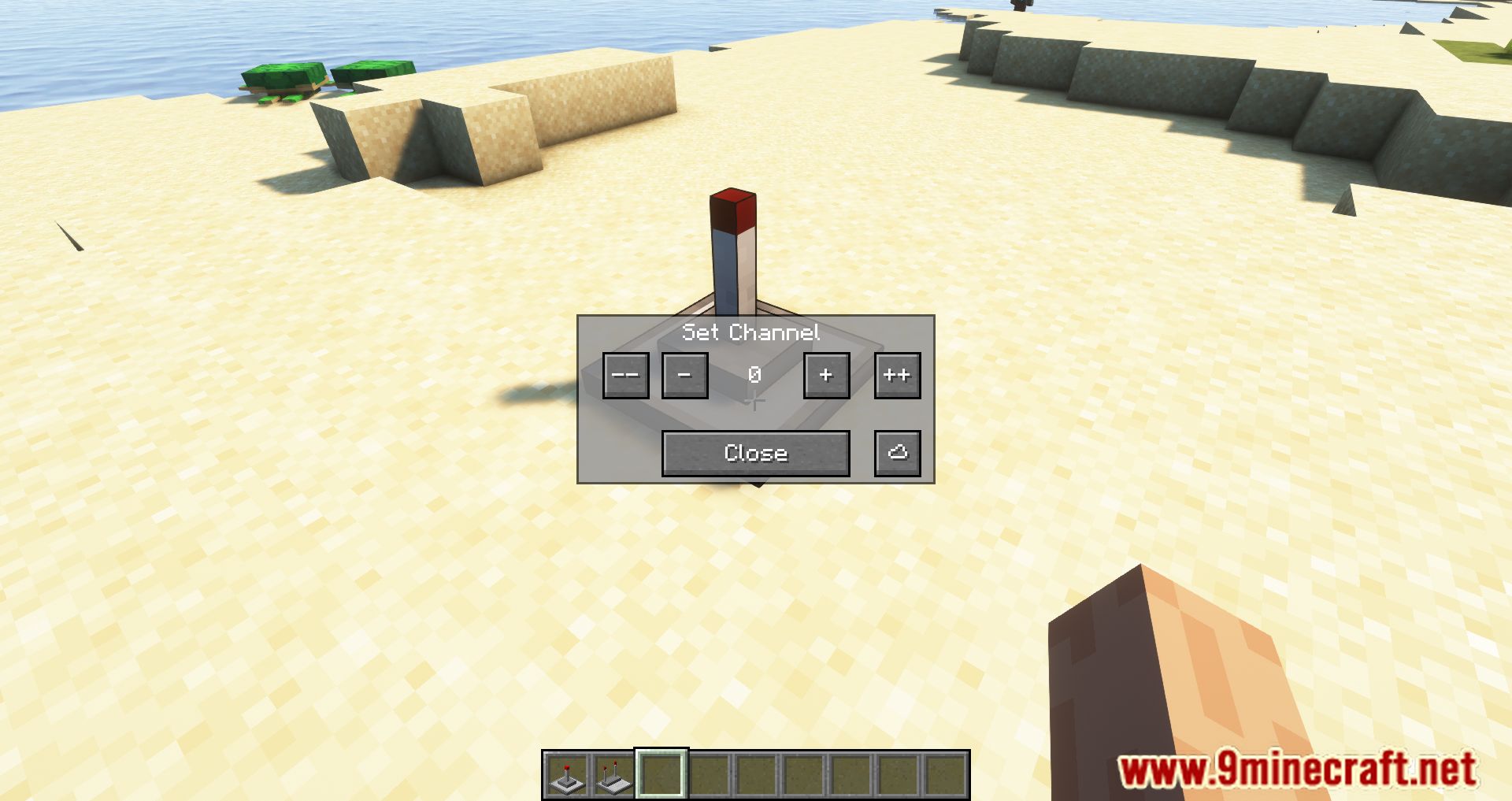
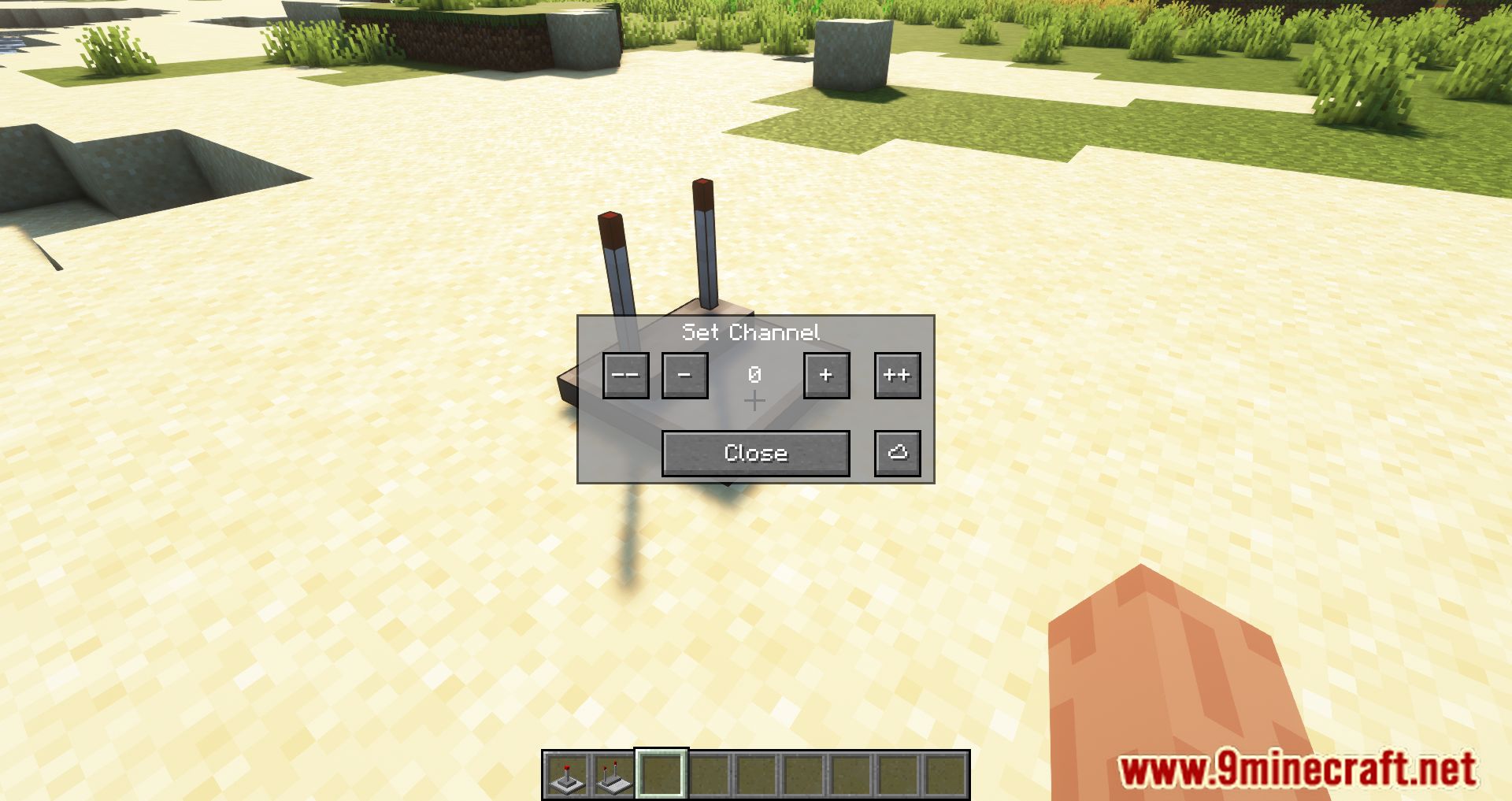
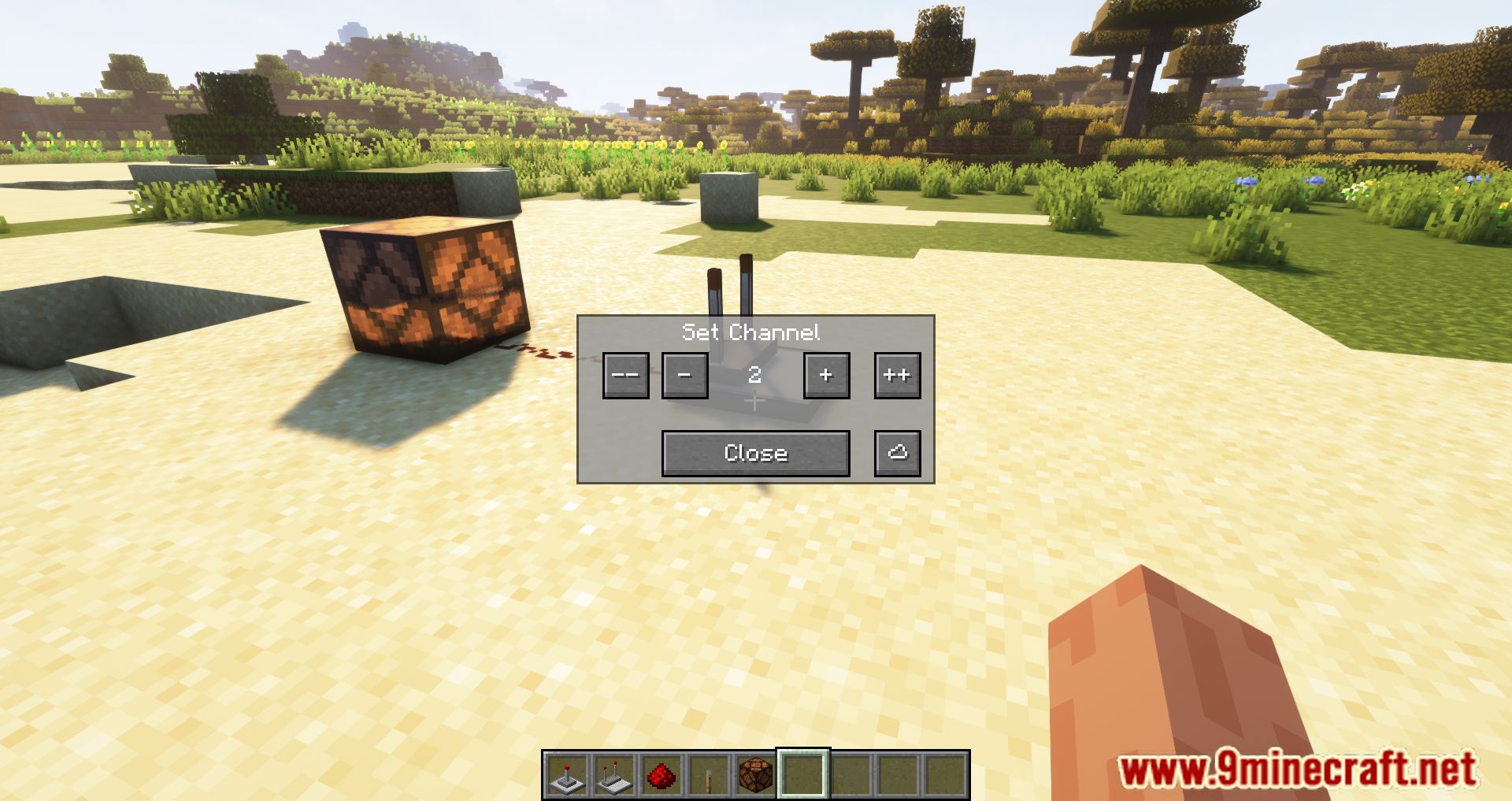
Check your mod's crafting recipes in-game using your recipe viewer or wiki—transmitter recipes vary by mod version. Once crafted, place it down and right-click to assign it a channel number.
Do transmitters and receivers have to be in the same chunk?
No, they work across chunk boundaries as long as both blocks are within the range limit (default 256 blocks). The range is measured in straight-line distance, not chunk alignment.
Can I use the same channel for multiple receivers?
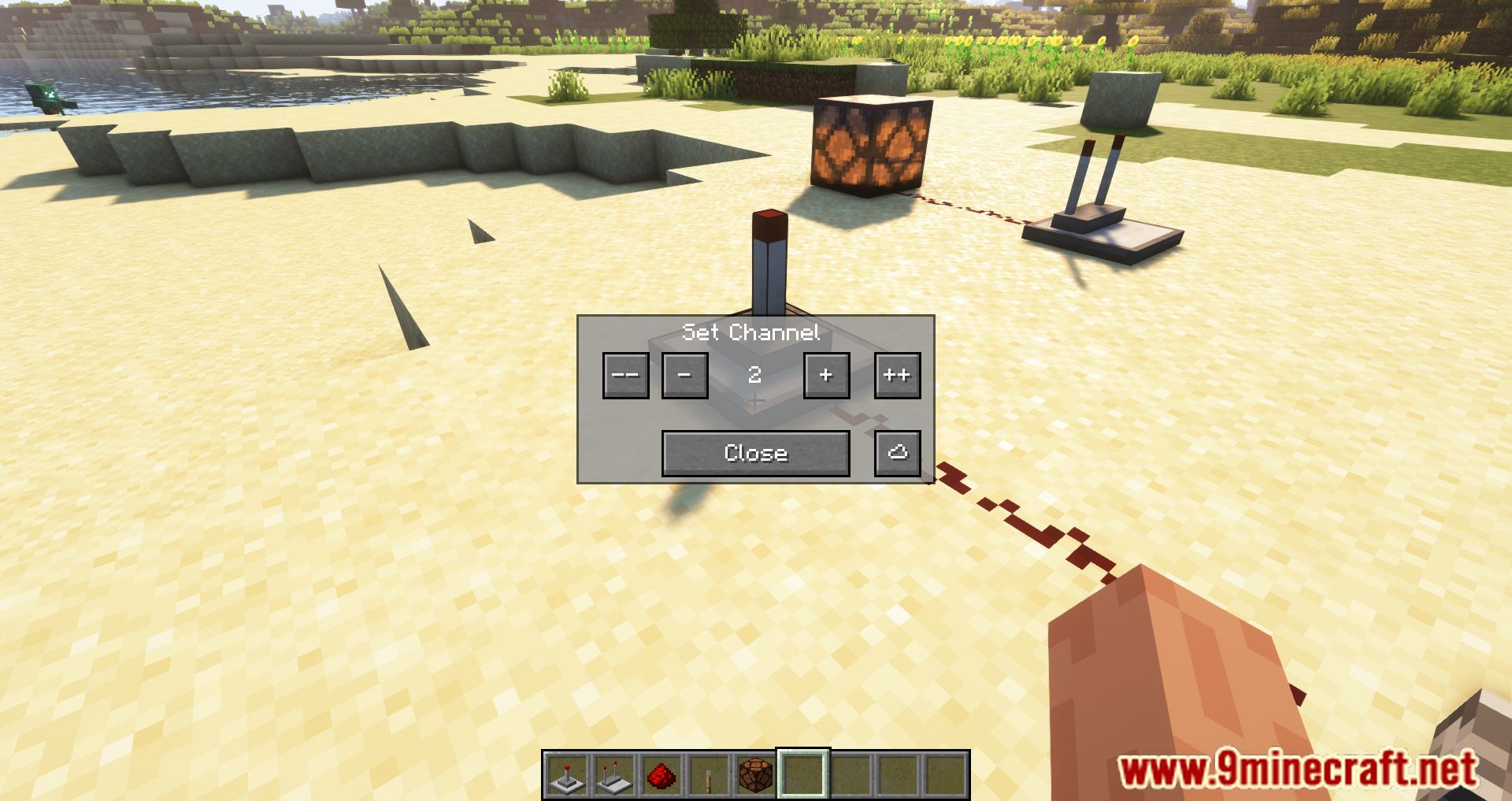
Yes, all receivers on the same channel will activate when the transmitter on that channel sends a signal. This is useful for triggering multiple machines at once.
Why isn't my receiver activating even though the transmitter is in range?
Check that both blocks are on the same channel number—right-click each to verify. Also confirm the transmitter is actually receiving a redstone signal input; if it's not powered, it won't transmit.
What's the difference between regular and tiny wireless redstone blocks?
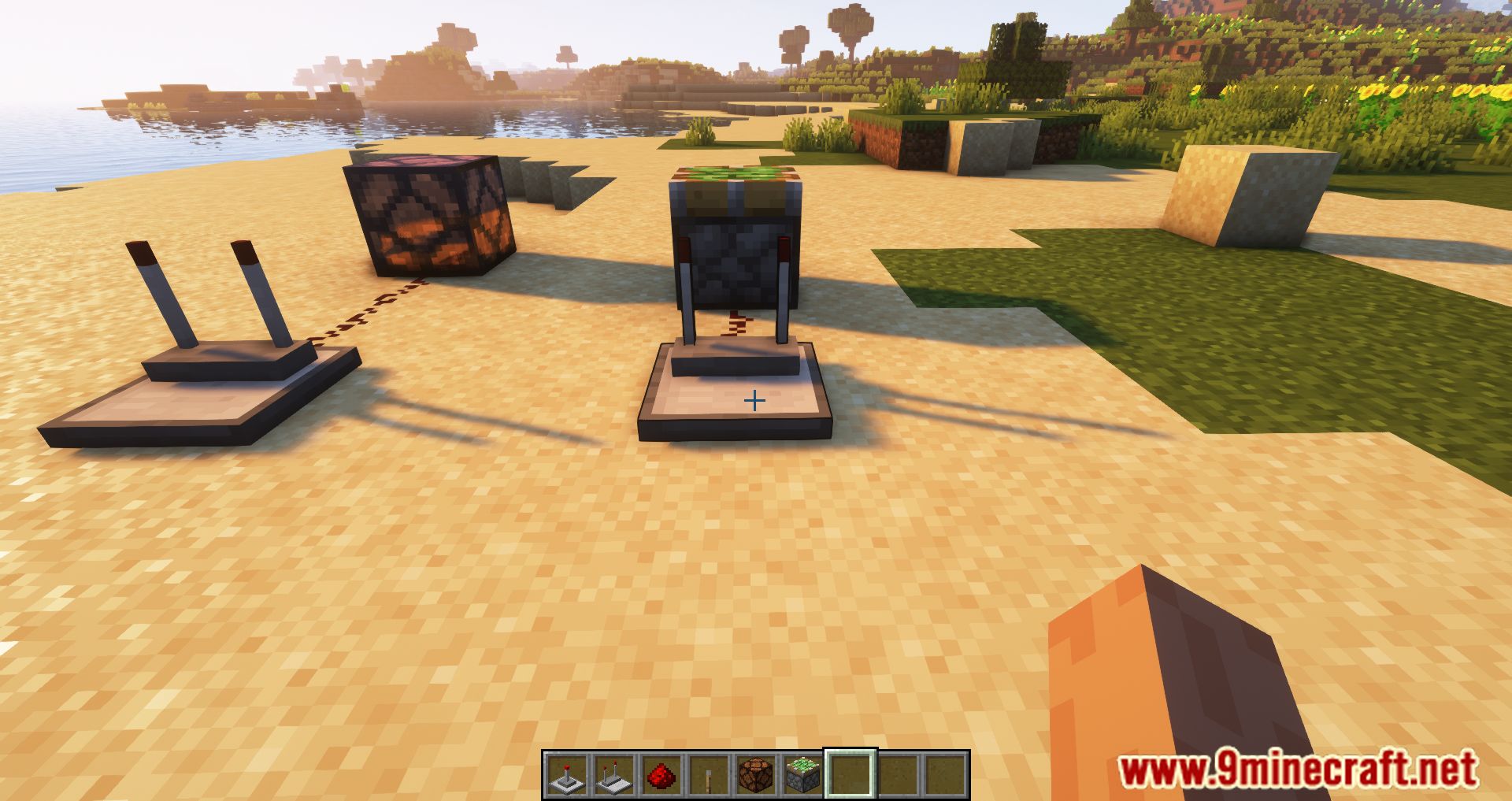
Tiny blocks are smaller and can be placed on panels if you have the Tiny Redstone mod installed, making them ideal for compact builds. They function the same way but take up less space.
Can I change the range limit on my server?
Yes, the default 256-block range can be adjusted in the server configuration settings. Check your mod config file for the distance limit option.
Do wireless transmitters work with redstone comparators?
Transmitters output a redstone signal that receivers detect, so comparators can read from receivers the same way they would from any redstone source. Check your mod version's documentation for signal strength behavior.
What happens if two transmitters use the same channel?
Both transmitters will activate all receivers on that channel simultaneously. If you want independent control, assign different channel numbers to each transmitter.
Can wireless redstone pass through blocks or does it need line of sight?
Wireless redstone signals pass through all blocks—line of sight is not required. The signal only depends on the distance between transmitter and receiver.
Does this mod work with Tiny Redstone if I don't have it installed?
Yes, the mod works fine without Tiny Redstone. The tiny wireless blocks simply won't appear as crafting options if the Tiny Redstone mod isn't present.
You May Also Like
Wikis that share the most with this one
Wikis on the same theme: redstone
More mod wikis on the site
The most downloaded mods that have a wiki here
A few wikis from each of the other kinds
Gallery
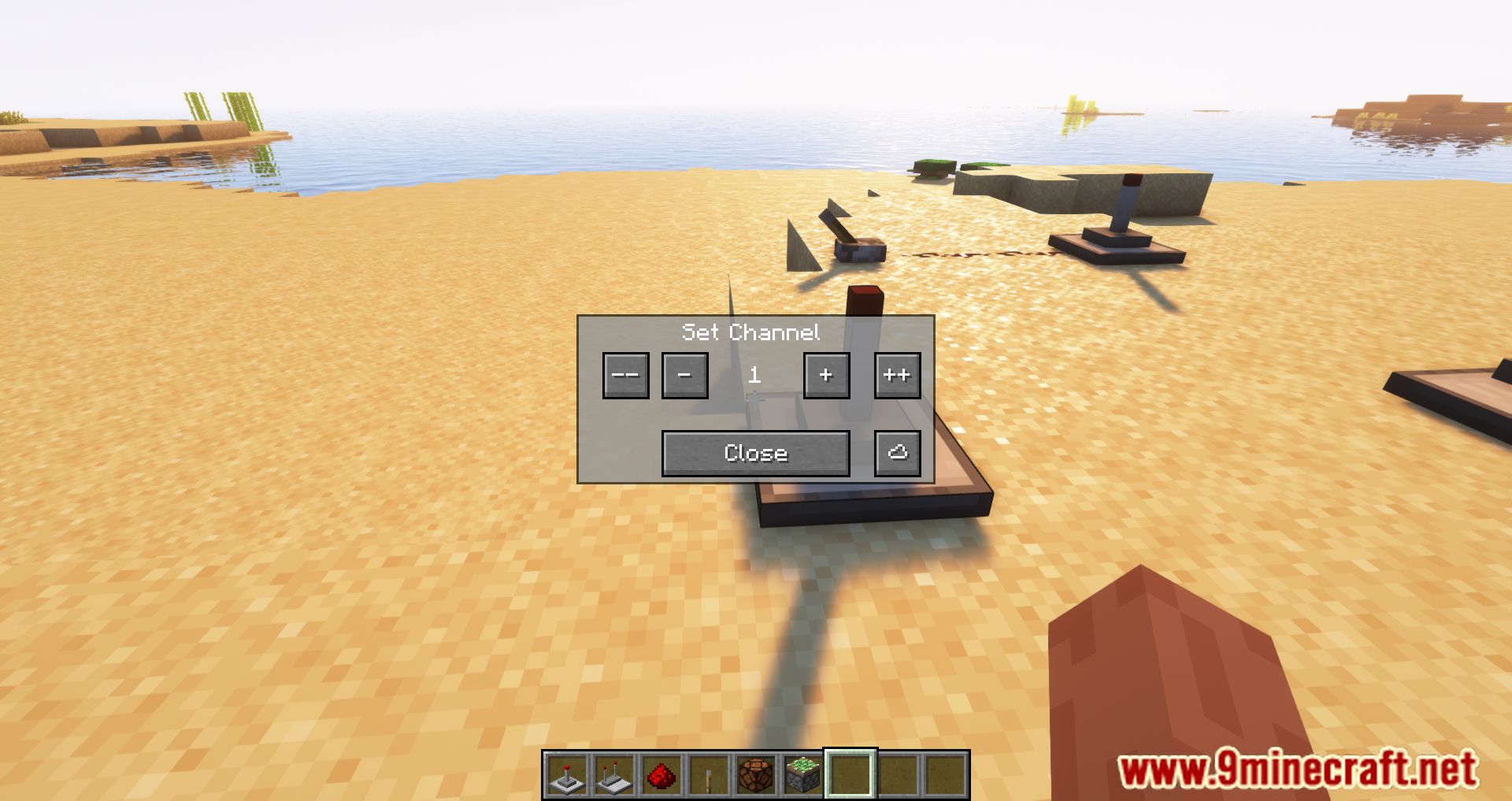
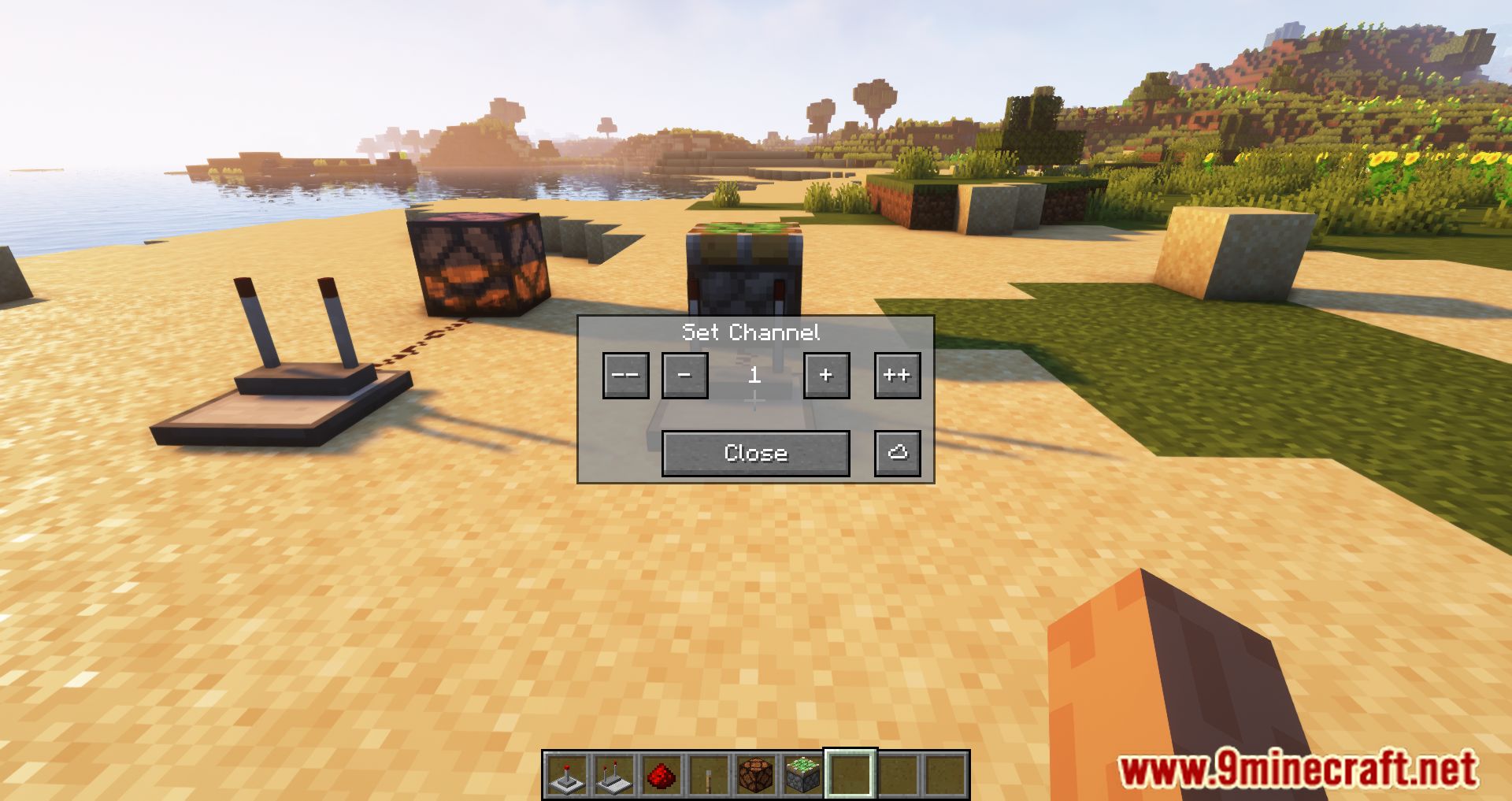
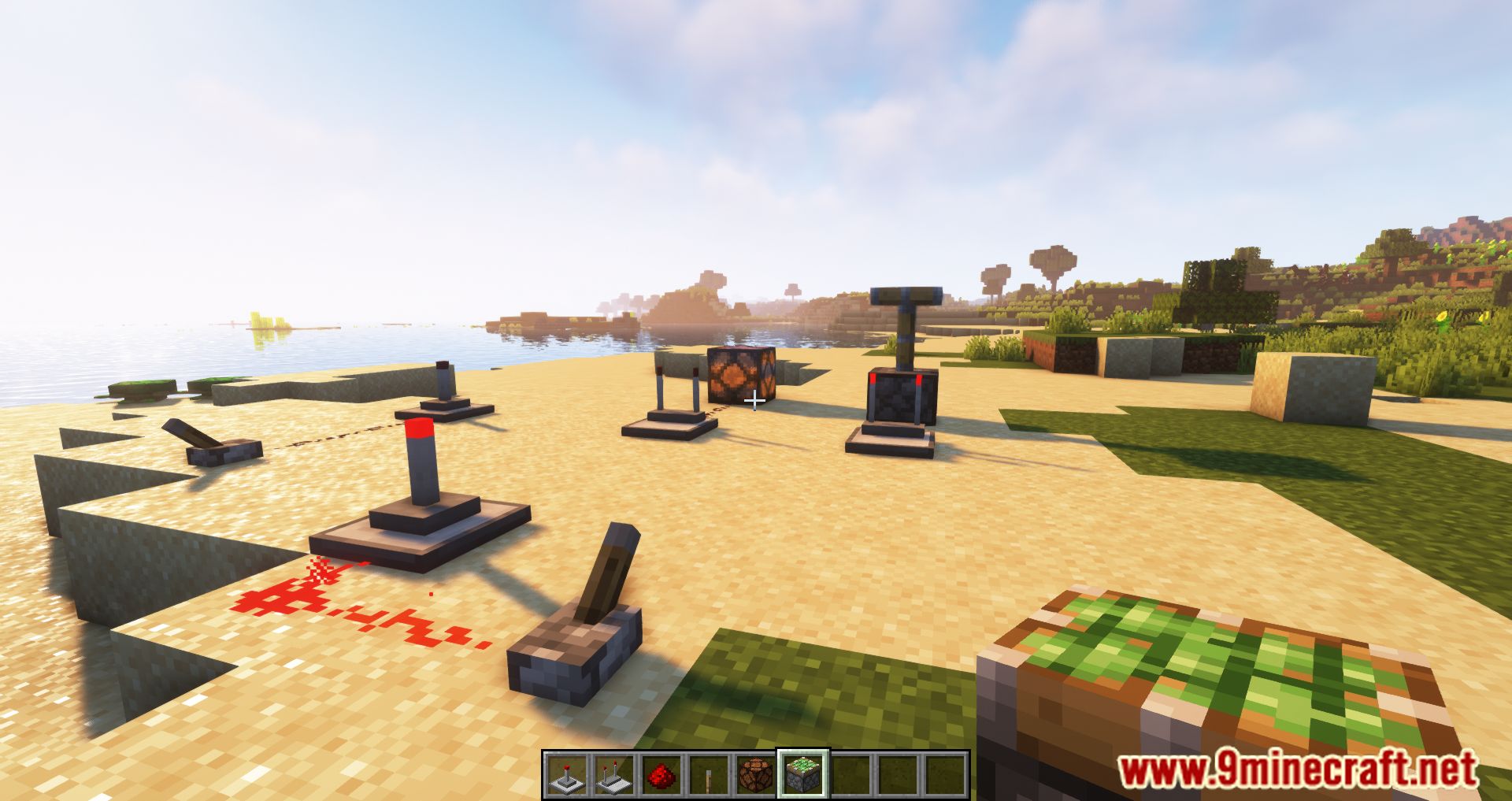
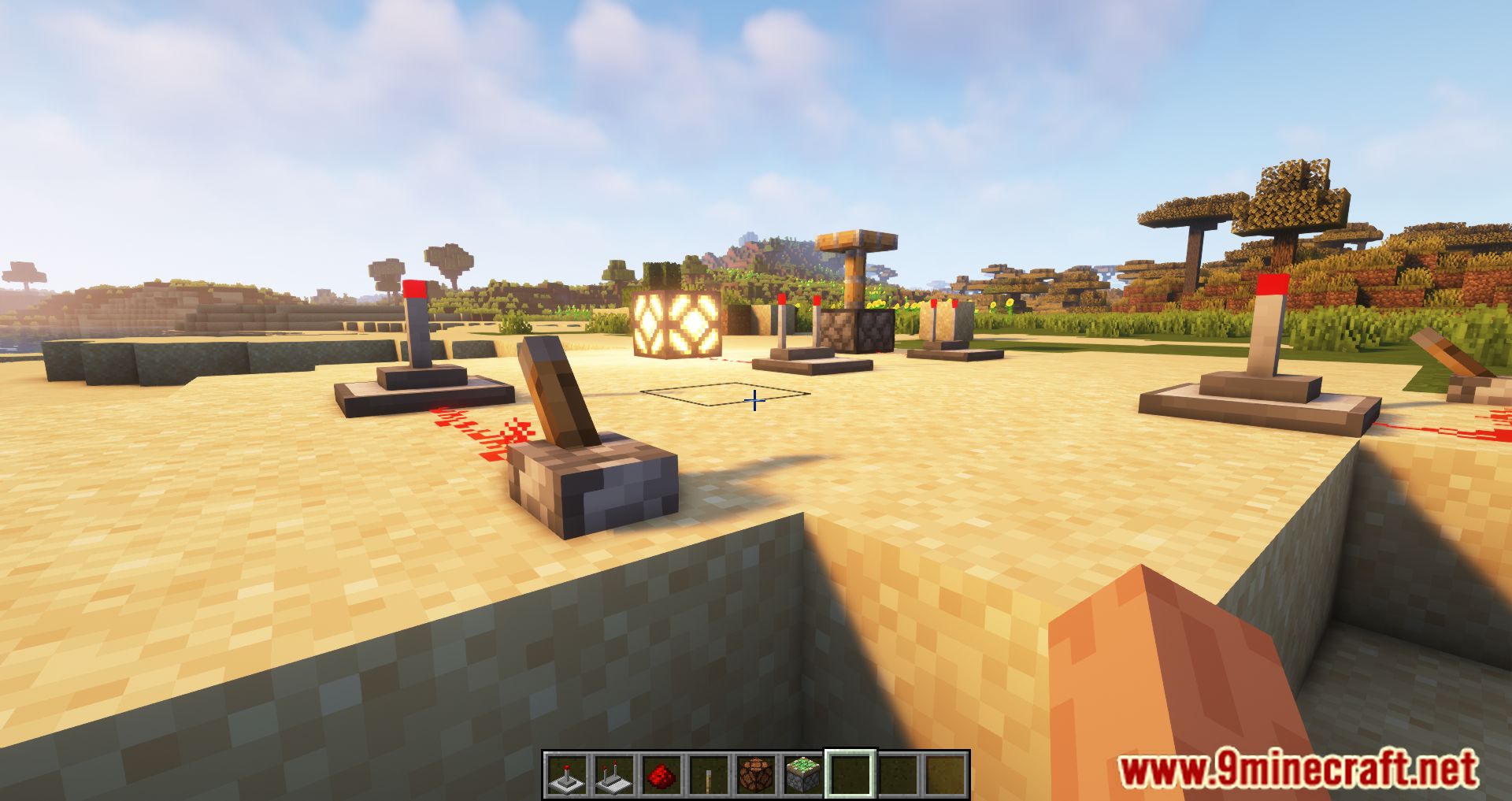
12 images from the Ranged Wireless Redstone Mod page.