DownloadQuick Link Wireless Logistics
Get the files on 9Minecraft
Guides
Step-by-step, in-game.
Recipes
Every recipe the mod adds, grouped by how it is made.
Items
 QuickLink Upgrade
Blocks
 Energy Plug
 Fluid Plug
 Item Plug
Frequently asked questions
How do you connect machines together in Quick Link Wireless Logistics Mod?
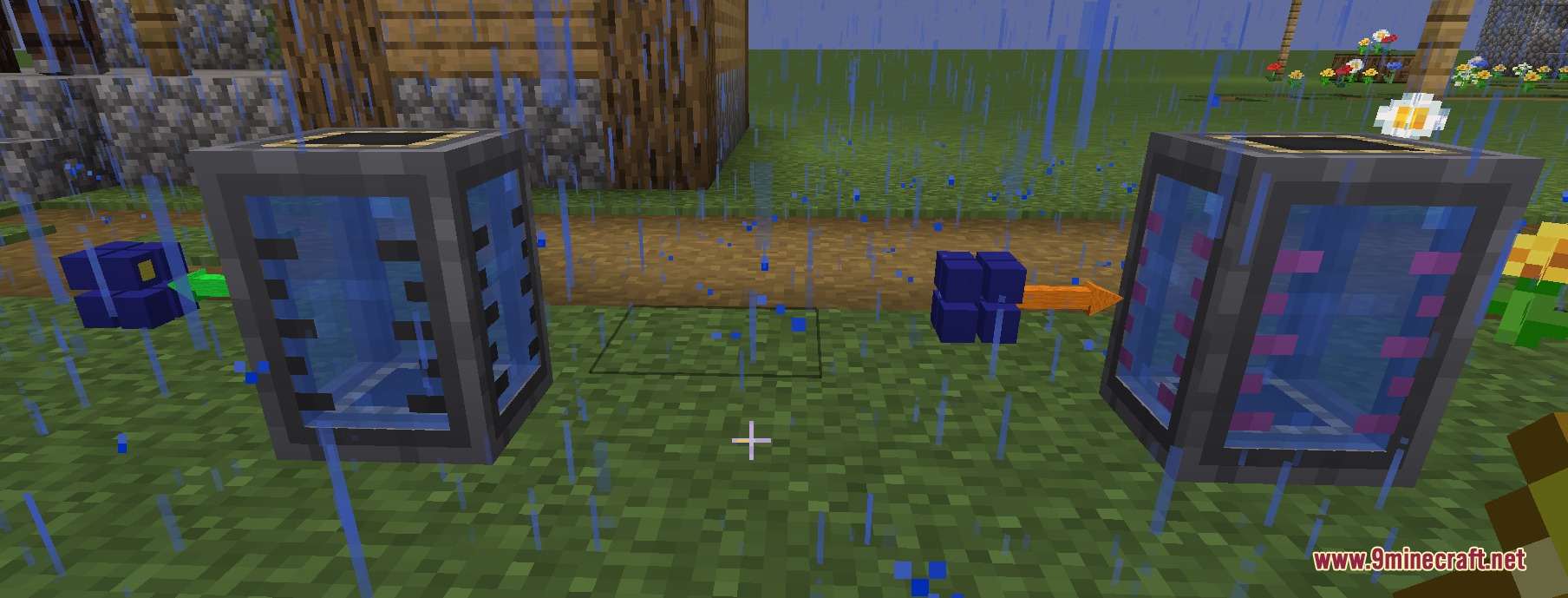
You paint the sides of blocks the same color to link them together into a network, then right-click with an empty hand to set each side to send or receive items.
What types of materials can this mod transfer between machines?
The mod can transfer items, fluids, energy, and chemicals across any distance instantly.
How do you remove a color from a block side if you make a mistake?
Hold Shift and right-click on the colored side with any dye to clear that color.
Can Quick Link Wireless Logistics blocks be used on multiplayer servers?
Yes, the mod works safely on multiplayer servers and keeps items separate between different teams.
What happens if you right-click a fluid block side with a water bucket?
The block turns into an endless water source.
How can you make item transfers faster in this mod?
You can accept four different upgrade items to increase the speed of item transfers between blocks.
You May Also Like
Wikis that share the most with this one
More mod wikis on the site
The most downloaded mods that have a wiki here
A few wikis from each of the other kinds
Gallery
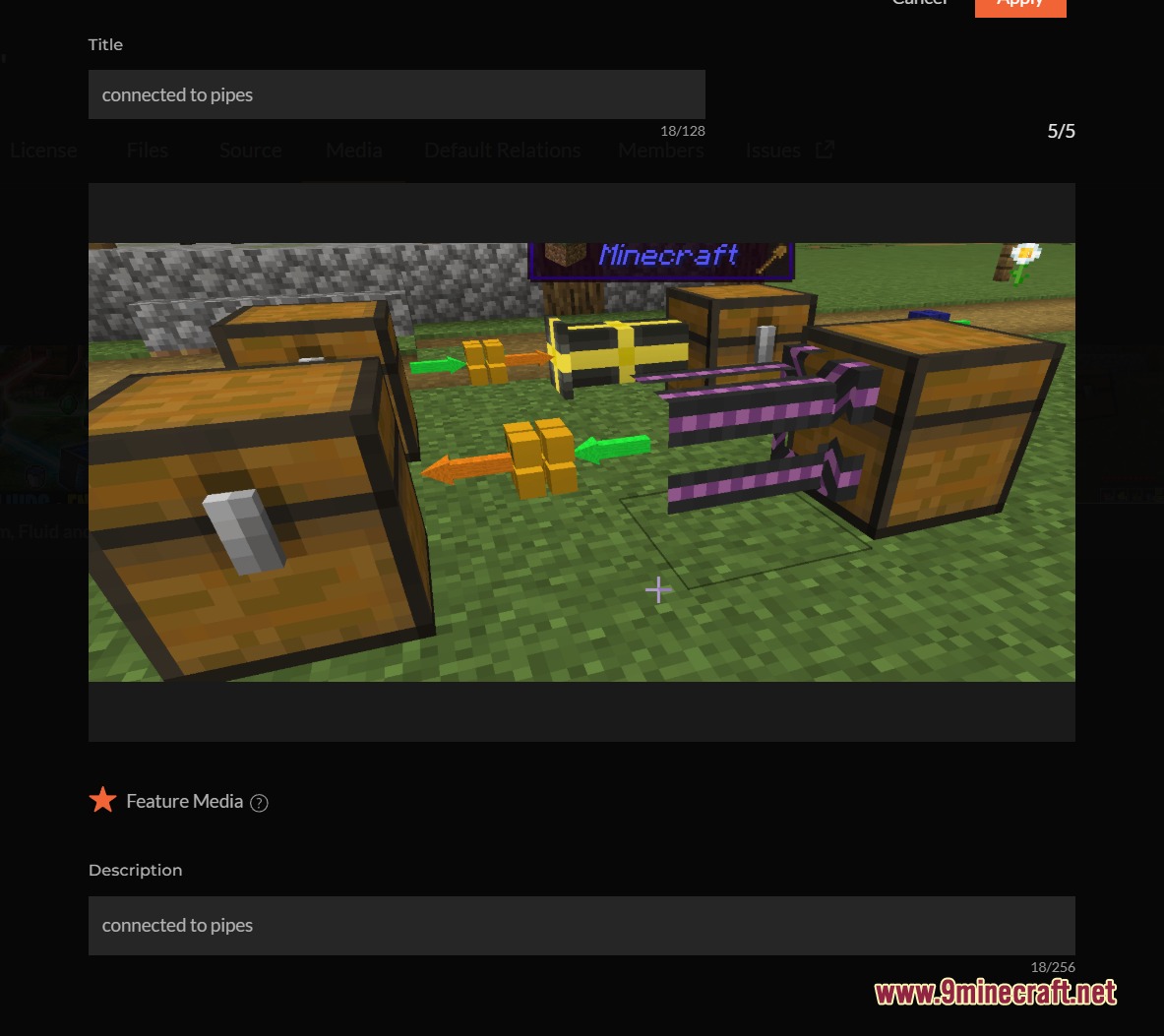
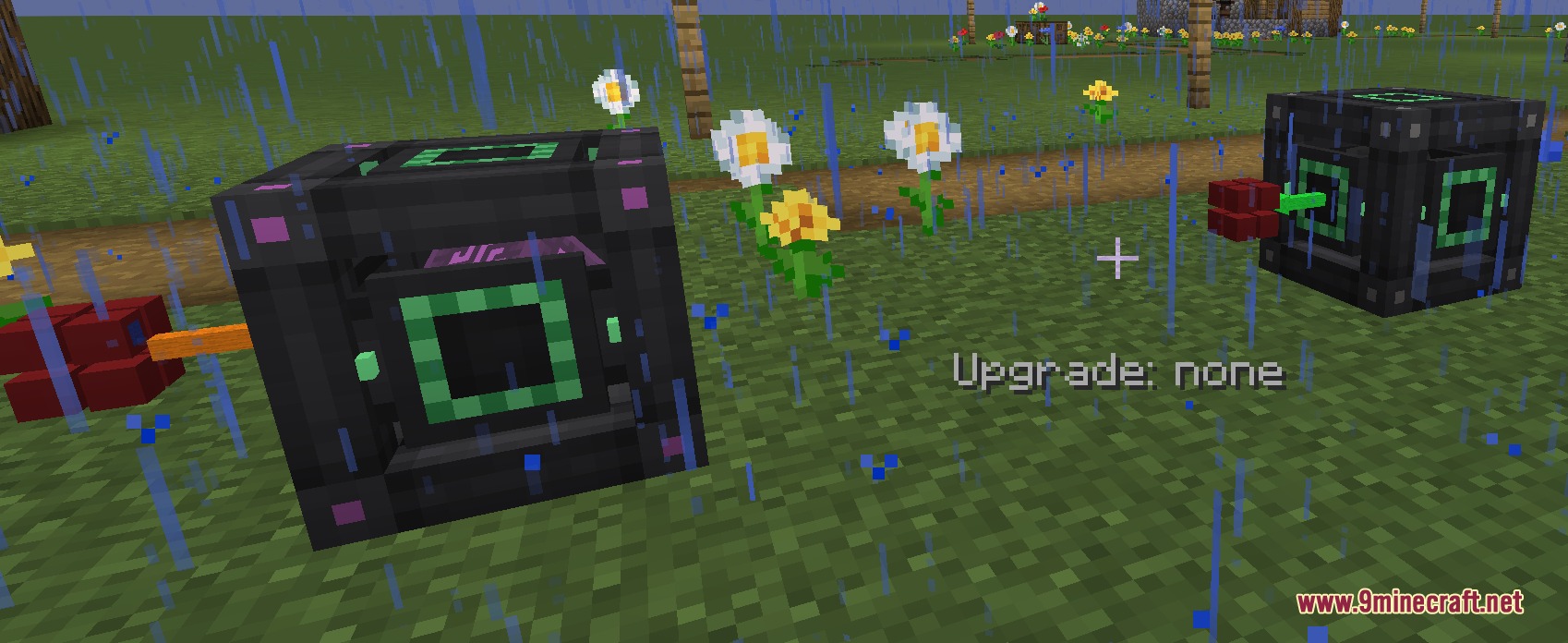
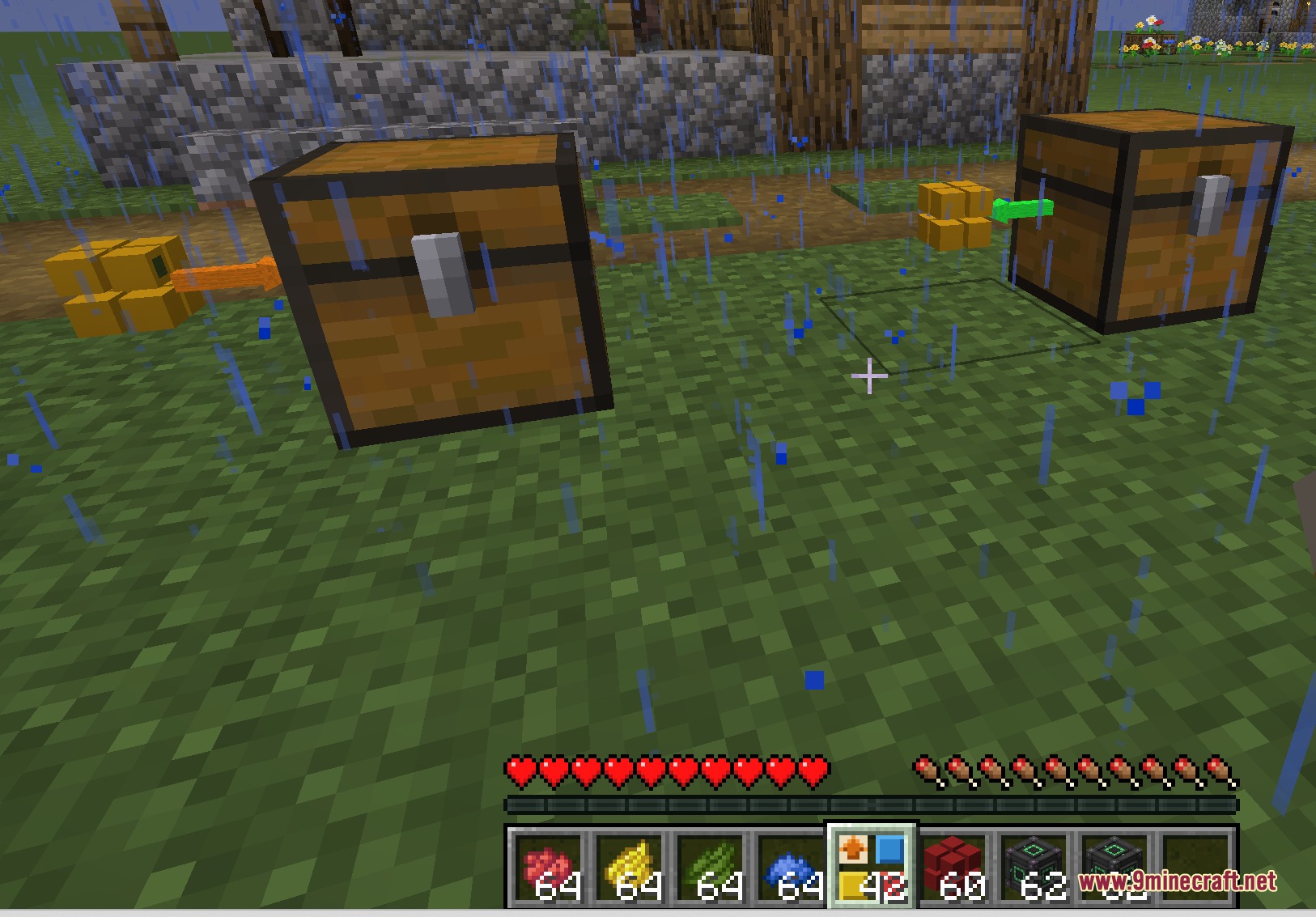
5 images from the Quick Link Wireless Logistics Mod page.