

 DownloadAdvancements Search Mod
Get the files on 9Minecraft
Guides
Step-by-step, in-game.
Combining Search Terms to Find an Advancement You Only Partly RememberWhen you only recall a vague detail about an advancement, a single keyword often returns too many results. The mod's…Finding Which Advancement Uses a Specific Item as Its IconSometimes you remember the item picture on an advancement but not its name. The icon search is built exactly for this…How to Search Advancements by Title, Description, or IconThe search bar in the advancements window behaves much like the creative inventory search, but it also understands…Jumping Straight to an Advancement in the Tree from Search ResultsThe highlight function is the core convenience of this mod: instead of manually scrolling a large advancement tree to…
Frequently asked questions
How do I open the advancement search bar?
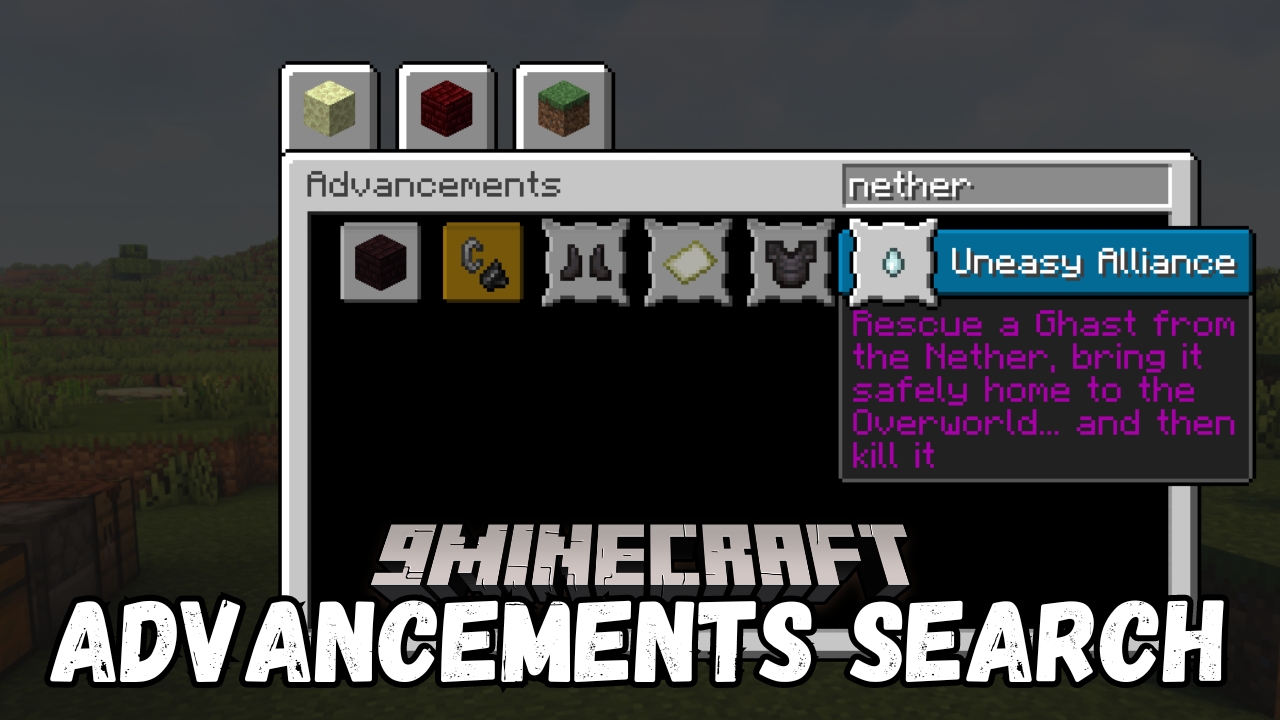
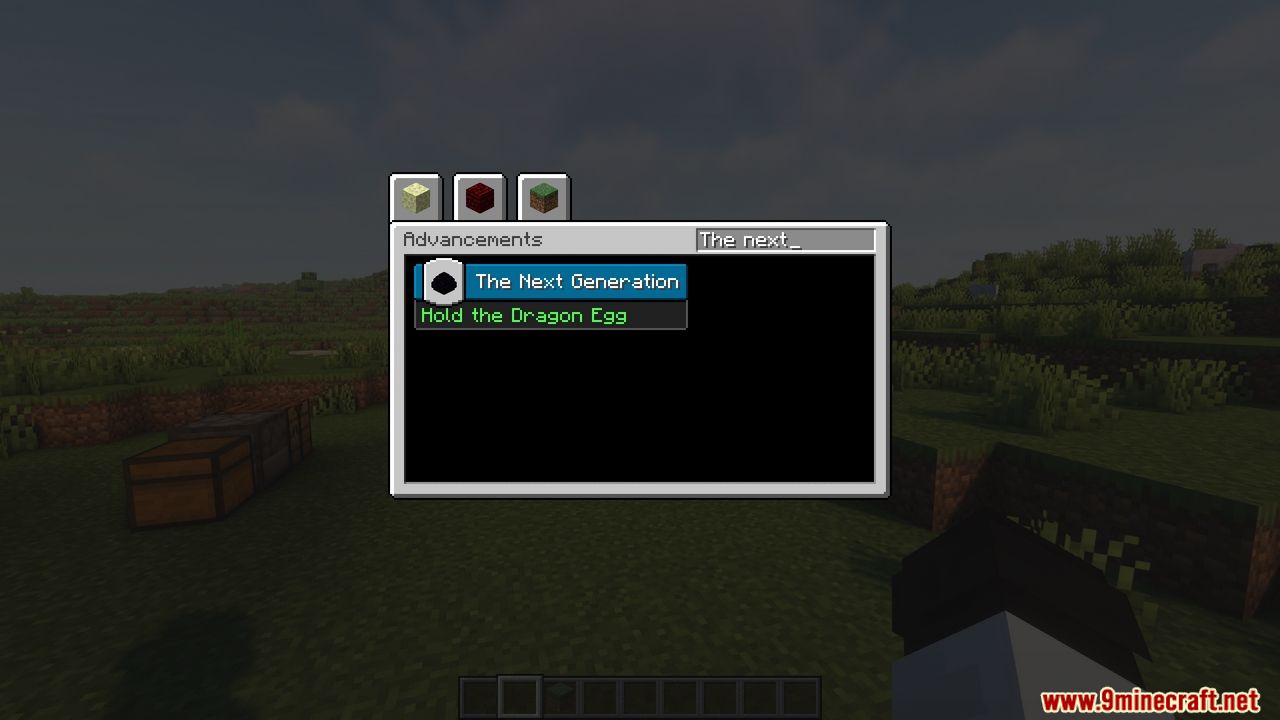
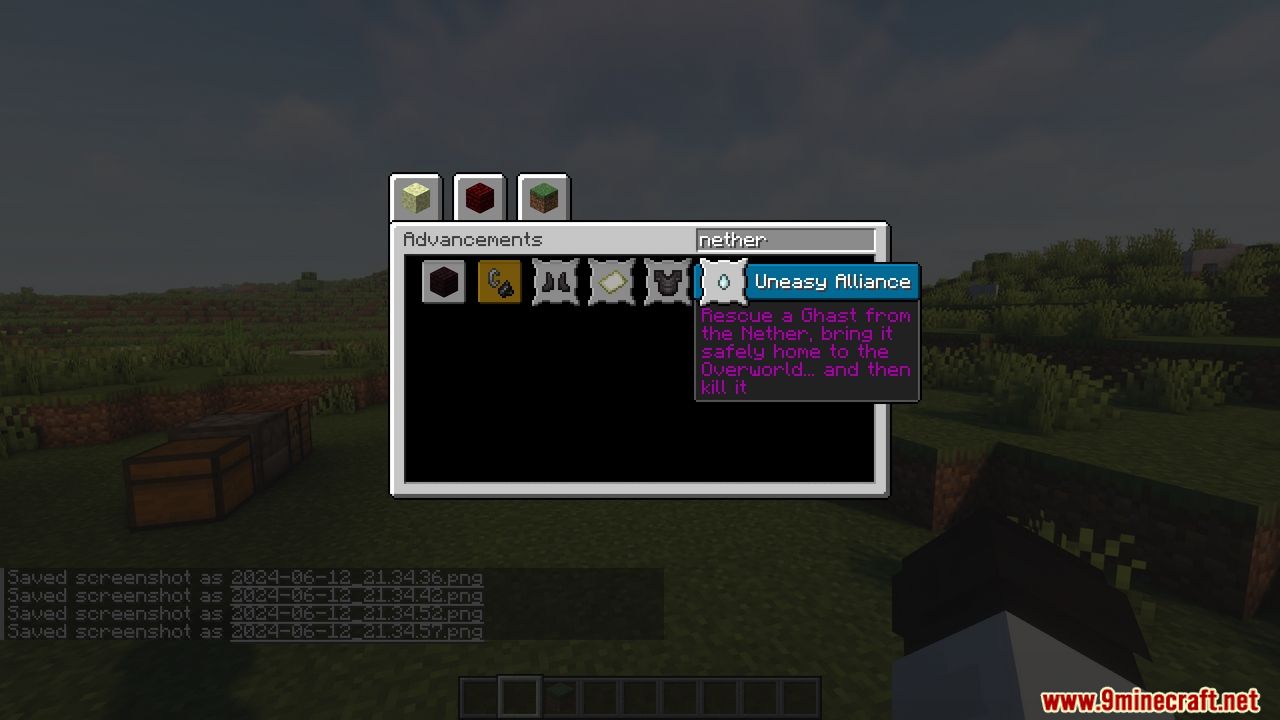
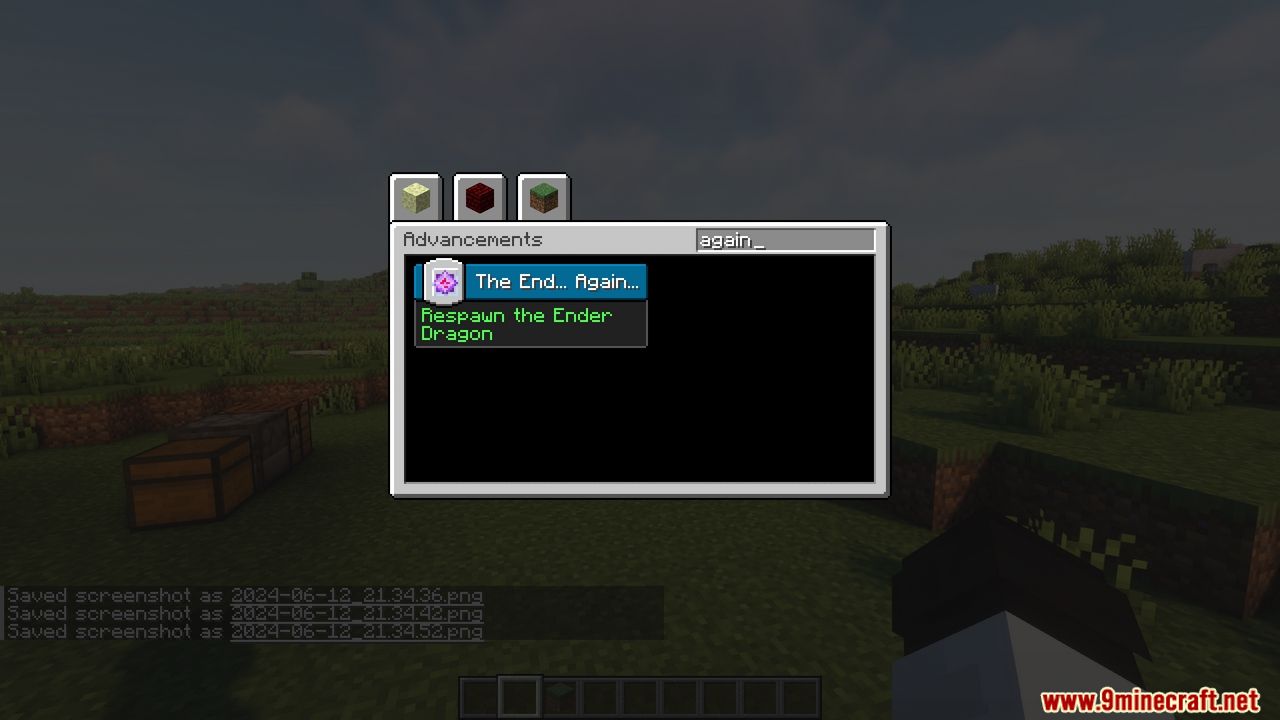
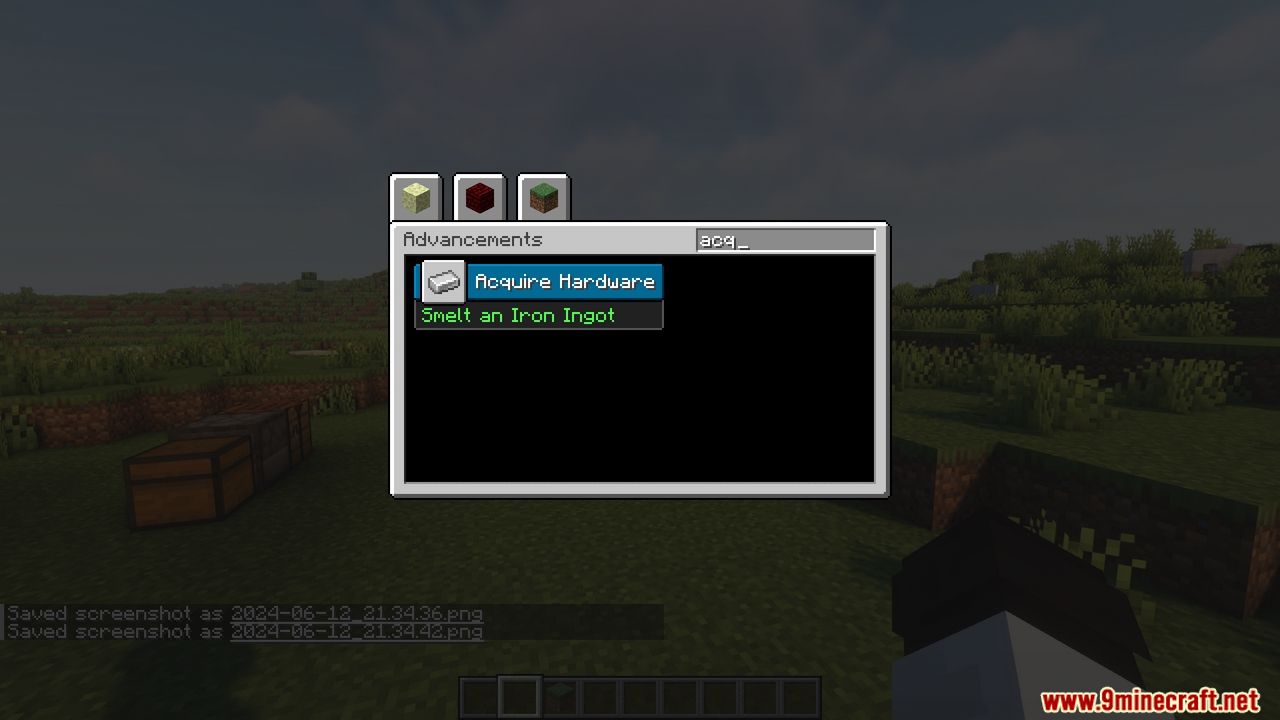
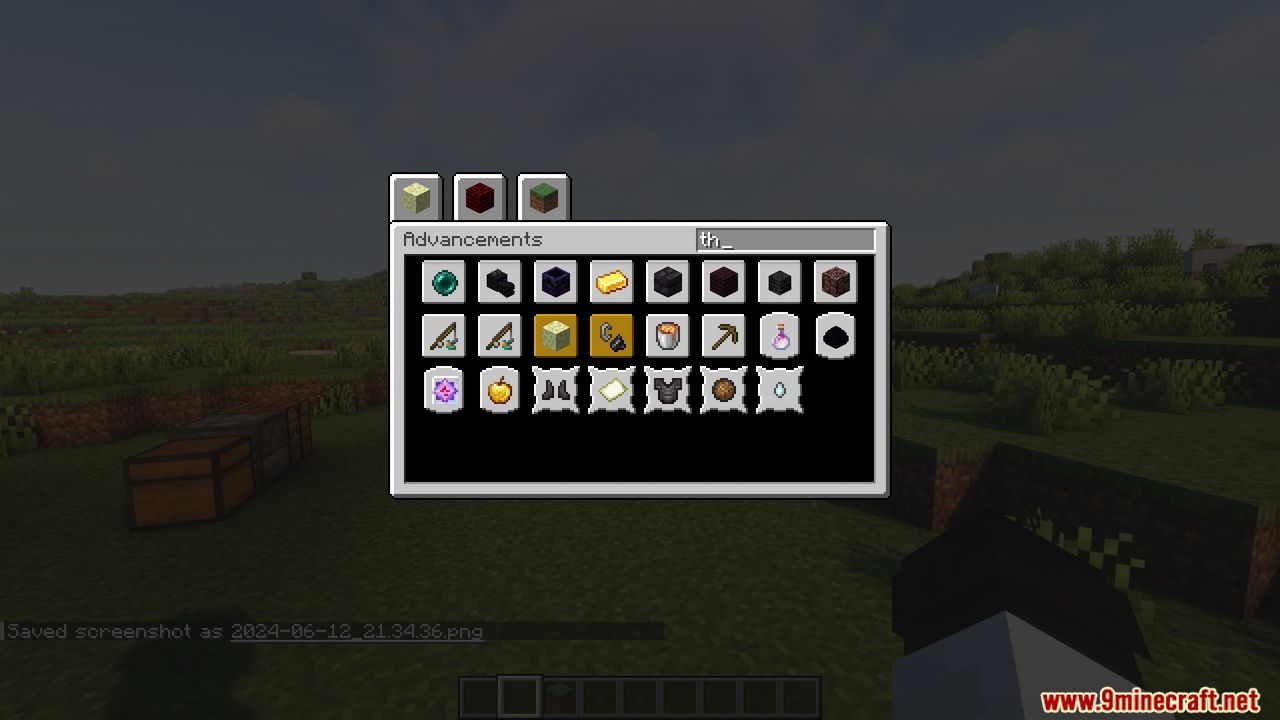
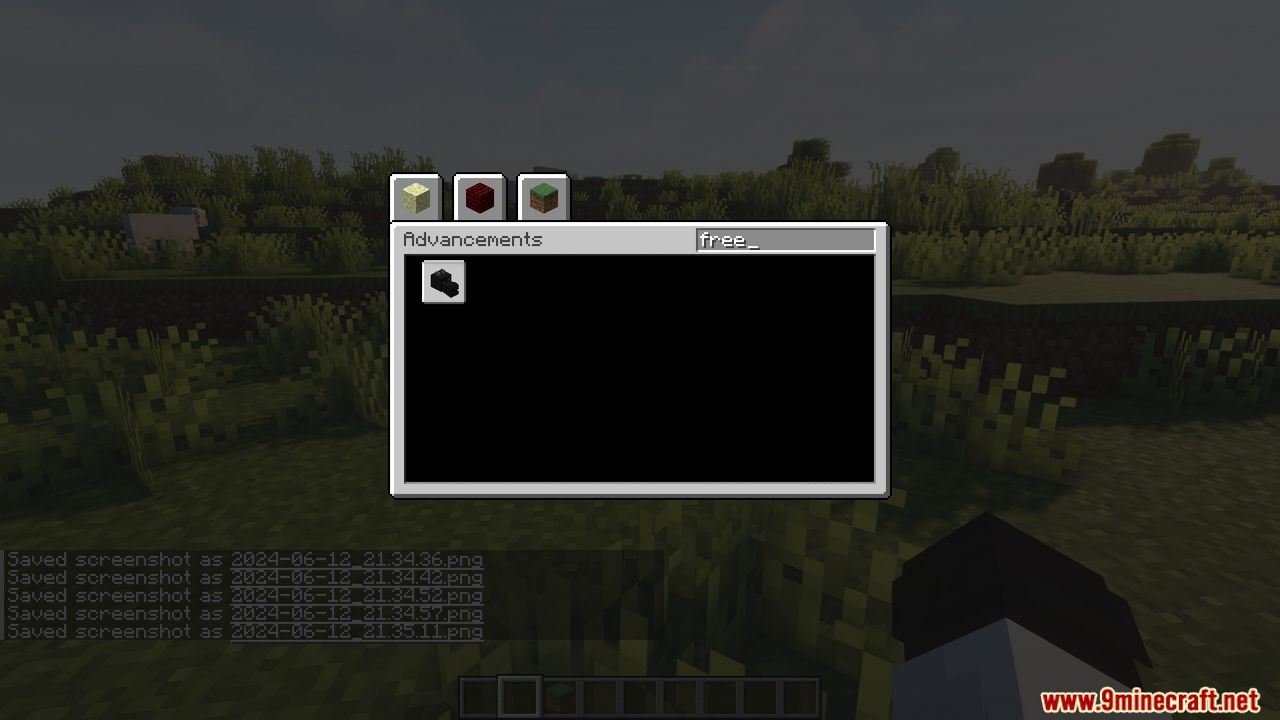
Open your advancements window like normal, then look for the search field added by the mod. Type your keyword there and the results grid will populate as you type.
What does the search actually look through?
It searches advancement  titles, descriptions, and the names of items used as advancement icons. So you can find an advancement even if you only remember the item shown on it.
How do I search only in titles?
How do I find an advancement by the item shown on it?
Use the icon: prefix followed by the item name, for example icon: cake. The mod will return advancements whose icon matches that item.
See all 10 Advancements Search questions ›
Gallery
7 images from the Advancements Search Mod page.
You May Also Like
Wikis that share the most with this one
More mod wikis on the site
The most downloaded mods that have a wiki here
A few wikis from each of the other kinds