

 DownloadCrafting Tweaks Mod
Get the files on 9Minecraft
Overview
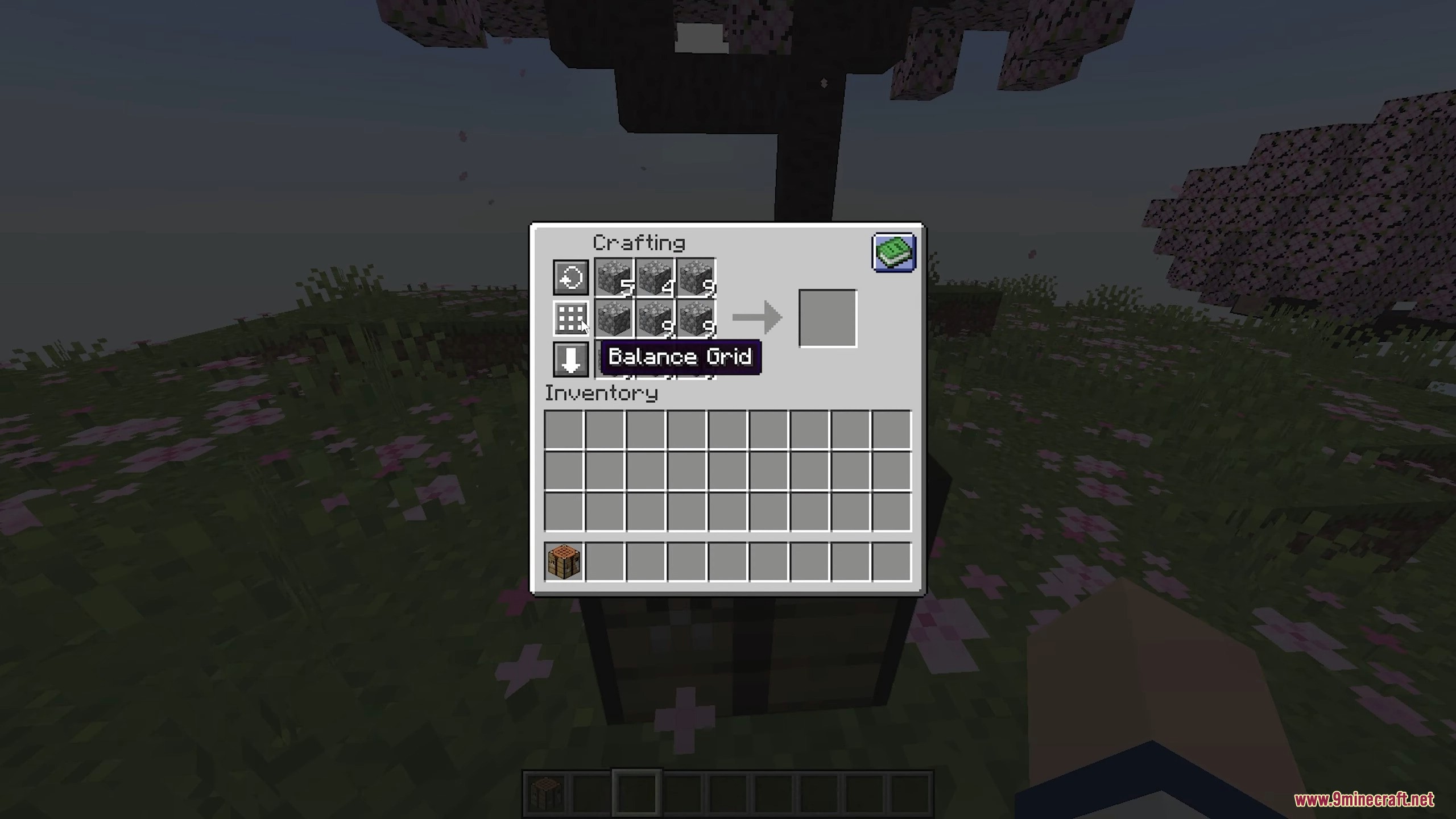
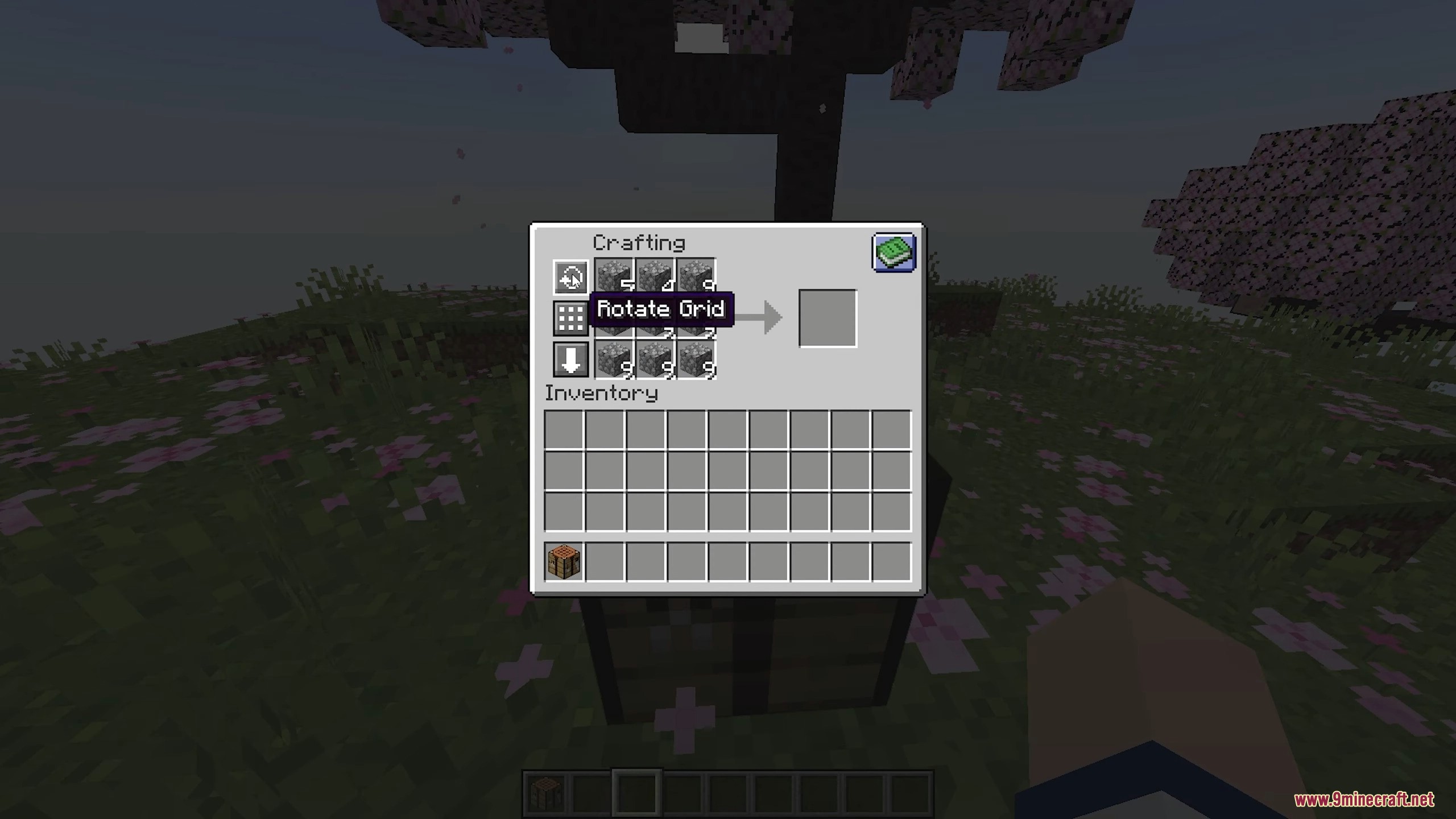
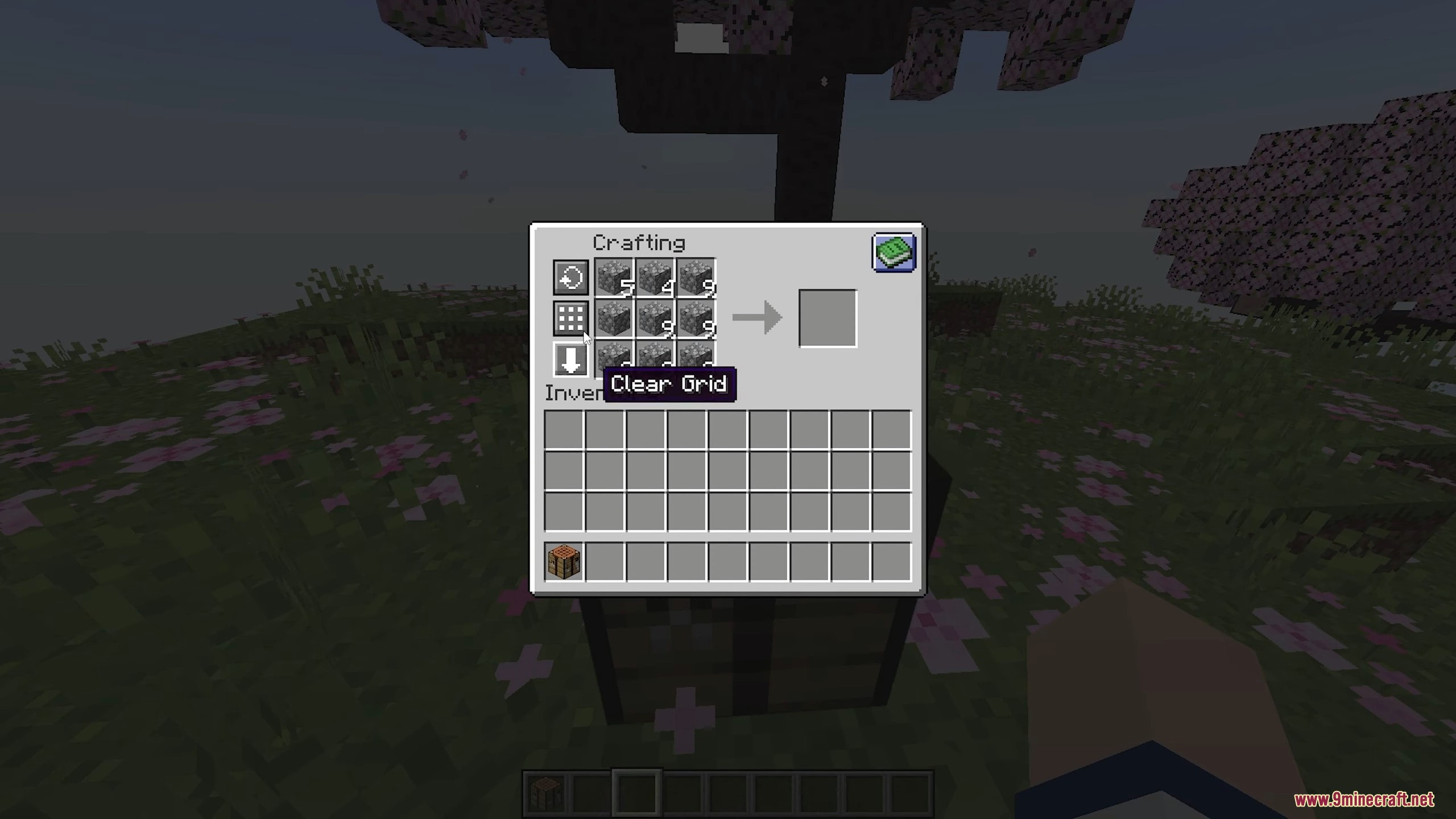
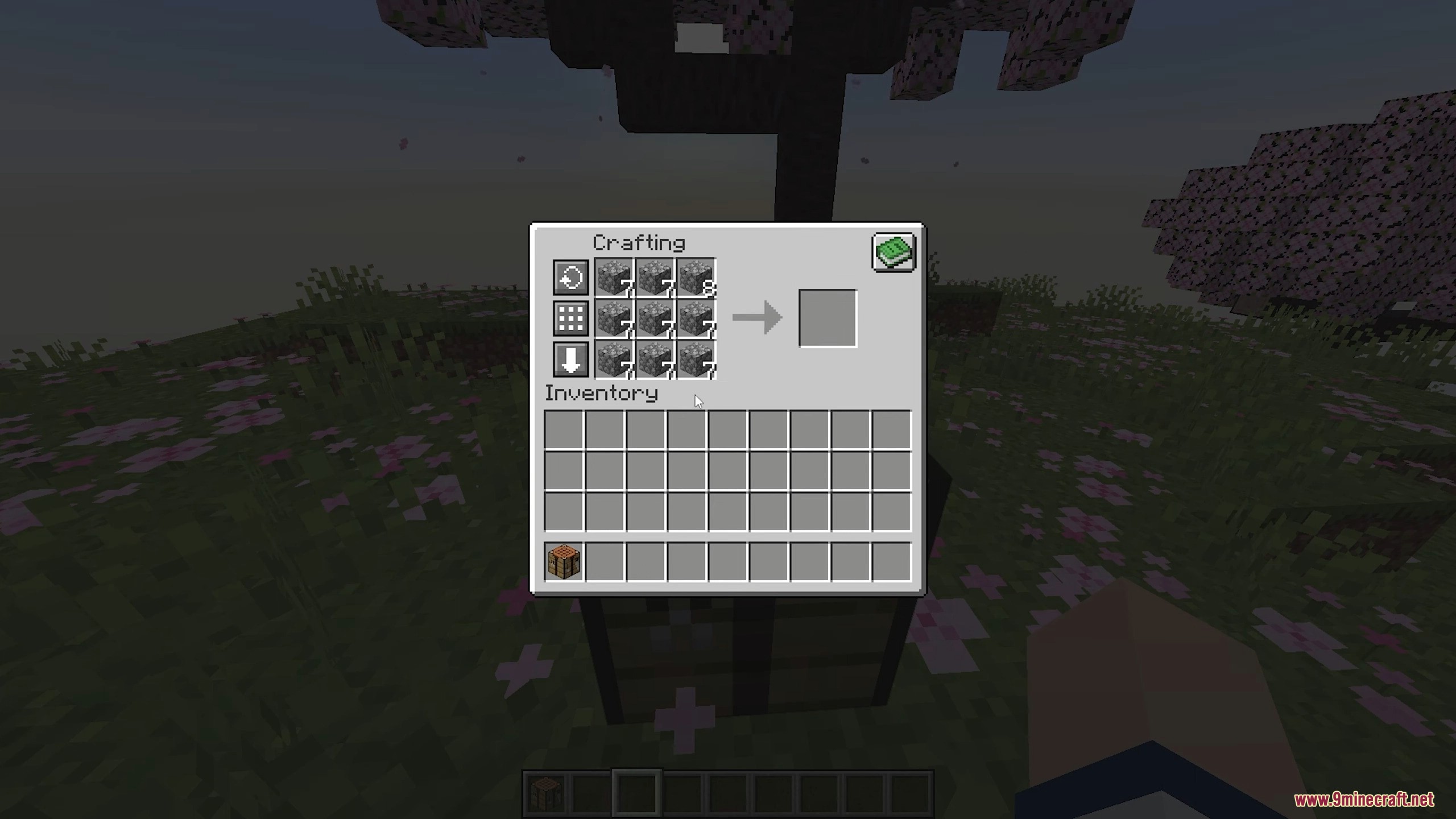
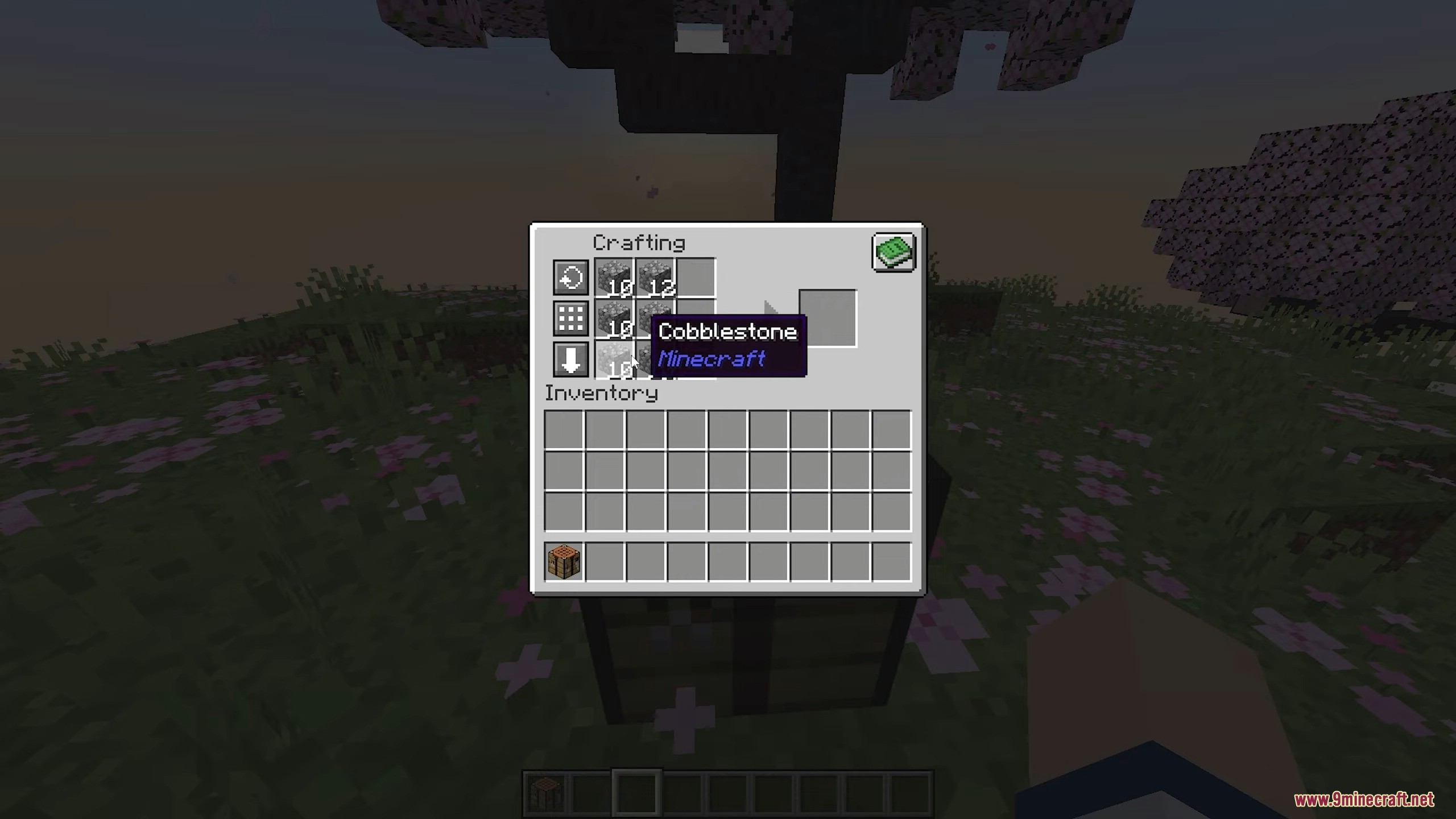
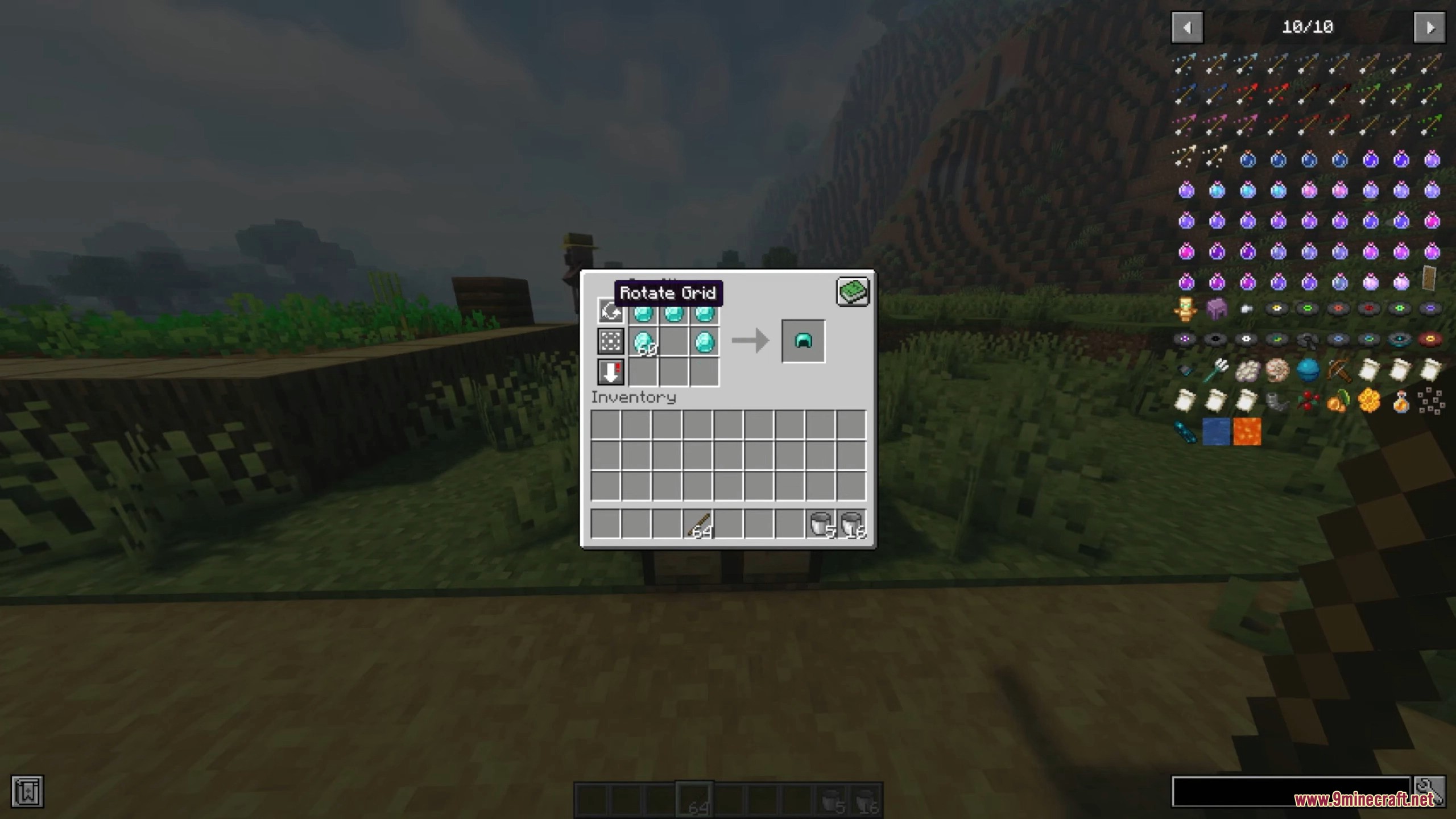
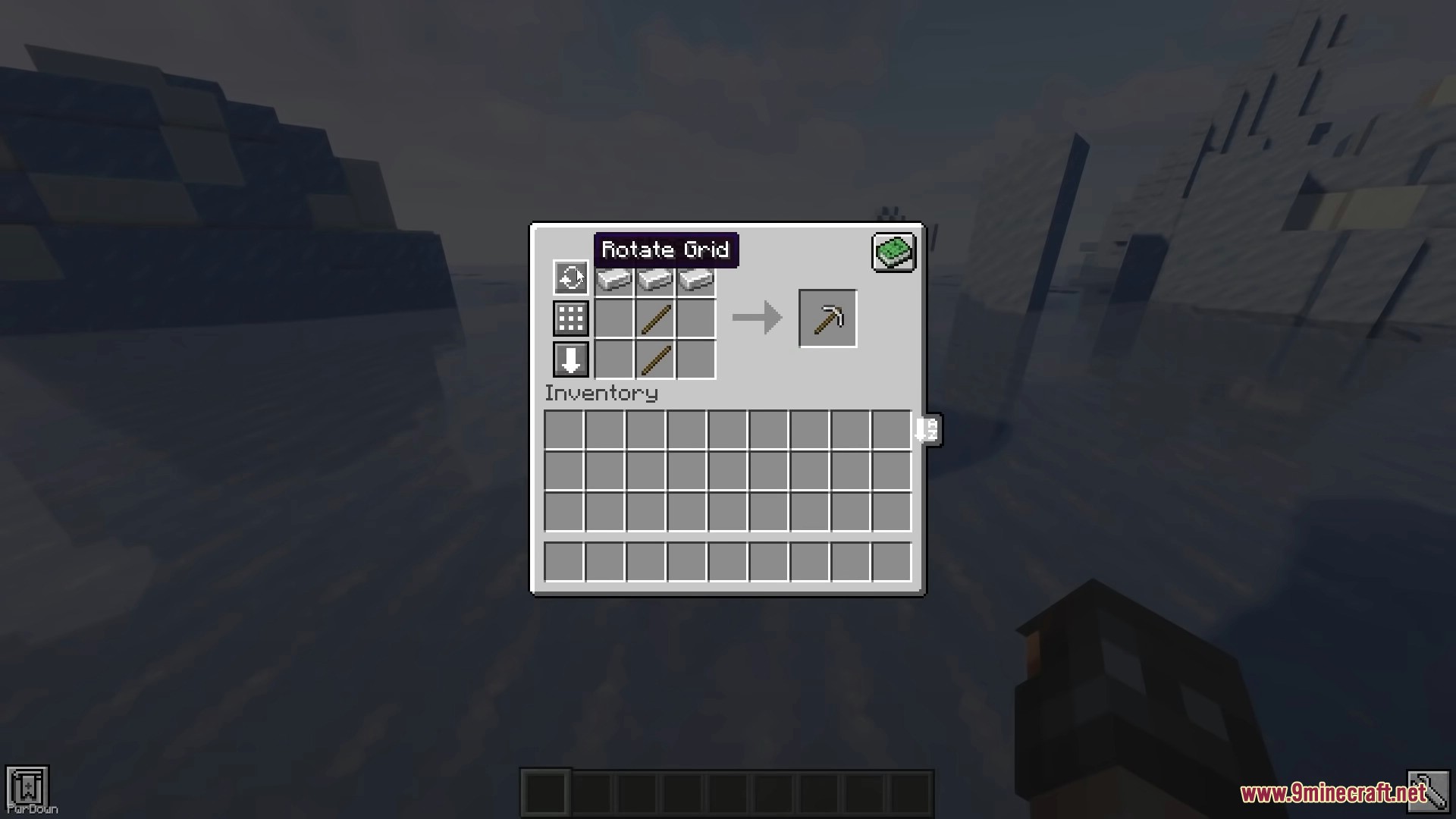
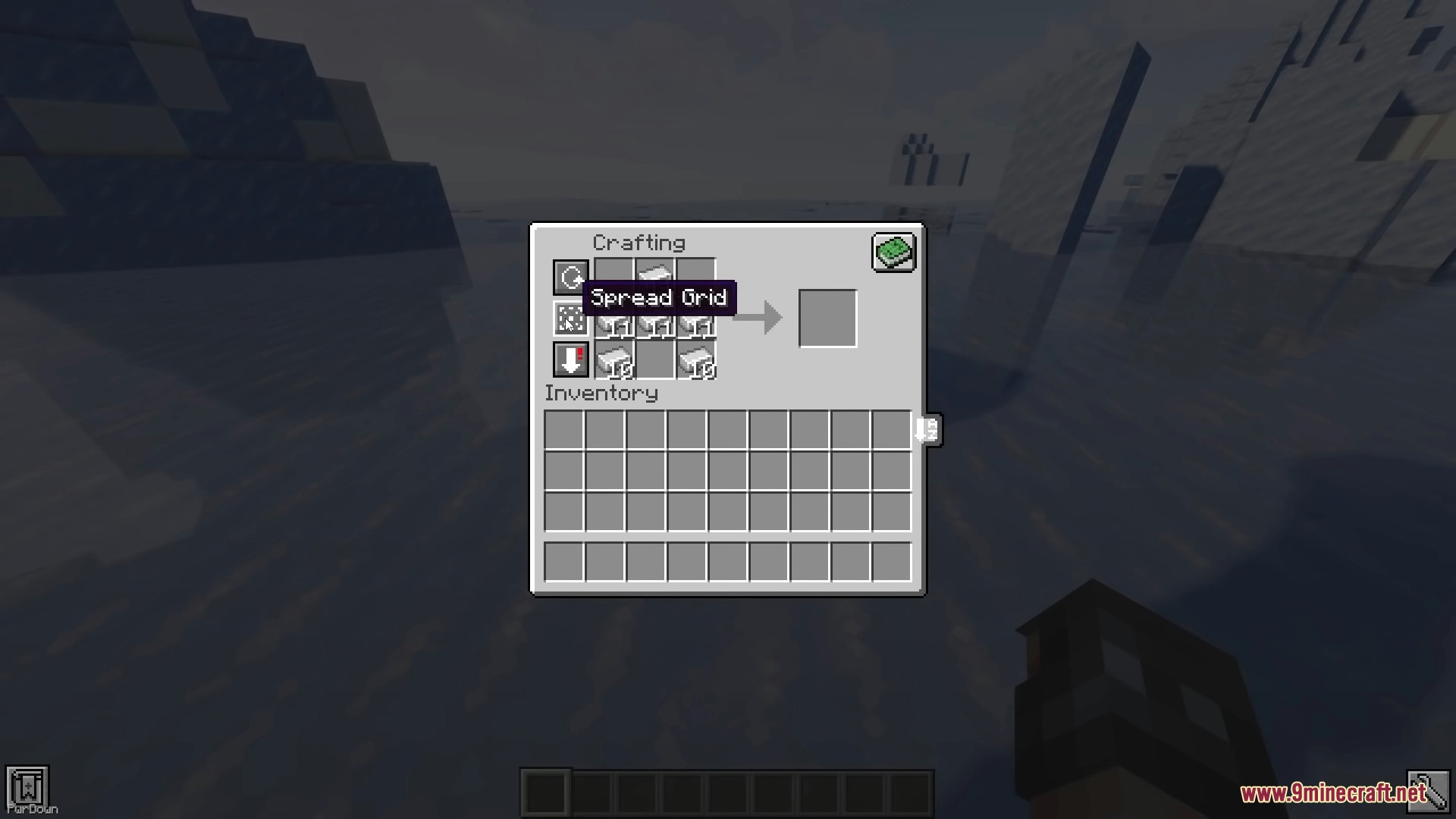
Crafting Tweaks is a quality-of-life mod designed to streamline the crafting process in Minecraft. It integrates seamlessly into the standard Crafting Table GUI and many modded crafting windows, providing three primary functional buttons: Rotate, Balance, and Clear. Beyond these basic functions, the mod includes advanced features like item spreading, mass crafting, and instant compression of materials into blocks via keybinds.
As a utility-focused mod, Crafting Tweaks does not add new mobs, creatures, biomes, or dimensions. It focuses entirely on enhancing the user interface and interaction mechanics of existing crafting systems. It is designed to be 'bi-optional,' meaning it can function on the client-side even if the server does not have it installed, though certain features like external compression require server-side installation.
In-game Screenshots


Guides
Step-by-step, in-game.
Frequently asked questions
How do I use crafting tweaks?
What do the buttons on the crafting table do?
How do I rotate the crafting output?
How do I balance items in the crafting grid?
See all 20 Crafting Tweaks questions ›
Gallery
9 images from the Crafting Tweaks Mod page.
You May Also Like
Wikis that share the most with this one
More mod wikis on the site
The most downloaded mods that have a wiki here
A few wikis from each of the other kinds