

 DownloadLoad My Resources
Get the files on 9Minecraft
Overview
Normally, changing one texture means editing a file, rezipping the pack, and reloading it. Load My Resources removes the middle step entirely.
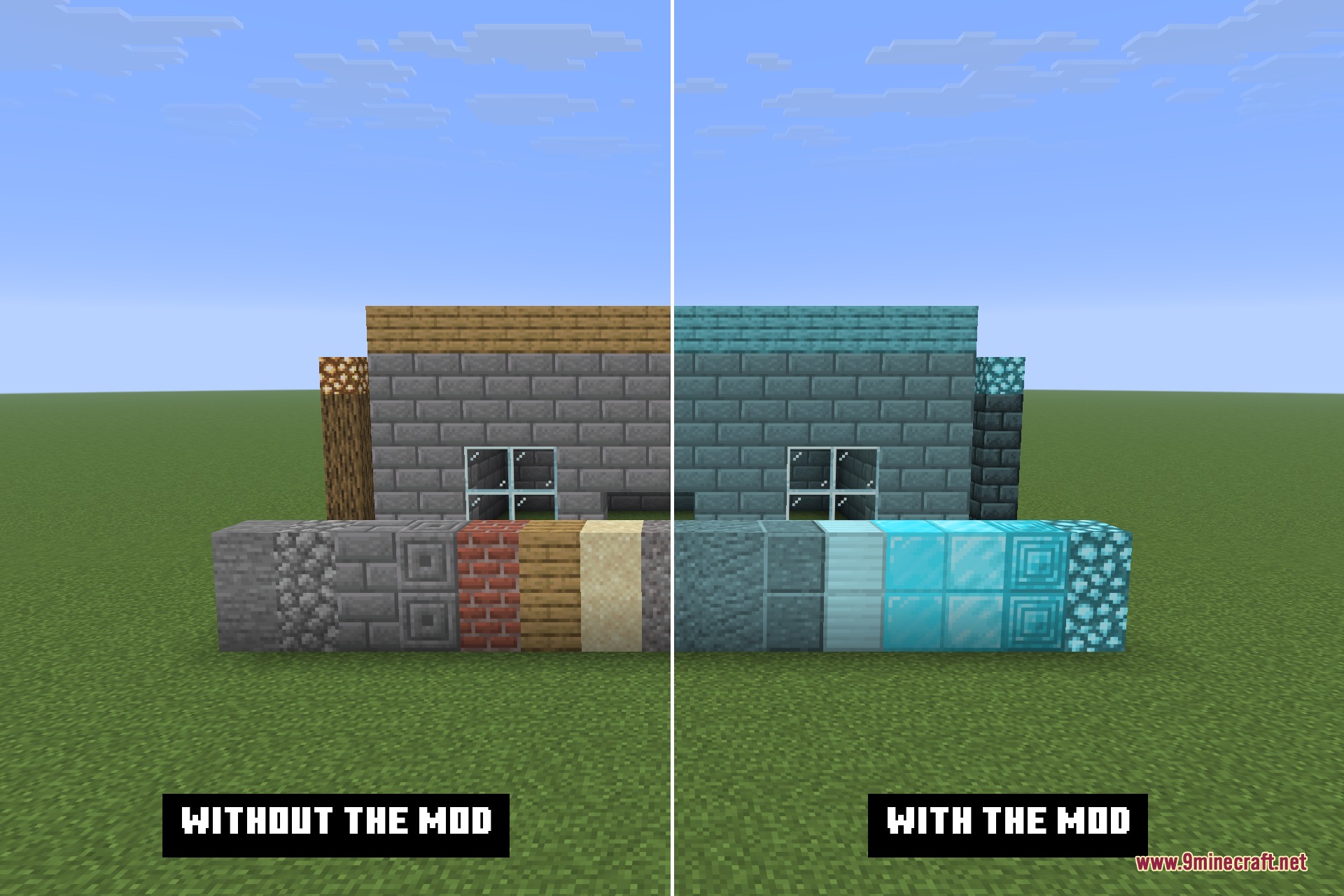
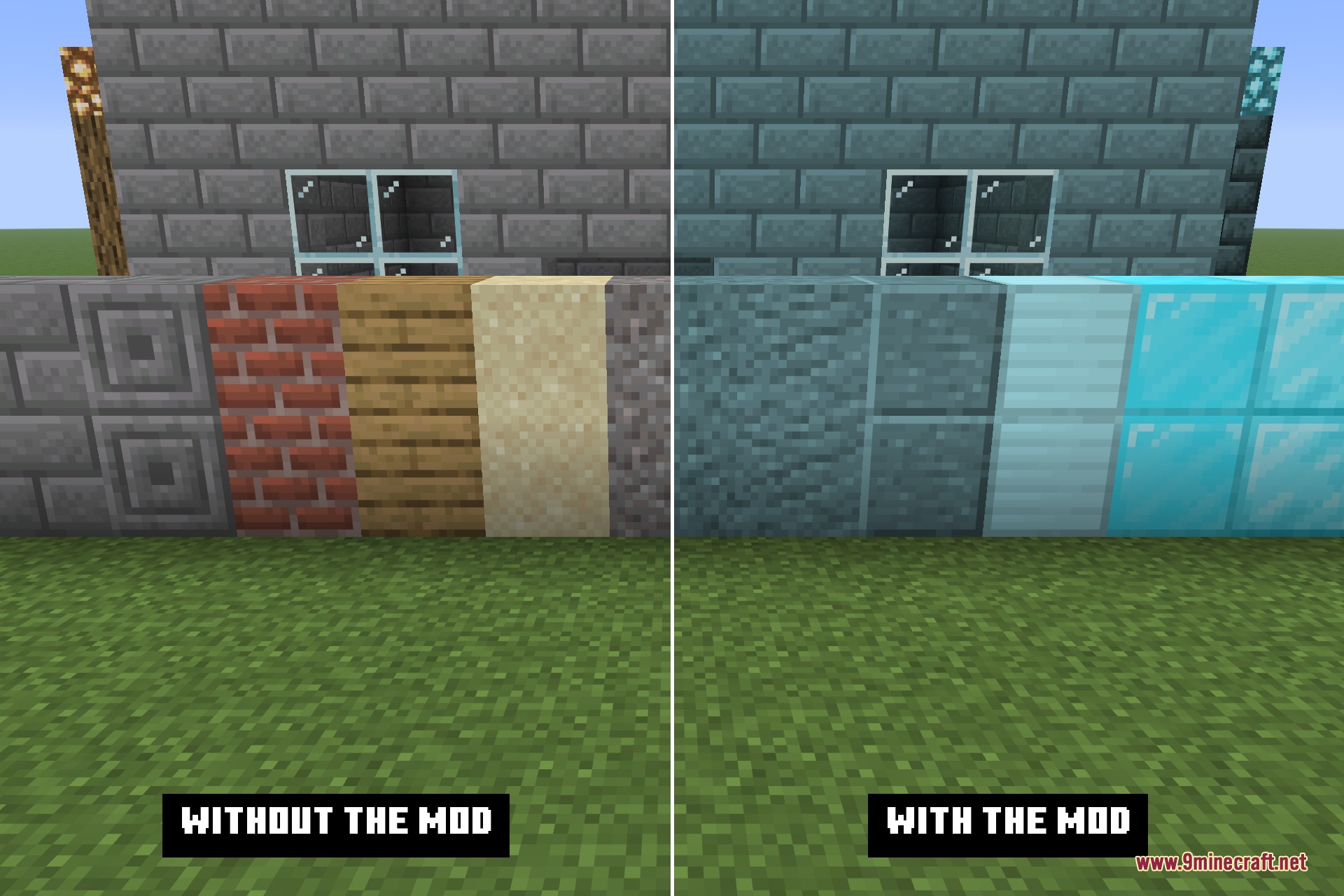
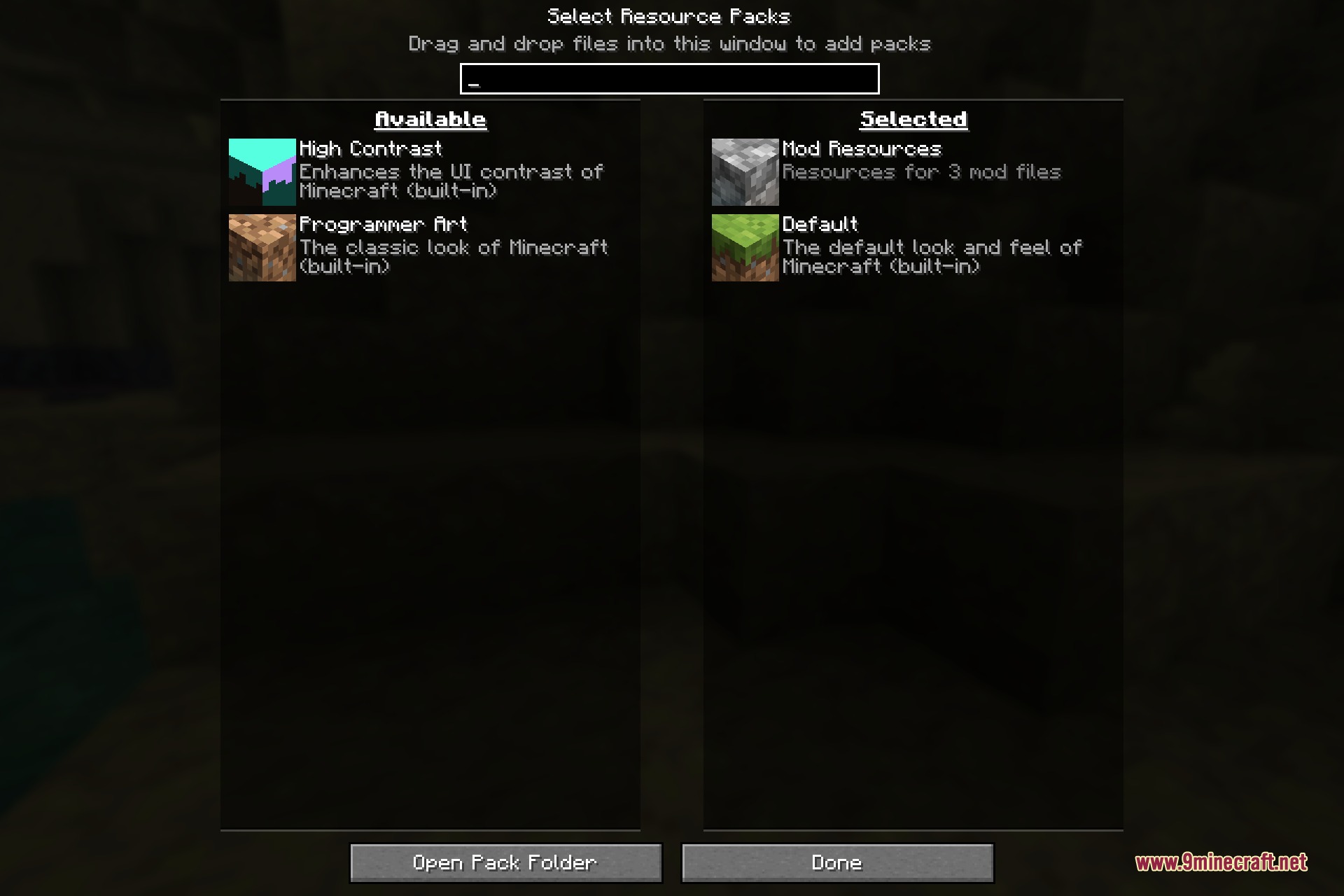
It registers a folder - resources next to your world saves by default - as a resource pack that is always on. Files inside it are read exactly as if they came from a pack you had enabled by hand, except there is no zip, no pack.mcmeta, and nothing to switch on. The folder does not appear in the Resource Packs screen at all, so it cannot be turned off or reordered by accident.
Normally, changing one texture means editing a file, rezipping the pack, and reloading it. Load My Resources removes the middle step entirely.
It registers a folder - resources next to your world saves by default - as a resource pack that is always on. Files inside it are read exactly as if they came from a pack you had enabled by hand, except there is no zip, no pack.mcmeta, and nothing to switch on. The folder does not appear in the Resource Packs screen at all, so it cannot be turned off or reordered by accident.
Guides
Step-by-step, in-game.
Frequently asked questions
What does the Load My Resources Mod do?
Do I need to enable Load My Resources manually like a normal resource pack?
When are the resources from this mod loaded?
Is there a guide available for Load My Resources?
See all 6 Load My Resources questions ›
Dependencies
Other mods required (or optional) to run this mod.
Gallery
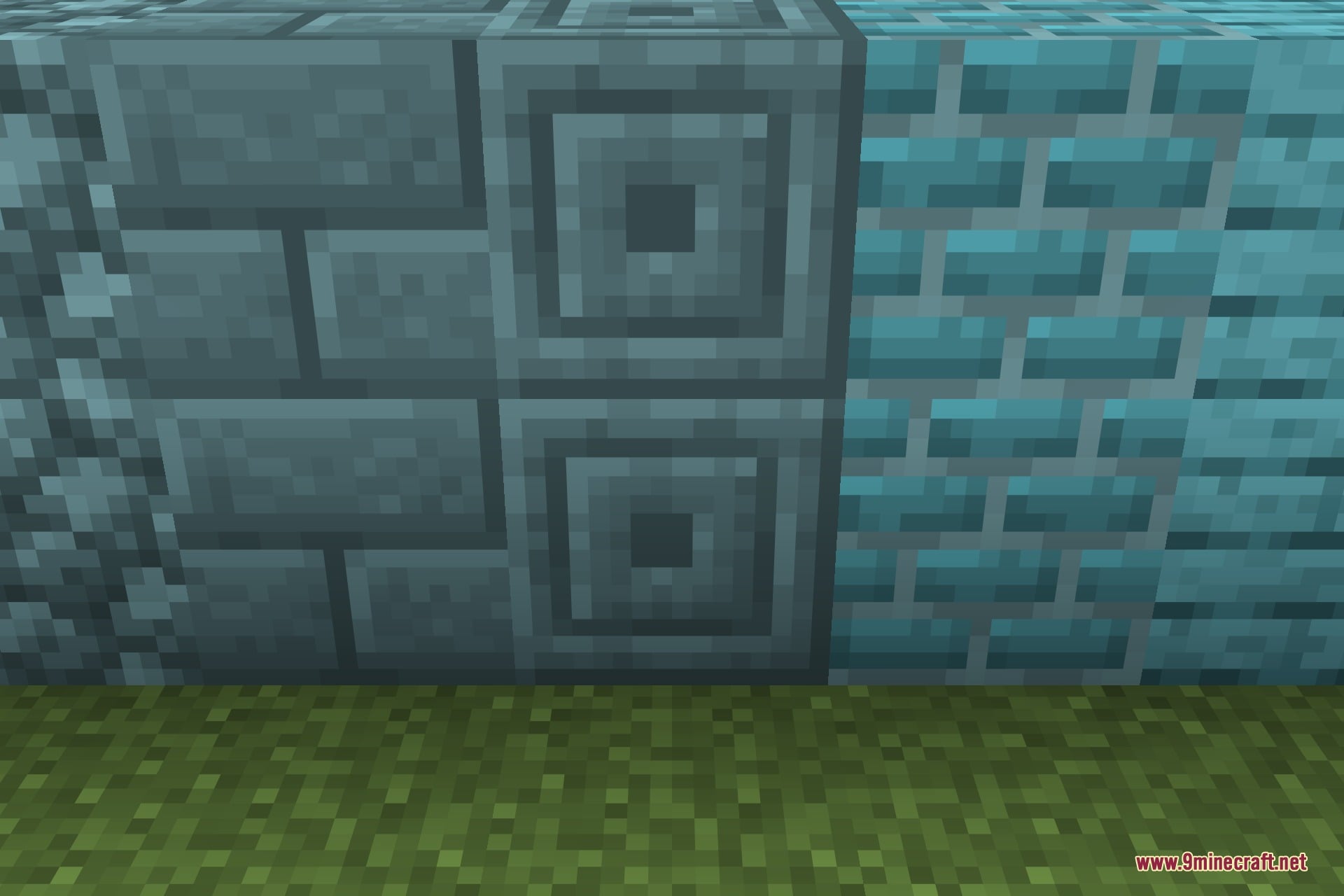
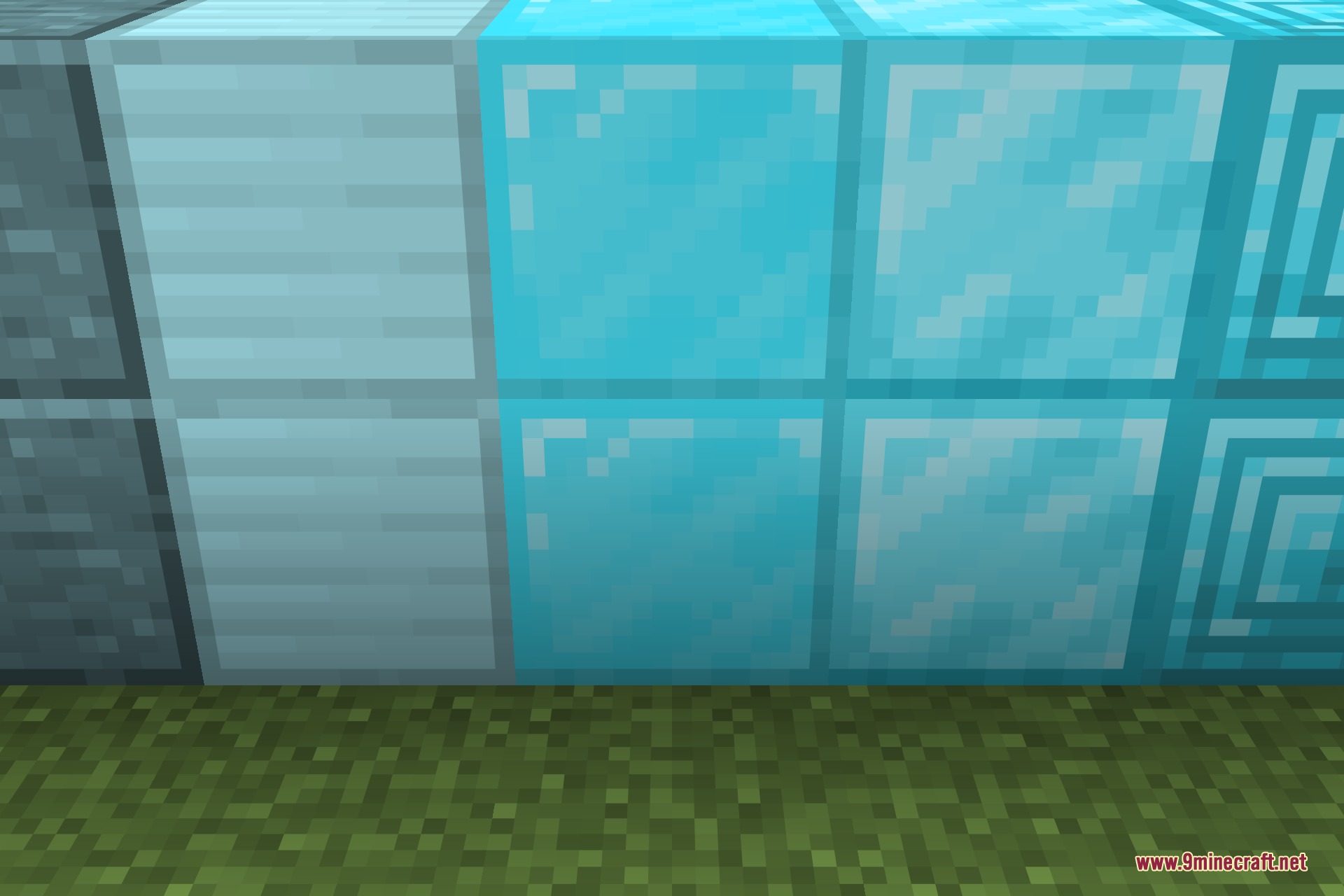
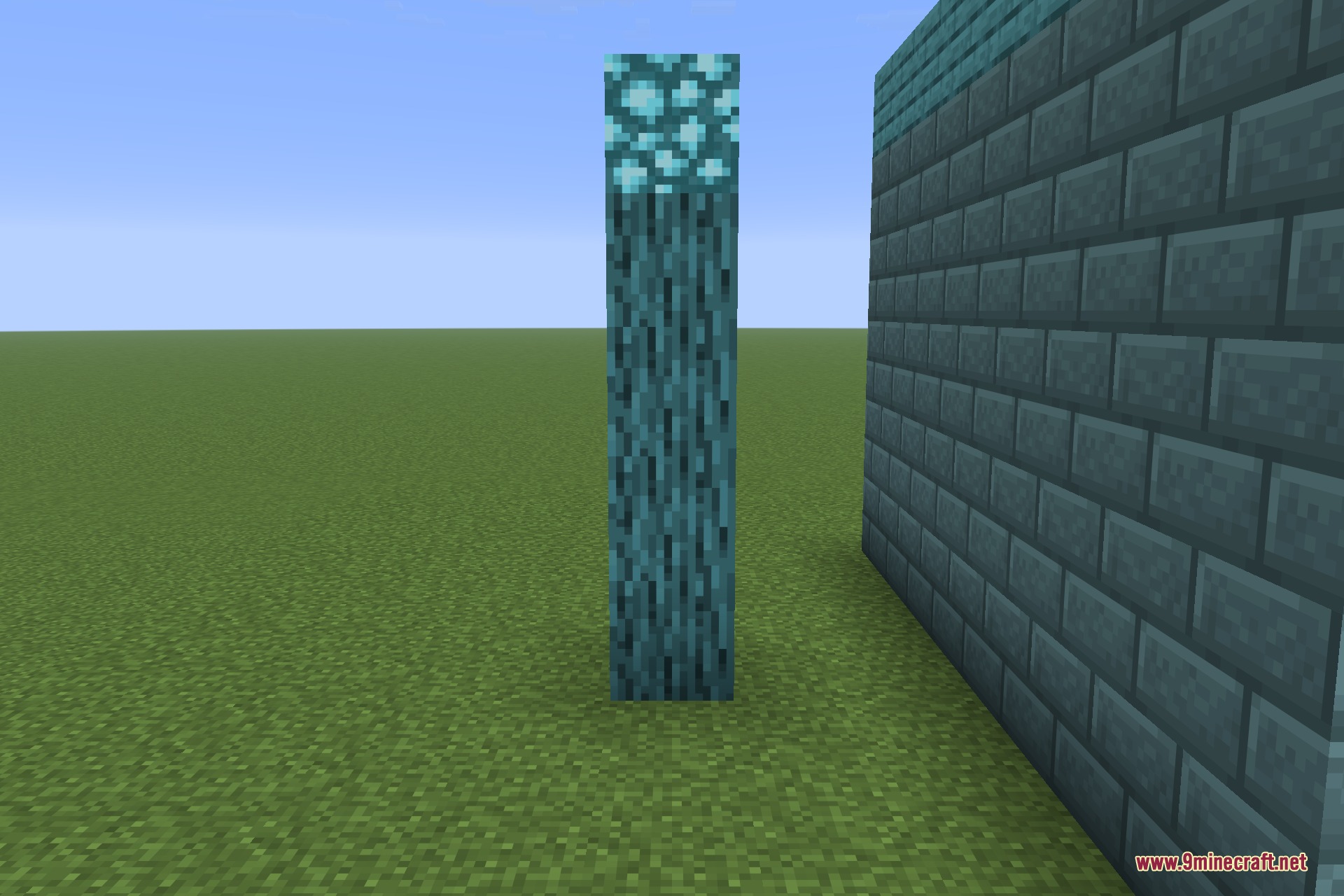
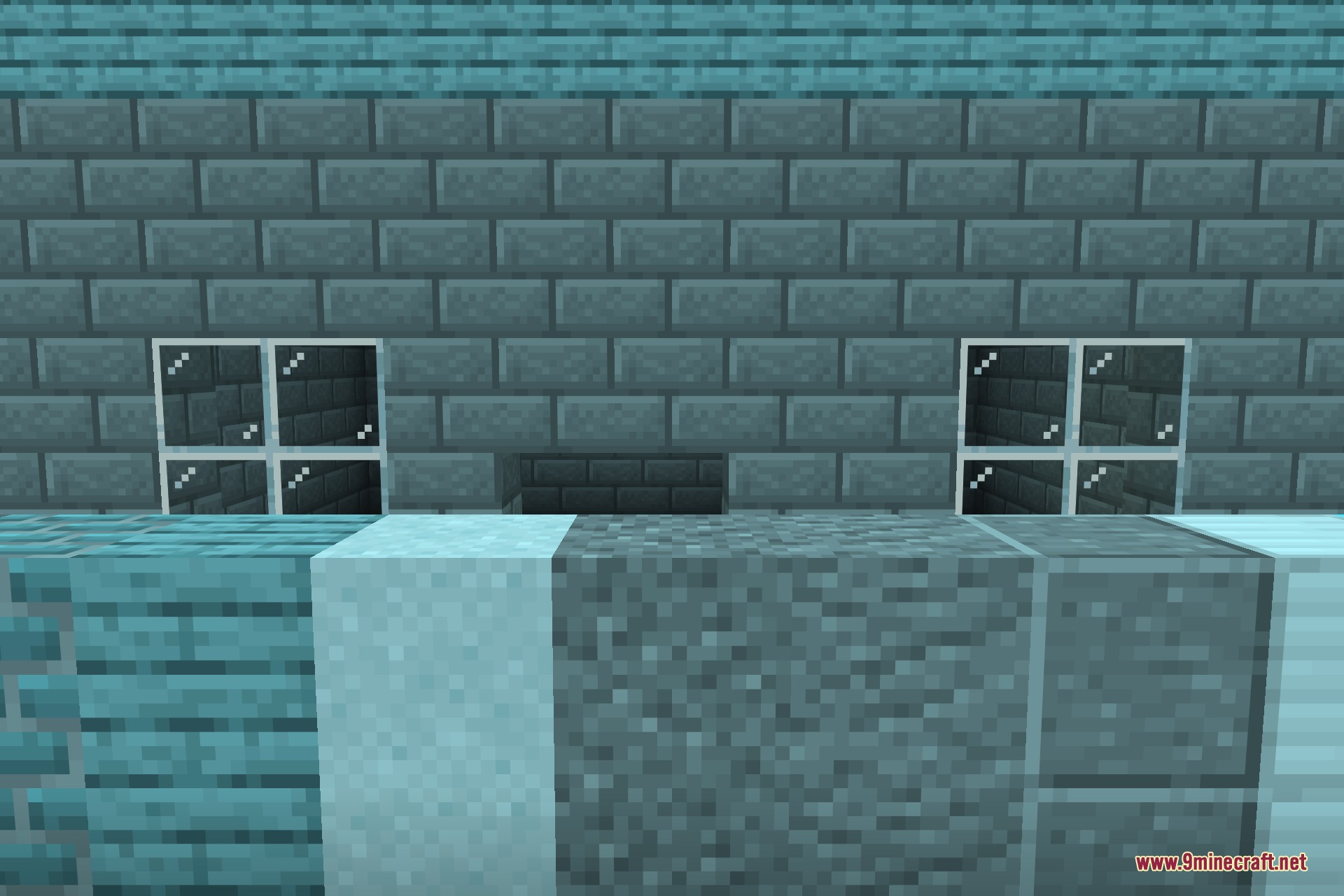
12 images from the Load My Resources 9Minecraft Mod page.
You May Also Like
Wikis that share the most with this one
More mod wikis on the site
The most downloaded mods that have a wiki here
A few wikis from each of the other kinds