

 DownloadVivid Amber Bloom Shaders
Get the files on 9Minecraft
Guides
Step-by-step, in-game.
Adjust Shader Bloom Intensity for Your PreferenceAccess Shader Settings Press Shift + O (or your configured shader menu key) while in-game to open the shader options…Enhance Color Vibrancy in Your WorldOpen Shader Customization Access the shader menu ( Shift + O ) to find color and saturation controls. Vivid Amber…Reduce Lag While Keeping Visual QualityDiagnose Performance Issues Press F3 to open the debug screen and check your FPS. If it's below your target…Switch Between Performance PresetsLocate Preset Options Open the shader settings menu ( Shift + O ) and find the performance profile selector. Vivid…
Frequently asked questions
How do I turn on the shader after installing it?
Open your Options menu in-game, go to Video Settings, then select Shaders. Find Vivid Amber Bloom in the list and click it to activate. You'll see the warm amber tones and bloom effects apply immediately to your world.
My game is running slow with this shader. What should I do?
Open the shader options (usually by pressing a key like Right Shift while in-game, or through Video Settings) and switch to a lower performance preset designed for your hardware. Start with the potato PC preset if you're unsure, then work your way up.
Can I make the bloom effect less intense?
Yes, open the shader options menu and look for bloom or glow intensity settings. You can dial down the bloom strength to suit your preference while keeping the rest of the visual effects.
Does this shader work with other mods?
Vivid Amber Bloom works with most mods, but custom blocks from other mods may not receive the same lighting and bloom effects as vanilla blocks. Mods that heavily alter rendering or lighting may conflict—test in-game to be sure.
See all 10 Vivid Amber Bloom Shaders questions ›
Gallery
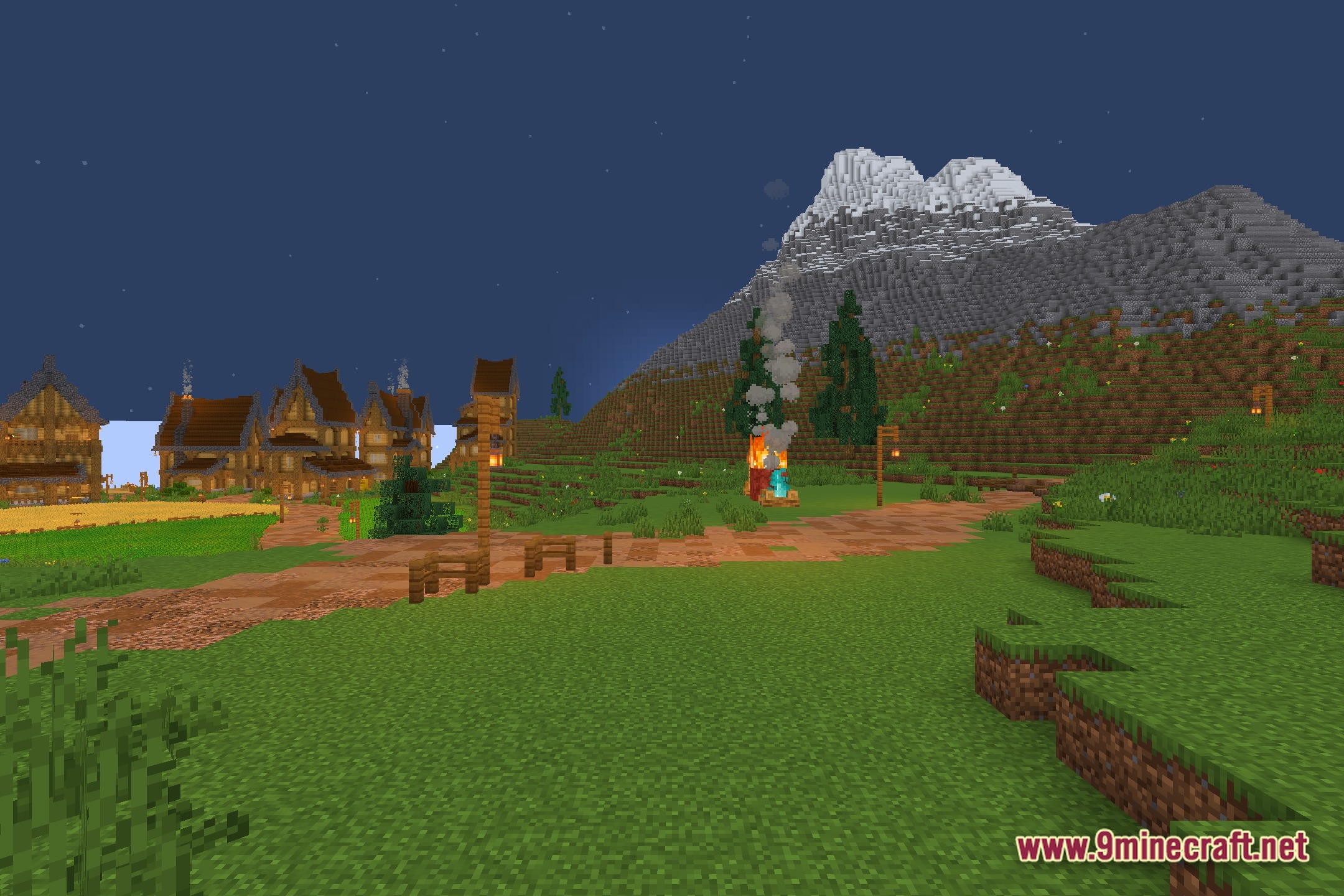
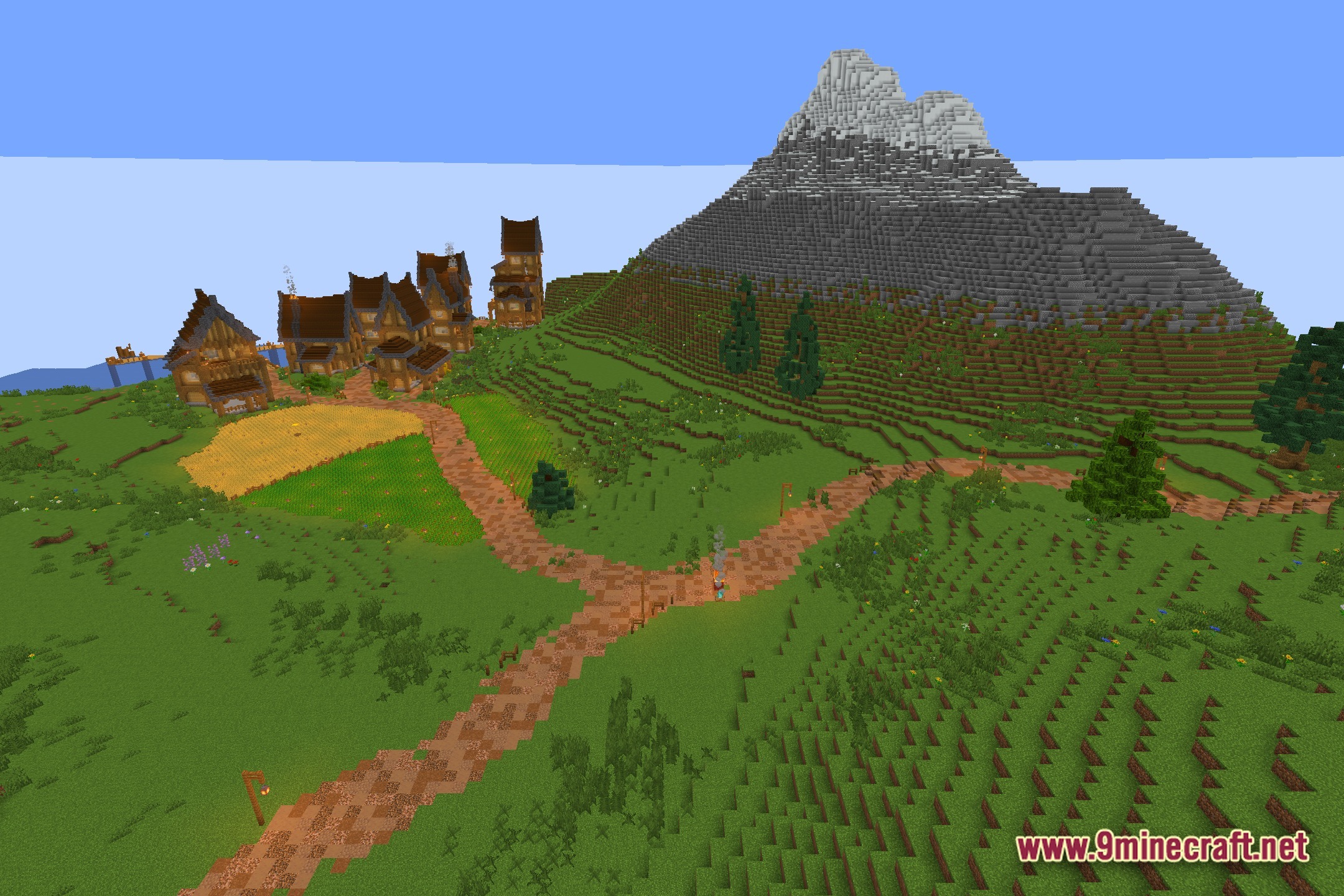
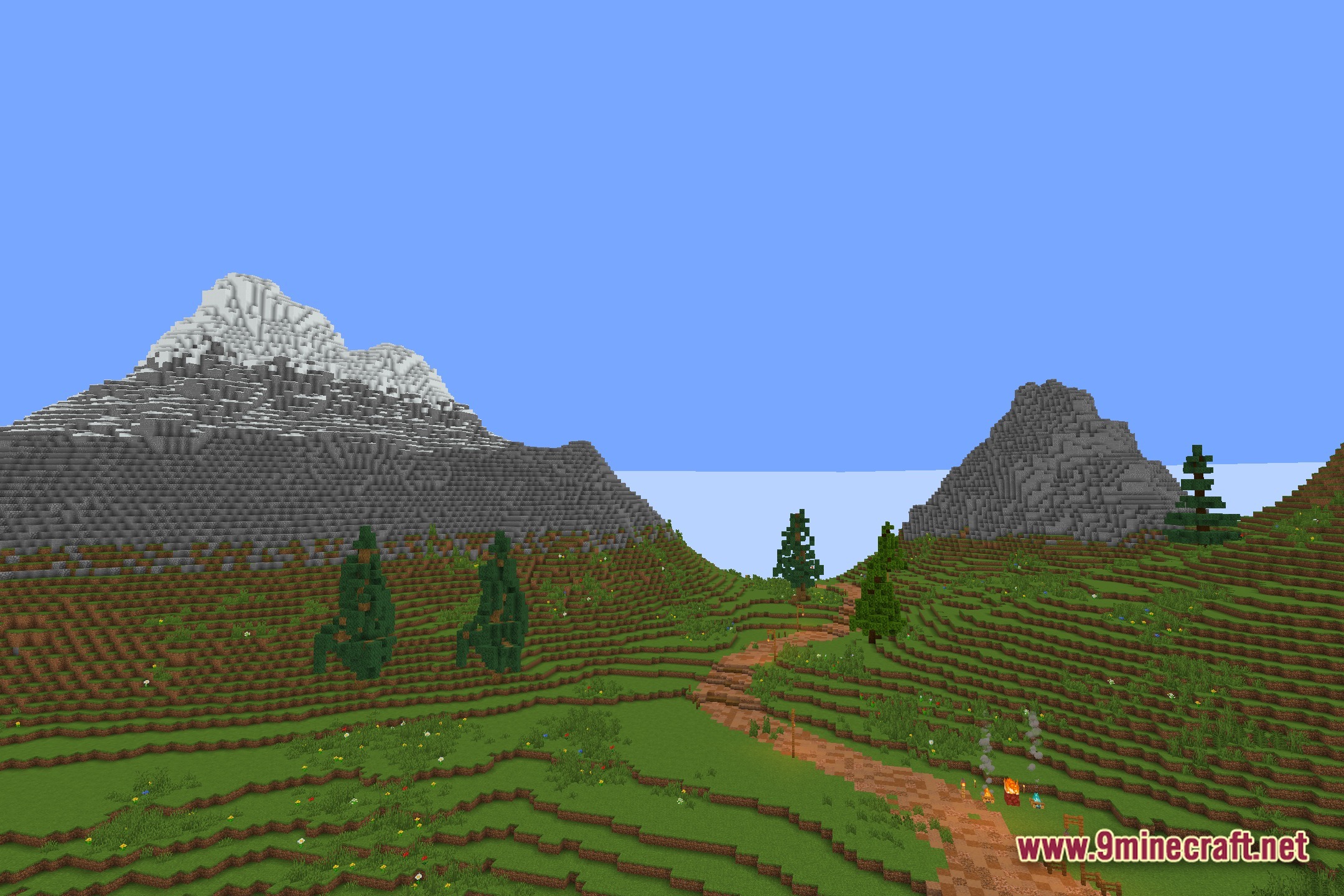
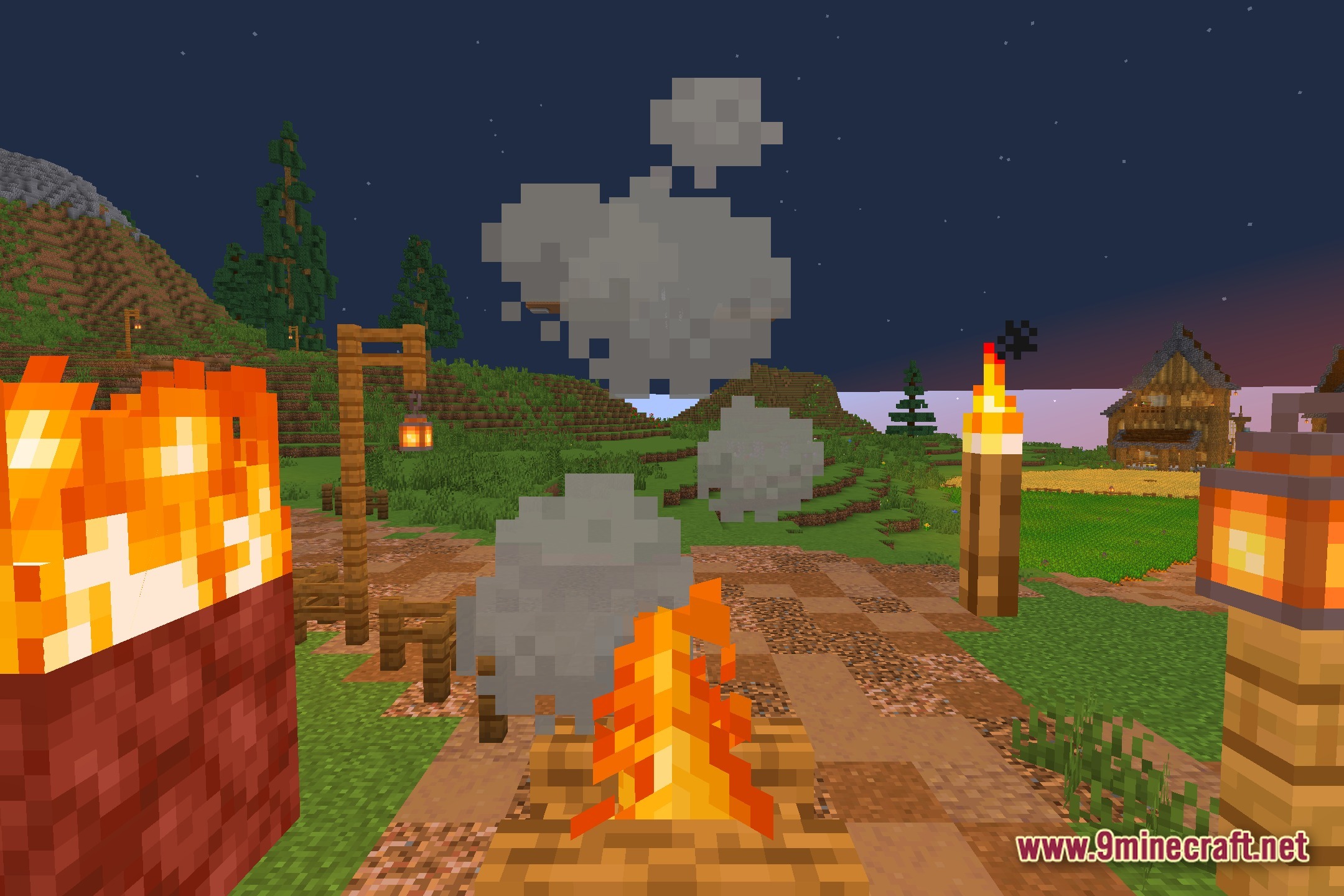
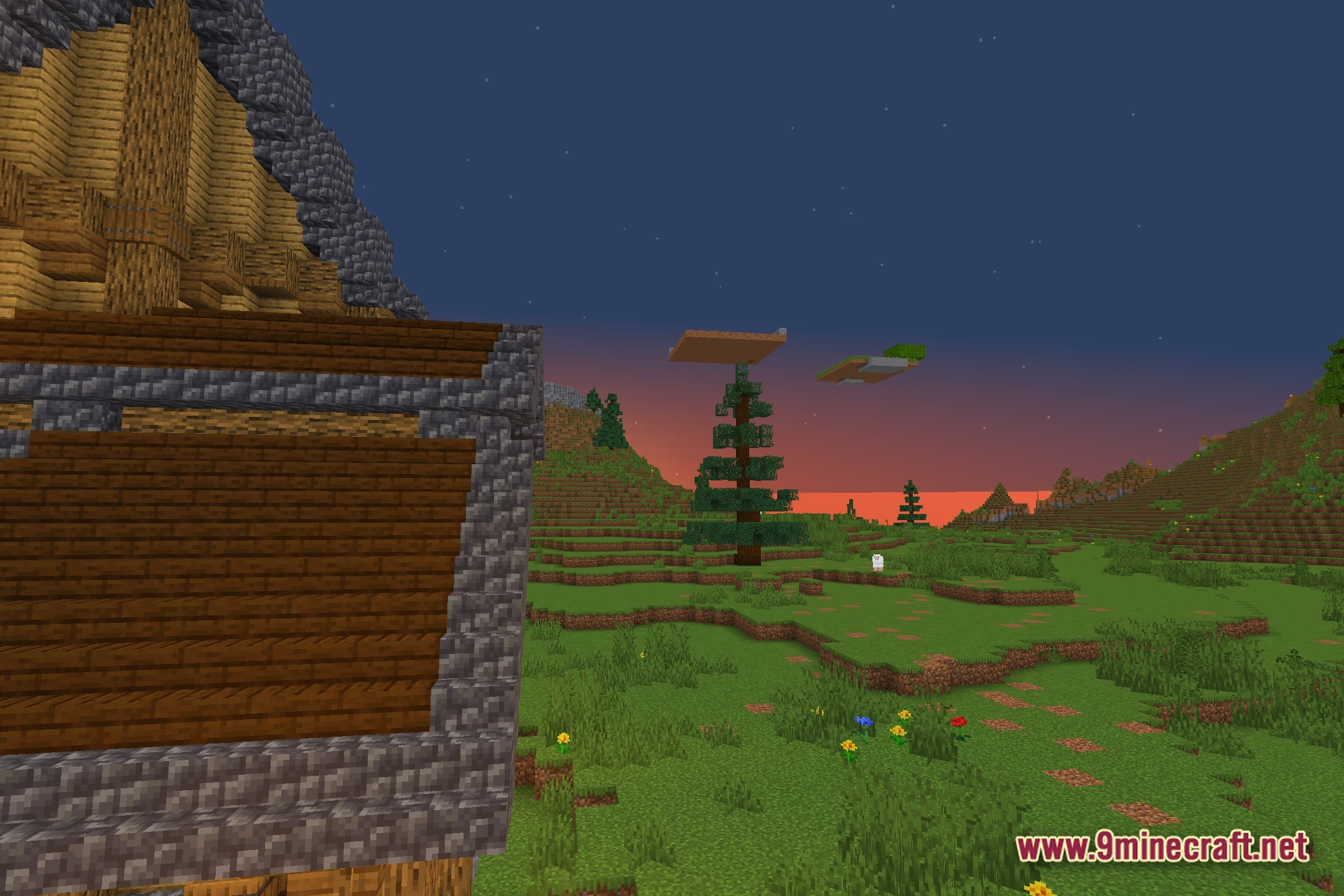
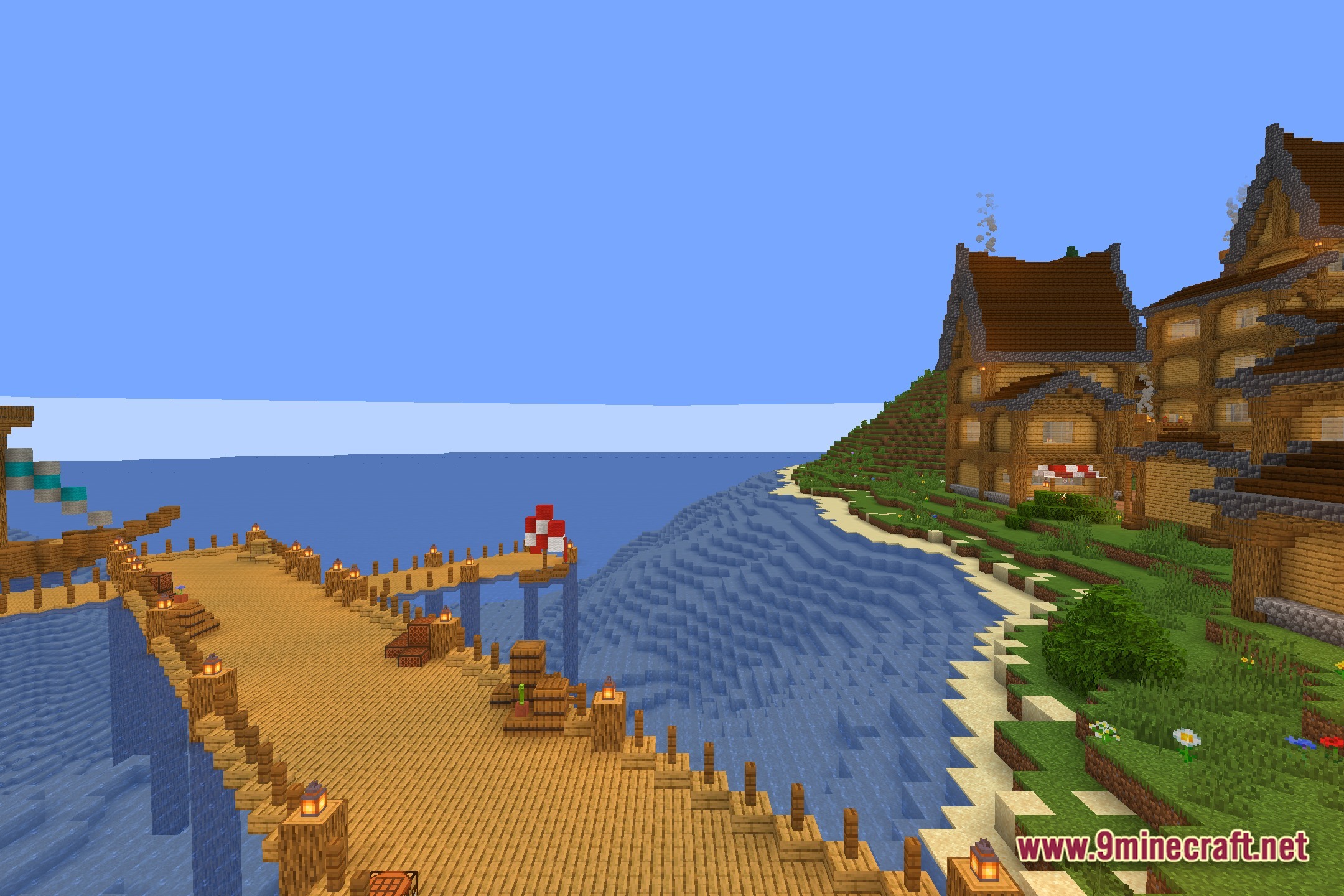
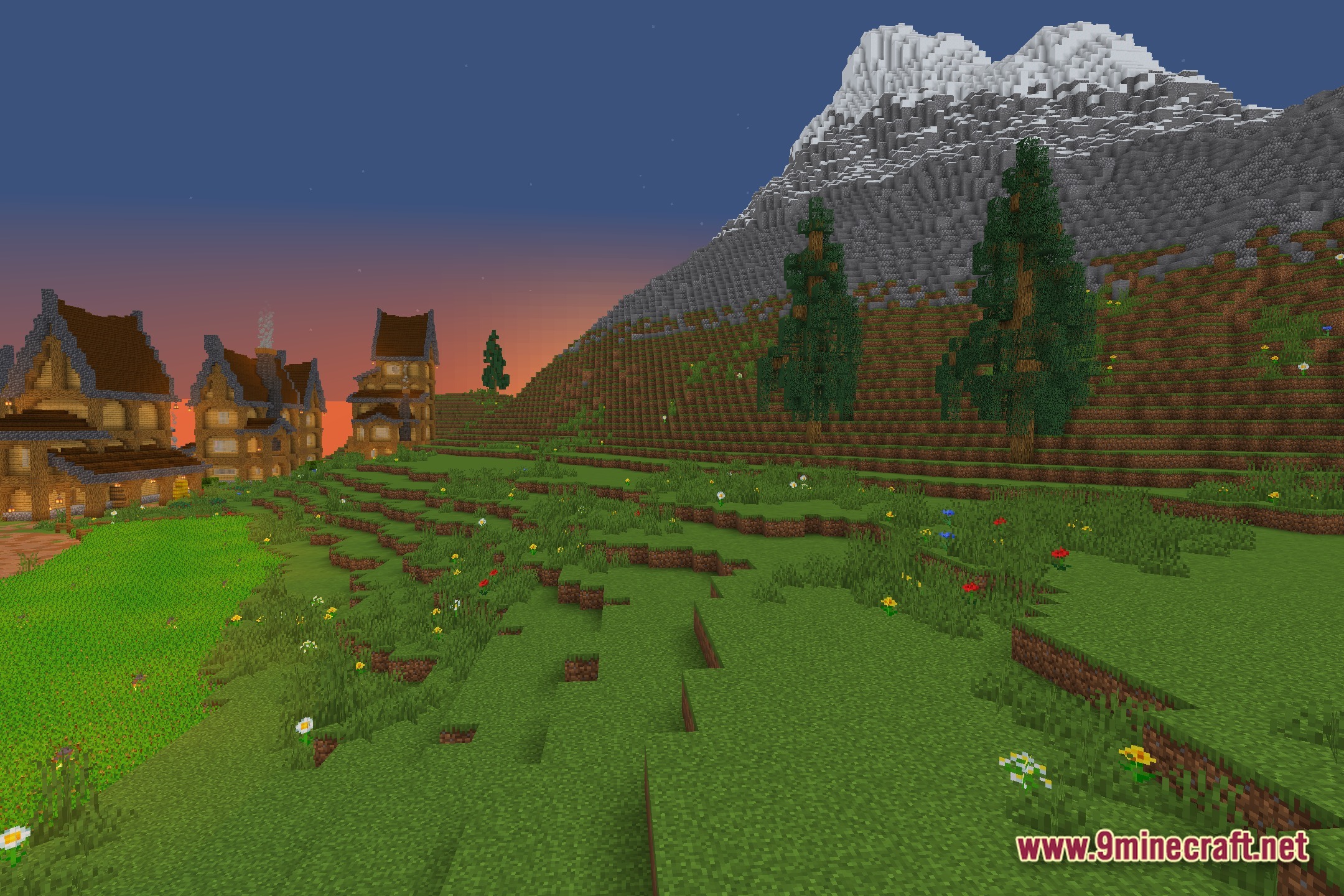
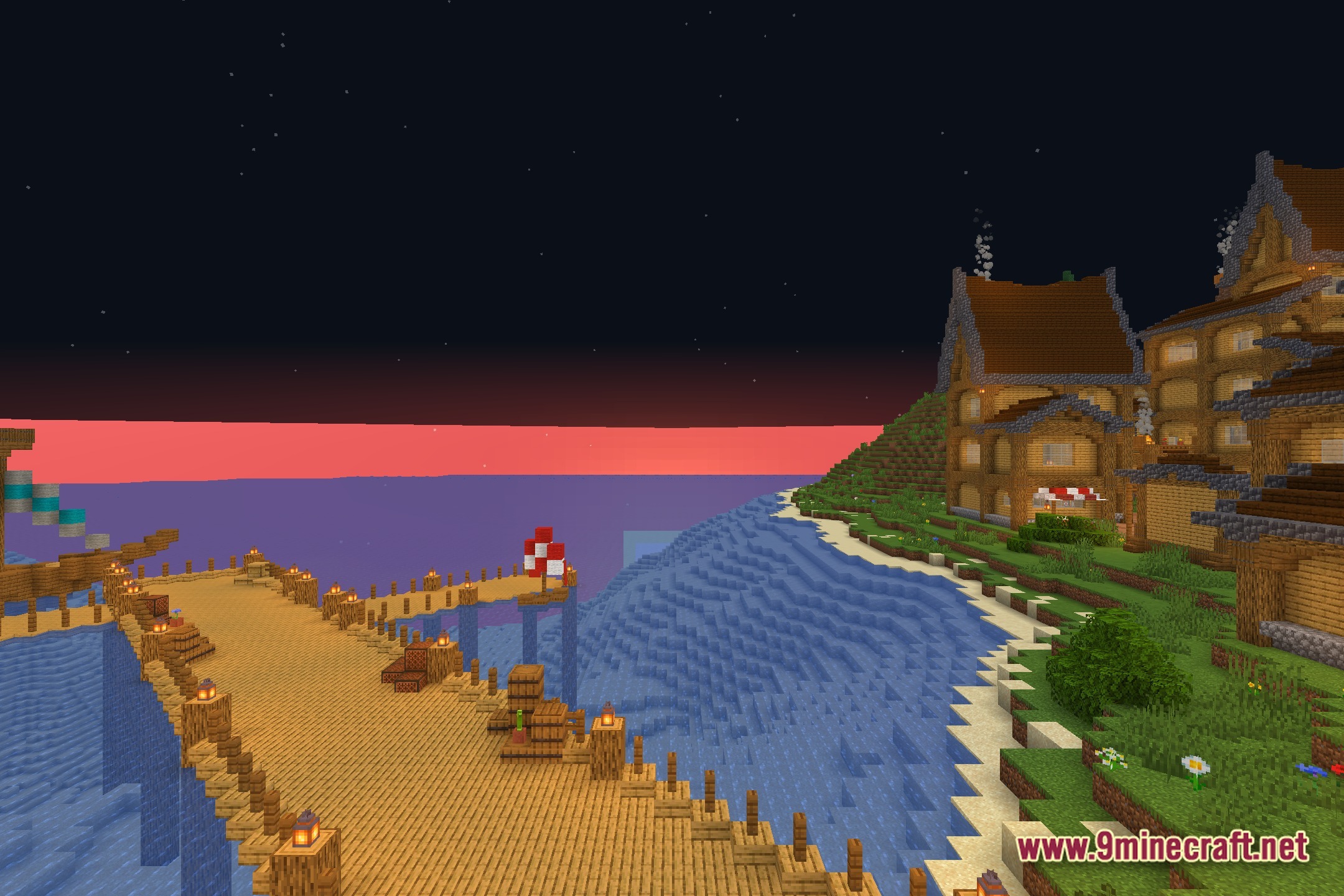
12 images from the Vivid Amber Bloom Shaders page.
You May Also Like
Wikis that share the most with this one
Wikis on the same theme: light
More shader wikis on the site
The most downloaded mods that have a wiki here