

 DownloadDead Reckoning a Compass Mod
Get the files on 9Minecraft
Guides
Step-by-step, in-game.
Customize Which Compass Elements DisplayConfiguring Compass Components Dead Reckoning lets you show or hide specific parts of the compass ribbon to reduce…Display the Compass Ribbon On ScreenEnabling the Compass Display The Dead Reckoning compass ribbon appears at the top of your screen once activated. By…Use Antique Atlas and Hoofprint Waypoints with the CompassDisplaying Alternative Waypoint Systems Dead Reckoning supports waypoints from both Antique Atlas 4 and Hoofprint…View Waypoint Markers from Surveyor on Your CompassConnecting Surveyor Markers Dead Reckoning integrates with the Surveyor map mod to display your colored map markers…
Frequently asked questions
How do I turn on the compass ribbon?
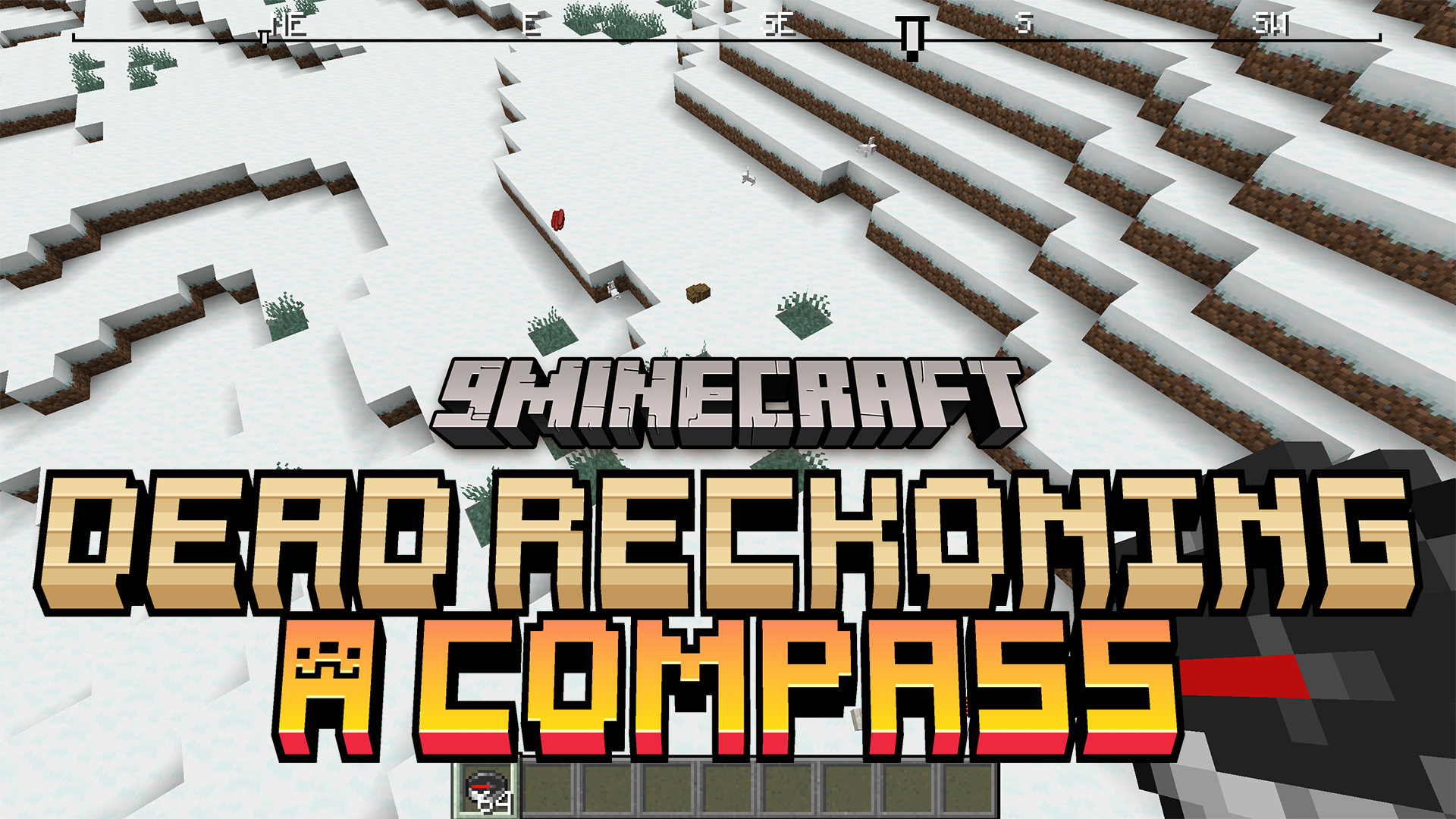
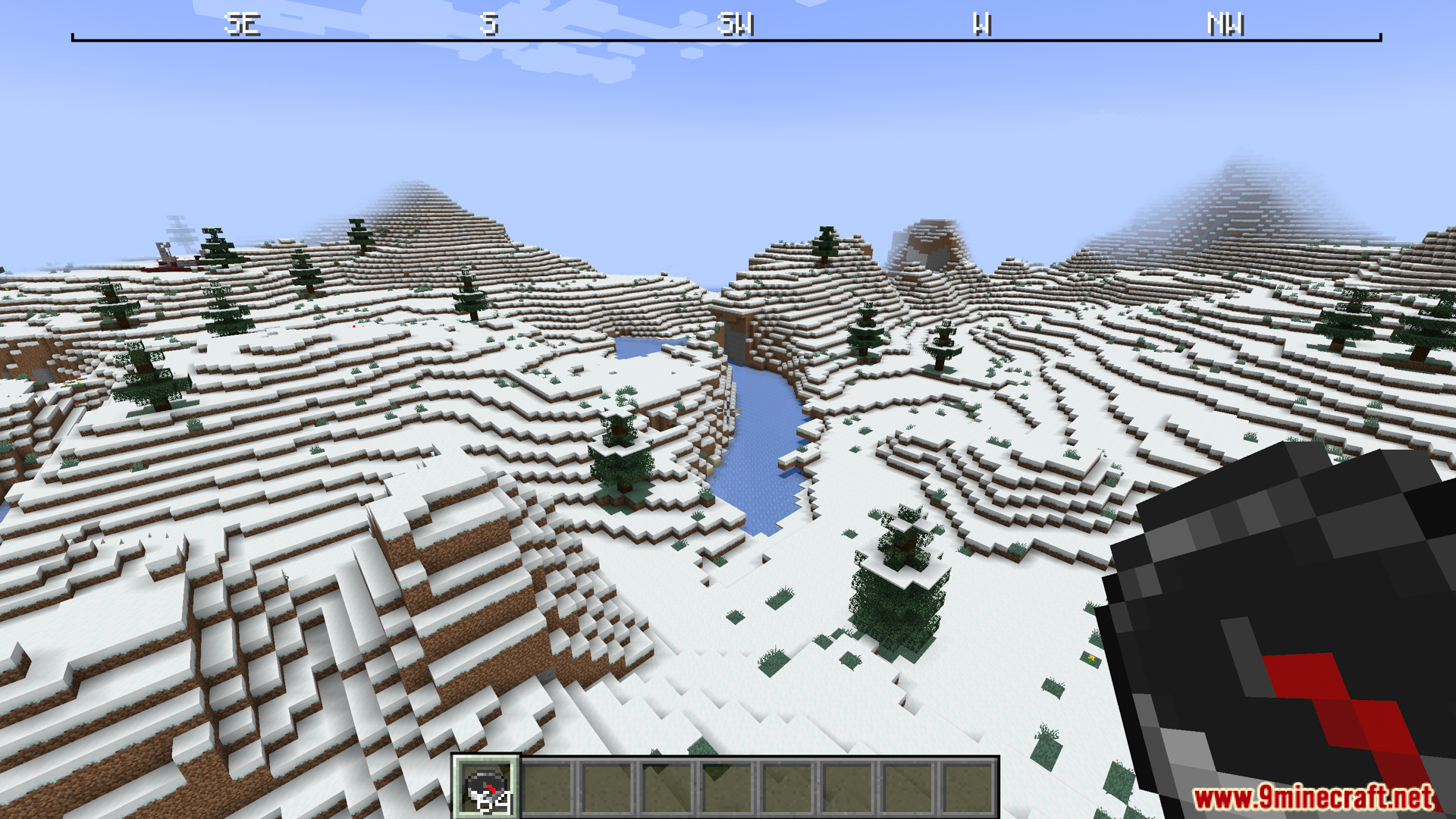
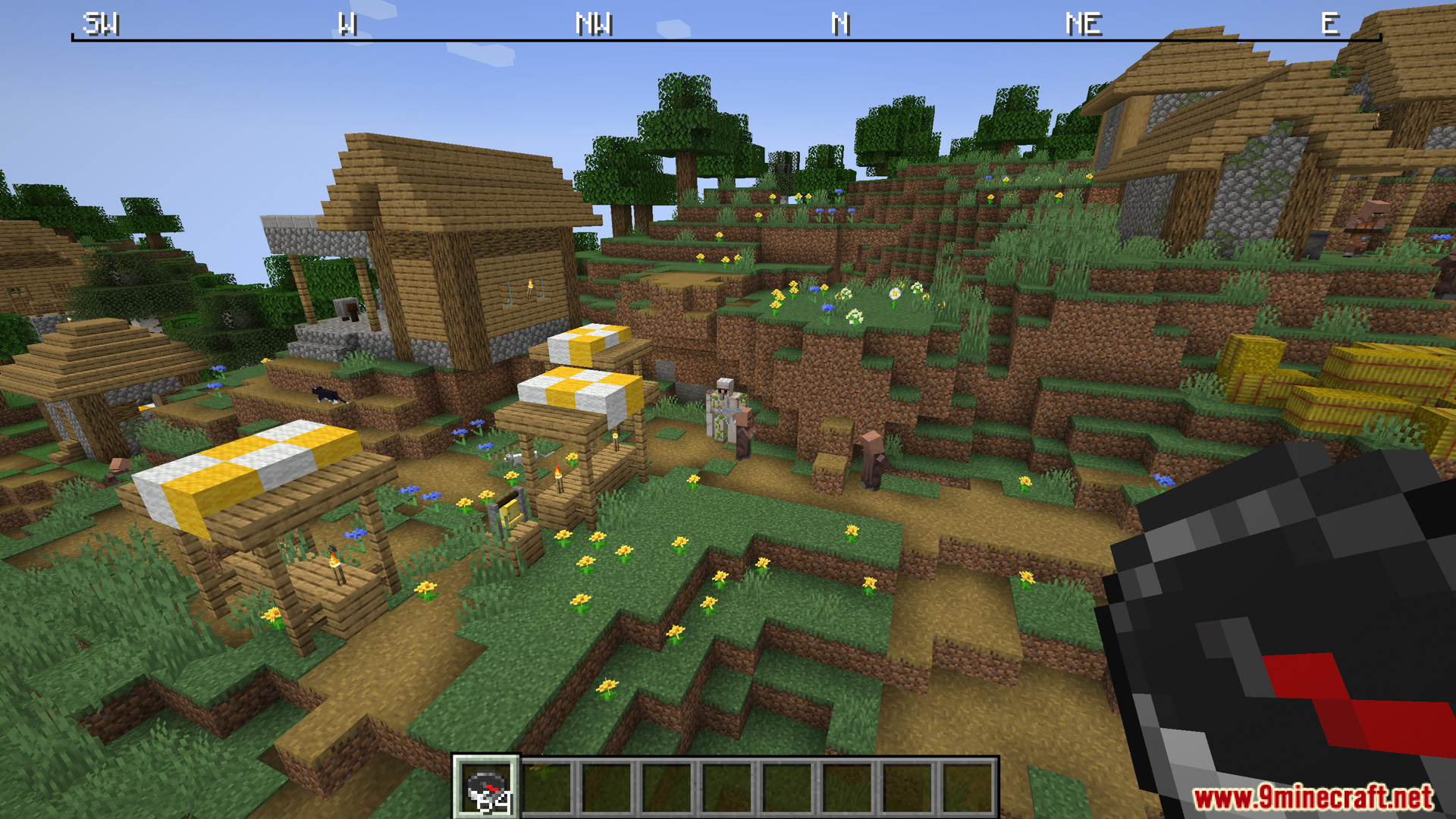
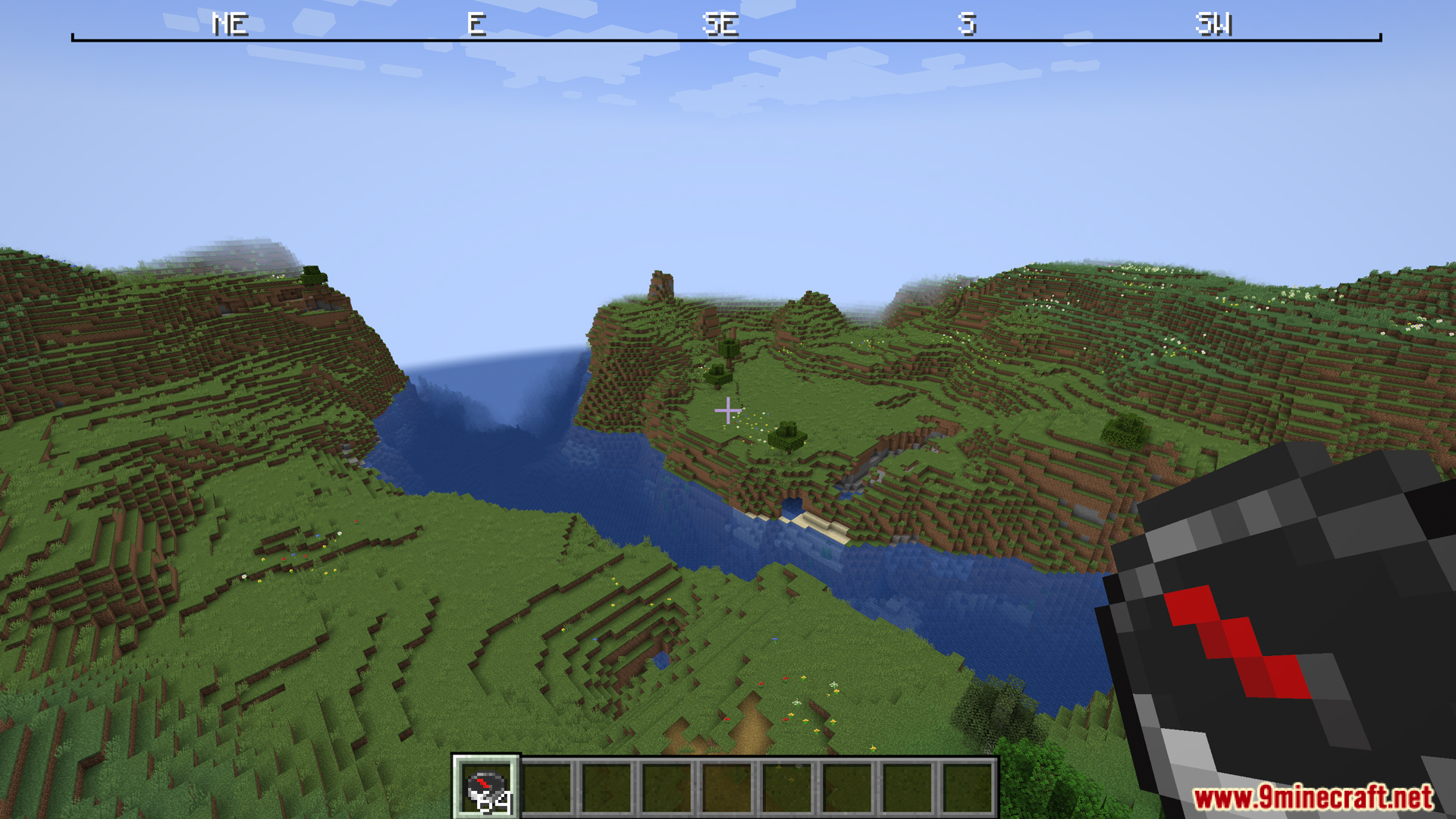
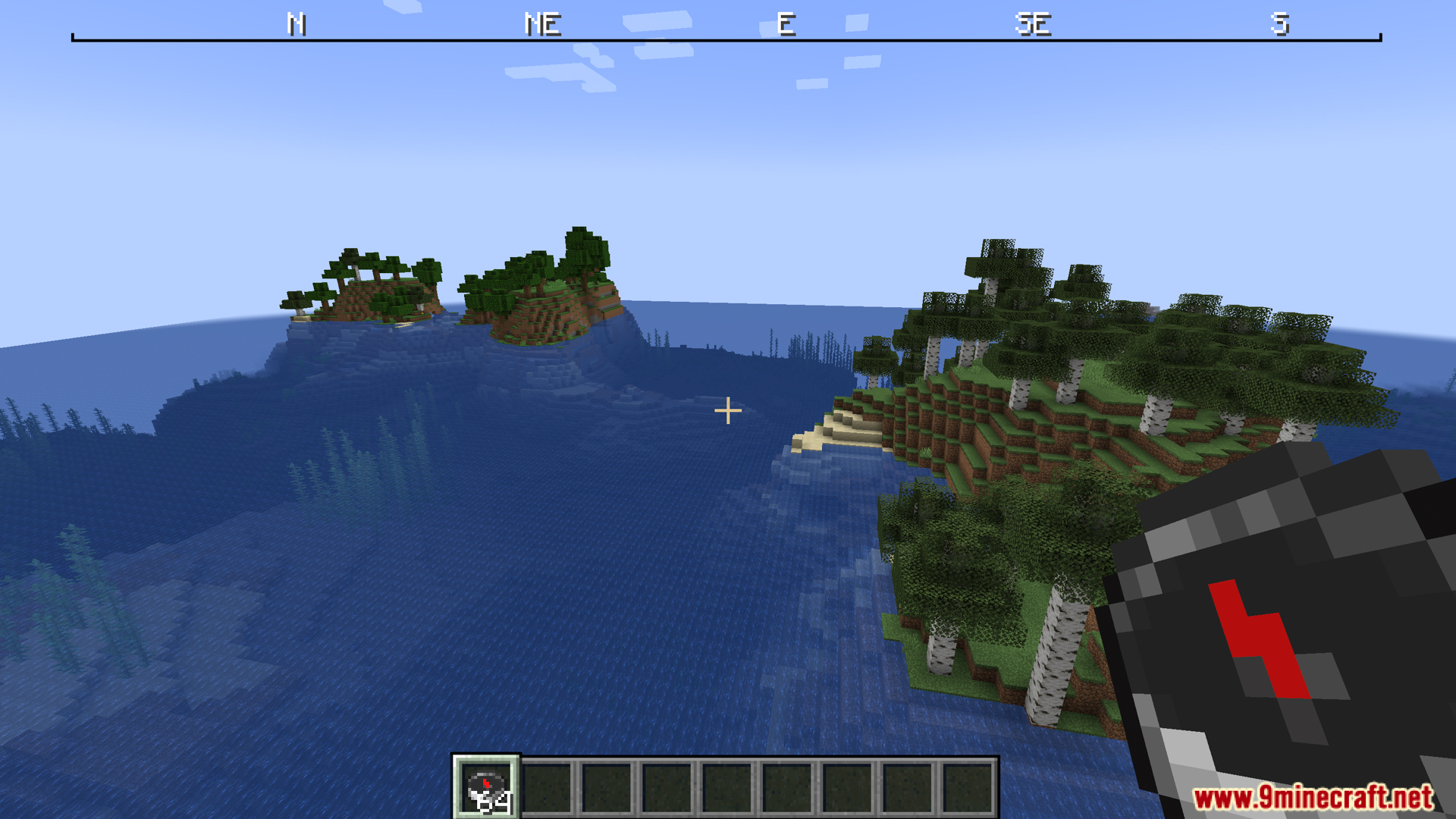
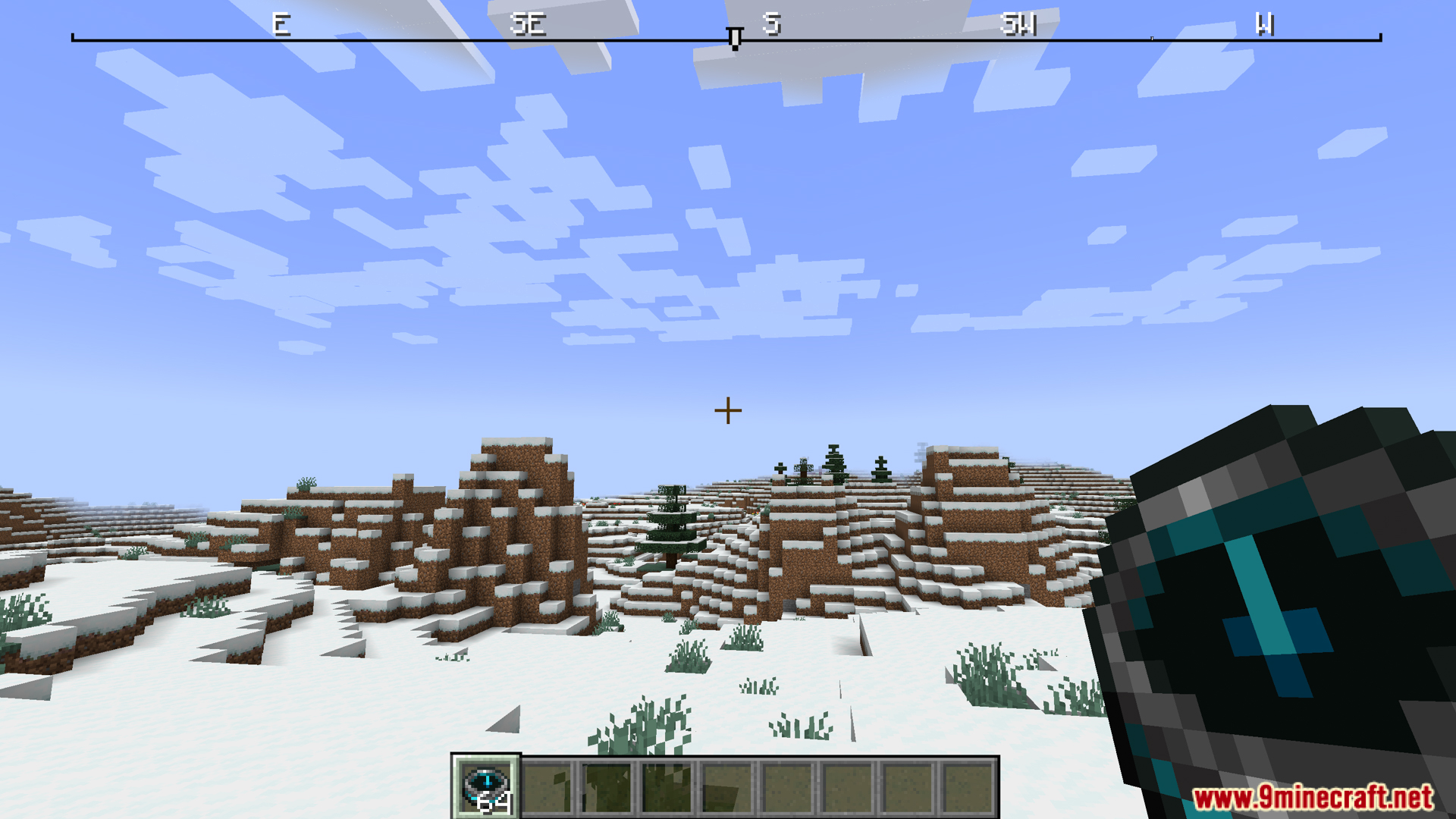
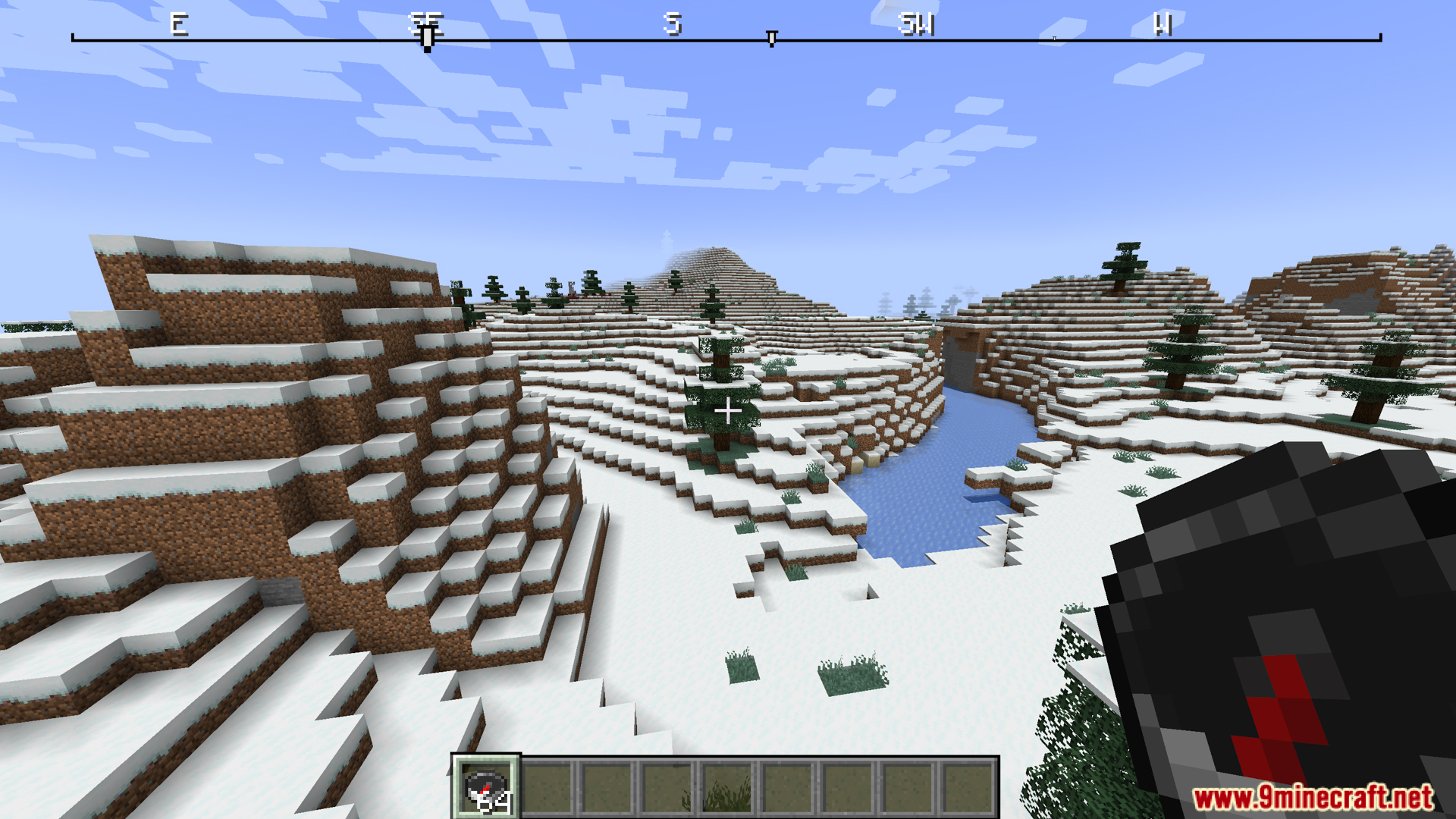
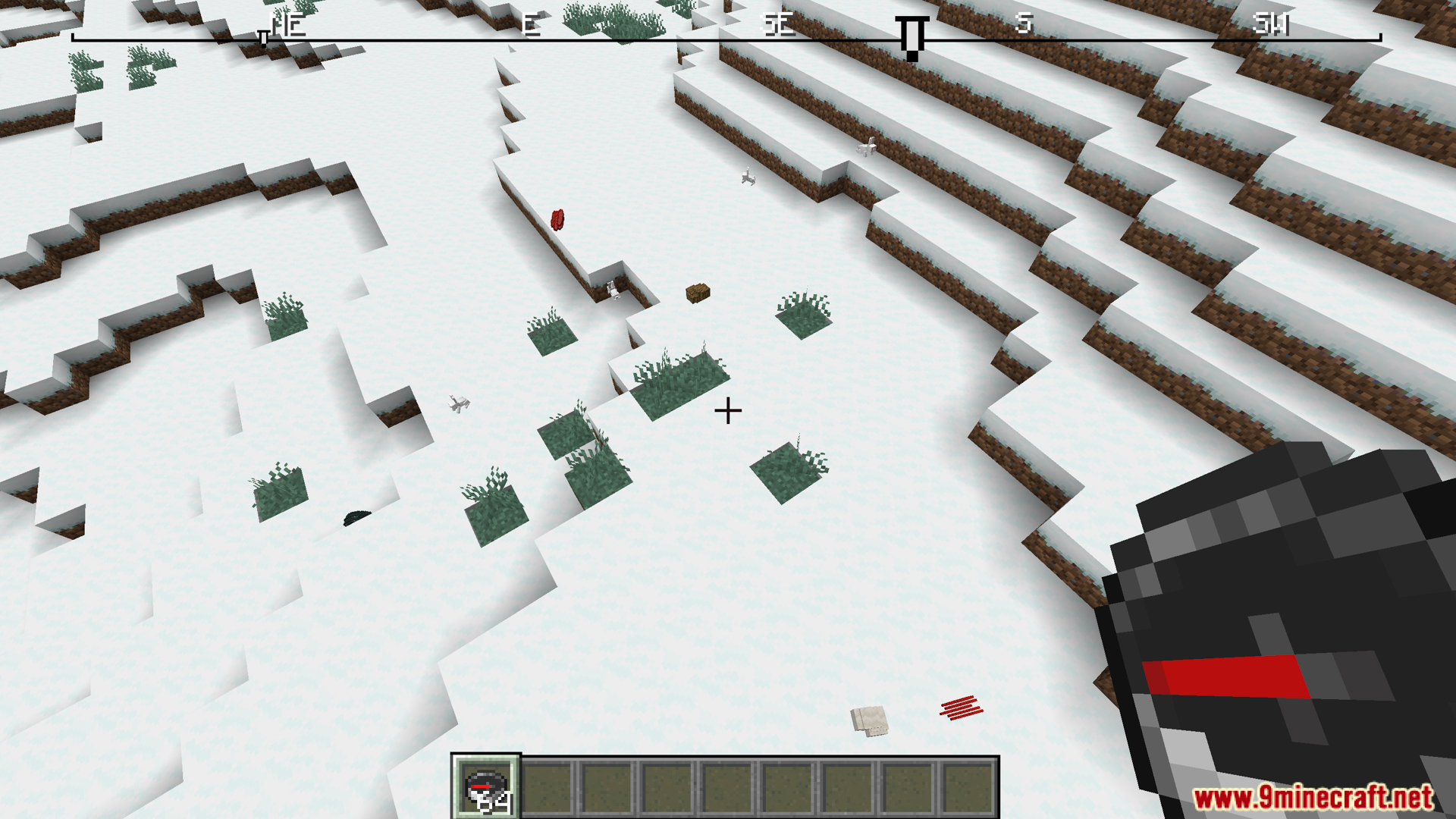
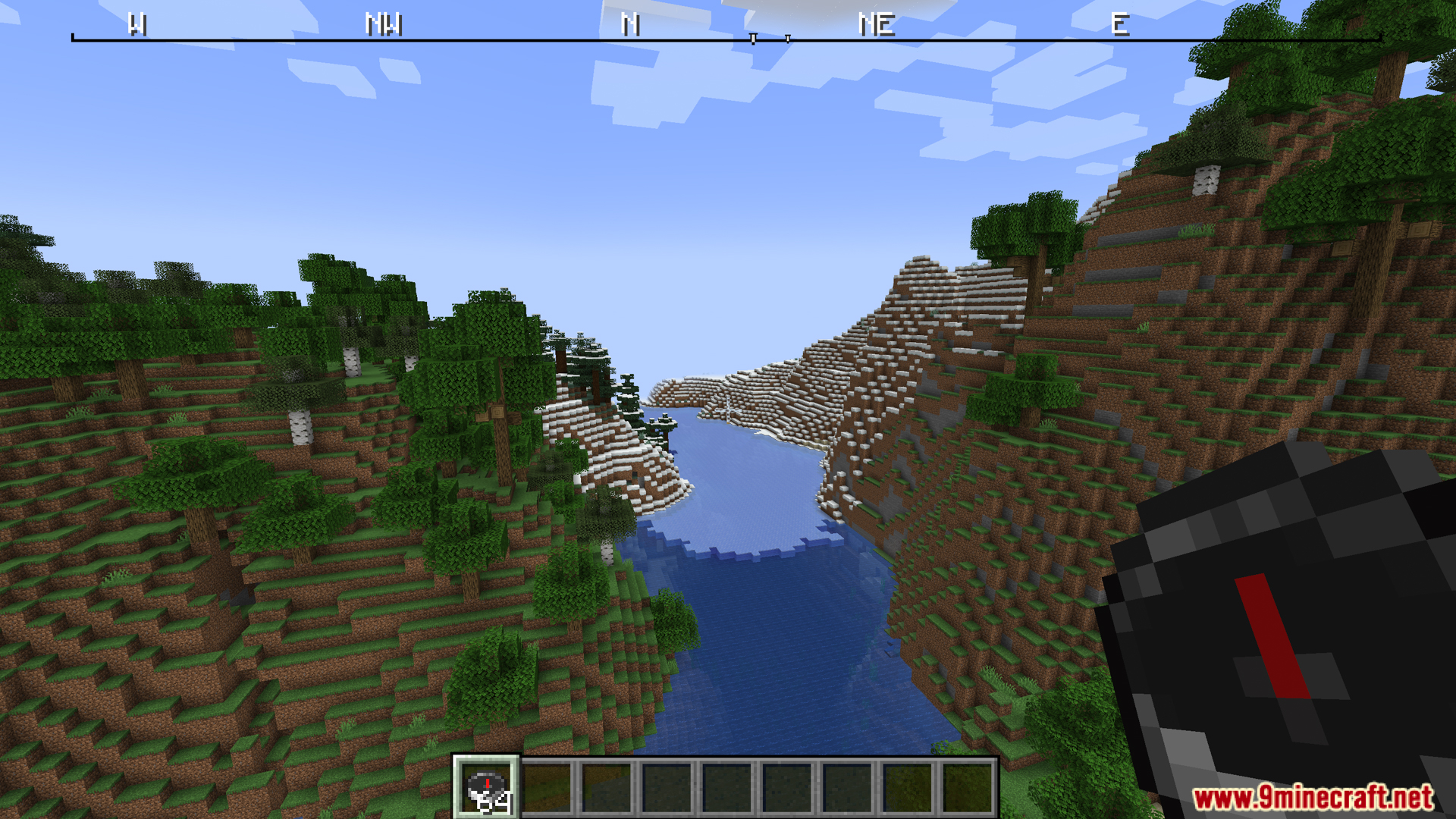
Open your mod configuration menu and enable the compass display option. The ribbon will appear at the top of your screen once activated, showing your current facing direction.
Do I need to hold a compass for the ribbon to show?
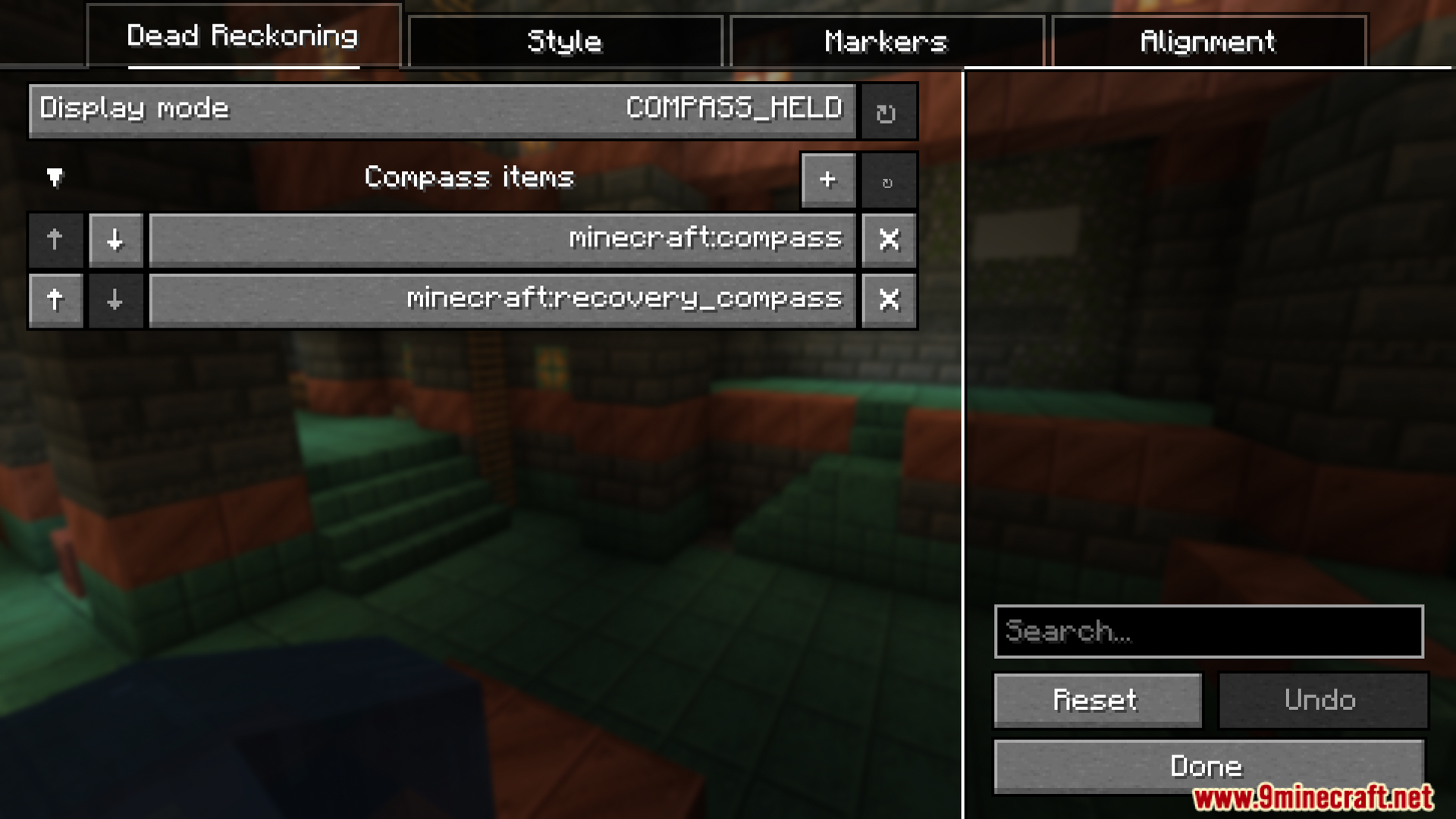
This depends on your settings. You can configure Dead Reckoning to require holding a compass, or set it to always display the ribbon regardless of what's in your hand.
Why aren't my Surveyor markers showing on the compass?
Make sure you have the Surveyor mod installed and that you've enabled marker display in Dead Reckoning's configuration menu. Check that your markers are actually placed in the world and within a reasonable distance.
Can I use this mod with Antique Atlas waypoints?
Yes, Dead Reckoning is compatible with Antique Atlas 4 waypoints. Enable Antique Atlas support in the configuration menu to see those waypoints displayed on your compass ribbon.
See all 10 Dead Reckoning a Compass questions ›
Gallery
12 images from the Dead Reckoning Compass Mod page.
You May Also Like
Wikis that share the most with this one
More mod wikis on the site
The most downloaded mods that have a wiki here
A few wikis from each of the other kinds