

 DownloadColorblind Swap Shaders
Get the files on 9Minecraft
Guides
Step-by-step, in-game.
Adjust the Color Cycle SpeedAccess Shader Settings Open your shader options menu while in-game. This is typically found in Video Settings >…Preview How Biomes Look Under Different Color PalettesVisit Diverse Biomes Travel to several different environments: snowy mountains, forests, oceans, grasslands, and…Reduce Eye Strain During Long Play SessionsSlow Down Color Transitions Rapid color cycling can cause fatigue. Increase the cycle timer in shader options so…Switch Between Different Color ModesLocate the Mode Selection Menu Access shader options through Video Settings > Shaders > Shader Options. Find the…
Frequently asked questions
How do I turn on the shader after installing it?
Load into a world, open the Shaders menu from your video settings, and select Colorblind Swap Shaders from the list. The color cycling will begin immediately once applied.
Can I make the colors change faster or slower?
Yes, the mod includes a timer setting that controls how quickly the shader cycles through color modes. Adjust this value in the shader options to speed up or slow down the transitions.
What's the flash of opposite colors I see before the colors change?
That's the Transition Flash feature—a brief flicker of inverted colors that plays right before each new cycle begins, giving you a visual cue that a mode switch is happening.
Does this shader work on servers or only single-player?
Colorblind Swap Shaders is a client-side visual effect, so it works in both single-player and multiplayer worlds without requiring server installation.
See all 10 Colorblind Swap Shaders questions ›
Gallery
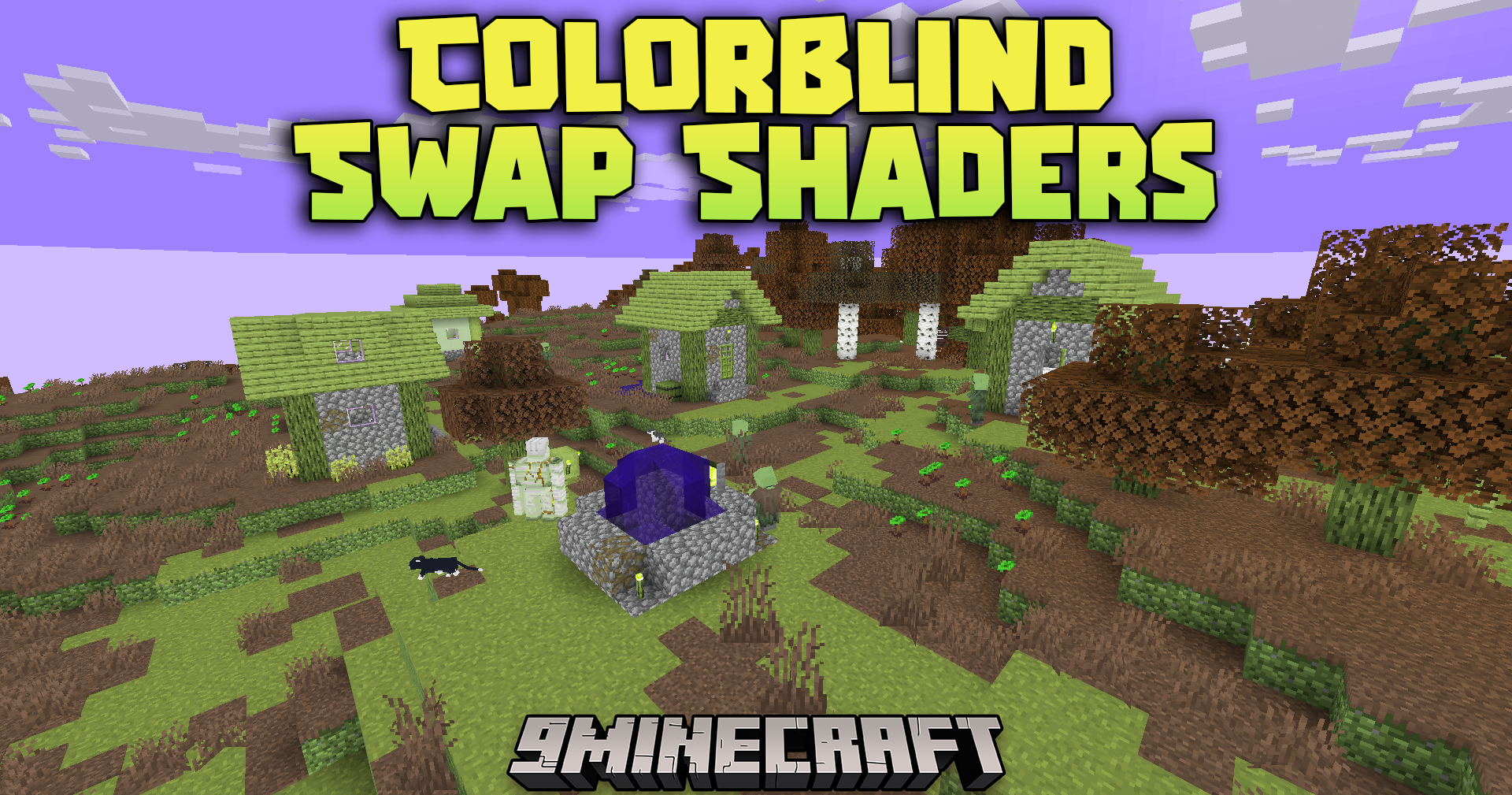
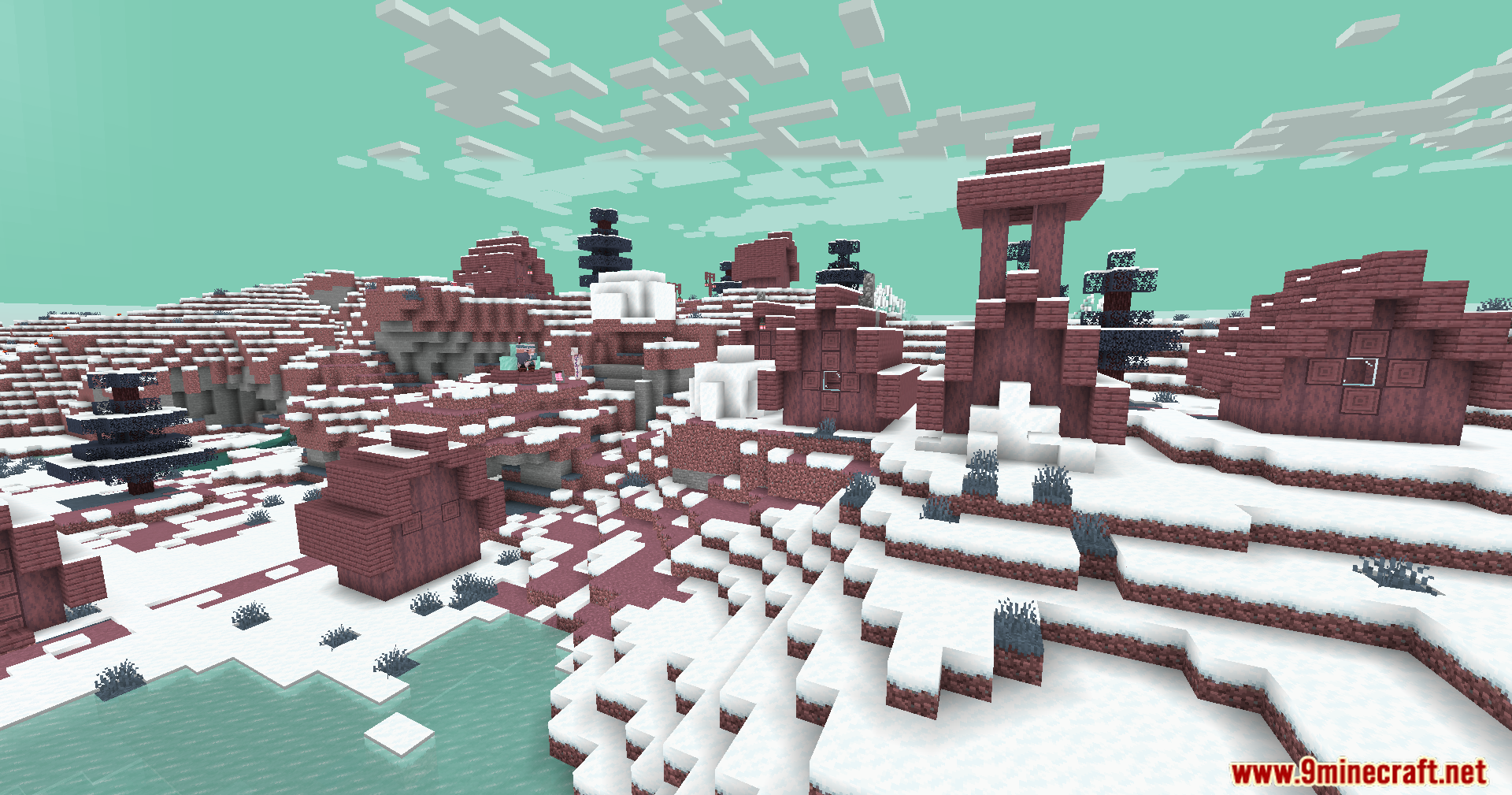
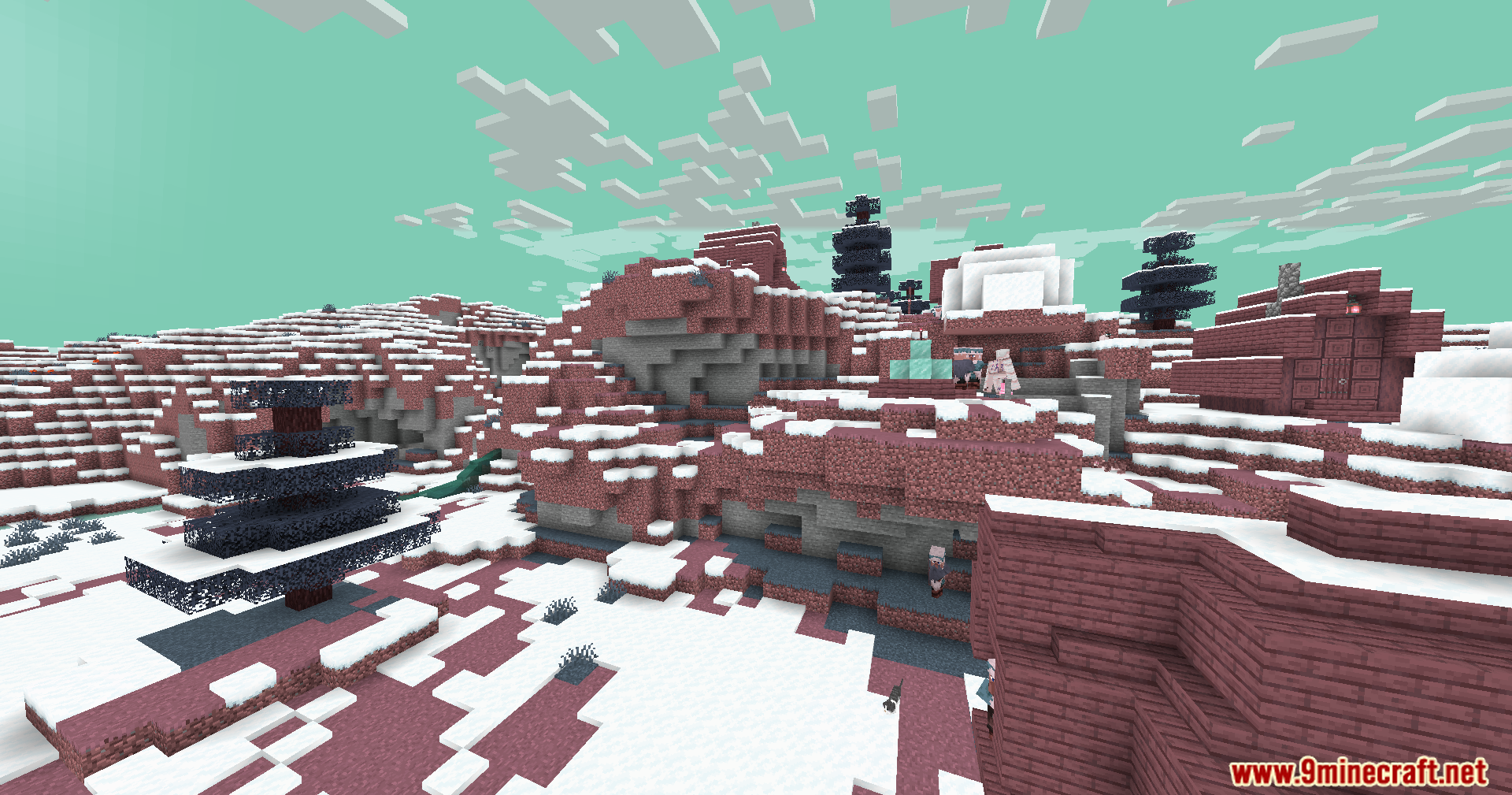
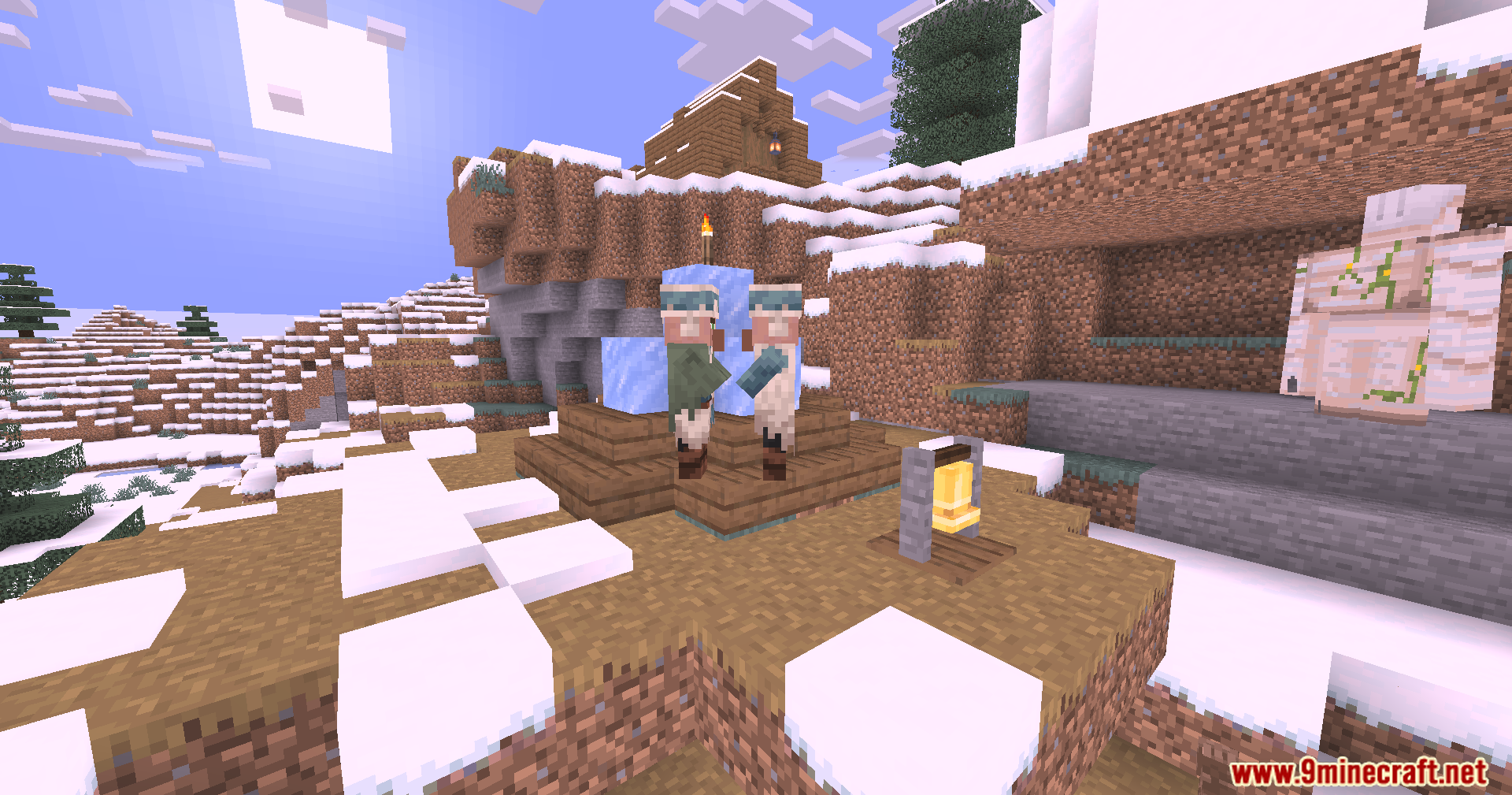
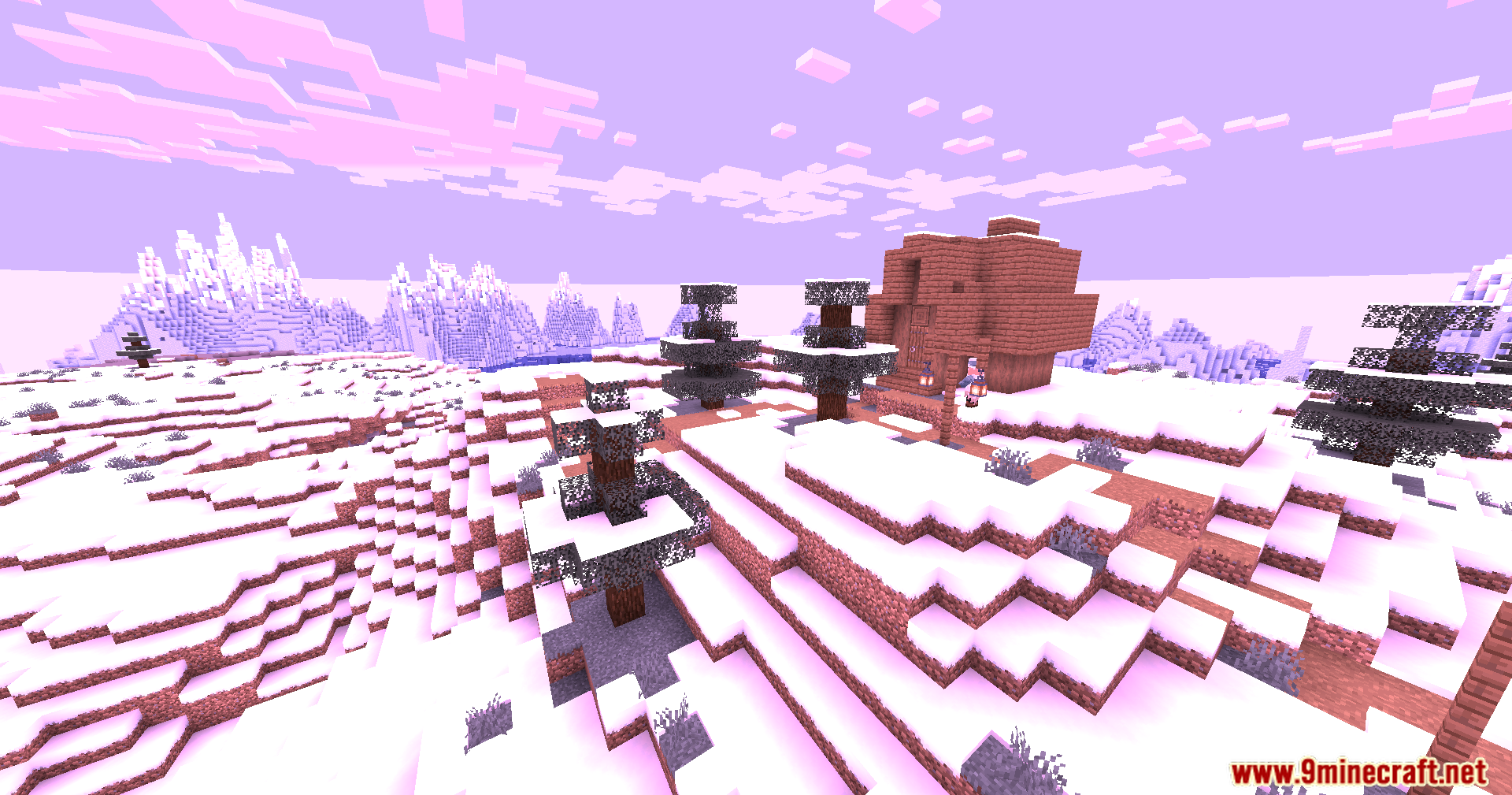
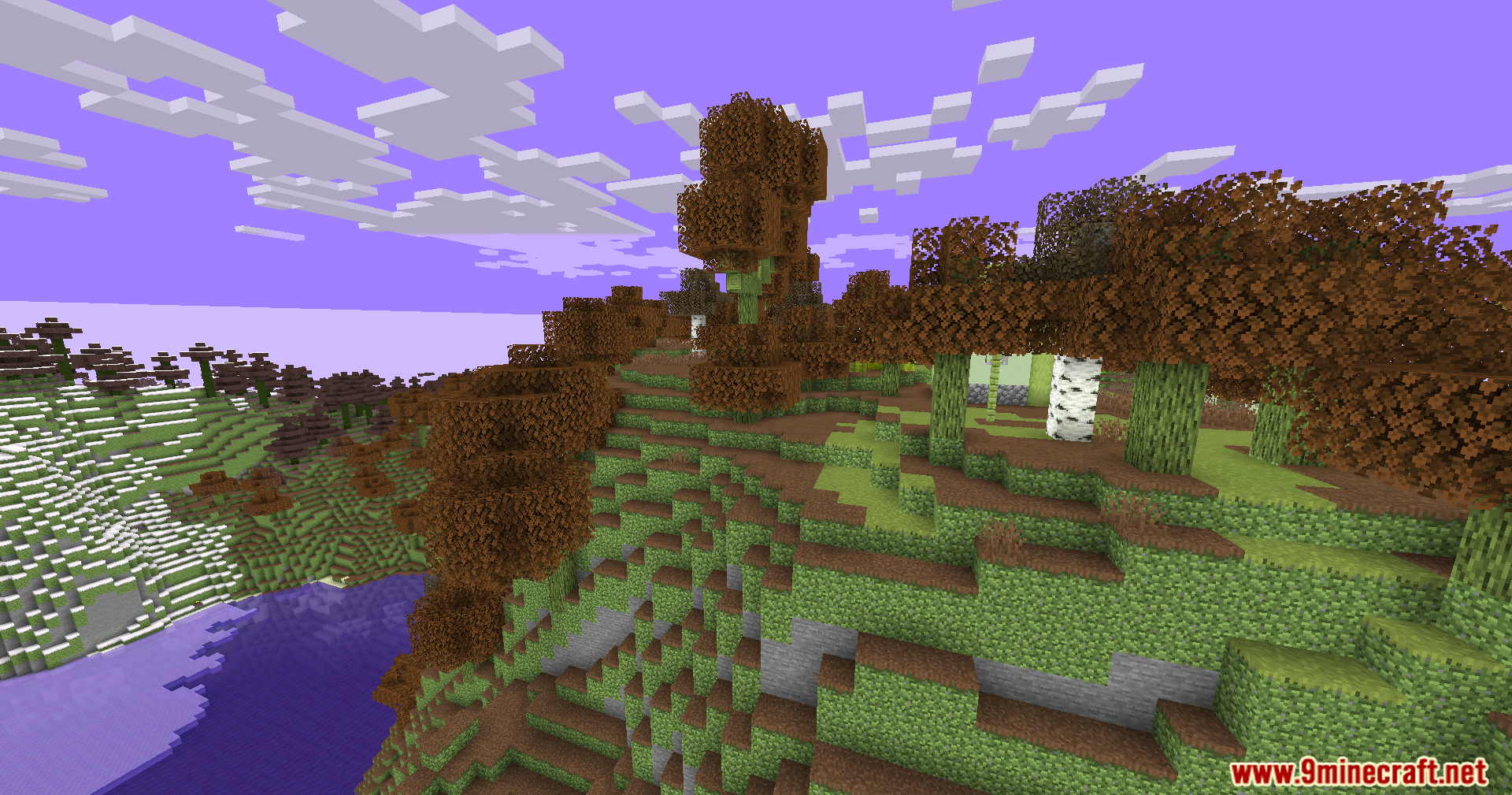
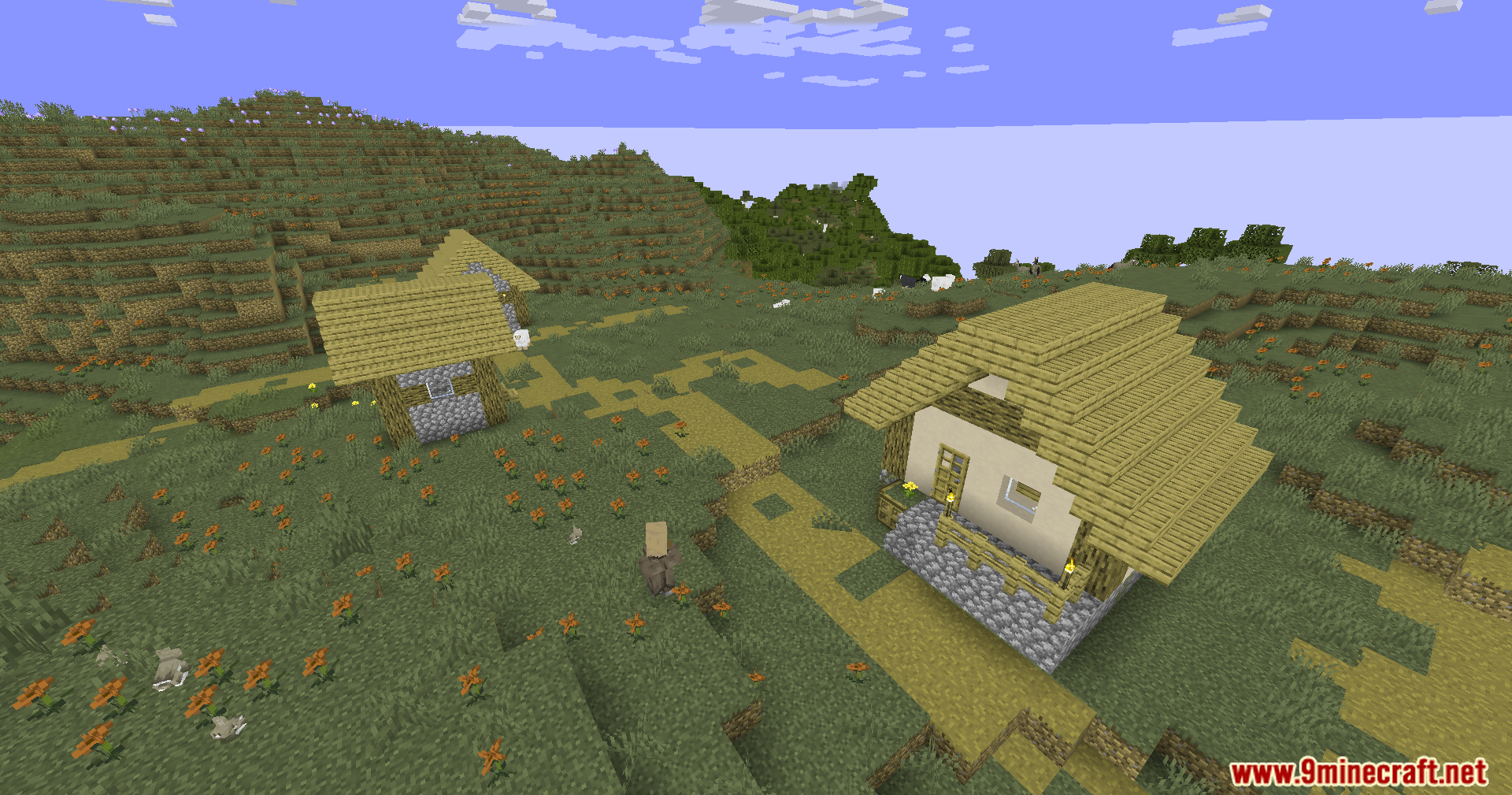
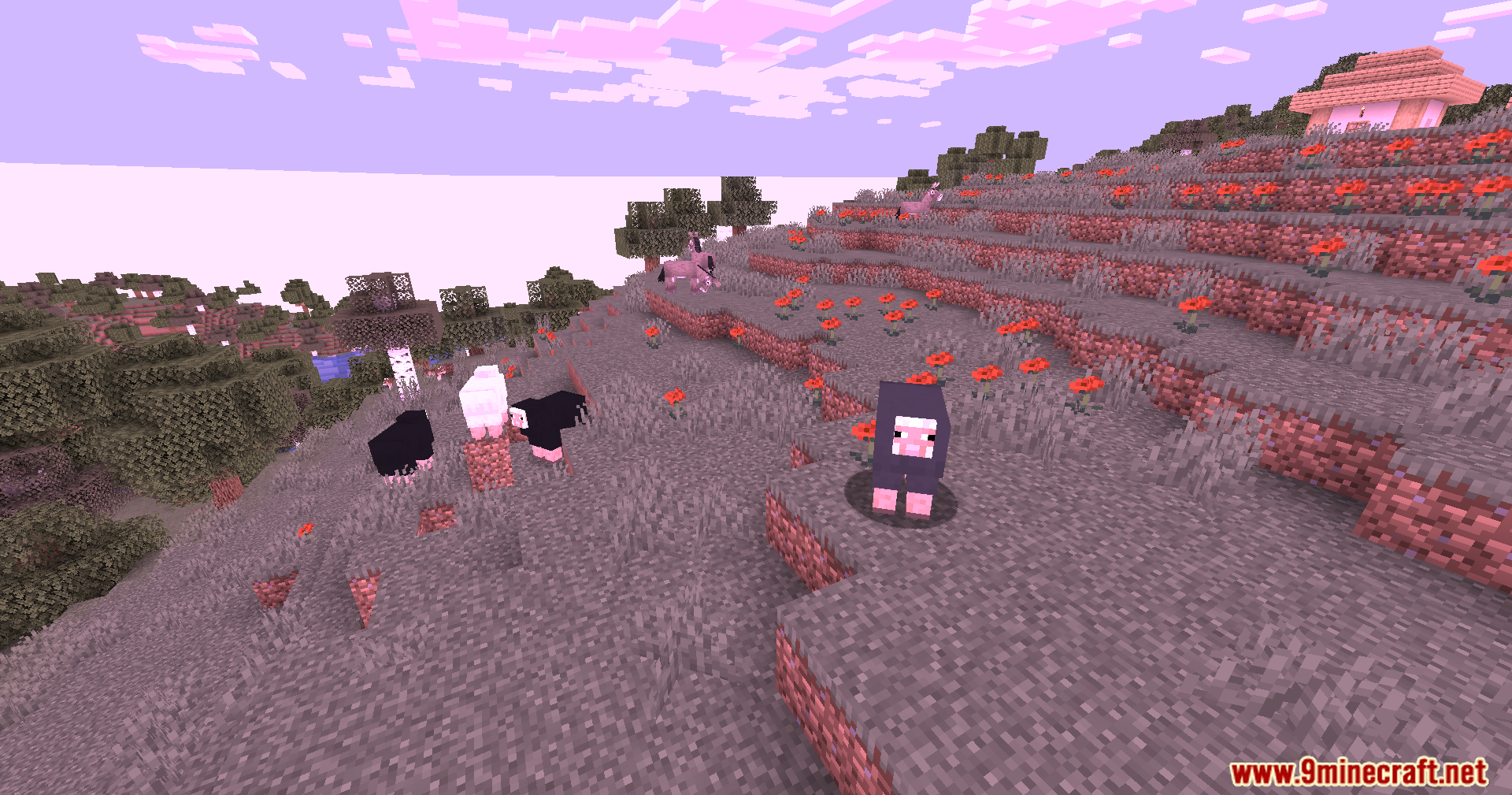
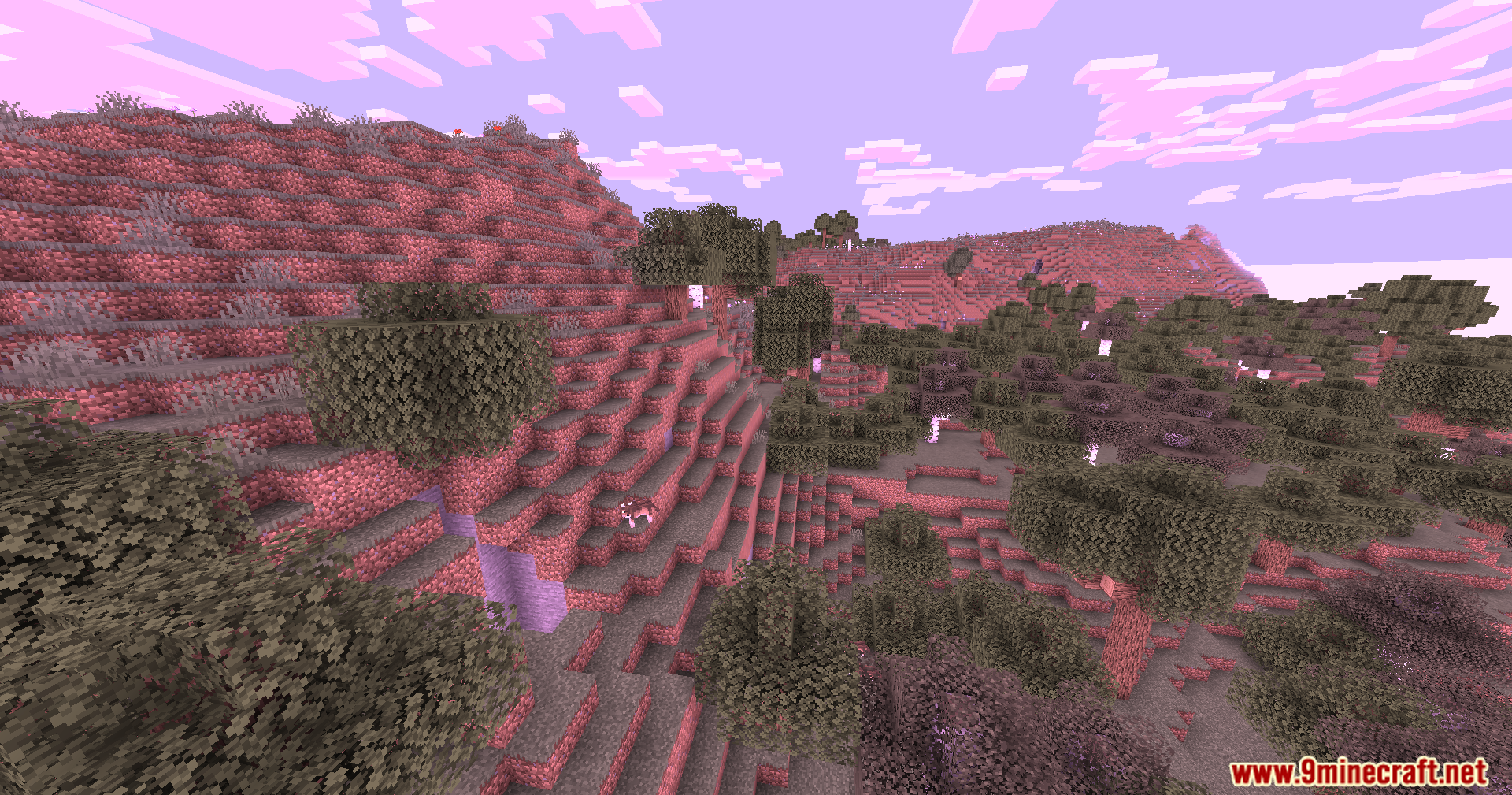
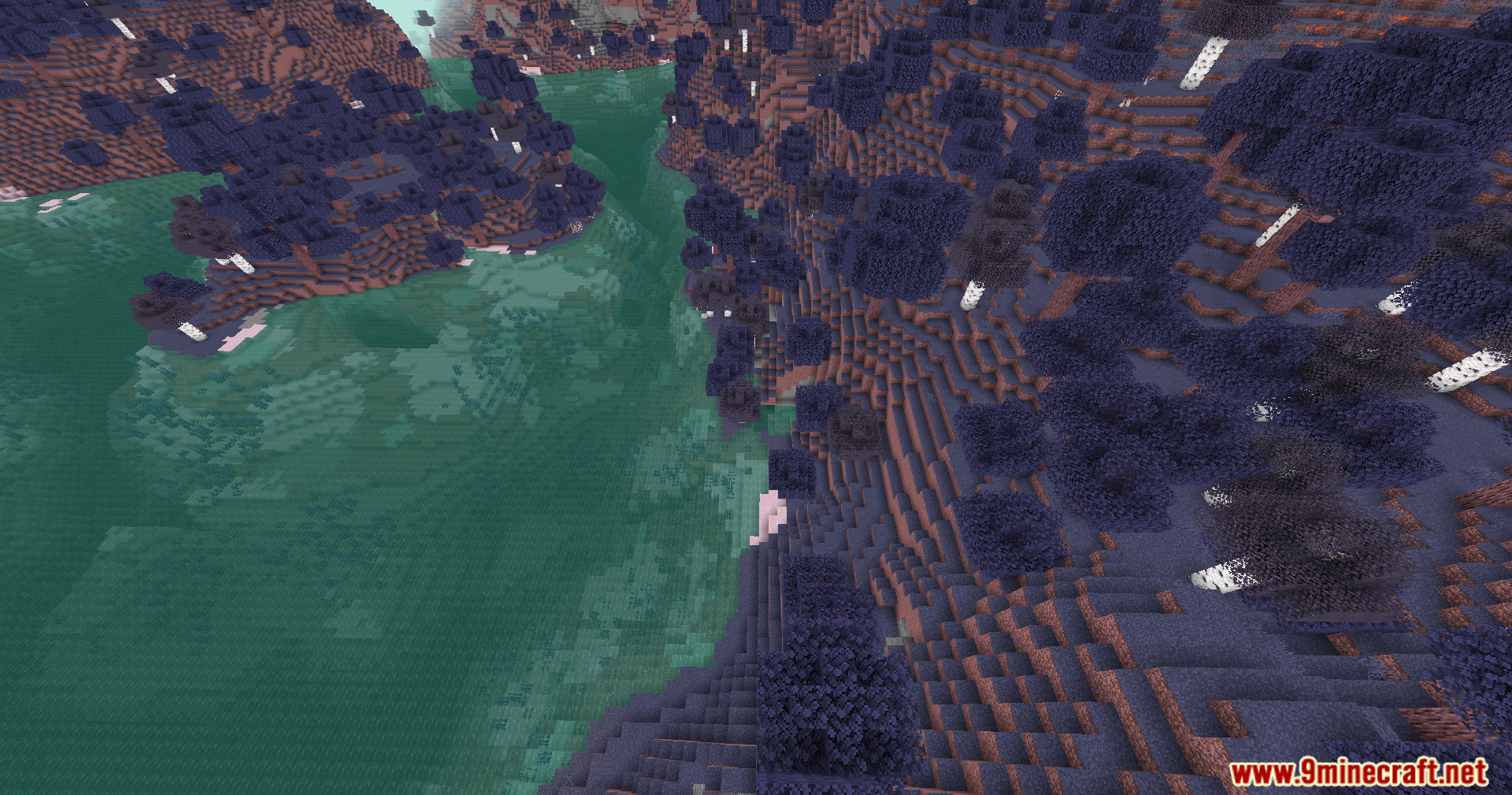
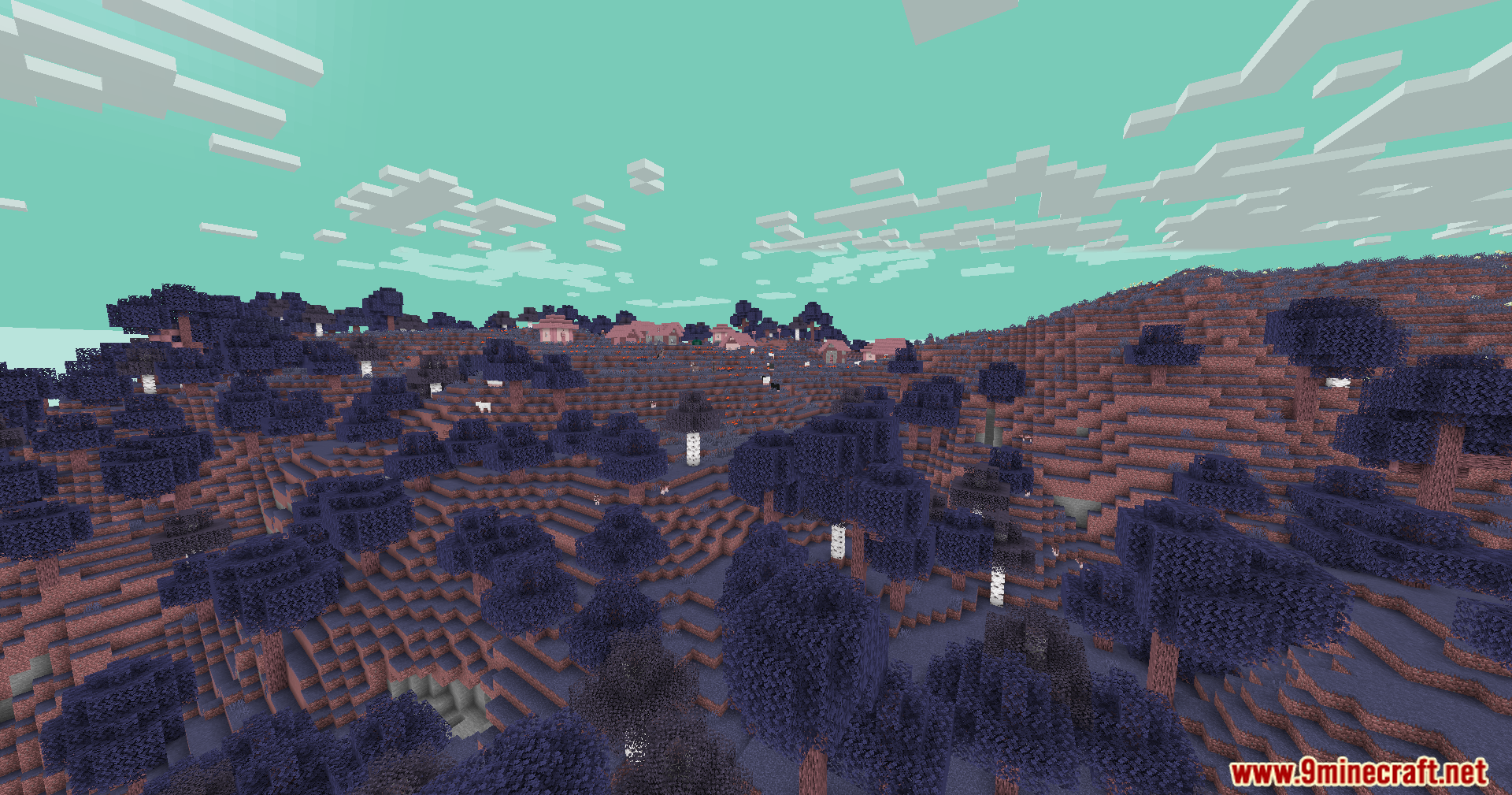
11 images from the Colorblind Swap Shaders page.
You May Also Like
Wikis that share the most with this one
More shader wikis on the site
Color Palette Switcher ShadersColor Cone ShadersCoffee ShadersCinematic Vanilla ShadersCinematic Static Glow ShadersCinematic Noir Lighting ShadersCinematic Linear Perspective ShadersCineFrame ShadersCineDream Plus Java Version Shaders CinderFrame ShadersChunk Tweaks ShadersChroma Lite Shaderpack Realism Low End Shaders
The most downloaded mods that have a wiki here