

 DownloadCloud S Shaders
Get the files on 9Minecraft
Guides
Step-by-step, in-game.
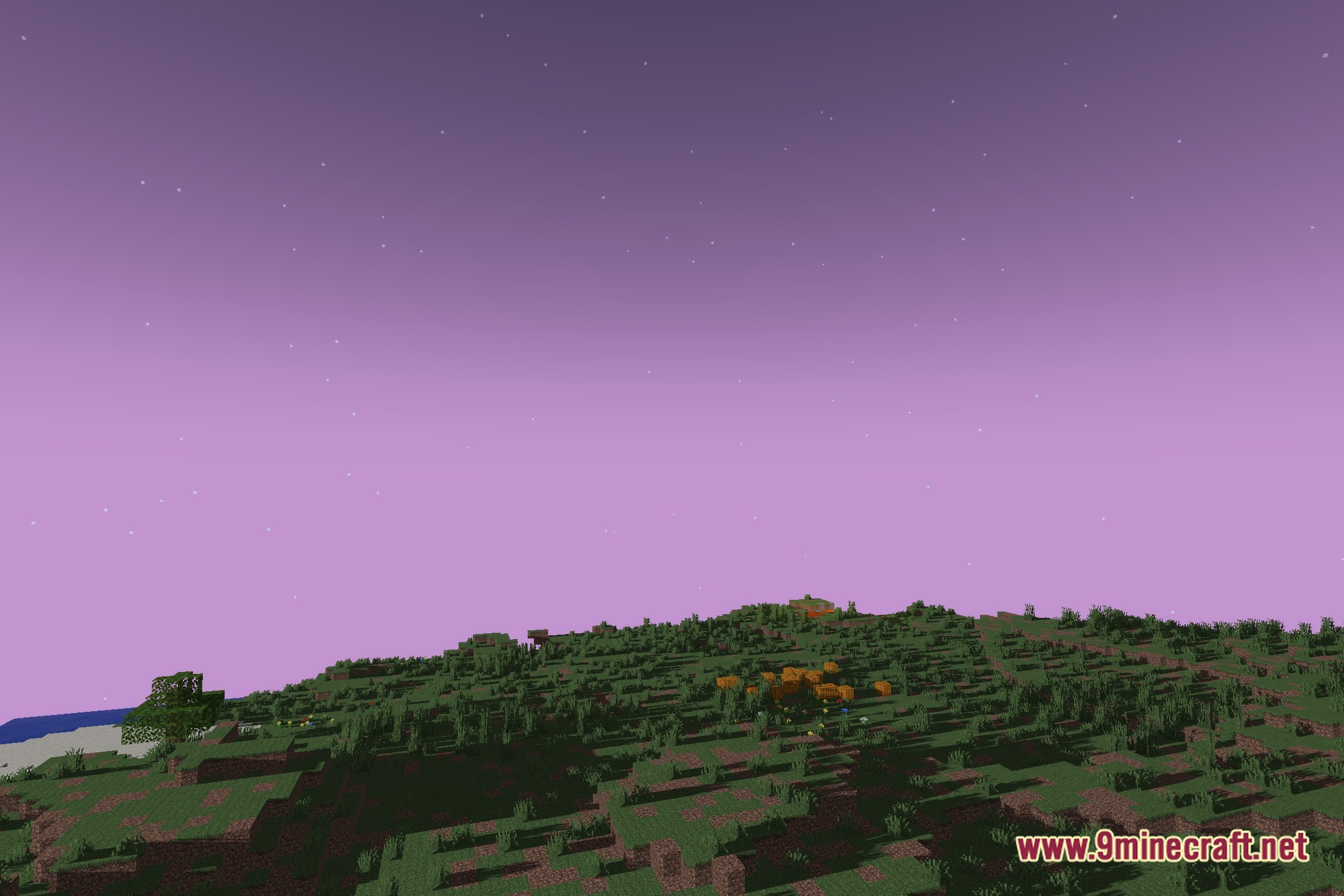
Adjust Shadow Intensity and ContrastAccess Shader Settings Open the Iris shader configuration menu while in-game by pressing the key bound to shader…Enhance Sky Appearance During Day and NightObserve Default Sky Rendering Cloud S Shaders reworks how the sky appears at all times. Launch your world and observe…Improve Visibility in Caves and Dark AreasUnderstand Ambient Lighting Cloud S Shaders increases ambient light in caves and underground spaces so dark areas…Optimize Performance While Using Cloud S ShadersCheck Your System Requirements Cloud S Shaders is designed to run smoothly on modern hardware when paired with Iris.…
Frequently asked questions
How do I enable Cloud S Shaders after installing it?
Launch Minecraft with Iris installed, open Video Settings, select Shaders, and browse to the Cloud S Shaders file in your shaderpacks folder. Click it to activate the shader pack.
Why is my game lagging with Cloud S Shaders on?
Cloud S Shaders is optimized for modern systems, but you can improve performance by lowering render distance, disabling advanced lighting features in shader options, or reducing your resolution. Check your GPU drivers are up to date.
Can I use Cloud S Shaders with other mods?
Yes, Cloud S Shaders works with most mods, but avoid using multiple shader packs at once and be cautious with mods that heavily modify sky or lighting rendering. Iris is required and compatible with most popular mods.
How do I make shadows look sharper or softer?
Open the shader options menu (usually by pressing a key in-game or through Video Settings > Shaders > Shader Options) and adjust the shadow intensity or contrast sliders to your preference.
See all 10 Cloud S Shaders questions ›
Gallery
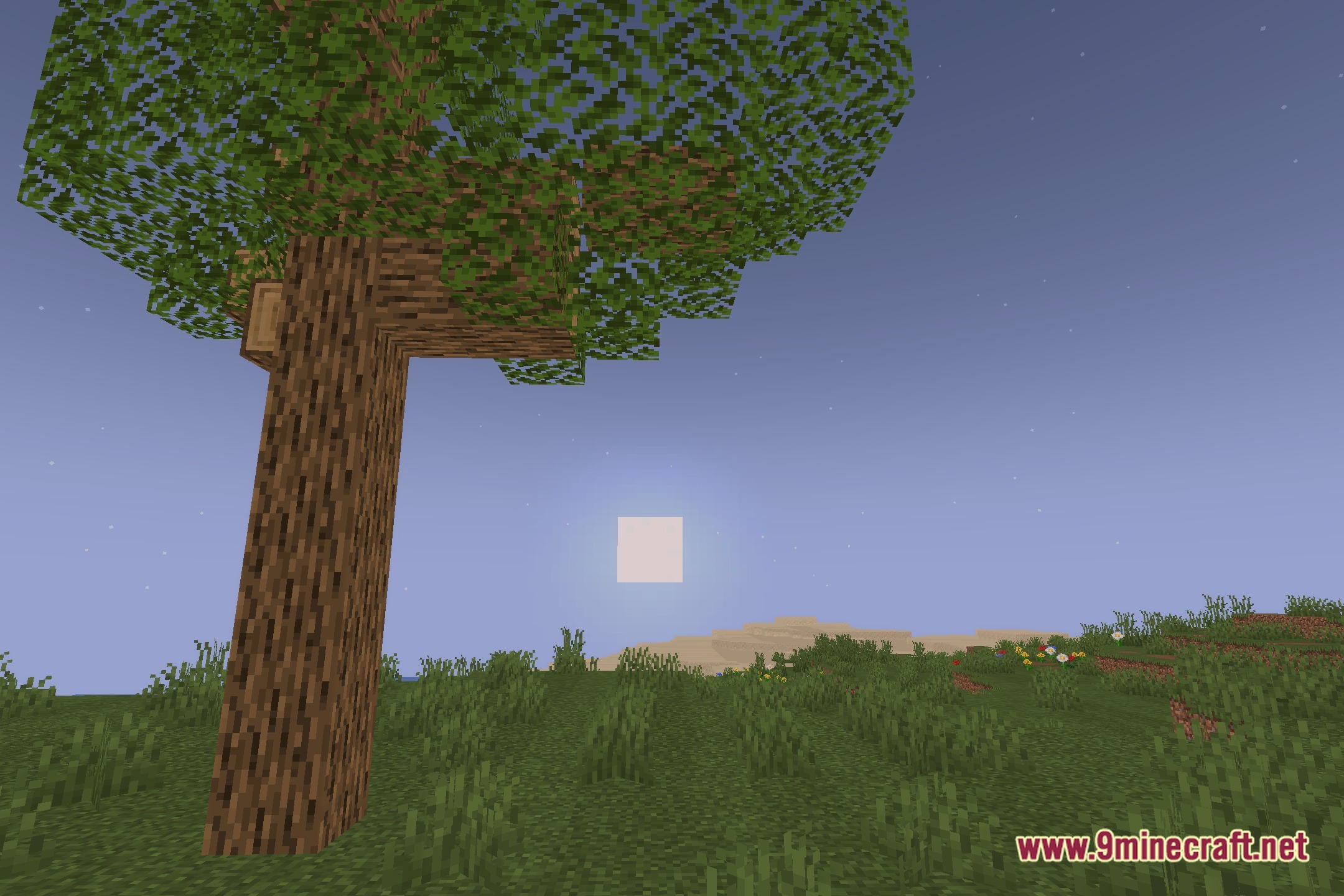
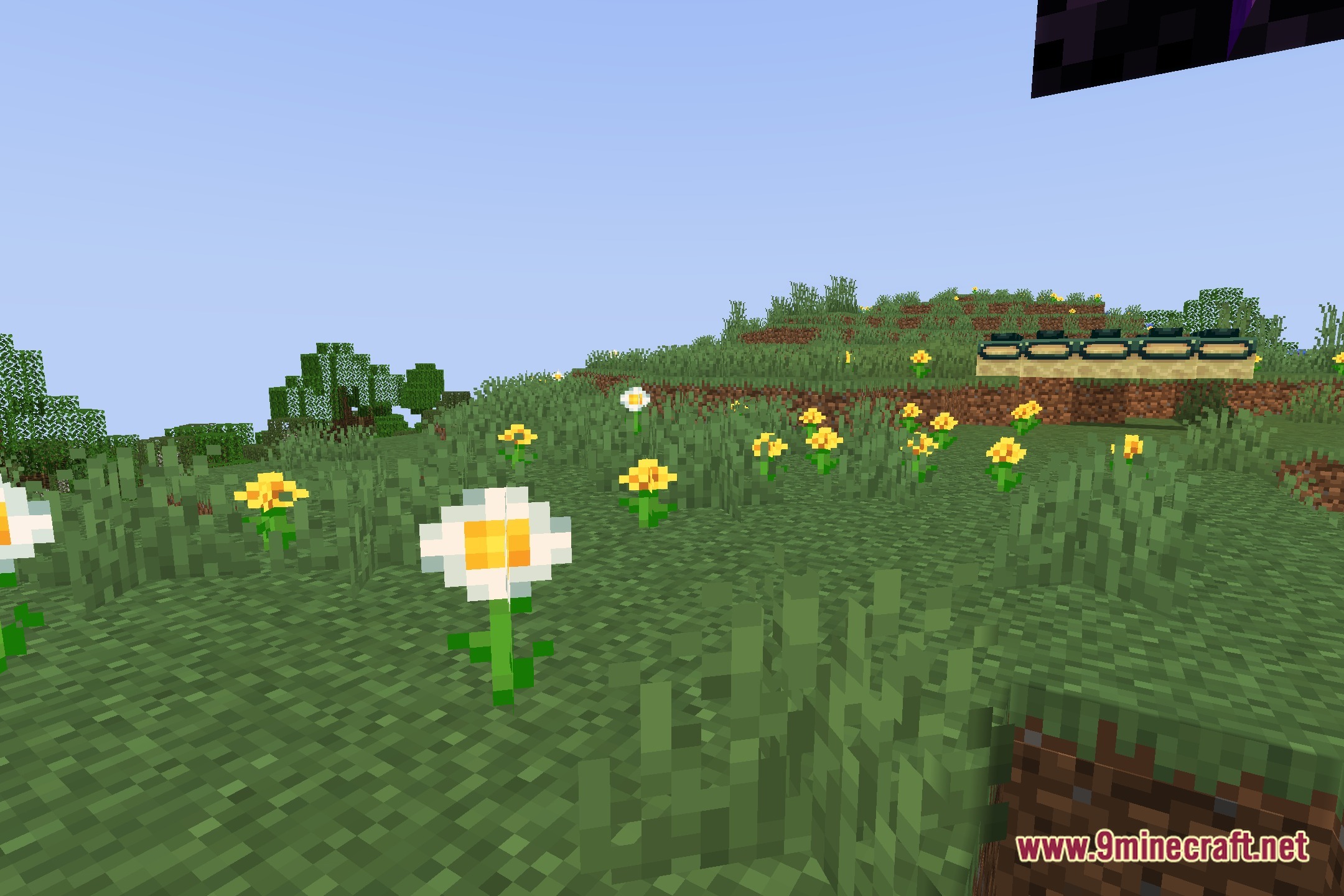
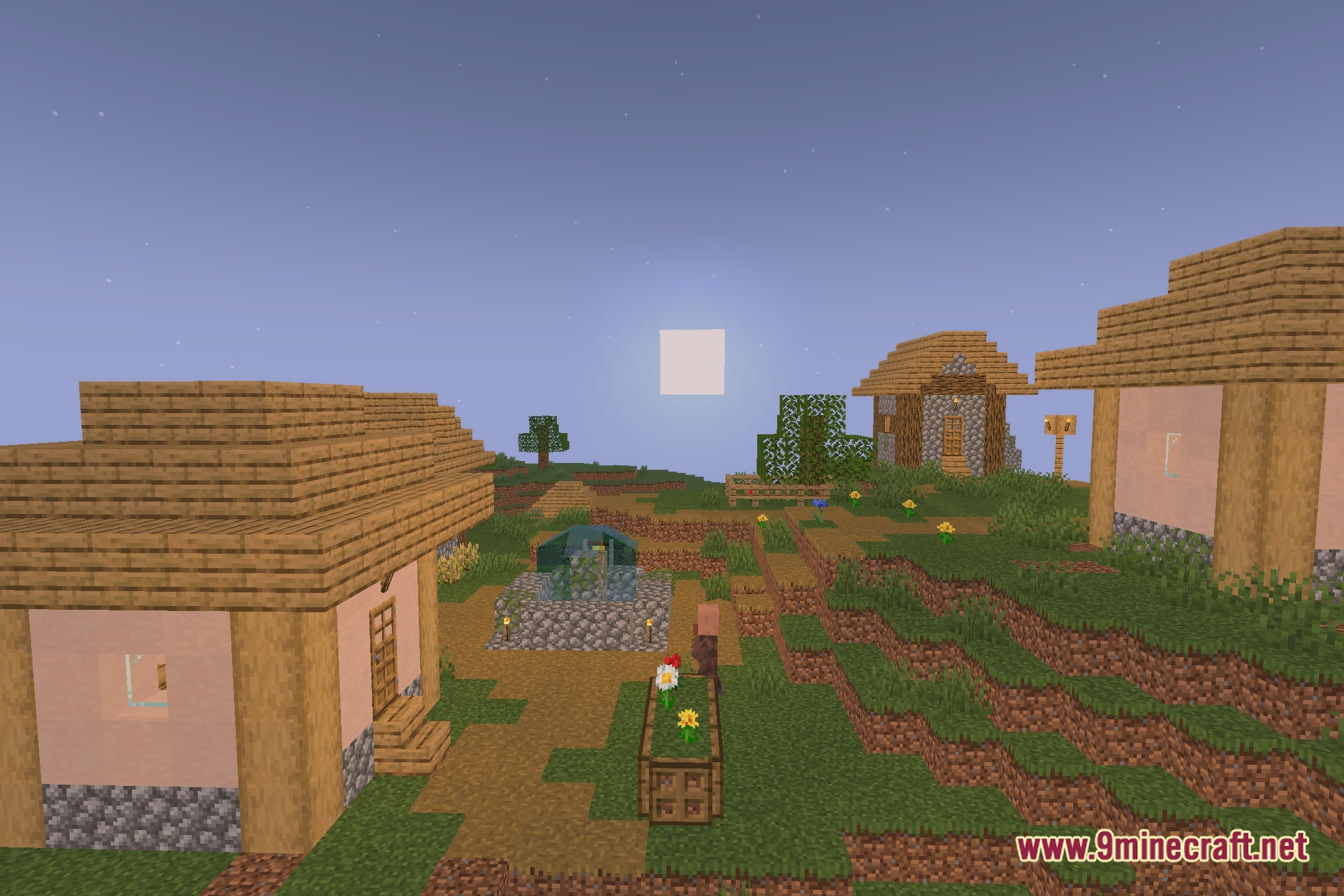
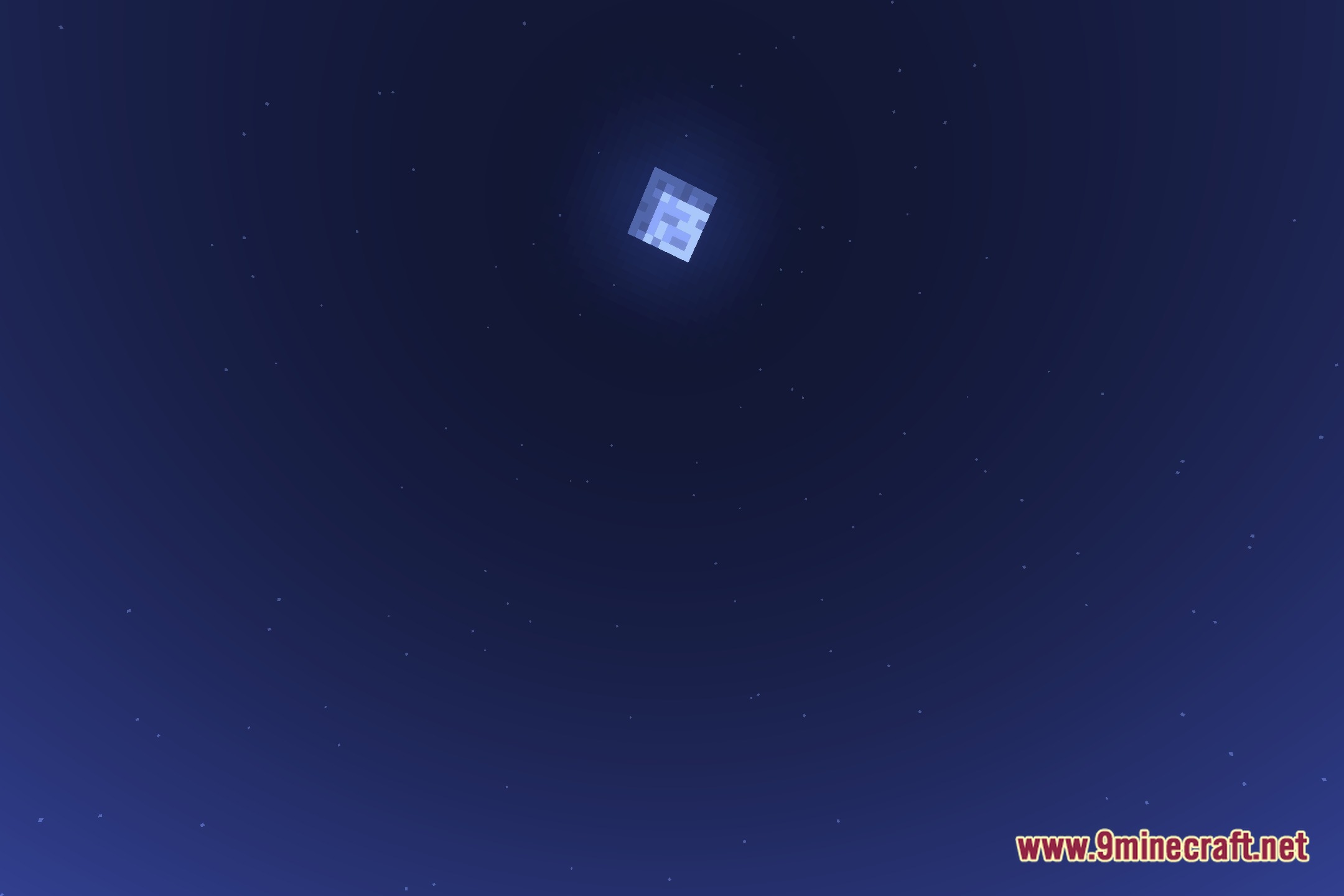
12 images from the Cloud S Shaders page.
You May Also Like
Wikis that share the most with this one
More shader wikis on the site
 CinderFrame Shaders
The most downloaded mods that have a wiki here