

 DownloadMore Cloud Layers Mod
Get the files on 9Minecraft
Guides
Step-by-step, in-game.
Adjust Cloud Layer Height and SpacingUnderstanding Cloud Layer Stacking More Cloud Layers Mod places each new cloud layer exactly 16 blocks higher than…Control Cloud Speed and Movement PatternsHow Cloud Speeds Work More Cloud Layers Mod allows each cloud layer to move at different speeds, creating depth and…Match Clouds to Your Graphics SettingsFast vs. Fancy Graphics Compatibility More Cloud Layers Mod automatically adapts to your Minecraft graphics mode. On…Refresh Cloud Layers After World ChangesWhen Clouds Need Updating More Cloud Layers Mod regenerates cloud positions and properties when you join a world,…
Frequently asked questions
Do I need to do anything after installing the mod or does it just work?
The mod works automatically once installed—clouds will start appearing above your normal sky right away. If you're already in a world, you can sleep in a bed or travel through a portal to refresh the cloud layers and see them generate properly.
Why do my clouds look different on Fast vs Fancy graphics?
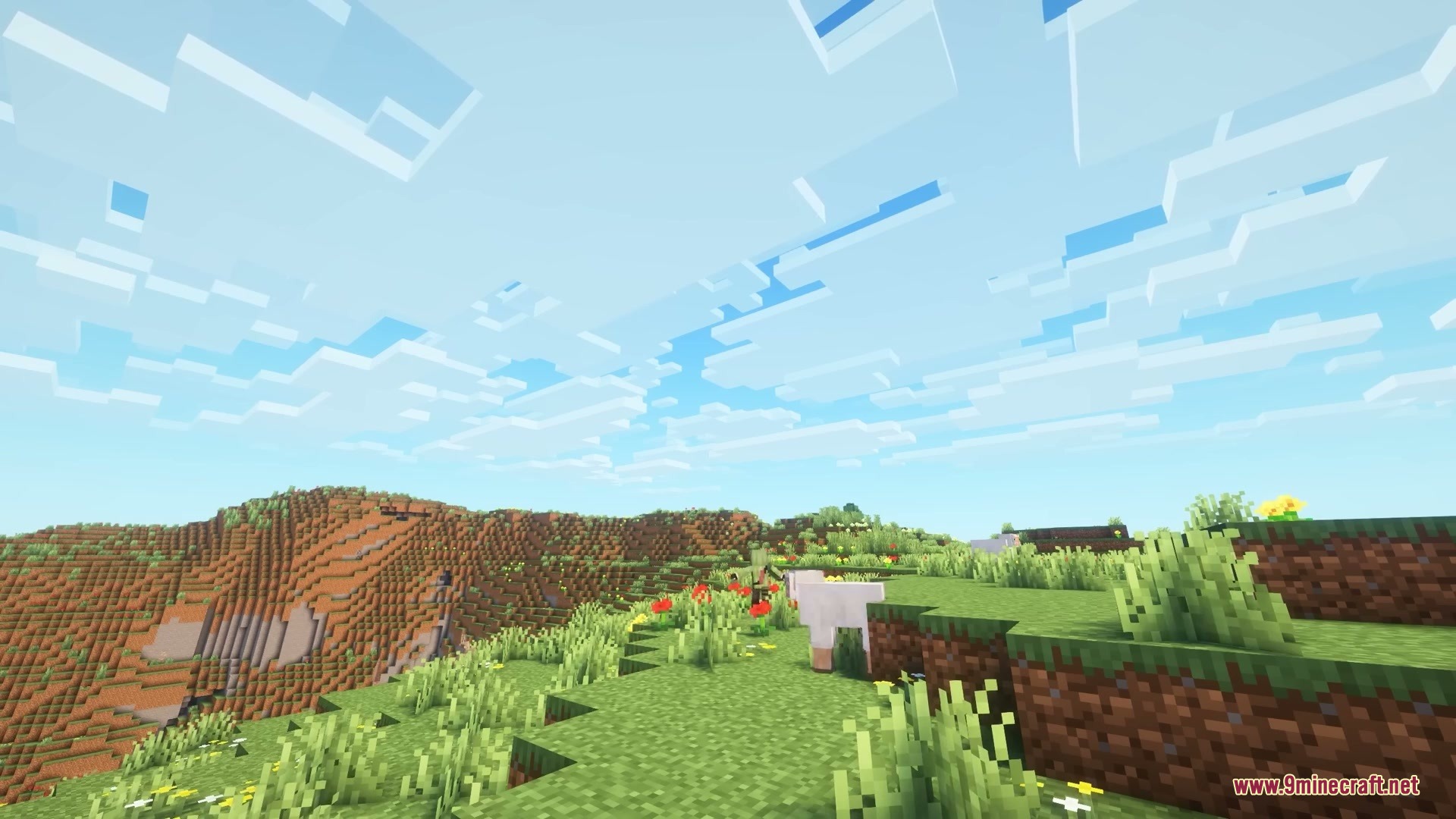
The mod automatically adjusts cloud appearance to match your graphics setting, so clouds render correctly either way. If they look wrong, check your Video Settings and make sure Fast or Fancy is actually selected, then sleep in a bed to refresh the layers.
Can I make the higher clouds move slower than the lower ones?
Yes, the mod supports variable cloud speeds across layers—you can configure this in the mod's settings to create a parallax effect where upper clouds drift more slowly than lower ones.
How high do the extra cloud layers go?
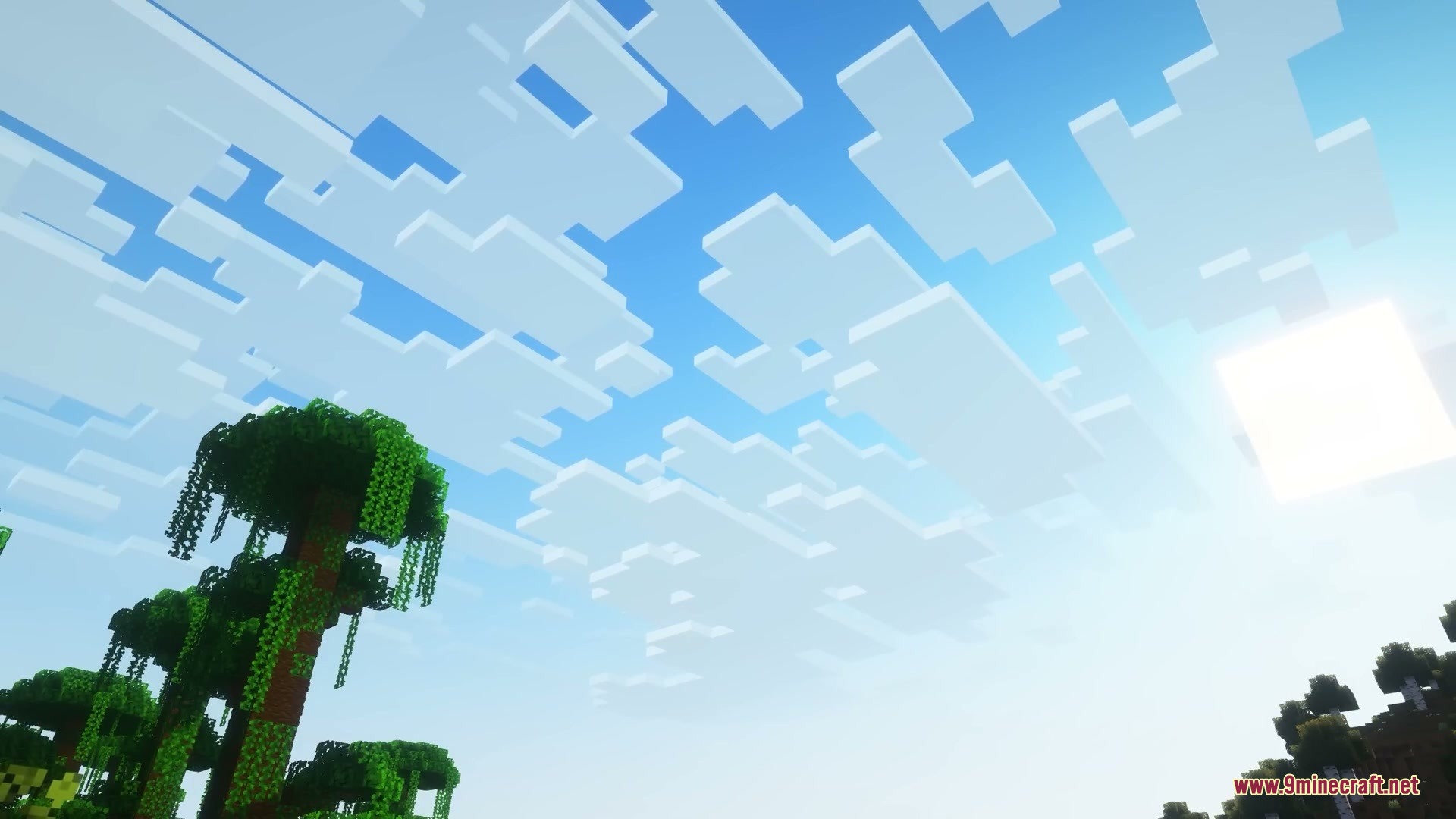
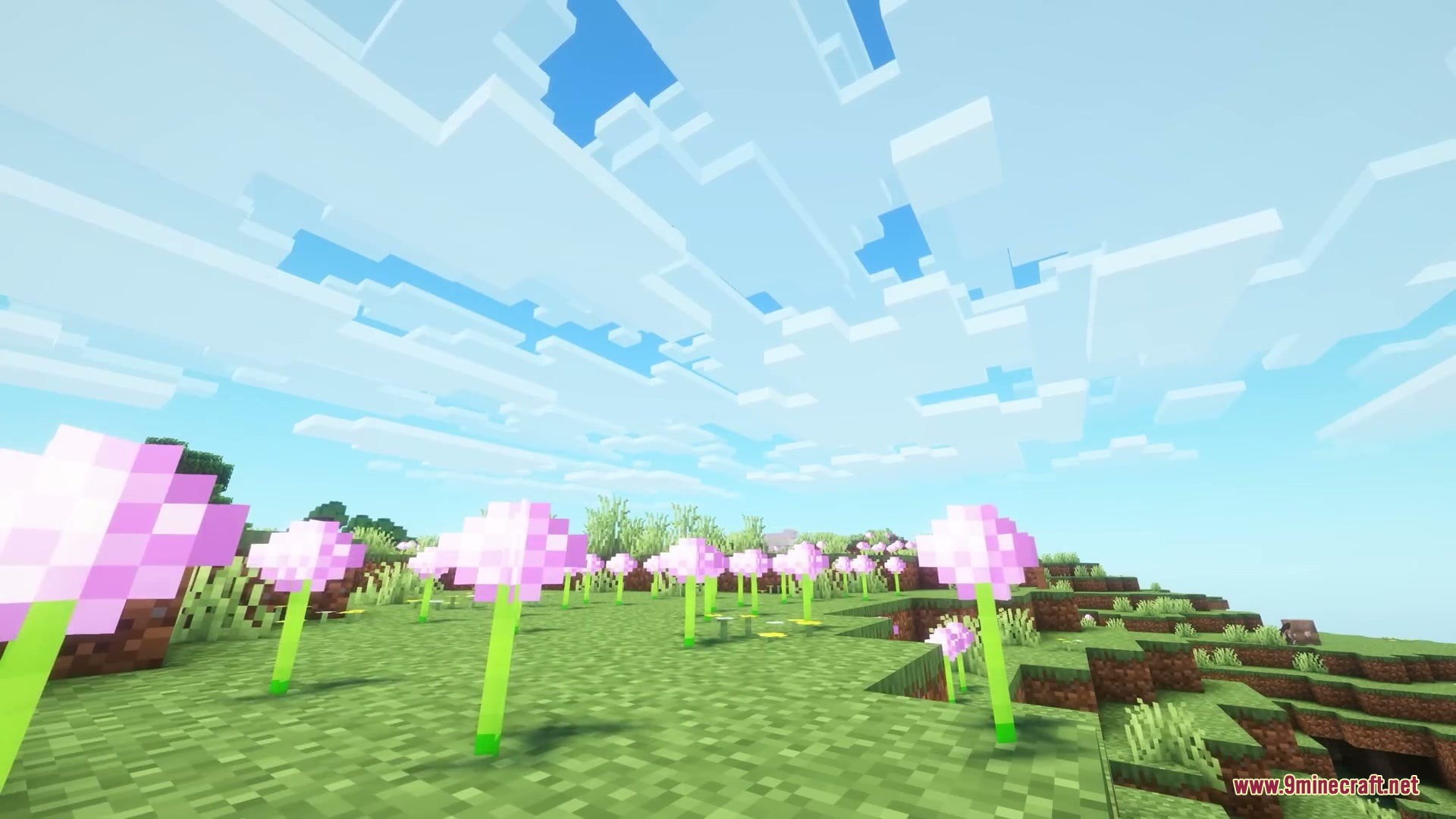
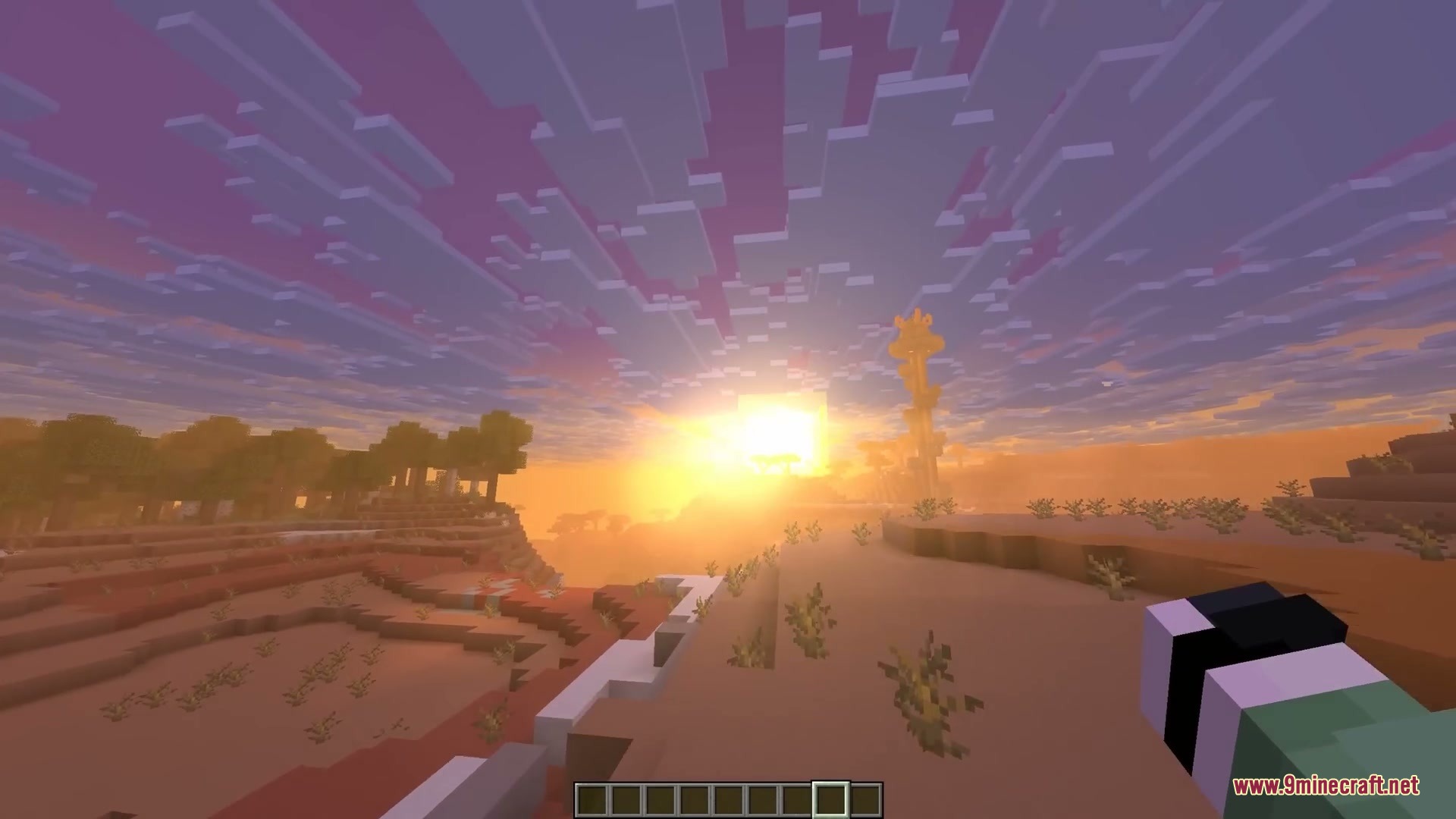
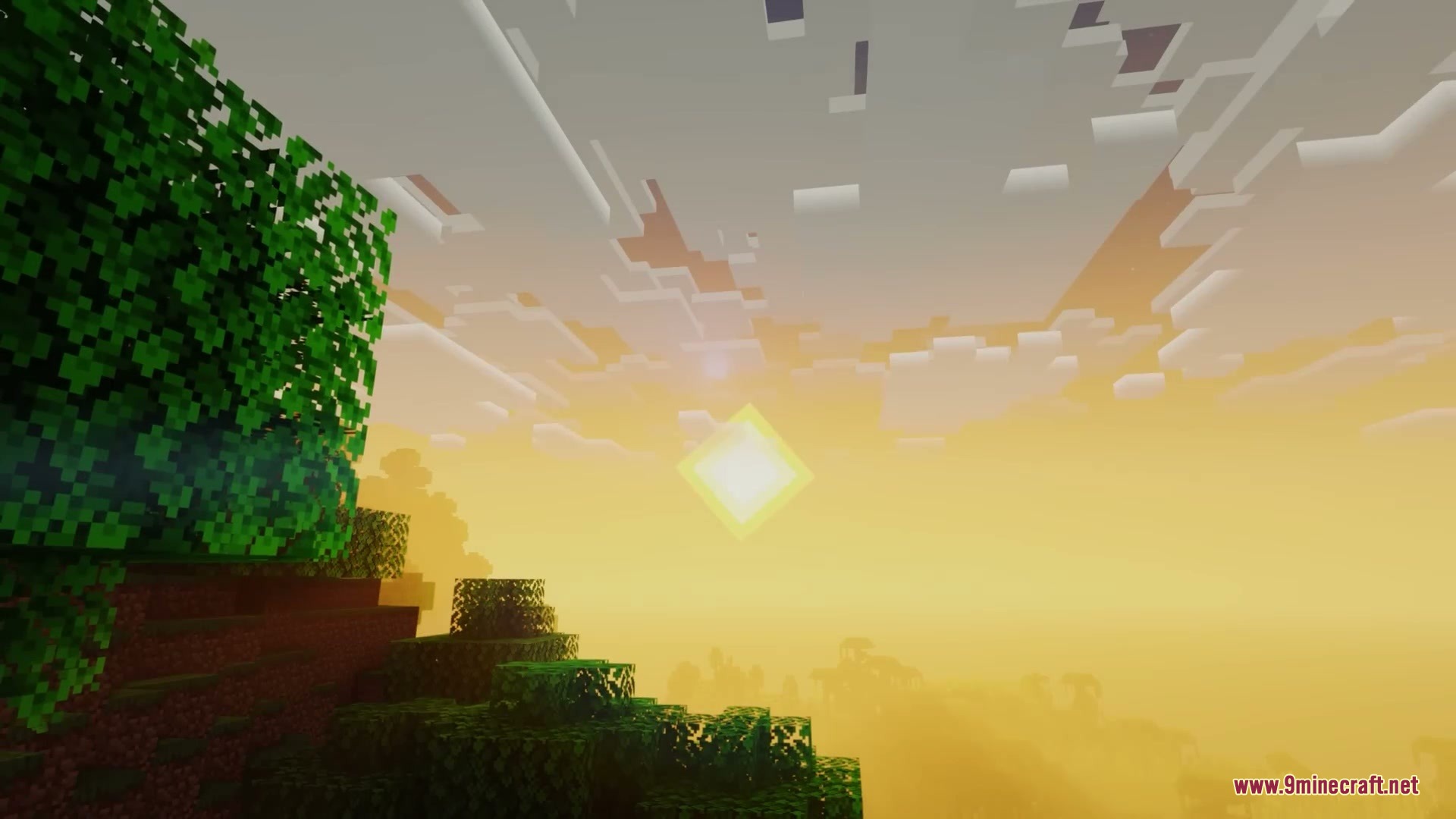
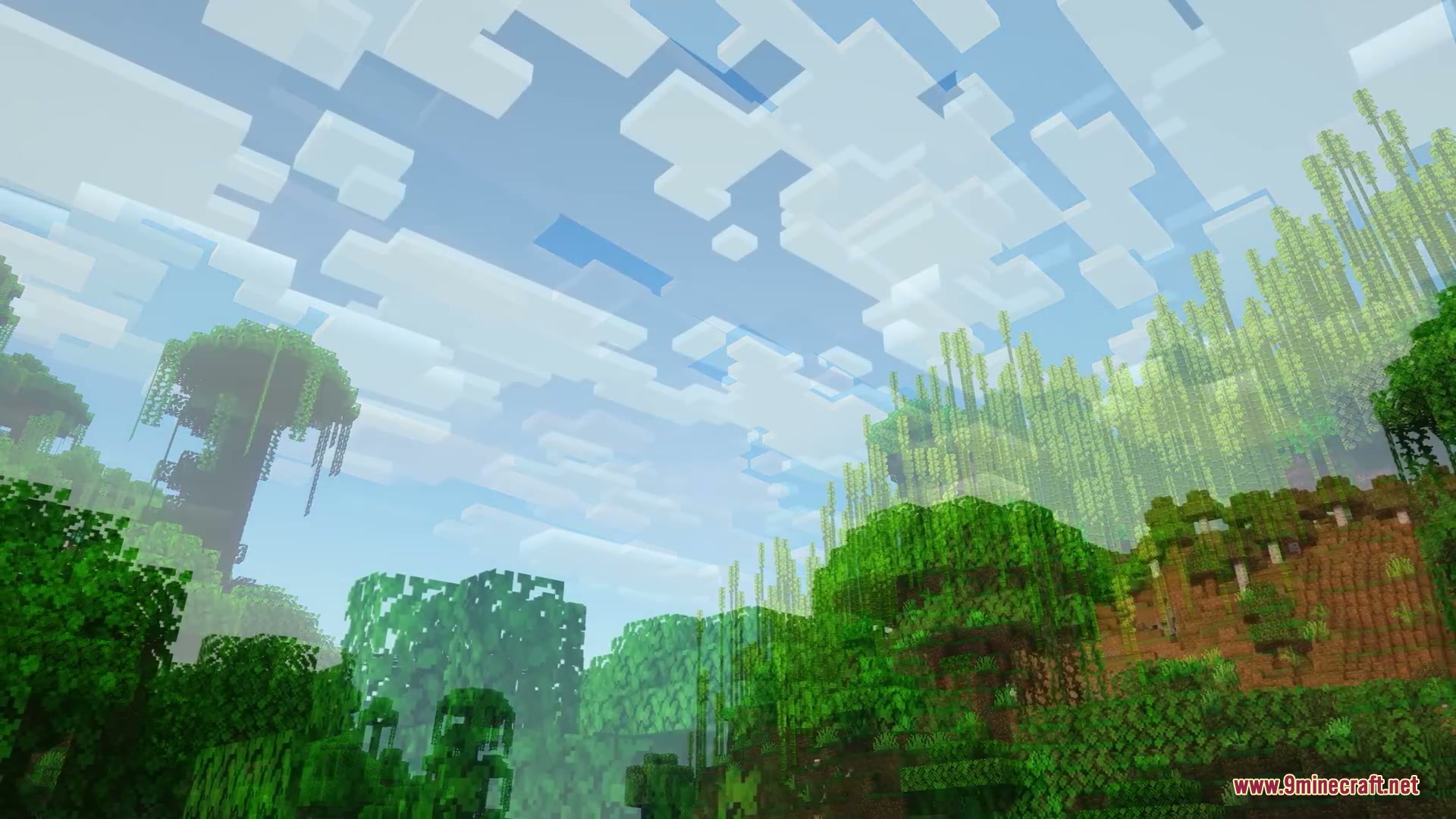
The mod stacks up to eight extra cloud layers, with each new layer placed 16 blocks higher than the previous one, creating a tall column of clouds extending far above the normal sky.
See all 10 More Cloud Layers questions ›
Gallery
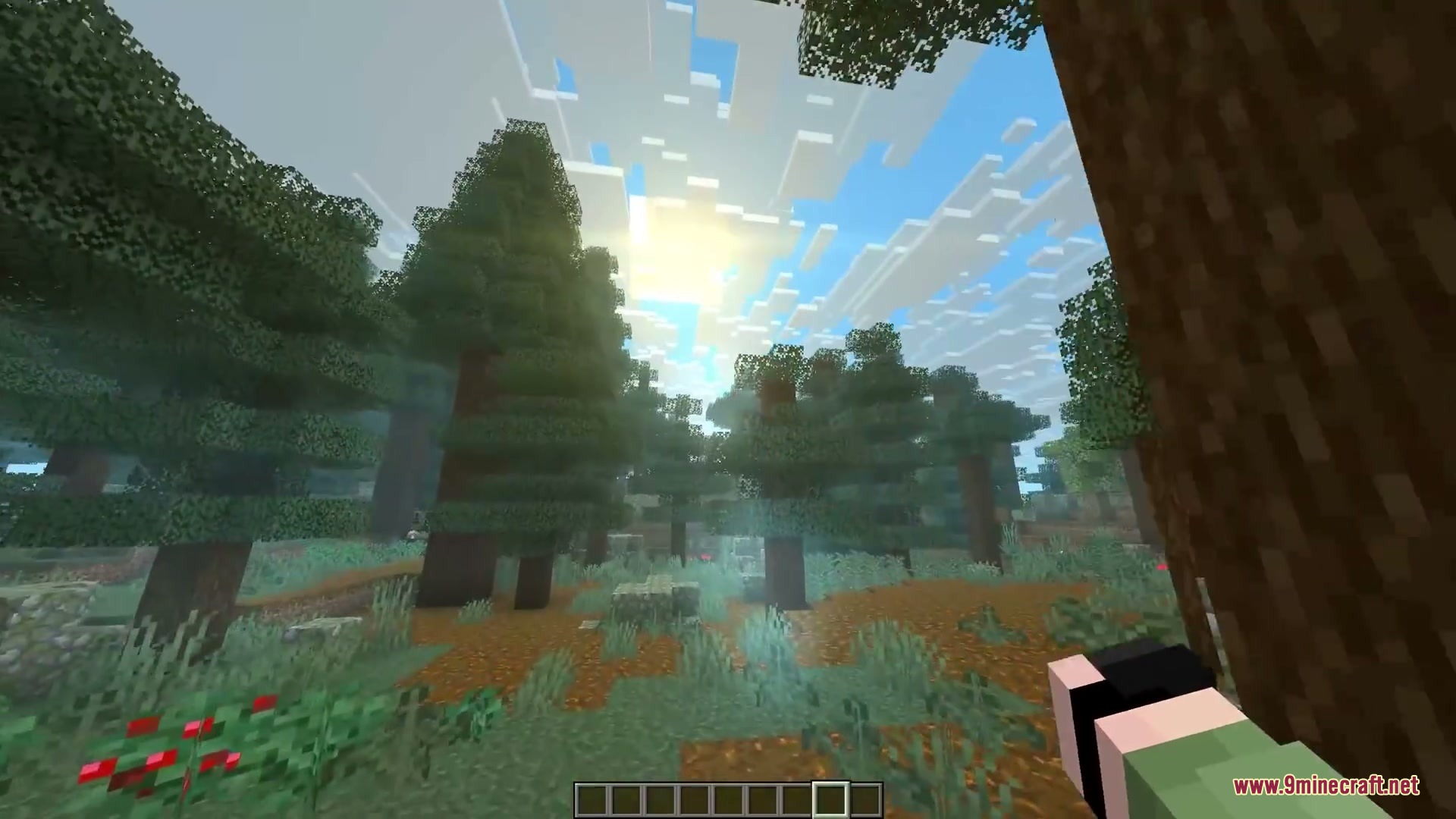
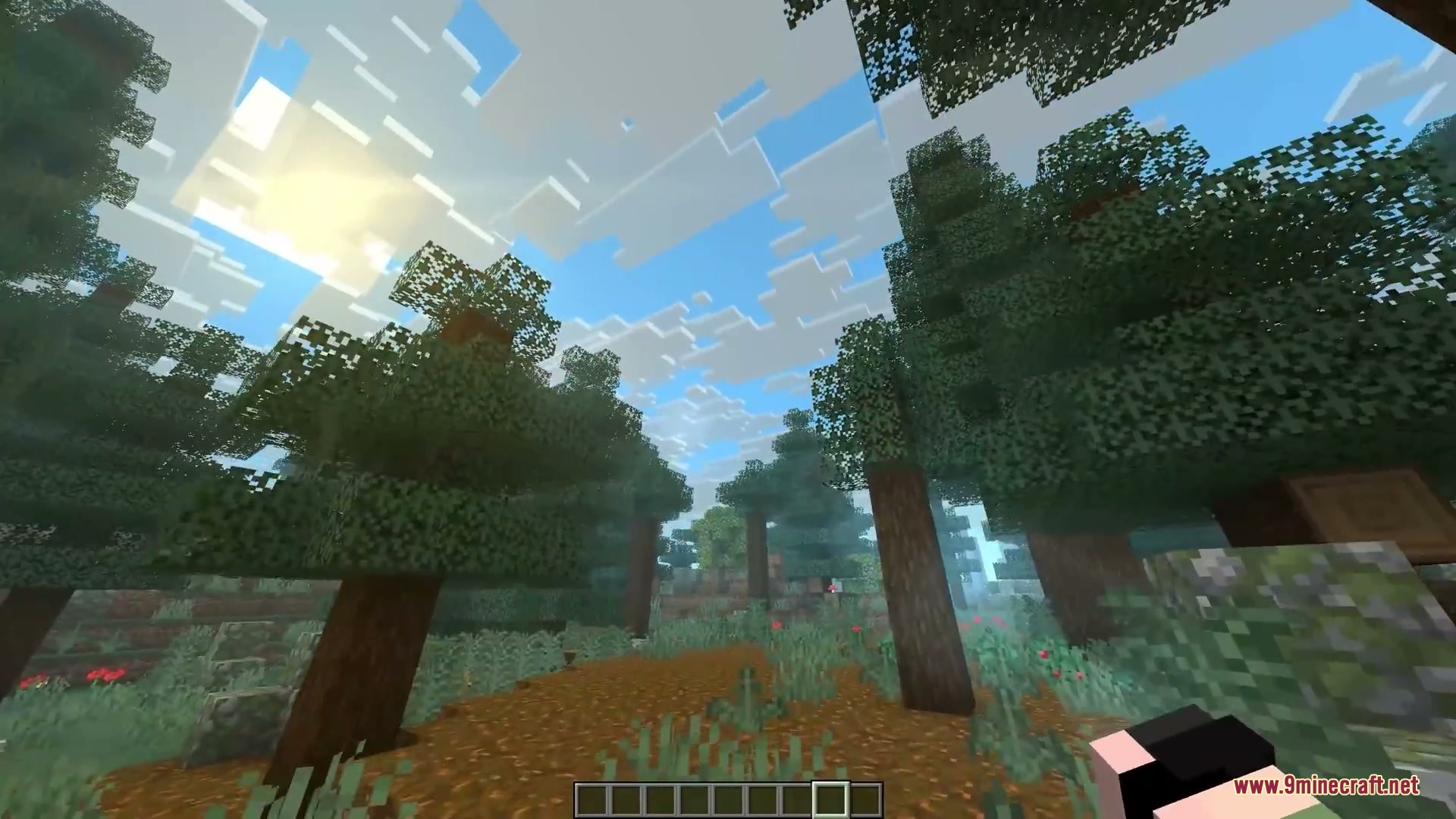
9 images from the More Cloud Layers Mod page.

You May Also Like
Wikis that share the most with this one
More mod wikis on the site
The most downloaded mods that have a wiki here
A few wikis from each of the other kinds