

 DownloadCloud Tweaks Mod
Get the files on 9Minecraft
Guides
Step-by-step, in-game.
Adjust Cloud Density and CoverageFinding Density Controls Open the Cloud Tweaks settings and search for options related to "density," "coverage,"…Change Cloud Color and OpacityAccessing Cloud Settings Open your mod configuration menu (usually accessible via the mods screen or a dedicated…Customize Sky Color and GradientsLocating Sky Settings In the Cloud Tweaks configuration, find the sky customization section separate from cloud…Switch Between 2D and 3D Cloud RenderingFinding the Cloud Type Option Open the Cloud Tweaks configuration menu. Look for a setting labeled "Cloud Type,"…
Frequently asked questions
Where do I configure cloud settings?
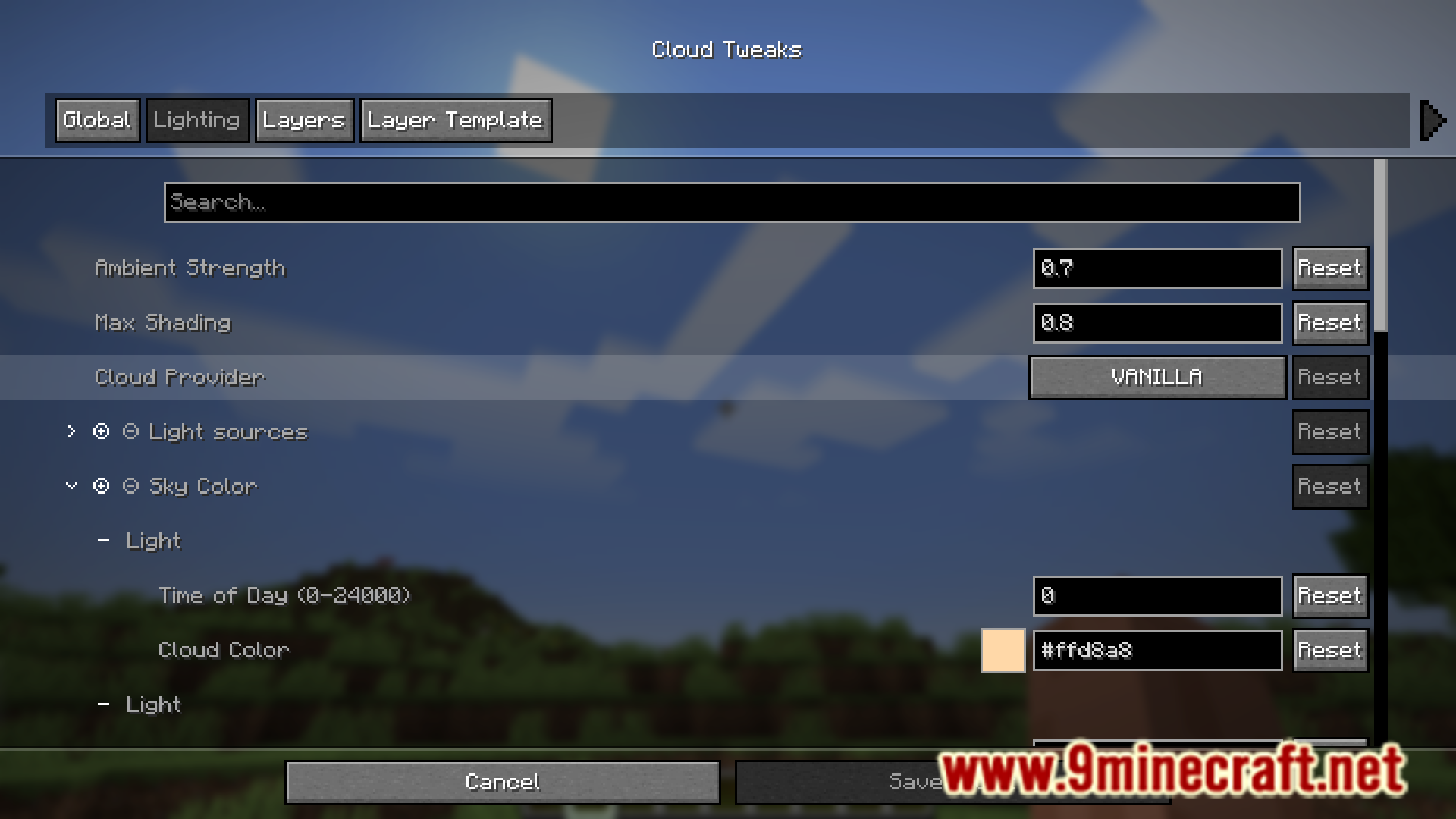
Cloud Tweaks settings are accessed through the mod's configuration menu, typically found in your game settings or mod menu depending on your mod loader. Look for a 'Cloud Tweaks' or 'Clouds' option in the video or graphics settings section.
Can I make clouds completely transparent?
Yes, you can adjust the opacity slider to make clouds as transparent as you want, including nearly invisible. However, setting opacity to zero may cause visual glitches, so test lower values carefully.
What's the difference between 2D and 3D clouds in this mod?
2D clouds are flat and render faster with less performance impact, while 3D clouds have depth and volume for a more detailed appearance but use more resources. You can switch between them in the cloud rendering settings.
Do custom cloud colors work in all biomes?
Custom cloud colors apply globally by default, affecting all biomes equally. Some configurations may allow biome-specific overrides depending on your mod version, so check your settings for biome-related options.
See all 10 Cloud Tweaks questions ›
Gallery
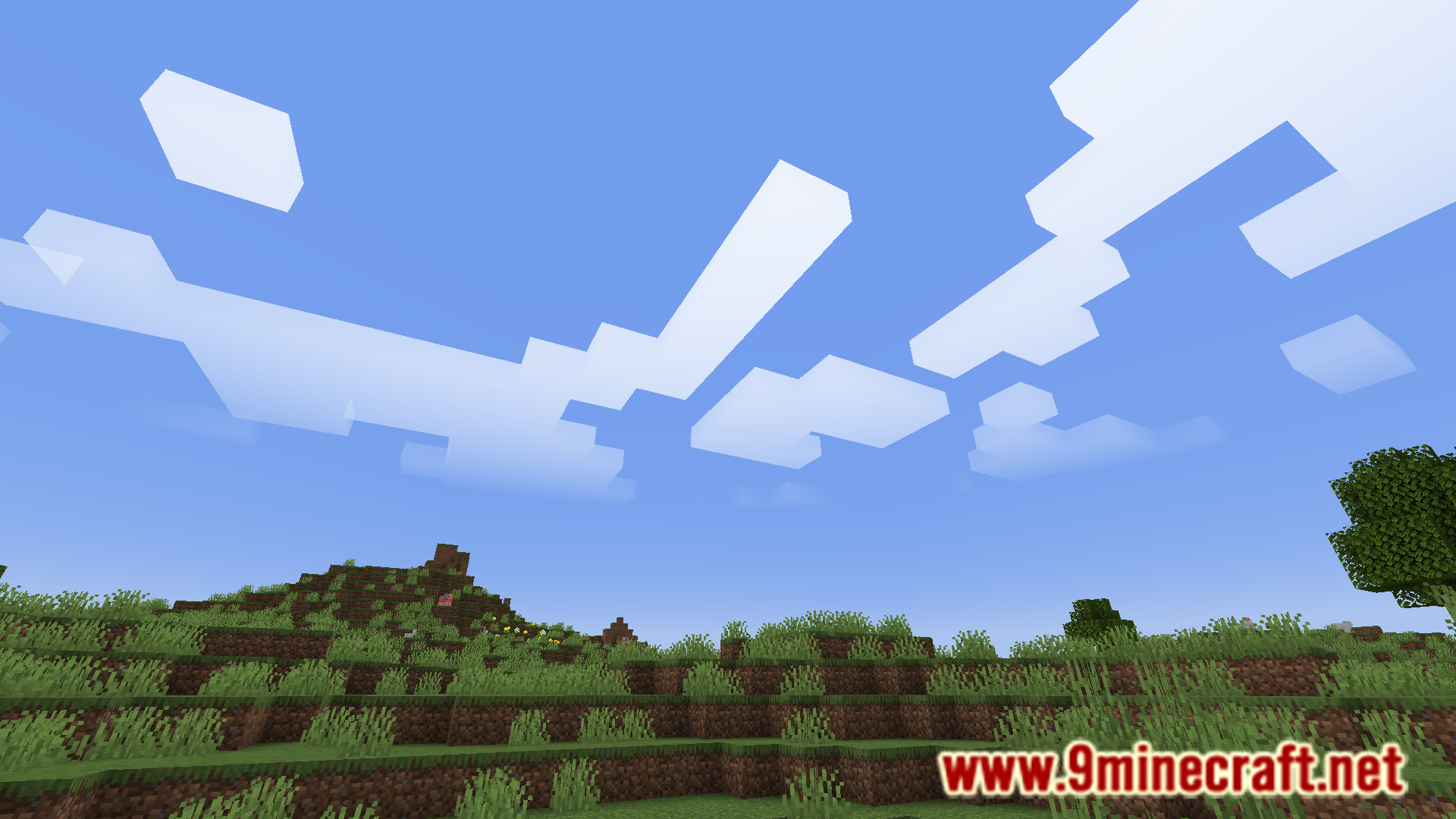
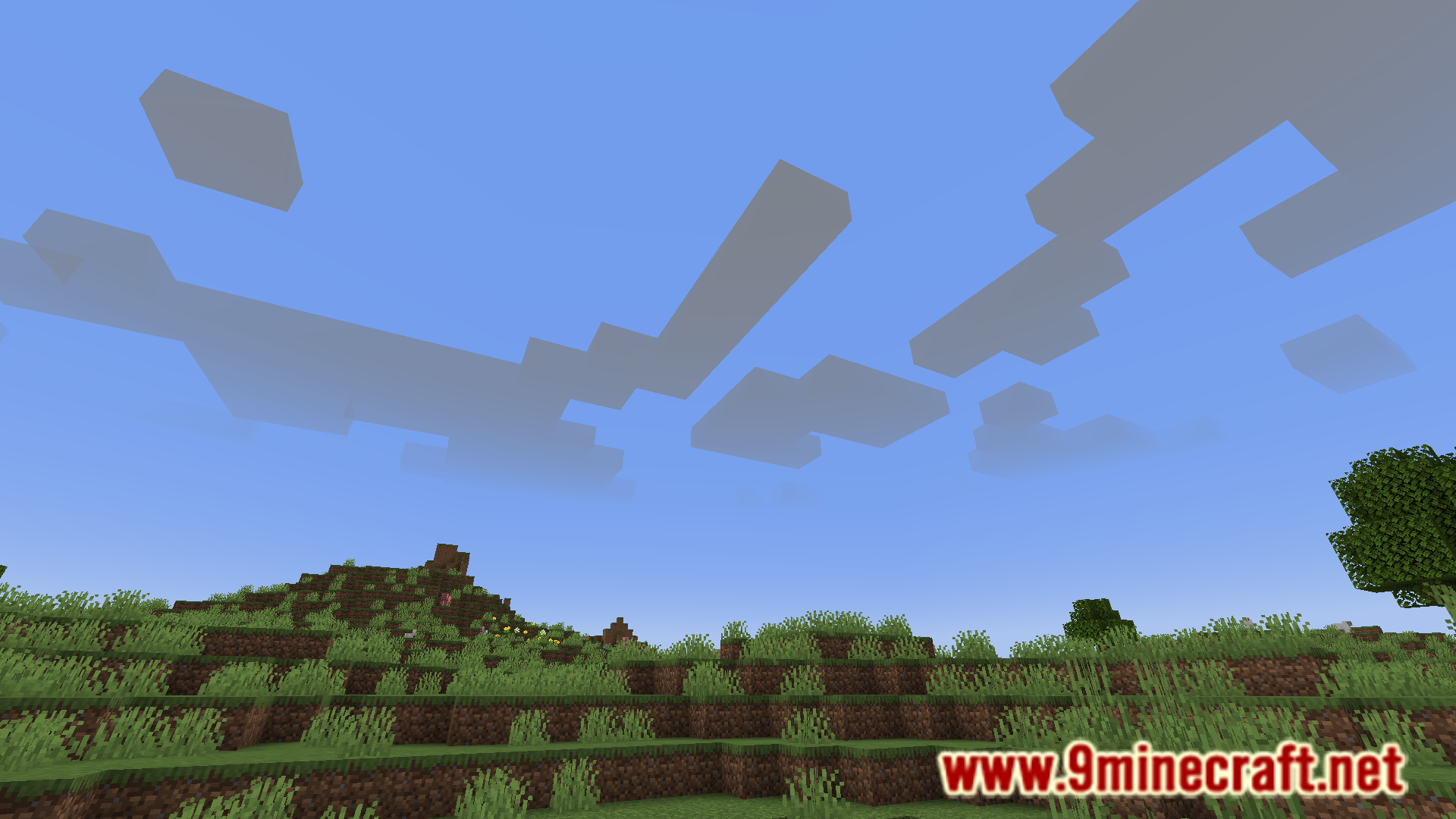
6 images from the Cloud Tweaks Mod page.
You May Also Like
Wikis that share the most with this one
Wikis on the same theme: world
More mod wikis on the site
The most downloaded mods that have a wiki here
A few wikis from each of the other kinds