

 DownloadVibrant Fog Resource Pack
Get the files on 9Minecraft
Guides
Step-by-step, in-game.
Combine Vibrant Fog with Other Resource PacksUnderstand Pack Load Order When using multiple resource packs, load order matters. Place Vibrant Fog either above or…Customize Fog Colors for Specific BiomesLocate the Resource Pack Files Navigate to your resource pack folder and find the Vibrant Fog configuration files.…Enable or Disable Fog Effects in Different DimensionsAccess Dimension-Specific Settings The Vibrant Fog Resource Pack includes separate configuration options for…Optimize Fog Performance on Lower-End SystemsReduce Fog Render Distance The Vibrant Fog Resource Pack can impact performance on systems with limited resources.…
Frequently asked questions
How do I know if Vibrant Fog is actually working?
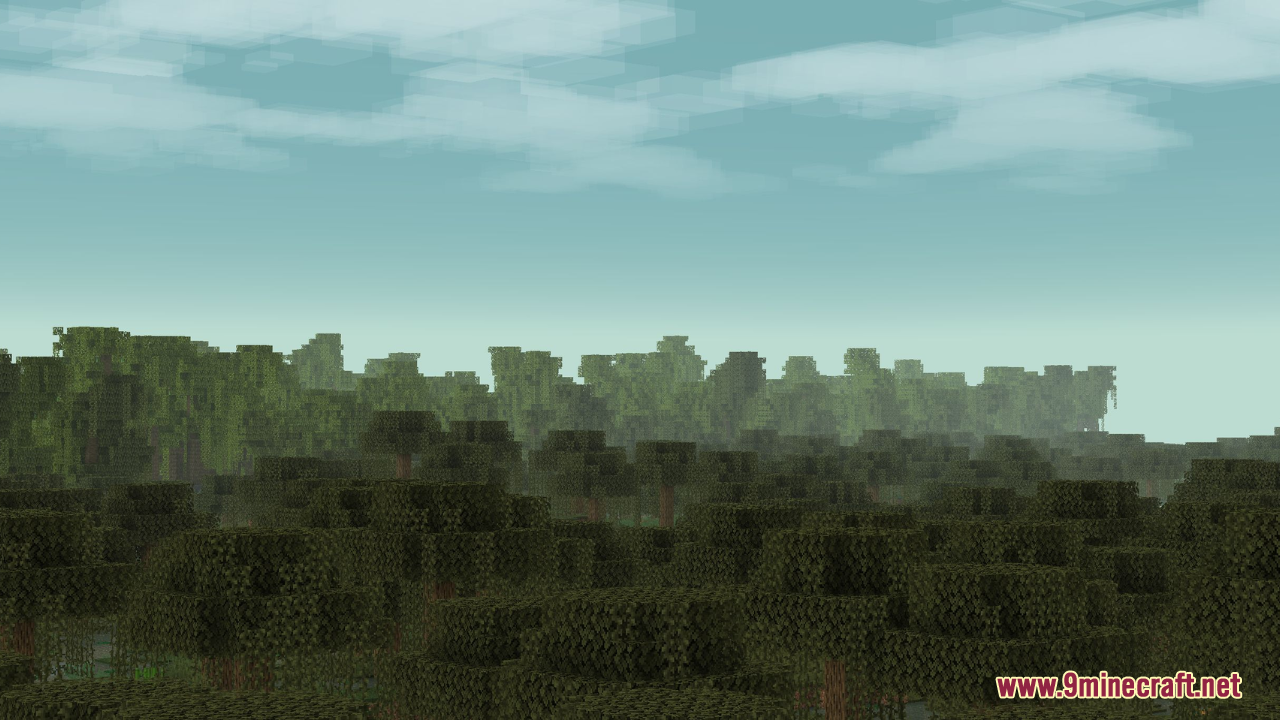
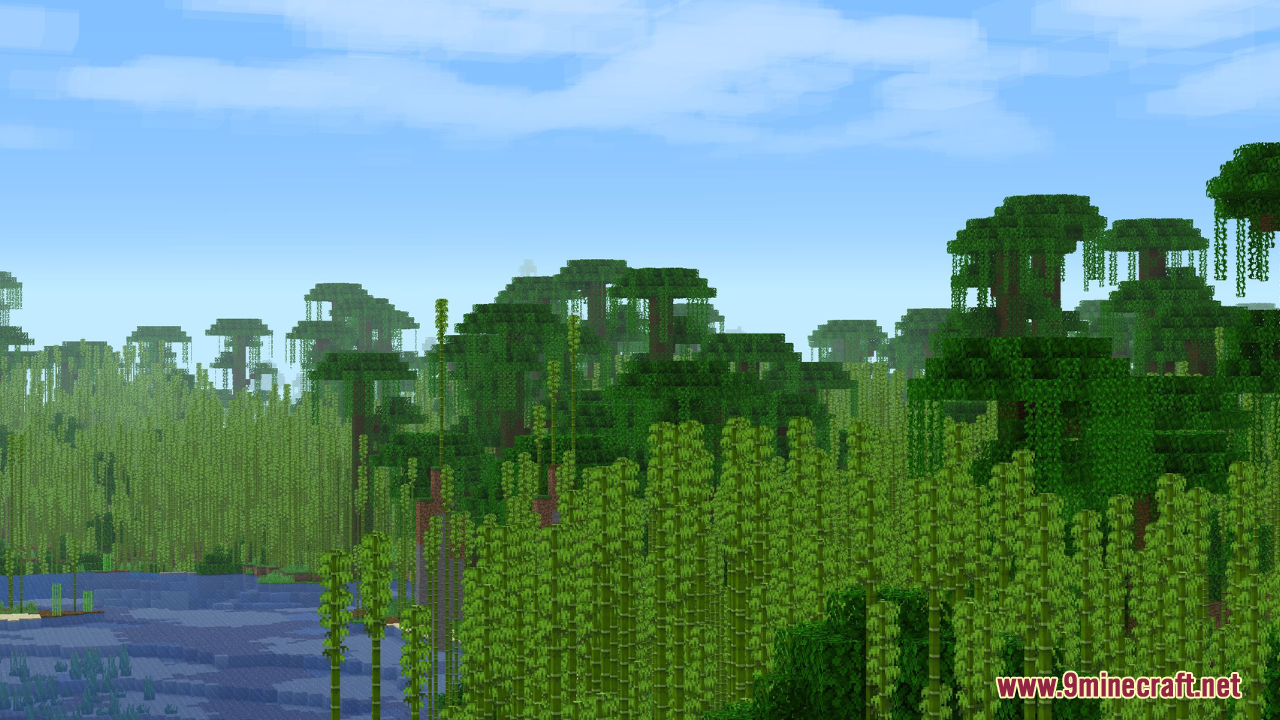
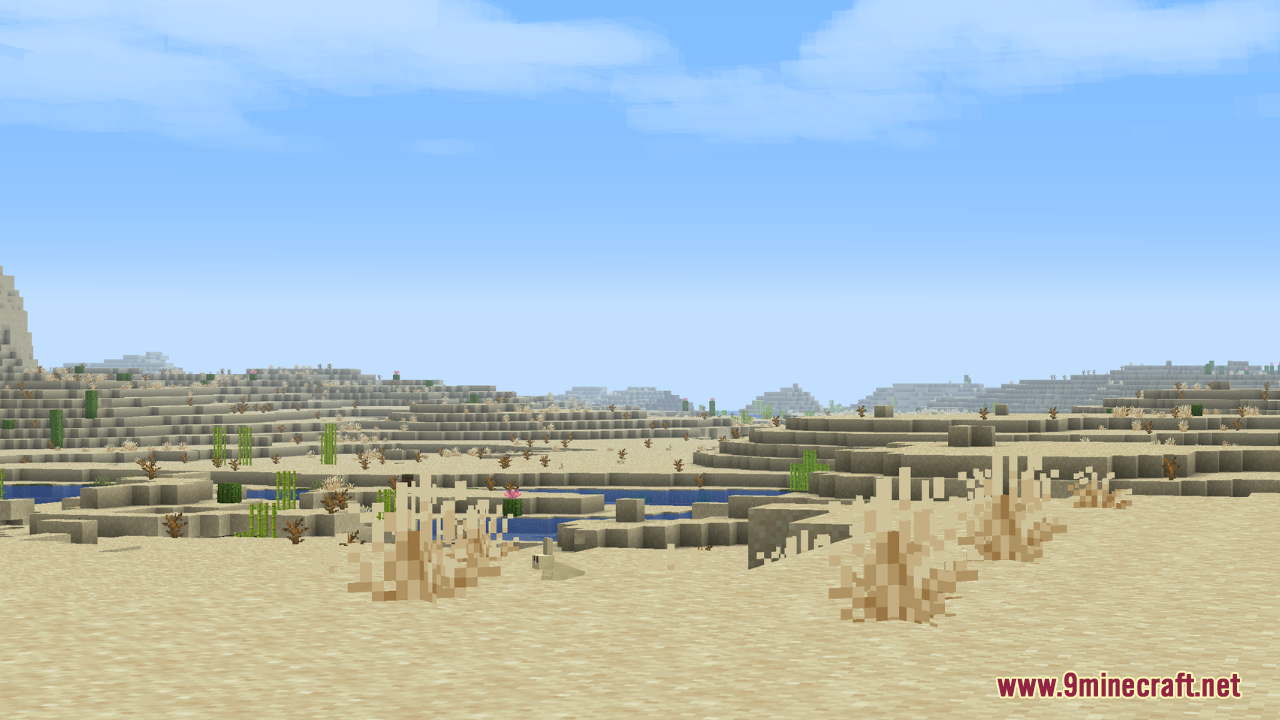
Load into different biomes and look at the sky and fog color—swamps should appear misty blue, deserts warm orange, and jungles deep green. If all biomes still look the same, check that the resource pack is enabled and ranked above any conflicting packs in your resource pack list.
Can I use Vibrant Fog with shader mods like Optifine?
Yes, but fog effects may interact unpredictably depending on your shader settings. If you see doubled fog or strange colors, try disabling fog in your shader's settings and let Vibrant Fog handle it alone.
Why does my fog look washed out or barely visible?
Your render distance, brightness settings, or gamma may be too high, washing out the fog colors. Try lowering brightness slightly or increasing render distance to see the fog effect more clearly.
Does Vibrant Fog work in the Nether and End?
Yes—you can customize fog colors for both dimensions separately using the guides in the wiki. The Nether and End have their own distinct fog palettes that enhance those unique environments.
See all 10 Vibrant Fog questions ›
Gallery
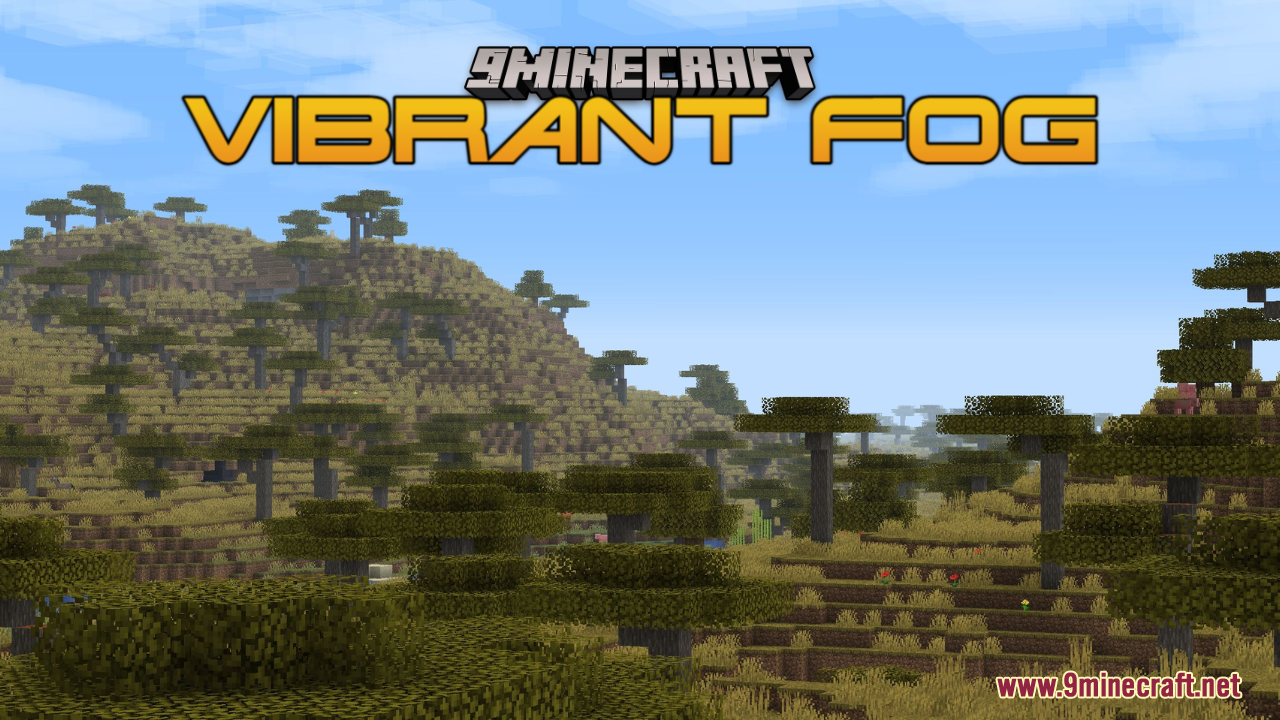
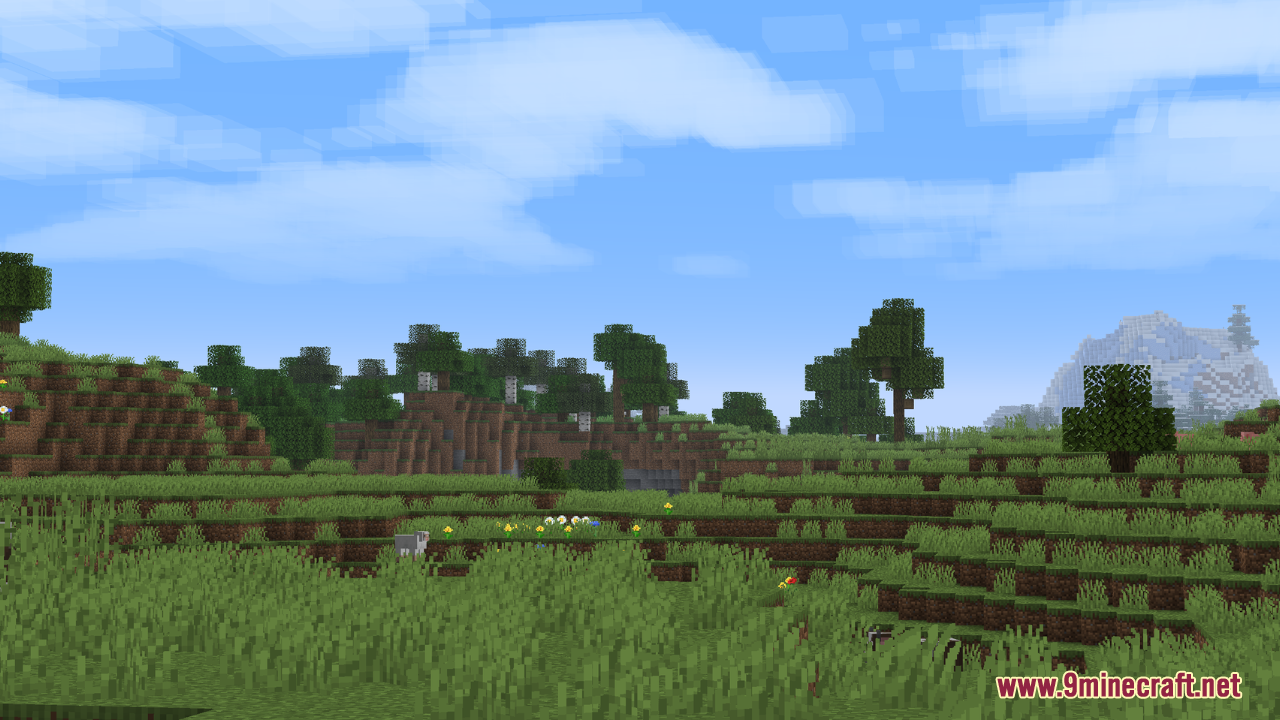
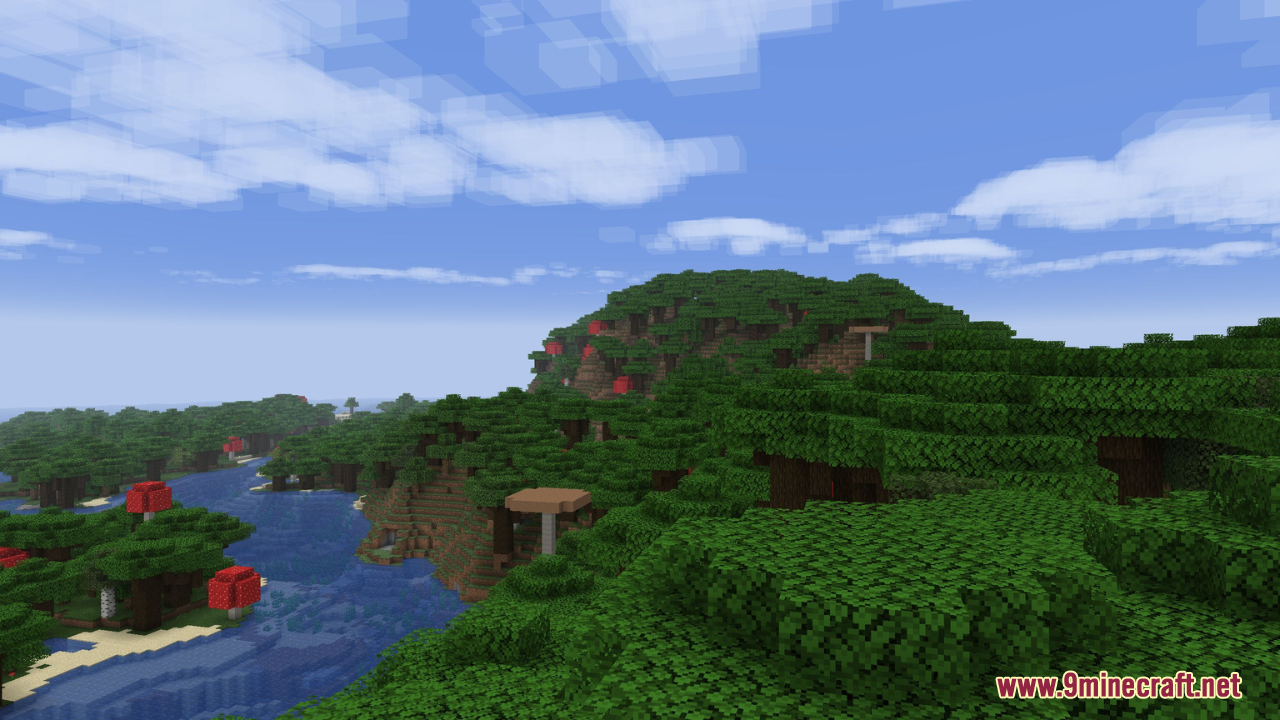
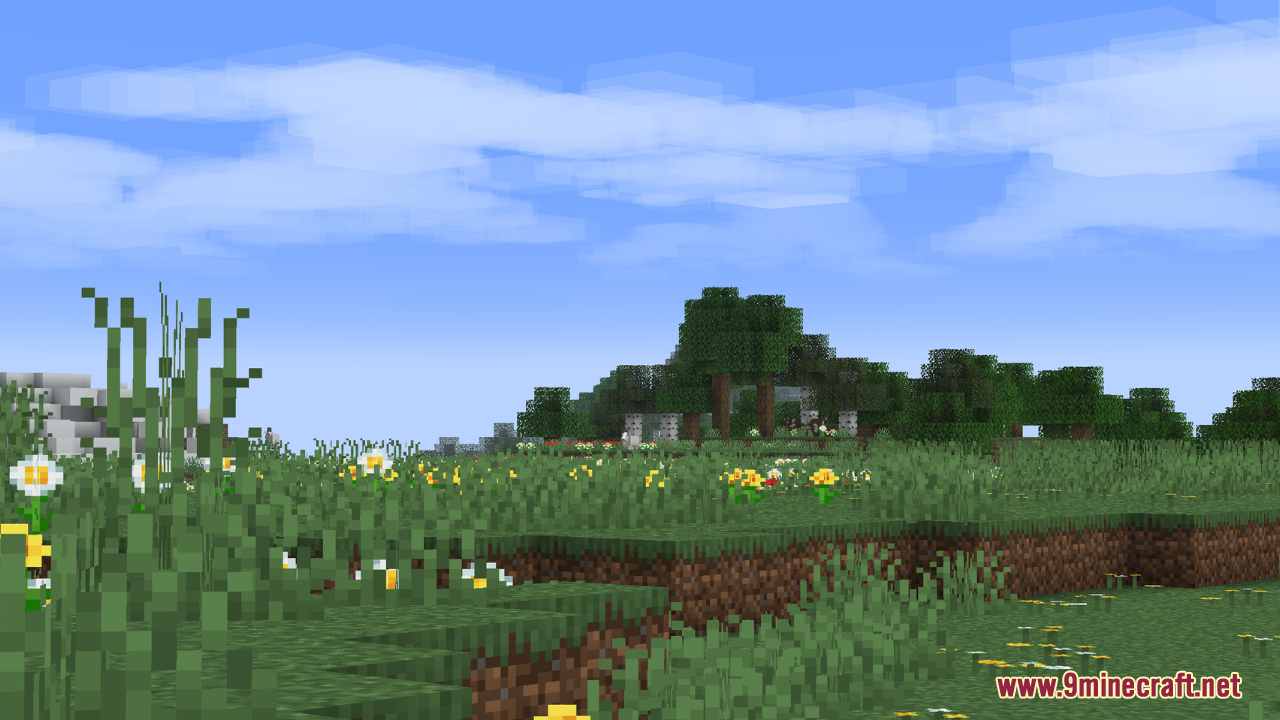
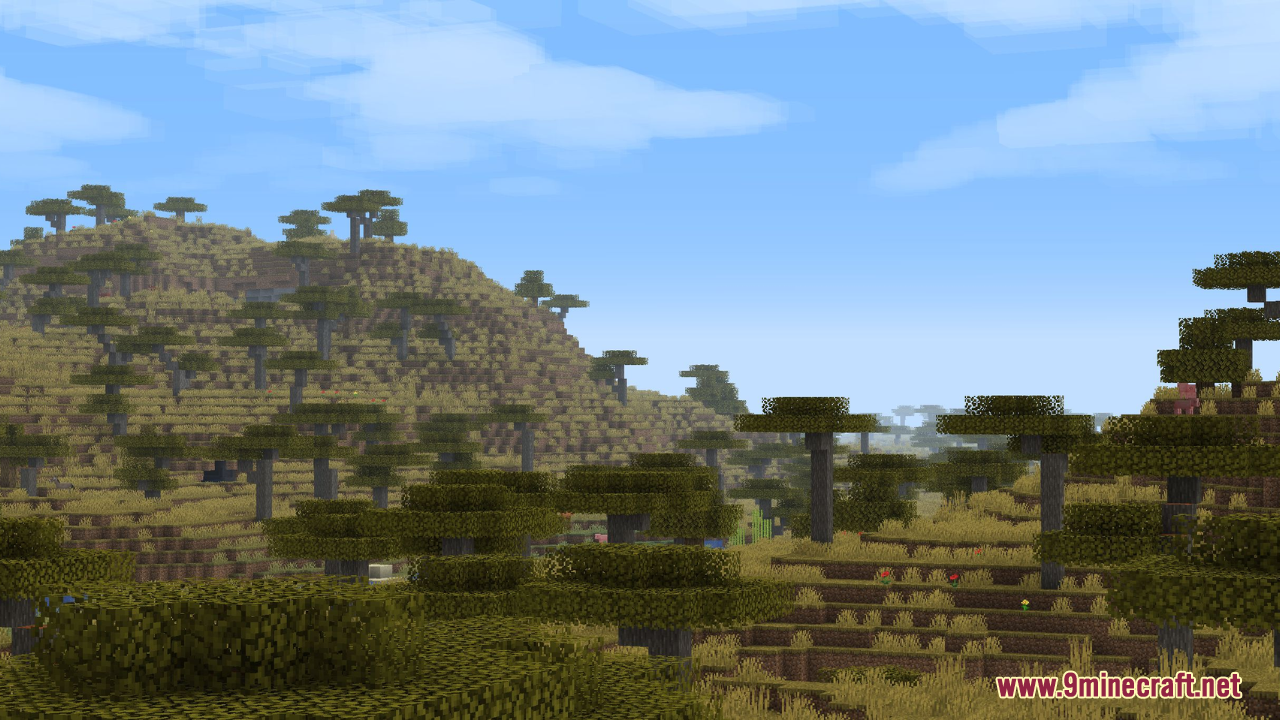
12 images from the Vibrant Fog Resource Pack page.
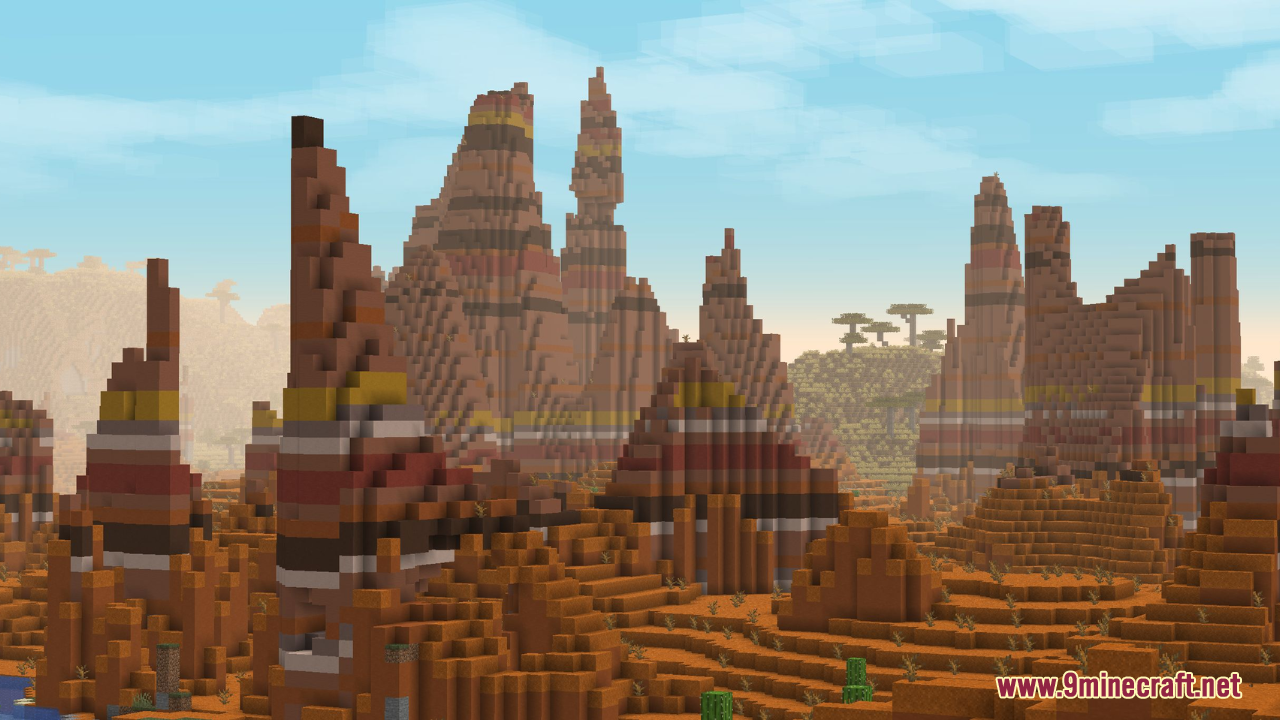
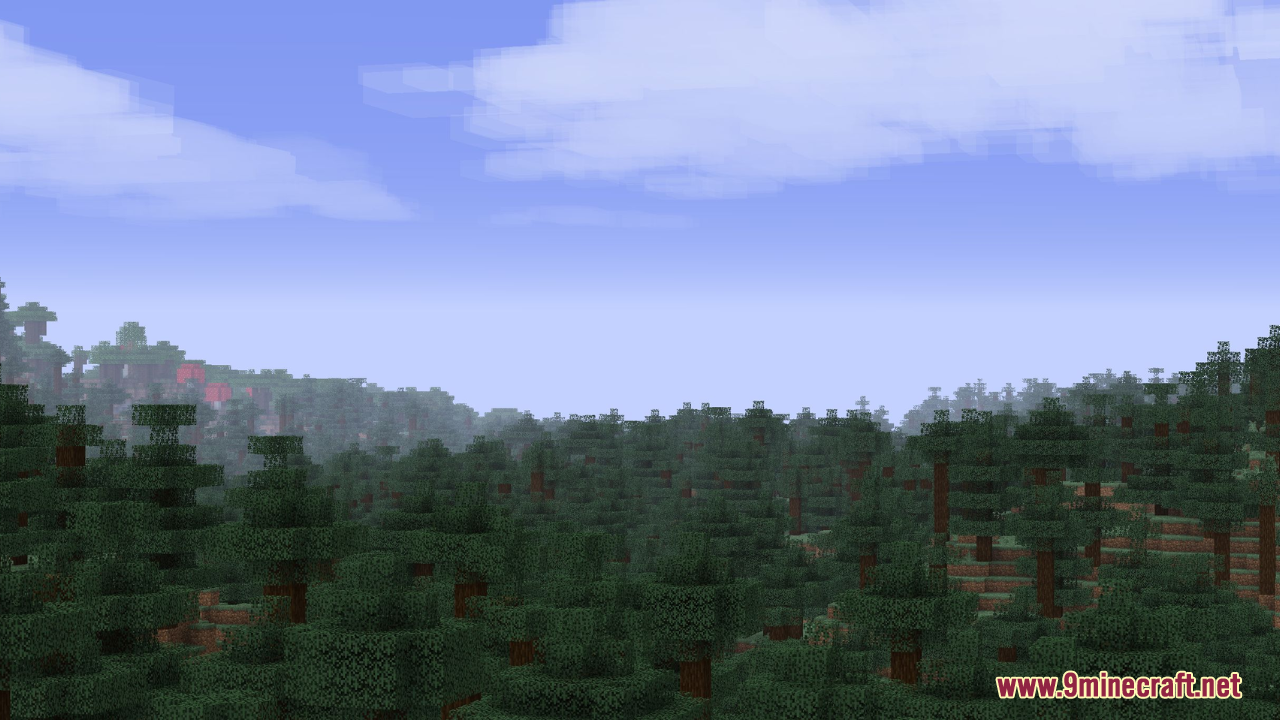
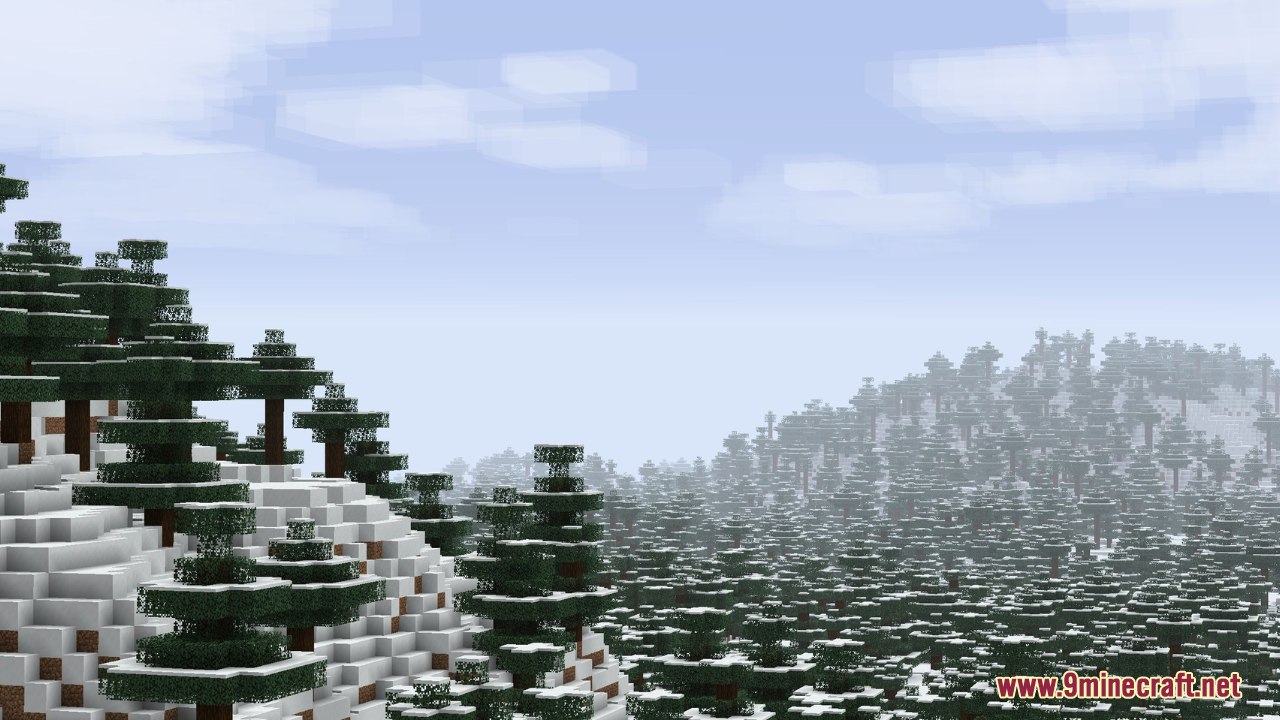
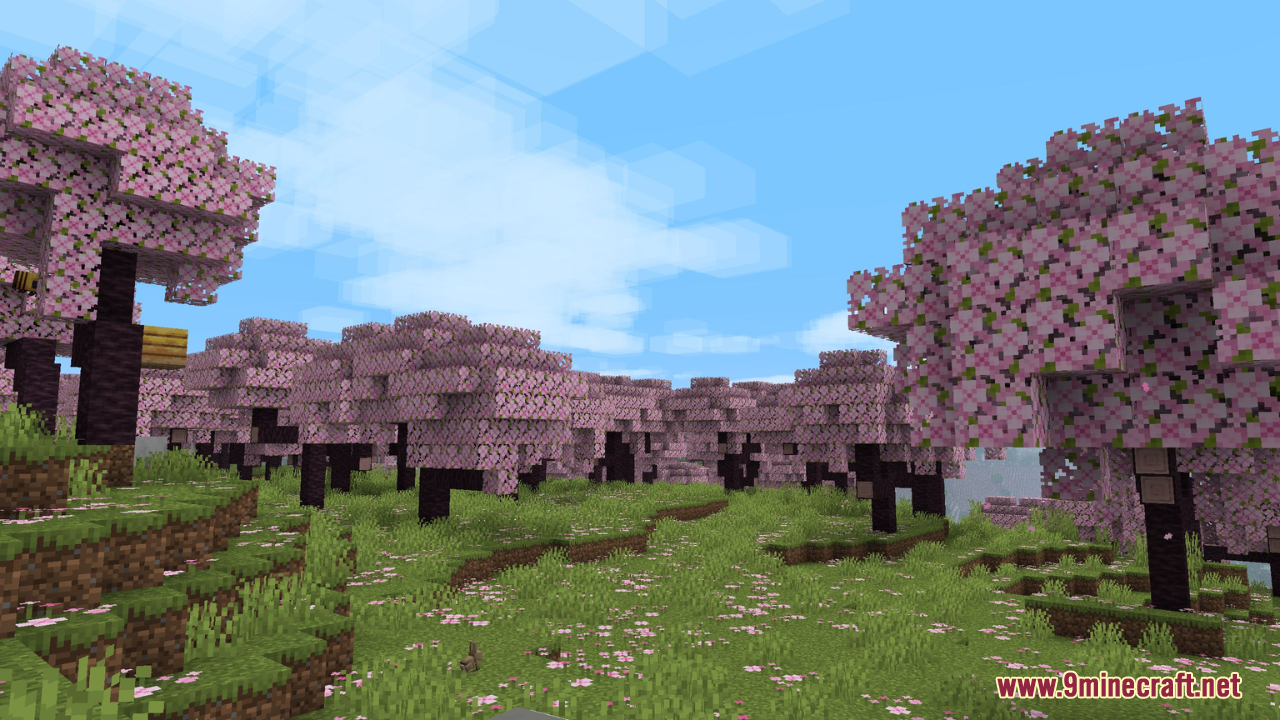
You May Also Like
Wikis that share the most with this one
Wikis on the same theme: ore
More resource pack wikis on the site
Very Big Spy Glass Resource PackVelocity Rail Streamline Resource PackVeinify Better Mining Resource PackVariants Cakes Resource PackVantage Point Clarity Resource PackVanillaenhanced Resource PackVanilla Spice Visuals Resource PackVanilla Sophisticated Backpacks Resource Pack Vanilla Reborn Rp By Guonith Resource PackVanilla Mashup Pbr Resource PackVanilla Glowing Ores Resource PackVanilla Fullbright Resource Pack
The most downloaded mods that have a wiki here
A few wikis from each of the other kinds