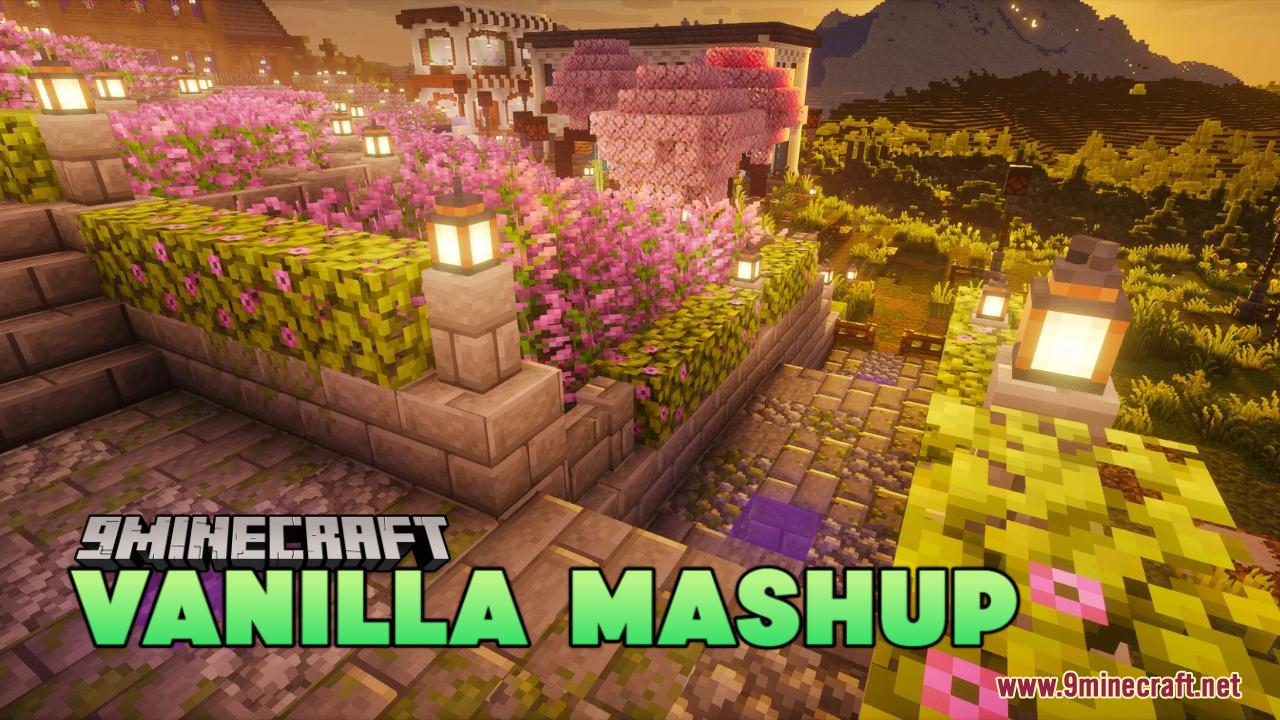
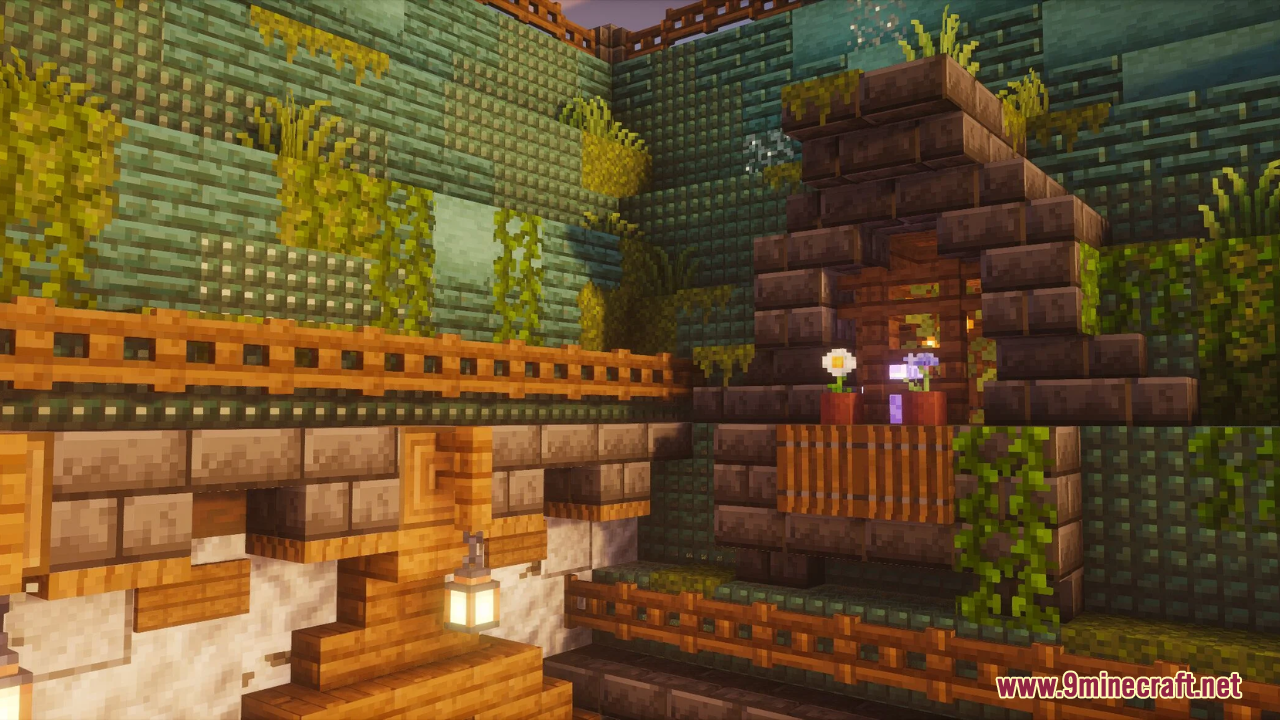
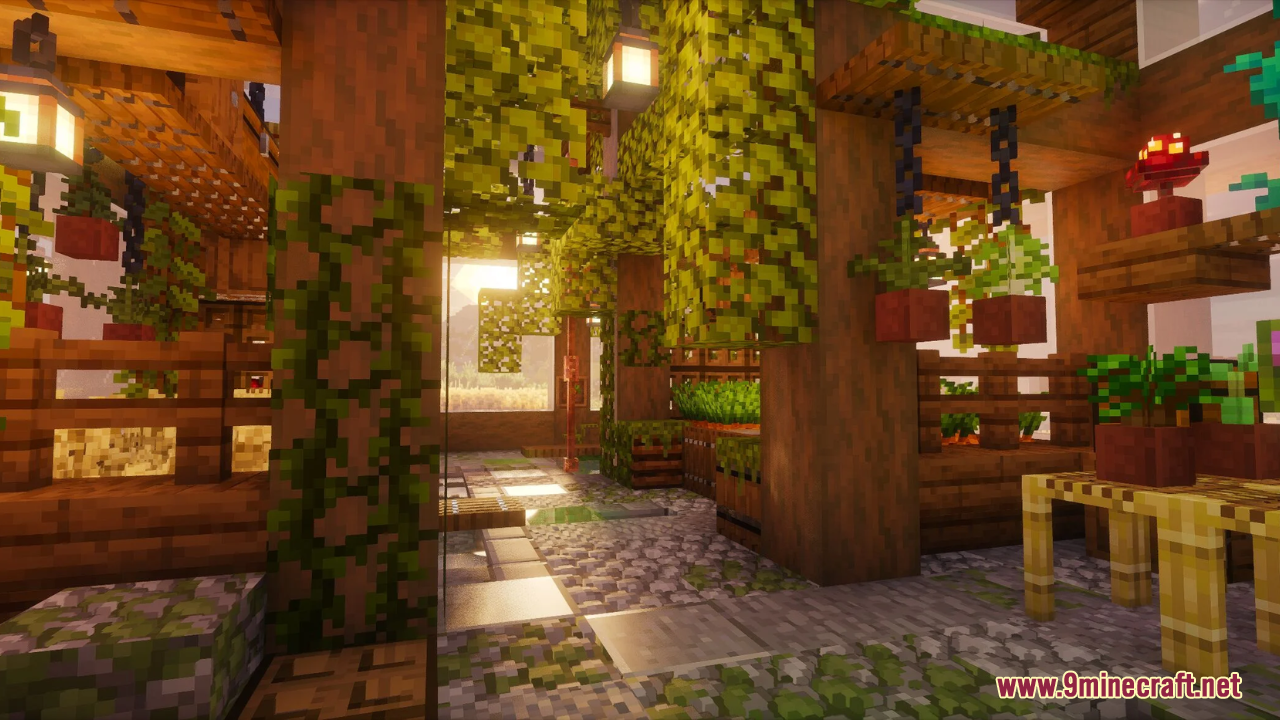
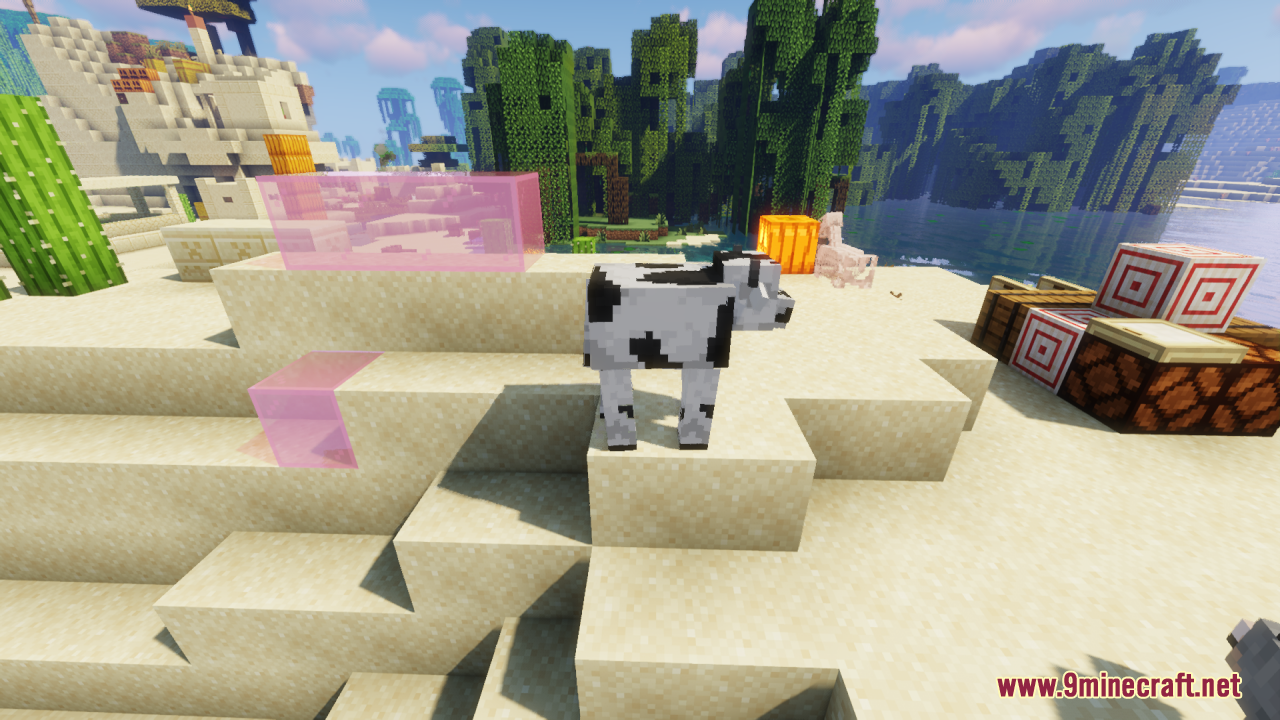
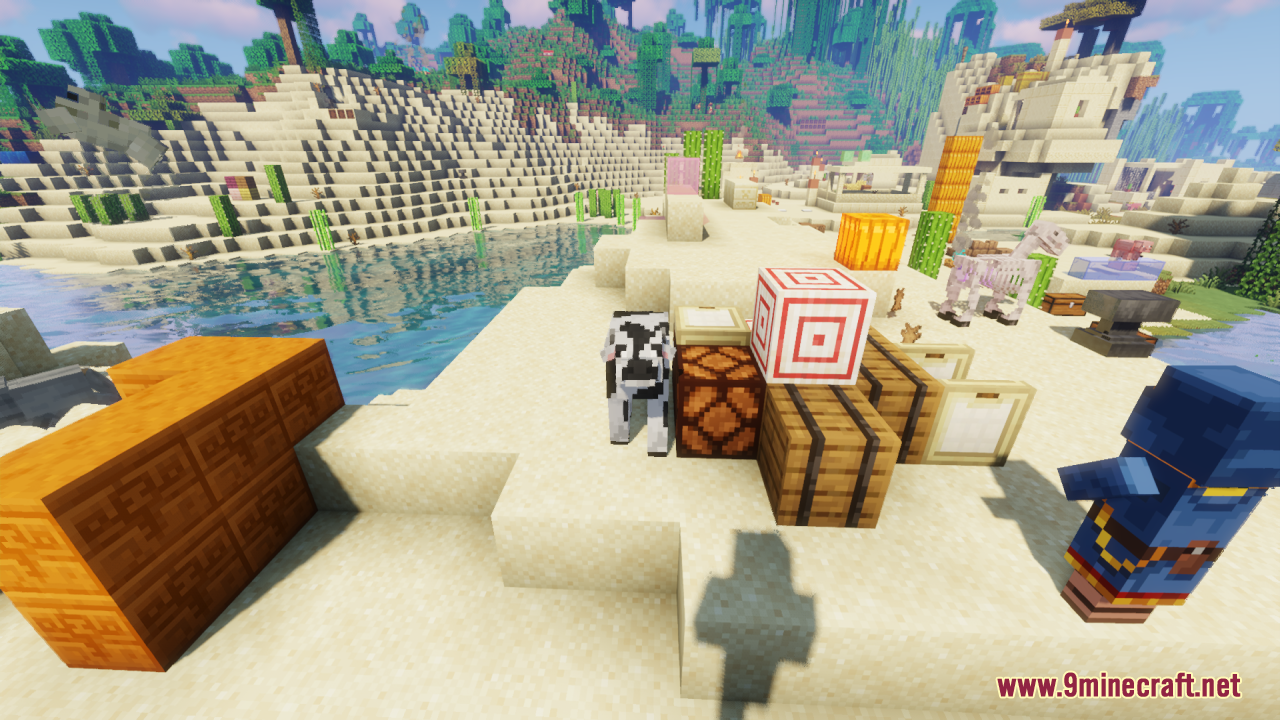
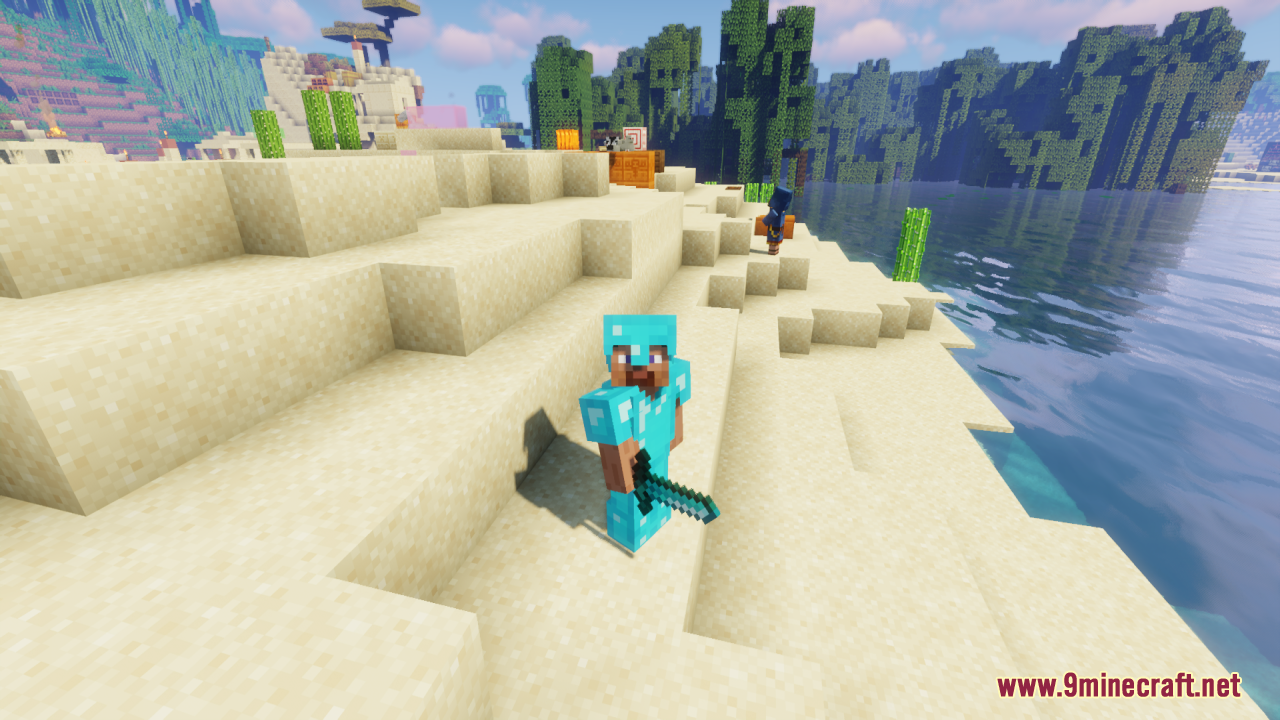
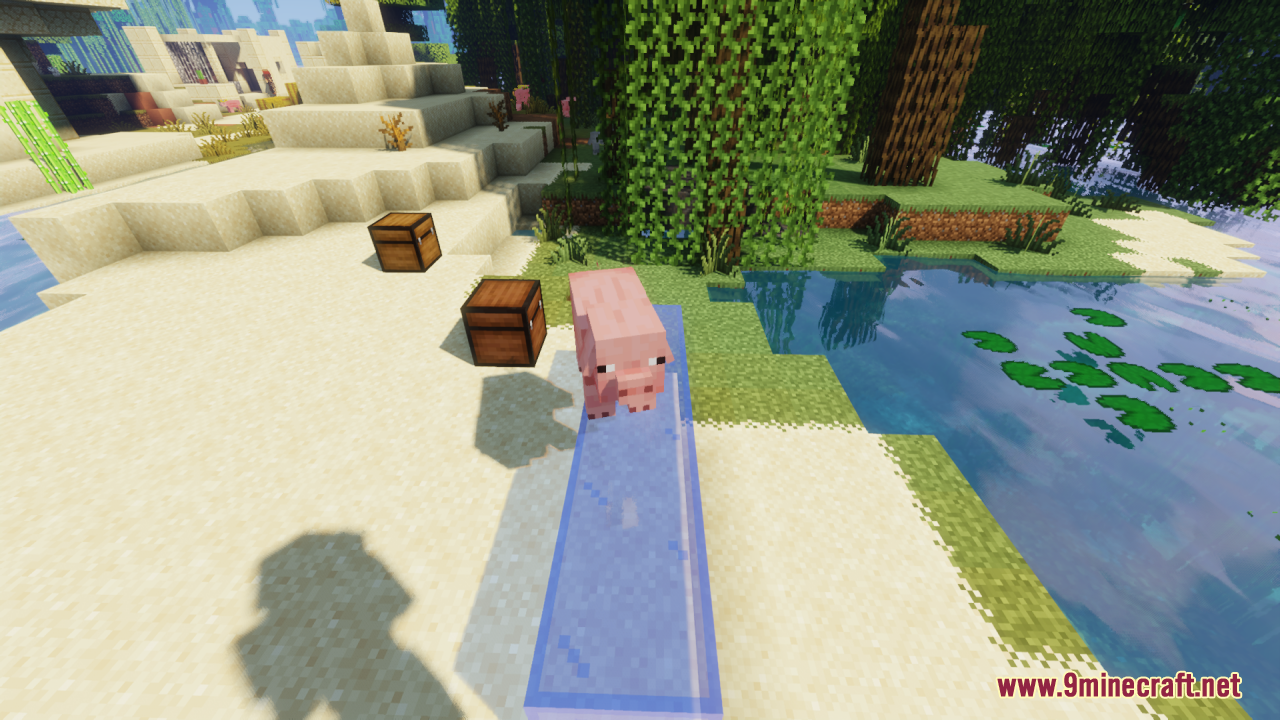
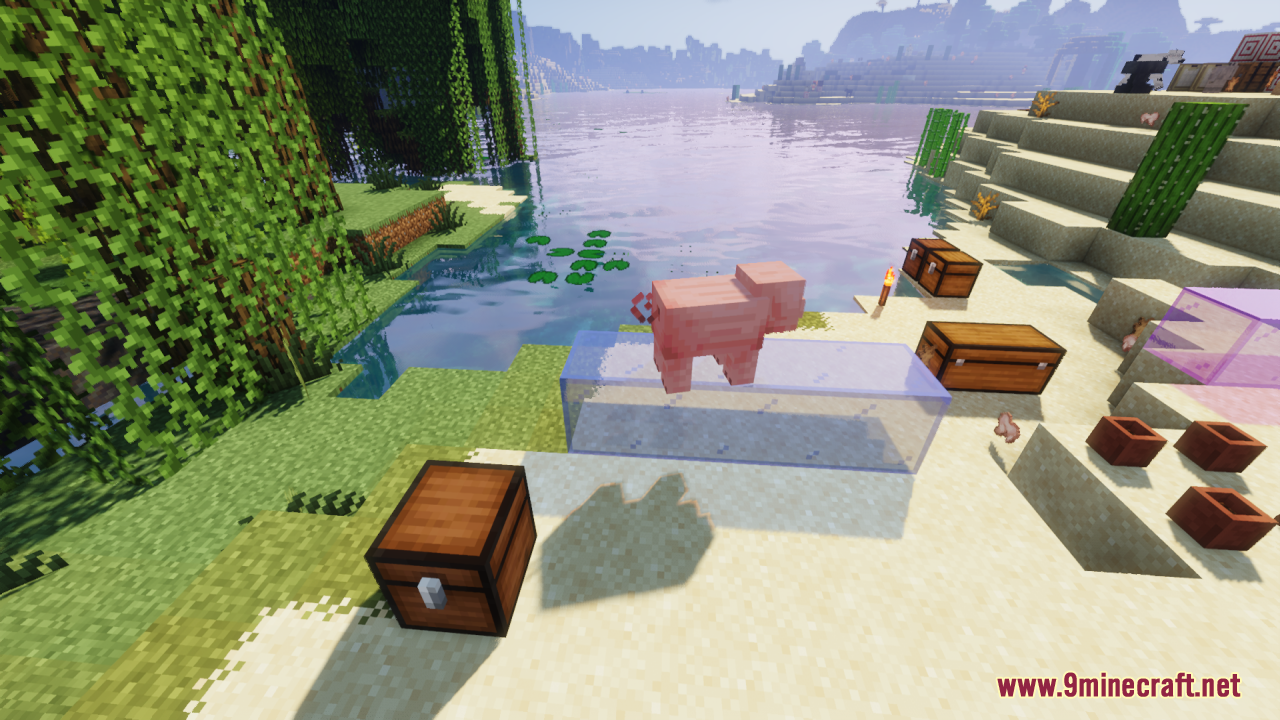
DownloadVanilla Mashup Pbr Resource Pack
Get the files on 9Minecraft
Contents (8)
Guides
Step-by-step, in-game.
Adjust Connected Textures for Seamless Block AppearanceWhat Connected Textures Do Connected textures make adjacent blocks of the same type blend together visually,…Enable PBR Effects to See Reflections and Enhanced SurfacesPrerequisites PBR (Physically Based Rendering) effects require a compatible shader pack. Vanilla Mashup's PBR…Optimize Performance While Using Vanilla MashupWhy Performance Matters Vanilla Mashup's PBR textures and connected textures add visual richness but can impact frame…Resolve Texture Conflicts with Other Resource PacksUnderstanding Pack Order When multiple resource packs are active, the one loaded last takes priority. Conflicts occur…
Items
275 items · showing 24. Browse all →
 Acacia Boat
 Acacia Boat with Chest
 Acacia Door
 Acacia Hanging Sign
 Acacia Sign
 Apple
 Armor Stand
 Arrow
 Baked Potato
 Bamboo
 Bamboo Door
 Bamboo Hanging Sign
 Bamboo Raft with Chest
 Bamboo Sign
 Banner Pattern (Flower)
 Banner Pattern (Piglin)
 Banner Pattern (Skull)
 Banner Pattern (Globe)
 Banner Pattern (Flow)
 Banner Pattern (Creeper)
 Banner Pattern (Guster)
 Banner Pattern (Mojang)
 Beetroot
 Beetroot Seeds
Blocks
520 blocks · showing 24. Browse all →
 Acacia Leaves
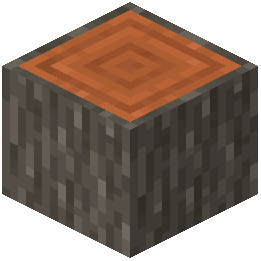 Acacia Log
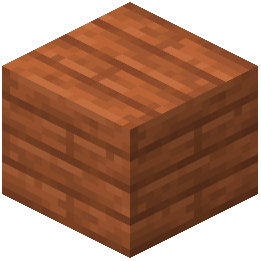 Acacia Planks
 Acacia Sapling
 Acacia Shelf
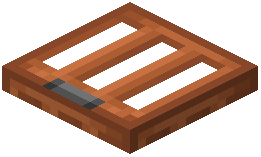 Acacia Trapdoor
 Activator Rail
 Allium
 Amethyst Cluster
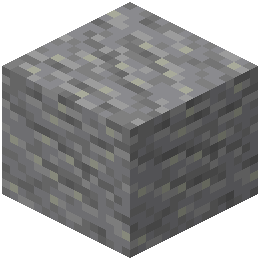 Andesite
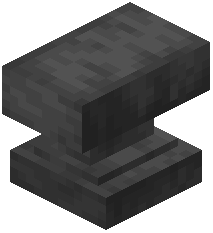 Anvil
 Attached Melon Stem
 Attached Pumpkin Stem
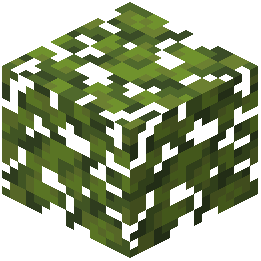 Azalea Leaves
 Azure Bluet
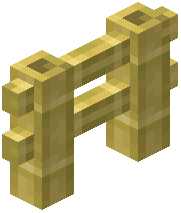 Bamboo Fence
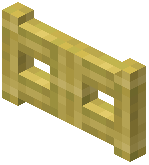 Bamboo Fence Gate
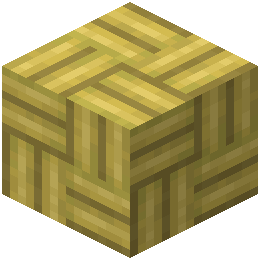 Bamboo Mosaic
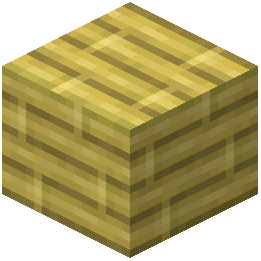 Bamboo Planks
 Bamboo Shelf
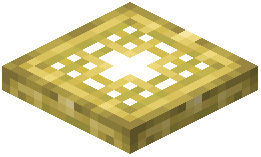 Bamboo Trapdoor
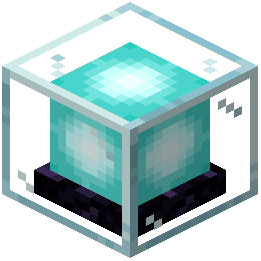 Beacon
 Bedrock
 Big Dripleaf Stem
What this pack changes
Every texture group the pack replaces, counted from the pack itself.
| Area | Textures replaced |
|---|---|
| Blocks | 3,433 |
| Armor trims | 2,280 |
| Mobs & entities | 765 |
| Items | 542 |
| Particles | 123 |
| Models | 45 |
| Fluid | 12 |
| Font | 3 |
| Misc | 1 |
Pack format 65–75 (Minecraft 1.21.6–1.21.9)7,204 texture files in total
Extra features
Custom entity models (OptiFine/CEM)
Random entity textures
Custom font
Custom sounds
Custom block/item models
Custom particles
Frequently asked questions
How do I turn on PBR effects?
PBR effects are enabled by default in Vanilla Mashup, but you need to use a compatible shader pack (like Complementary, BSL, or Chocapic13) to see reflections, roughness, and other enhanced surfaces. Without a shader, the pack will still look good but won't display the full PBR detail.
Why do my blocks look disconnected or have visible seams?
Connected textures need to be enabled in your resource pack settings. Open your resource pack options in-game and make sure connected textures or "Fancy" texture mode is turned on; this makes blocks like grass, stone, and wood blend seamlessly.
Can I use Vanilla Mashup with other resource packs?
Yes, but load Vanilla Mashup first in your resource pack list, then place other packs above it in the priority order. If textures conflict, the pack loaded last will override Vanilla Mashup's textures—reorder them if something looks wrong.
Is this pack heavy on performance?
Vanilla Mashup is optimized for performance at 16× resolution, but PBR effects and connected textures do add some GPU load. Disable connected textures or use a lighter shader if you experience lag, or lower your render distance.
Do reflections work on all blocks?
No—only blocks with PBR data (like wood, water, metal, and certain decorative blocks) will show reflections and enhanced surfaces. Solid blocks like dirt or stone will look refined but won't be reflective.
Why do pumpkins and leaves look different?
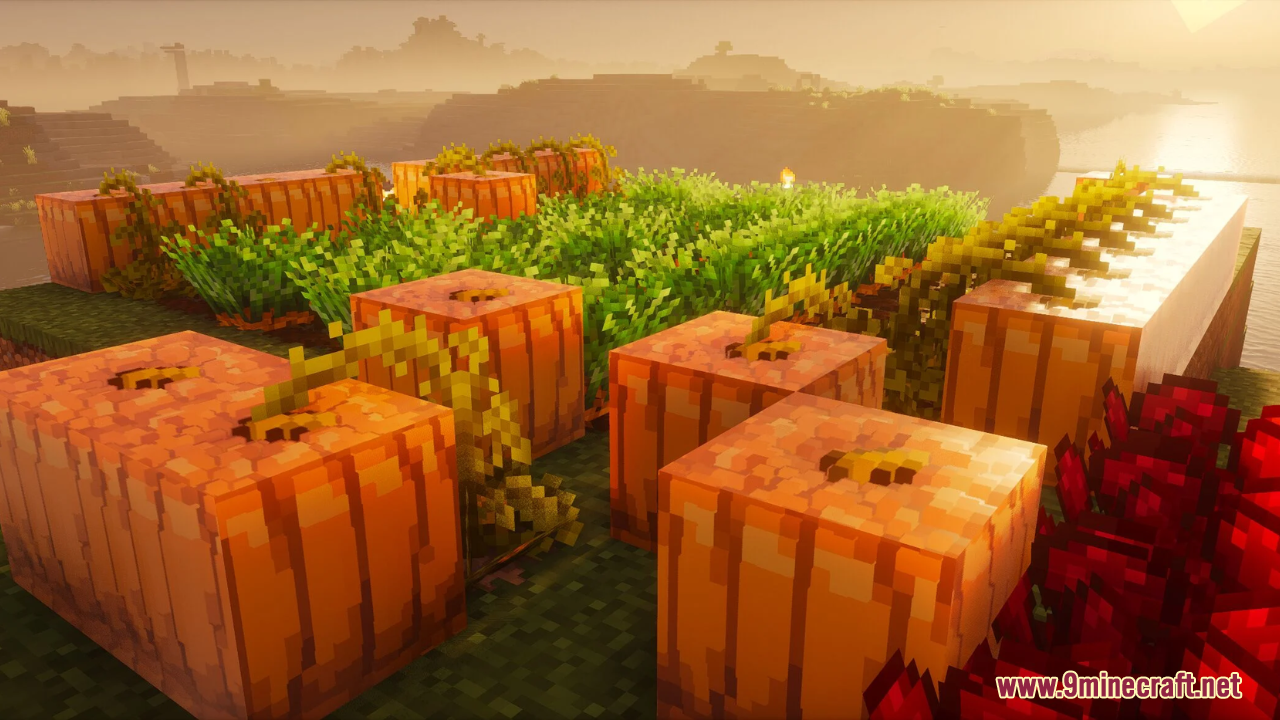
Vanilla Mashup uses subsurface scattering on pumpkins and translucent leaves to simulate light passing through them, giving them depth and a more organic appearance when a shader is active.
What shader pack works best with Vanilla Mashup?
Any modern PBR-compatible shader will work, but Complementary, BSL, and Chocapic13 are popular choices that bring out the pack's textures well. Test a few to see which look and performance you prefer.
Can I use this on servers or in multiplayer?
Yes—resource packs are client-side only, so you can use Vanilla Mashup on any server or multiplayer world without affecting other players or requiring server modifications.
How do I fix texture glitches or missing textures?
Make sure Vanilla Mashup is fully downloaded and not corrupted; if problems persist, check that no other resource pack is overriding it, and verify your shader pack is up to date and compatible with the current Minecraft version.
Will this pack work with Optifine?
Yes—Optifine's connected textures and shader support work with Vanilla Mashup, though some players prefer Sodium + Iris for better performance. Both setups will display PBR effects correctly.
You May Also Like
Wikis that share the most with this one
Wikis on the same theme: wood
More resource pack wikis on the site
Vanilla Glowing Ores Resource PackVanilla Fullbright Resource PackVanilla Connected Textures Resource PackVanilla 3D Extension Resource PackVampiric GUI Resource PackUrban Transit Fleet Resource PackUrban Resource PackUrban 128X256X512X1024X Resource PackUpdated Engineering Resource PackUpdated Aquaculture 9minecraft Resource Pack Unreadable Language Pack Resource PackUnlit Campfire Icons Resource Pack
The most downloaded mods that have a wiki here
A few wikis from each of the other kinds
Gallery
12 images from the Vanilla Mashup Pbr Resource Pack page.