

 DownloadShiny Hearts Resource Pack
Get the files on 9Minecraft
Guides
Step-by-step, in-game.
Adjust Glow and Shine Effects on Status IconsUnderstanding the Glow Mechanic Shiny Hearts adds a polished, luminous quality to your health and hunger icons…Customize Heart and Hunger Bar ColorsLocating the Texture Files The Shiny Hearts Resource Pack stores its custom textures in a specific folder structure.…Enable Shiny Hearts on Multiplayer ServersServer-Side Compatibility Shiny Hearts is a client-side resource pack, meaning it only affects your personal game…Layer Shiny Hearts with Other UI Resource PacksUnderstanding Resource Pack Load Order Minecraft loads resource packs in the order they appear in your resource pack…
Frequently asked questions
Do I need to install anything else for Shiny Hearts to work?
No, Shiny Hearts is a resource pack and requires no mods or dependencies—just place it in your resourcepacks folder and enable it in your texture pack settings. It works with vanilla Minecraft out of the box.
Why do my hearts look the same as before?
Make sure Shiny Hearts is at the top of your resource pack list in Video Settings, as packs lower in the list override those above them. If it's enabled but still not showing, try reloading your resource packs by pressing F3 + T (or going to Options > Resource Packs and toggling it off and on).
Can I use Shiny Hearts with other UI packs at the same time?
Yes, you can layer Shiny Hearts with other UI packs by adjusting their load order in your resource pack list—whichever pack is highest priority will take effect for overlapping elements. If both packs modify hearts, you may need to choose which one you prefer, or check if they're designed to be compatible.
Does Shiny Hearts work on multiplayer servers?
Yes, resource packs are client-side only, so Shiny Hearts works on any server without requiring the server to install or allow it. Your hearts will appear shiny to you, but other players will see their own resource packs (or vanilla hearts if they use none).
See all 10 Shiny Hearts questions ›
Gallery
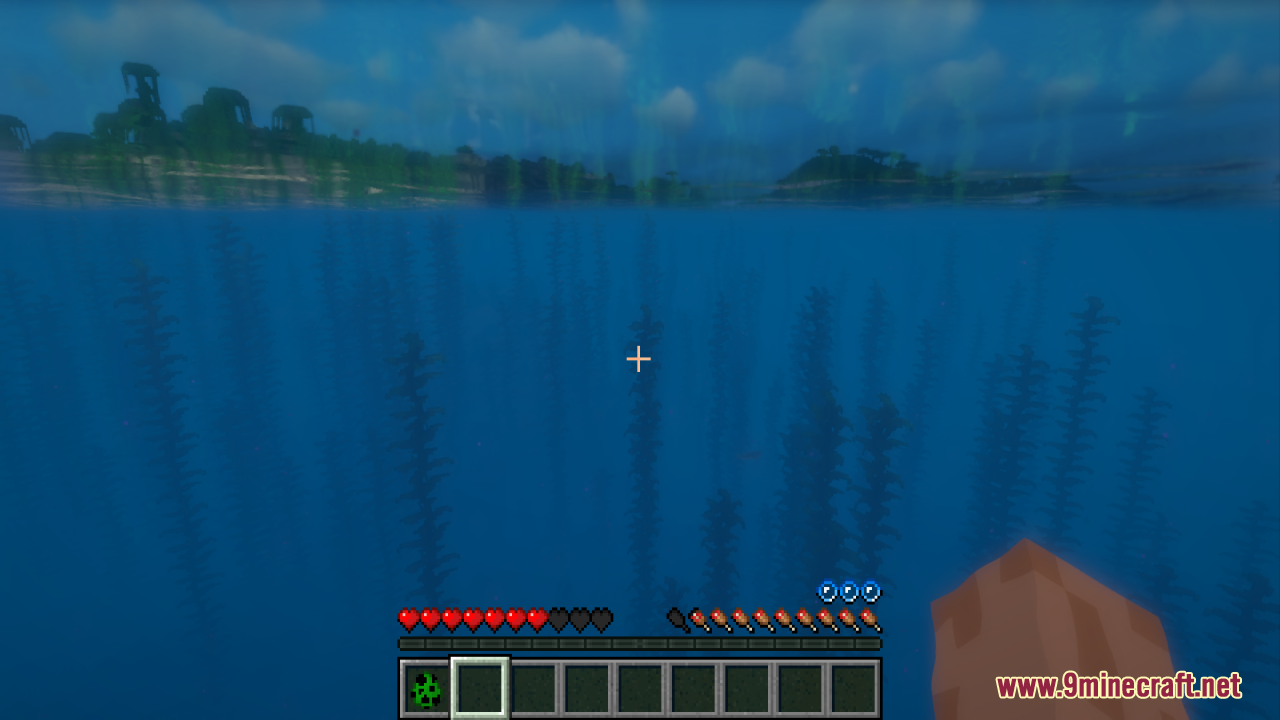
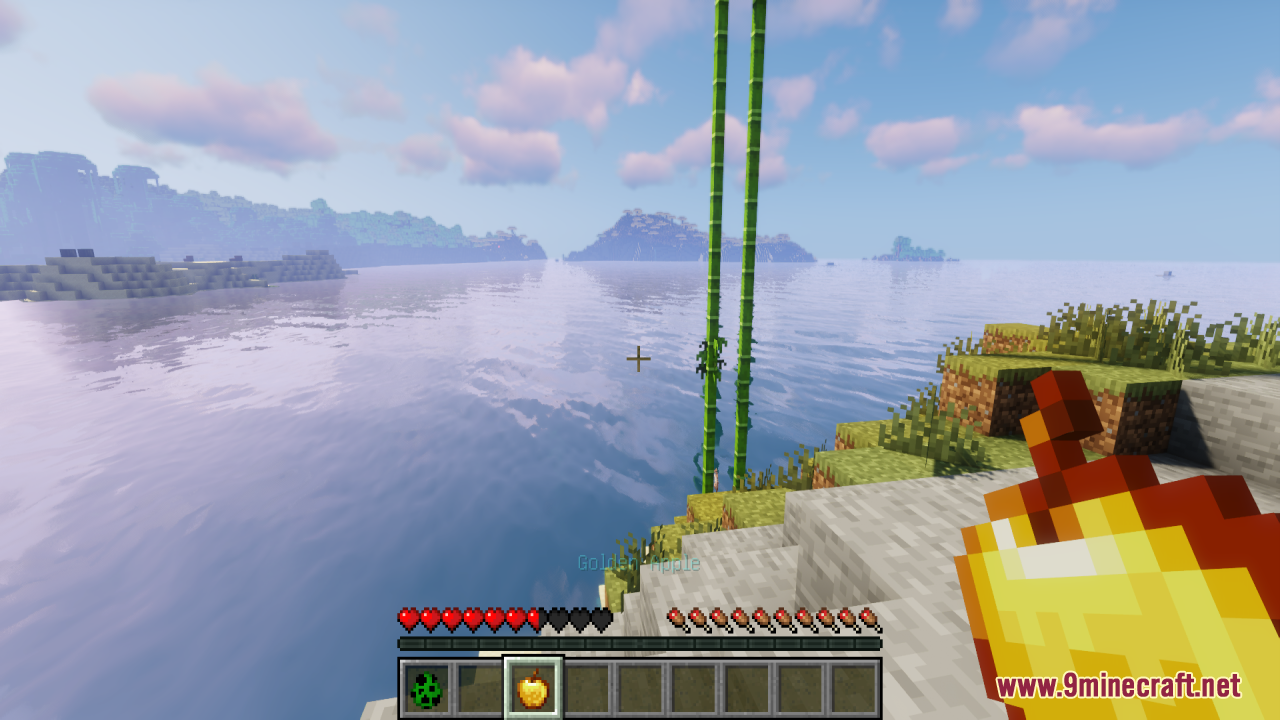
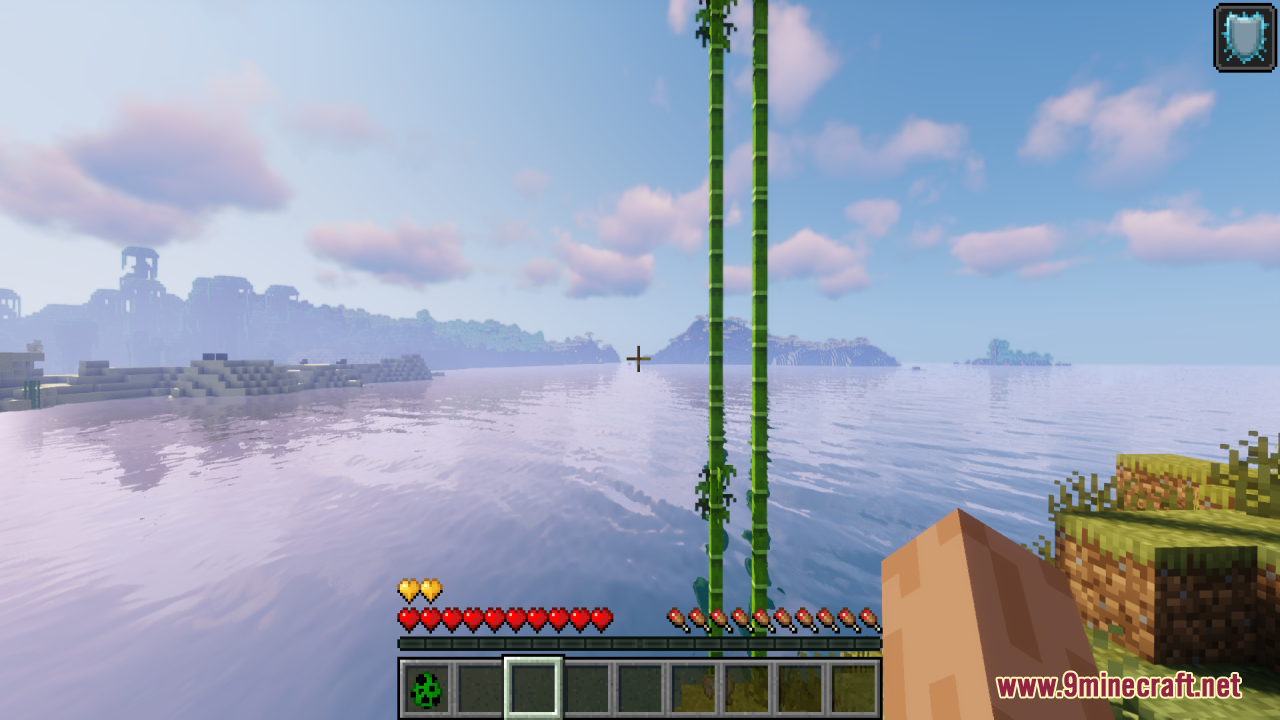
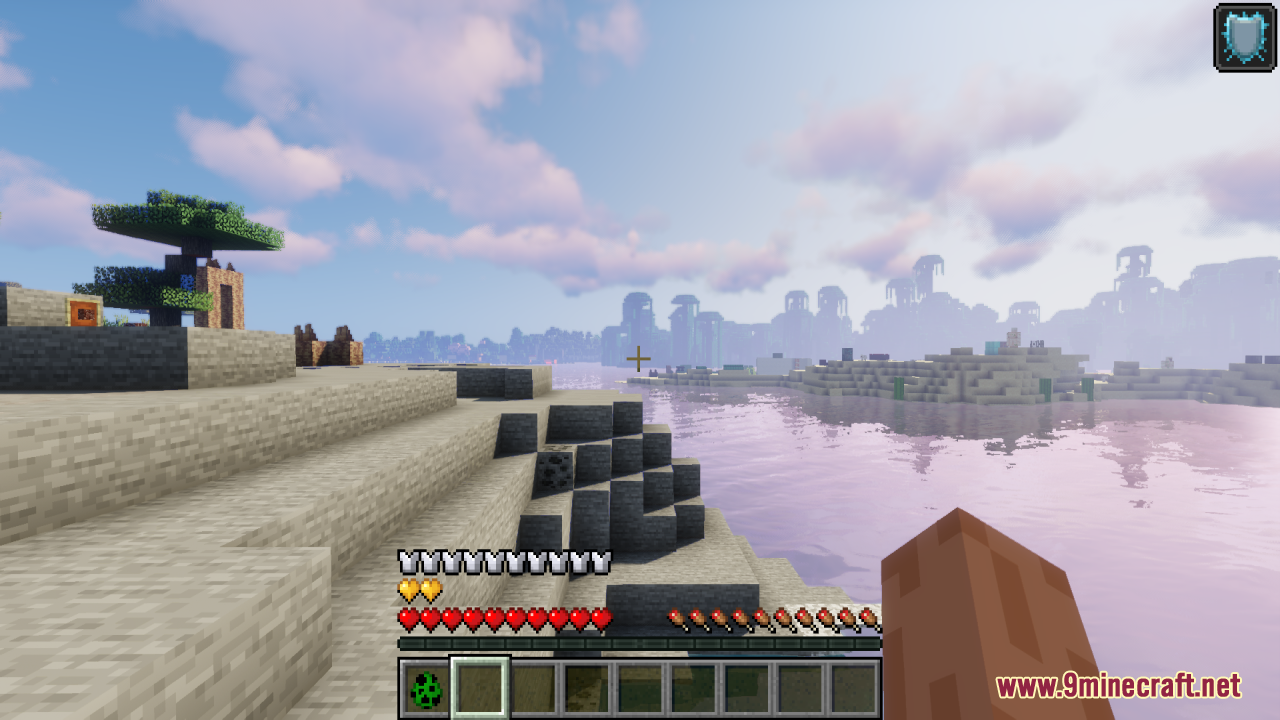
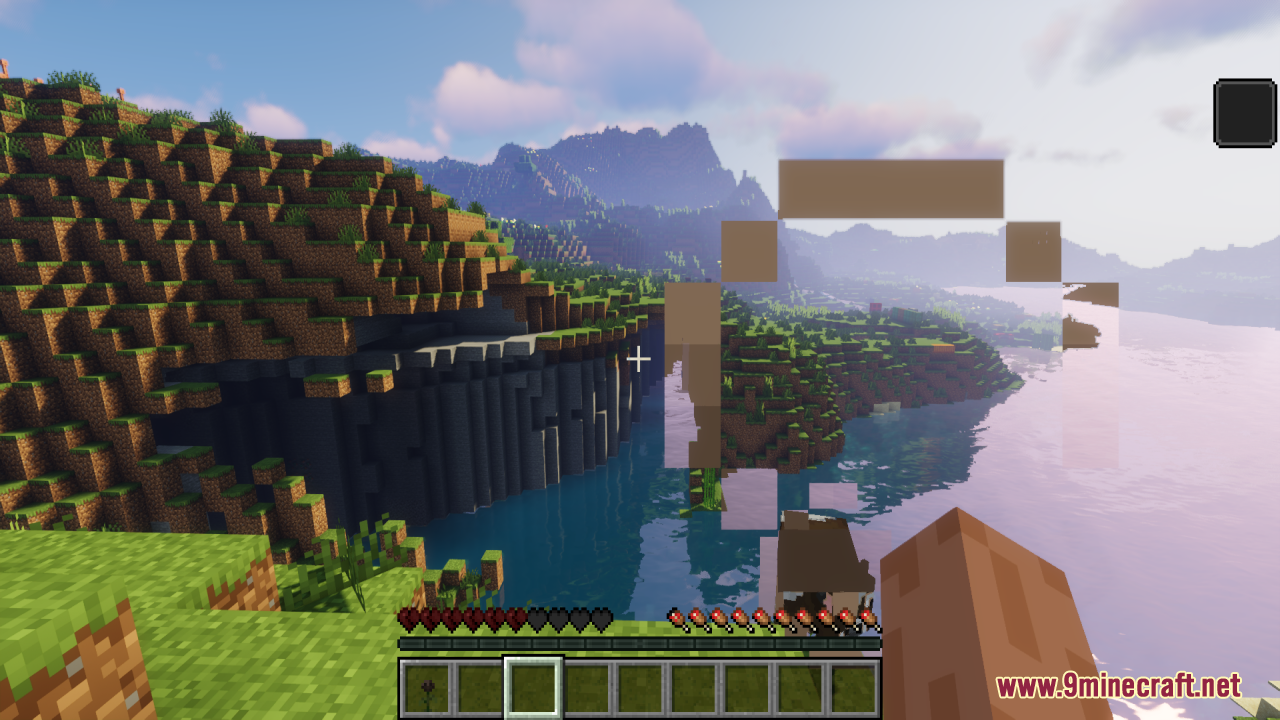
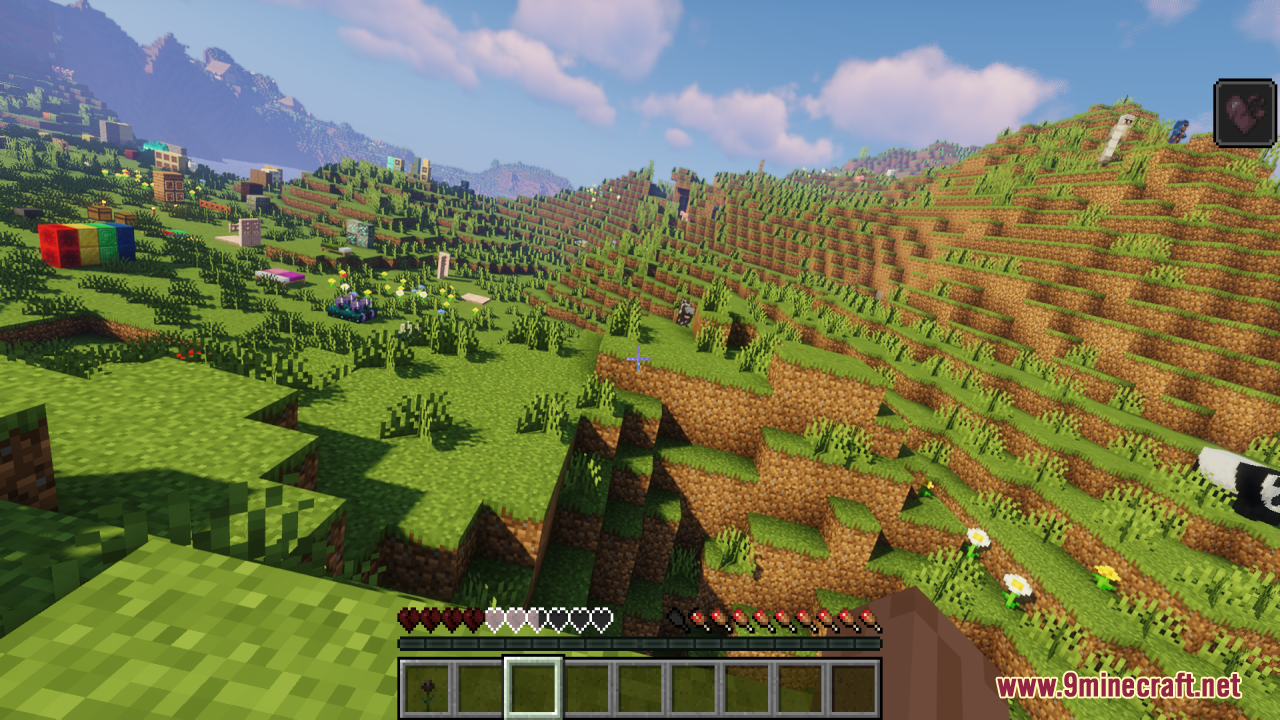
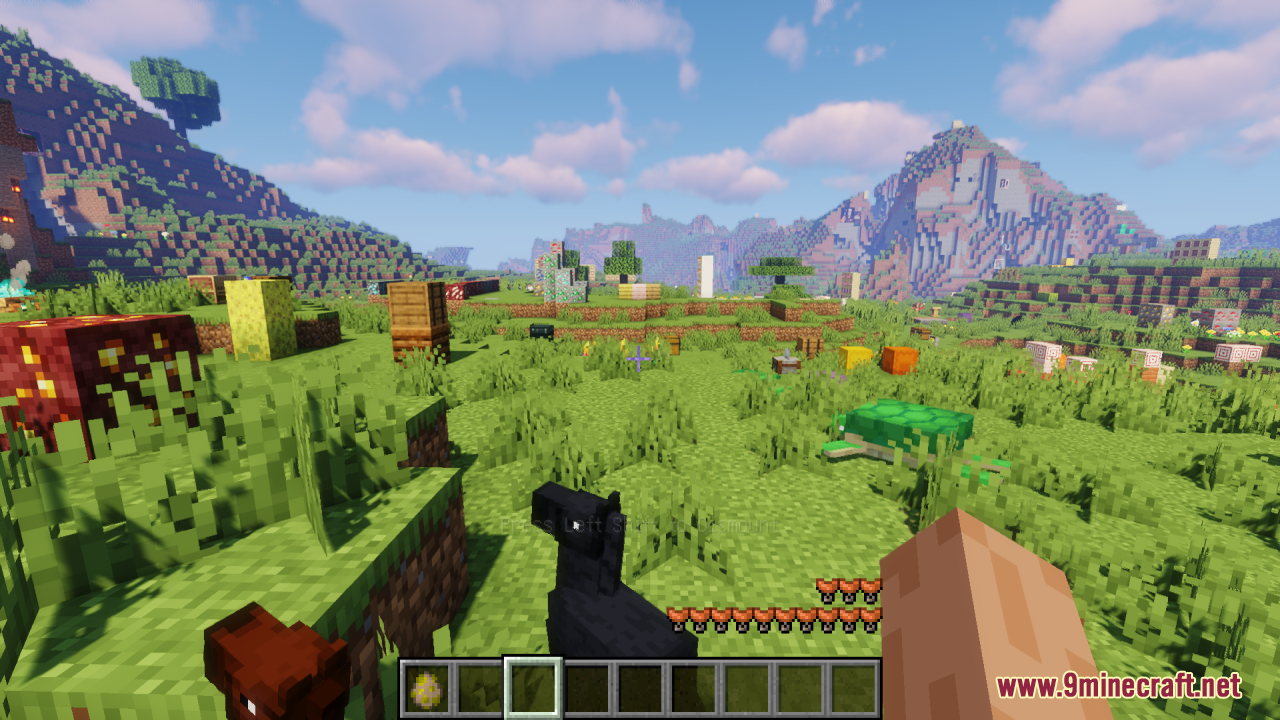
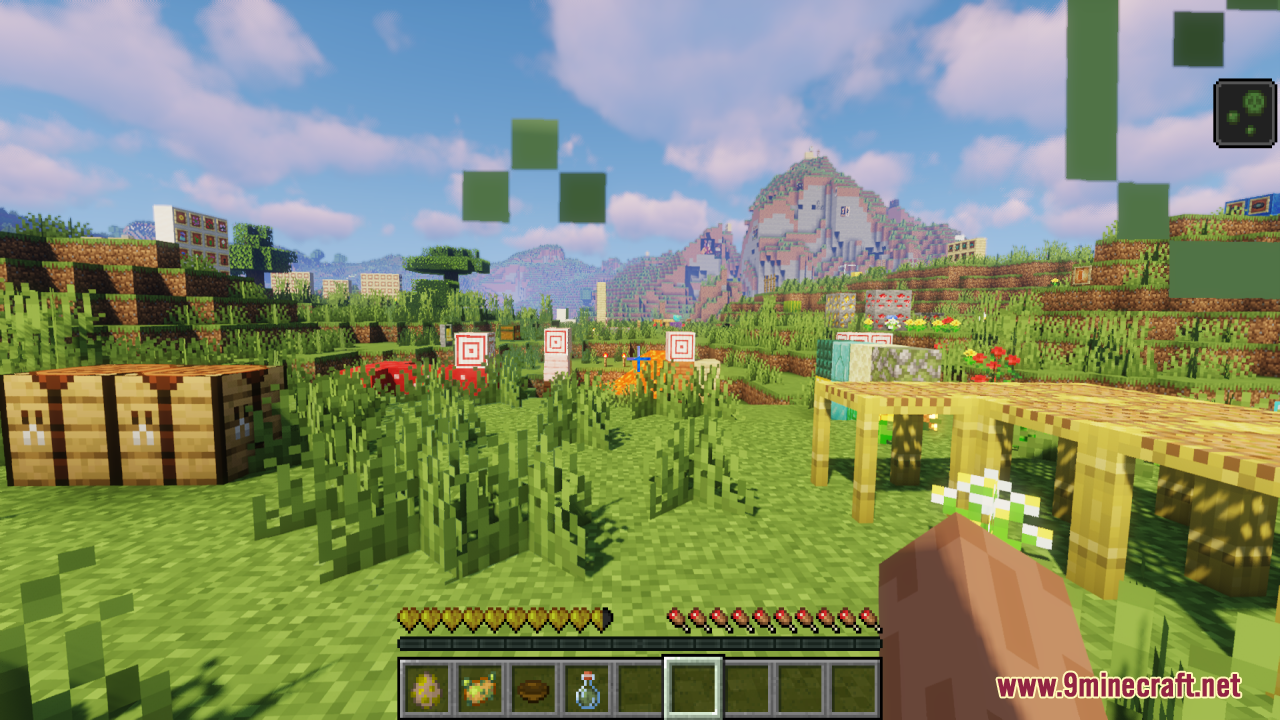
12 images from the Shiny Hearts Resource Pack page.
You May Also Like
Wikis that share the most with this one
Blue HeartsPartial Hearts ModColorful Hearts ModNew Hearts Resource PackApple Hearts Resource PackFresh Hearts Resource PackCombat Effects by Shiny ModSalmon Hearts Resource PackCobblemon Shiny Rarities ModShiny Ores Heycronus Resource PackDev’s Better Wither Hearts Resource PackShiny Armor Trims 9minecraft Resource Pack
More resource pack wikis on the site
Shinier Tools Resource PackShield by Side Resource PackShelviety Resource PackSharpless Pvp Resource PackSharp Short Swords Resource PackSmooth Entity Shadows Resource PackShadify Resource PackShaded Font Resource PackSerified Font Resource PackSerene Horizon Glow Resource PackSentient Circuitry Resource Pack Seasonal Trees Resource Pack
The most downloaded mods that have a wiki here
A few wikis from each of the other kinds