

 DownloadShadify Resource Pack
Get the files on 9Minecraft
Guides
Step-by-step, in-game.
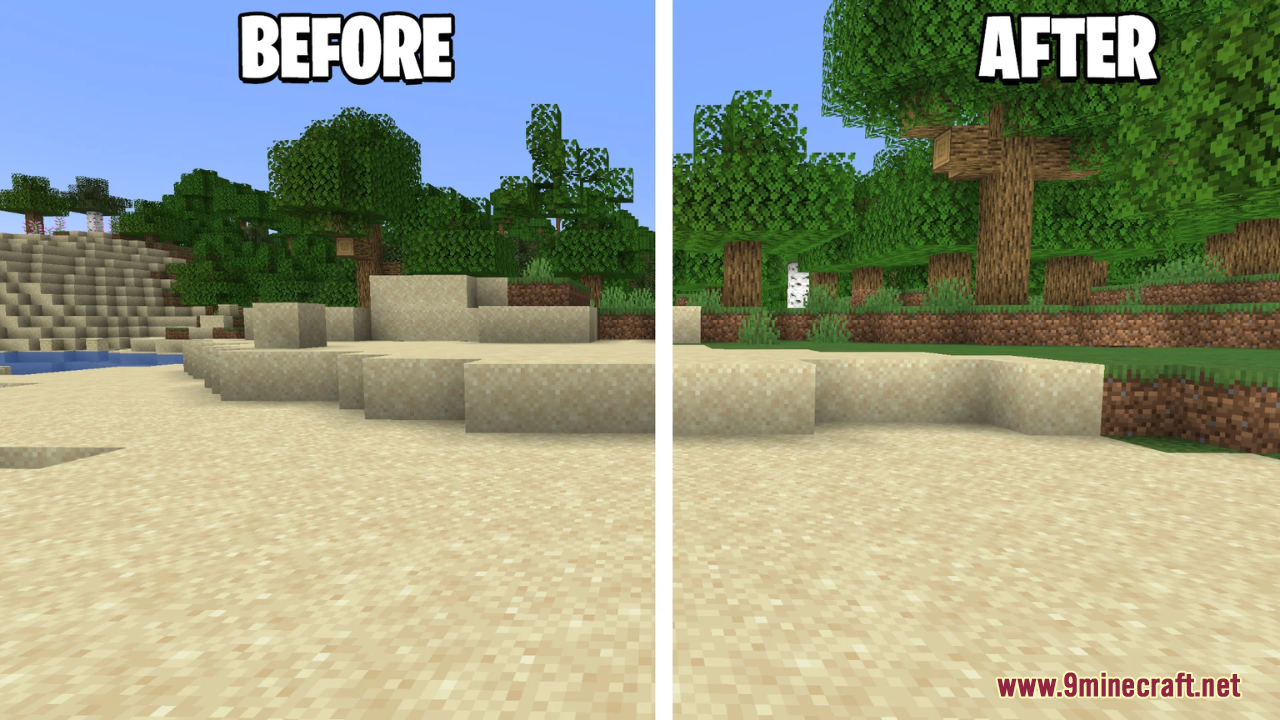
Activating Shadify to Remove Block ShadowsEnable the Resource Pack Shadify works like any standard resource pack and requires no mods to function. Open your…Comparing Shadify to Default TexturesVisual Differences Shadify preserves all original block textures and colors but removes the shading overlays that…Making Your Builds Look Brighter with ShadifyUnderstand the Visual Impact Shadify removes the default block shading system that darkens block faces based on…Troubleshooting Shadify Not WorkingCheck Pack Order If Shadify is active but you see no change, other resource packs may be overriding it. In Options →…
Frequently asked questions
How do I activate Shadify after installing it?
Open your Resource Packs menu in Settings, find Shadify in the Available list, and click the arrow to move it to Active. Make sure it's positioned above the Default pack in your active list so its textures take priority.
Why do my blocks still look dark even with Shadify on?
Check that Shadify appears in your Active resource packs list and is ranked above Default. If it's active but shadows persist, try moving it higher in the priority order, or disable and re-enable it to force a reload.
Does Shadify work with other resource packs?
Yes, but pack order matters—place Shadify above any other packs that modify textures so its shading changes aren't overridden. If you're using multiple packs, test the order to find what looks best.
Will Shadify affect my FPS or performance?
No, Shadify is purely a texture pack with no code changes, so it has no performance impact compared to vanilla Minecraft.
See all 10 Shadify questions ›
Gallery
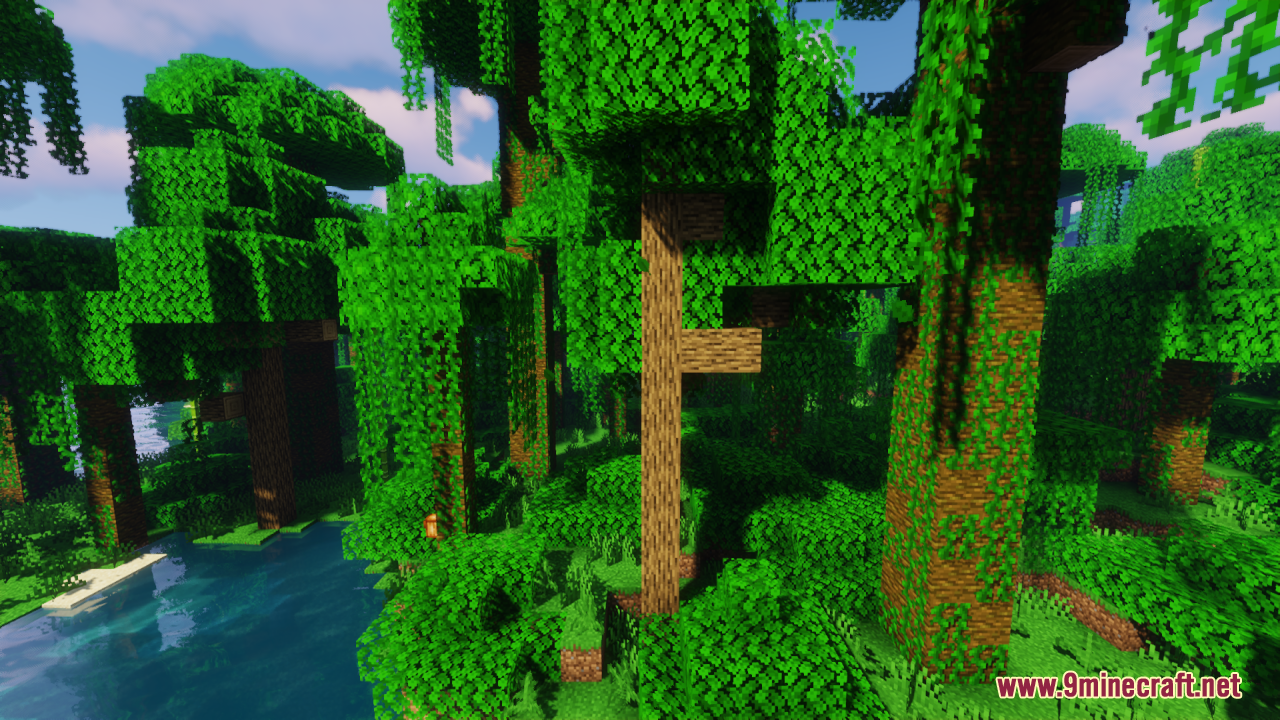
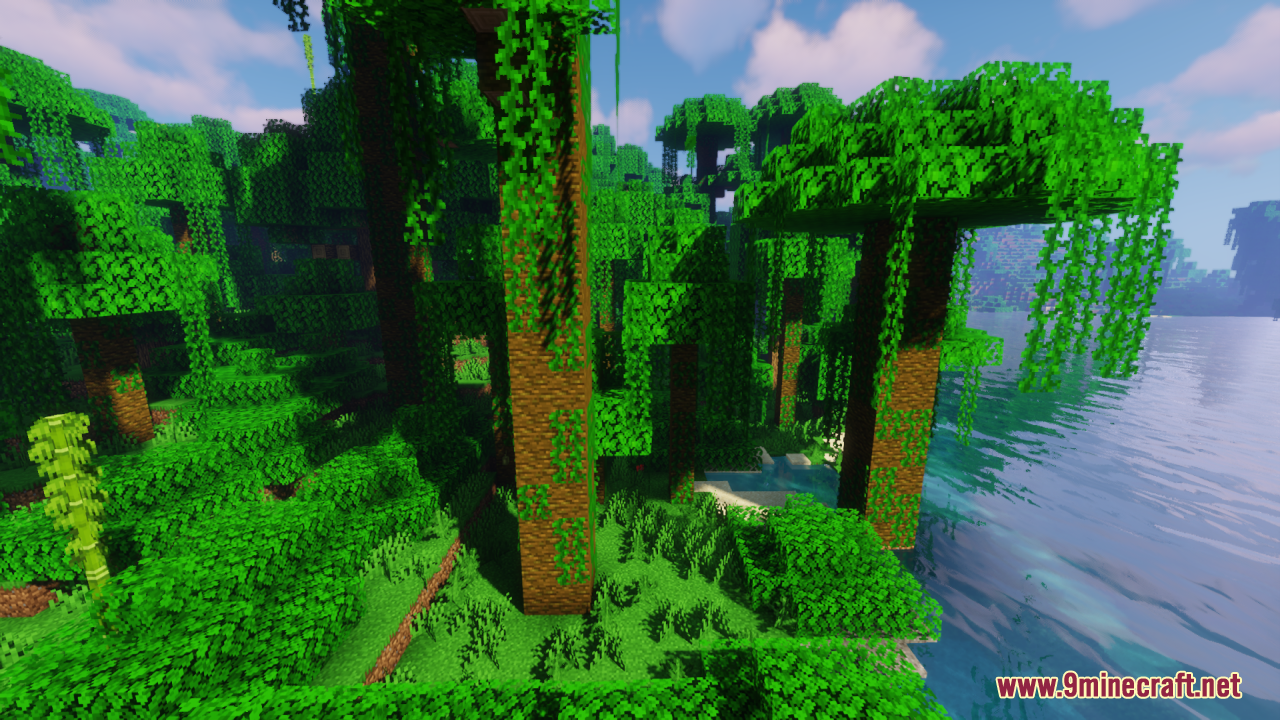
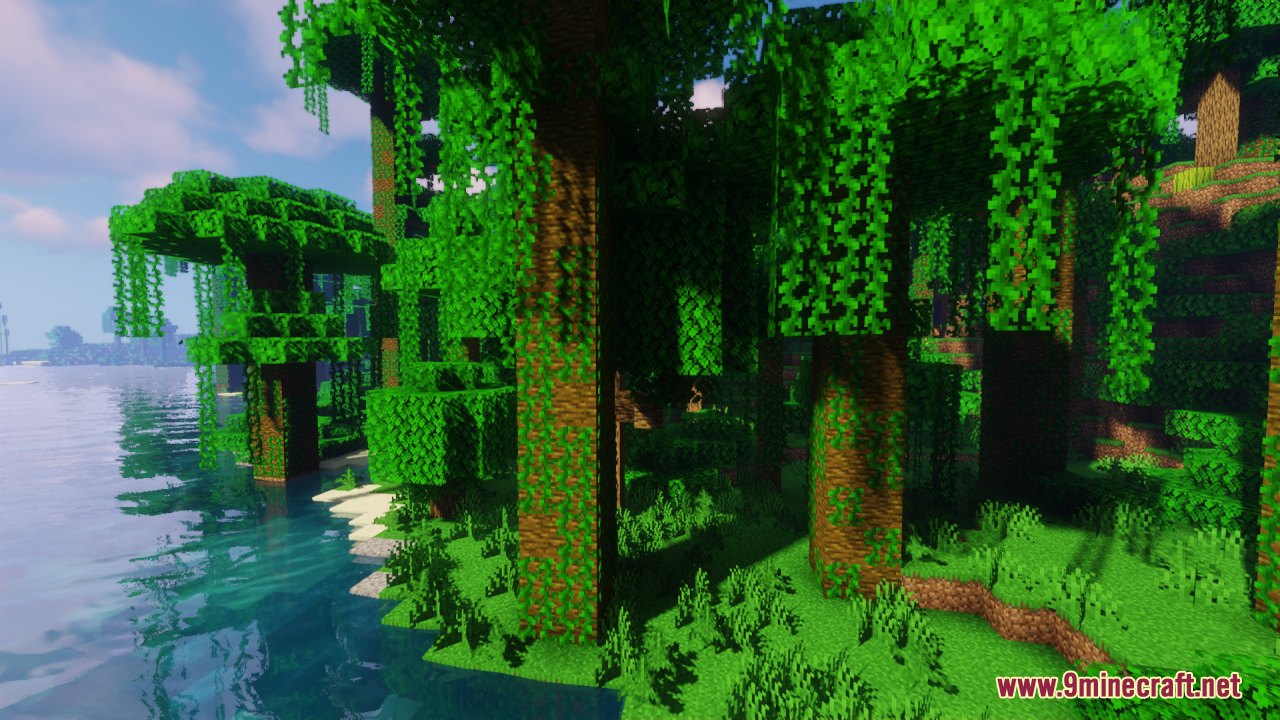
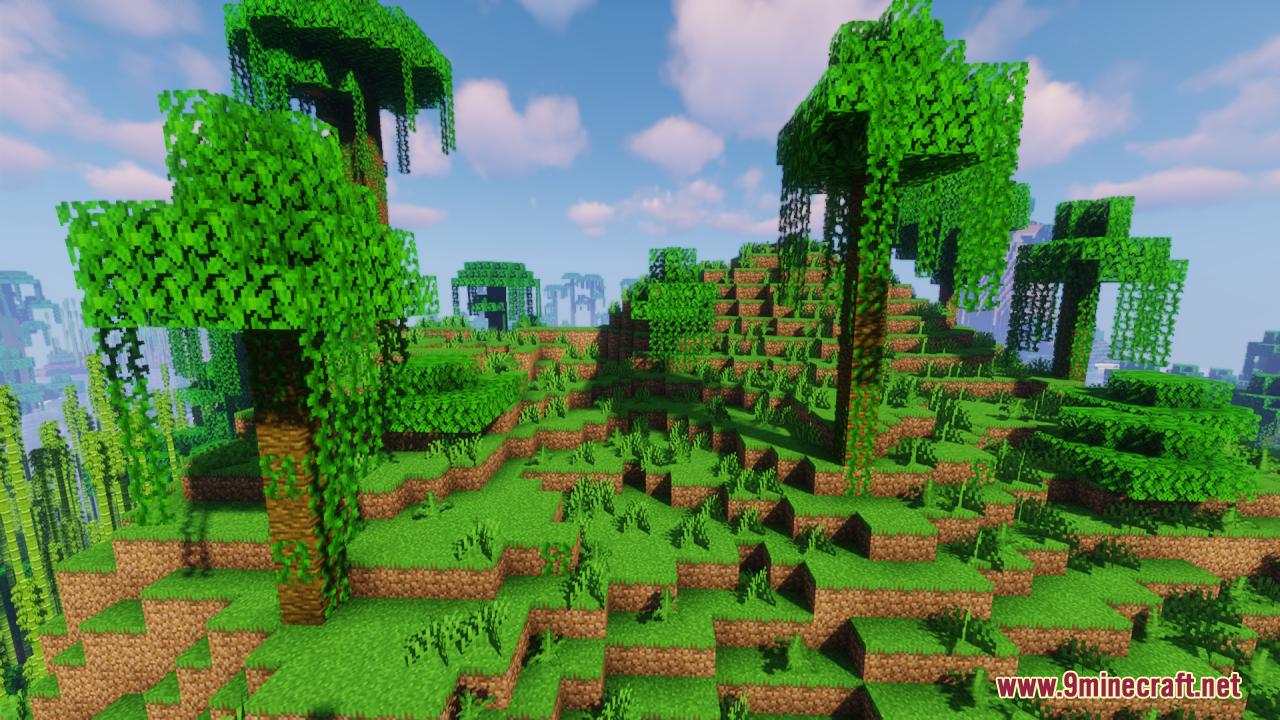
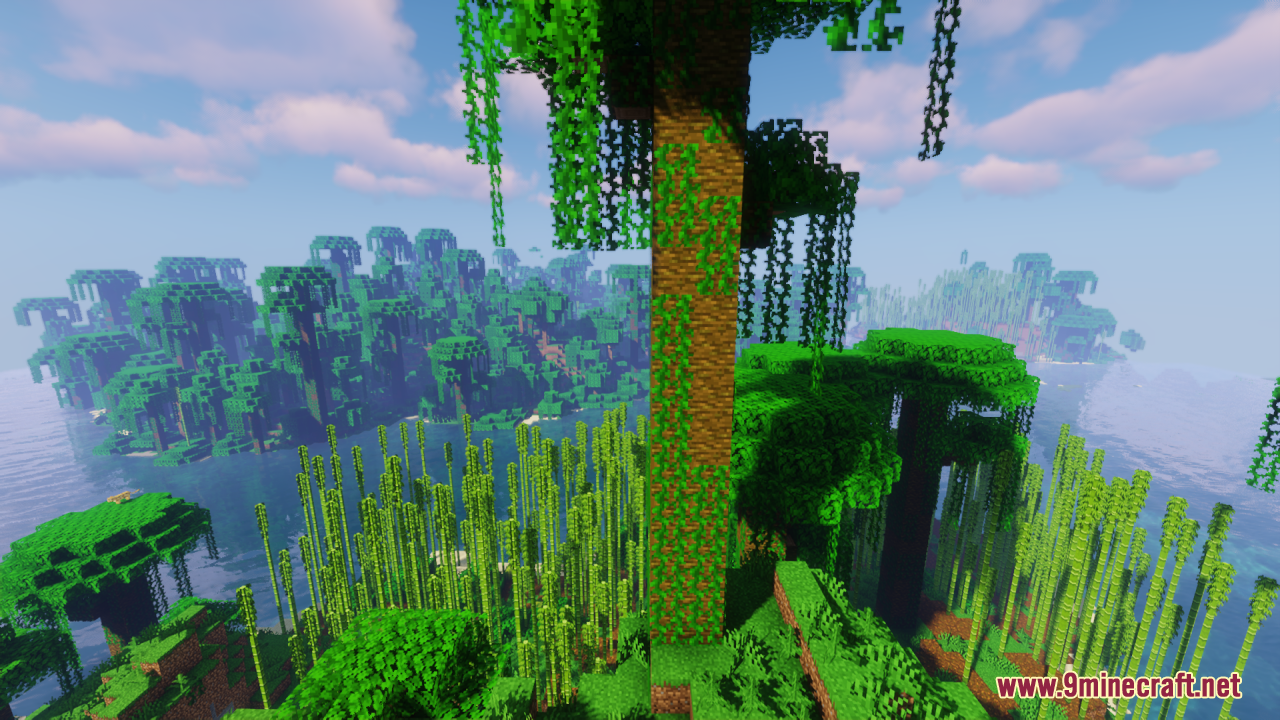
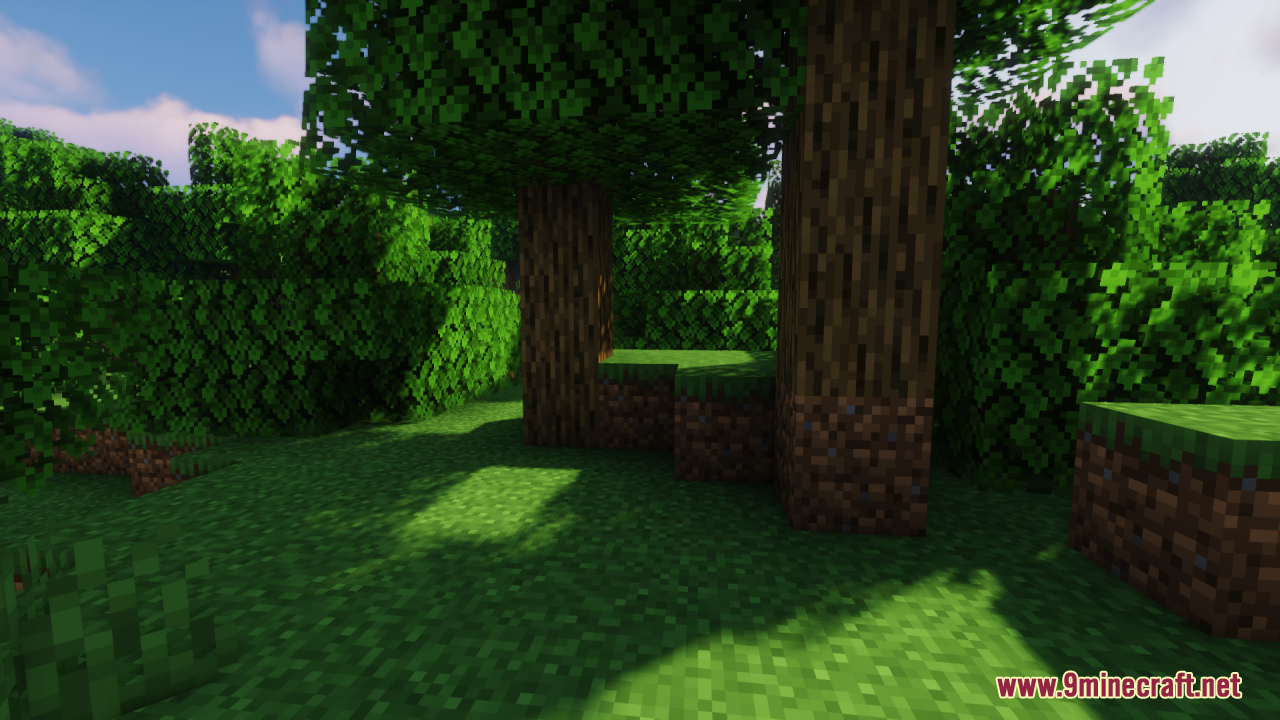
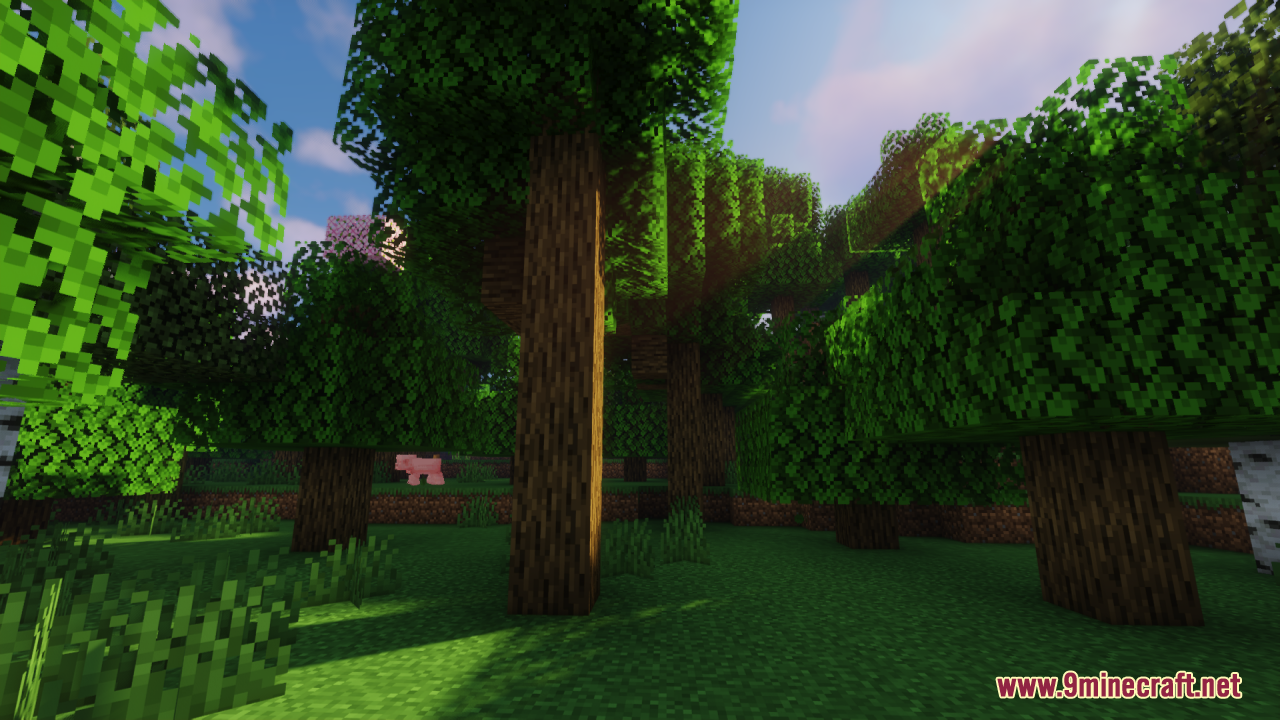
12 images from the Shadify Resource Pack page.
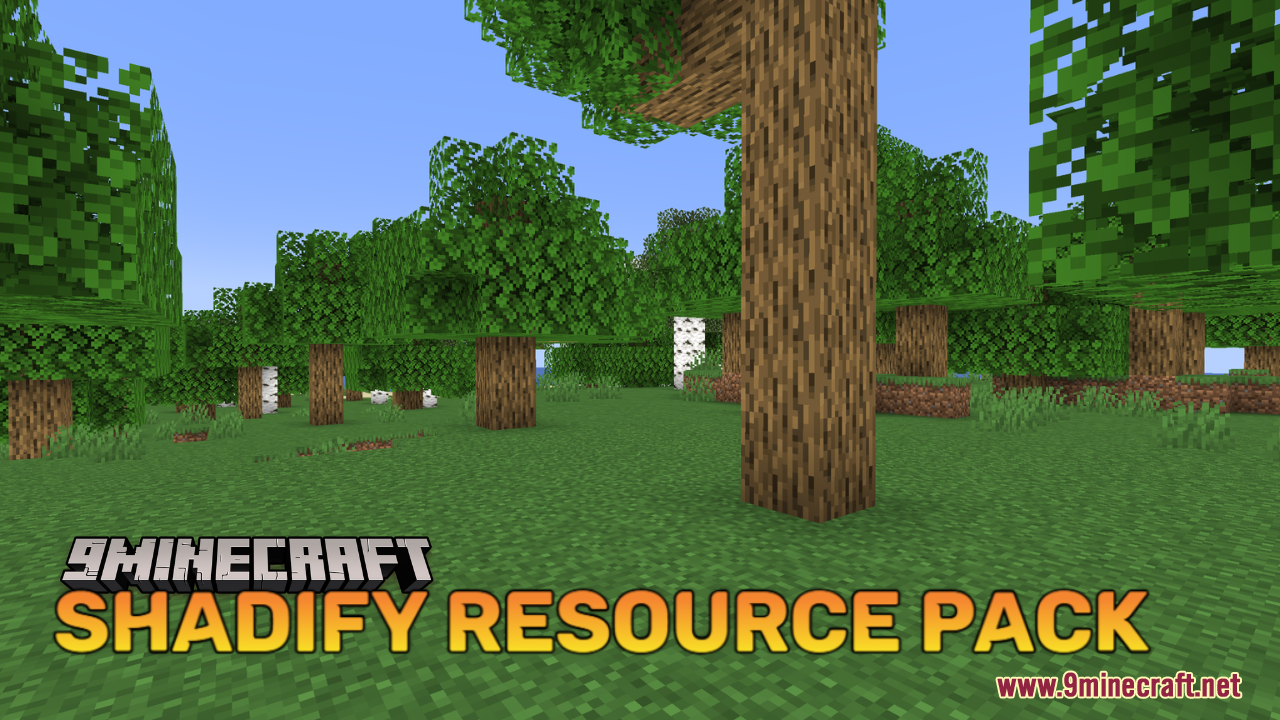
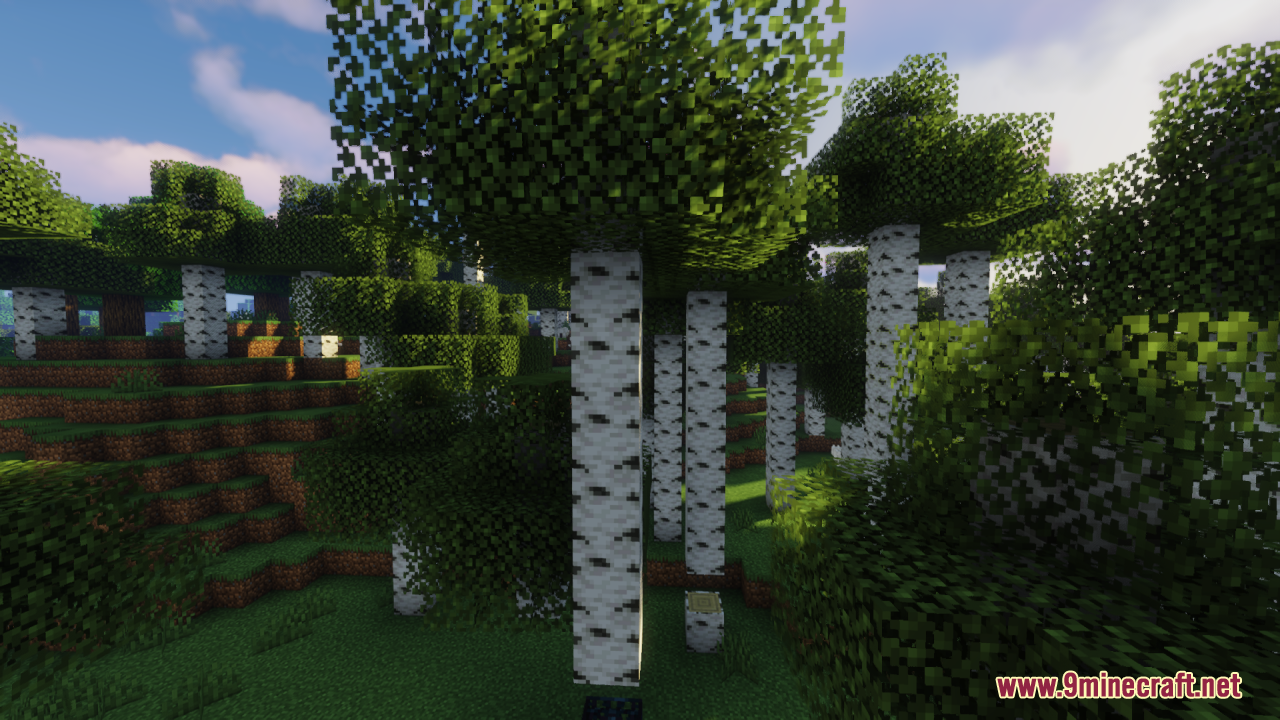
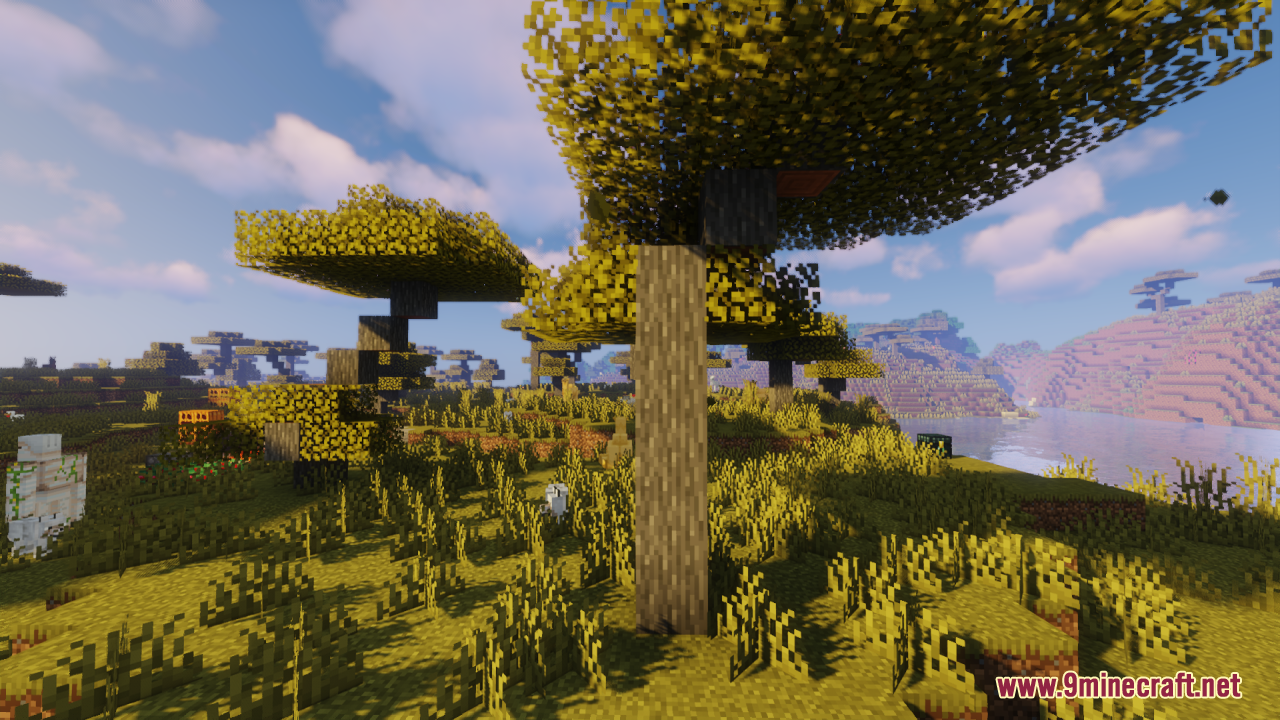
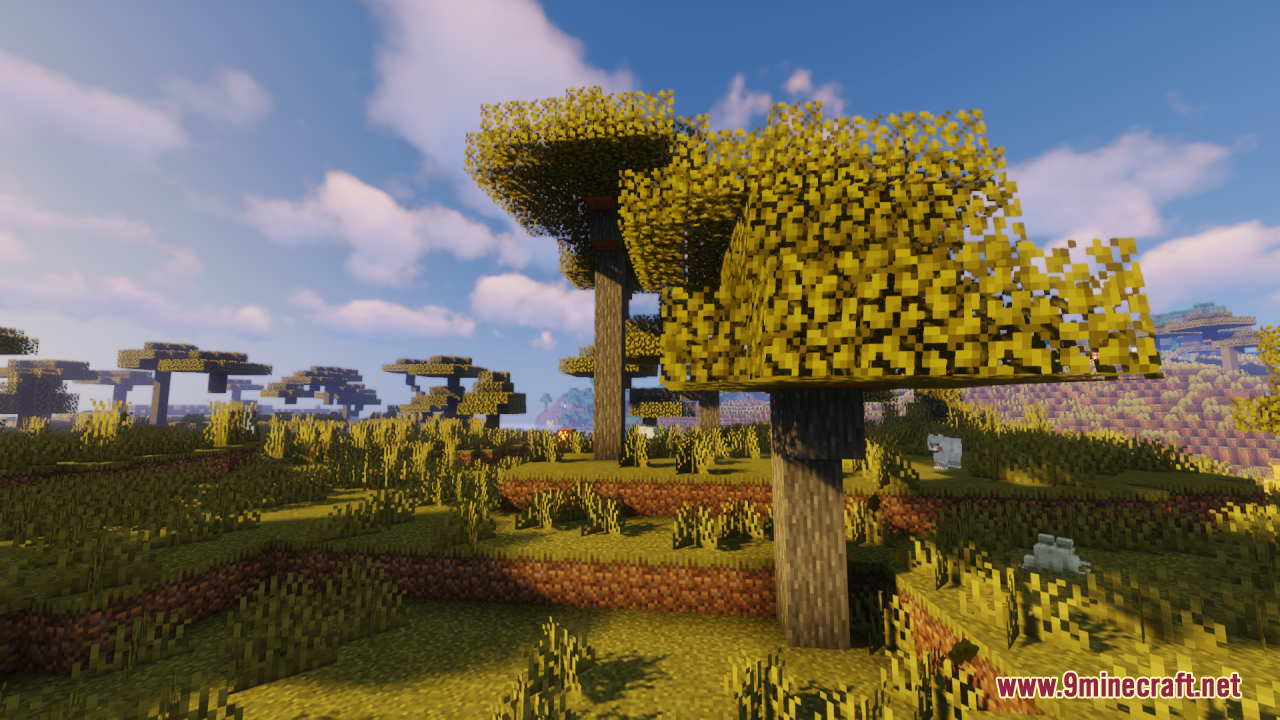
You May Also Like
Wikis that share the most with this one
 Repurposed Structures
 Delight Map Resource Pack
Wikis on the same theme: light
Authentic Shadows Resource PackExtended Illumina Resource PackJust Fancy Torches Resource PackSunbathing Godrays Resource PackVanilla Fullbright Resource PackVanilla Glowing Ores Resource PackHighlighted Netherite Resource PackAtomic Delight Vanilla Resource PackSlightly Improved Font Resource PackVisible Ancient Debris Resource PackGlowing Ores and Blocks Resource PackNether Structure Highlighter Resource Pack
More resource pack wikis on the site
Shaded Font Resource PackSerified Font Resource PackSerene Horizon Glow Resource PackSentient Circuitry Resource Pack Seasonal Trees Resource PackSeamless Glowing Ores Resource PackScary Spider Resource PackSapixcraft Resource PackSalmon Hunger Bar Resource PackSalmon Hearts Resource PackSable’s Armor Trims Resource PackS Bahn Berlin Pack Resource Pack
The most downloaded mods that have a wiki here
A few wikis from each of the other kinds