

 DownloadRethoughted Dragon Egg Resource Pack
Get the files on 9Minecraft
Guides
Step-by-step, in-game.
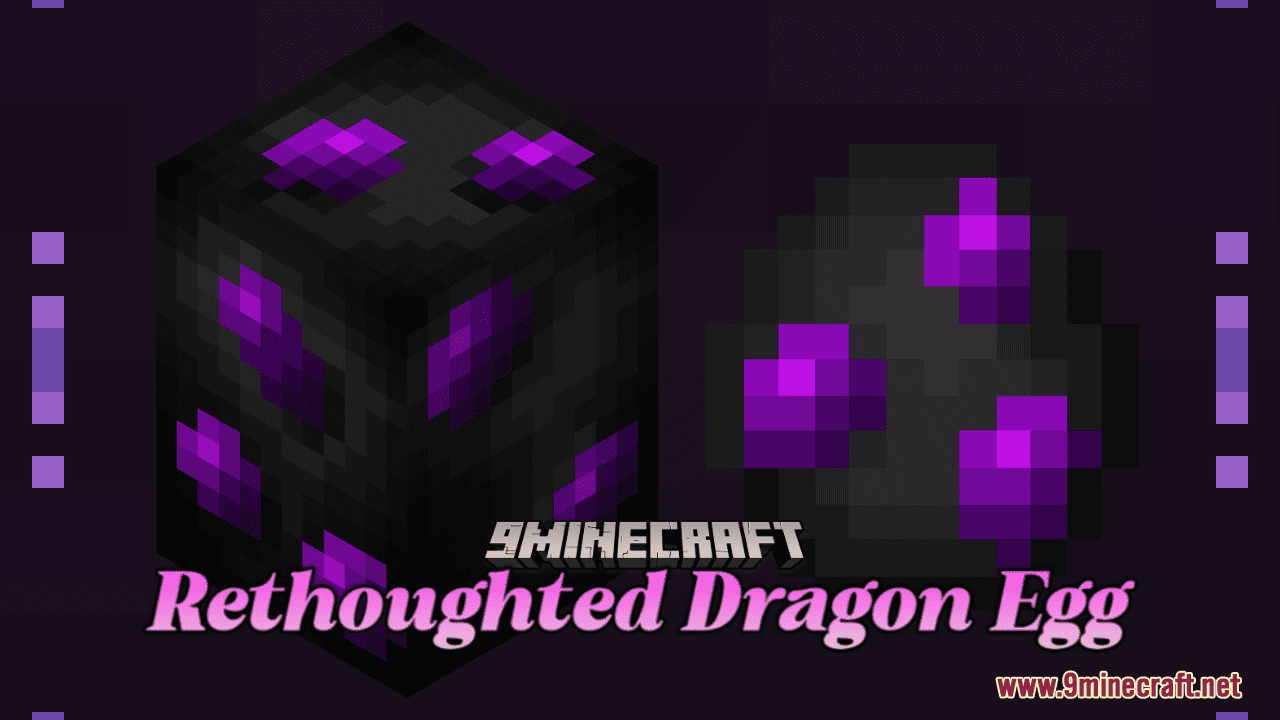
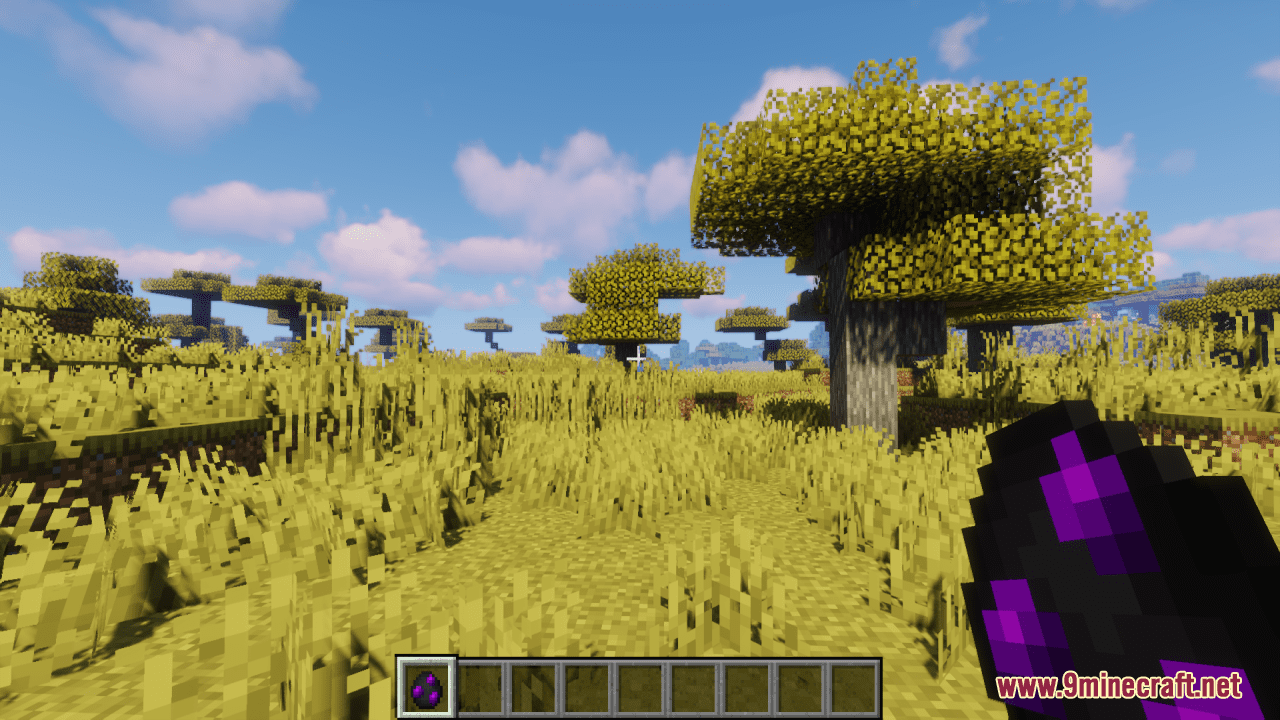
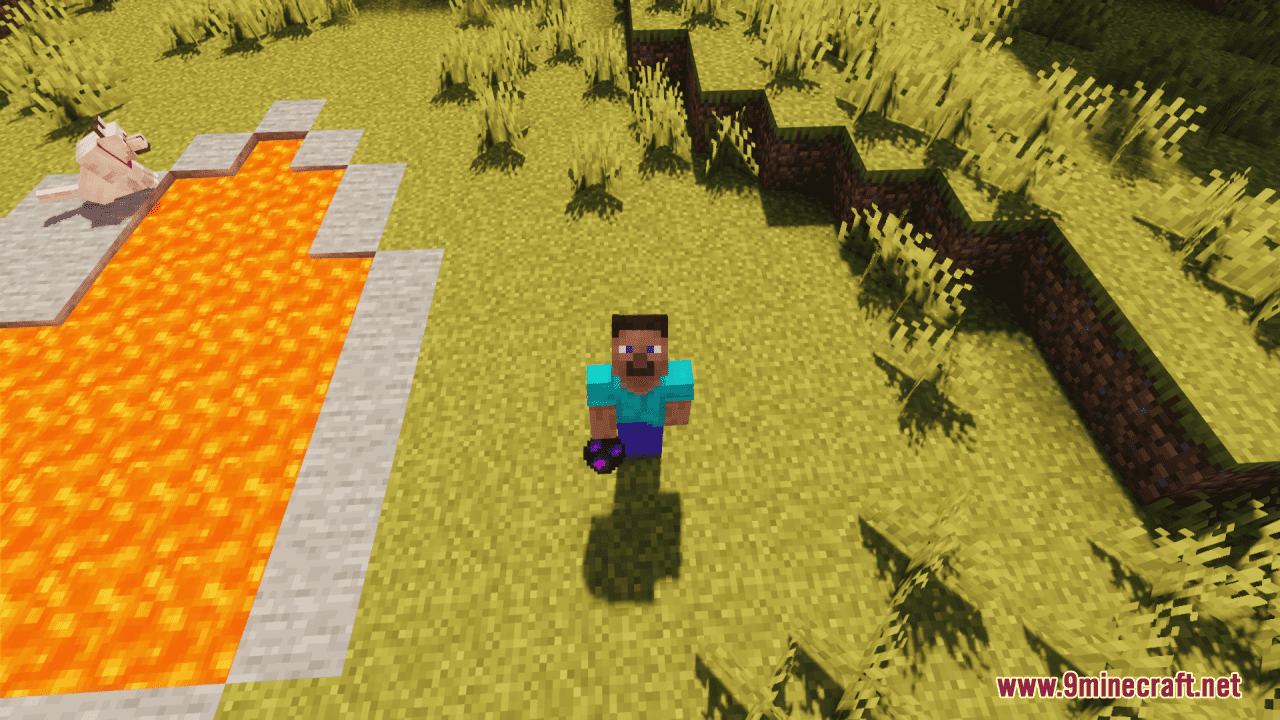
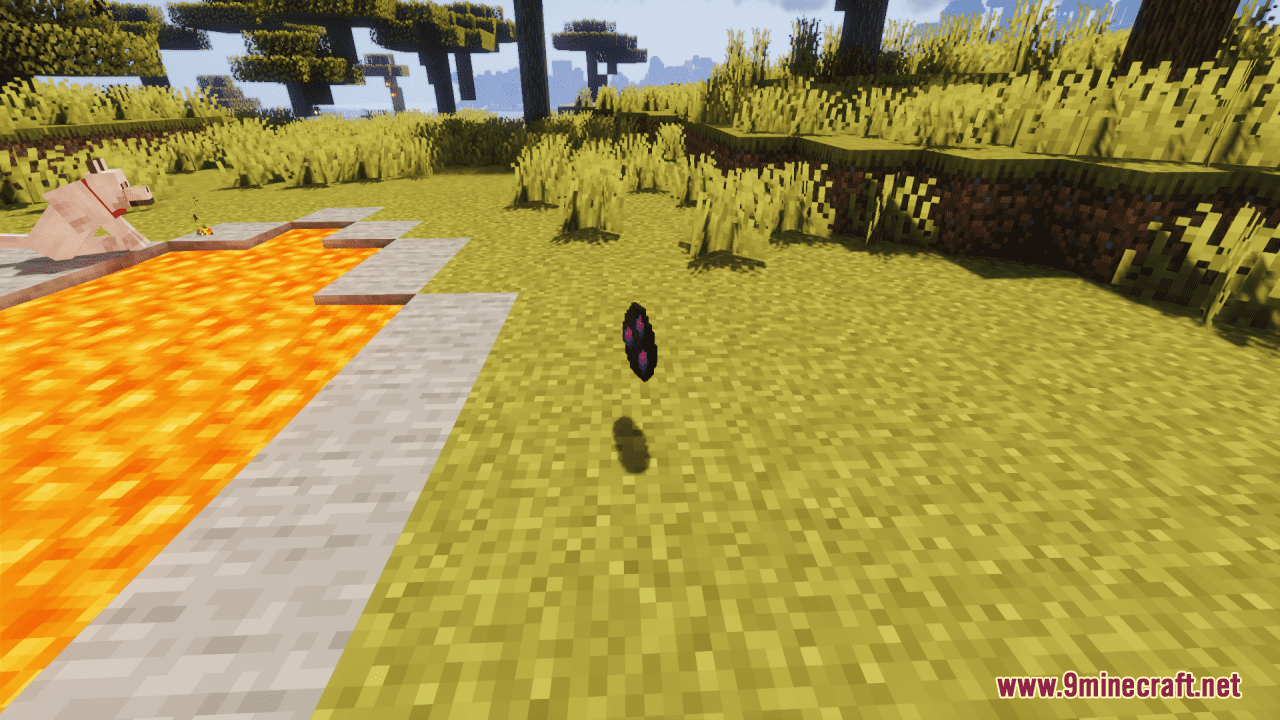
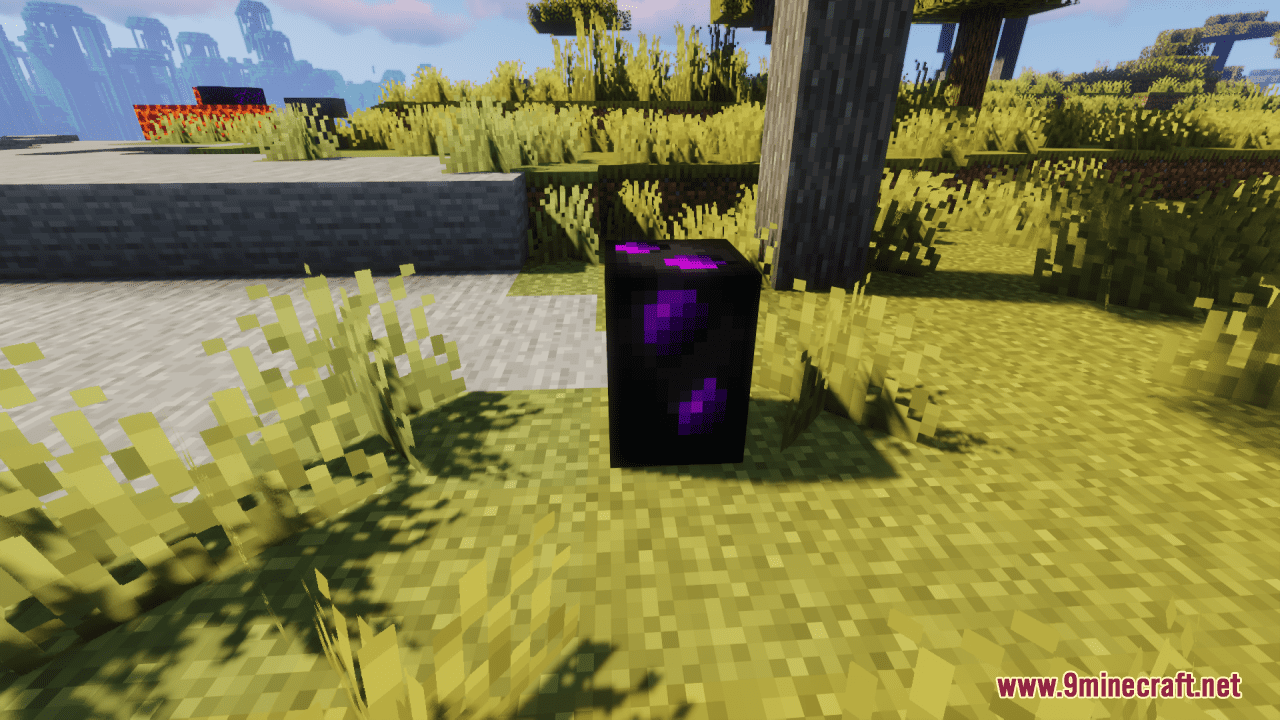
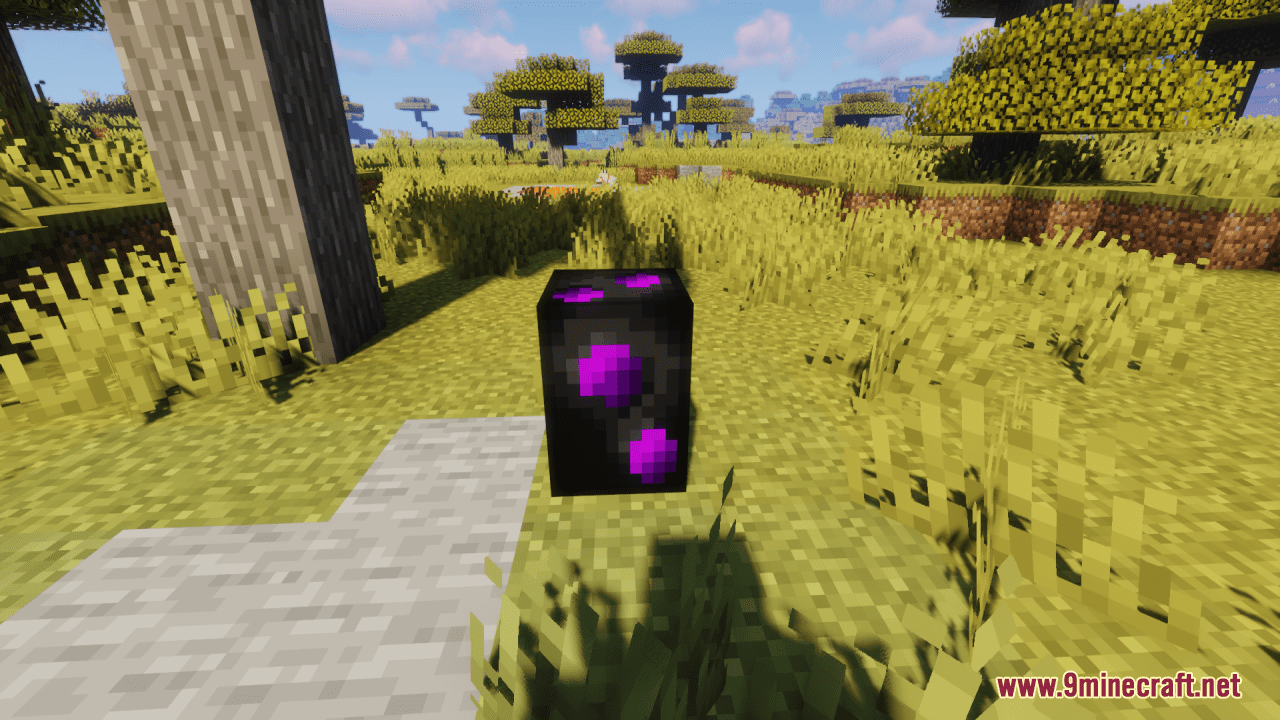
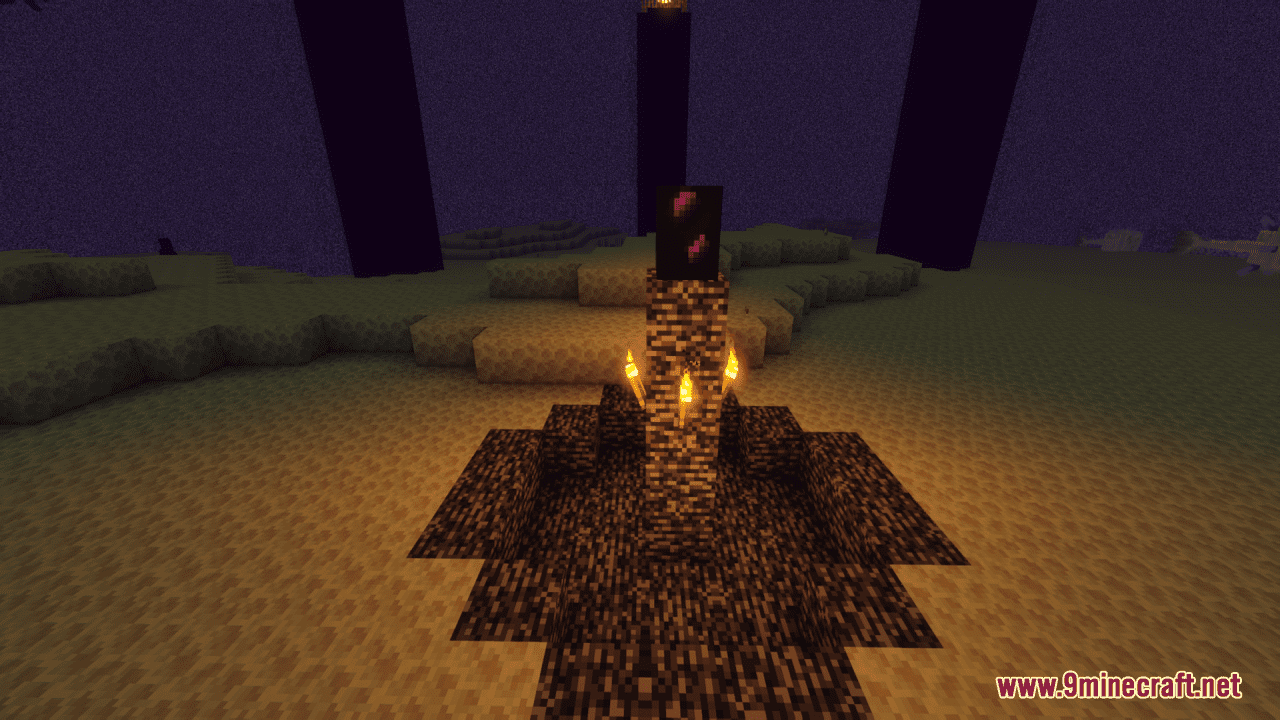
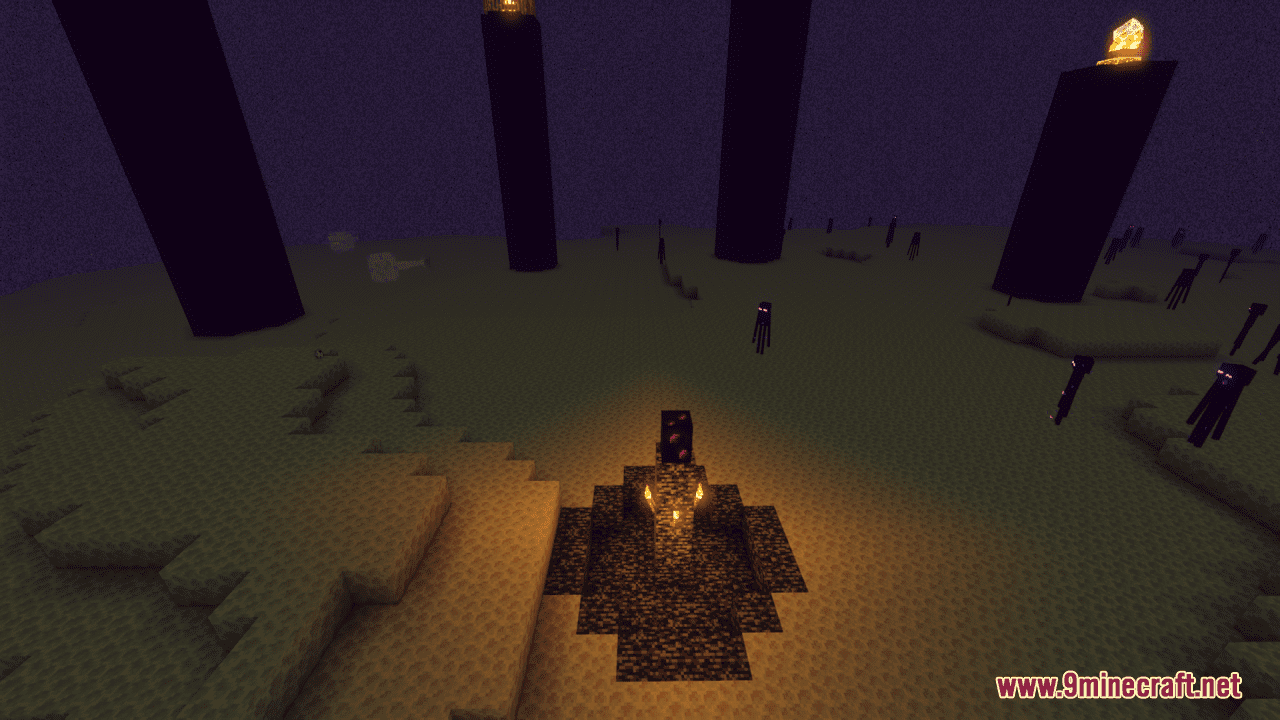
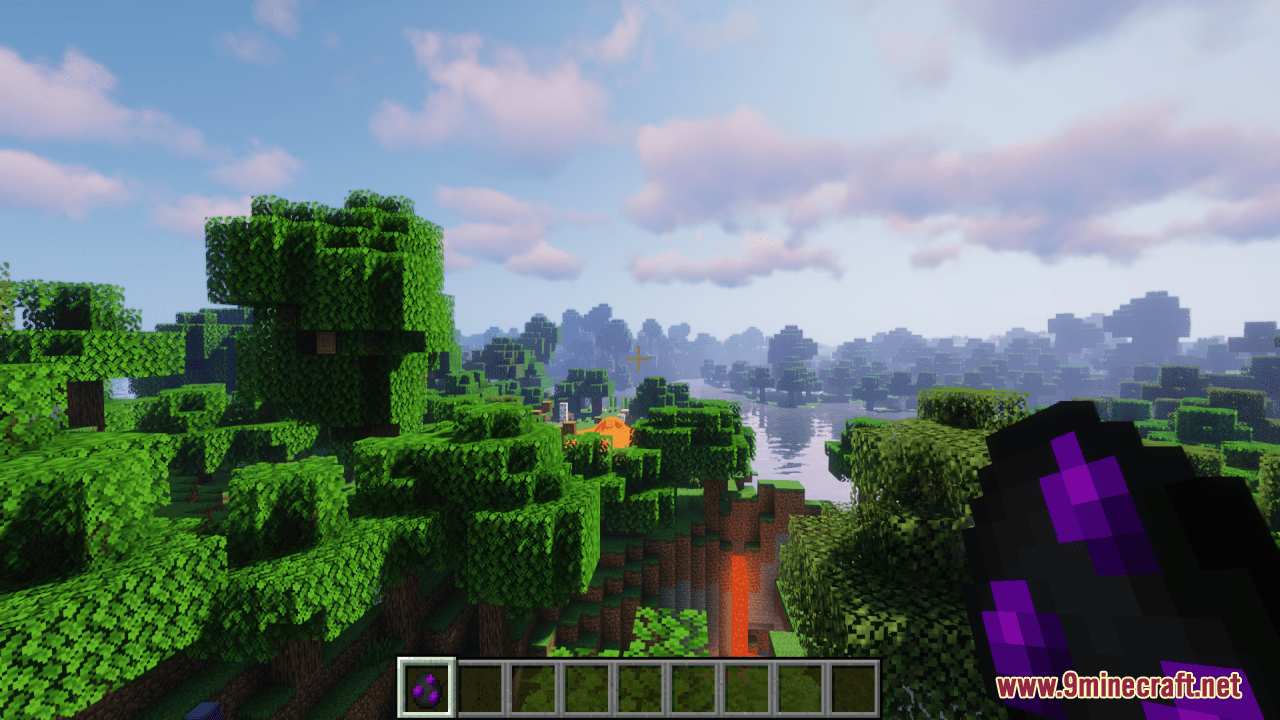
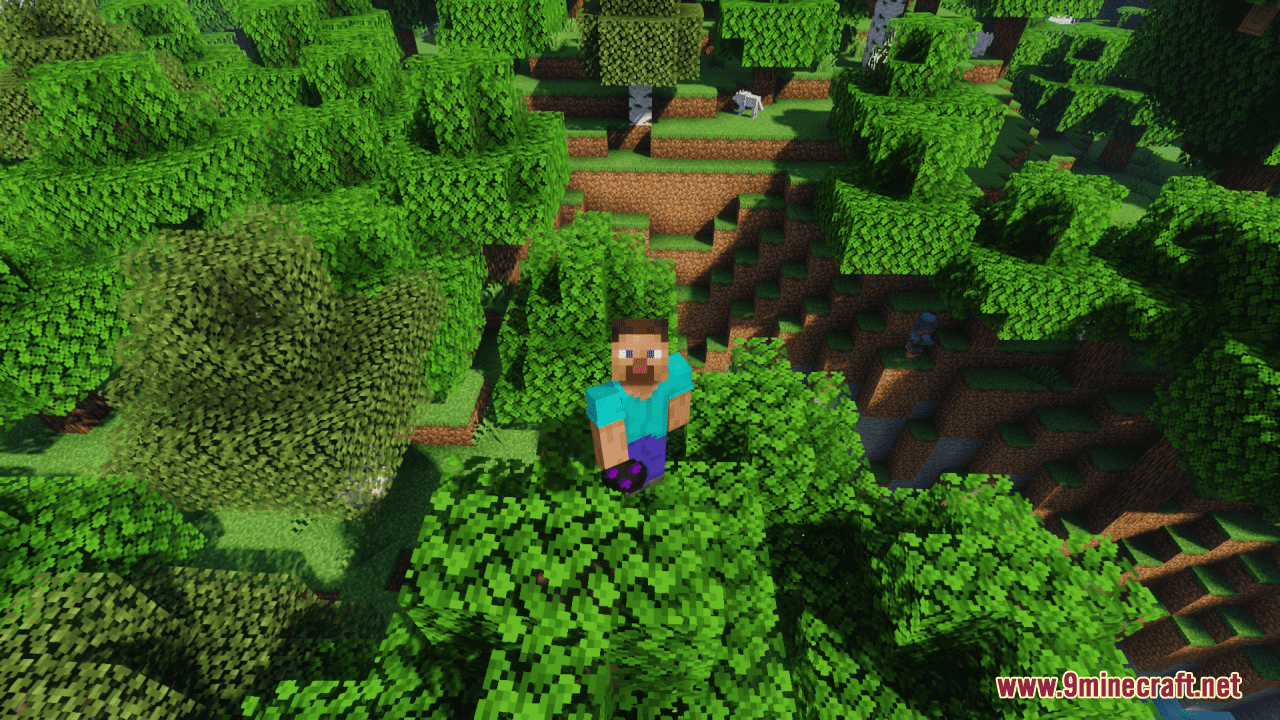
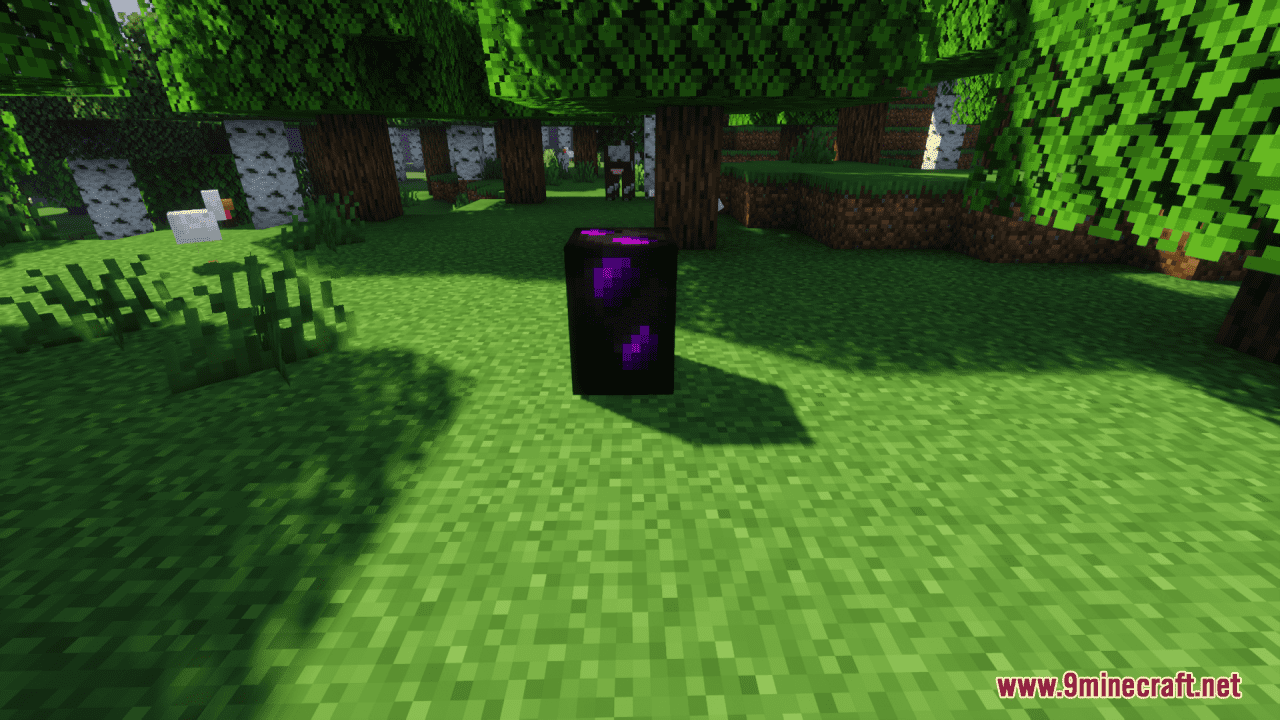
Comparing the Default and Updated Dragon EggUnderstanding the Visual Differences The Rethoughted Dragon Egg Resource Pack replaces both the 3D model and 2D icon…Enabling the Resource Pack for Your WorldLoading the Pack in Your Game Resource packs in Minecraft are applied through the resource pack menu and affect how…Troubleshooting Dragon Egg Display IssuesThe Dragon Egg Looks Unchanged If you don't see the updated model or texture after enabling the pack, verify your…Viewing the Dragon Egg in Your WorldFinding and Observing the Updated Model Once the resource pack is active, the dragon egg will display with its new…
Frequently asked questions
How do I enable this resource pack for my world?
Open your world settings, navigate to the resource packs section, and move the Rethoughted Dragon Egg Resource Pack from the available list to your active packs. Save and reload your world to see the updated dragon egg model.
Will this pack work with other resource packs?
Yes, this pack can work alongside other resource packs, but placement order matters—place it above packs that also modify the dragon egg to ensure the Rethoughted version displays. If conflicts occur, adjust the pack order in your resource pack menu.
Does this affect the dragon egg's function or behavior?
No, this is purely a visual update; the dragon egg behaves identically to the default version in terms of teleportation, placement, and all other mechanics.
Why doesn't the dragon egg look updated in my inventory?
The pack includes a new 2D texture for the inventory icon—if you don't see it, verify the resource pack is enabled in your world settings and try restarting the game.
See all 10 Rethoughted Dragon Egg questions ›
Gallery
11 images from the Rethoughted Dragon Egg Resource Pack page.
You May Also Like
Wikis that share the most with this one
Wikis on the same theme: dragon
3D Default Resource PackAls Boss Rush Resource PackEnder Dragon Wings Resource PackEnder Dragon Reborn Resource PackEnder Dragon Revamp Resource PackNeko’s Dragon Blazes Resource PackAnimated Dragon Elytra Resource PackDragon Totem of Undying Resource PackGeforcelegends 3D Default Resource PackHTTYD Franchise Paintings Resource PackDragon Survival Sculk Addon Resource PackEnder Dragon Revamp 9minecraft Resource Pack
More resource pack wikis on the site
Retextures O’ Plenty Texture Pack Resource PackRestore Block Lines Resource PackResprited Resource PackMinecraft Resource PacksResource Pack Overrides ModResource Pack Cached ModReShaded Resource Pack Repurposed StructuresRepurposed Structures Better Nether Fortress Compat Datapack Resource PackRepolished Security Resource PackRenewed Menu Resource PackRemove Potion Particles Resource Pack
The most downloaded mods that have a wiki here
A few wikis from each of the other kinds