

 DownloadEnder Dragon Wings Resource Pack
Get the files on 9Minecraft
Guides
Step-by-step, in-game.
Customizing Your Flight ExperienceAdjusting Visual Settings While the resource pack itself is fixed, you can enhance your flight experience through…How to Equip and View Your Dragon WingsEquipping the Wings Once the resource pack is installed and activated in your world settings, your elytra will…Making the Most of Dragon Wing AnimationsUnderstanding Wing Movement The dragon wings animate based on your flight state. To see the full range of animations:…Troubleshooting: Wings Not Showing UpVerify Resource Pack is Active If your elytra still look like vanilla wings: 1. Open your world settings or resource…
Frequently asked questions
How do I get the dragon wings to show on my elytra?
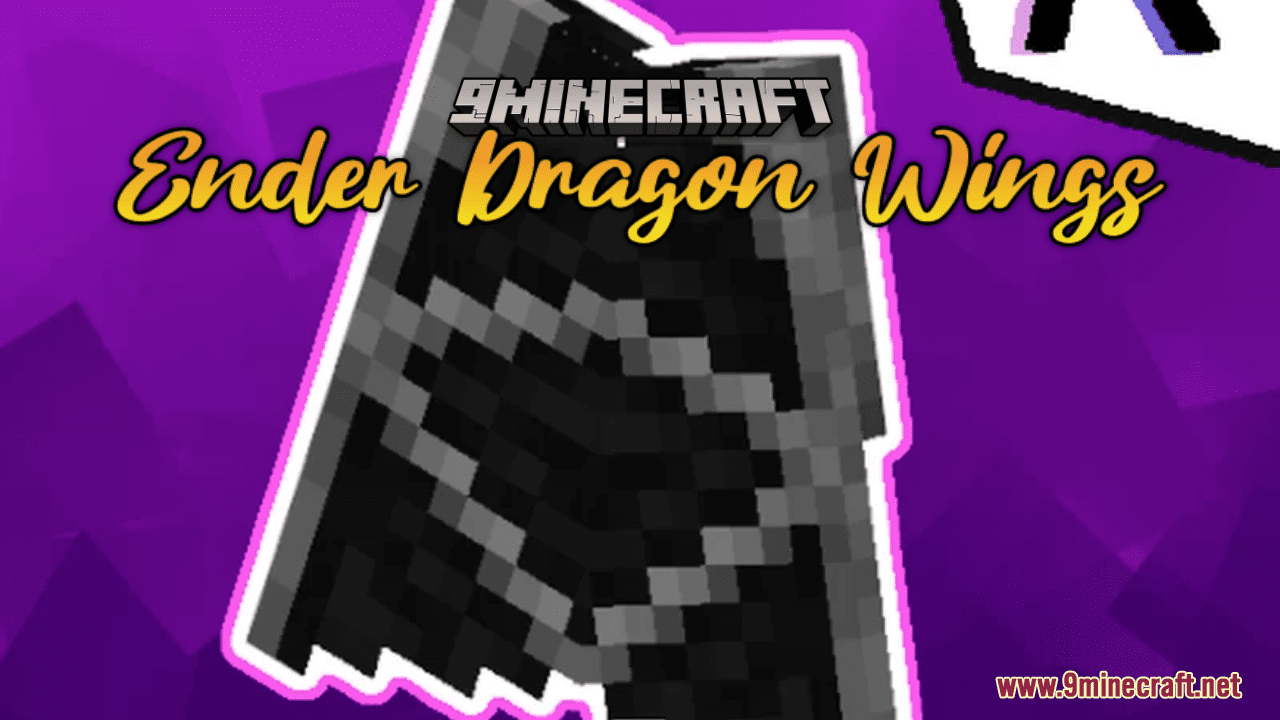
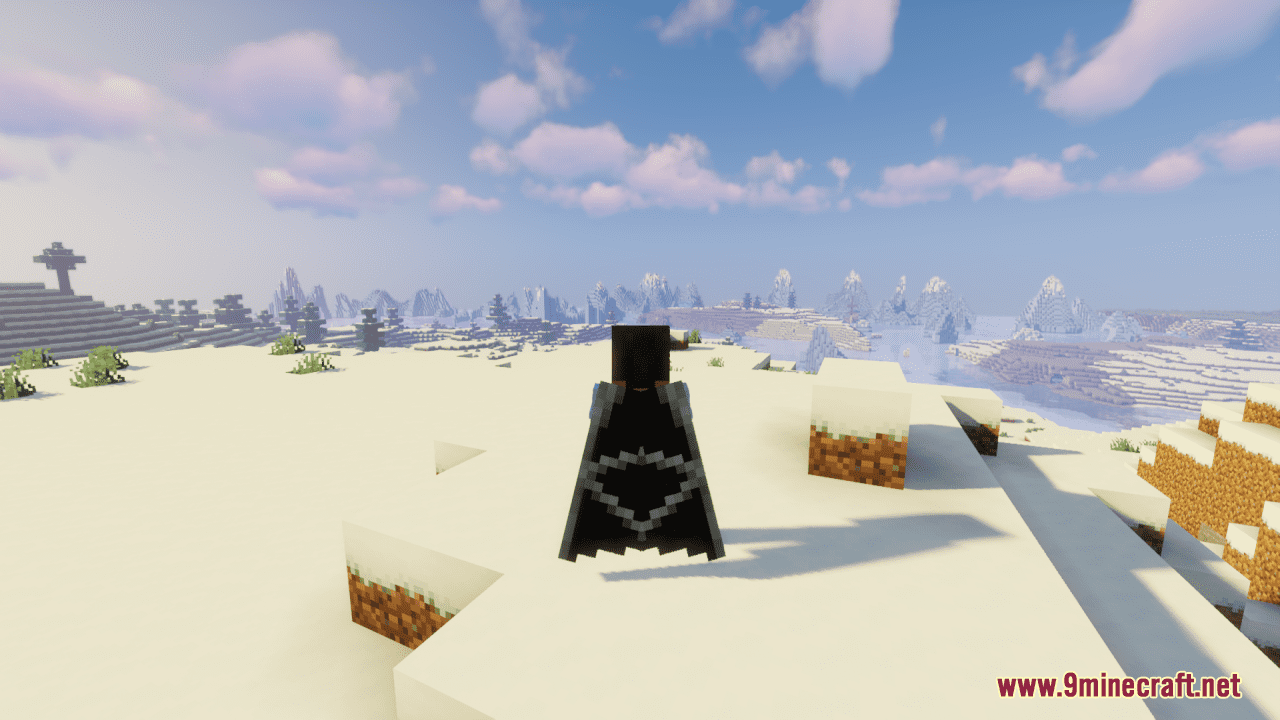
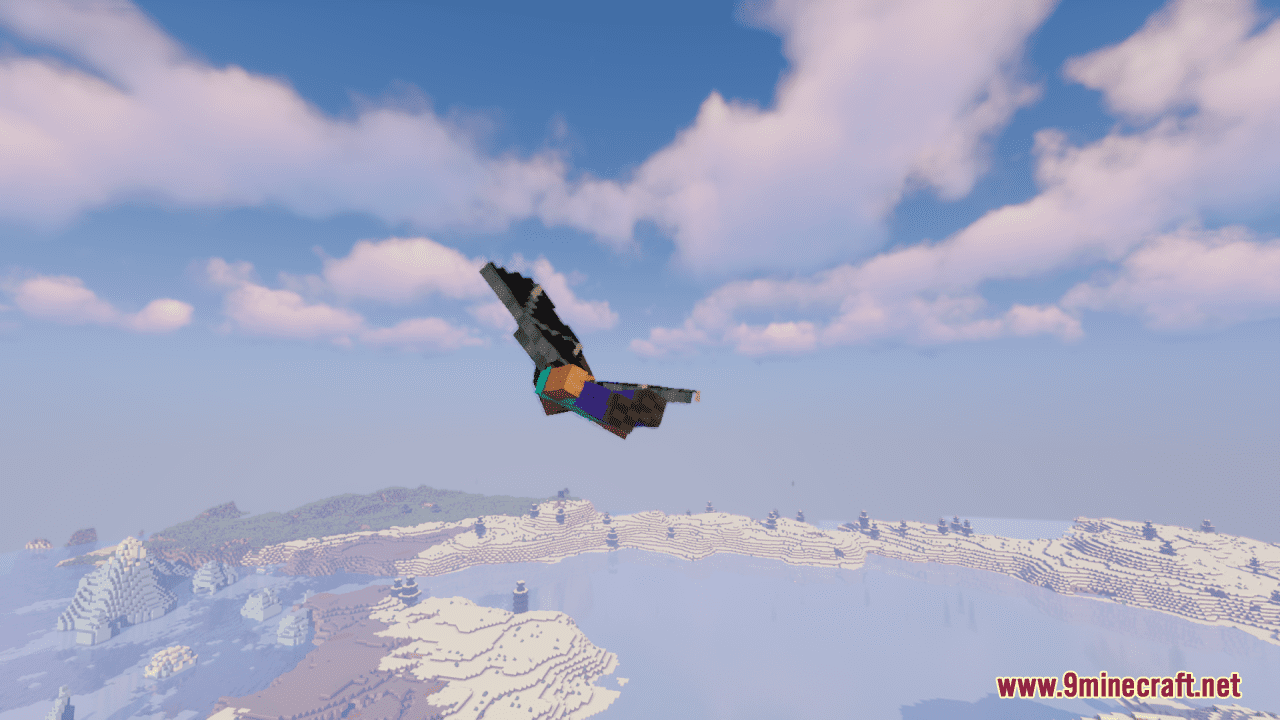
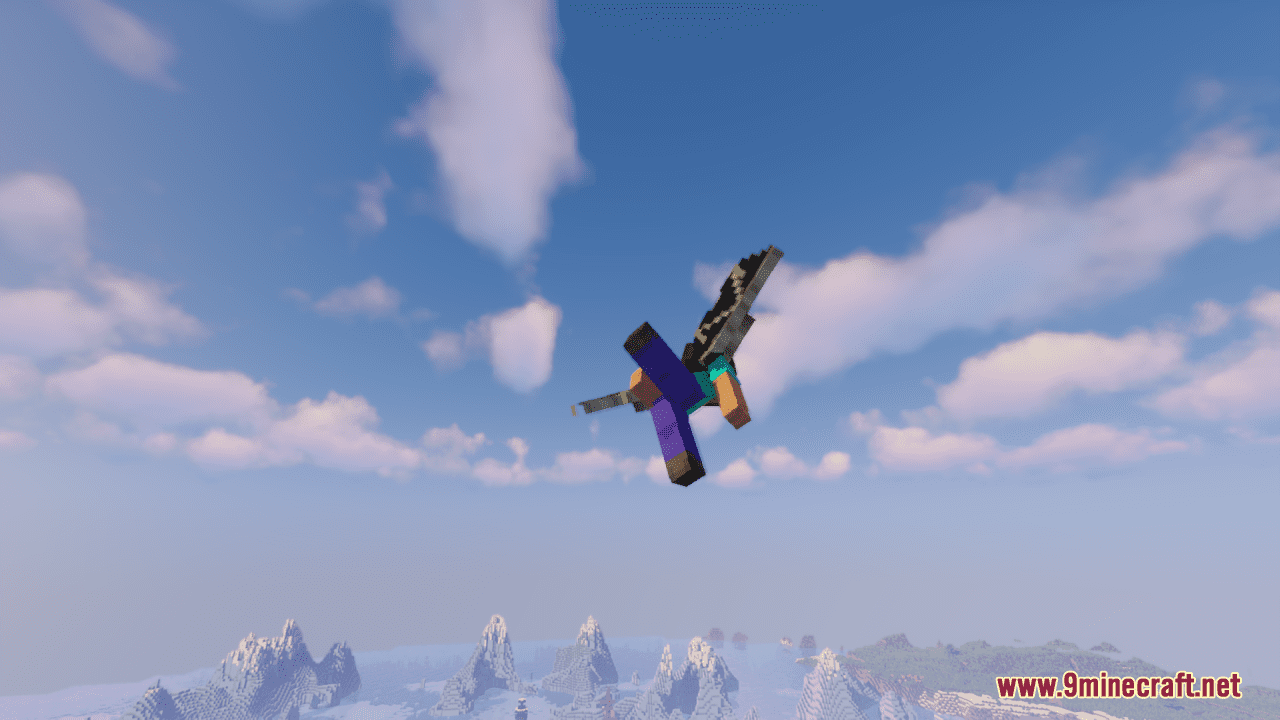
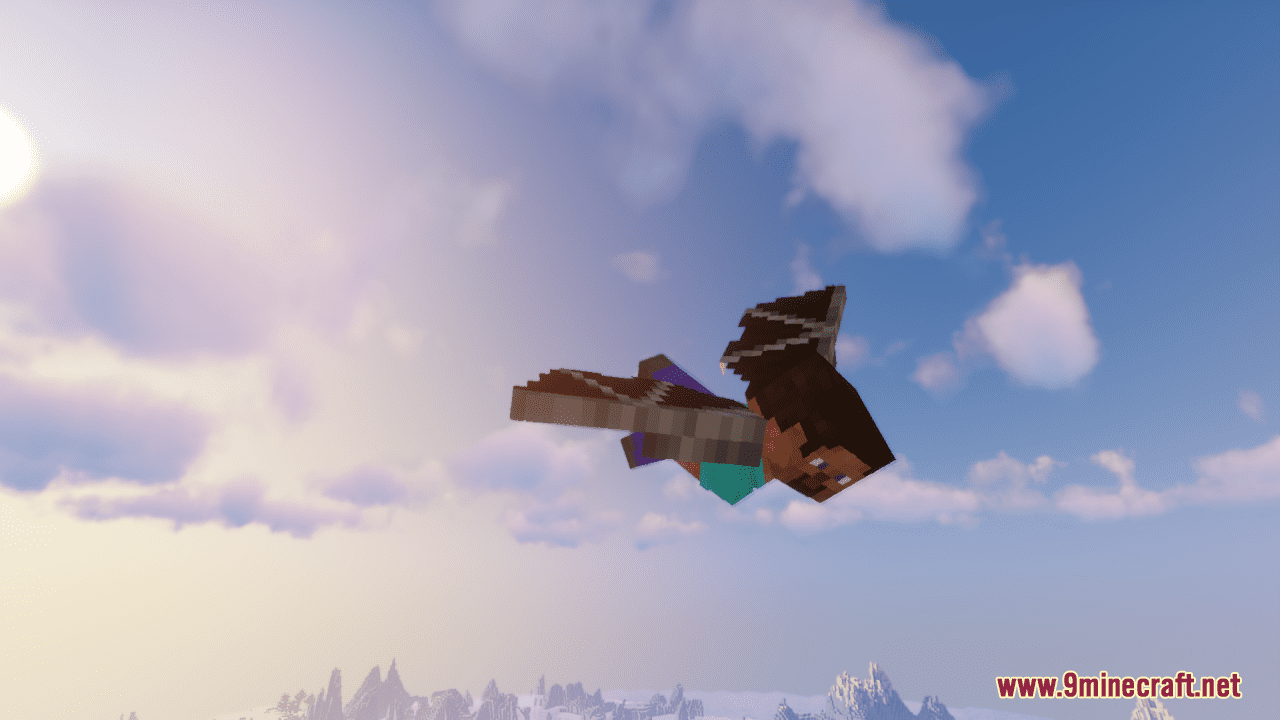
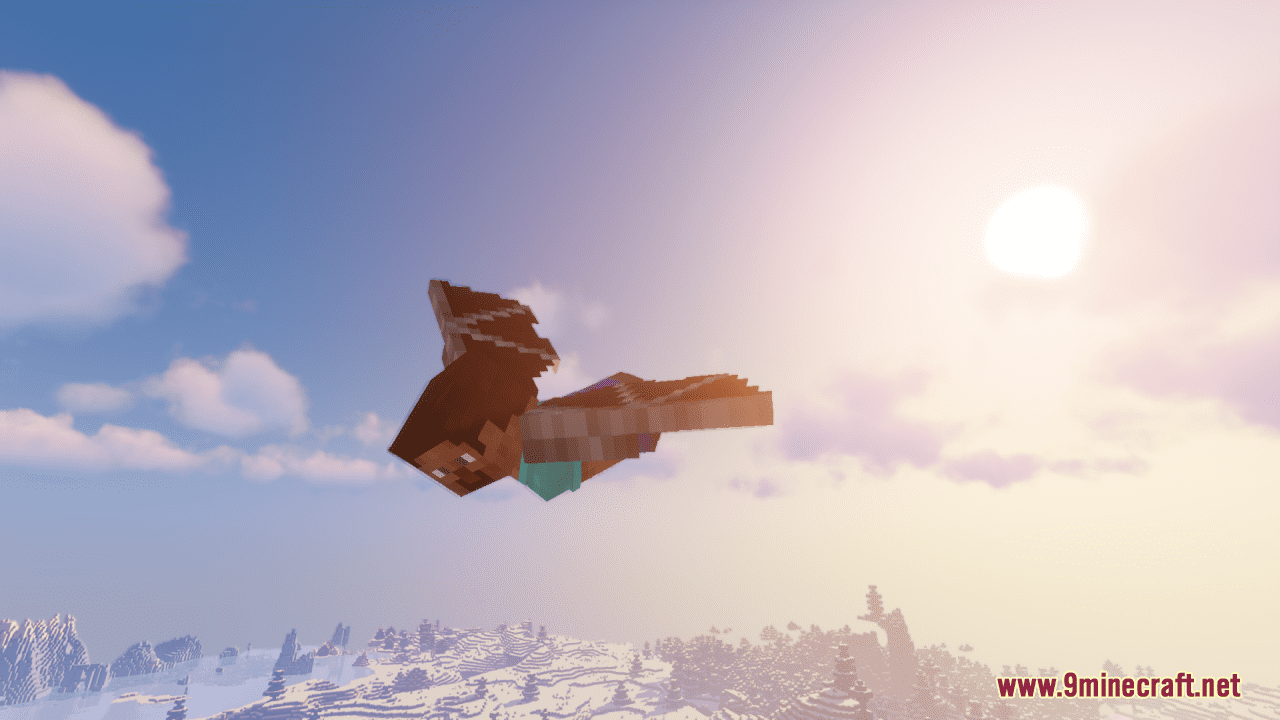
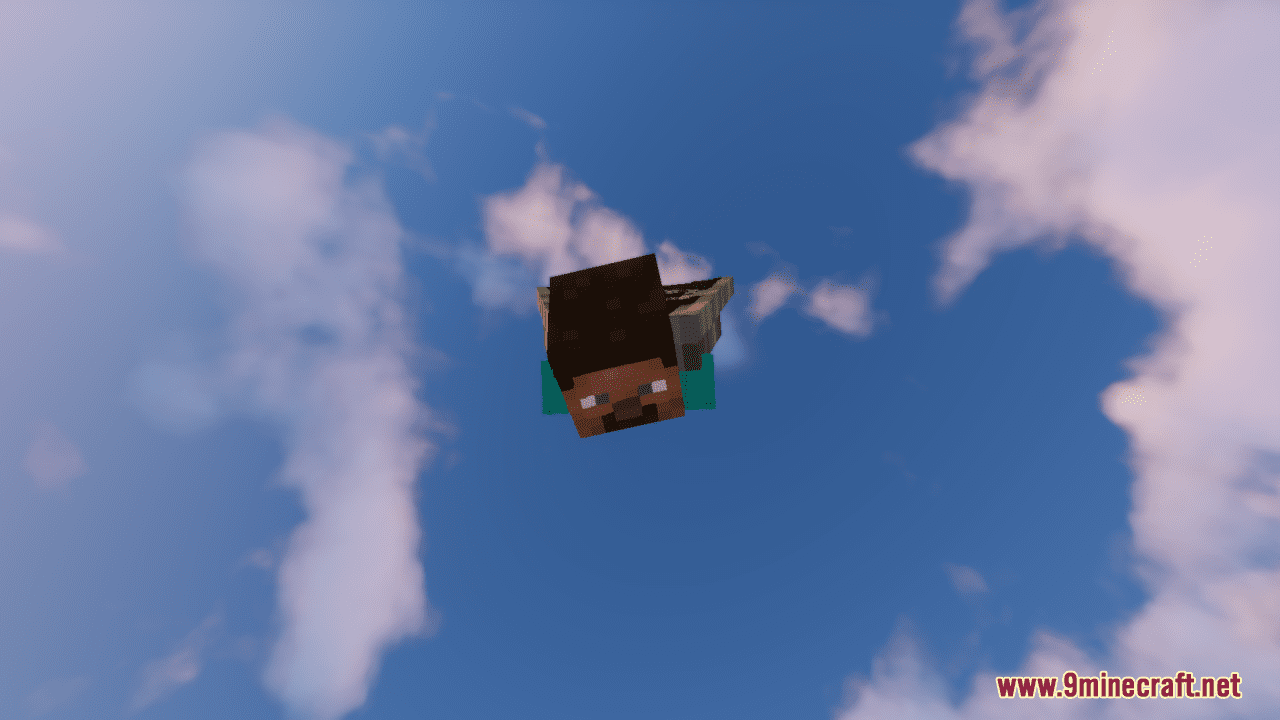
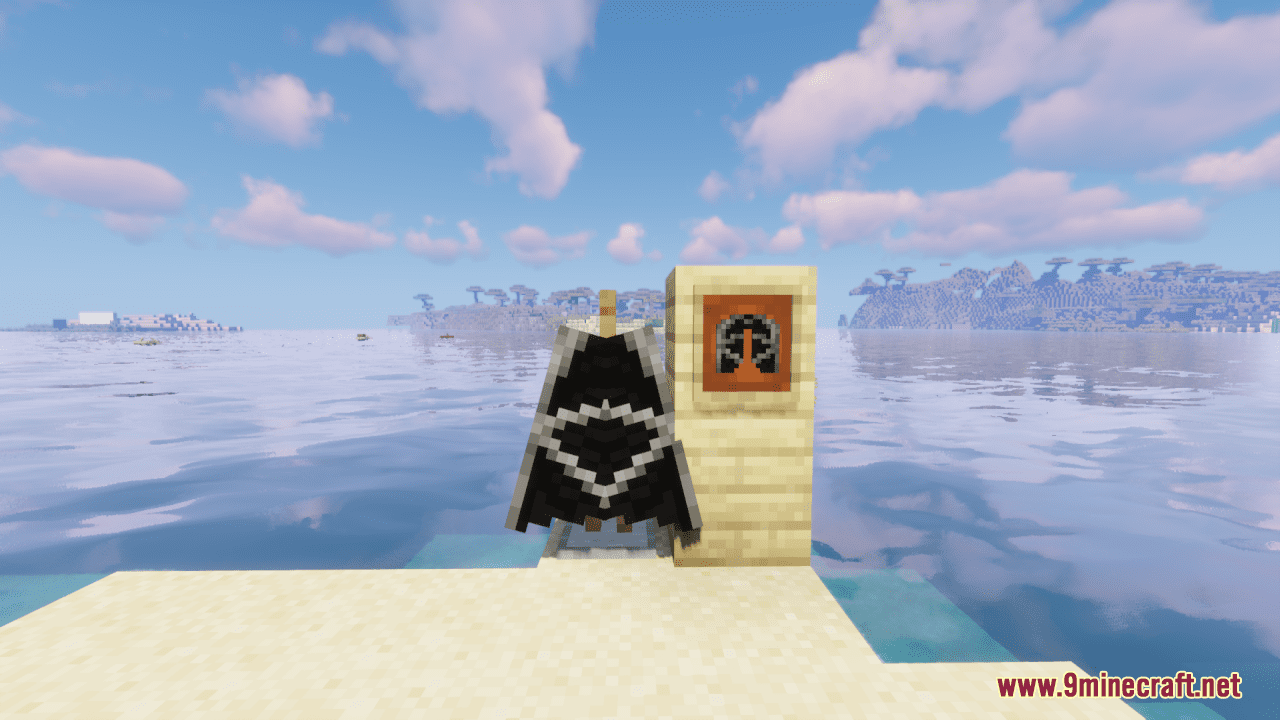
Equip your elytra as normal, then make sure the resource pack is enabled in your resource packs menu. The dragon wing texture will replace your elytra's appearance automatically once the pack is active.
Why aren't my dragon wings showing up in game?
Check that the resource pack is enabled in Settings > Resource Packs and moved to the active side. If you're using other elytra packs, they may conflict—try disabling them to see if the dragon wings appear.
Do the dragon wings work with all elytra, or just specific ones?
The dragon wings texture applies to all standard elytra in the game, regardless of durability or enchantments. The pack only changes the visual appearance and doesn't affect how elytra function.
Can I use this pack with other resource packs at the same time?
Yes, but if another pack also modifies elytra textures, you'll need to order them in your resource packs list—the one on top takes priority. Place the Ender Dragon Wings pack above conflicting packs if you want the dragon wings to show.
See all 10 Ender Dragon Wings questions ›
Gallery
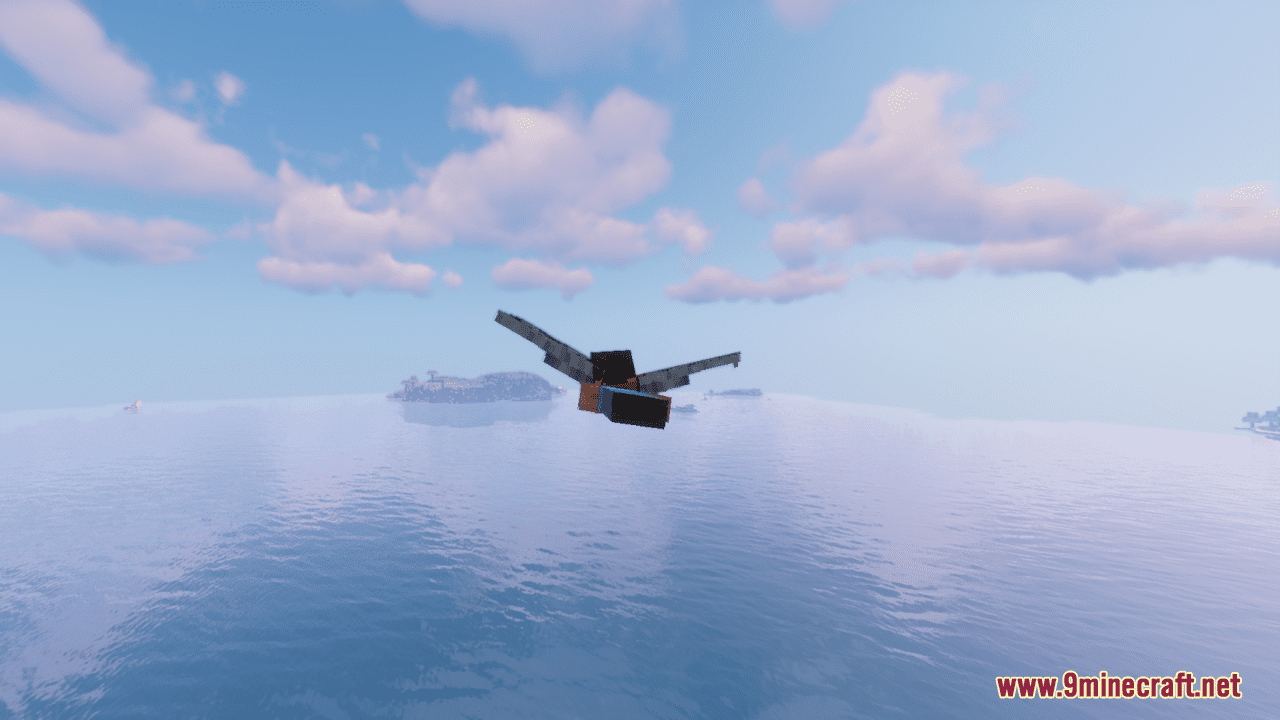
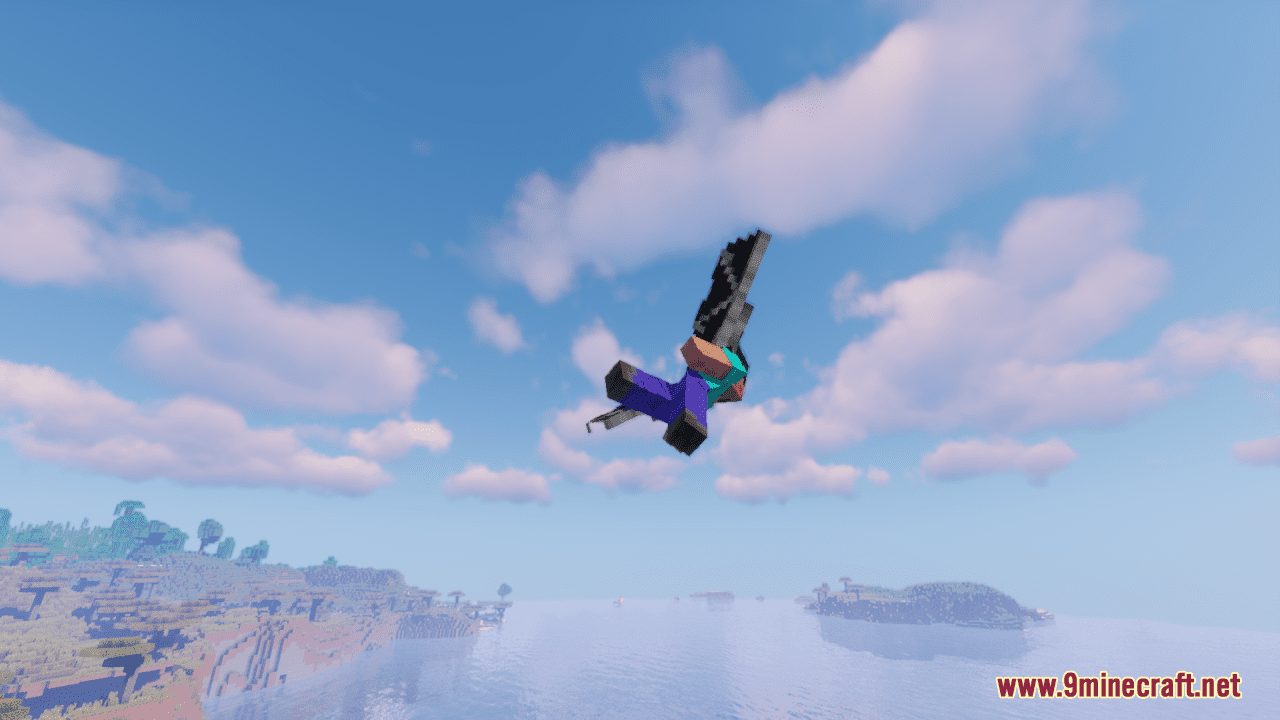
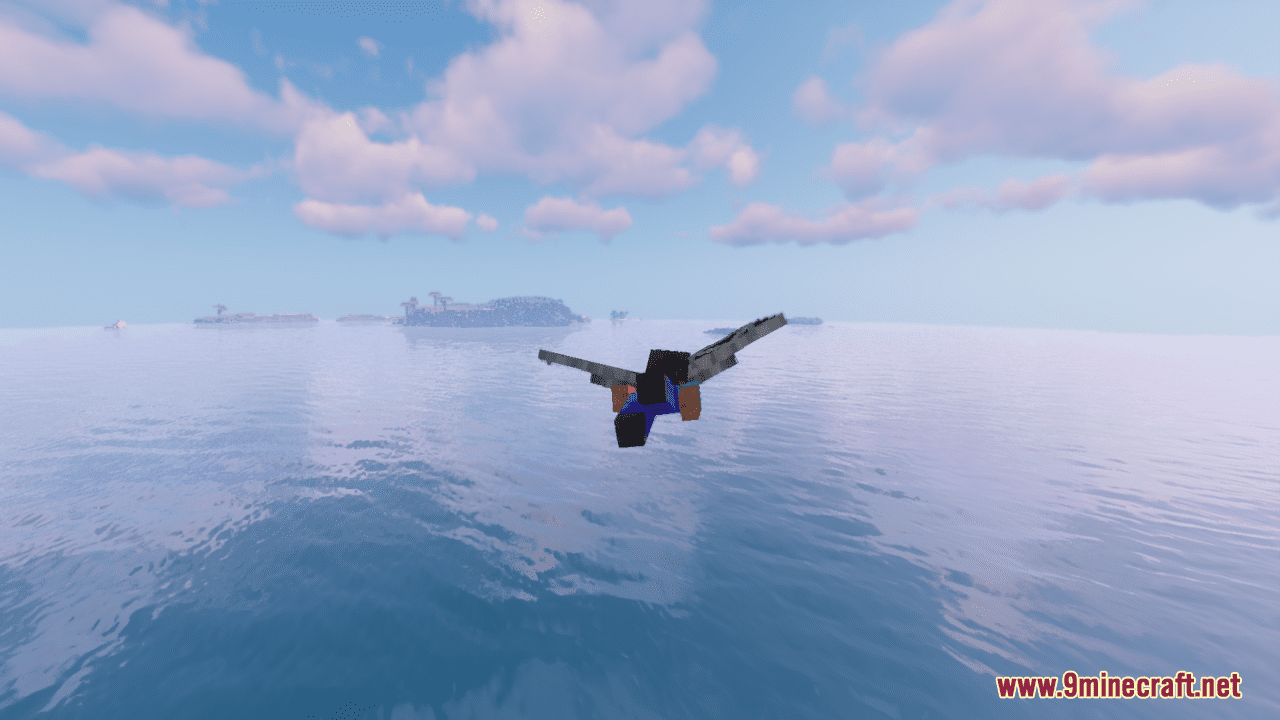
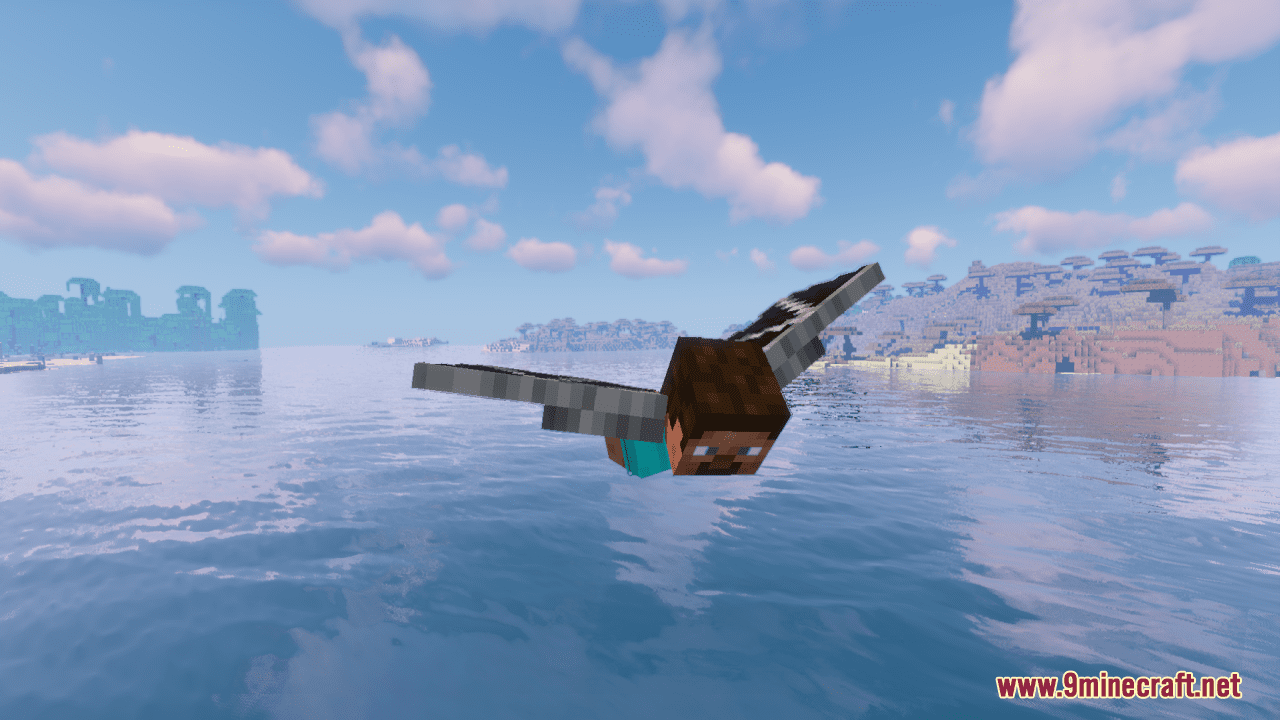
12 images from the Ender Dragon Wings Resource Pack page.
You May Also Like
Wikis that share the most with this one
Ender Dragon Fight Remastered ModEnder Dragon Reborn Resource PackEnder Dragon Revamp Resource PackTrue Ending - Ender Dragon OverhaulTrue Ending Ender Dragon Overhaul ModEnder Dragon Revamp 9minecraft Resource PackEnder Dragon Loot X Advanced Netherite Compat Data PackEnder IOEnder CaneEnder CropDragon FeedCitrus Wings
Wikis on the same theme: dragon
3D Default Resource PackAls Boss Rush Resource PackLiving Dragon Resource PackNeko’s Dragon Blazes Resource PackAnimated Dragon Elytra Resource PackRethoughted Dragon Egg Resource PackDragon Totem of Undying Resource PackGeforcelegends 3D Default Resource PackHTTYD Franchise Paintings Resource PackDragon Survival Sculk Addon Resource PackIce & Fire Dragonsteel Weaponry Resource PackMandalas Dragon Mount Refreshed Resource Pack
More resource pack wikis on the site
Enchantment Glows Thin Outlines Resource PackEnchantment Glows Resource PackEnchanting Reimagined Resource PackEnchanted Covers Resource PackEmerald Interface Vibe Resource PackEmbers Resource PackEmbellished Stone Resource PackElytra Fairy Wings Resource PackElden Ring Sky Resource PackEgyptian Mythology Mash Up Resource PackEggs N Eyes Resource PackEclectic Trove Resource Pack
The most downloaded mods that have a wiki here
A few wikis from each of the other kinds