

 DownloadReShaded Resource Pack
Get the files on 9Minecraft
Guides
Step-by-step, in-game.
Combining ReShaded With Other Texture Packs Without ConflictsReShaded is designed to sit alongside other packs, but stacking order decides who wins when two packs touch the same…How to Install and Activate ReShaded in Your Resource Pack ListReShaded is a resource pack, so it lives in the same menu as your other texture packs. Getting it active is the whole…Making Your World Brighter and More Visible With ReShadedThe point of ReShaded is visibility: flatter lighting means fewer pitch-black faces and clearer terrain, especially…ReShaded Resource PackWhat ReShaded Does ReShaded Resource Pack is a texture pack that changes how lighting looks on blocks . It removes…Troubleshooting ReShaded: Pack Not Showing, No Effect, or Wrong LookMost ReShaded problems come down to file placement or pack order, not the pack itself. Pack Won't Appear in the List…
Frequently asked questions
What does the ReShaded Resource Pack do?
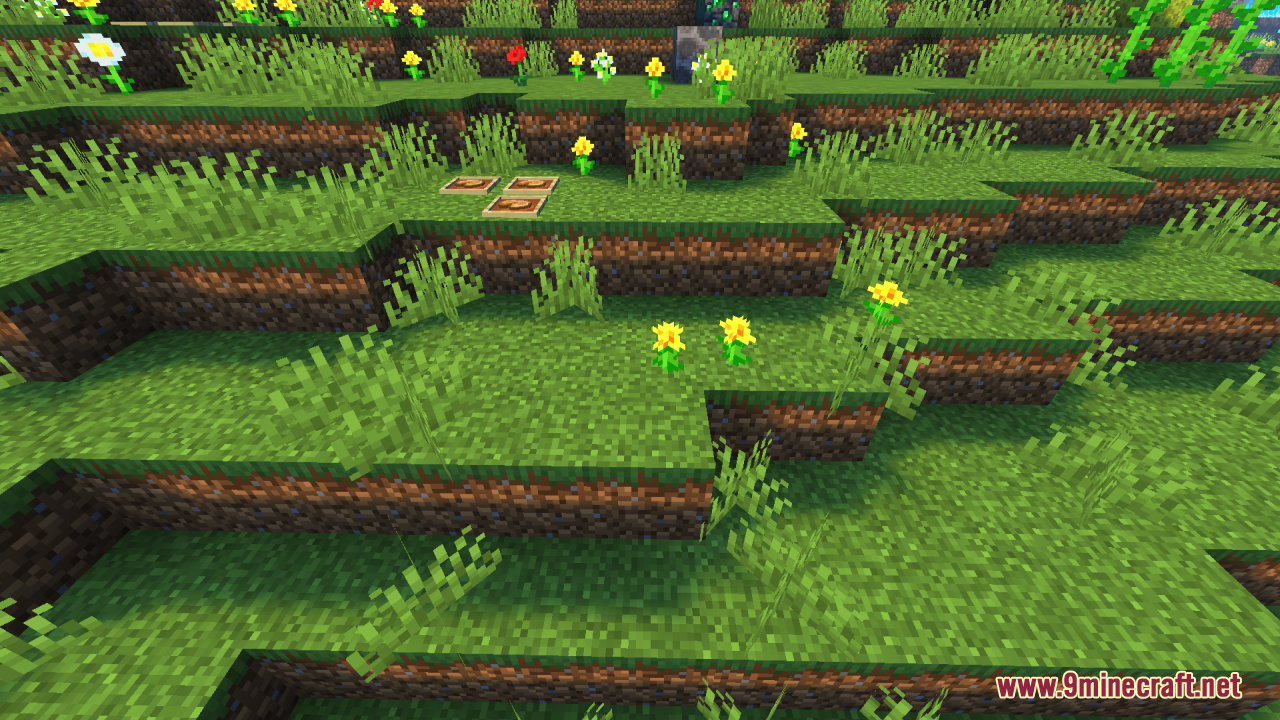
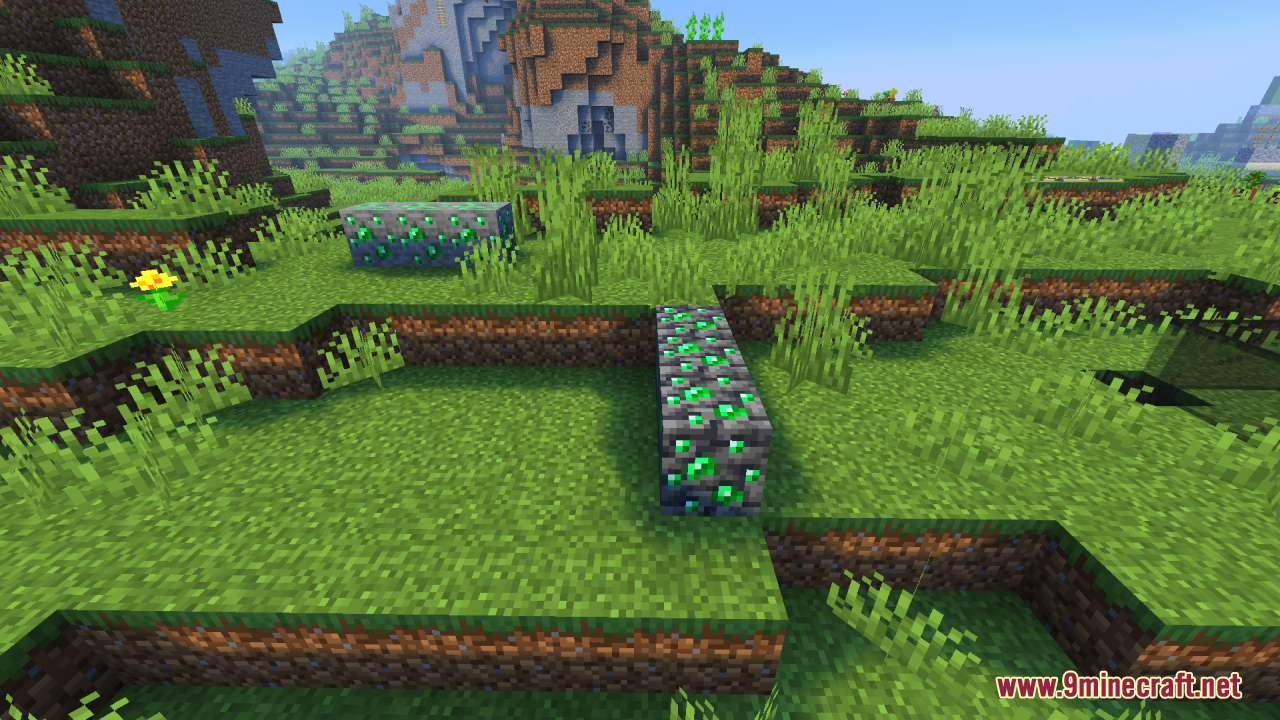
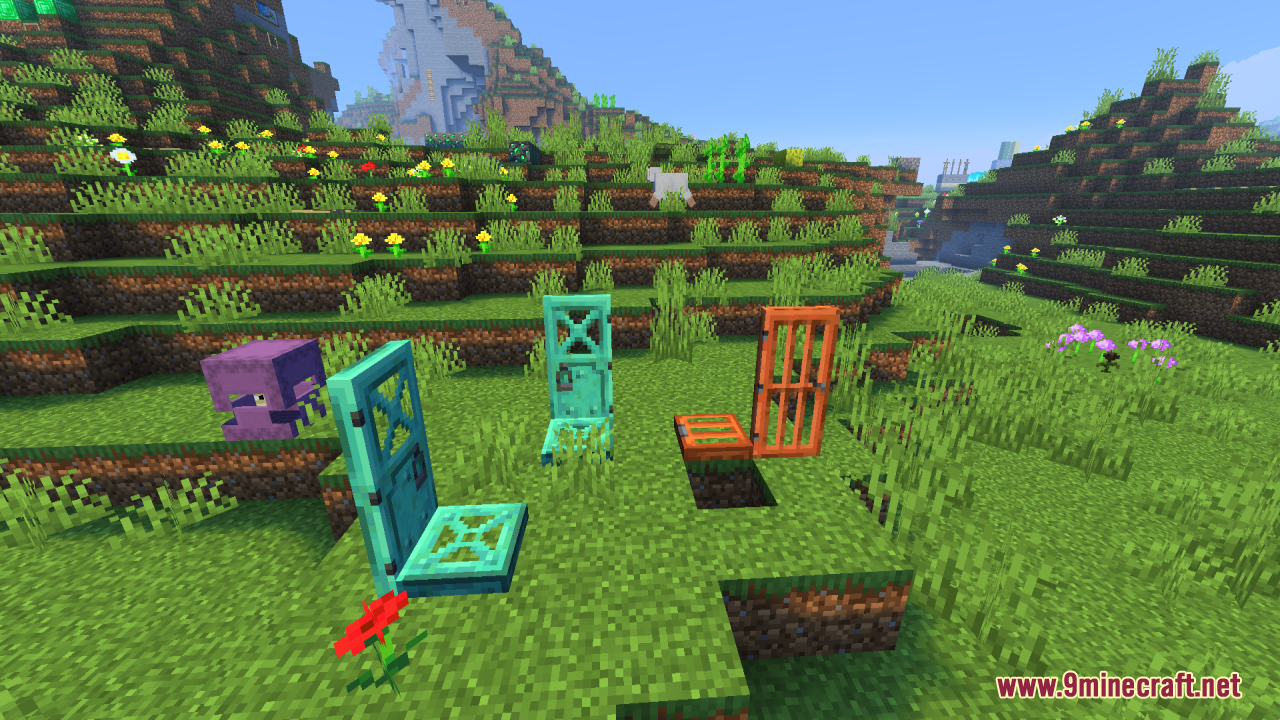
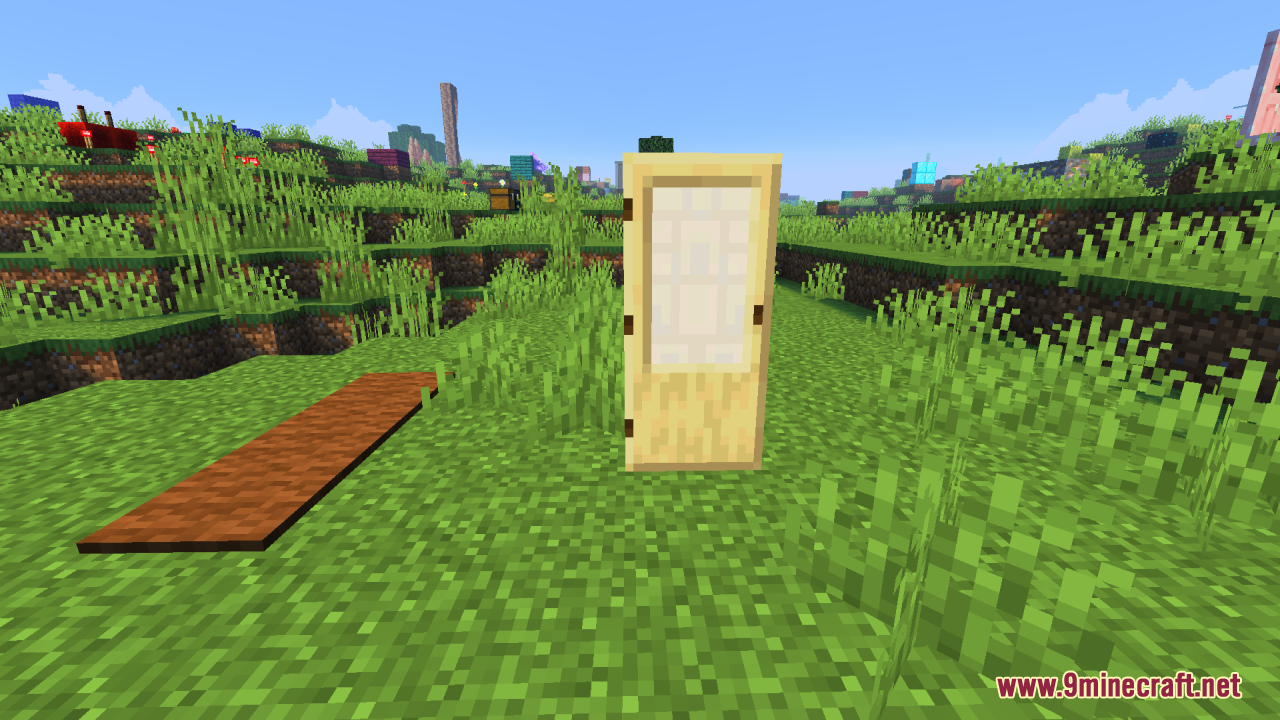
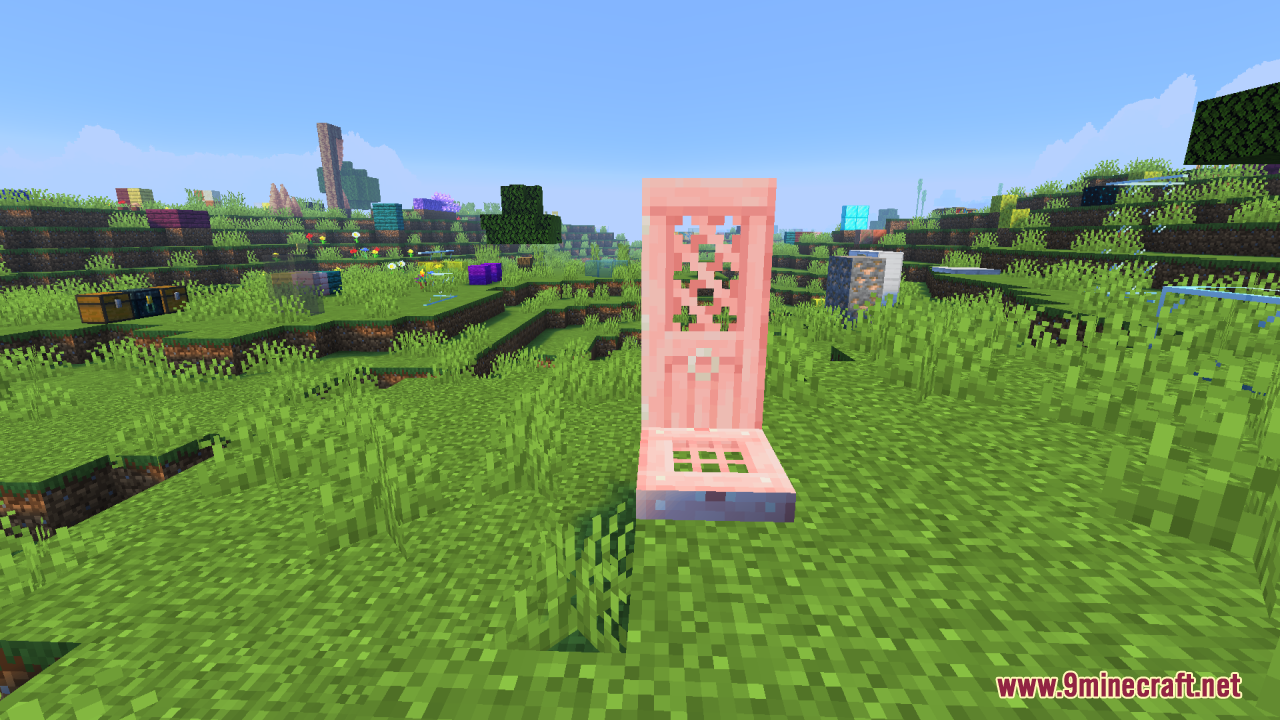
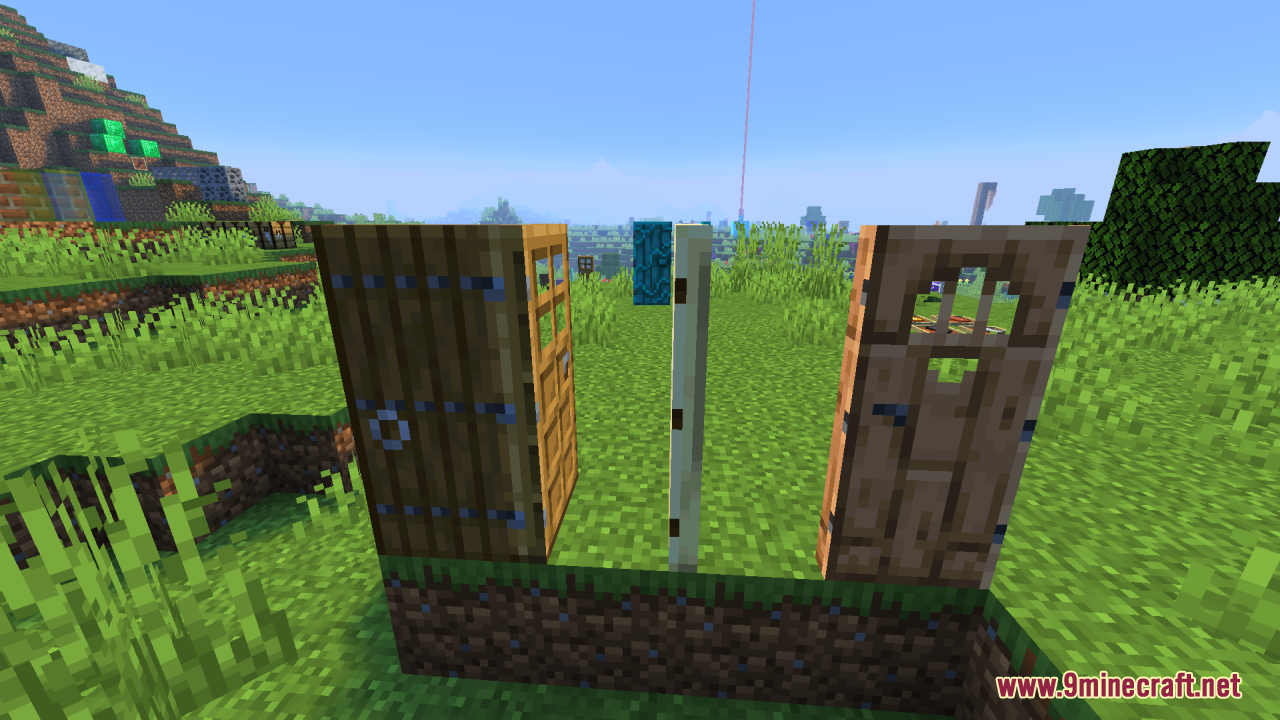
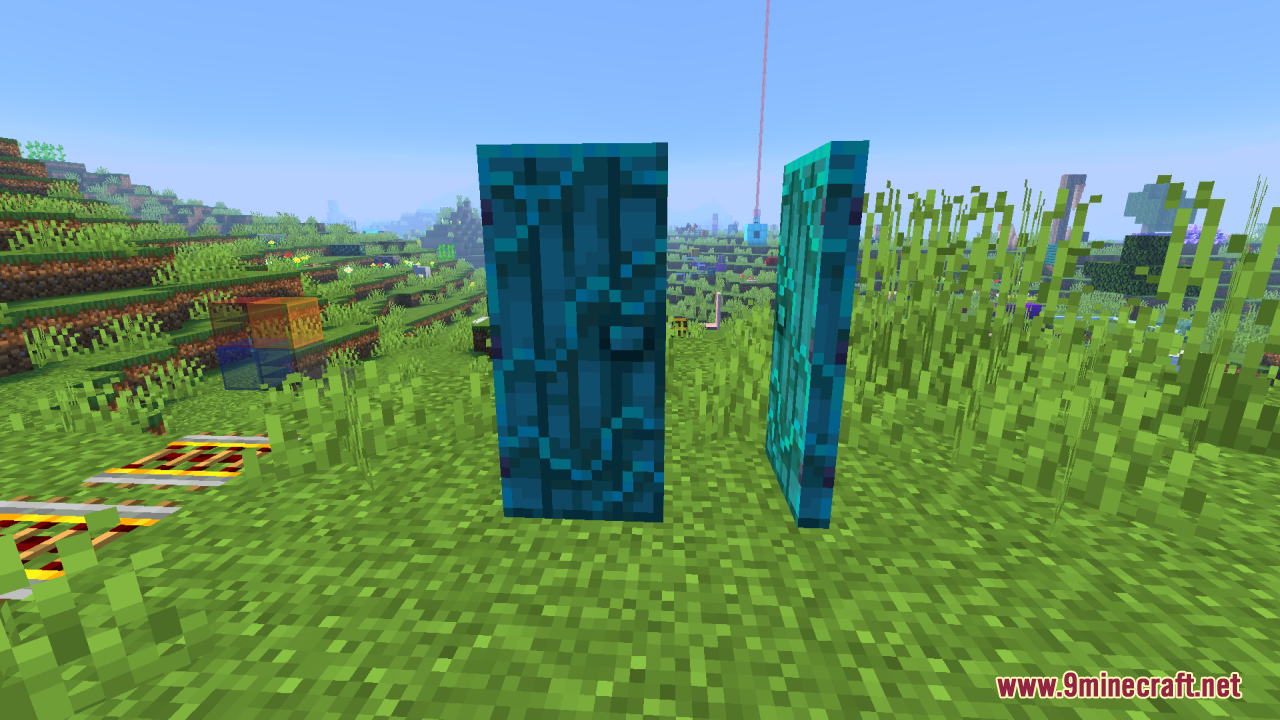
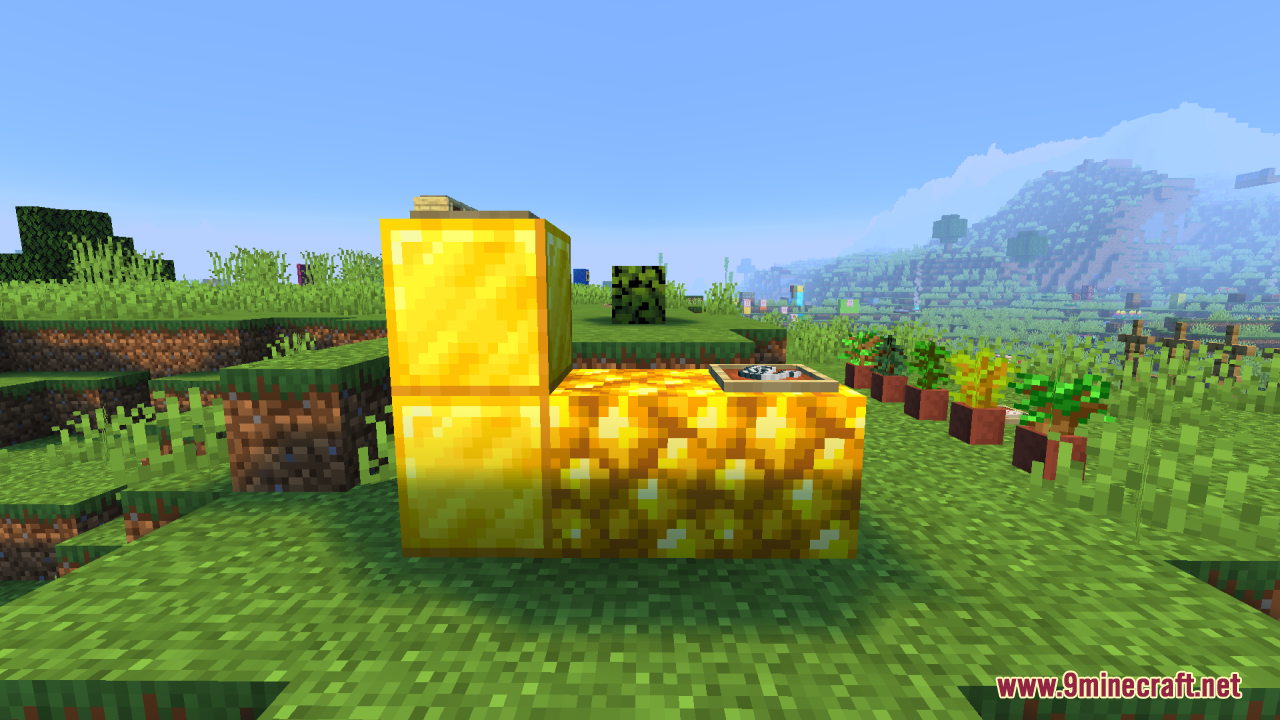
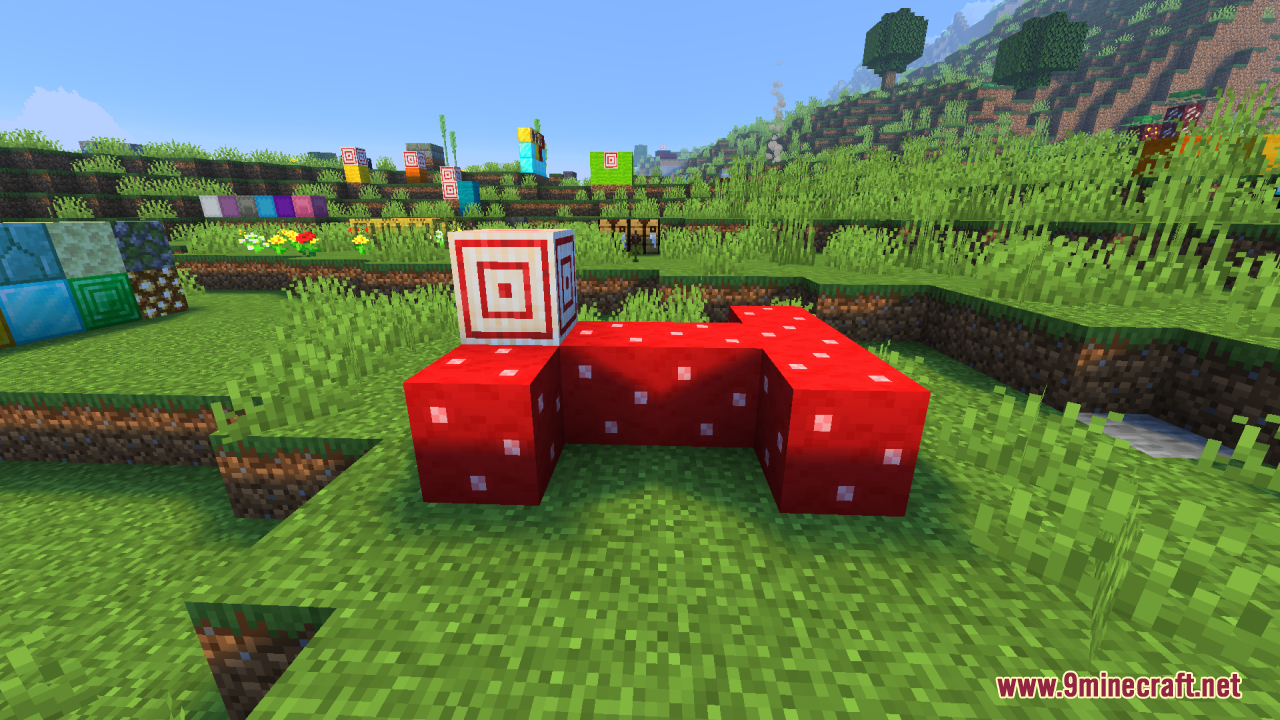
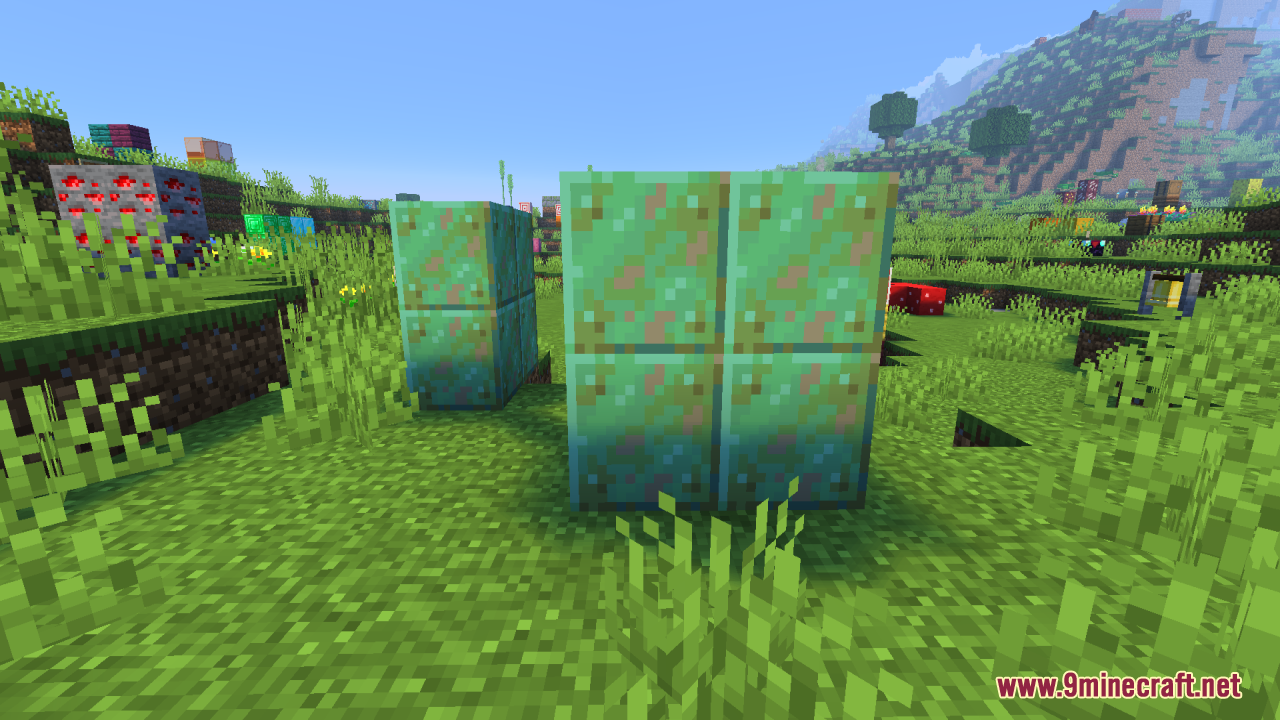
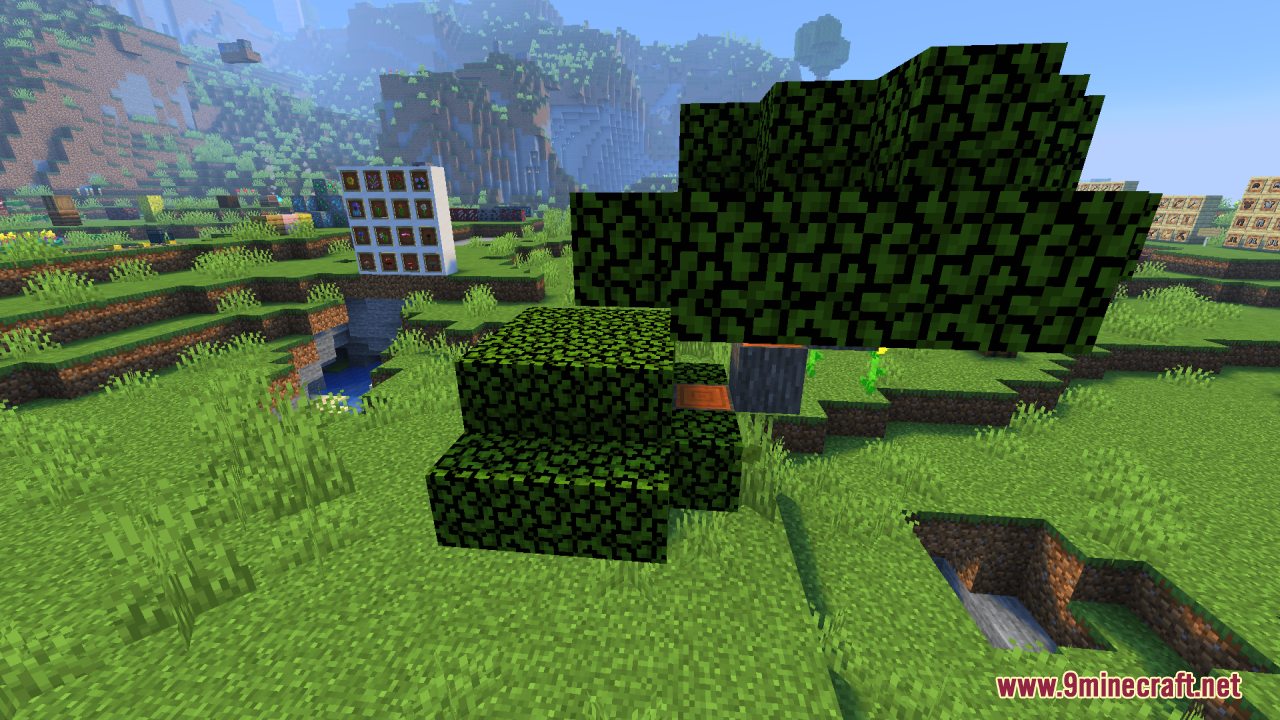
It softens and refines Minecraft's shading by removing harsh shadows from block textures, giving a cleaner, brighter, more evenly lit world. It keeps the classic 16x16 aesthetic while making environments look clearer and more vibrant.
Do I need shaders or performance-heavy mods to use ReShaded?
No, ReShaded achieves its brighter look without shaders or performance-heavy mods. It also doesn't require Optifine or shader support.
Does ReShaded change gameplay mechanics?
No, it only changes the visual shading of block textures. Gameplay mechanics stay exactly the same.
Is ReShaded compatible with other texture packs?
Yes, it's lightweight and compatible with most other texture packs. That makes it easy to combine with packs you already use.
See all 6 ReShaded questions ›
Gallery
12 images from the Reshaded Resource Pack page.
You May Also Like
Wikis that share the most with this one
Rob’s Vanilla Reshaded ShadersFancy Gear Reshaded Equipment Resource PackRemo’s Shield Resource PackRemove Enchant Glint Resource PackRemove Potion Particles 9minecraft Resource PackRemove Potion Particles Resource PackRenewed Menu Resource PackRepolished Security Resource PackRepurposed Structures Better Nether Fortress Compat Datapack Resource Pack Repurposed StructuresResource Pack Cached ModResource Pack Overrides Mod
More resource pack wikis on the site
Remodeled Fence And Gates Resource PackRemodeled Doors 3D Resource PackReimagined Resource PackReimagined GUIReimagined GUIRefurbished Log Boat Resource PackRefined Vista Resource PackRefined Vanilla Interface Resource PackRefined Masonry Details Resource PackRefined Enchants Resource PackRefined Dogs Resource PackRefined Aesthetic Polish Resource Pack
The most downloaded mods that have a wiki here
A few wikis from each of the other kinds