

 DownloadDragon Radars
Get the files on 9Minecraft
Guides
Step-by-step, in-game.
How to Configure the Dragon Radar's Detection RangeWhere the Range Comes From The Dragon Radar scans for dragons up to 15,000 blocks away by default. That figure is not…How to Craft and Set Up a Dragon RadarThe Dragon Radar is your core tool for locating dragons across huge distances. Before you can start hunting, you need…How to Filter Dragon Radar Results by Type, Stage, Gender, and DistanceWhy Filtering Matters A wide detection radius can pick up many dragons at once, and without filters the radar may…How to Increase Dragon Radar Range in the ConfigBy default the Dragon Radar scans a very large area, but some players want to detect dragons across entire continents…How to Scan for Dragons Within Range Using the Dragon RadarActivating a Scan Hold the Dragon Radar in your hand and use it the way you would a compass. While it is idle, the…How to Track a Dragon After the Radar Finds ItFollowing the Needle When the Dragon Radar locks onto a dragon, the needle points toward it instead of spinning.…How to Track a Dragon to Its Exact Location Using the RadarOnce the radar locks onto a dragon, the real work is following the needle without losing the signal. Here is a…Using the Dragon RadarHow the Dragon Radar Works The Dragon Radar is a compass-style tool for locating dragons. When idle, the needle spins…
Recipes
Every recipe the mod adds, grouped by how it is made.
Items
 Binoculars
 Detection Filter
 Guided Fuze
 Identification Filter
 Radar Safe Zone Designator
 Targeting Filter
Blocks
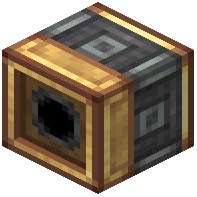 Auto Pitch Controller
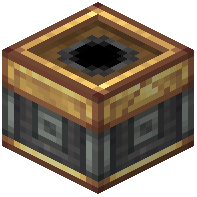 Auto Yaw Controller
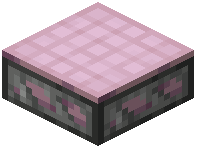 Creative Radar Plate
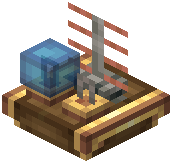 Data Link
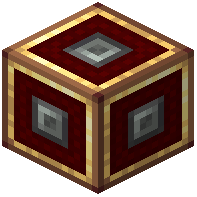 Fire Controller
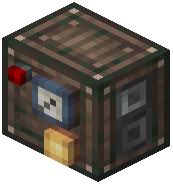 Identification Transponder
 Monitor
 Network Controller
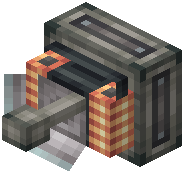 Plane Radar
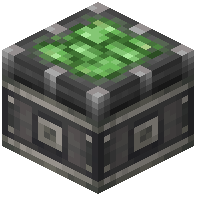 Radar Bearing
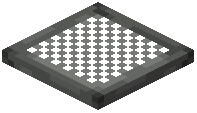 Radar Dish
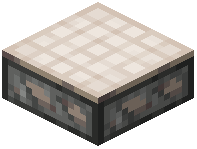 Radar Plate
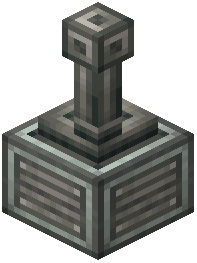 Radar Receiver Block
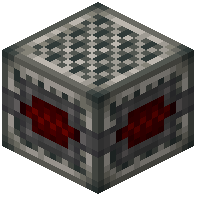 Radar Warning Receiver
 Track Controller
Frequently asked questions
How do I get started with the Dragon Radar?
Craft the radar, then hold it and let it scan — it will spin clockwise while idle and point toward the nearest dragon once it locks on. If nothing is found, either no dragons are within range or your filters are excluding them.
Why is my Dragon Radar spinning counter-clockwise?
Counter-clockwise spin means you're aligned with the dragon on the X and Z axes but not on Y — you're directly above or below it. Move vertically (up or down) to line up, and the radar will switch to pointing at the target.
My radar found a dragon but I can't find it anywhere. What's wrong?
You're likely above or below the dragon's Y level — check the spin direction to confirm. Dig down or pillar up along the indicated X/Z position until the radar points instead of spinning backward.
Why won't the radar detect a dragon I know is there?
Check your filters first — type, stage, gender, and distance settings can all hide a dragon from results. Also note that dragons with zero HP are excluded, though glitched ones may still appear until you harvest their bones.
How do I track a specific dragon instead of just the nearest one?
Use the filters to narrow results by type, stage, gender, or distance so only your target matches. Once filtered, the radar will point to that dragon rather than whichever one happens to be closest.
Can I increase the radar's range beyond the default?
Yes — the detection range is configurable, so you can extend it past the default maximum by editing the config file. Larger ranges mean more dragons detected but potentially more clutter in your results.
The radar keeps pointing at a dragon that isn't there. How do I fix it?
This usually means a glitched dragon with zero HP is still being tracked. Harvest its bones to clear it, and it should stop appearing in radar results afterward.
Does the Dragon Radar work across dimensions?
The radar scans within its configured range in your current dimension — it won't point you to dragons in other dimensions. If nothing shows up, you may simply be in the wrong dimension for your target.
Will the Dragon Radar hurt my performance on a server?
Scanning a large area for dragons can be heavier than normal play, especially with an extended range in config. If you notice lag, reduce the detection range or narrow your filters to cut down on the number of dragons being checked.
Is the Dragon Radar compatible with other dragon mods?
It's designed to detect dragons from the mods it supports, so results depend on which dragon mods you have installed. If a dragon from another mod doesn't appear, it likely isn't registered with the radar's detection system.
You May Also Like
Wikis that share the most with this one
Wikis on the same theme: dragon
More mod wikis on the site
The most downloaded mods that have a wiki here
A few wikis from each of the other kinds
Gallery
12 images from the Dragon Radars Mod page.


