

 DownloadResource Pack Overrides Mod
Get the files on 9Minecraft
Guides
Step-by-step, in-game.
How to Force a Resource Pack to Show as Compatible With Your Minecraft VersionThe Compatibility Warning Minecraft marks resource packs as incompatible when their pack.mcmeta declares a different…How to Hide Required Resource Packs From the Selection ScreenWhy Hide Packs Modpacks often ship with packs that must stay active for textures, models, or UI to work correctly.…How to Rename and Redescribe Resource Packs in the Selection MenuWhy Rename Packs Default pack names are often cryptic filenames. Renaming them to friendly labels and adding…How to Set Up Default Resource Packs That Always Stay EnabledFinding the Config File After launching the game once with the mod installed, a configuration file is generated in…
Frequently asked questions
How do I get started configuring Resource Pack Overrides?
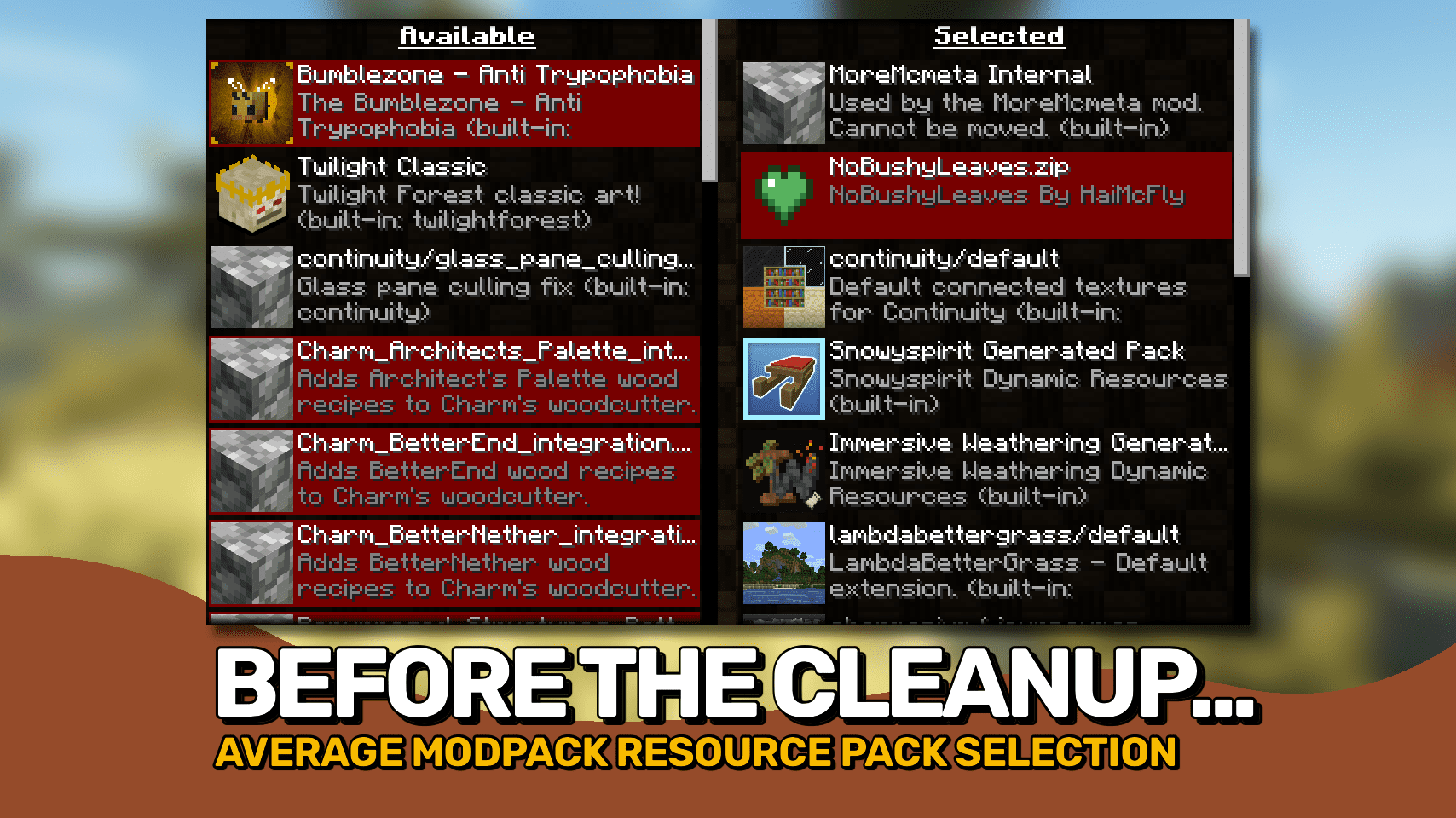
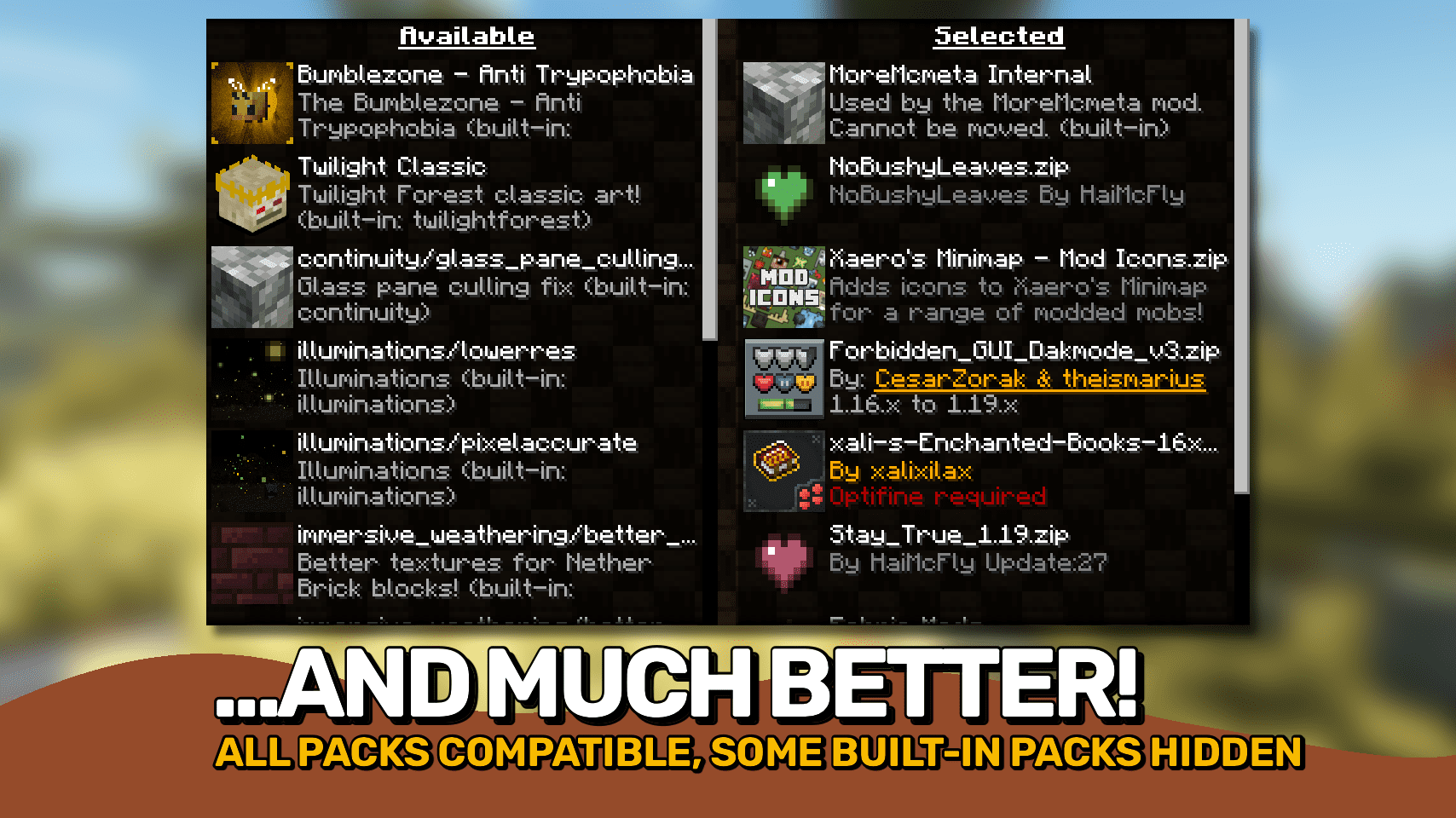
Open the resource pack selection screen in-game and press R to reload the configuration file without restarting. Edit the config file to add the packs you want to control, then press R again to apply your changes instantly.
Where is the config file for Resource Pack Overrides?
The config file lives in your instance's config folder, typically named after the mod. You can edit it directly while the game is running and press R on the resource pack screen to reload it.
How do I make a resource pack always enabled in my modpack?
Add the pack to the default/required list in the config file. The mod will force it to stay enabled every launch, even if a reload fails or a player tries to disable it.
How do I hide a resource pack from the selection menu?
Mark the pack as hidden in the config. It will still be active but won't appear in the selection list, so players can't accidentally turn it off.
See all 19 Resource Pack Overrides questions ›
Gallery
3 images from the Resource Pack Overrides Mod page.
You May Also Like
Wikis that share the most with this one
Fog Overrides ModSkin Overrides ModQuark Vanilla Resource Overrides Resource PackRemove Potion Particles 9minecraft Resource PackRemove Potion Particles Resource PackRenewed Menu Resource PackRepolished Security Resource PackRepurposed Structures Better Nether Fortress Compat Datapack Resource Pack Repurposed StructuresReShaded Resource PackResource Pack Cached ModMinecraft Resource Packs
More resource pack wikis on the site
Remove Enchant Glint Resource PackRemo’s Shield Resource PackRemodeled Fence And Gates Resource PackRemodeled Doors 3D Resource PackReimagined Resource PackReimagined GUIReimagined GUIRefurbished Log Boat Resource PackRefined Vista Resource PackRefined Vanilla Interface Resource PackRefined Masonry Details Resource PackRefined Enchants Resource Pack
The most downloaded mods that have a wiki here
A few wikis from each of the other kinds