

 DownloadOlive’s Garden Resource Pack
Get the files on 9Minecraft
Guides
Step-by-step, in-game.
Building a Visually Rich Underground Mushroom FarmChoose Your Nether Biome Location Decide whether to build in crimson or warped forest. Each nylium type—crimson…Creating a Diverse Wildflower MeadowPlan Your Layout Wildflower meadows look best when you mix multiple flower types across a large area. Gather seeds or…Designing a Cultivated Garden with Multiple Crop StagesSelect Your Garden Flowers Choose tall, multi-stage plants: sunflowers, lilacs, rose bushes, and peonies. Each of…Showcasing Tulip Variety in a Dedicated Flower FieldUnderstand Tulip Diversity Tulips come in four colors: orange, pink, red, and white. Each color includes 8 different…
Frequently asked questions
Do I need Forge or Fabric to use this resource pack?
No, Olive's Garden is a pure resource pack that works on vanilla Minecraft without any mods or loaders. Simply place it in your resourcepacks folder and activate it like any standard pack.
Why do my flowers look the same as before?
Make sure the resource pack is ranked above any conflicting packs in your resourcepacks list, and that you've selected it in the resource pack menu. If using multiple packs, lower-ranked packs will override Olive's Garden's textures.
Can I use this with other texture packs?
Yes, but pack order matters—place Olive's Garden above other packs in your resourcepacks list if you want its textures to show. If another pack is ranked higher, it will override Olive's Garden's blocks.
Do the different flower and grass variations happen randomly?
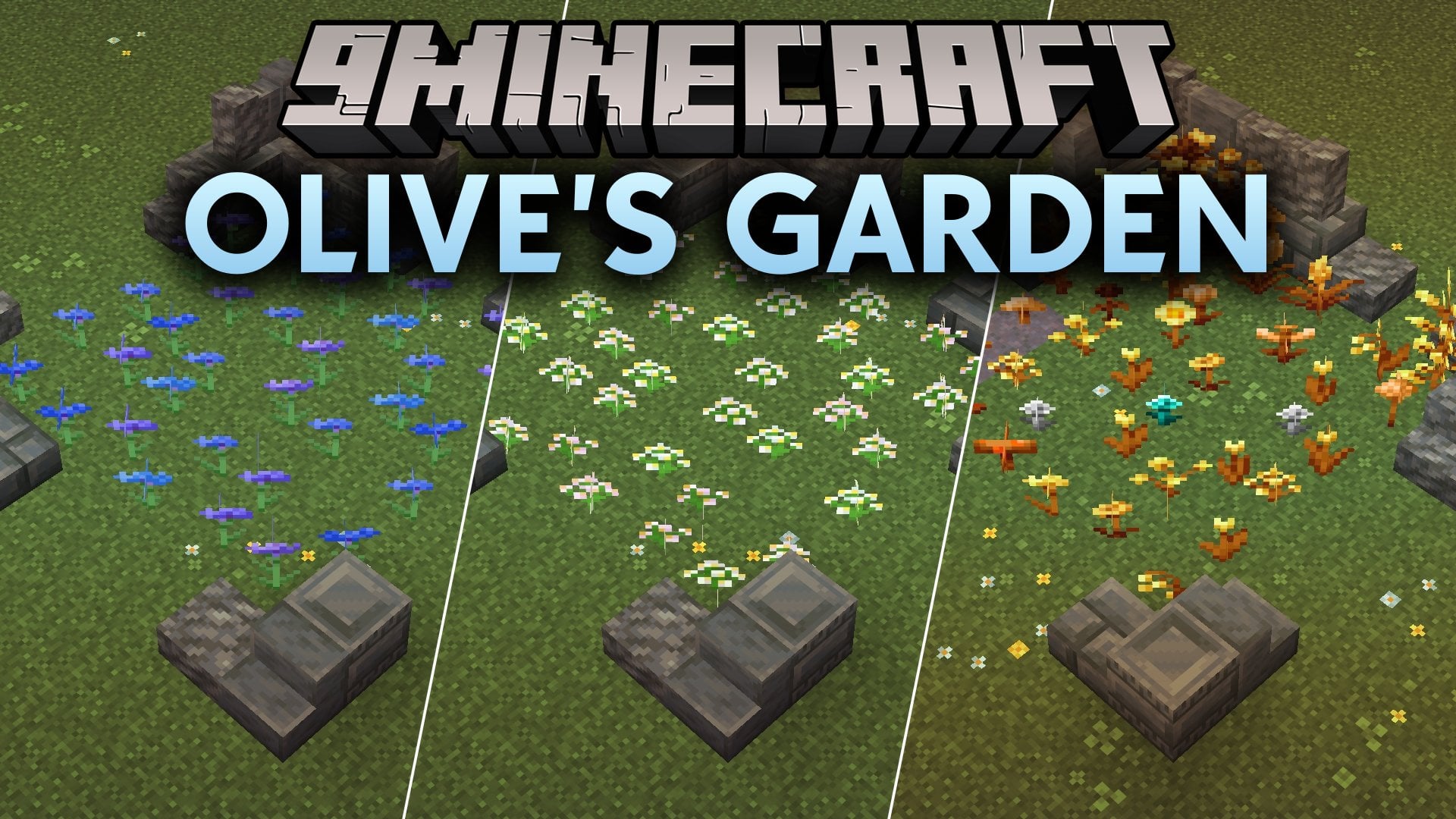
Yes, the pack uses Minecraft's built-in block state system to randomly display different textures for the same block type, so each flower or grass block looks naturally varied without any player input.
See all 10 Olive’s Garden questions ›
Gallery
9 images from the Olives Garden Resource Pack page.


You May Also Like
Wikis that share the most with this one
More resource pack wikis on the site
 Old Colors Programmer Art Resource PackOffhand Weapon Holstering Resource PackOdd Carrots Resource PackOdar Is Resource PackOdar IsOculies Low Fire Resource PackObsidian Network Interface Resource PackObsidian Interface Resource PackObelisk Frontline VisualsNythral Pvp Resource PackNotch Totem of Undying Resource PackNorthern Council Panorama Resource Pack
The most downloaded mods that have a wiki here
A few wikis from each of the other kinds