

 DownloadMidnighttigger’s Default Connected Textures Resource Pack
Get the files on 9Minecraft
Guides
Step-by-step, in-game.
Getting Connected Textures to Work on Other BlocksWhich Blocks Benefit Connected textures are most noticeable on any block whose texture is meant to tile endlessly:…How to Make Glass Windows Look Seamless with Connected TexturesPlacing Glass So the Borders Disappear Connected textures work by detecting when the same block is placed next to…How to Use Midnighttigger's Default Connected Textures Resource PackGetting Connected Textures Working This resource pack brings connected textures to Minecraft's default look, so…Making Bookshelves Connect Into One Continuous TextureWhy Bookshelves Look Blocky by Default A vanilla bookshelf is a full block with a book pattern on every side, so a…Troubleshooting Connected Textures That Aren't Showing UpFirst Checks If nothing is connecting anywhere, the pack is likely not active or not being applied to the world you…
Frequently asked questions
What does Midnighttigger's Default Connected Textures Resource Pack do?
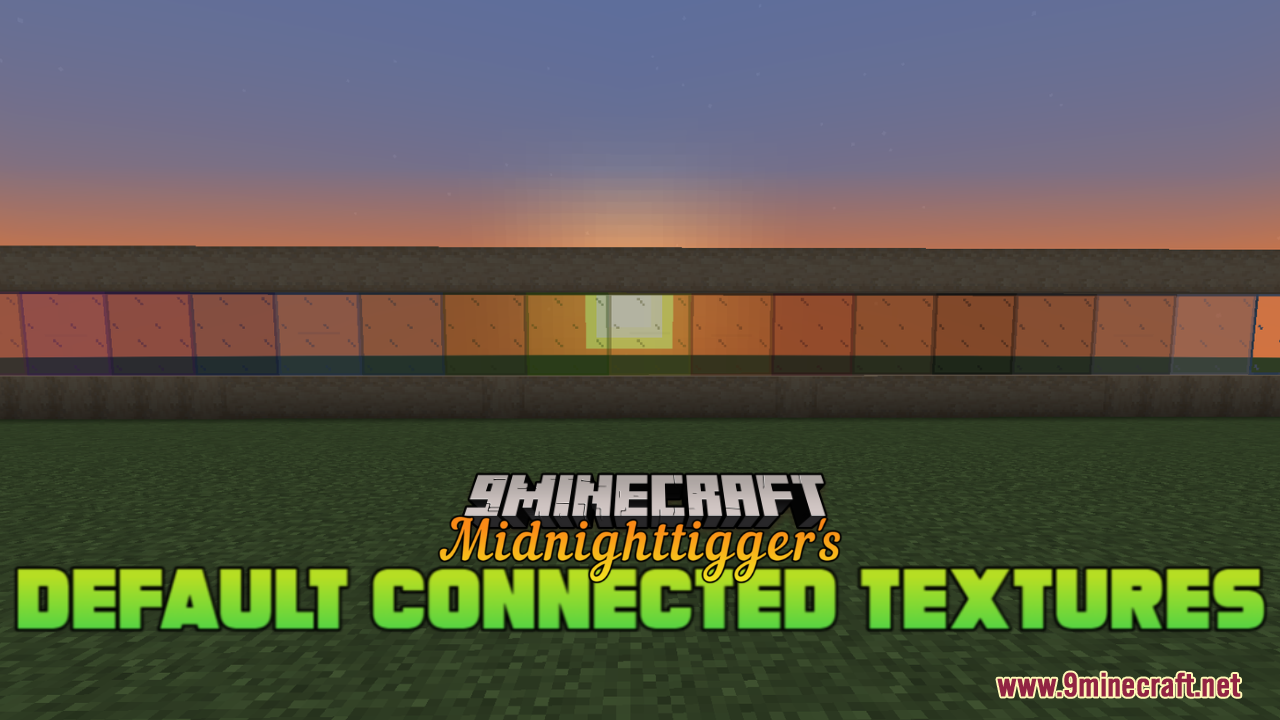
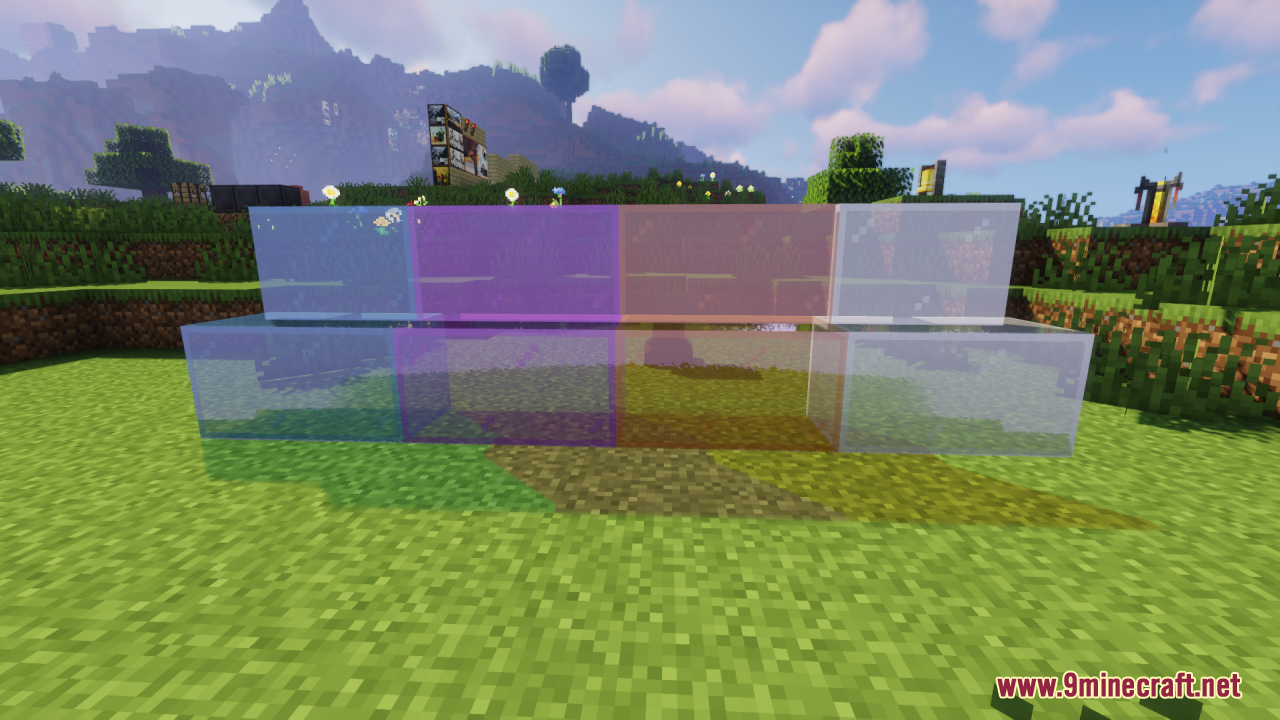
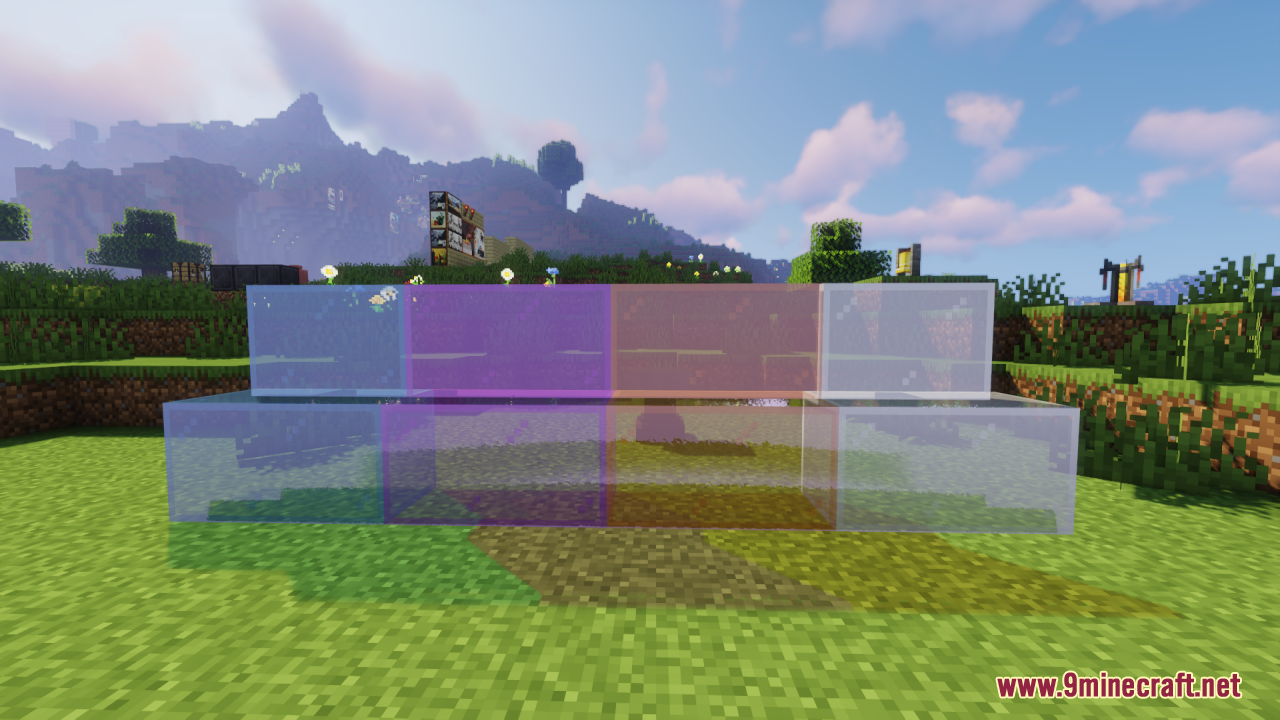
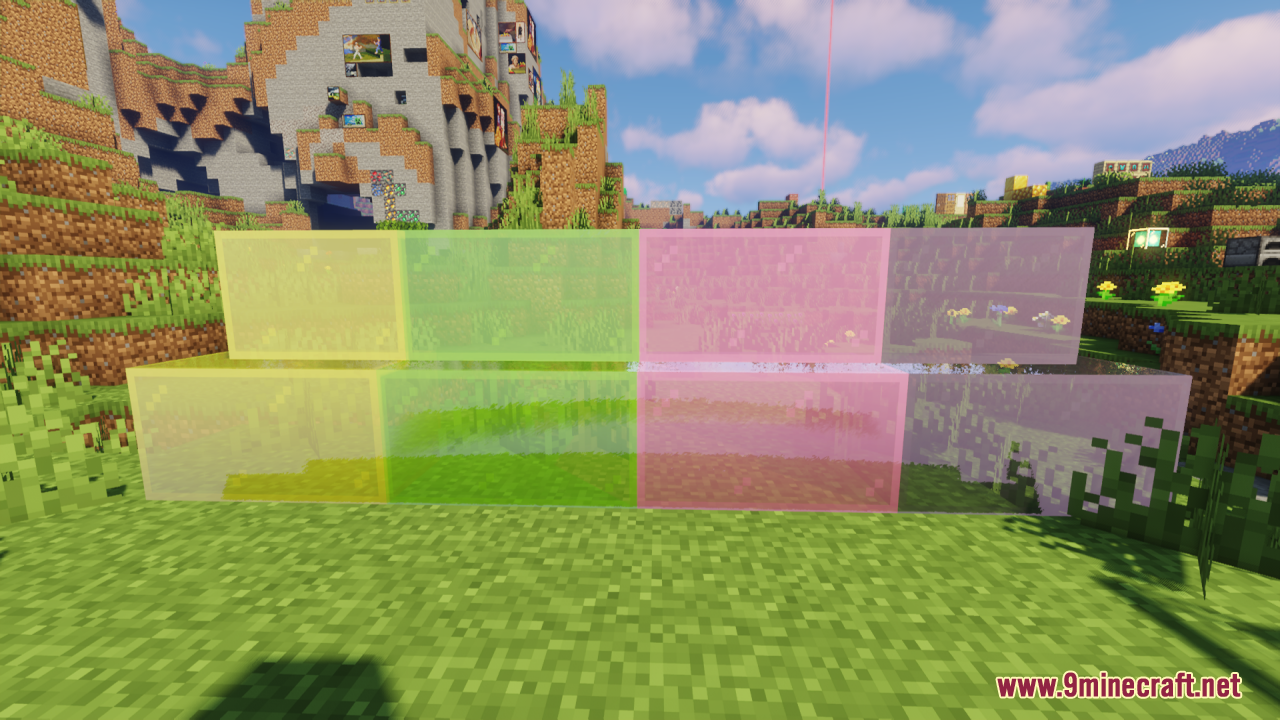
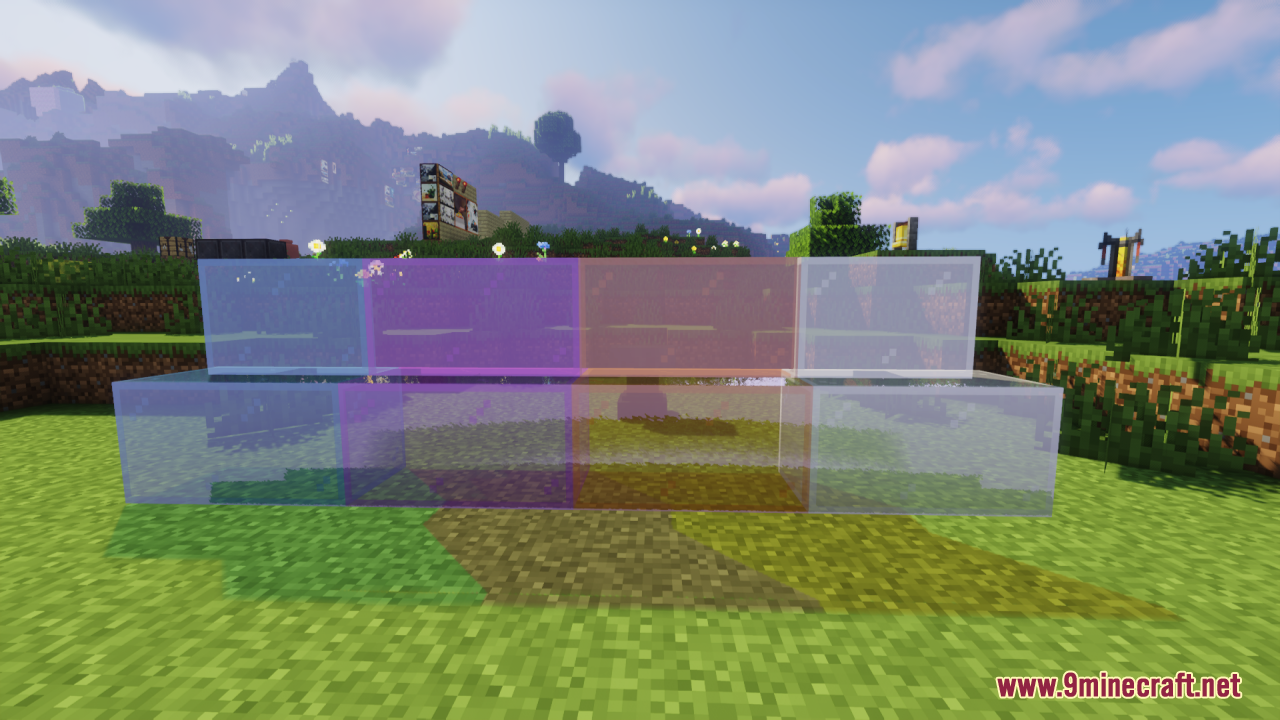
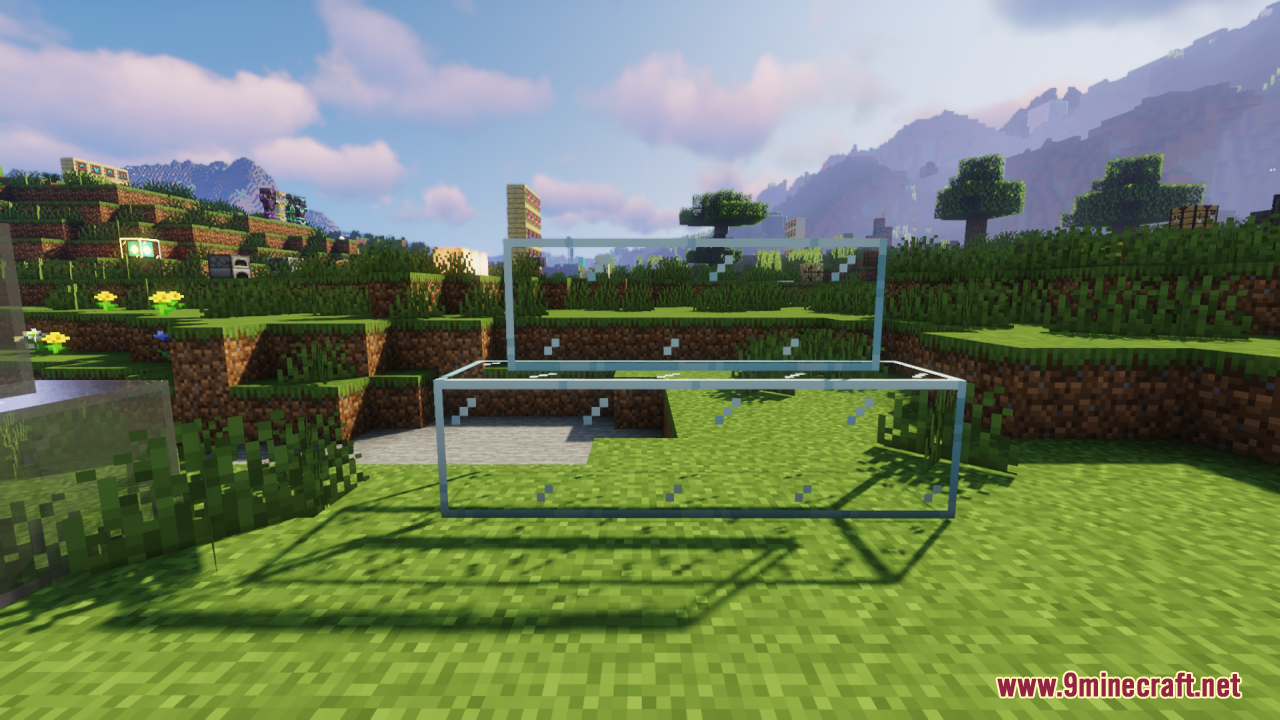
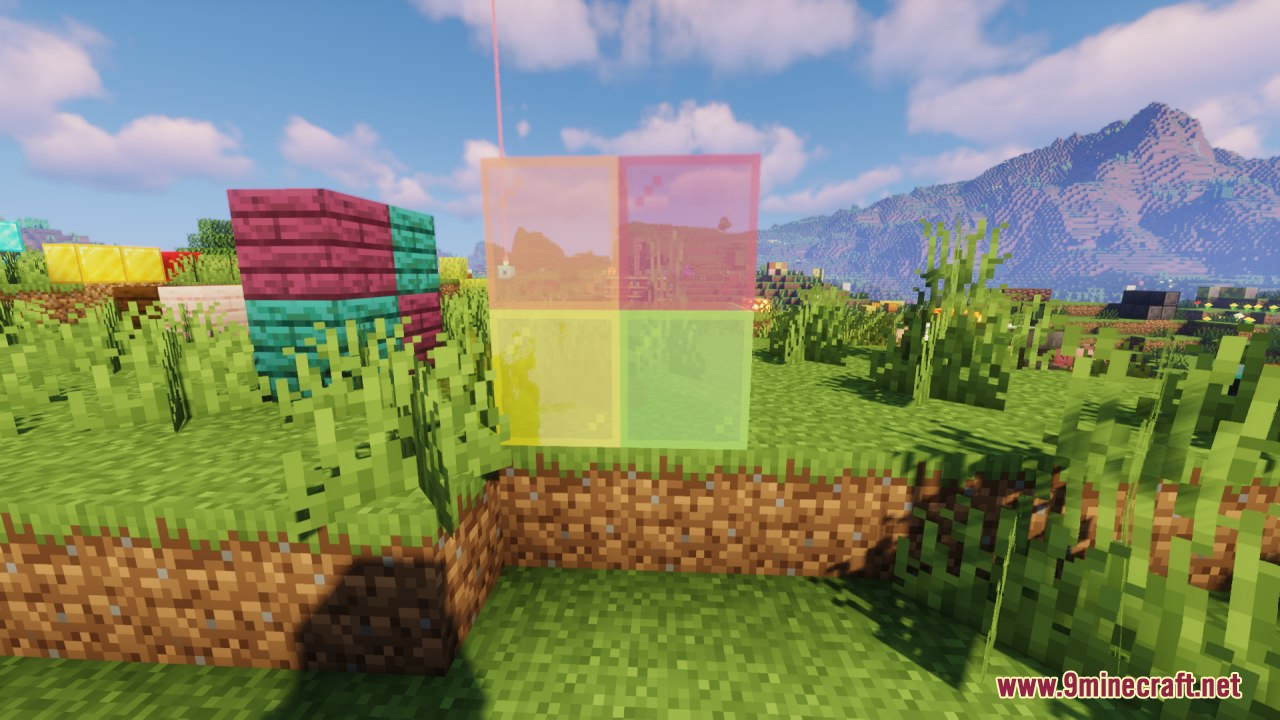
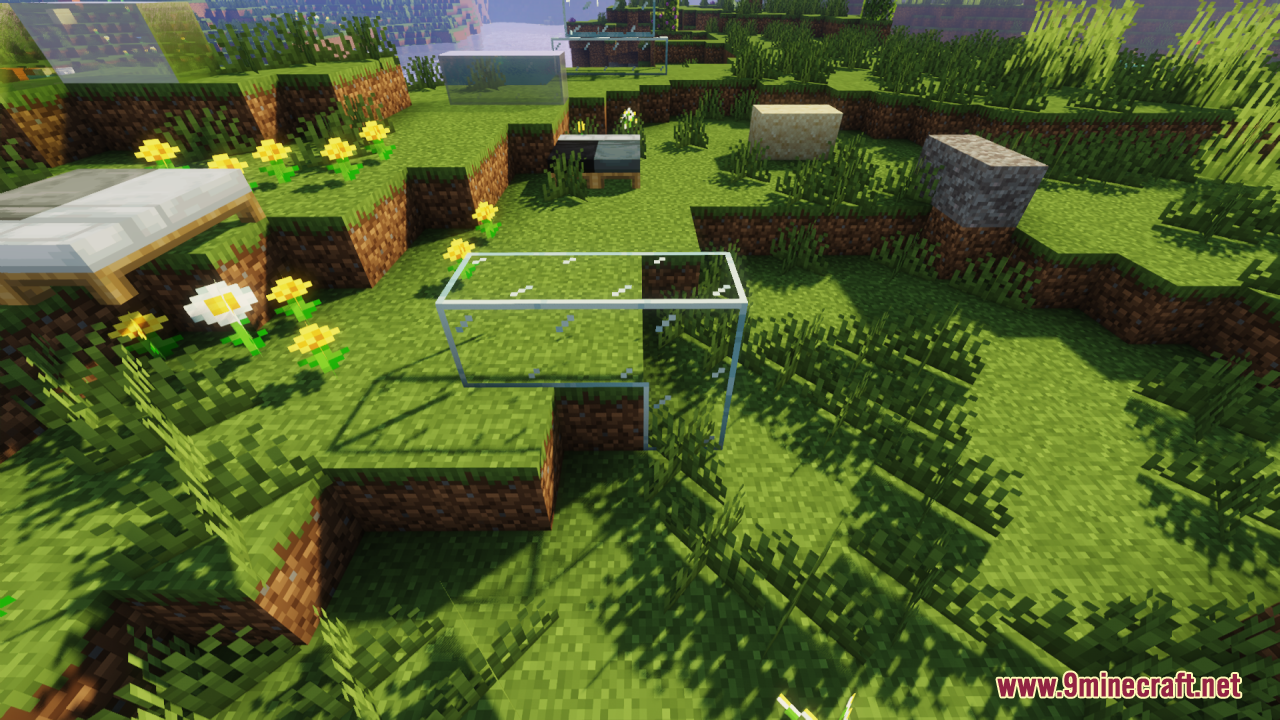
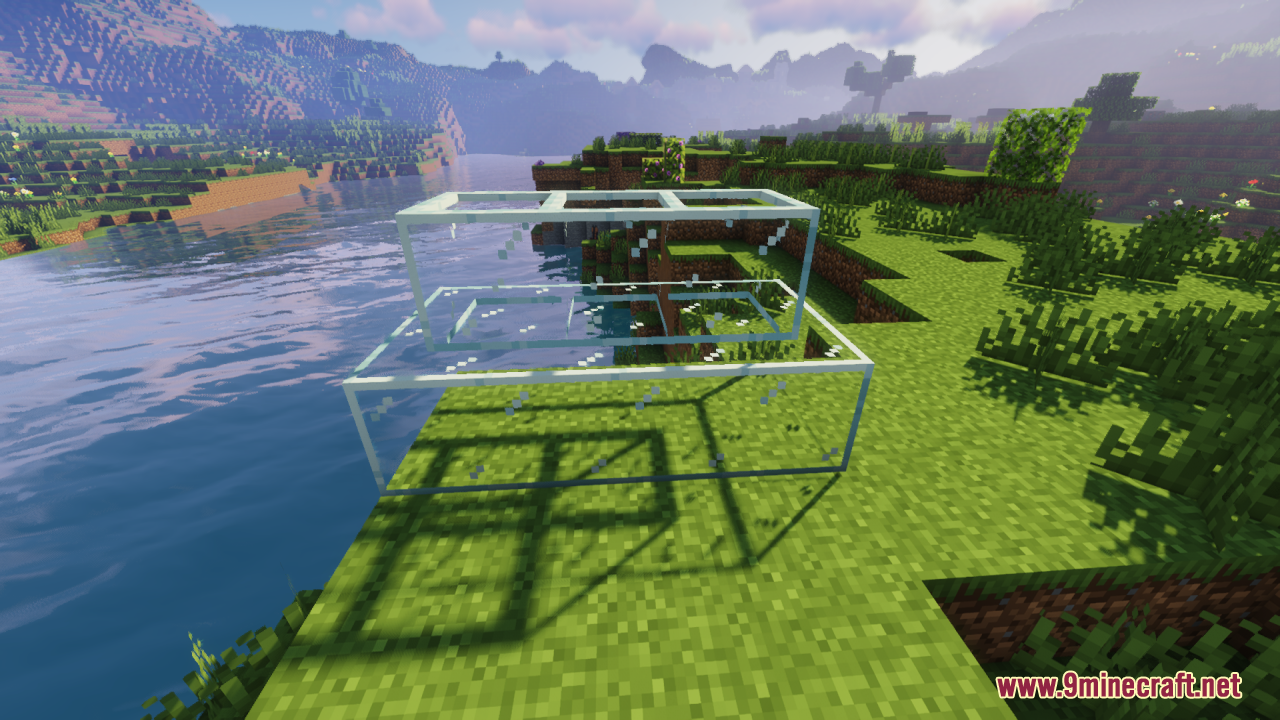
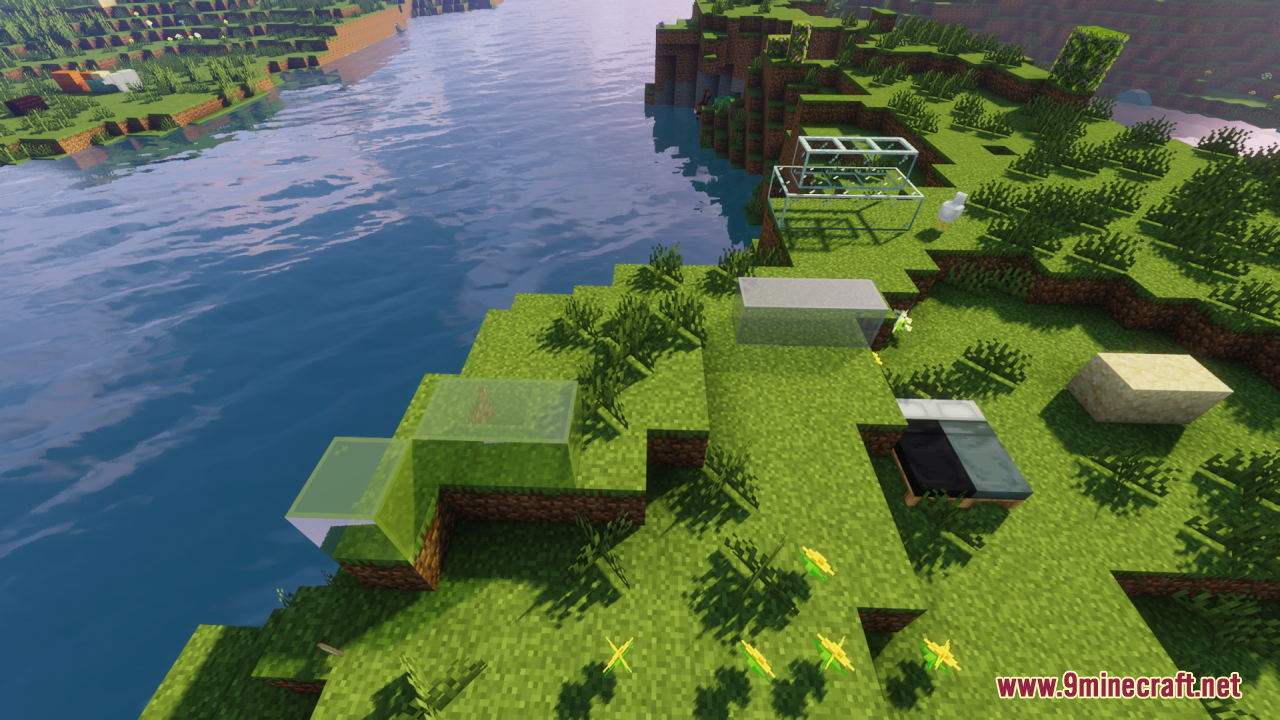
It brings connected textures to Minecraft's default look, creating seamless transitions between blocks instead of blocky separation. This makes builds like large glass windows and bookshelves look smoother and more natural.
Which blocks benefit from this resource pack's connected textures?
Blocks like glass and bookshelves benefit, since their textures look better with smoother edges and fewer visible seams. Any similar block that would look more polished with connected textures is the target.
What feature inspired this resource pack?
It was inspired by Optifine's connected textures feature. The pack applies that same idea to Minecraft's default textures.
Does this pack change Minecraft's default art style?
No, it keeps the default look while adding connected textures. The goal is convenience and visual polish rather than a new art style.
See all 6 Midnighttigger’s Default Connected Textures questions ›
Gallery
12 images from the Midnighttiggers Default Connected Textures Resource Pack page.
You May Also Like
Wikis that share the most with this one
Fusion (Connected Textures)Fusion Connected Textures ModVanilla Connected Textures Resource PackClear Glass With Connected Textures Resource PackRealis Craft JE Realistic Default Textures Resource PackConnected GlassDefault Dark ModeConnected Paths ModDefault Options ModNative Vein TexturesDefault World Type ModSky Block Default! Map
More resource pack wikis on the site
Metals Ultra Resource PackMeowmrow Kittycat UI Resource PackMelody’s Cute Girl Illagers Resource PackMeineKraft Fanmade Resource PackMedieval Style Lootr Resource PackMedieval Shield Resource PackMedieval Cart with Donkey Resource PackMechanical Eye Resource PackMC New Textures Resource PackMb 3D Items Resource PackMayview Resources Resource PackMaxgyro Ultimate Pvp Resource Pack
The most downloaded mods that have a wiki here
A few wikis from each of the other kinds