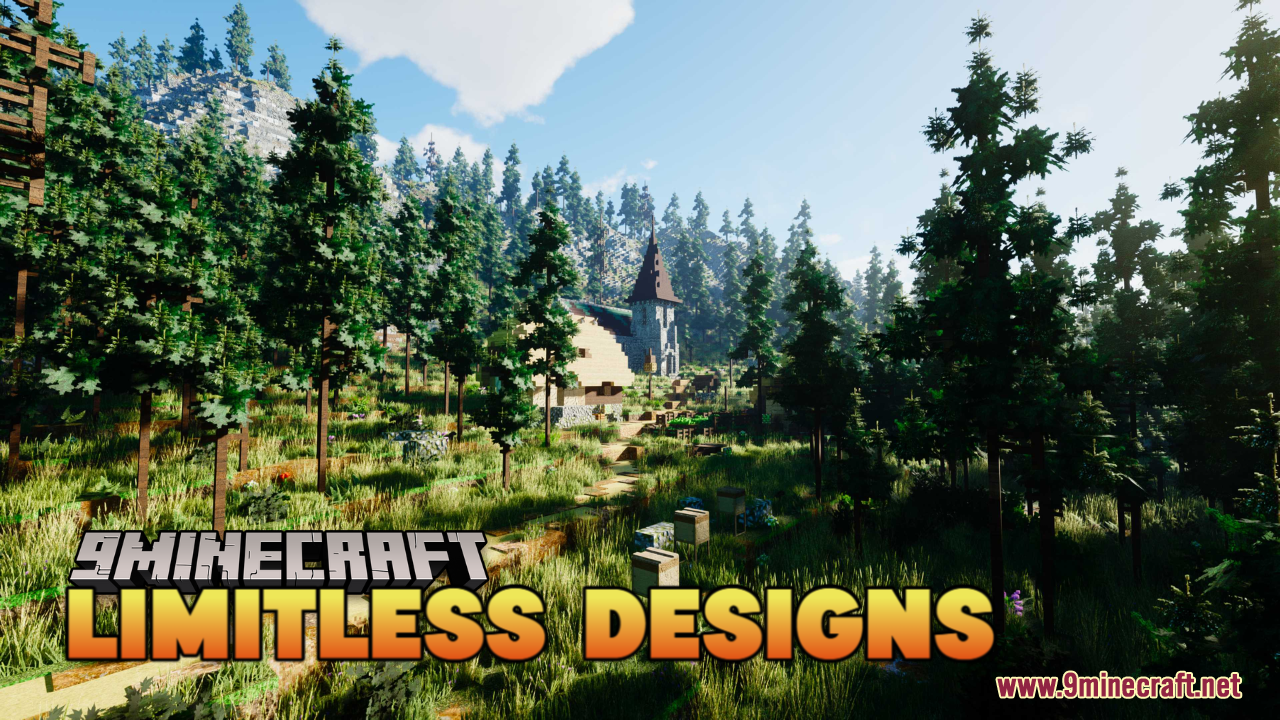
DownloadLimitless Designs Resource Pack
Get the files on 9Minecraft
Contents (8)
Guides
Step-by-step, in-game.
Achieving Visual Consistency Across Mixed Texture PacksWhy Consistency Matters Limitless Designs Resource Pack is designed as a comprehensive reimagining of Minecraft's…Choosing the Right Resolution for Your SystemUnderstanding Resolution Options Limitless Designs Resource Pack is available in multiple resolutions to balance…Exploring Biome-Specific Visual ImprovementsHow the Pack Enhances Biomes Limitless Designs Resource Pack reimagines Minecraft's visual aesthetic with thematic…Maximizing Detail in Builds Without Performance LossUnderstanding the Pack's Detail System Limitless Designs Resource Pack delivers deeper detail and richer coloration…
Items
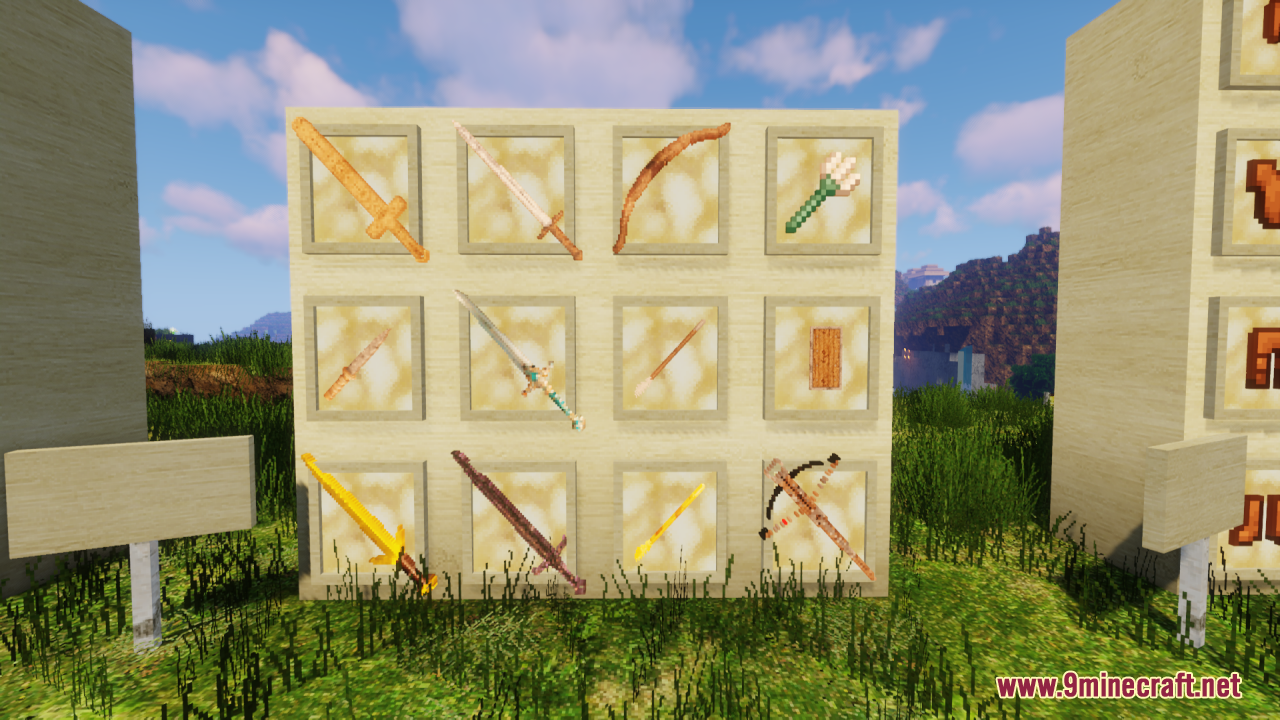
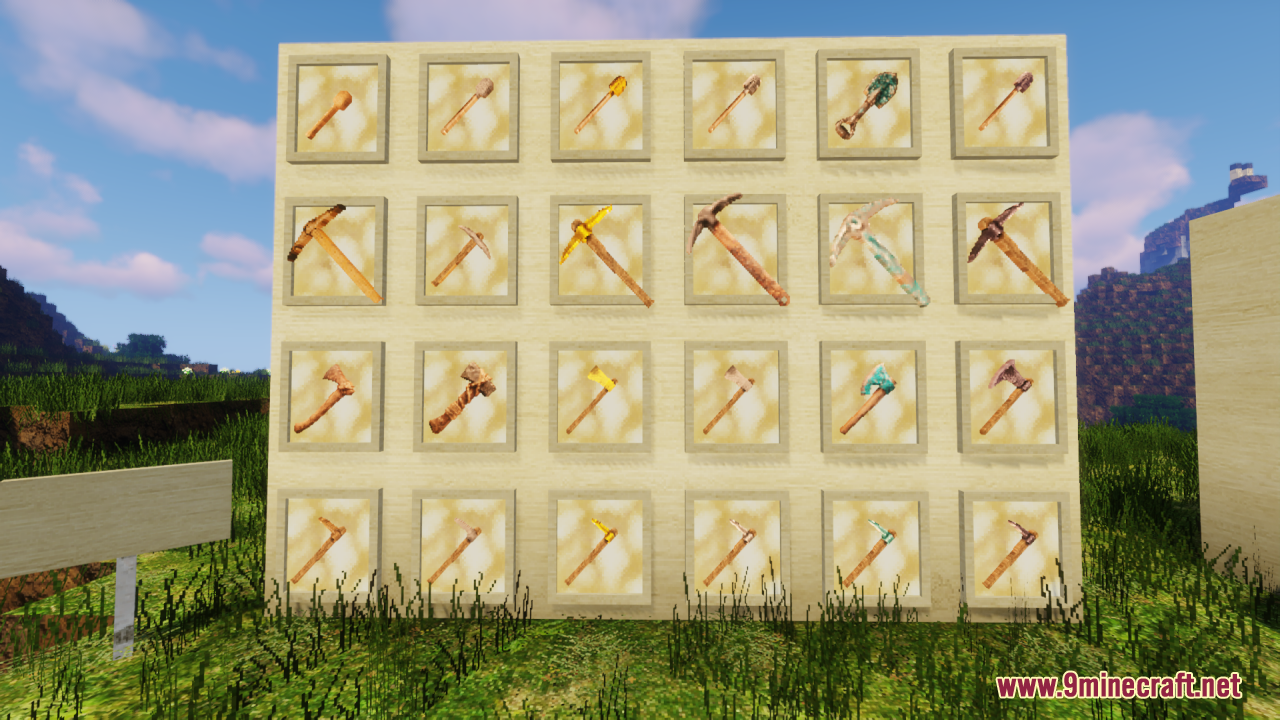
534 items · showing 24. Browse all →
 Acacia Boat
 Acacia Boat with Chest
 Acacia Door
 Acacia Hanging Sign
 Acacia Sign
 Allay Spawn Egg
 Amethyst Shard
 Angler Pottery Sherd
 Archer Pottery Sherd
 Armadillo Scute
 Armadillo Spawn Egg
 Armor Stand
 Arms Up Pottery Sherd
 Arrow
 Axolotl Spawn Egg
 Baked Potato
 Bamboo
 Bamboo Door
 Bamboo Hanging Sign
 Bamboo Raft
 Bamboo Raft with Chest
 Bamboo Sign
 Banner Pattern (Flow)
 Banner Pattern (Flower)
Blocks
542 blocks · showing 24. Browse all →
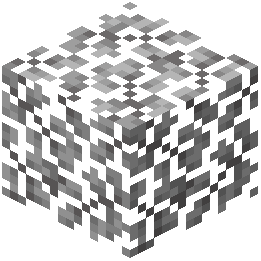 Acacia Leaves
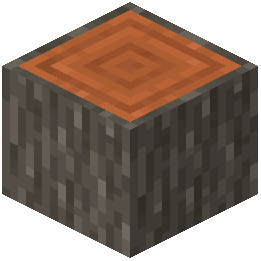 Acacia Log
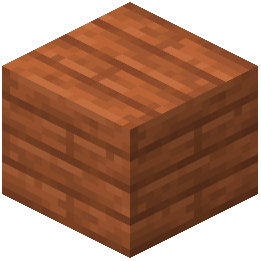 Acacia Planks
 Acacia Sapling
 Acacia Shelf
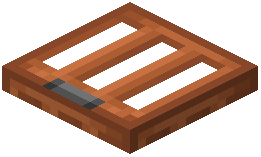 Acacia Trapdoor
 Activator Rail
 Allium
 Amethyst Cluster
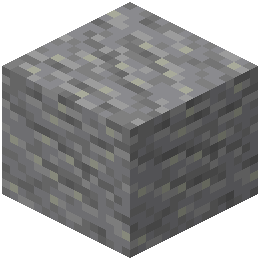 Andesite
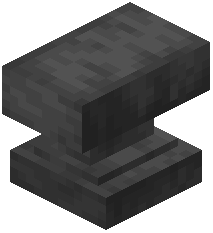 Anvil
 Apple
 Attached Melon Stem
 Attached Pumpkin Stem
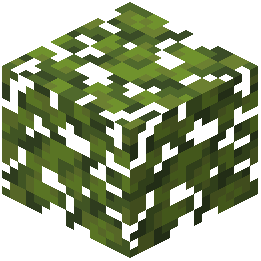 Azalea Leaves
 Azure Bluet
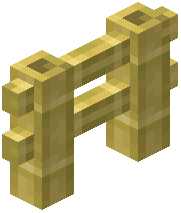 Bamboo Fence
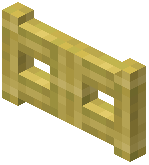 Bamboo Fence Gate
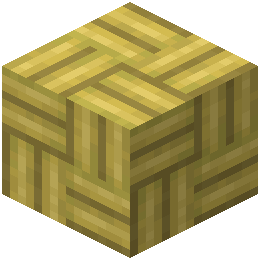 Bamboo Mosaic
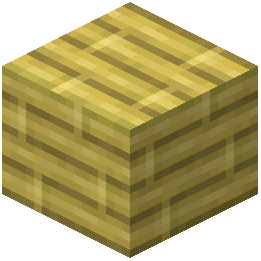 Bamboo Planks
 Bamboo Shelf
 Bamboo Shoot
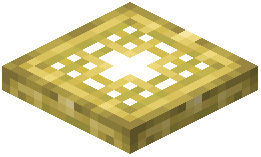 Bamboo Trapdoor
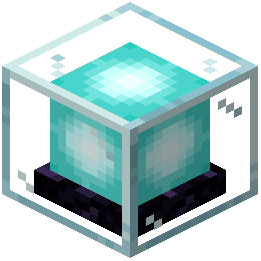 Beacon
What this pack changes
Every texture group the pack replaces, counted from the pack itself.
| Area | Textures replaced |
|---|---|
| Blocks | 2,875 |
| Items | 1,040 |
| Blocks | 478 |
| Mobs & entities | 429 |
| Items | 343 |
| GUI & menus | 320 |
| Particles | 112 |
| Models | 19 |
| Sky & weather | 18 |
| Paintings | 6 |
| Misc | 5 |
| Biome colours | 2 |
| Font | 1 |
| Waystone Overlays | 1 |
Pack format 61 (Minecraft 1.21.5)5,649 texture files in total
Extra features
Custom entity models (OptiFine/CEM)
Random entity textures
Custom font
Custom sounds
Custom block/item models
Reworked GUI
Custom particles
Frequently asked questions
How do I choose between 32x and 64x resolution?
Start with 32× if your system struggles with frame rate or has limited VRAM; use 64× if you want maximum detail and your GPU can handle it comfortably. You can switch resolutions in your resource pack settings without reinstalling.
Will this pack work with other texture packs?
Yes, but mixing packs can create visual inconsistency—blocks from different packs may clash in color, shading, or style. If you layer multiple packs, put Limitless Designs lower in your pack list so its cohesive textures serve as a base.
Why do some blocks look different than vanilla Minecraft?
Limitless Designs intentionally reimagines textures with richer colors, deeper shading, and refined details to create a more polished aesthetic while staying recognizable. This is the core design goal—blocks should feel more visually appealing without becoming alien.
Does this pack affect my FPS?
The 32× resolution has minimal performance impact; 64× may reduce FPS on older systems, but the pack is optimized to avoid the severe lag of ultra-high-resolution packs. Test both resolutions in your world to find your performance sweet spot.
How do I make my builds look better with this pack?
Use biome-appropriate blocks that now have richer, more cohesive textures—the pack's improved coloration makes complementary blocks feel intentional together. Avoid sudden texture switches between packs, and consider how the pack's deeper detail rewards varied block placement.
Are all blocks and items textured?
Nearly all blocks and items are covered, but some very new or obscure items may fall back to vanilla textures. Check the pack's coverage list on the wiki if you're looking for a specific block.
What's the difference between Limitless Designs and the original Limitless pack?
Limitless Designs evolved from the original Limitless project and incorporates improvements from the Prism pack, offering better performance scaling and refined consistency across all textures. It's the current, polished version you should use.
How do I fix textures that look blurry or pixelated?
Make sure your resource pack is fully loaded (check the pack list in settings), and verify you're using the resolution that matches your GUI scale—mismatched scales can cause visual artifacts. Restart your game if textures don't update after changing settings.
Does this pack work with shaders?
Yes, Limitless Designs is compatible with most shader packs, and the improved textures often look even better with lighting and shadow effects. Test your shader combination to ensure no texture conflicts arise.
You May Also Like
Wikis that share the most with this one
Limitless VehicleLimitless LogisticsTNP Limitless 7 LL7 ModpackTNP Limitless 8 LL8 ModpackLimitless Jujutsu Kaisen JjkLimitless Structure Blocks ModCursed Limitless Resonance Data PackCobblemon Raid Dens Addon Raid Den Designs Data PackLeafy Creepers Resource PackLegendary Rt Textures Resource Pack Legs and Arm’s UNDEAD Pack Resource PackLeviosa Resource Pack
More resource pack wikis on the site
LILAC HUD Resource PackLightened Armor Resource PackLight Levels Resource PackLight Leak Resource PackLeaf Litter Recolor Resource PackLB Photo Realism ReloadLaser’s Fakemon Pack Cobblemon Resource PackLaser’s Additions Cobblemon Resource PackLanterns With Candles Resource PackLantern 3D Better Lantern Resource PackKult Craft Pvp Textures Resource PackK’s DARK GUI Resource Pack
The most downloaded mods that have a wiki here
A few wikis from each of the other kinds
Gallery
12 images from the Limitless Designs Resource Pack page.