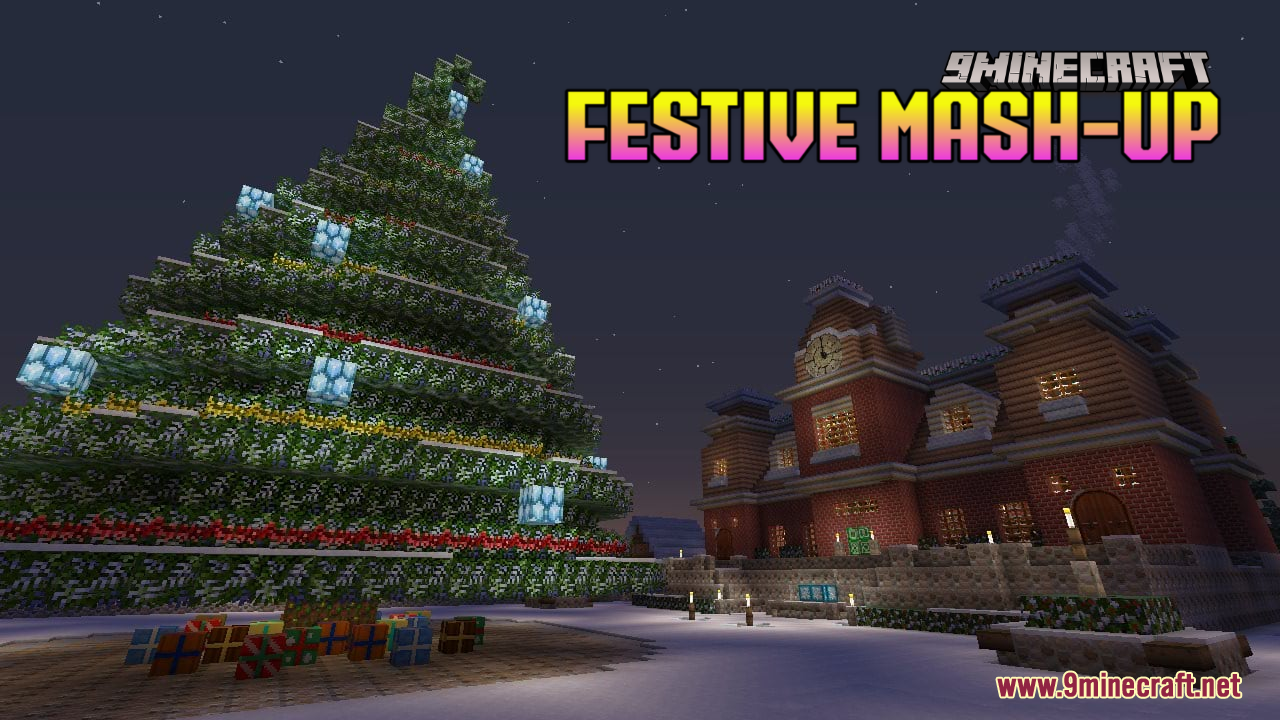
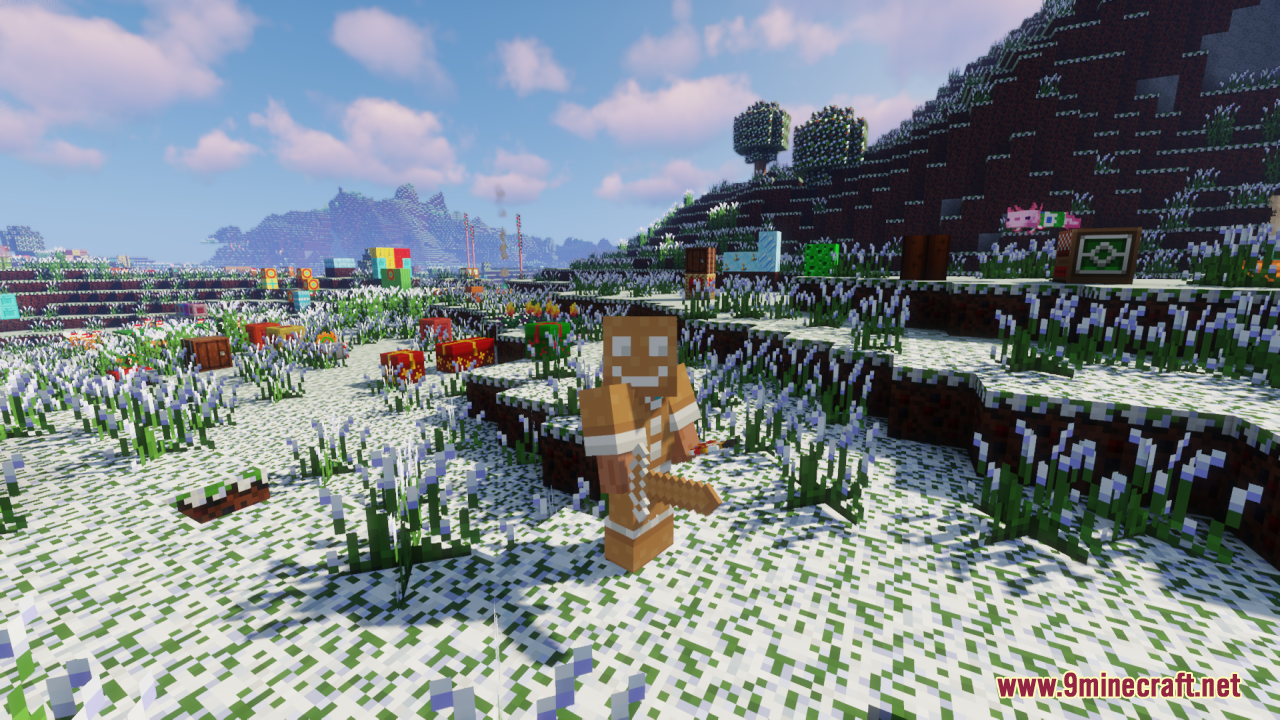
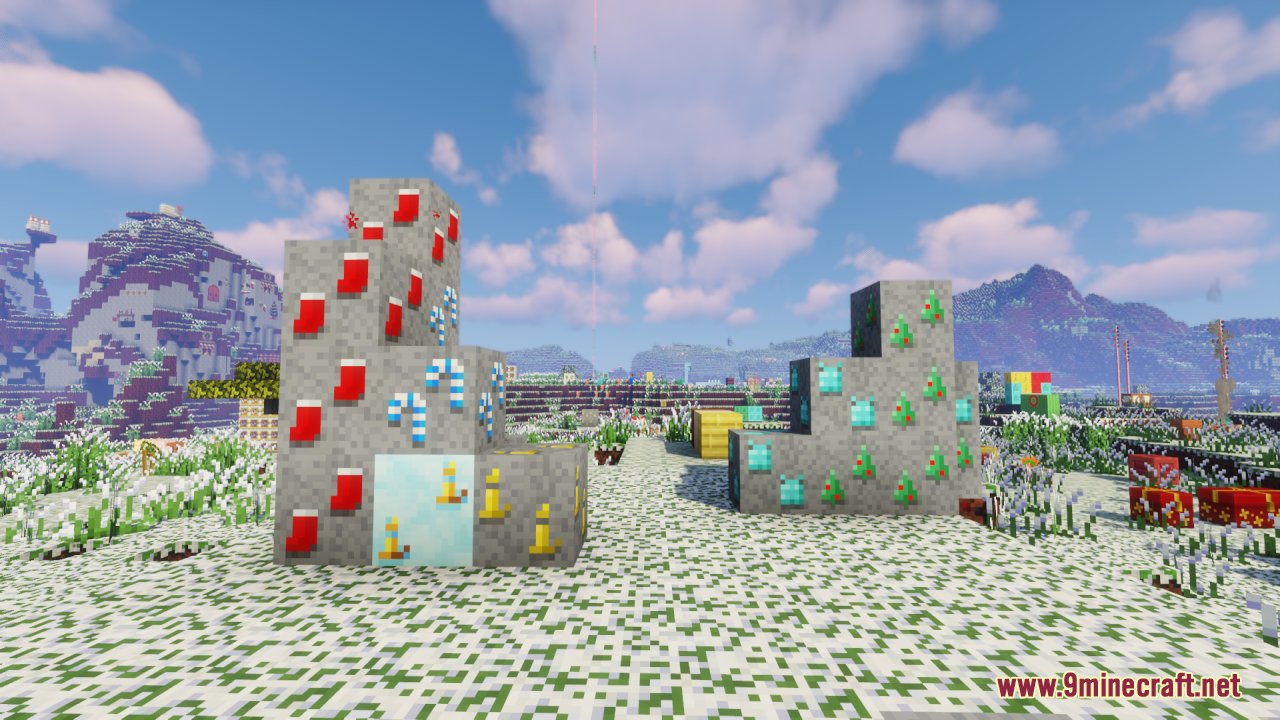
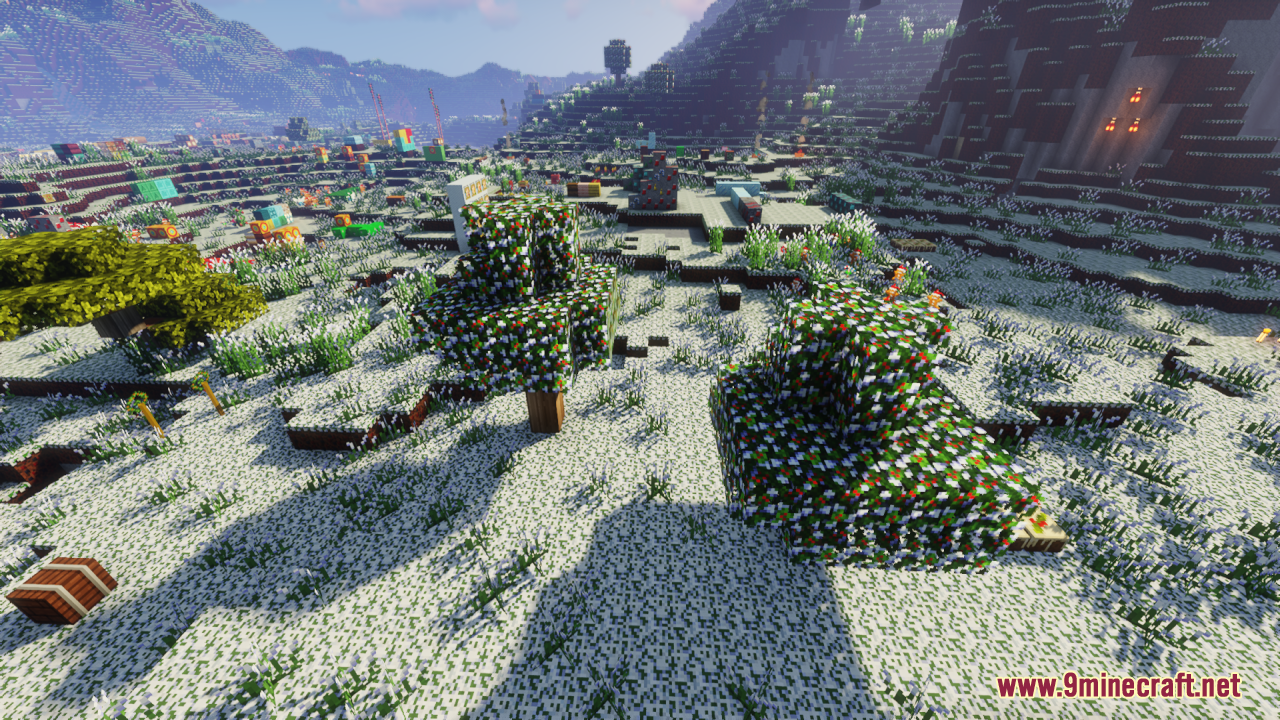
DownloadFestive Mash Up Resource Pack
Get the files on 9Minecraft
Contents (8)
Guides
Step-by-step, in-game.
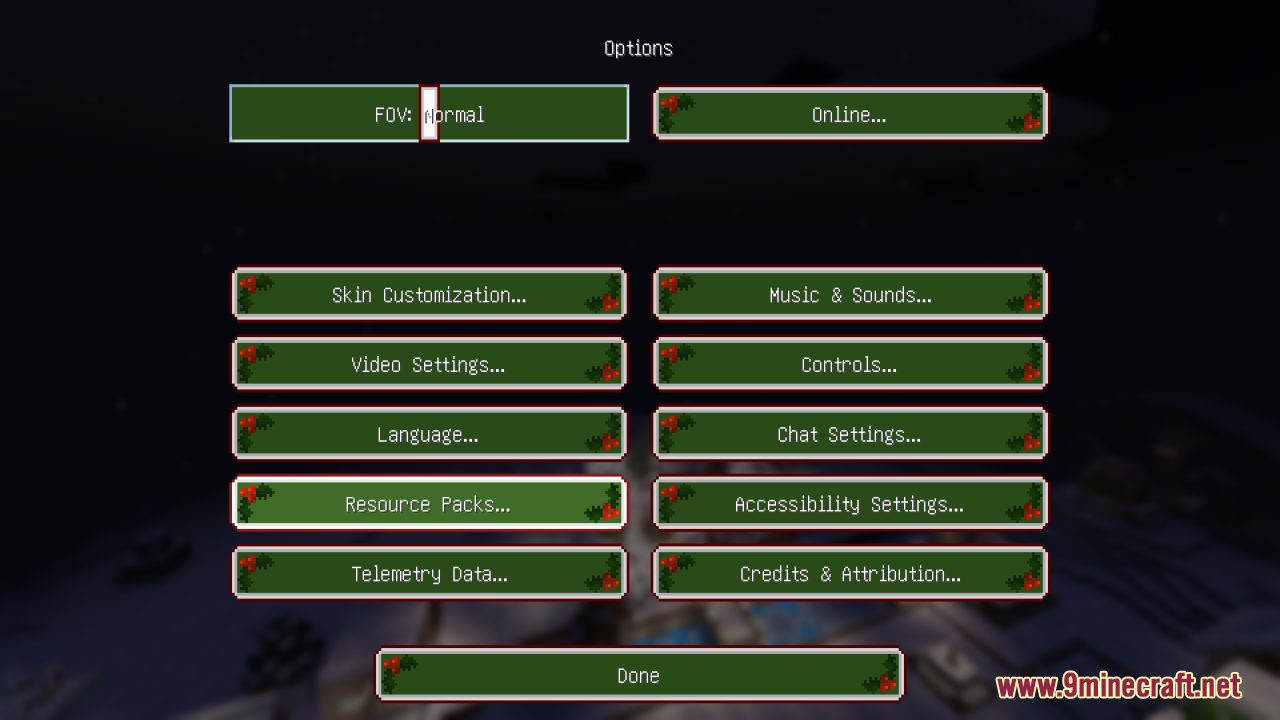
Apply the Festive Mash-up Resource Pack to Your WorldEnabling the Pack Once installed, the Festive Mash-up Resource Pack appears in your resource packs menu. Open Options…Build Festive Structures and DecorationsUsing Holiday-Themed Blocks The pack retextures standard Minecraft blocks with festive appearances. Snow blocks,…Customize Your Festive World AppearanceCombining with Other Packs The Festive Mash-up works well layered with other resource packs. If you want to keep…Troubleshoot Texture and Audio IssuesTextures Not Appearing If festive textures don't display, verify the pack is in your active list and positioned…
Items
456 items · showing 24. Browse all →
 Acacia Boat
 Acacia Boat with Chest
 Acacia Door
 Acacia Hanging Sign
 Acacia Sign
 Allay Spawn Egg
 Amethyst Shard
 Angler Pottery Sherd
 Apple
 Archer Pottery Sherd
 Armadillo Scute
 Armadillo Spawn Egg
 Armor Stand
 Arms Up Pottery Sherd
 Arrow
 Axolotl Spawn Egg
 Baked Potato
 Bamboo
 Bamboo Door
 Bamboo Hanging Sign
 Bamboo Raft
 Bamboo Raft with Chest
 Bamboo Sign
 Banner Pattern
Blocks
471 blocks · showing 24. Browse all →
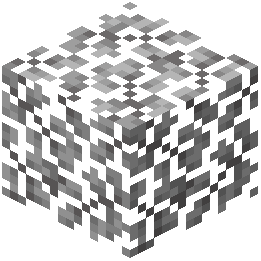 Acacia Leaves
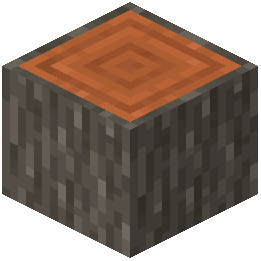 Acacia Log
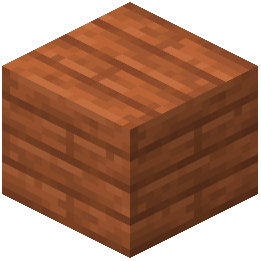 Acacia Planks
 Acacia Sapling
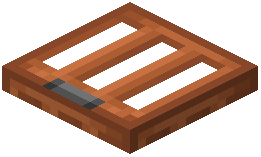 Acacia Trapdoor
 Activator Rail
 Allium
 Amethyst Cluster
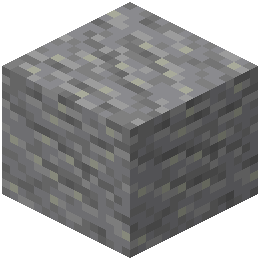 Andesite
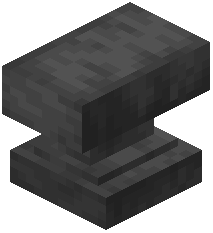 Anvil
 Attached Melon Stem
 Attached Pumpkin Stem
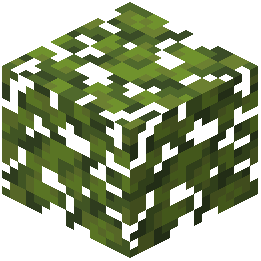 Azalea Leaves
 Azure Bluet
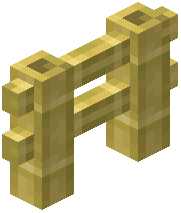 Bamboo Fence
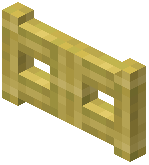 Bamboo Fence Gate
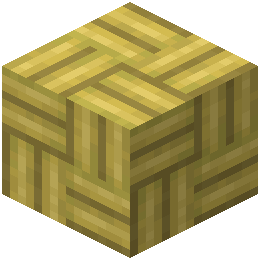 Bamboo Mosaic
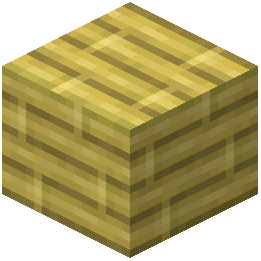 Bamboo Planks
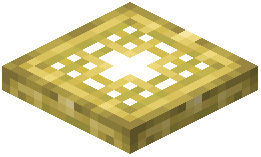 Bamboo Trapdoor
 Beacon
 Bedrock
 Big Dripleaf Stem
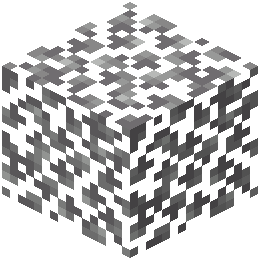 Birch Leaves
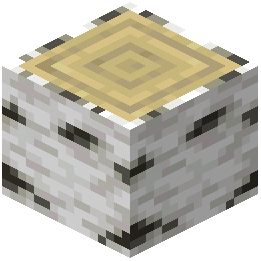 Birch Log
What this pack changes
Every texture group the pack replaces, counted from the pack itself.
| Area | Textures replaced |
|---|---|
| Blocks | 1,075 |
| Items | 794 |
| Mobs & entities | 613 |
| GUI & menus | 531 |
| Particles | 248 |
| Paintings | 34 |
| Armor trims | 29 |
| Palettes | 17 |
| Sky & weather | 14 |
| Maps | 12 |
| Models | 11 |
| Biome colours | 3 |
| Misc | 3 |
Pack format 999 (Minecraft 1.21.9)3,384 texture files in total
Extra features
Custom entity models (OptiFine/CEM)
Random entity textures
Custom shaders
Custom sounds
Sound overrides
Custom block/item models
Reworked GUI
Custom particles
Frequently asked questions
How do I activate the resource pack for my world?
Open your world settings, navigate to Resource Packs, and move the Festive Mash-up pack from Available to Active. You'll need to restart your world for the textures and music to take effect.
Will this pack work with other resource packs?
Yes, but pack order matters—place Festive Mash-up above other packs in your Active list if you want its textures to take priority, or below if you want other packs to override specific elements.
Why aren't the festive textures showing up?
Make sure the pack is in your Active list (not just Available), restart your world completely, and check that you're not using a conflicting resource pack higher in the load order.
Can I use this pack on a multiplayer server?
Yes, resource packs are client-side only, so each player can apply it individually without server modifications.
Does the holiday music play automatically?
The festive music plays during normal Minecraft music events; if you don't hear it, check that Music volume is enabled in your Sound settings and that no other pack is overriding the music files.
What blocks and items get festive textures?
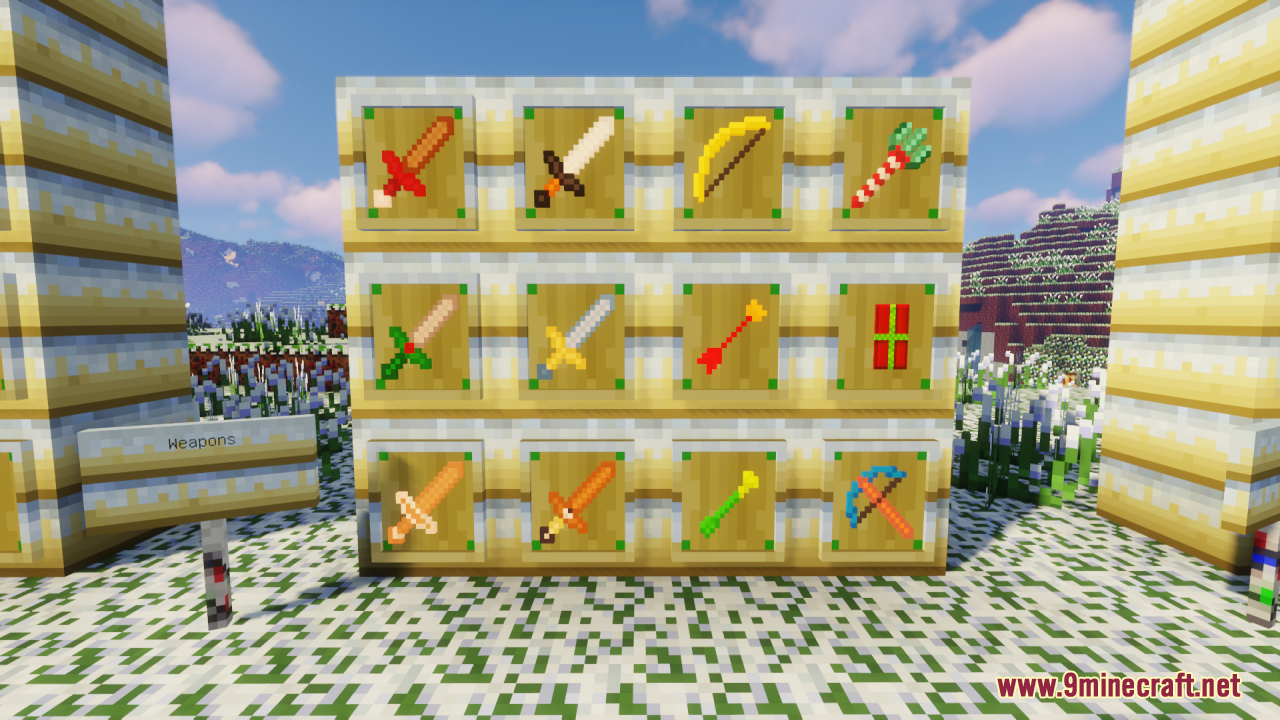
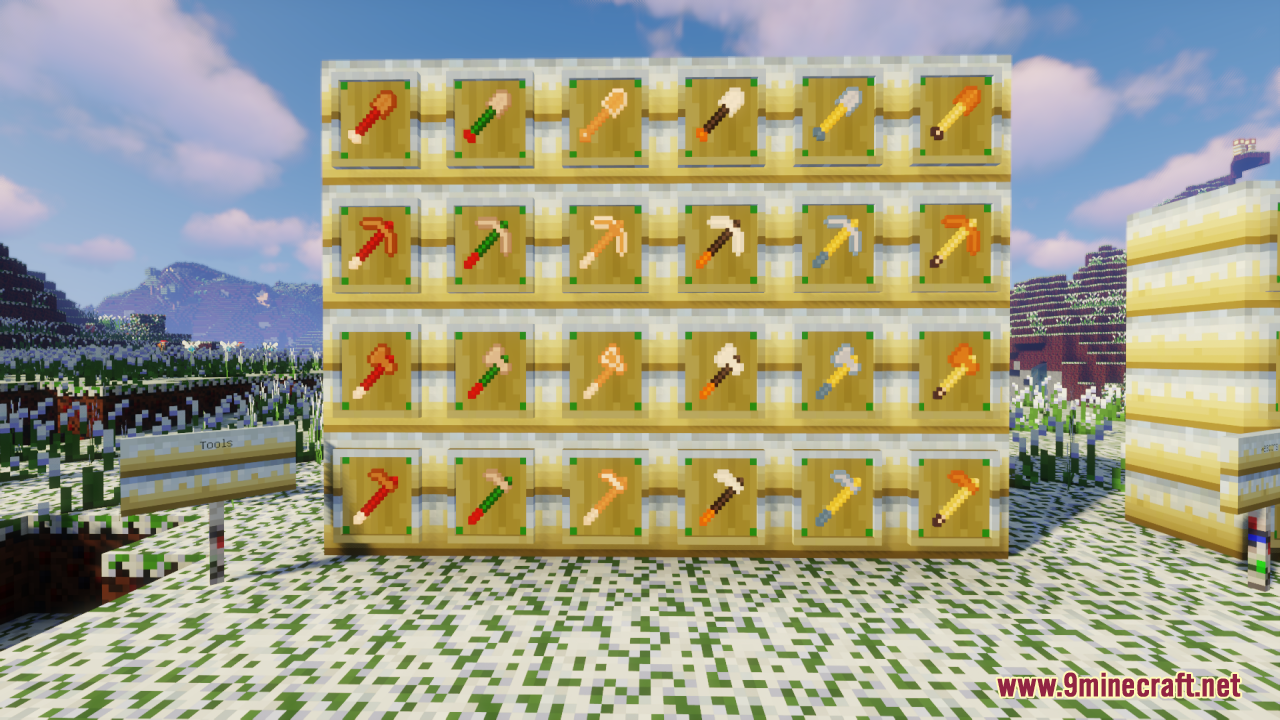
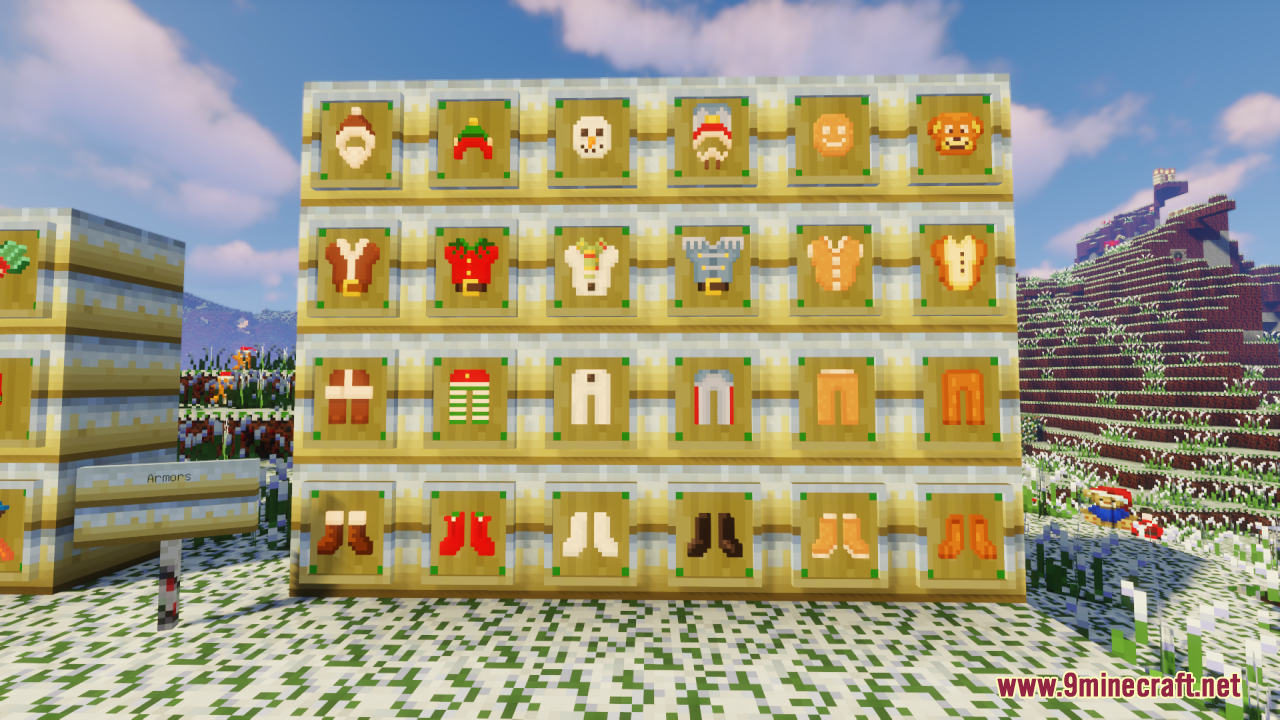
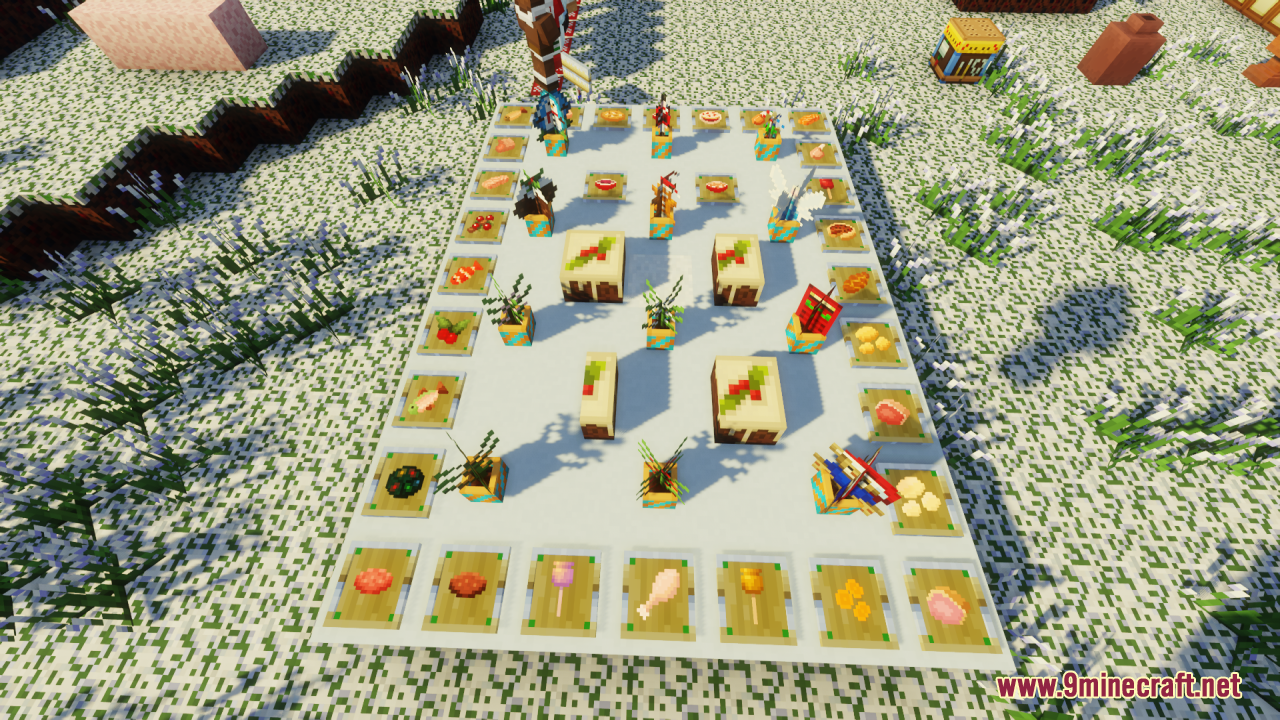
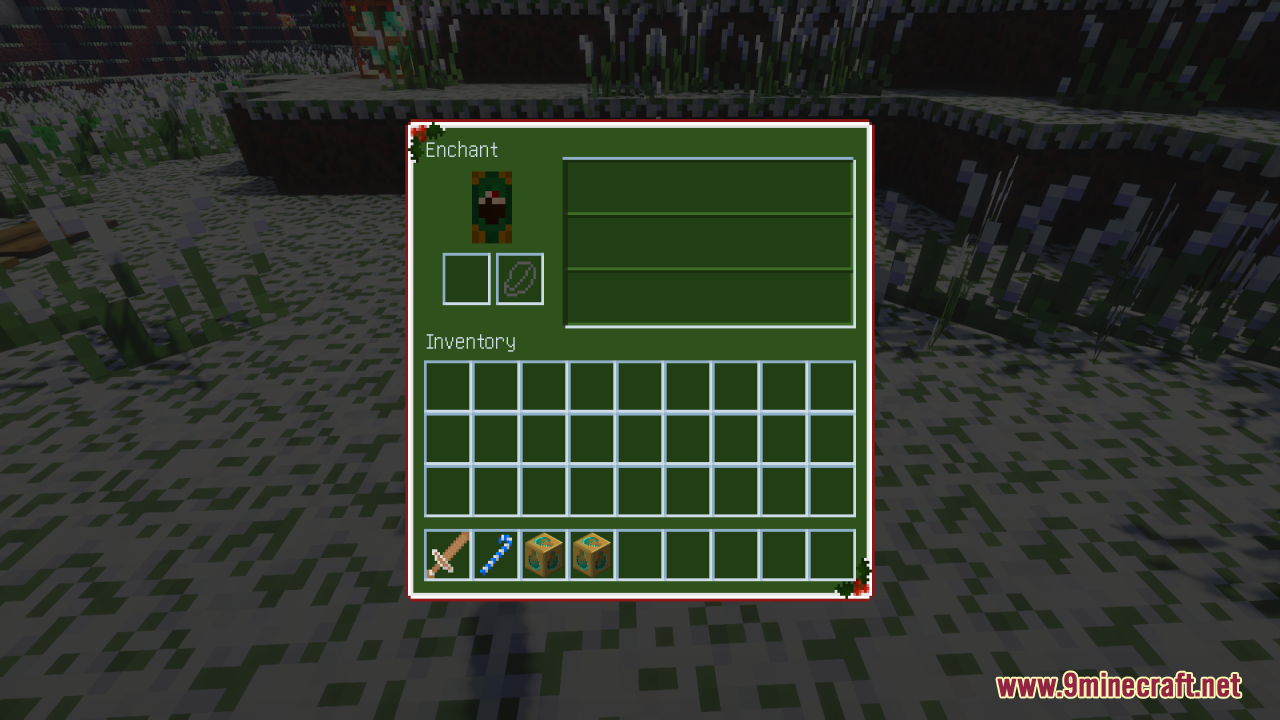
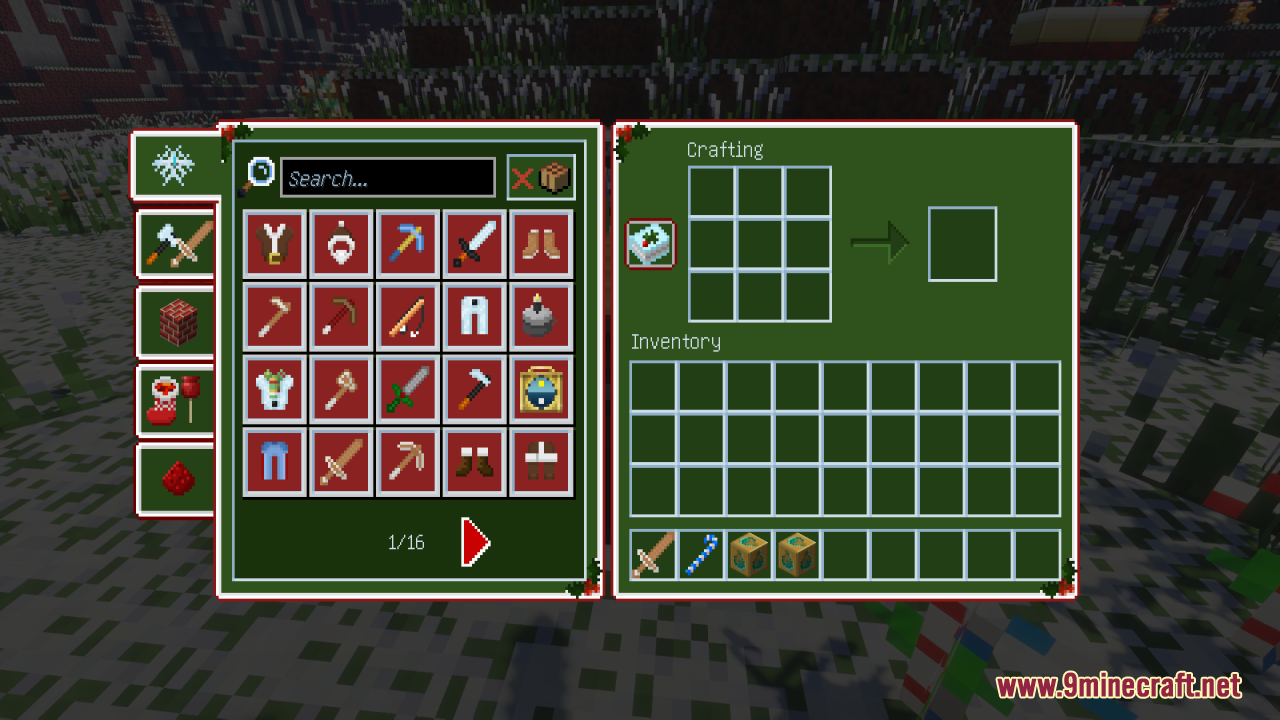
The pack includes festive textures for common building blocks, decorative items, and seasonal elements—check the pack's preview screenshots or apply it to see the full range of themed textures.
Can I customize which textures are active?
You can edit the resource pack files directly by extracting it and modifying or removing specific texture files, then reloading the pack in-game.
Does this pack affect performance or FPS?
Resource packs have minimal performance impact; if you experience lag, try lowering your render distance or graphics settings rather than disabling the pack.
Will this work with mods that add new blocks?
The pack only provides textures for vanilla Minecraft blocks and items, so mod-added content will use default textures unless the mod includes its own resource pack.
How do I remove the pack if I want to go back to normal textures?
Move the Festive Mash-up pack from Active back to Available in your Resource Packs menu, then restart your world.
You May Also Like
Wikis that share the most with this one
Wikis on the same theme: wood
More resource pack wikis on the site
Feel True So Plenty Resource PackFeel True Resource PackFeatured Old Textures And New Resource PackFat Cats Resource PackFat Cat Resource PackFasten An Ashen Compatibility Pack Resource PackFast Better Grass Resource PackFarming Valley GUI Resource PackFarmer GuiFarm 3D Resource PackFantasy Ores by CesarZorak Resource PackFantasy 3D Weapons CIT Resource Pack
The most downloaded mods that have a wiki here
A few wikis from each of the other kinds
Gallery
12 images from the Festive Mash Up Resource Pack page.