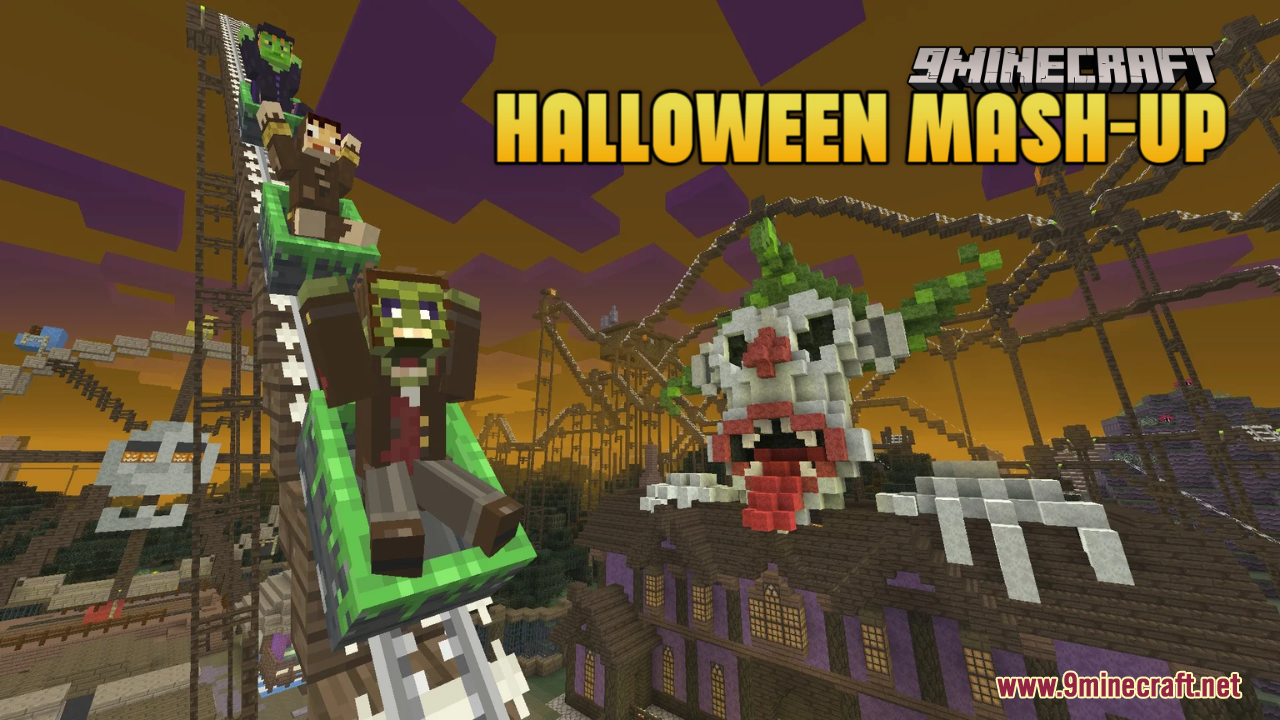
DownloadHalloween Mash Up Resource Pack
Get the files on 9Minecraft
Contents (8)
Guides
Step-by-step, in-game.
Customize Your Halloween Experience with Resource Pack SettingsAccess Pack Options Some resource packs include customization settings. To check if Halloween Mash-up offers options:…Enable Halloween Mash-up Textures and See the Full TransformationActivate the Resource Pack The Halloween Mash-up Resource Pack won't automatically apply to your world. You need to…Experience the Halloween Atmosphere with Custom Music and SoundsHear the Eerie Soundtrack The Halloween Mash-up Resource Pack includes custom music tracks and ambient sounds…Troubleshoot Missing Halloween Textures or SoundsCheck Resource Pack Status If Halloween elements aren't appearing: 1. Verify the pack is in your Selected list (not…
Items
429 items · showing 24. Browse all →
 Acacia Boat
 Acacia Boat with Chest
 Acacia Door
 Acacia Hanging Sign
 Acacia Sign
 Amethyst Shard
 Angler Pottery Sherd
 Apple
 Archer Pottery Sherd
 Armadillo Scute
 Armor Stand
 Arms Up Pottery Sherd
 Arrow
 Baked Potato
 Bamboo
 Bamboo Door
 Bamboo Hanging Sign
 Bamboo Raft
 Bamboo Raft with Chest
 Bamboo Sign
 Banner Pattern (Globe)
 Banner Pattern (Guster)
 Banner Pattern (Skull)
 Banner Pattern (Flow)
Blocks
436 blocks · showing 24. Browse all →
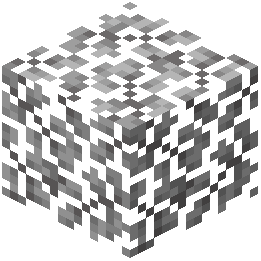 Acacia Leaves
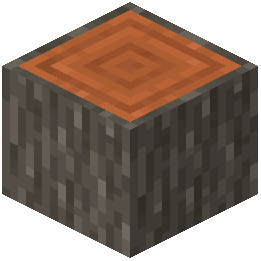 Acacia Log
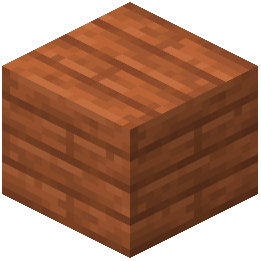 Acacia Planks
 Acacia Sapling
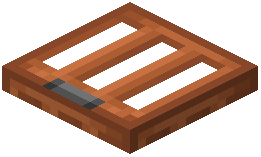 Acacia Trapdoor
 Activator Rail
 Allium
 Amethyst Cluster
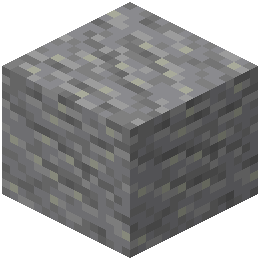 Andesite
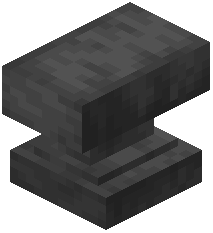 Anvil
 Attached Melon Stem
 Attached Pumpkin Stem
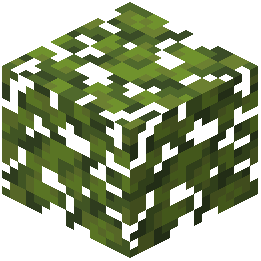 Azalea Leaves
 Azure Bluet
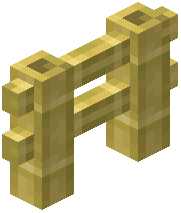 Bamboo Fence
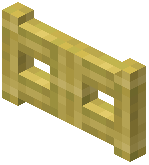 Bamboo Fence Gate
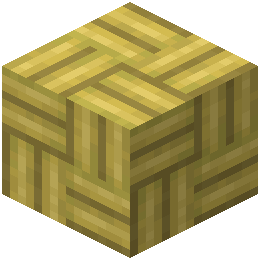 Bamboo Mosaic
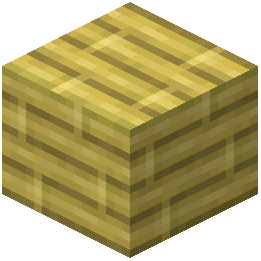 Bamboo Planks
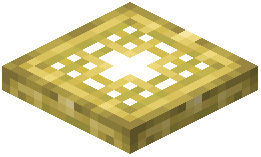 Bamboo Trapdoor
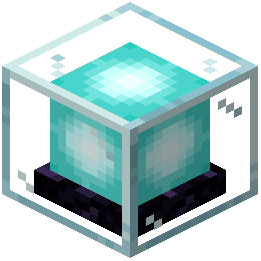 Beacon
 Bedrock
 Big Dripleaf Stem
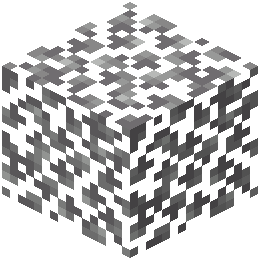 Birch Leaves
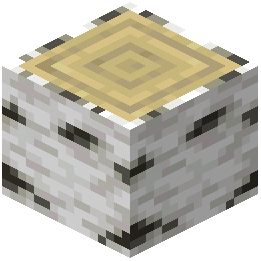 Birch Log
What this pack changes
Every texture group the pack replaces, counted from the pack itself.
| Area | Textures replaced |
|---|---|
| Blocks | 1,004 |
| Items | 659 |
| Mobs & entities | 549 |
| GUI & menus | 496 |
| Particles | 157 |
| Armor trims | 91 |
| Paintings | 47 |
| Sky & weather | 15 |
| Maps | 14 |
| Models | 11 |
| Misc | 3 |
| Biome colours | 2 |
| Status effects | 1 |
Pack format 999 (Minecraft 1.21.9)3,049 texture files in total
Extra features
Custom entity models (OptiFine/CEM)
Random entity textures
Custom shaders
Custom sounds
Sound overrides
Custom block/item models
Reworked GUI
Frequently asked questions
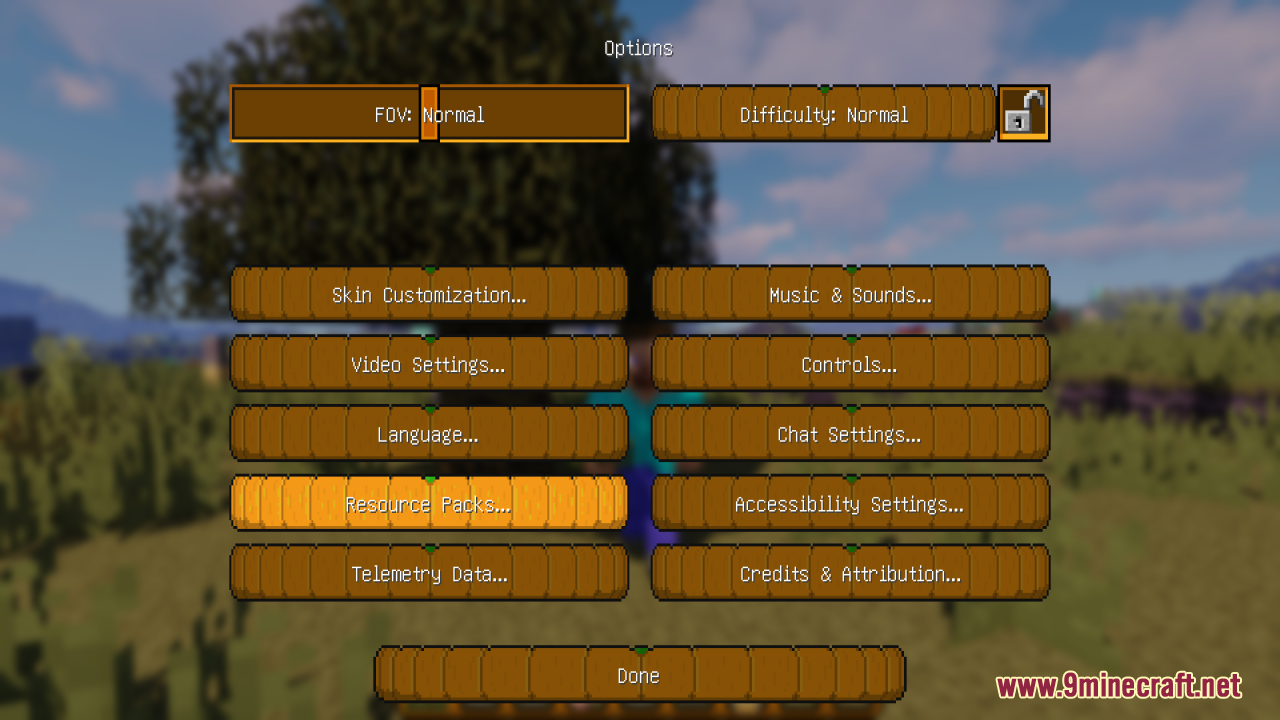
How do I activate the Halloween textures after installing the pack?
Open your Resource Packs menu in Minecraft settings, find Halloween Mash-up in the available packs list, and move it to the active side. Make sure it's positioned above any conflicting packs, then restart your world to see the changes take effect.
Why aren't the Halloween sounds playing in my world?
Check that your game volume and sound settings aren't muted, and verify the resource pack is actually enabled in your active packs list. If sounds still don't work, try removing the pack and reinstalling it, as files may have failed to load properly.
Can I use this pack with other resource packs at the same time?
Yes, but pack order matters—place Halloween Mash-up higher in your resource pack list if you want its textures to take priority. If another pack is ranked higher, it will override Halloween Mash-up's textures in areas where both packs make changes.
The Halloween UI looks broken or stretched on my screen. What do I do?
This usually happens with non-standard resolutions or GUI scales. Try adjusting your GUI scale in Video Settings, or check the Resource Pack Settings guide to see if there are compatibility options available for your display setup.
Do the Halloween textures work on servers or only single-player?
Resource packs are client-side only, so they work on servers without any server-side installation needed. Everyone on the server will see their own version of the Halloween textures based on what they have installed locally.
Is this pack compatible with Optifine or shader mods?
Yes, Halloween Mash-up works alongside Optifine and most shader mods, though visual quality may vary depending on your shader settings. If you notice texture conflicts or missing details, try adjusting shader options or resource pack load order.
Why is my game running slower after installing the Halloween pack?
Halloween Mash-up includes higher-detail textures and custom sounds that require more resources than vanilla Minecraft. If performance drops significantly, try lowering your render distance or allocating more RAM to Minecraft.
Some blocks still look normal instead of Halloween-themed. Why?
Not every block in Minecraft receives a Halloween texture—the pack focuses on key blocks and entities for atmosphere. If a specific block should be textured but isn't, check the Troubleshoot Missing Halloween Textures guide to verify the pack loaded correctly.
Can I customize which Halloween elements I want to use?
Yes, the Resource Pack Settings guide covers how to toggle specific features like textures, music, and UI changes on or off to match your preference. You can also manually edit the pack files if you want more granular control.
Do I need to reinstall the pack every time I update Minecraft?
Not necessarily—most Minecraft updates are compatible with existing resource packs. However, if a major version update changes textures or UI significantly, you may need to reinstall or update the pack to avoid conflicts.
You May Also Like
Wikis that share the most with this one
Festive Mash Up Resource PackQrafty’s Halloween Villages ModGreek Mythology Mash Up Resource PackChinese Mythology Mash Up Resource PackEgyptian Mythology Mash Up Resource PackDefault Style Halloween Pack Resource PackPirates Of The Caribbean Mash Up Resource PackGUI PurpleOLED Resource PackGUI Retextures Resource PackGUI Revision Compats Resource PackGUI Revision Dark Resource PackGUI Revision+ Resource Pack
More resource pack wikis on the site
Half Sized Resource PackHafen Simplistic Resource PackHafenGUI NightStylized Resource PackGrowy Forest Resource PackGroot Totem of Undying Resource PackGrey64 S Animated Items Resource PackGray’s Mob Overhaul X Fresh Animations Resource PackGray’s Villager Overhaul Resource PackGray’s Monster Overhaul Resource PackGravel GUI Resource PackGrass Overhaul PT BR Translation Resource Pack
The most downloaded mods that have a wiki here
A few wikis from each of the other kinds
Gallery
12 images from the Halloween Mash Up Resource Pack page.