

 DownloadDigital Lens Feed
Get the files on 9Minecraft
Guides
Step-by-step, in-game.
Configure HUD Display Size and FitAdjust Resolution and Character Grid The mod's configuration file controls how your HUD appears. Use hudWidth to set…Set Up Your First HUD DisplayPrepare Your Setup You'll need a computer, a HUD Modem , HUD Glasses , and a monitor program running on your…Share HUD Data Across Your TeamConnect Multiple Players to One Modem The Digital Lens Feed Mod supports multiple players linking their eyewear to a…Use HUD Glasses with Your Pocket ComputerUpgrade Your Pocket Computer The mod allows you to upgrade pocket computers with a HUD component, turning your…
Recipes
Every recipe the mod adds, grouped by how it is made.
Items
 HUD Ender Modem
 HUD Glasses
Blocks
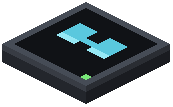 HUD Modem
Configuration
Every setting in the mod config file, with what it changes.
| Option | What it does |
|---|---|
allowPocketHudEnderCraftAllow HUD + Ender pocket craft | Whether pocket computer + HUD Modem + Ender Modem can be crafted. Existing ones keep working. |
hudEnabledEnable HUD | Whether the HUD overlay is rendered. Also toggled with the keybind. |
fastGlyphRenderingFast text rendering | Draw HUD text from cached glyphs (much faster at large sizes). Turn off only if another mod's text rendering conflicts. |
hudHeightHUD height | HUD grid height in characters. |
hudWidthHUD width | HUD grid width in characters. Fewer cells = bigger text. |
maxRangeBlocksMax range (blocks) | Max modem-to-player distance. -1 = unlimited. |
hudFitScreen fit | FIT keeps aspect ratio, STRETCH fills the screen, COVER crops to cover it. |
textShadowLayerShadow layer | Where the shadow/outline sits: OVER_BACKGROUND (bg -> shadow -> text) or UNDER_BACKGROUND (shadow -> bg -> text). Only matters with SHADOW/OUTLINE. |
textShadowText shadow | Shadow/outline behind HUD text. NONE / SHADOW / OUTLINE (experimental). |
Frequently asked questions
How do I get started with HUD Glasses?
Place a HUD Modem on any block face connected to your computer, then right-click it while holding HUD Glasses to link them. Equip the glasses in your helmet or accessory slot, run your monitor program on the computer, and the output will display on your screen.
Can I use HUD Glasses without a modem?
No, you need both a HUD Modem and HUD Glasses linked together to display anything. The modem acts as the receiver that connects your computer's output to your eyewear.
How do I hide the HUD display without taking off my glasses?
Press H at any time to toggle your active screen feed on and off while keeping the glasses equipped.
Can multiple players see the same HUD display?
Yes, multiple players can link their eyewear to a single modem to share team status feeds. Each player needs their own pair of HUD Glasses linked to the same modem.
Does HUD Glasses work with pocket computers?
Yes, you can upgrade a pocket computer with HUD Glasses functionality, letting you carry your custom interface anywhere. There's also a recipe to combine it with an ender modem for cross-dimension connections if enabled.
Why is my HUD text hard to read?
Adjust the textShadow and textShadowLayer settings to change text outline and shadow style, or modify hudWidth and hudHeight to scale the character size. You can also use the hudFit setting to change how the terminal stretches across your display.
My HUD is laggy with a large display. How do I fix it?
Enable fastGlyphRendering in your config to speed up rendering when using large display sizes. You can also reduce hudWidth and hudHeight to lower the resolution.
Can I mount a HUD Modem on the floor or ceiling?
Yes, HUD Modems can mount to any block face including floors, walls, and ceilings, so you can position them however you need.
What monitor commands work with the HUD display?
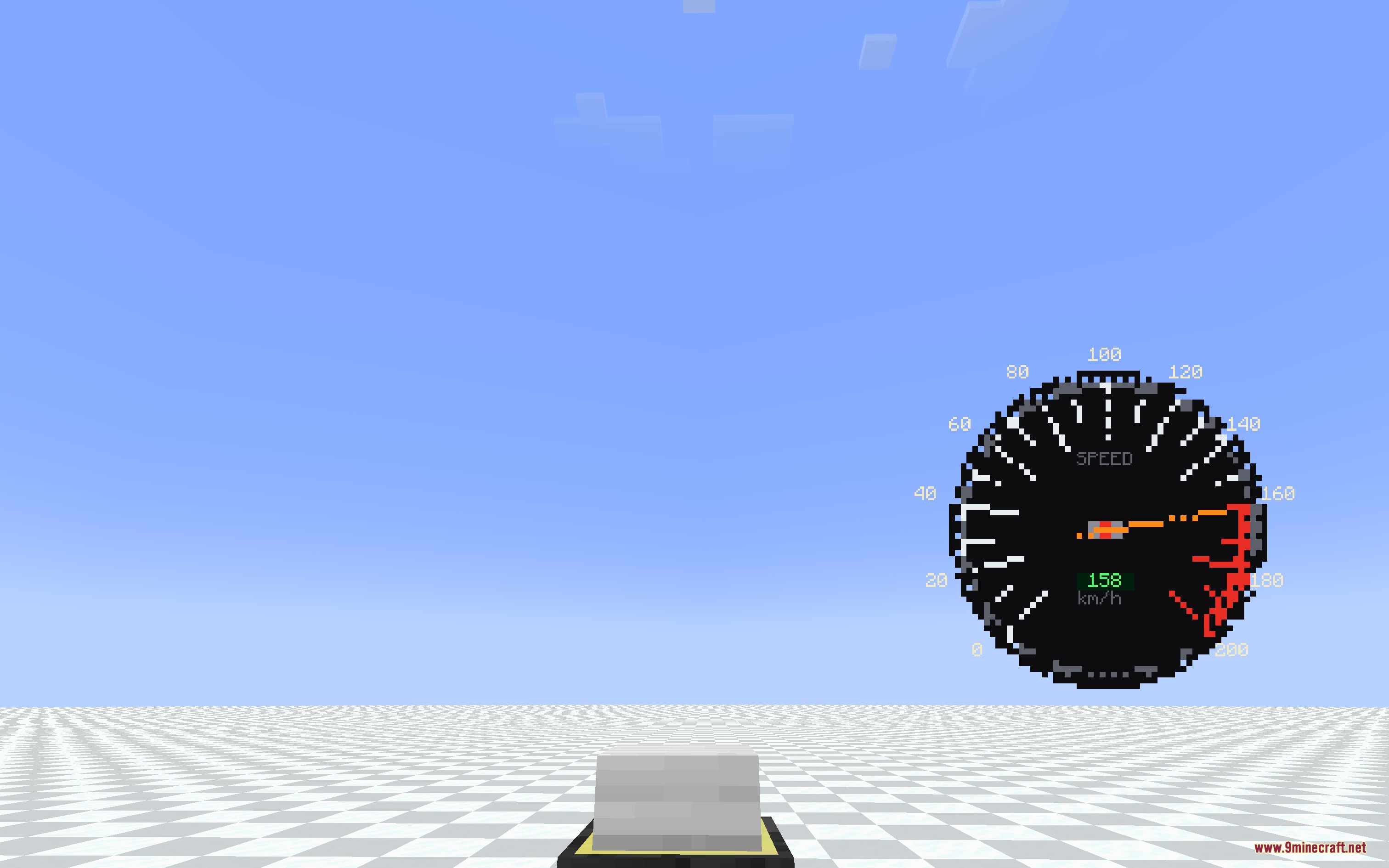
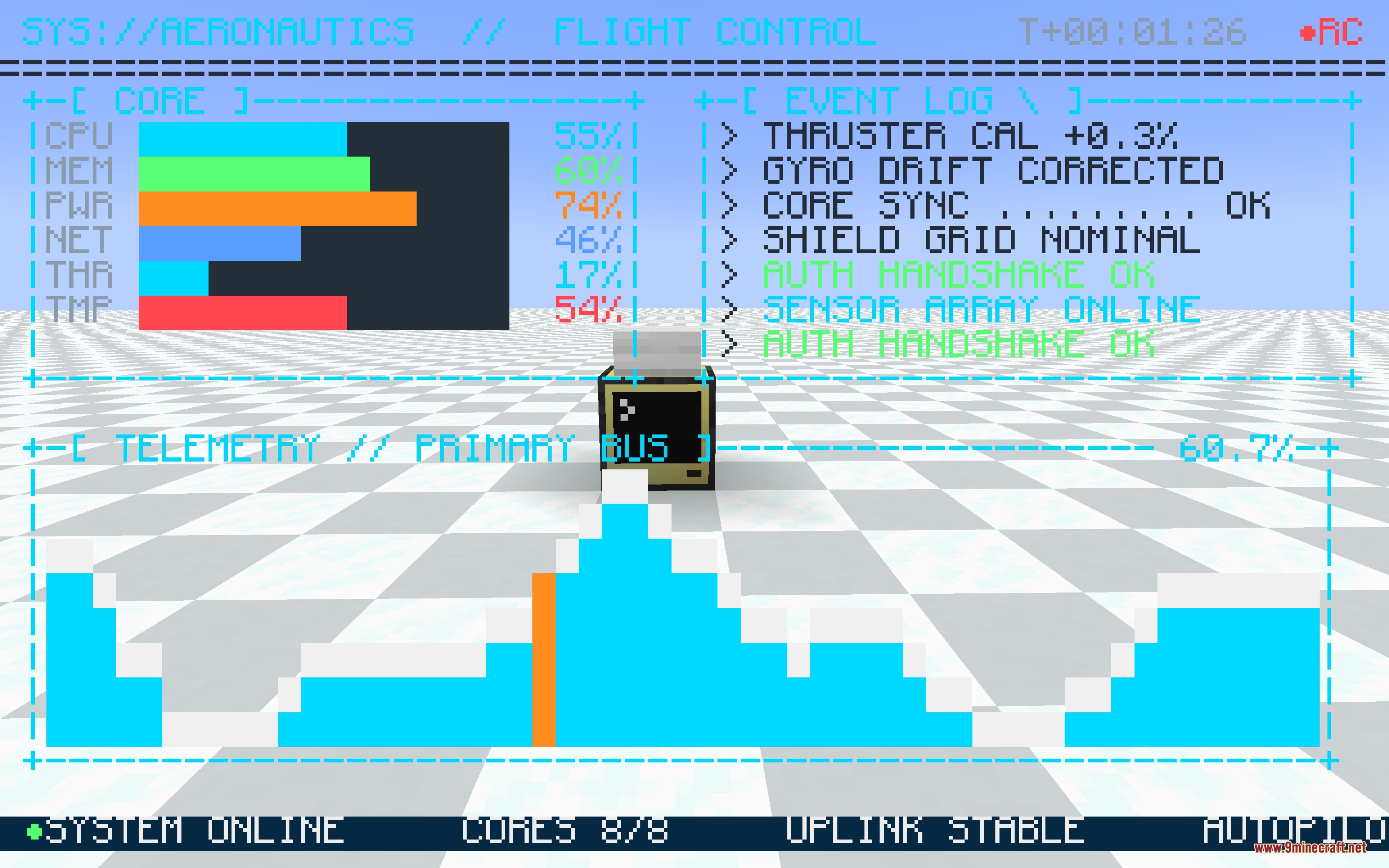
The HUD reuses standard ComputerCraft monitor commands with full character set and box-drawing support, so any program that works on a regular monitor will work on your HUD display.
Gallery
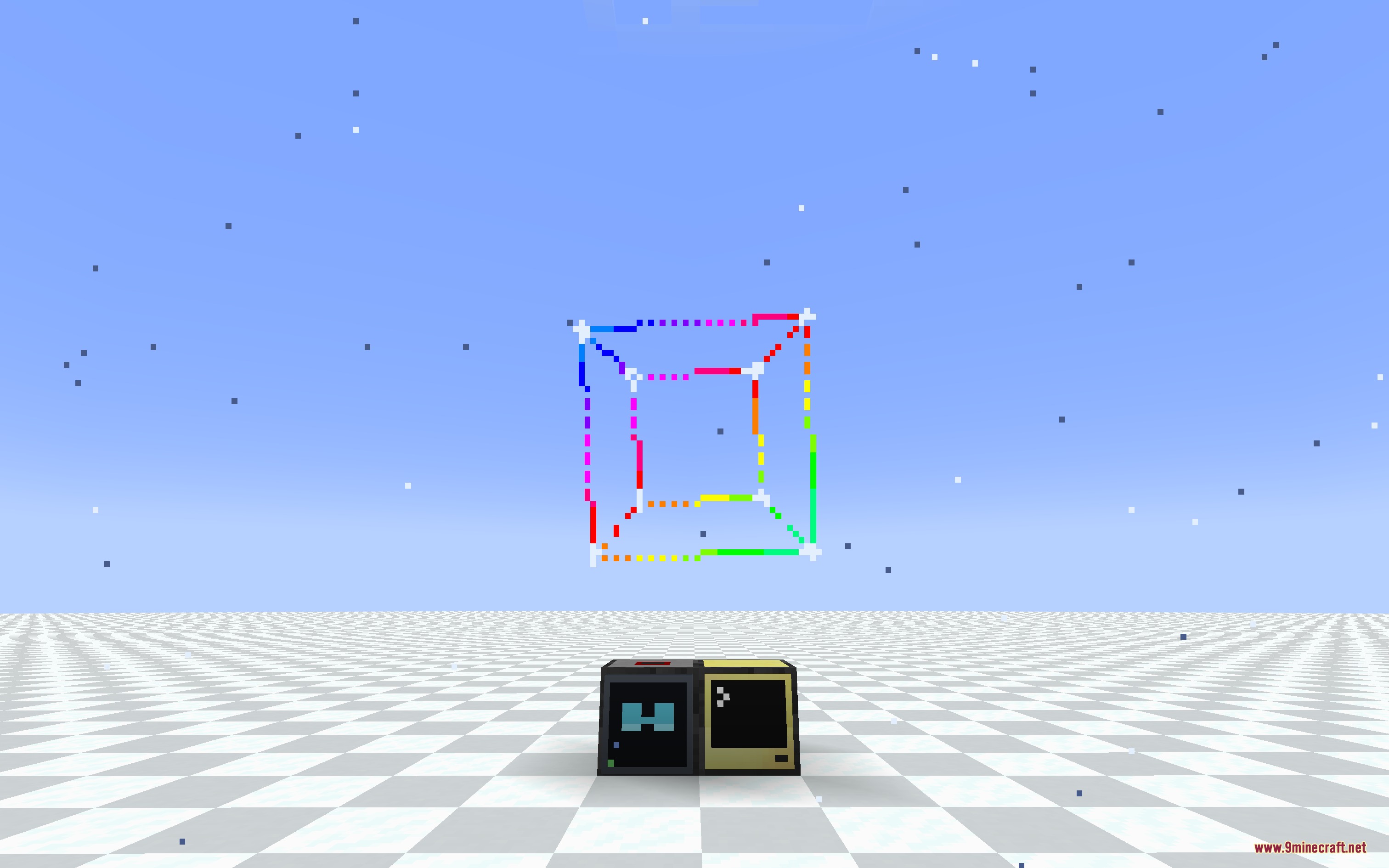
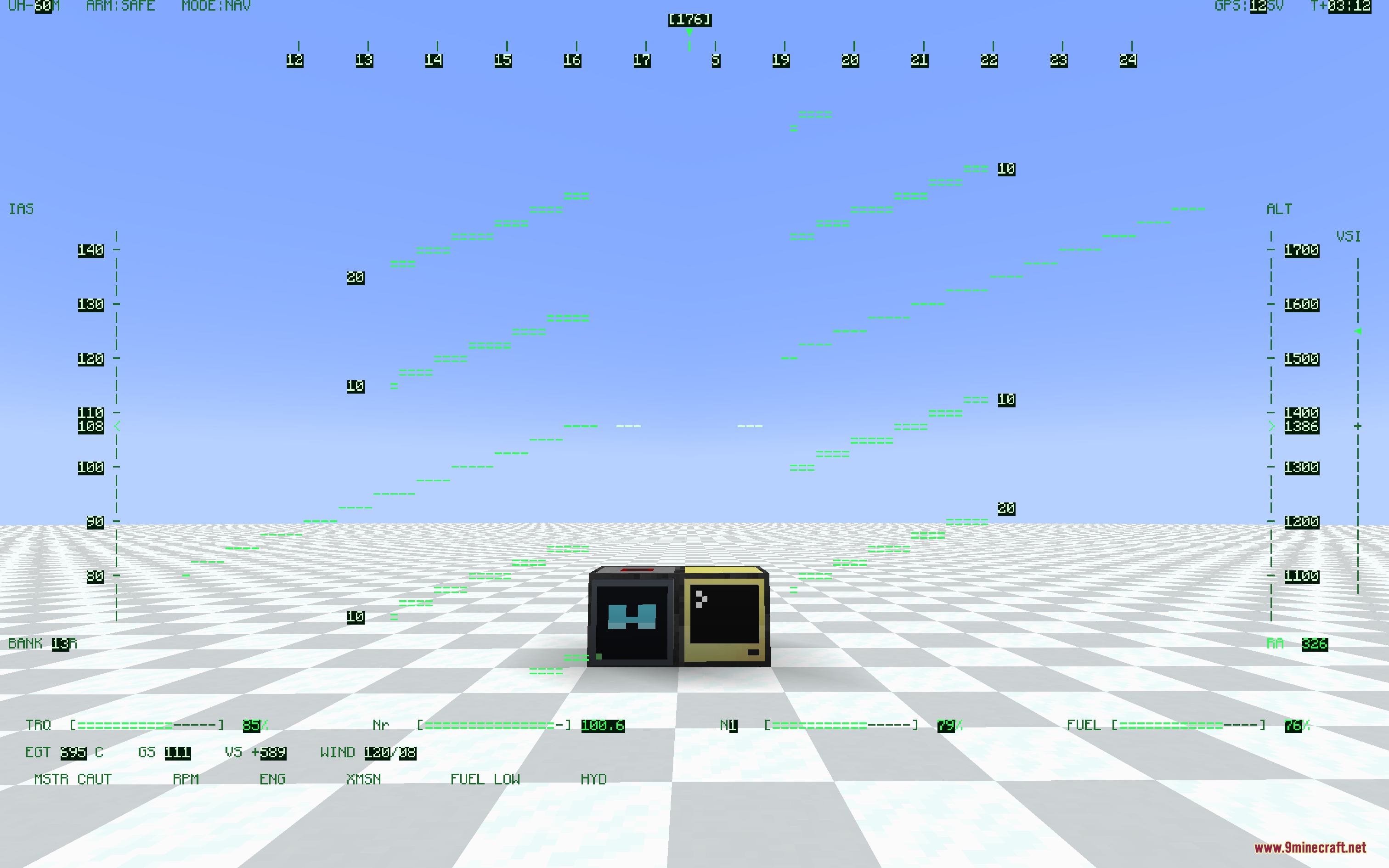
9 images from the Digital Lens Feed Mod page.
You May Also Like
Wikis that share the most with this one
Wikis on the same theme: glass
More mod wikis on the site
The most downloaded mods that have a wiki here
A few wikis from each of the other kinds