

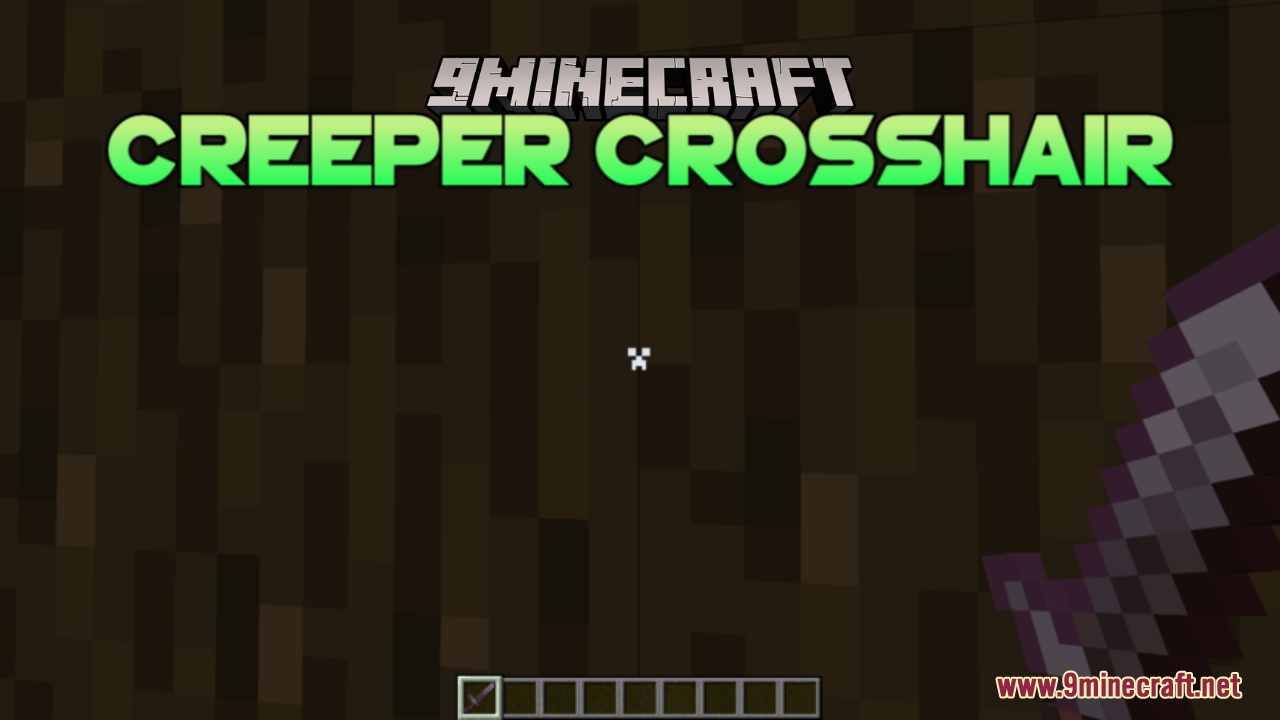
 DownloadCreeper Crosshair Resource Pack
Get the files on 9Minecraft
Guides
Step-by-step, in-game.
Combine Creeper Crosshair with Other Resource PacksUnderstand Resource Pack Layering Minecraft loads resource packs in order from bottom to top in your resource pack…Customize Your Creeper Crosshair ColorLocate the Crosshair Texture File The Creeper crosshair is stored as a PNG image file within the resource pack.…Make Your Creeper Crosshair Transparent or Semi-TransparentAccess the Crosshair Texture Navigate to assets/minecraft/textures/gui/ within your resource pack folder and open the…Switch Between Different Crosshair DesignsCreate Multiple Crosshair Versions If you want to use different Creeper crosshair designs without constantly editing…
Frequently asked questions
How do I activate the Creeper crosshair after installing the pack?
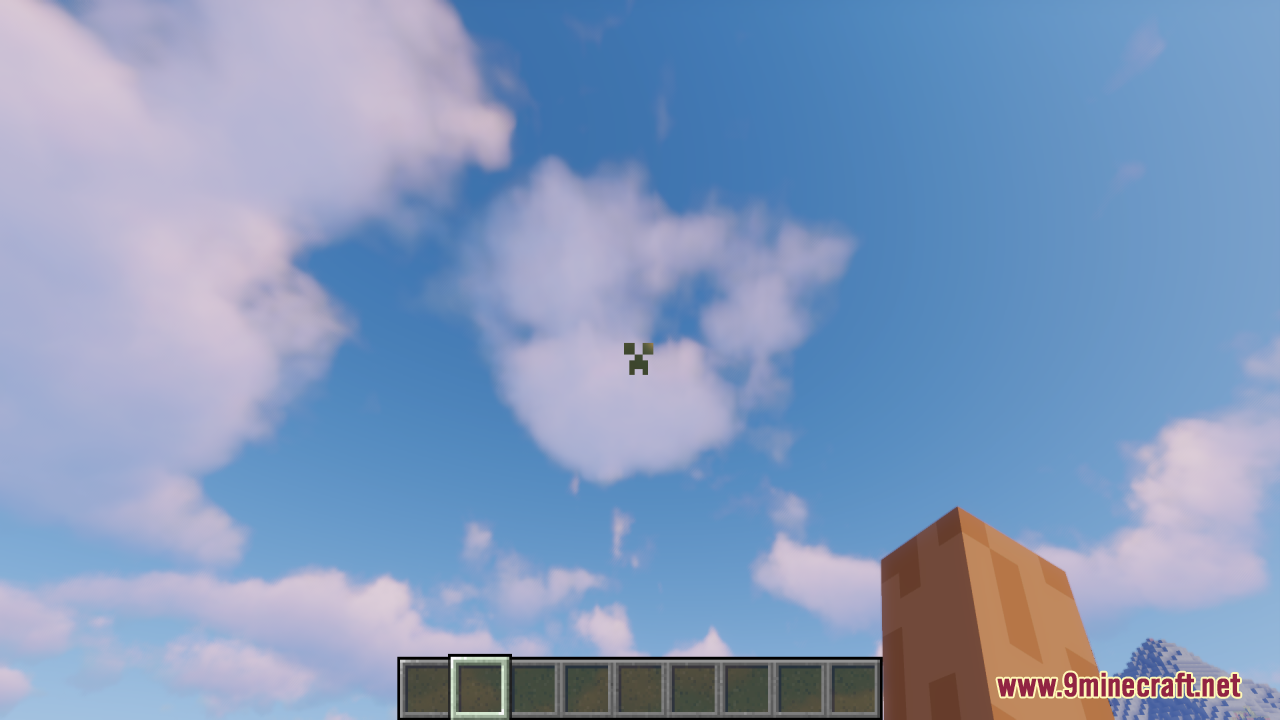
Load the resource pack in your Resource Packs menu in-game, select it, and move it to the Active list. The Creeper face will replace your crosshair the next time you load a world or restart the game.
Can I use this pack with other resource packs at the same time?
Yes, you can combine it with other packs. Place the Creeper Crosshair pack higher in your active packs list if you want its crosshair to override others, or lower if you want another pack's crosshair to take priority.
Why does my crosshair look different colors in different screenshots?
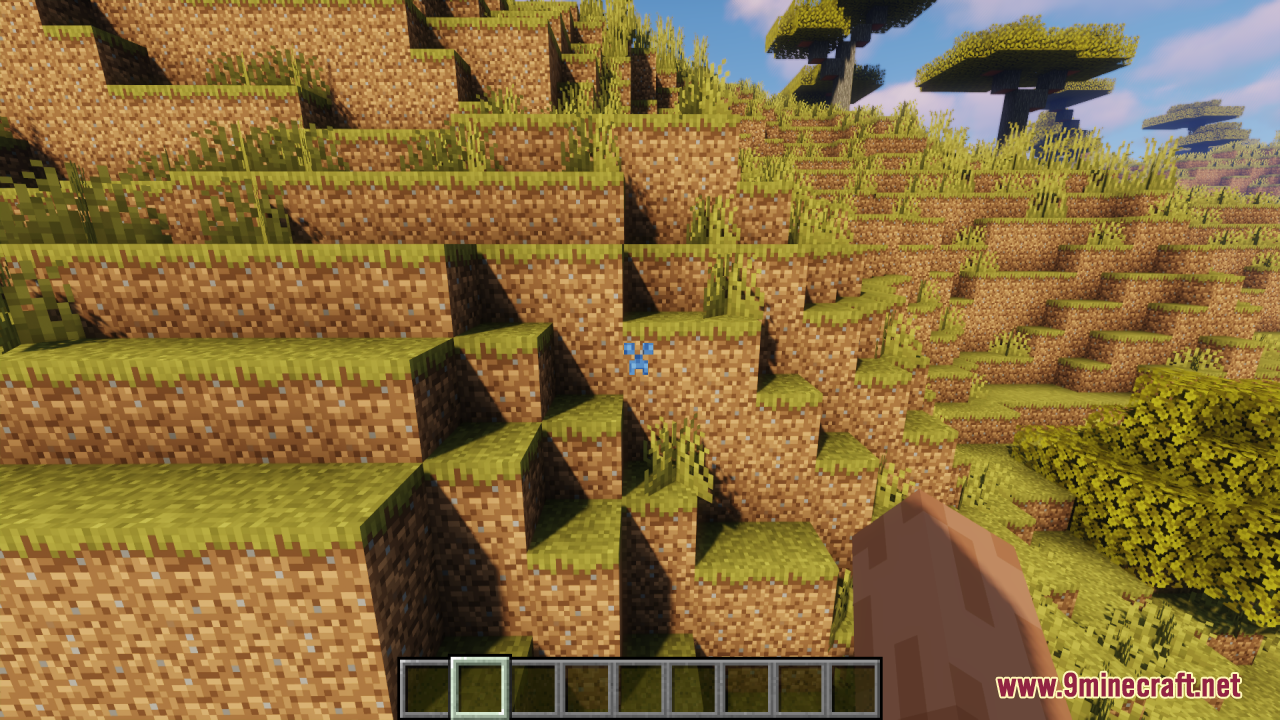
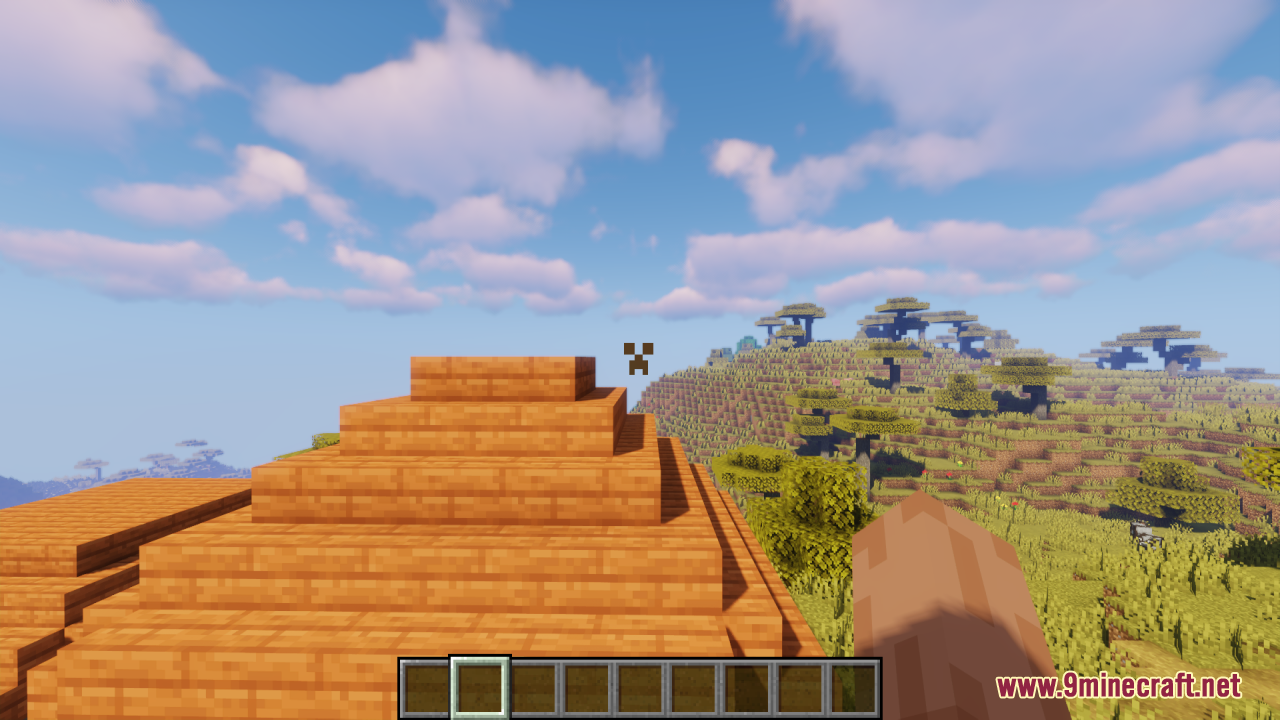
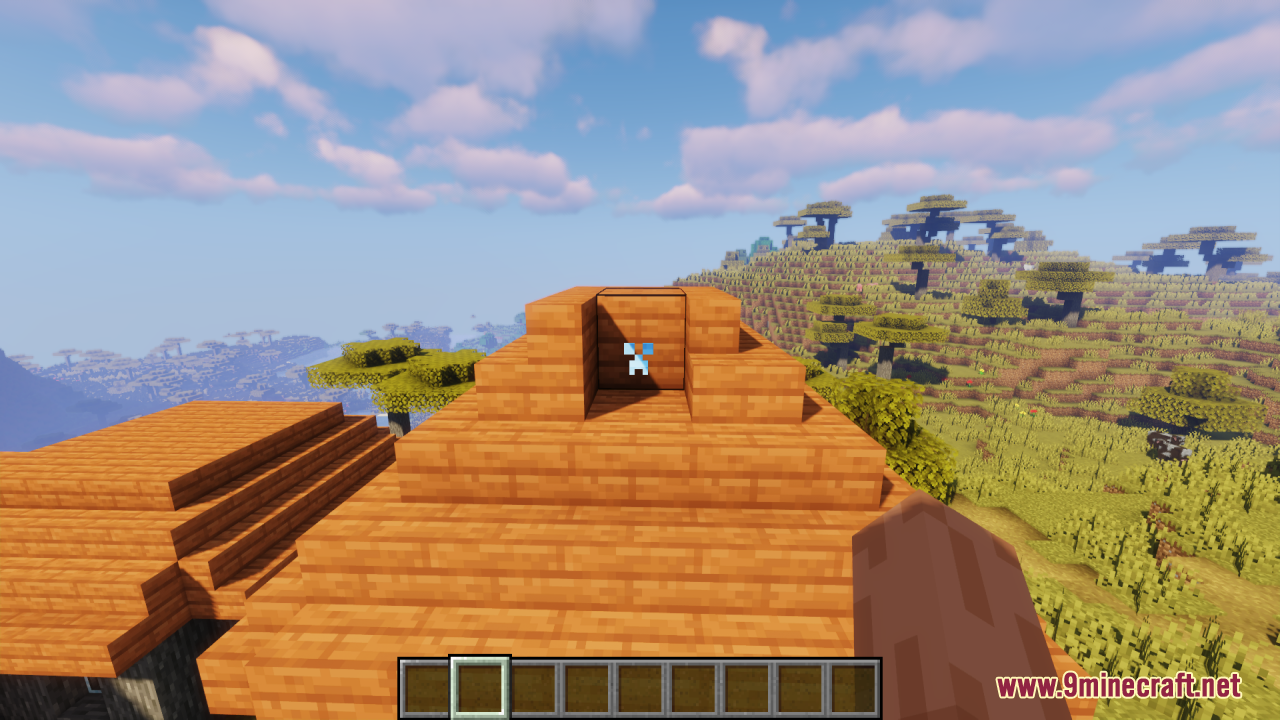
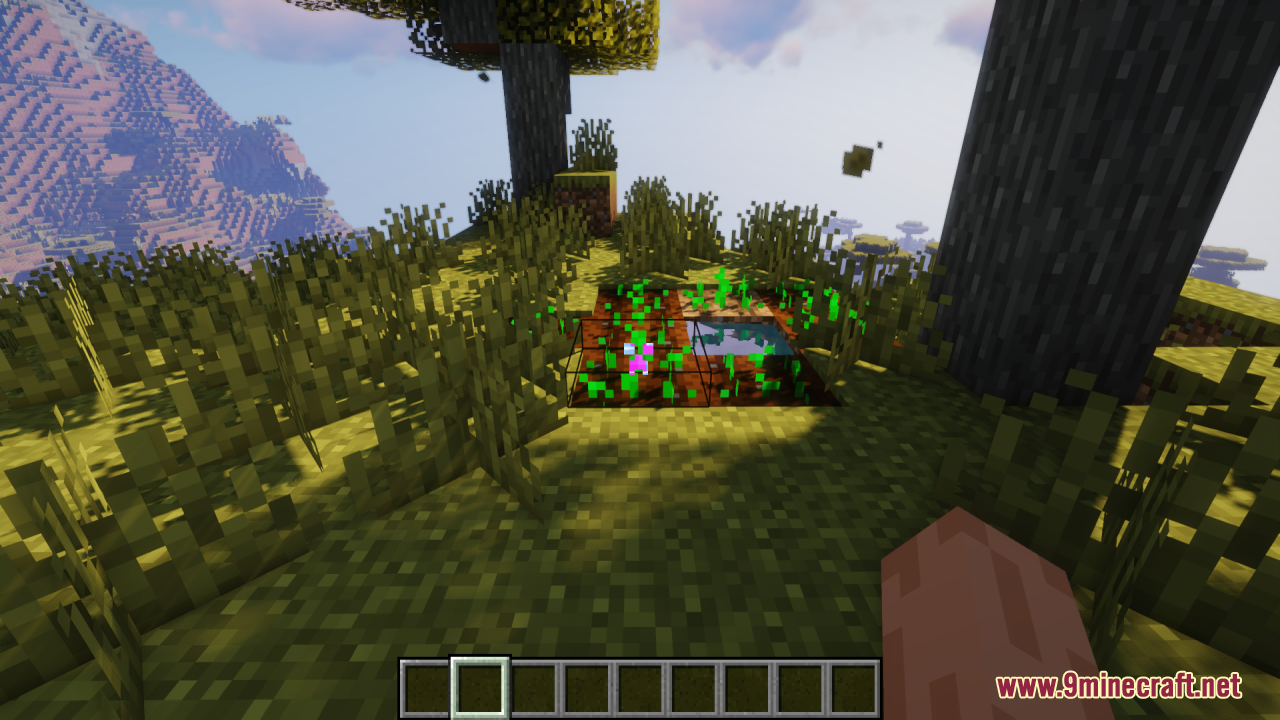
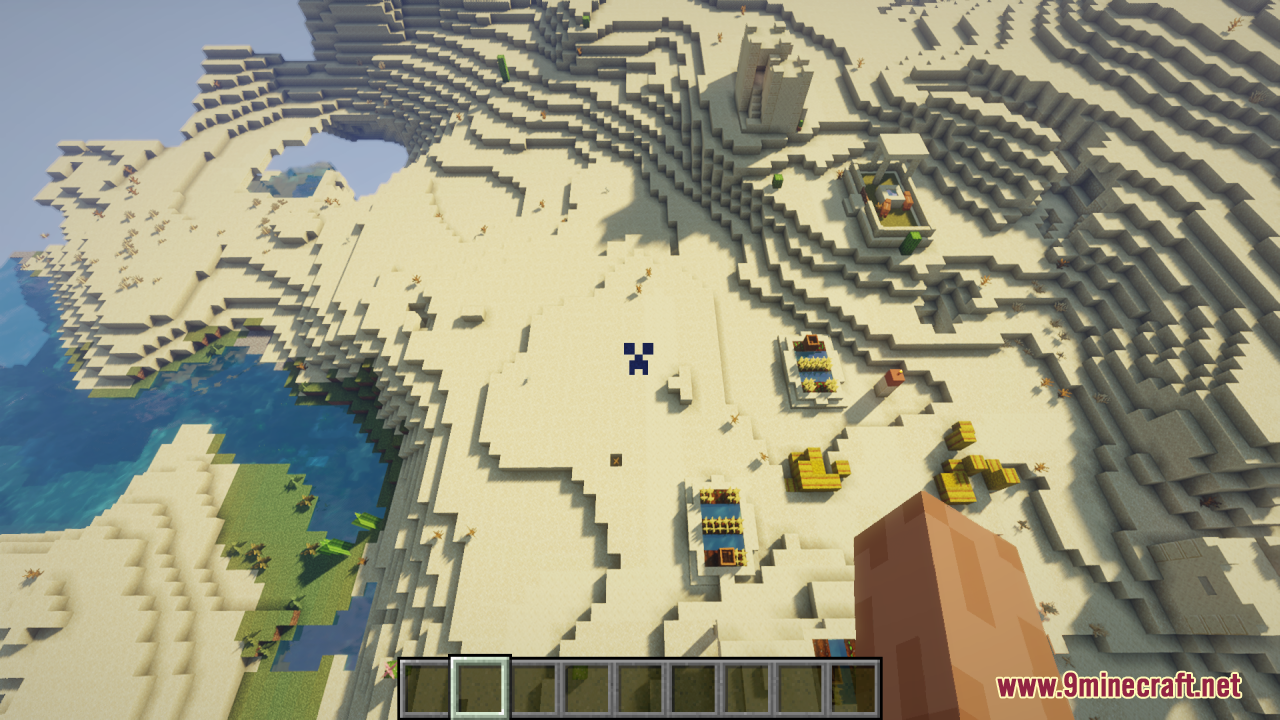
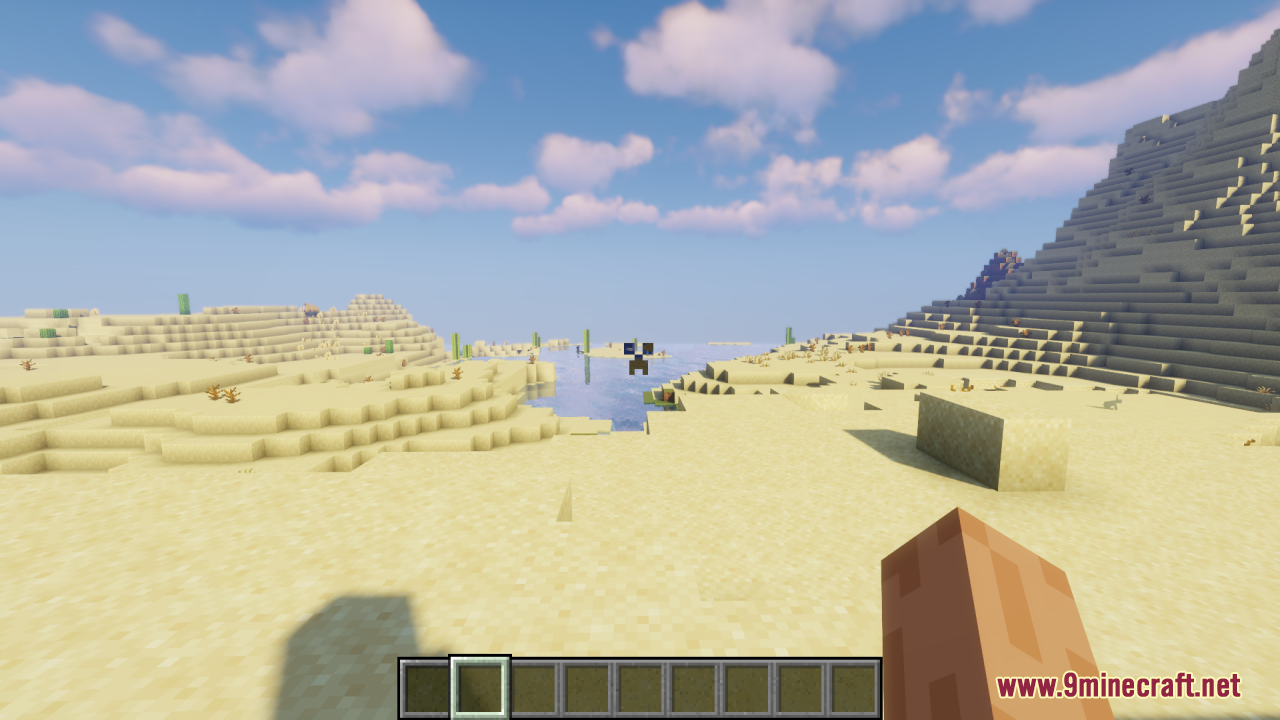
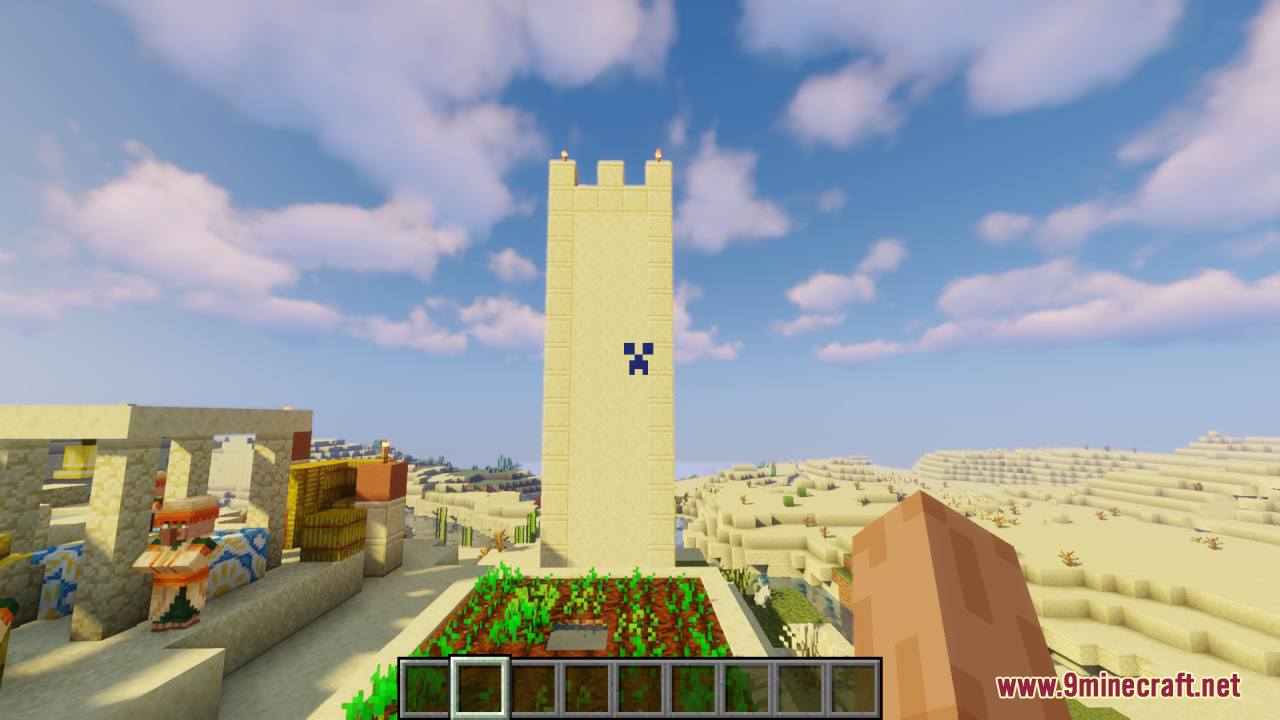
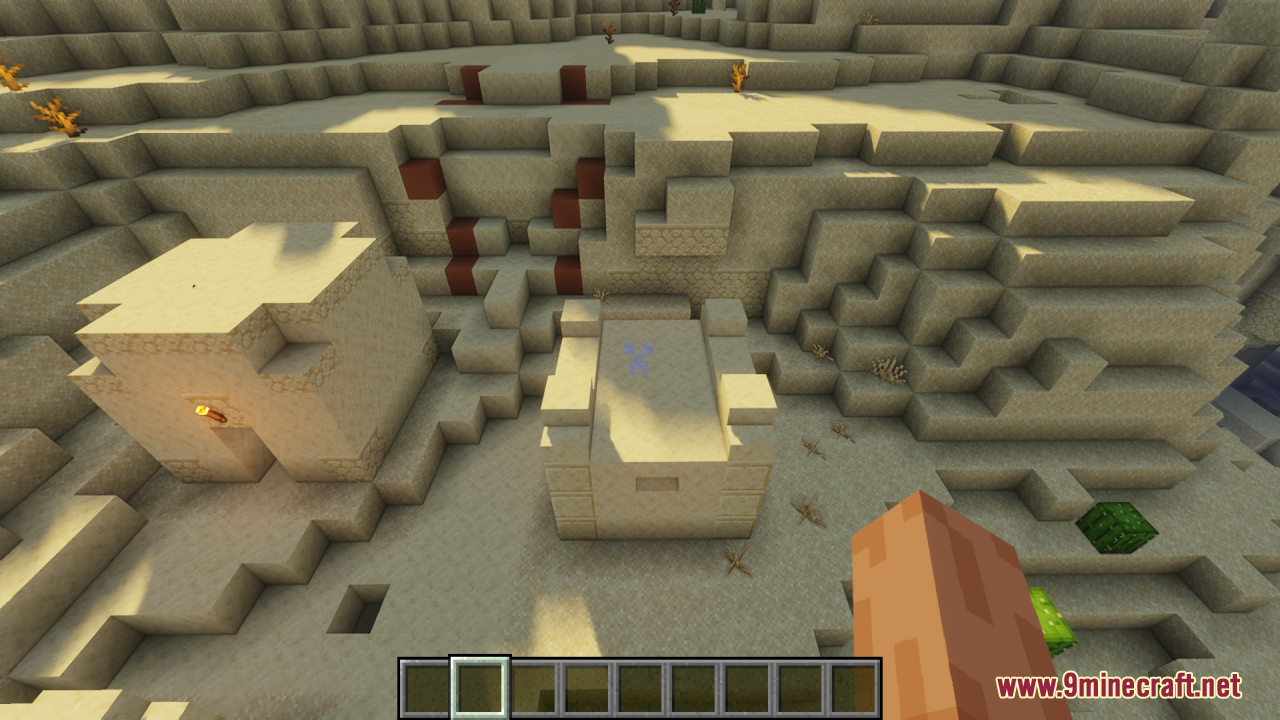
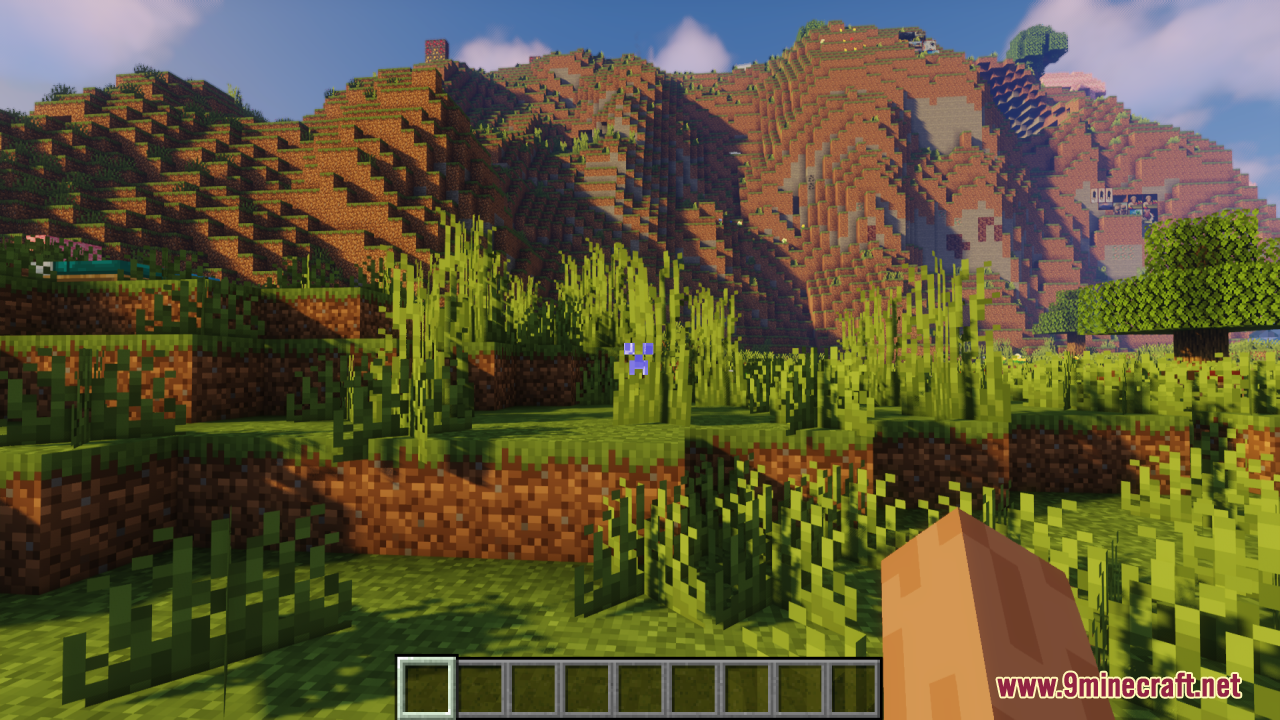
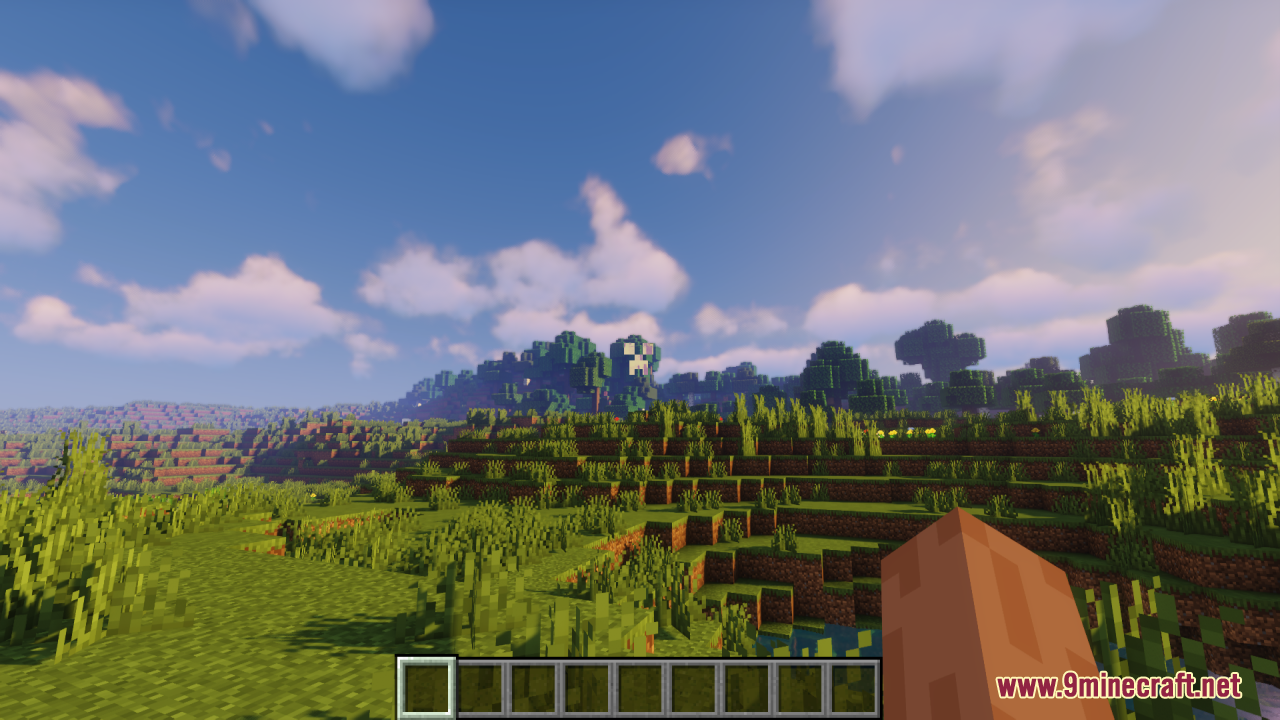
The pack includes multiple color variants of the Creeper face crosshair. You can customize which color you prefer by editing the pack files or selecting a variant if your version offers preset options.
Does the Creeper crosshair work in third-person view?
No, the crosshair only appears in first-person view since that's where the vanilla aiming cross normally displays. In third-person mode, you won't see the Creeper face.
See all 10 Creeper Crosshair questions ›
Gallery
12 images from the Creeper Crosshair Resource Pack page.
You May Also Like
Wikis that share the most with this one
More resource pack wikis on the site
Creatures Animated Resource PackCreate Style Variant Pack for Lightman’s Currency Resource PackCreate Style Sophisticated Backpacks 9minecraft Resource PackCreate Style Interface Resource PackCreate Style for Refined Storage Resource PackCreate New Age PT BR Translation Resource PackCrazy Pvp Pack Resource Pack Crayon Craft Resource PackCracker’s Wither Storm Mod Programmer Art Fix Resource PackCpvp Waguri Kaoruko Pack Anime Sky Resource PackCpvp Umi Asanagi Anime Sky Resource PackCpvp Miku Nakano Anime Sky Resource Pack
The most downloaded mods that have a wiki here
A few wikis from each of the other kinds